Start with the workflow, then choose the model
Most teams choose a video model too early. The better first question is whether the product needs text-to-video or image-to-video.
Text-to-video starts from a written prompt. It is useful when the user wants storyboards, concept clips, cinematic scenes, social video drafts, or prompt-first exploration. Image-to-video starts from a source image or reference media. It is better when the product, person, character, logo, or first frame must stay visually close to an input asset.
The model choice becomes clearer after that. Seedance 2.0 is a broad default for cinematic prompts, image-to-video workflows, reference media, and optional audio. Wan 2.7 Image-to-Video is a focused option when a source image should define the clip. Wan 2.7 Text-to-Video is useful for prompt-only video generation.
The comparison hub for this topic is Best AI Video Generation APIs.
When text-to-video works best
Text-to-video is strongest when the starting point is an idea, not a finished asset. A user might ask for a cinematic camera move, a product reveal, a fantasy landscape, a short ad draft, or a storyboard for a scene that does not exist yet.
This mode is useful for early creative direction because every prompt can explore a different world. It also works well in products where the user experience is prompt-first, such as ad concept generators, social clip tools, or creative brief prototypes.
The tradeoff is control. If the user cares about a specific product shape, face, logo, package, or first frame, text alone may not be enough.
When image-to-video is the safer choice
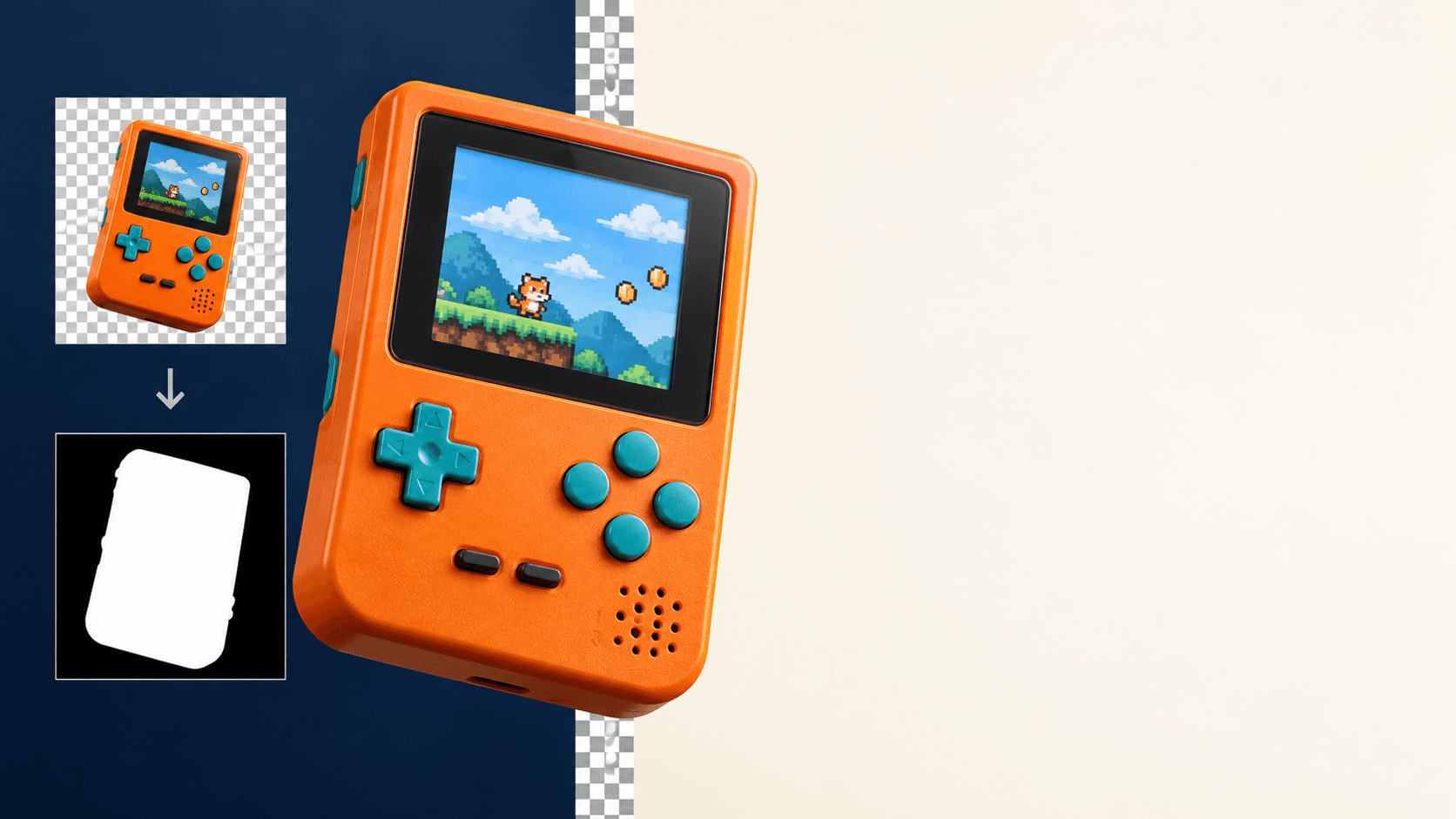
Image-to-video is usually the better workflow when visual consistency matters. If a user uploads a product photo, poster, character sheet, architectural render, or brand asset, the model should animate that source rather than invent a new subject.
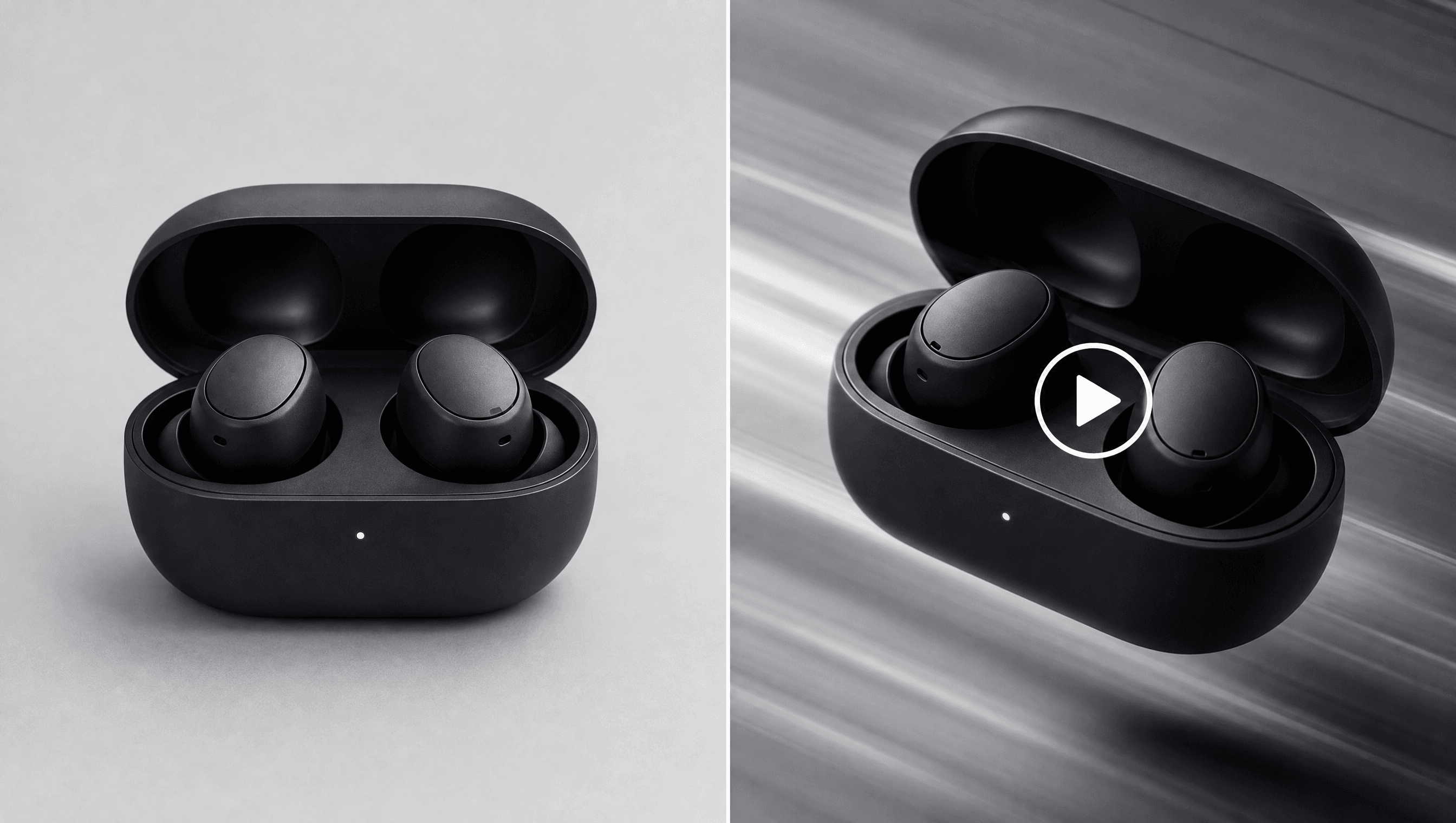
For example, an ecommerce tool might turn a product photo into a rotating hero clip. A creator tool might animate a poster into a short teaser. A game asset workflow might start from a character image and create motion for a pitch deck.
In those cases, the image carries information that the prompt should not have to recreate from scratch.
A production request shape
Here is a compact text-to-video task using Seedance 2.0:
curl -X POST https://api.hiapi.ai/v1/tasks \
  -H "Authorization: Bearer YOUR_API_KEY" \
  -H "Content-Type: application/json" \
  -d '{
    "model": "seedance-2-0",
    "input": {
      "prompt": "A cinematic product video of a smart speaker rotating on a clean white surface",
      "aspect_ratio": "16:9",
      "duration": 4,
      "resolution": "480p",
      "generate_audio": false
    },
    "callback": {
      "url": "https://your-domain.com/hiapi/callback",
      "when": "final"
    }
  }'
Exact fields vary by model, so use the model docs before shipping: Seedance 2.0 API, Wan 2.7 Image-to-Video API, and Wan 2.7 Text-to-Video API.
Use callbacks for video jobs
Video jobs take longer than image jobs, so production apps should avoid tight polling loops. Create the task, store the task id, and wait for a final callback. Keep polling as a fallback if a callback is missed or delayed.
Your callback handler should be idempotent. The safest pattern is to store task status by task id and ignore repeated terminal notifications after the first successful update.
This is especially important for products that let users create several clips in a batch. Callback-based completion keeps the UI responsive and reduces unnecessary request volume.
Pricing drivers to check before launch
Video pricing usually depends on model, duration, resolution, and request volume. Keep this dynamic. Point operators and users to live pricing, and avoid old static price tables in docs or code.
During testing, keep clips short and resolution low. Increase duration and resolution only after the prompt and source image are stable. Track failed jobs separately from successful jobs so retries do not hide request problems.
fal.ai alternative checklist
If you are comparing HiAPI with a provider-specific video API workflow, evaluate operational fit rather than only model names. The checklist is simple:
- Can one API key cover both image and video generation?
- Can the product switch between text-to-video and image-to-video without rewriting auth?
- Are pricing, task status, callbacks, and model docs clear enough for production?
- Can the team test Seedance, Wan, HappyHorse, and image models through one account?
HiAPI's value is the unified task workflow across model types. The goal is not to make every model identical. The goal is to make integration, billing, and production status handling predictable.
Internal links to keep the SEO path clear
This article supports the video API hub. Use Best AI Video Generation APIs as the canonical comparison page. For conversion, send readers to Seedance 2.0 on HiAPI, Pricing, and API Keys.
For image workflows, read How to Call Multiple Image Models with One API Key. For GPT Image 2 production details, read GPT Image 2 Pricing Drivers and Production Examples.
FAQ
Is text-to-video better than image-to-video?
Neither is universally better. Text-to-video is better for ideation and prompt-first storyboards. Image-to-video is better when a source product, character, poster, or first frame needs to remain recognizable.
Which API should I use for image-to-video?
Use Wan 2.7 Image-to-Video when the source image should define the clip. Use Seedance 2.0 when you also need broader reference media controls or optional audio.
Should video tasks use polling or callbacks?
Use callbacks in production. Polling is fine for local tests and fallback reconciliation, but callbacks are cleaner for longer-running video jobs.
How should I control video API cost?
Start with short low-resolution clips while testing. Move to higher resolution or longer duration only after the prompt and source media are stable. Check HiAPI Pricing for current live pricing.