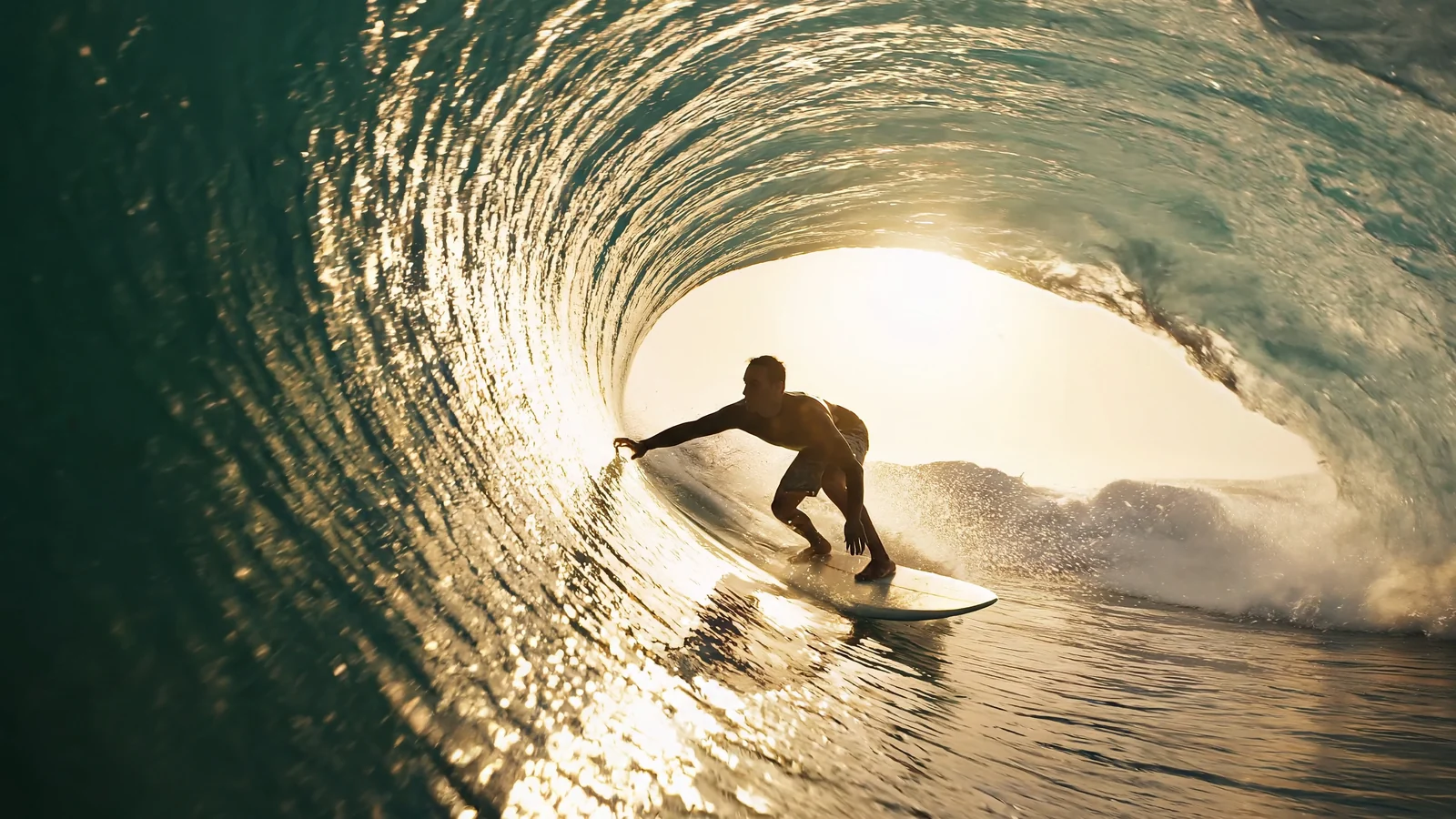
Grok Imagine 1.5 Lite API turns a prompt into 1–15 s clips with built-in sound for ads, dialogue and openers. Try it online and view examples and docs.

Provider: xAI

Category: video generation

Endpoint: /v1/tasks

Status: Available

Cost: See live page pricing

Back to Models

Grok Imagine 1.5 Lite Text to Video

by xAIVideo

Turn one prompt into a 1–15 second clip with built-in sound, at 480p, 720p or 1080p in seven aspect ratios from landscape to vertical.

Pricing

Standard Usage

86 Credits/ s

Input

0 / 4096
6s
1s1-second steps15s
Estimated cost516 Credits86 Credits / s × 6s × 720p

Output

Ready for generation

Configure your parameters and click "Run" to see the output here.

--

Examples

Five clips, each from a single prompt

Use this model preview to inspect the output format, subject motion, camera movement, and scene continuity.

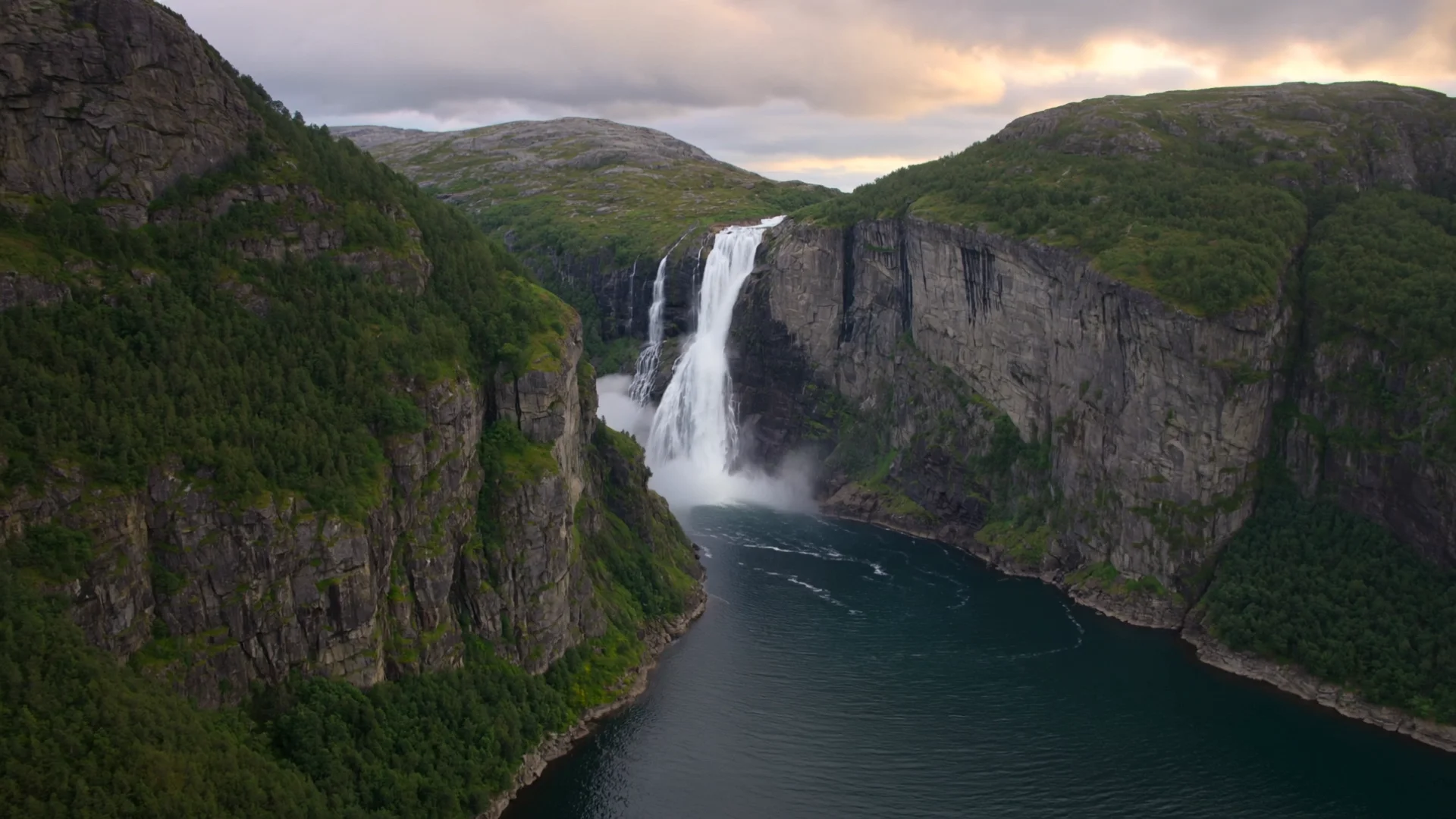
Aerial landscape6s720p16:9

Glass balloon over sunrise terraces

The main example: an aerial tracking shot with natural light, mist and ambient sound.

Original prompt

A glass hot-air balloon drifts slowly over a misty valley of terraced rice fields at sunrise. Golden light spills across the water-filled terraces, mist rolls between the hills, a flock of white egrets glides beneath the balloon. Smooth aerial tracking shot, gentle wind sounds and distant birdsong, cinematic, natural colors. No text, no logos.
Generated video6s · 720p · 16:9
Product ad6s720p9:16

Vertical ad for an unlabeled amber perfume bottle

Vertical framing, macro camera moves and slow motion for commerce and social ads.

Original prompt

Vertical product commercial: a faceted amber glass perfume bottle without any label stands on wet black stone. Slow orbiting macro shot, droplets slide down the glass, warm rim light, petals fall in slow motion and splash into a shallow pool, soft piano note and gentle water sounds. Premium, clean, no text, no logos.

Generated video6s · 720p · 9:16
Character dialogue6s720p1:1

A baker greets you from the oven

The character speaks one line to camera with synchronized ambient sound.

Original prompt

Square medium shot in a cozy small bakery at morning. A cheerful middle-aged baker with flour on her apron pulls a tray of golden croissants from the oven, looks at the camera and says warmly: "Fresh out of the oven, come try one!" Steam rises, soft window light, natural room tone and oven sounds. No text, no logos.

Generated video6s · 720p · 1:1
Fast motion6s720p16:9

Mountain bike jump on a forest trail

Low-angle tracking of a fast subject with motion blur and flying dust.

Original prompt

High-energy action shot: a mountain biker in a red jacket races down a dusty forest trail, launches off a dirt jump and lands as dust and leaves explode around the tyres. Fast low-angle tracking camera following the rider, motion blur, dappled sunlight, roaring wind and tyre crunch. No text, no logos.

Generated video6s · 720p · 16:9
Nature documentary6s720p16:9

A sea turtle over a coral reef

Documentary-style underwater scene with natural light and schooling fish.

Original prompt

Underwater nature documentary: a green sea turtle glides over a vivid coral reef as schools of tiny silver fish part around it, sun rays shimmer through the clear turquoise water. Slow smooth tracking shot beside the turtle, gentle underwater ambience and bubbles. No text, no logos.

Generated video6s · 720p · 16:9

Choose by input method, output specifications, control surface, and budget.

About Grok Imagine 1.5 Lite Text to Video

Grok Imagine 1.5 Lite text-to-video is a lightweight text-to-video model. Describe the subject, motion, camera and sound in one prompt to get a 1–15 second clip with matching sound, at 480p, 720p or 1080p in seven aspect ratios from landscape to vertical.

The route accepts a prompt without requiring an input image. Use a separate image-to-video route when the opening composition must be fixed. grok-imagine-1.5-lite/text-to-video

Provider
xAI
Task
Pure text-to-video
Input
Text prompt

Model specifications

These specifications reflect the current HiAPI Grok Imagine 1.5 Lite Text to Video request contract.

Input
Text prompt
Duration
1–15s
Resolution
480p720p1080p
Aspect ratio
16:94:33:21:12:33:49:16
Audio and references
No media input; each clip includes generated sound
API protocol
POST /v1/tasksAsync

How to use Grok Imagine 1.5 Lite Text to Video

Validate a short shot first, then increase quality or duration after motion and subject consistency are stable.

Subject
Action
Camera
01

Define subject, action, and camera

Lead with subject and setting, then describe action, camera direction, and speed in time order. State no cuts for a continuous take.

Draft

6s · 720p

Final

15s · 1080p

02

Choose duration, quality, and frame

Validate subject motion and camera continuity with 6s · 720p, then move to 15s · 1080p.

Playground
POST /v1/tasks
03

Validate in Playground, then integrate

Check motion stability and subject consistency online, then create an asynchronous task with the same model ID: grok-imagine-1.5-lite/text-to-video.

Grok Imagine 1.5 Lite Text to Video API quickstart

This is the minimum request for an asynchronous text-to-video task. Use the API docs for task retrieval, callbacks, errors, and the complete parameter contract.

curl -X POST "https://api.hiapi.ai/v1/tasks" \
  -H "Authorization: Bearer YOUR_API_KEY" \
  -H "Content-Type: application/json" \
  -d '{
  "model": "grok-imagine-1.5-lite/text-to-video",
  "input": {
    "prompt": "A glass hot-air balloon drifts slowly over a misty valley of terraced rice fields at sunrise. Golden light spills across the water-filled terraces, mist rolls between the hills, a flock of white egrets glides beneath the balloon. Smooth aerial tracking shot, gentle wind sounds and distant birdsong, cinematic, natural colors. No text, no logos.",
    "duration": 6,
    "resolution": "720p",
    "aspect_ratio": "16:9"
  }
}'
The create request returns a taskId; retrieve the result asynchronously.Open full API docs

What Grok Imagine 1.5 Lite text-to-video is for

Grok Imagine 1.5 Lite text-to-video is a lightweight text-to-video model. You describe the subject, motion, camera and sound in one prompt, and it returns a clip of 1 to 15 seconds with matching sound already mixed in, so there is no separate audio step.

It suits teams that need many short drafts: try a concept at 480p, then render the version you keep at 720p or 1080p. Seven aspect ratios cover landscape players, square feeds and vertical short-video placements from the same prompt.

What you can expect from each clip

Sound arrives with the picture

Every clip includes generated sound that follows the scene: wind and birdsong over a landscape, tyre crunch on a trail, or a short spoken line from a character. Describe the sound you want in the prompt.

Camera language from the prompt

Aerial tracking, slow orbiting macro shots and low-angle chase shots can all be requested in plain words. The examples above show each of these moves.

One prompt, seven frames

Choose 16:9, 4:3, 3:2, 1:1, 2:3, 3:4 or 9:16. Vertical and square clips are generated natively, not cropped from a landscape render.

Length you control

Set any whole-second duration from 1 to 15 seconds. Six seconds is the default and fits most social placements.

Where teams use it

Each scenario below matches one of the examples on this page.

Vertical product ads

Commerce and social teams can draft 9:16 product spots with macro moves, slow motion and a soft soundtrack, then test several hooks before committing to a shoot.

Character greetings and short lines

Shops, apps and campaigns can create a character who looks at the camera and says one line, useful for welcome clips and short announcements.

Travel and landscape openers

Content creators can open a video with an aerial establishing shot and natural ambience instead of searching stock libraries.

Action and sports moments

Fast tracking shots with dust and motion blur work for sports brands, game trailers and energetic social posts.

A practical workflow

Keep early tries short and low-resolution, then spend resolution on the version you keep.

  1. Step 1

    Write the shot in one paragraph

    Name the subject, the action, the camera move and the sound. Add “no text, no logos” if the clip must stay clean.

  2. Step 2

    Draft at 480p

    Keep the default 6 seconds and pick the aspect ratio of the final placement, so composition is judged in the right frame.

  3. Step 3

    Render the keeper

    Re-run the chosen prompt at 720p or 1080p and adjust duration for the edit.

  4. Step 4

    Move to the API

    Send the same fields to POST /v1/tasks, then poll the task or receive a callback to fetch the video.

Which one fits your shot

Pick by where the shot starts: with only a written idea, use Lite text-to-video; with an existing image, use Lite image-to-video. If you need to choose the output ratio for an image animation, look at the third column.

Lite text-to-videoLite image-to-videoGrok Imagine 1.5 image-to-video
Starts fromPrompt onlyOne image + promptImage + prompt
Duration1–15 s1–15 s1–15 s
Resolution480p / 720p / 1080p480p / 720p / 1080p480p / 720p
Aspect ratio7 options, 16:9 to 9:16Approximately follows the input imageSelectable
SoundGenerated with every clipGenerated with every clipSee that model's page
Best forExploring ideas, ads and social clips from scratchBringing existing artwork, product shots or key visuals to lifeImage animation when you need to choose the output ratio

Live prices for every resolution are shown in the pricing panel above and on the pricing page.

Need to compare models and billing tiers?View live pricing for all models

Frequently asked questions

Does every clip include sound?

Yes. Sound is generated together with the picture and cannot be switched off. Describe the ambience, music or dialogue you want in the prompt.

Which durations, resolutions and aspect ratios can I use?

Any whole-second duration from 1 to 15 seconds (default 6), 480p, 720p or 1080p (default 720p), and 16:9, 4:3, 3:2, 1:1, 2:3, 3:4 or 9:16 (default 16:9).

How long can the prompt be?

Up to 4,096 characters. A focused paragraph about subject, motion, camera and sound usually works better than a long list.

Can I animate my own image with this model?

No, this route takes text only. Use grok-imagine-1.5-lite/image-to-video when the shot should start from your image.

How do I call it through the API?

POST an asynchronous task to /v1/tasks with model set to grok-imagine-1.5-lite/text-to-video and prompt, duration, resolution and aspect_ratio inside input. The request returns a task ID; poll the task or use a callback to get the video URL.

How is it billed?

By the requested duration at the selected resolution. The pricing panel shows the live rate, and the successful task record shows the final charge.