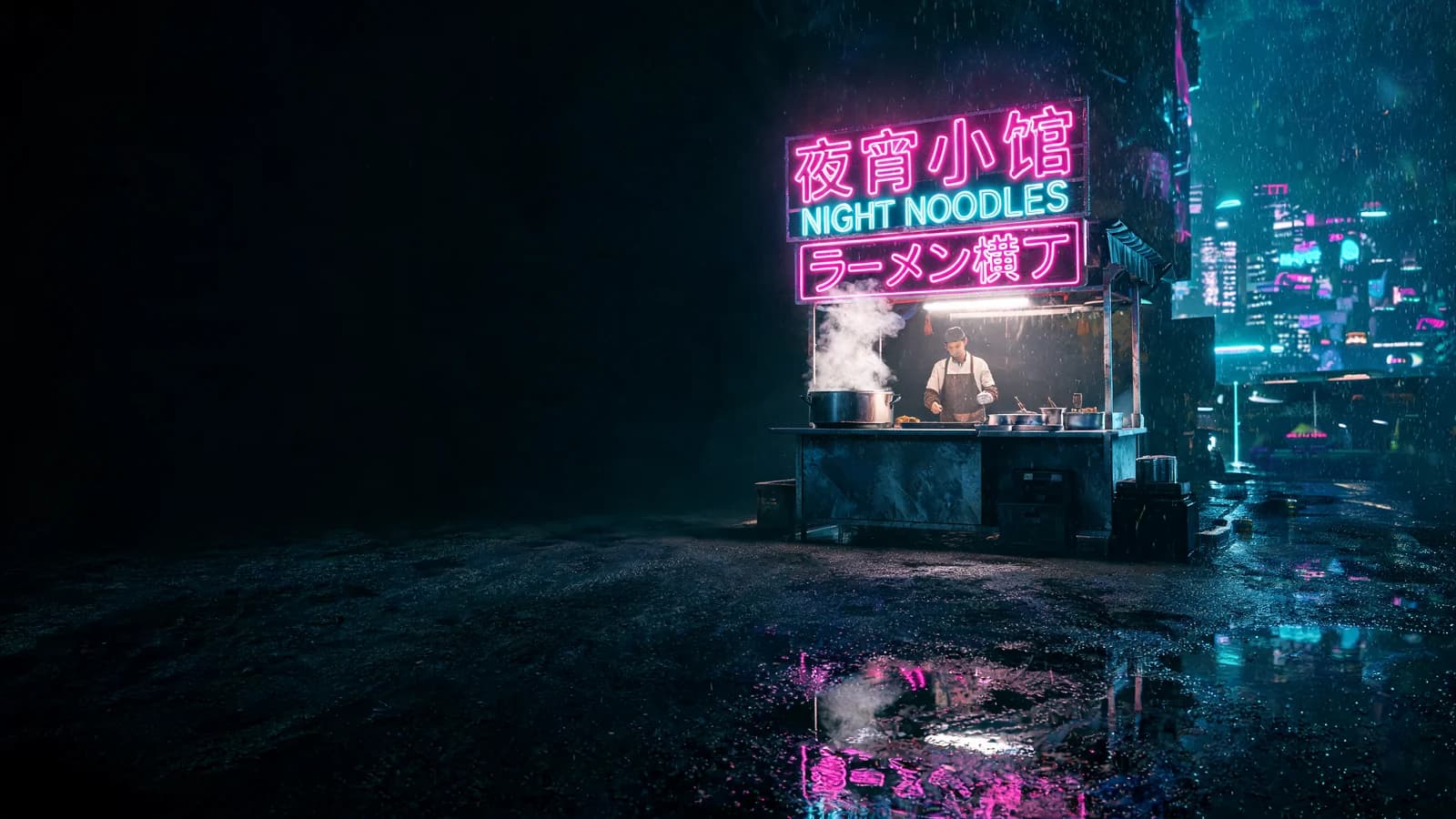


Subject
Scene
Edit one public reference image for recoloring, restyling, scene replacement, and detail refinement while following its framing.
Provider: xAI
Category: image generation
Endpoint: /v1/tasks
Status: Available
Cost: See live page pricing
Edit one public reference image for recoloring, restyling, scene replacement, and detail refinement while following its framing.
Pricing
Standard Usage
Choose the quality tier; tiers affect pricing
Ready for generation
Configure your parameters and click "Run" to see the output here.
Choose an adjacent model by task, output tier, and reference-image needs.
A general-purpose route with optional references and broad aspect-ratio coverage.
Edit one public reference image for recoloring, restyling, scene replacement, and detail refinement while following its framing.
The Playground and API use the same model ID: grok-imagine-image-2.0/image-to-image. Reference images provide subject, product, scene, or style facts, while the prompt assigns each role and limits the edit.
Explore reference limits, sizes, formats and quality settings for Grok Image 2.0 Image to Image.
Final cost depends on the output tier and input add-ons. Check the live page price and task record for the final charge.
References provide visual facts; the prompt assigns their roles and limits the edit.
Copy a minimal request below. See Docs for parameters, callbacks, task retrieval, and errors.
POST /v1/tasksgrok-imagine-image-2.0/image-to-imagecurl -X POST "https://api.hiapi.ai/v1/tasks" \
-H "Authorization: Bearer YOUR_API_KEY" \
-H "Content-Type: application/json" \
-d '{
"model": "grok-imagine-image-2.0/image-to-image",
"input": {
"prompt": "Change the product color and preserve its structure",
"aspect_ratio": "1:1",
"image": "https://example.com/reference.jpg",
"quality": "medium",
"resolution": "1k"
}
}'The create request immediately returns a taskId; image generation continues asynchronously.
Edit one public reference image for recoloring, restyling, scene replacement, and detail refinement while following its framing.
Yes. This route requires reference input and accepts up to 1 image.
The page exposes 1K, 2K and match input; use the Playground contract for the final available set.
Billing is per successful generated image. Resolution or quality differences, when present, are reflected by the live page price.
POST an asynchronous task to /v1/tasks with model set to grok-imagine-image-2.0/image-to-image and put generation fields inside input.
Choose 1 to 1 publicly accessible images without redundant or conflicting roles.
Describe the requested edit and the subject, text, composition, lighting, and positions that must remain.
Check the reference relationship in Playground, then create asynchronous tasks with the same model ID.