HiAPI
OverviewModel MarketplaceAPI KeysUsage StatisticsCall LogsBillingReferralPlaygroundStorageChangelogContact UsSettings
Display unit
N
Powered by hiapi
Settings

Welcome

Contact Us

Generate 3-15 second text-to-video clips at 720p or 1080p across five common aspect ratios.

Provider: MiniMax

Category: video generation

Endpoint: /v1/tasks

Status: Available

Cost: See live page pricing

Back to Models

HappyHorse 1.0

New
by MiniMaxVideo

HappyHorse text-to-video model, supporting 720p / 1080p, 3-15 second durations, and multiple aspect ratios.

Pricing

Standard Usage

336 Credits/ s

Use HappyHorse 1.0 in your AI Agent

Install the HiAPI HappyHorse 1.0 Skill to call the model from OpenClaw, Codex, Claude Code, OpenCode, and similar agents.

View Skill docsView GitHub

Input

0 / 5000
5s
3s1-second steps15s

Choose 3-15 seconds in 1-second steps

More parameters

Advanced

For repeatable results · integer 0-2147483647
Estimated cost2,880 Credits576 Credits / s × 5s × 1080p

Output

Ready for generation

Configure your parameters and click "Run" to see the output here.

--

Public model preview

From one prompt to a complete generated video

Use this model preview to inspect the output format, subject motion, camera movement, and scene continuity.

Text-to-video
Text-to-video5s1080p16:9

HappyHorse 1.0 public preview

Generate 3-15 second text-to-video clips at 720p or 1080p across five common aspect ratios.

Prompt shown with this public preview

A cinematic horse running through shallow water at golden hour, natural motion, stable tracking camera
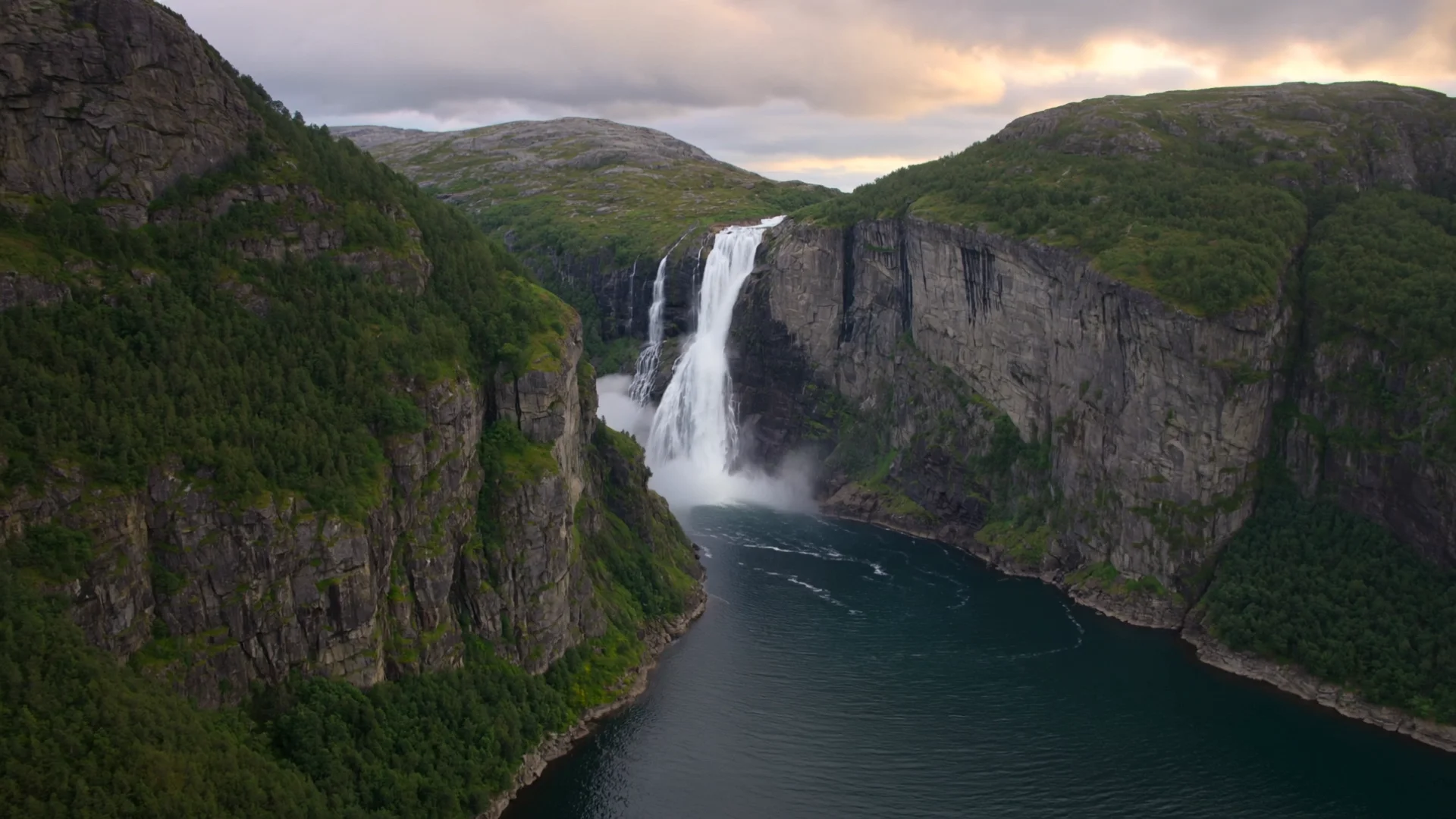

Public model preview5s · 1080p · 16:9

Related video models

Choose by input method, output specifications, control surface, and budget.

Camera-focused generation

Kling 3.0 Turbo Text to Video

A controlled 3-15 second route with landscape, square, and vertical output.

Long-form video

Seedance 2.5 Text to Video

Generate up to 30 seconds with seven aspect ratios and synchronized audio.

Premium video and audio

Veo 3.1 Text to Video

A premium route with 4K options, negative prompts, seeds, and generated audio.

Compare AI video APIs

About HappyHorse 1.0

Generate 3-15 second text-to-video clips at 720p or 1080p across five common aspect ratios.

The route accepts a prompt without requiring an input image. Use a separate image-to-video route when the opening composition must be fixed. happyhorse-1.0

Provider
MiniMax
Task
Pure text-to-video
Input
Text prompt
Starting price
336 Credits / second

Model specifications

These specifications reflect the current HiAPI HappyHorse 1.0 request contract.

Input
Text prompt
Duration
3–15s
Resolution
720p1080p
Aspect ratio
16:99:161:14:33:4
Audio and references
No media input; audio behavior follows the model contract
API protocol
POST /v1/tasksAsync
Starting tier: 336 Credits / secondBilled by output duration and the live model tier

How to use HappyHorse 1.0

Validate a short shot first, then increase quality or duration after motion and subject consistency are stable.

Subject
Action
Camera
01

Define subject, action, and camera

HappyHorse 1.0 API quickstart

This is the minimum request for an asynchronous text-to-video task. Use the API docs for task retrieval, callbacks, errors, and the complete parameter contract.

curl -X POST "https://api.hiapi.ai/v1/tasks" \
  -H "Authorization: Bearer YOUR_API_KEY" \
  -H "Content-Type: application/json" \
  -d '{
  "model": "happyhorse-1.0",
  "input": {
    "prompt": "A cinematic horse running through shallow water at golden hour, natural motion, stable tracking camera",
    "duration": 5,
    "resolution": "1080p",
    "aspect_ratio": "16:9"
  }
}'
The create request returns a taskId; retrieve the result asynchronously.Open full API docs
Need to compare models and billing tiers?View live pricing for all models

Frequently asked questions

What type of video model is HappyHorse 1.0?

It is a pure text-to-video route and does not require an opening image.

Which output settings does HappyHorse 1.0 support?

3-15 seconds, 720p, 1080p, and 16:9, 9:16, 1:1, 4:3, 3:4.

Can it generate sound or use audio references?

No media input; audio behavior follows the model contract

How is HappyHorse 1.0 billed?

Billing follows output duration and the live tier. Resolution, mode, or audio differences are reflected by the page price and task record.

How do I call the HappyHorse 1.0 API?

POST an asynchronous task to /v1/tasks with model set to happyhorse-1.0 and place parameters inside input.

Lead with subject and setting, then describe action, camera direction, and speed in time order. State no cuts for a continuous take.

Draft

5s · 1080p

Final

15s · 1080p

02

Choose duration, quality, and frame

Validate subject motion and camera continuity with 5s · 1080p, then move to 15s · 1080p.

Playground
POST /v1/tasks
03

Validate in Playground, then integrate

Check motion stability and subject consistency online, then create an asynchronous task with the same model ID: happyhorse-1.0.