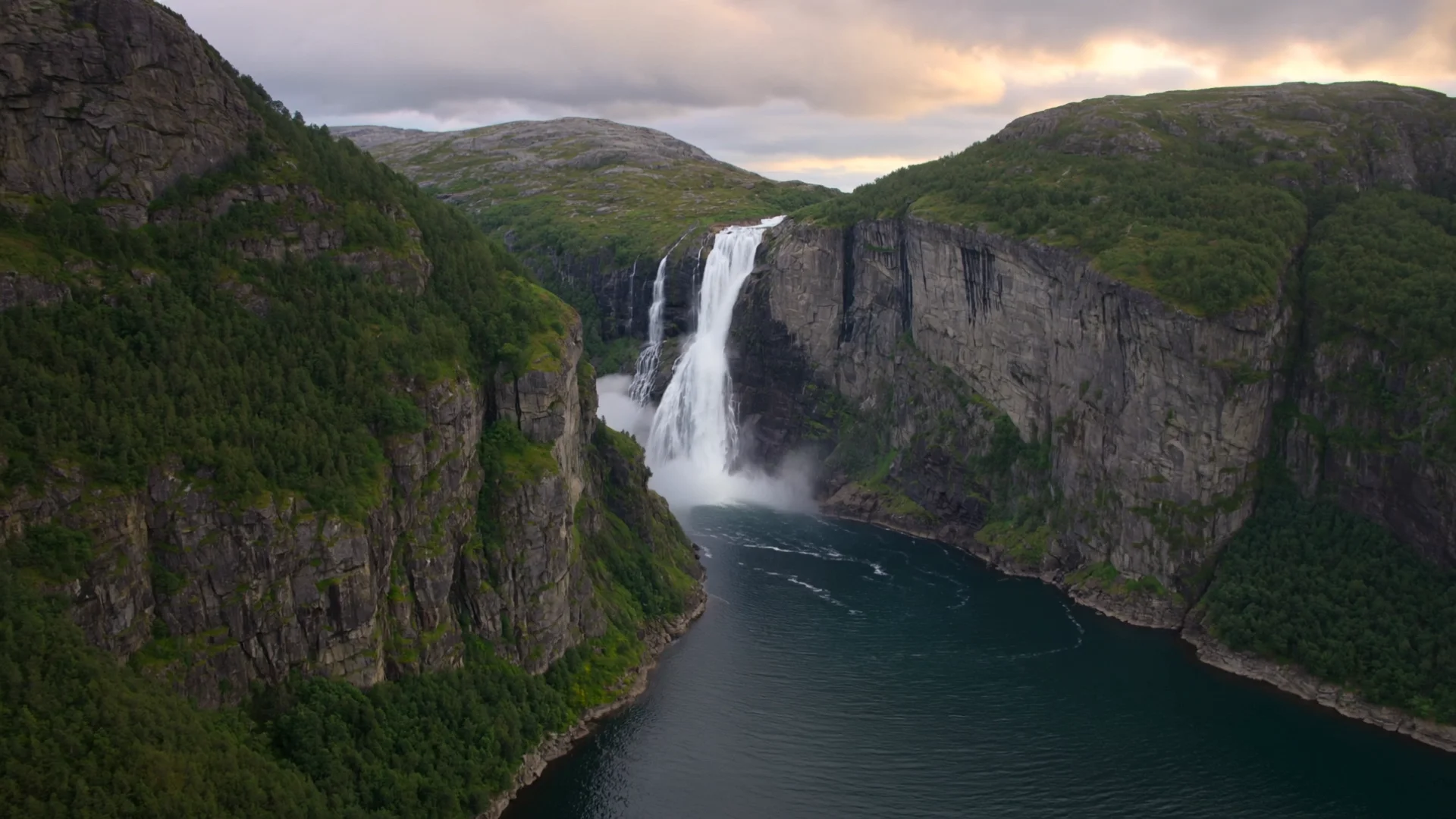

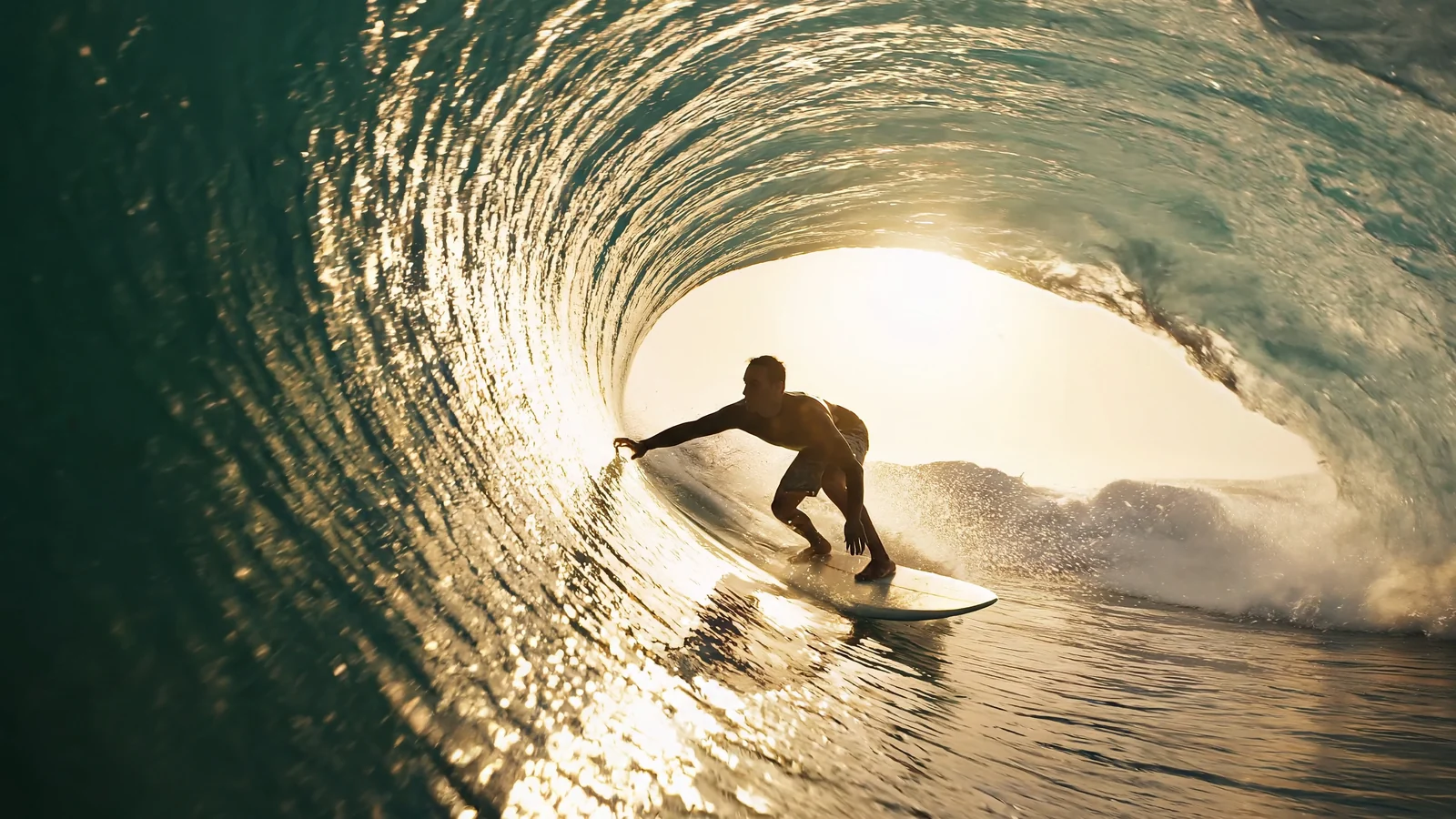
Subject
Action
Camera
01
Generate 3-15 second 720p/1080p clips across nine aspect ratios for social, cinematic, and campaign video.
Provider: MiniMax
Category: video generation
Endpoint: /v1/tasks
Status: Available
Cost: See live page pricing
Alibaba HappyHorse 1.1 text-to-video: cinematic motion, strong prompt adherence, native audio, 720p/1080p.
Pricing
Standard Usage
Choose 3-15 seconds in 1-second steps
Ready for generation
Configure your parameters and click "Run" to see the output here.
Choose by input method, output specifications, control surface, and budget.
A premium route with 4K options, negative prompts, seeds, and generated audio.
Generate 3-15 second 720p/1080p clips across nine aspect ratios for social, cinematic, and campaign video.
The route accepts a prompt without requiring an input image. Use a separate image-to-video route when the opening composition must be fixed. happyhorse-1.1/text-to-video
These specifications reflect the current HiAPI HappyHorse 1.1 Text to Video request contract.
Validate a short shot first, then increase quality or duration after motion and subject consistency are stable.
This is the minimum request for an asynchronous text-to-video task. Use the API docs for task retrieval, callbacks, errors, and the complete parameter contract.
curl -X POST "https://api.hiapi.ai/v1/tasks" \
  -H "Authorization: Bearer YOUR_API_KEY" \
  -H "Content-Type: application/json" \
  -d '{
  "model": "happyhorse-1.1/text-to-video",
  "input": {
    "prompt": "A cinematic continuous shot with natural motion and stable subject detail",
    "duration": 5,
    "resolution": "1080p",
    "aspect_ratio": "16:9"
  }
}'It is a pure text-to-video route and does not require an opening image.
3-15 seconds, 720p, 1080p, and 16:9, 9:16, 3:4, 4:3, 4:5, 5:4, 1:1, 9:21, 21:9.
No media input; audio behavior follows the model contract
Billing follows output duration and the live tier. Resolution, mode, or audio differences are reflected by the page price and task record.
POST an asynchronous task to /v1/tasks with model set to happyhorse-1.1/text-to-video and place parameters inside input.
Lead with subject and setting, then describe action, camera direction, and speed in time order. State no cuts for a continuous take.
Draft
5s · 1080p
Final
15s · 1080p
Validate subject motion and camera continuity with 5s · 1080p, then move to 15s · 1080p.
Check motion stability and subject consistency online, then create an asynchronous task with the same model ID: happyhorse-1.1/text-to-video.