Kling 4.0 image-to-video API animates one first-frame image into a clip up to 30 seconds with synchronized audio. Keep the source framing and try it online.

Provider: Kuaishou

Category: video generation

Endpoint: /v1/tasks

Status: Available

Cost: See live page pricing

Back to Models

Kling 4.0 Image-to-Video

by KuaishouVideo

Kling 4.0 Image-to-Video: animate a first-frame image into a 3-30 second clip with an optional motion prompt. Framing follows the source image when unspecified, at 720p/1080p with synchronized audio.

Pricing

Standard Usage

440 Credits/ s

Input

0 / 2500
5s
3s1-second steps30s
Estimated cost2,200 Credits440 Credits / s × 5s
Upload a reference image to run

Output

Ready for generation

Configure your parameters and click "Run" to see the output here.

--

Image-to-video results

From one still to a moving shot

Portrait motion5s720p16:9

A coastal portrait turns into a moving shot

Checks hair and fabric motion, a slow push-in, natural wave ambience and identity kept from the still.

Original prompt

She turns her head further toward the camera, hair and jacket moving in the wind, camera slowly pushes in, waves crashing on the rocks below, natural ambient sound
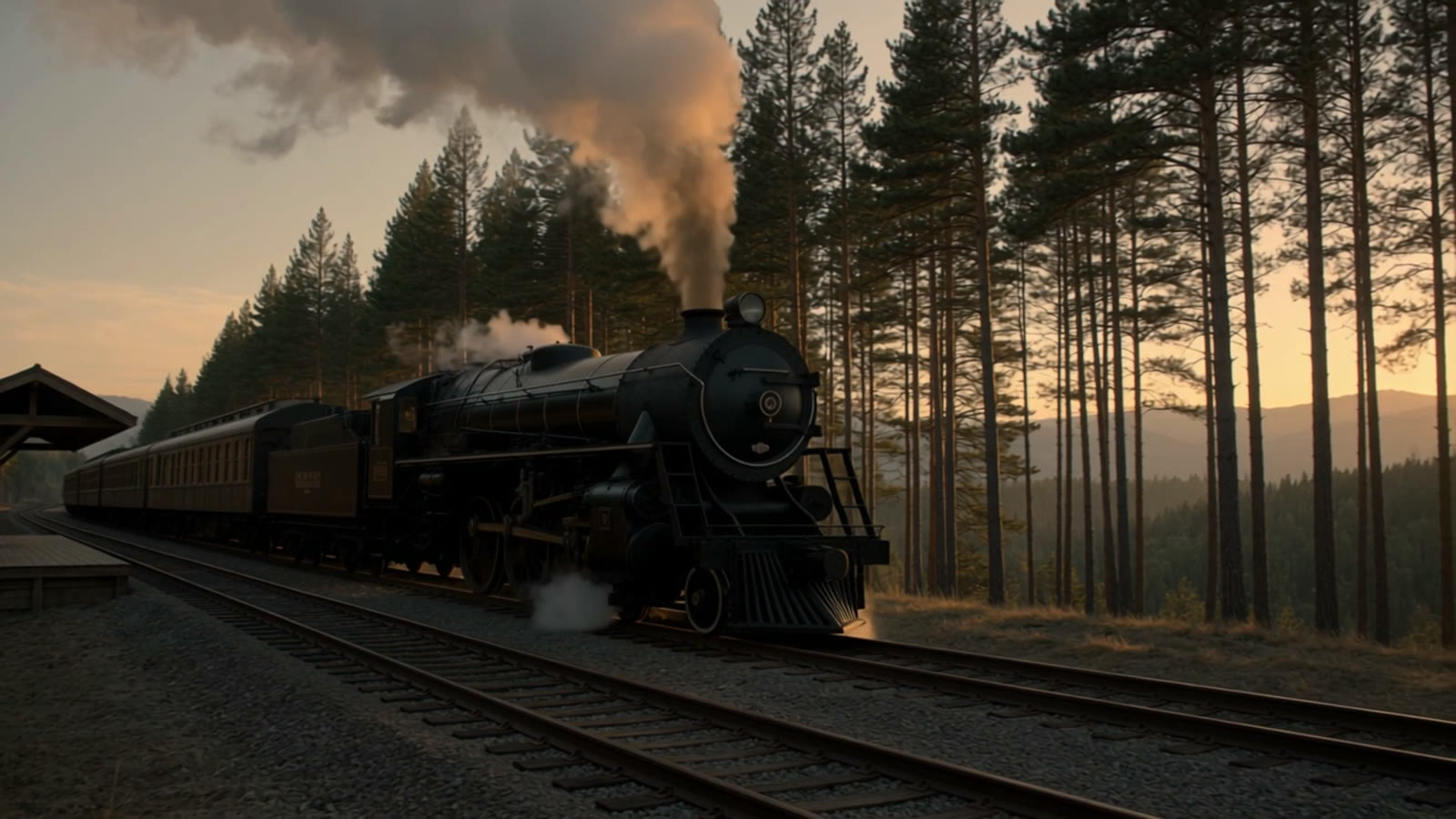
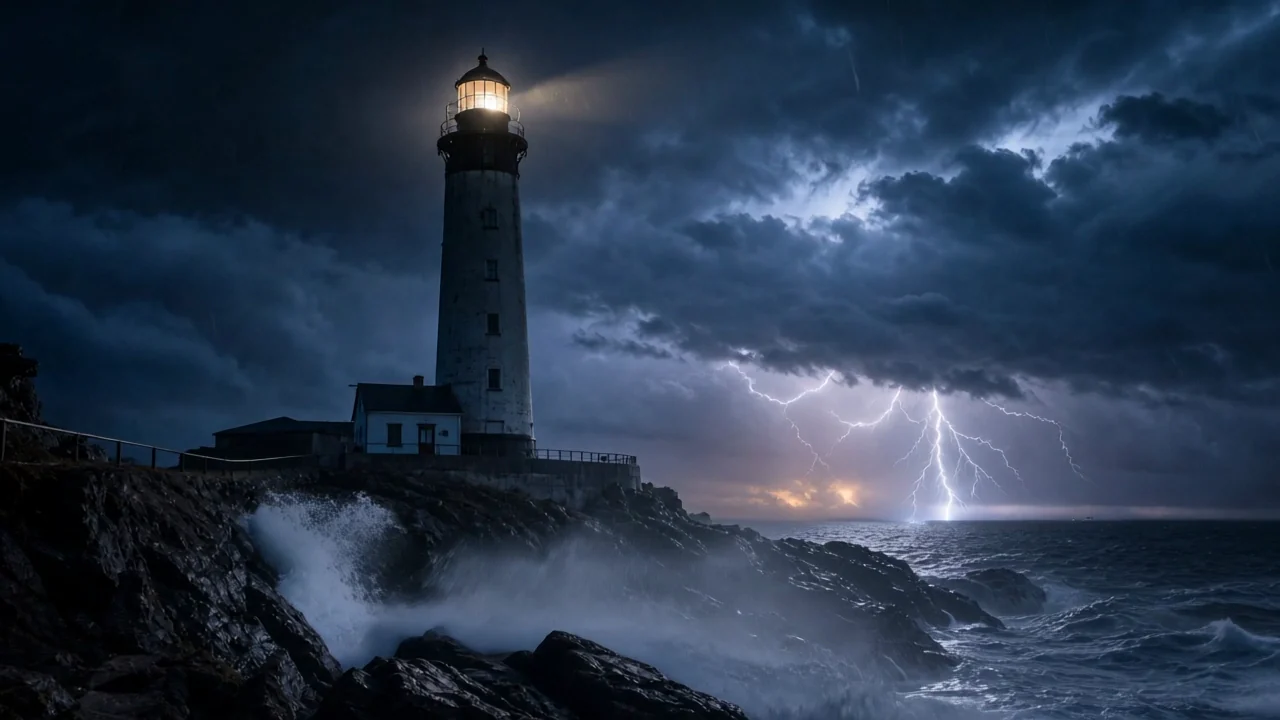
First frame16:9
Generated video · synchronized audio5s · 720p · 16:9

Choose by starting material, reference method, resolution, and shot-control requirements.

About Kling 4.0 Image-to-Video

Kling 4.0 Image-to-Video animates one image into a three- to thirty-second clip at 720p or 1080p, with synchronized audio. Leave the aspect ratio empty and the output keeps the source image's framing.

The prompt is optional. The image defines composition and identity; the prompt only directs motion, camera and sound.

Provider
Kuaishou
Task
Image to video
Input
First frame image

Model specifications

These specifications reflect the current HiAPI Kling 4.0 Image-to-Video request contract. Endpoint frames and multimodal references are separate input modes and should not be mixed.

Image input mode
First frame image
Duration
3–30s
Resolution
720p1080p
Aspect ratio
16:99:161:121:9
Other references
No extra reference inputs on this route
Output and audio
MP4Audio generated with the picture
Model ID
kling-4.0/image-to-video
API protocol
POST /v1/tasksAsync

How to use Kling 4.0 Image-to-Video

Upload the frame, describe only the motion you want, then raise resolution once the movement is right.

First
Last
1 + optional 1
01

Prepare a first frame and optional endpoint

The first frame defines subject, composition, and shape. Add a matching last frame only when the ending state must be fixed, leaving room for the intended motion.

Transition
Camera
Audio
02

Direct the transition, camera, and sound

Write the middle process in time order, state whether the camera is locked, preserve stable details, and place sound cues next to their matching events.

Playground · 3s
POST /v1/tasks
03

Validate a short run, then extend

Start at 3 seconds to inspect endpoint continuity and subject stability, then increase duration or create the production task with kling-4.0/image-to-video.

Kling 4.0 Image-to-Video API quickstart

This is a minimal asynchronous first-frame request. Use the API docs for callbacks, task retrieval, reference limits, and error handling.

curl --request POST 'https://api.hiapi.ai/v1/tasks' \
  --header 'Authorization: Bearer YOUR_API_KEY' \
  --header 'Content-Type: application/json' \
  --data '{
  "model": "kling-4.0/image-to-video",
  "input": {
    "image_urls": [
      "https://static.hiapi.ai/admin-assets/kling-4-0/2026/10/23/1792768230745-7143f510a8f7c77f-face-input.jpg"
    ],
    "prompt": "She turns her head toward the camera, hair moving in the wind, slow push-in",
    "duration": 5,
    "resolution": "720p"
  }
}'
The create request returns a taskId; retrieve the result asynchronously.Open full API docs
Need to compare models and billing tiers?View live pricing for all models

Frequently asked questions

What does the first-frame image need to be?

A publicly reachable jpeg or png URL inside the image_urls array, one image per request. That image becomes the opening frame of the clip.

What happens if I leave aspect ratio out?

Output follows the source image's ratio, so a portrait image stays portrait. Set aspect_ratio only when you want to override the original framing.

Is the prompt required?

No. You can let the image move on its own, or describe motion, camera and mood in the prompt. The image already carries composition and style, so shorter prompts often work better.

How is image-to-video billed?

Per output second, same as text-to-video, with separate tiers for 720p and 1080p and no minimum charge.

Can the clip include audio?

Yes. Audio is generated together with the picture and the MP4 carries a soundtrack. Describe the sound you want in the prompt.

How do I call it through the API?

Send an asynchronous task to POST /v1/tasks with model set to kling-4.0/image-to-video and image_urls plus optional prompt, duration, resolution and aspect_ratio in input.

HiAPI Blog

Kling 4.0 Image-to-Video guides and tutorials