Text to image
Text-to-image from a brief
- Input
- Subject, setting, light, aspect ratio, and purpose
- Output
- A text-to-image direction ready to refine
| Your job | Product | Main input | Output |
|---|---|---|---|
| Text-to-image from a brief | Text to image | Subject, setting, light, aspect ratio, and purpose | A text-to-image direction ready to refine |
| Image editing on an existing design | Image editing | Source image plus clear keep vs. change notes | A revision that keeps the original structure |
| Multi-reference subject, style, and scene | Multi-reference | References with clear subject, style, and scene roles | One composition informed by each reference |
| Web grounding for real-world context | Web grounding | Place or topic plus viewpoint, season, and weather | A scene illustration backed by context |
Text to image
Image editing
Multi-reference
Web grounding
The flagship focuses on detailed generation and iterative edits; Flash in the same family targets faster batch exploration. Both support multi-reference, web grounding, and flexible compositions.
MAI-Image-2.6
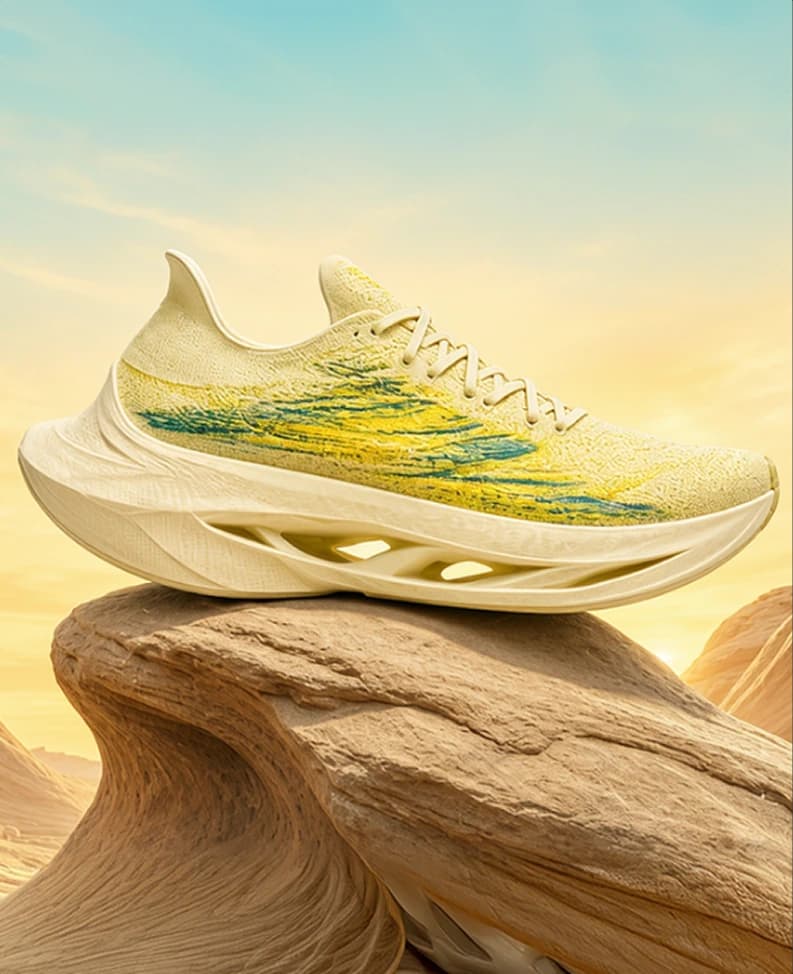
The flagship path joins text-led creation with iterative editing: start from a product reference, refine materials, backgrounds, or objects, and keep silhouette and spatial relationships stable across rounds. Sole texture, metal reflections, and packaging type are the details worth zooming. Flash in the same family helps explore directions faster before flagship polish.
Best for: Commerce heroes, brand mood boards, and detailed posters
Location and context
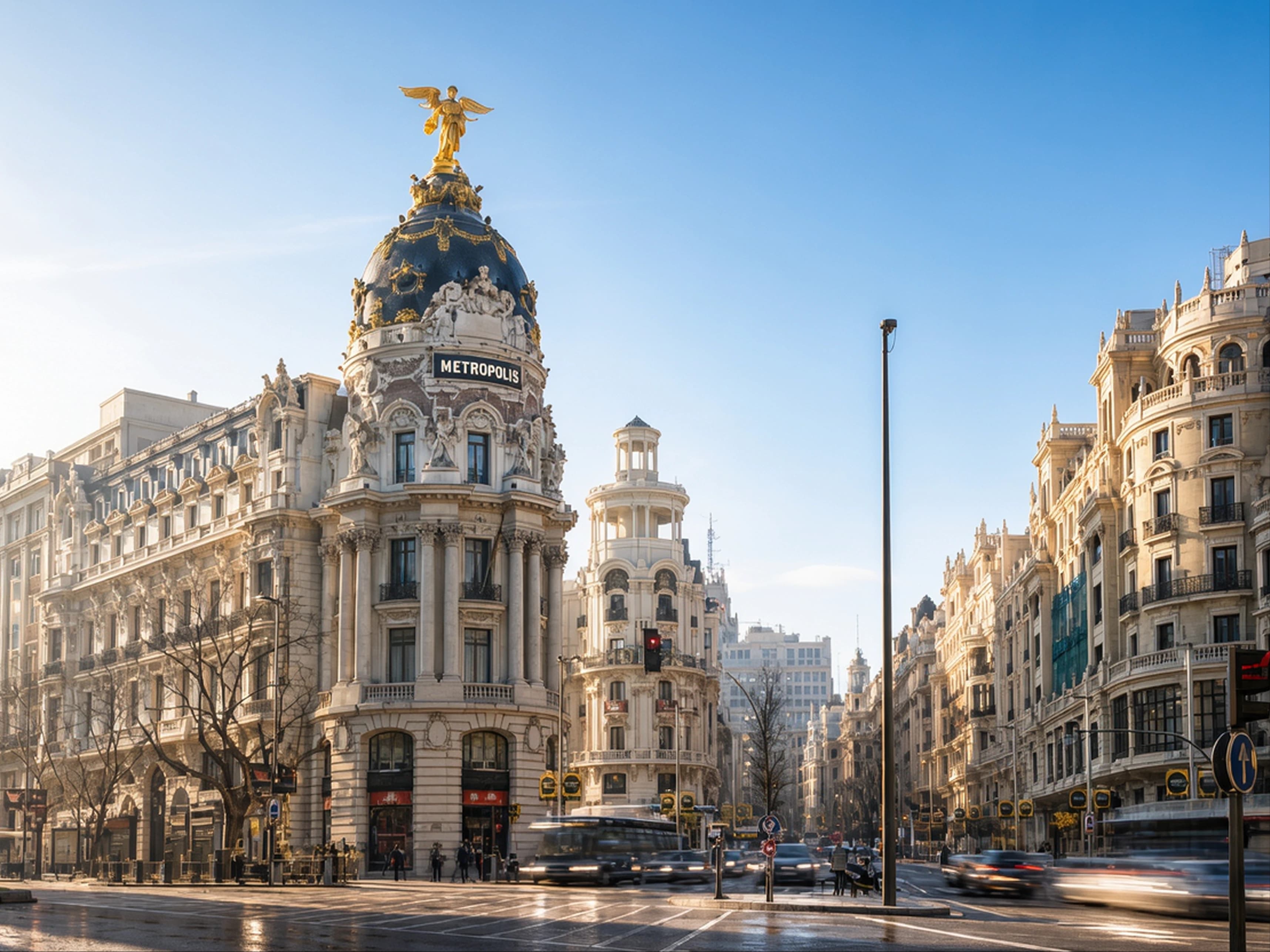
Web grounding can bring relevant online context into image creation. For landmarks or destinations, specify viewpoint, season, and weather so the information serves a deliberate scene—not a pile of unrelated facts.
Best for: Destination concepts, architectural mood boards, and editorial illustration
Map MAI-Image-2.6 text-to-image, image editing, quality-controlled edits, multi-reference, and web grounding to your ad, commerce, or design goals.
Describe subject, environment, and light for a new scene. If the design exists, start from the image and name only the changes—plus matching references.
Organize prompts, framing notes, and reference roles into copyable blocks—reusable AI image assets for ads and commerce.
Nail key composition first, then revise objects, color, lettering, or background. Use appearance locks and aspect-ratio templates until ad heroes or commerce shots hit review-ready quality.
Placement briefs, reference roles, and reusable prompt blocks become high-quality production inputs in MAI-Image-2.6 workflows.
01
State whether you need a product hero, event poster, or scene concept, then note channel aspect ratio and intended feeling.
02
Choose subject, color, and style references and assign each a role. For revisions, list the elements that must remain.
03
Pick three priorities such as product silhouette, readable lettering, and negative space. Focus each revision on one priority.
04
Turn appearance locks, lighting phrasing, aspect-ratio specs, and keep-lists into templates so series ads and commerce heroes iterate by swapping variables.
Use text-to-image when ideating from scratch; lead with image editing when you already have a product shot or poster. Both paths cover concept tests and controllable polish—core creative modes in MAI-Image-2.6.
A top capability for ads and commerce: replace or remove objects and update lettering on a higher-quality base. Name the edit target, then state what composition, light, or position must stay so iterative edits remain controllable.
People, products, styles, and settings can come from different assets. Label which reference supplies subject, palette, or environment so series visuals and brand consistency stay on track.
Compose within the model card’s ~2,359,296-pixel budget (about 1536×1536). Plan subject and negative space separately for banner vs. portrait; location scenes can use web grounding for environmental cues in ads and design pitches.
Commerce teams can pair product references with campaign keywords, explore studio, outdoor, and story-led settings, then lock a composition for the PDP hero.
Put headline, supporting copy, and brand name in the brief, then compare thumbnail reading order so text-to-image and controllable edits balance legibility and hierarchy.
Content teams can lock palette, lighting, and background language while swapping subjects—using multi-reference to keep a shared series cue.
Creative teams can describe place, time, viewpoint, and weather—optionally with web grounding—to produce discussable destination or architecture frames for early boards and pitches.
Create a product campaign concept for a matte cobalt-blue travel bottle. Place it on pale limestone in a quiet studio. Use soft light from the upper left, a close three-quarter view, and generous negative space on the right for a headline. Keep the bottle silhouette clean and its surface texture visible.The brief connects product, materials, lighting, viewpoint, and headline space—ideal for a first text-to-image pass before polish.
Edit the supplied poster. Replace the headline with “WEEKEND IN BLOOM”. Keep the main illustration, background color, and headline position. Use compact, clearly separated letters with strong contrast. Remove the small decorative mark in the lower-right corner and leave that area open.Separate changes from elements to preserve so each image-editing round is easy to accept or reject.
Explore MAI-Image-2.6
Build around MAI-Image-2.6’s quality, controllable edits, multi-reference, and web grounding—lock placement briefs, references, and prompt templates so ad heroes, commerce shots, and design scenes are ready to generate.
Sign up for 200 Credits
Use your trial credits on image models that are already available.

MAI-Image-2.6 is Microsoft’s next-generation text-to-image and image editing model—higher visual quality, controllable edits, multi-reference workflows, and web grounding for ad heroes, e-commerce product shots, posters, and design.
E-commerce product and campaign heroes, ad posters and packaging layouts, series visual extensions, and location scenes or design mood boards that benefit from web grounding.
Use text-to-image when starting from scratch; use editing when you already have a product shot or poster to revise. Many teams generate a direction first, then iterate with edits.
This page is a model introduction and workflow prep guide—generation availability follows the page status. You can review capabilities and use cases now, and prepare placement briefs, reference roles, and acceptance criteria ahead of time.
They help when subject, style, and setting come from different assets. Explain which part of the desired image each reference should inform.
The flagship focuses on quality and detailed control; Flash targets latency-sensitive, higher-throughput exploration. Compare them with the same brief.
The model card limits total pixels (~2,359,296). One side may exceed 1536 within that total; available formats depend on the product surface.
List shape, colors, and markings to preserve, then describe background, placement, and lighting changes. State when another reference supplies only style or setting.