下面 9 段视频都是 Black Forest Labs 的 FLUX 3 Max 真实输出,每段附完整提示词和当时的参数,复制就能重跑;点「用这个提示词生成」会带着提示词直接打开对应模型页。FLUX 3 Max 已在 HiAPI 上线,文生视频、图生视频、关键帧生视频三个入口都能直接生成,新用户注册送 200 积分。
1. 氛围镜头:日出海面
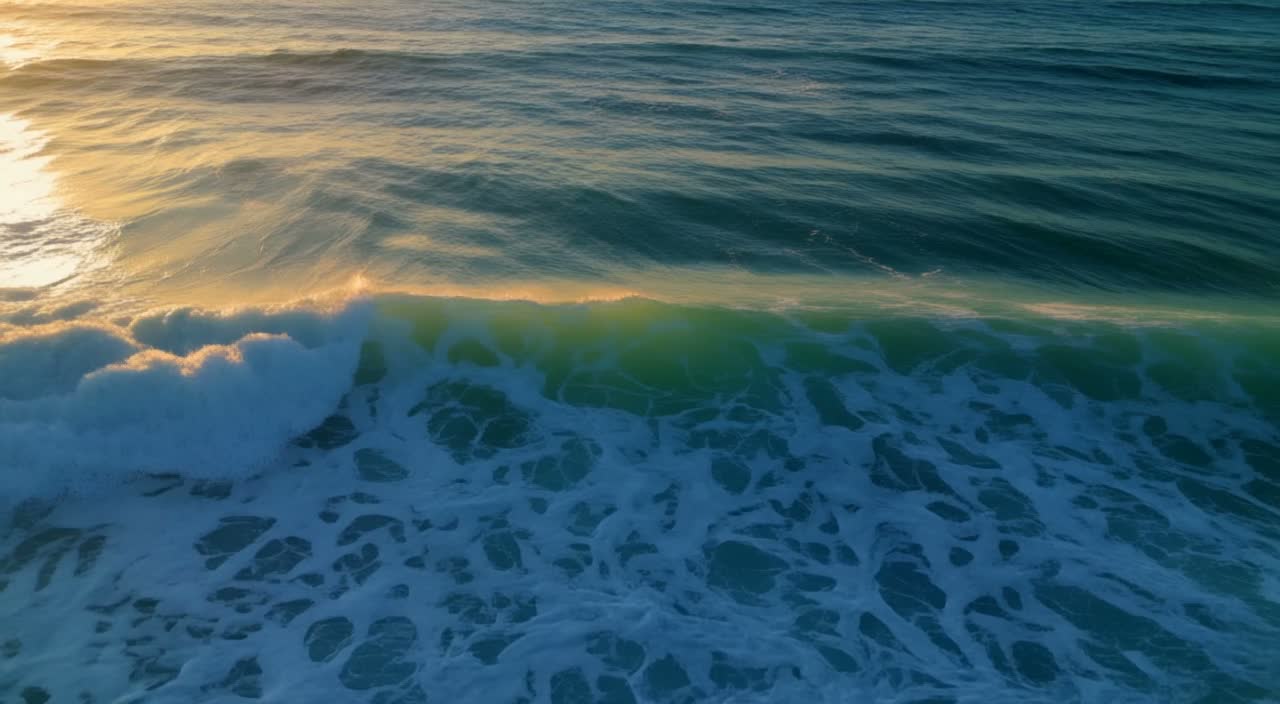
参数:文生视频 · 5 秒 · 720p · auto · 音频默认开启 · 观看成片 →
a slow aerial shot of ocean waves at sunrise, photorealistic
整段只有一种运动:涌浪朝光推进,镜头贴着水面缓慢前移。一条提示词只写主体和镜头,photorealistic 把质感定在写实。
2. 工艺特写:玻璃匠吹制花瓶
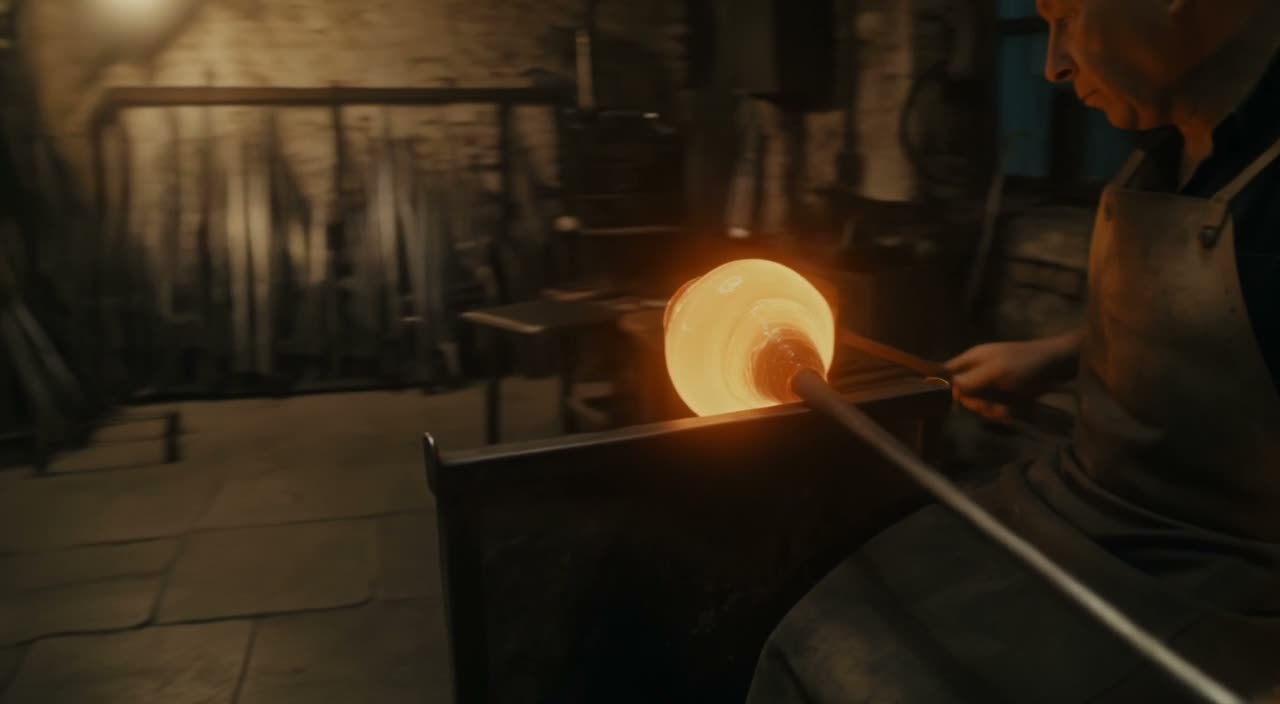
参数:文生视频 · 5 秒 · 720p · auto · 音频默认开启 · 观看成片 →
A glassblower shapes a molten vase in a dim workshop; sparks arc through the air, warm light catches the swirling glass; slow circular camera move, cinematic.
主体动作、环境光、镜头运动放在同一句:火花、暖光、缓慢环绕各管一件事。slow circular camera move 让 5 秒一镜到底。
3. 商品特写:白色运动鞋
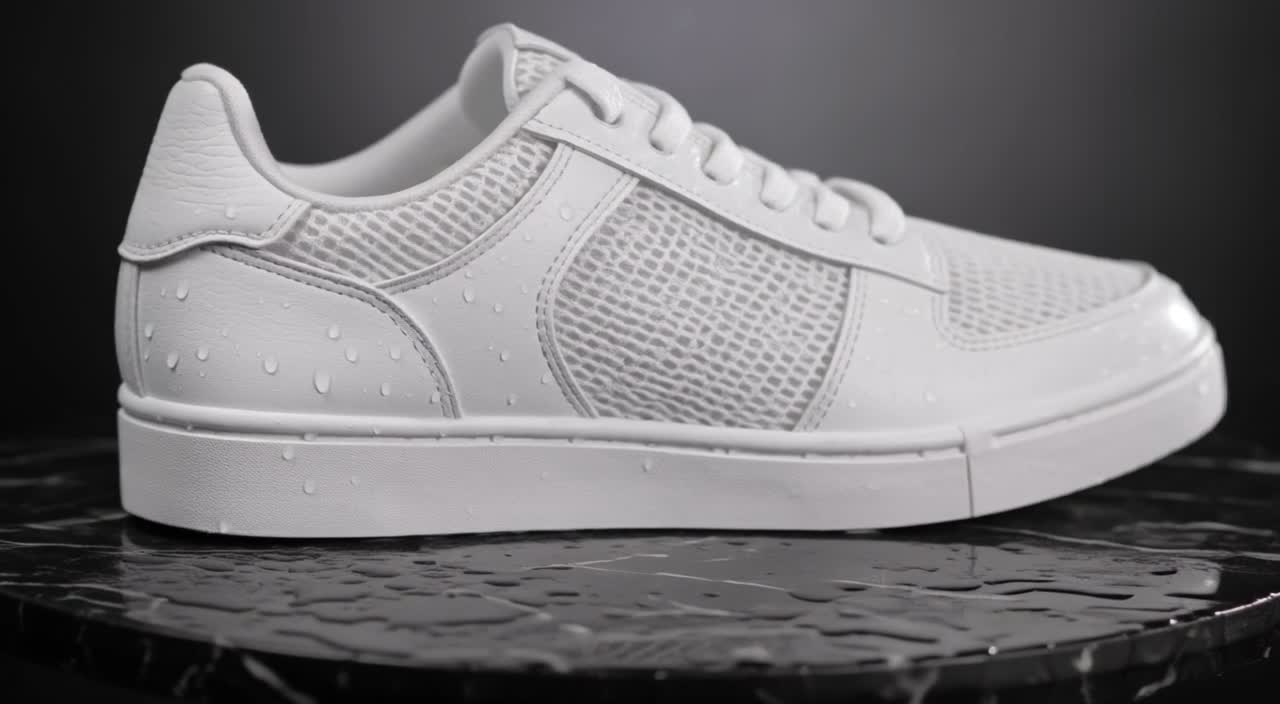
参数:文生视频 · 商品微距 · 5 秒 · 720p · auto · 音频默认开启 · 观看成片 →
A single white sneaker rotates slowly on a wet black plinth, studio softbox lighting, water droplets on the surface, macro product shot, clean background.
商品镜头把细节写具体:湿润黑色展台、柔光箱、鞋面水珠、干净背景。旋转放句首,光线和材质跟在后面,主体不会被背景抢走。
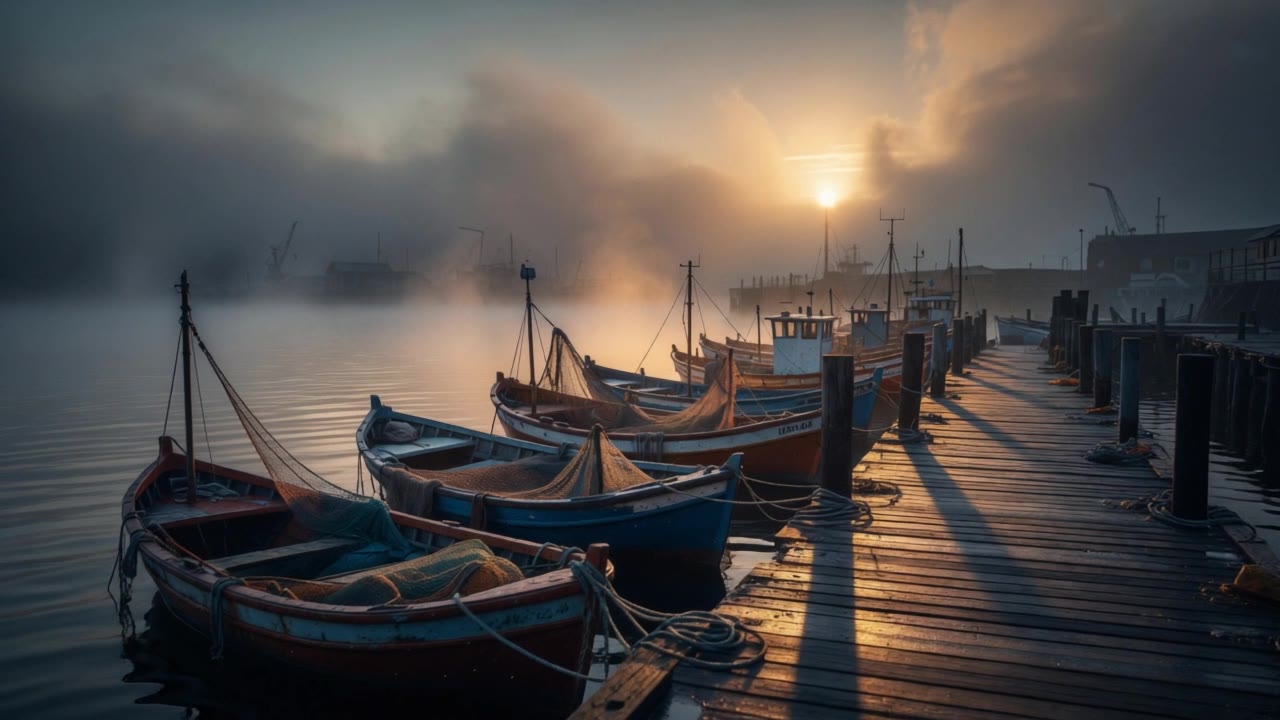
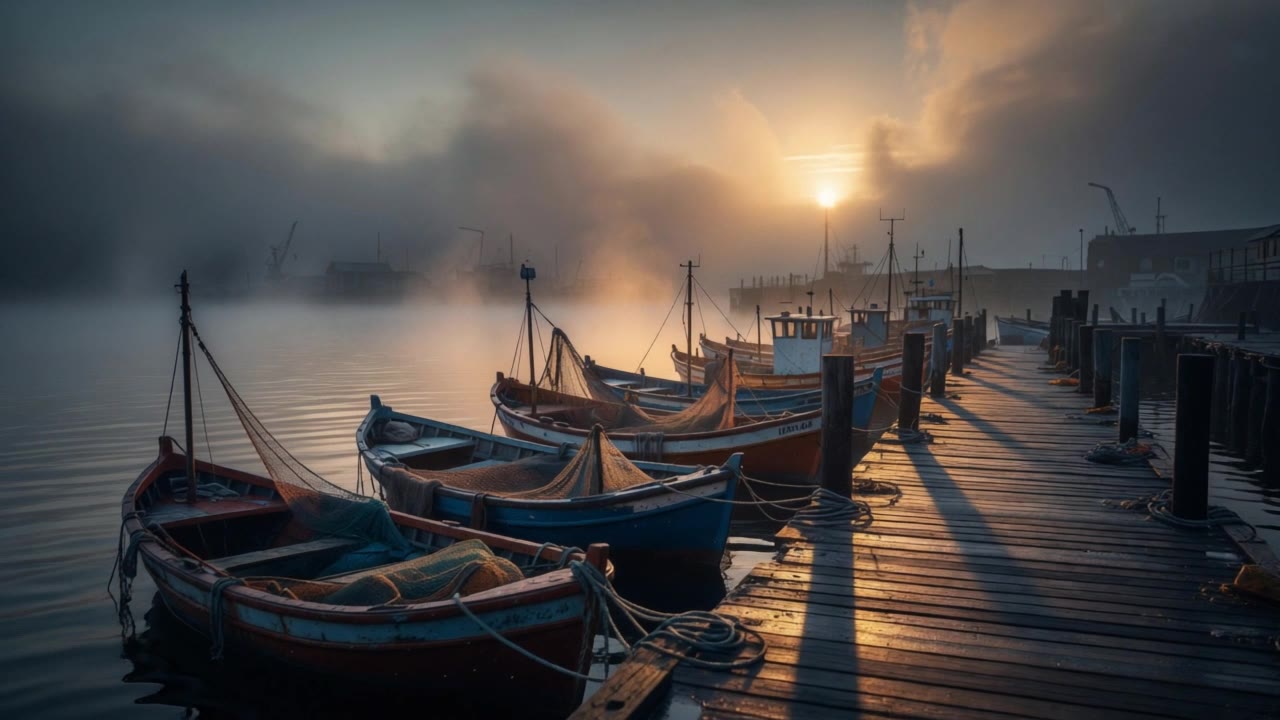
4. 静图动起来:晨雾渔港
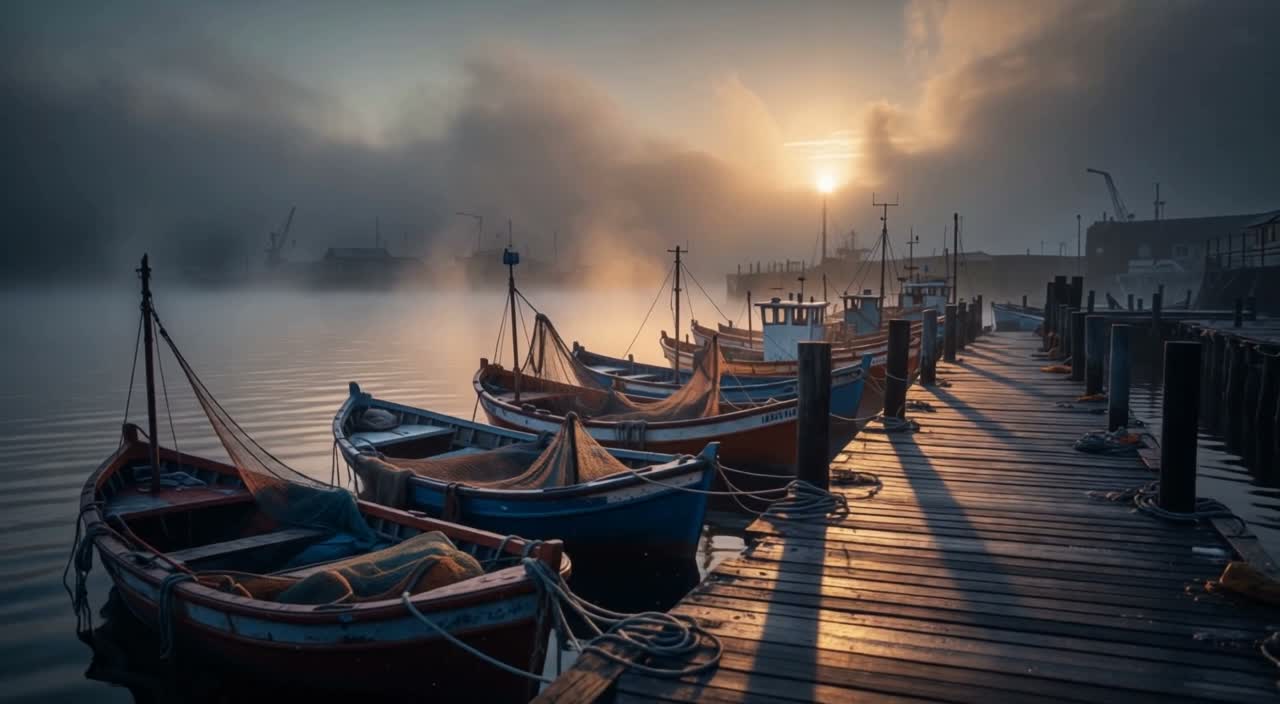
参数:图生视频 · 首帧 1 张 · 5 秒 · 720p · auto · 音频关闭 · 观看成片 →
首帧:查看原图
Morning mist drifts slowly over the quiet fishing harbor as the wooden boats rock gently on the water; sunlight glints across the wet pier planks and the camera slowly pushes forward.
首帧已经定下构图和光线,提示词只写接下来发生什么:木船轻摇、晨雾漂移、镜头向码头推进。三个动作按空间顺序排,时间线就不会乱。
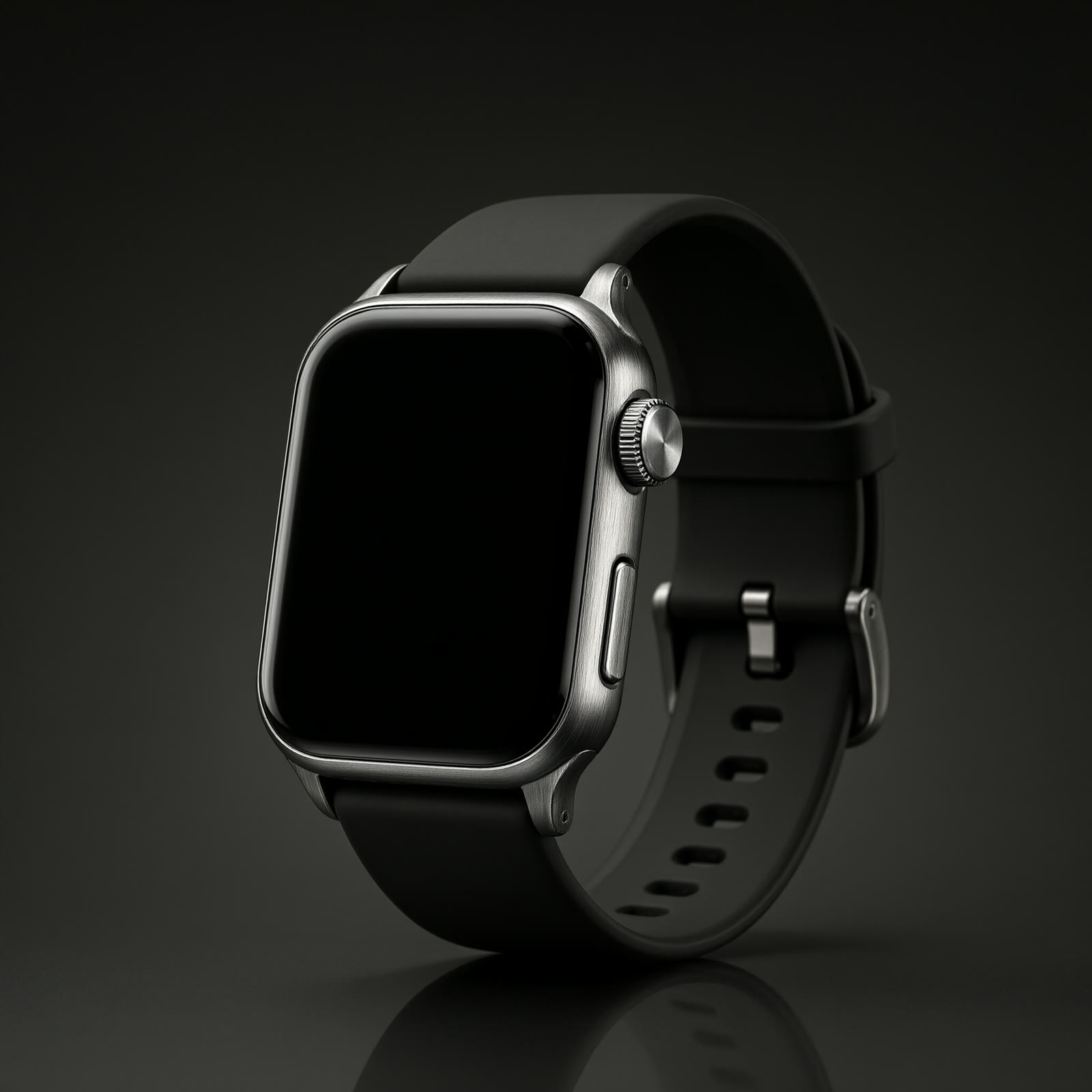
5. 商品图动起来:腕表
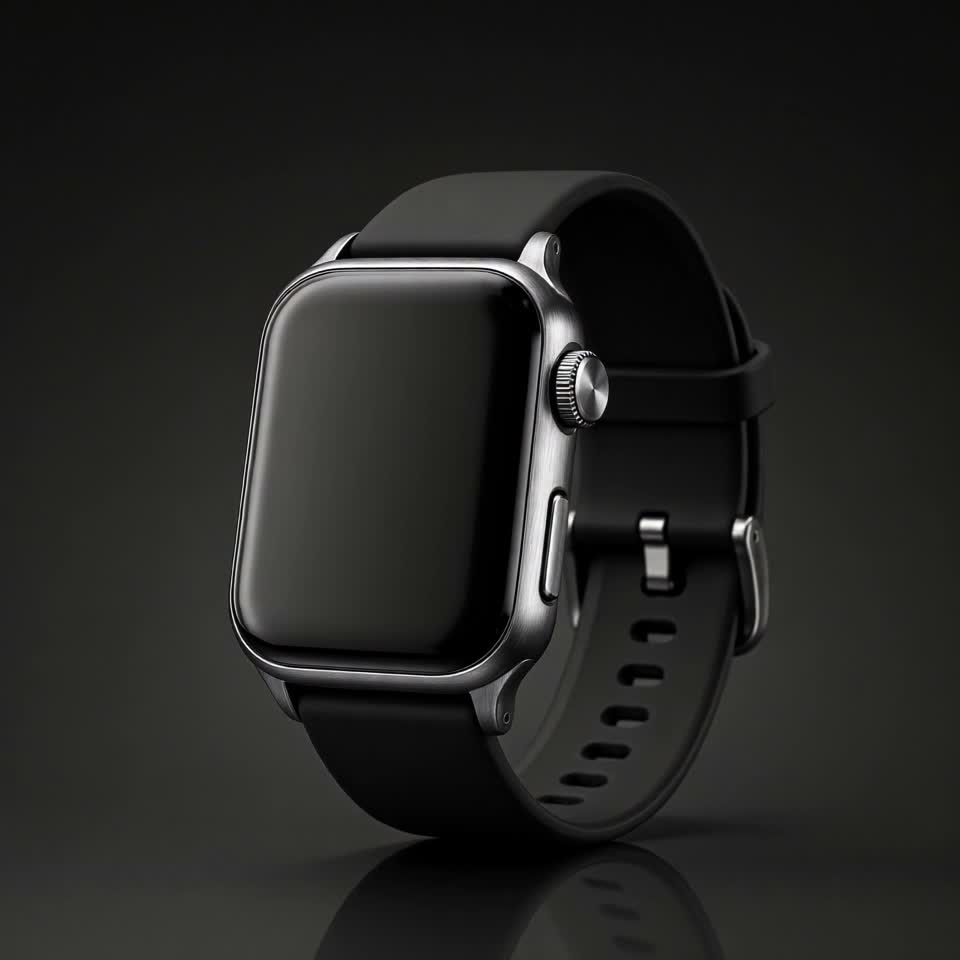
参数:图生视频 · 首帧 1 张(1:1) · 5 秒 · 720p · 音频关闭 · 观看成片 →
首帧:查看原图
The wristwatch turns slowly on its stand as studio light sweeps across the brushed metal and crystal, macro product shot, shallow depth of field.
方形商品图保持 1:1。让影棚光扫过拉丝金属和表镜,再补一句微距、浅景深;转动的只有表,机位不动。
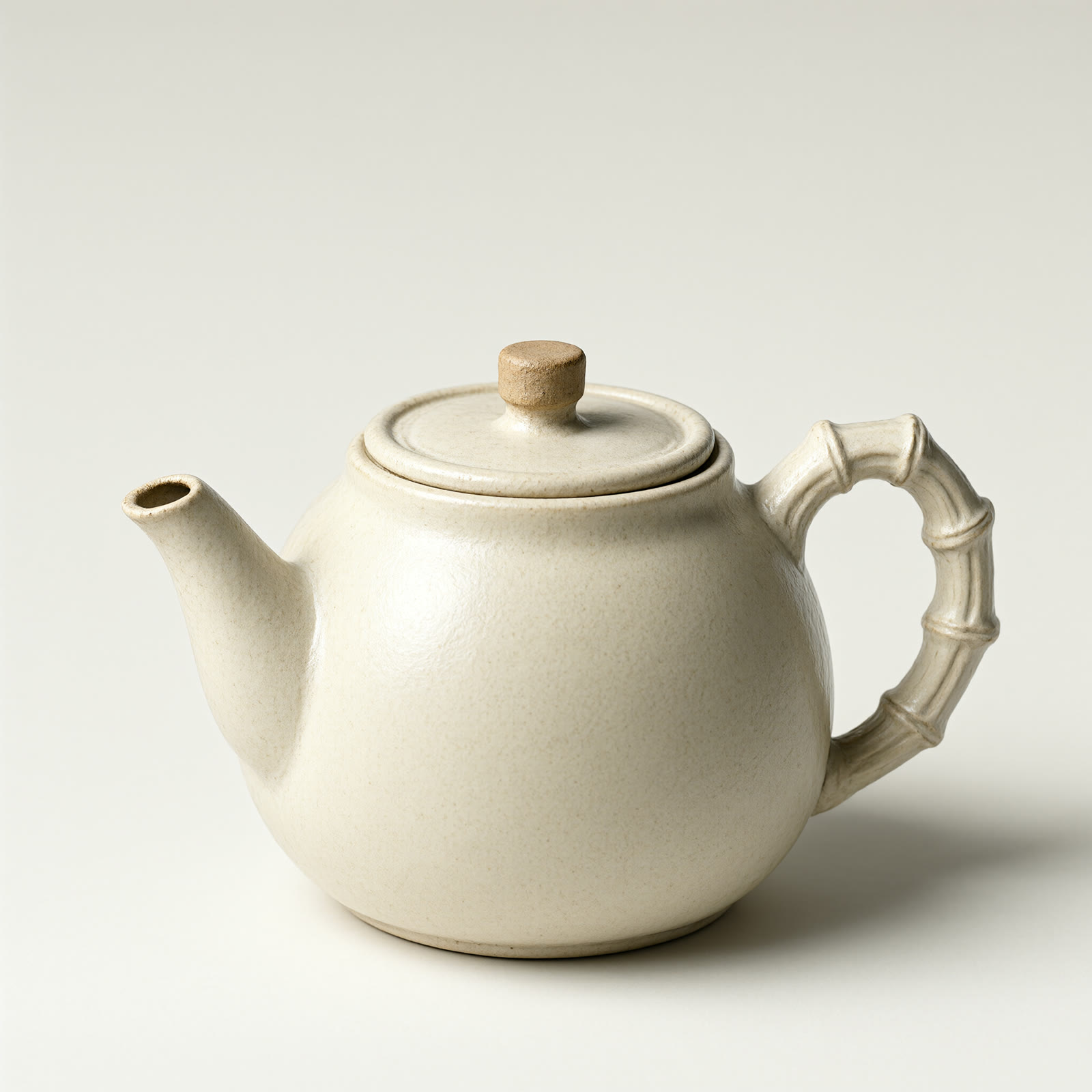
6. 静物晨光:茶壶蒸汽
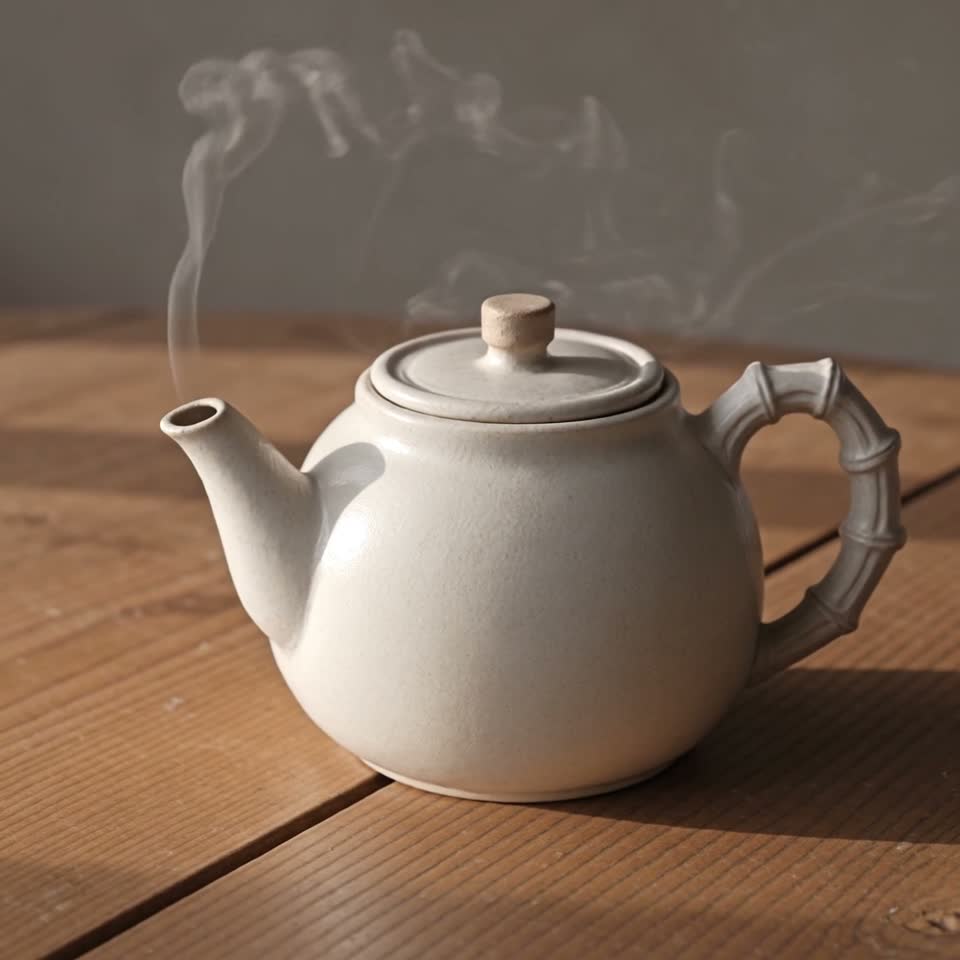
参数:图生视频 · 首帧 1 张(1:1) · 5 秒 · 720p · 音频关闭 · 观看成片 →
首帧:查看原图
Steam rises gently from the teapot as morning light shifts across the wooden table, slow push-in, calm atmosphere.
只安排一个主动作:蒸汽升起;再让晨光在木桌上移动,最后缓慢推近。摆件位置不变,安静的氛围来自光线变化。
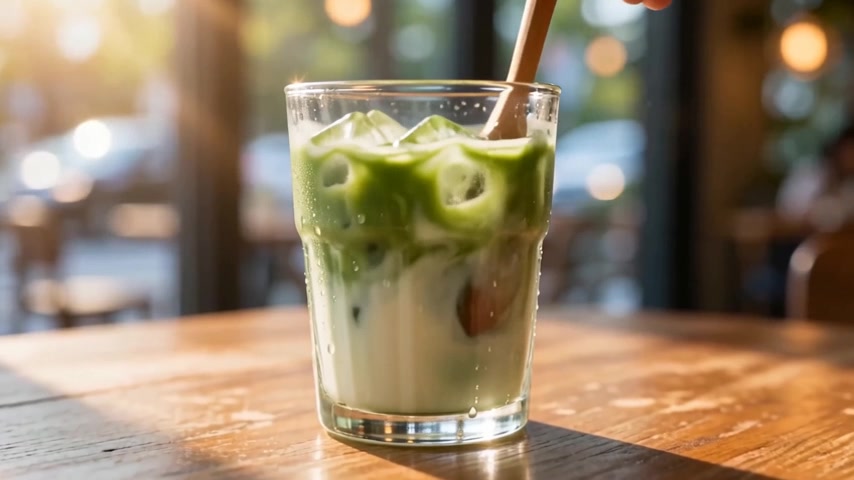
7. 转场变形:渔港溶解成抹茶拿铁
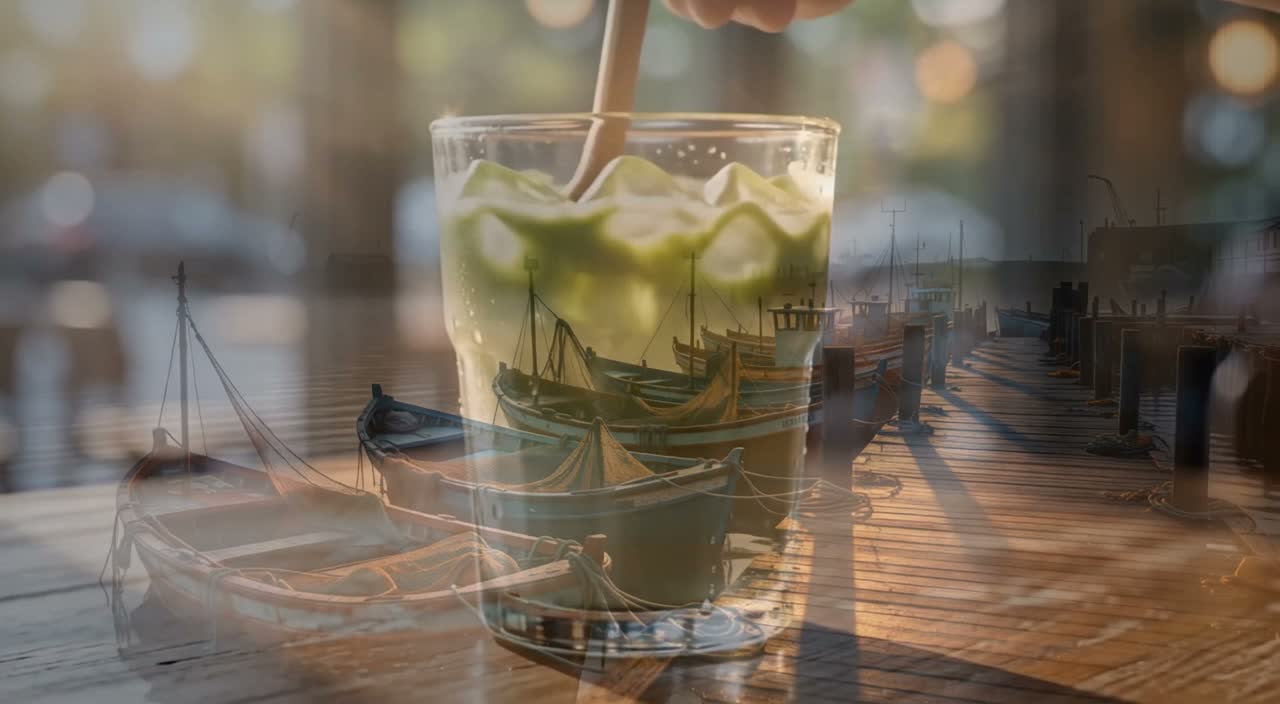
参数:关键帧 2 张(第 0 / 120 帧) · 5 秒 · 720p · auto · 音频关闭 · 观看成片 →
关键帧:第 0 帧 渔港 · 第 120 帧 冰抹茶拿铁
A continuous cinematic morph: the misty fishing harbor at sunrise smoothly dissolves into a close-up of an iced matcha latte on a wooden table, ending on the drink.
两张关键帧放在 24fps 时间轴两端,5 秒就是第 0 帧到第 120 帧。continuous cinematic morph 让画面一路溶解到饮品,不切镜。
8. 时间流转:牡丹从花苞到盛开
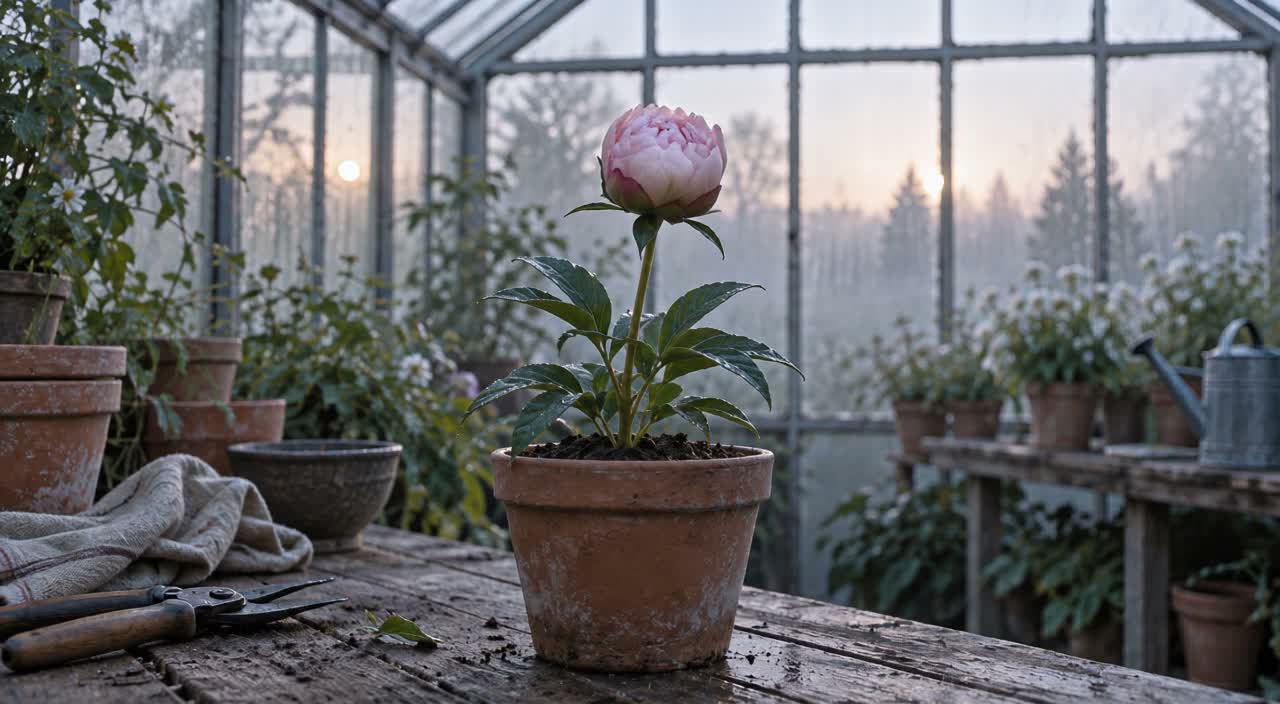
参数:关键帧 2 张(第 0 / 120 帧) · 5 秒 · 720p · auto · 音频关闭 · 观看成片 →
关键帧:第 0 帧 花苞 · 第 120 帧 盛开
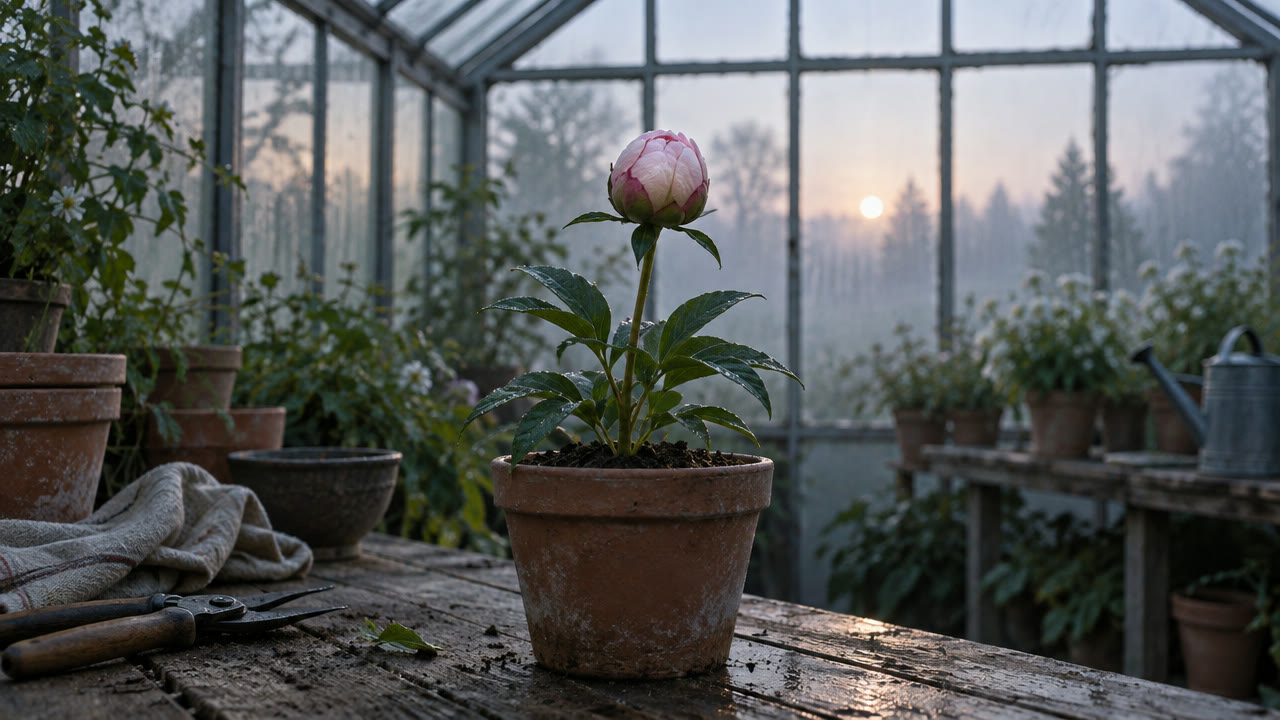
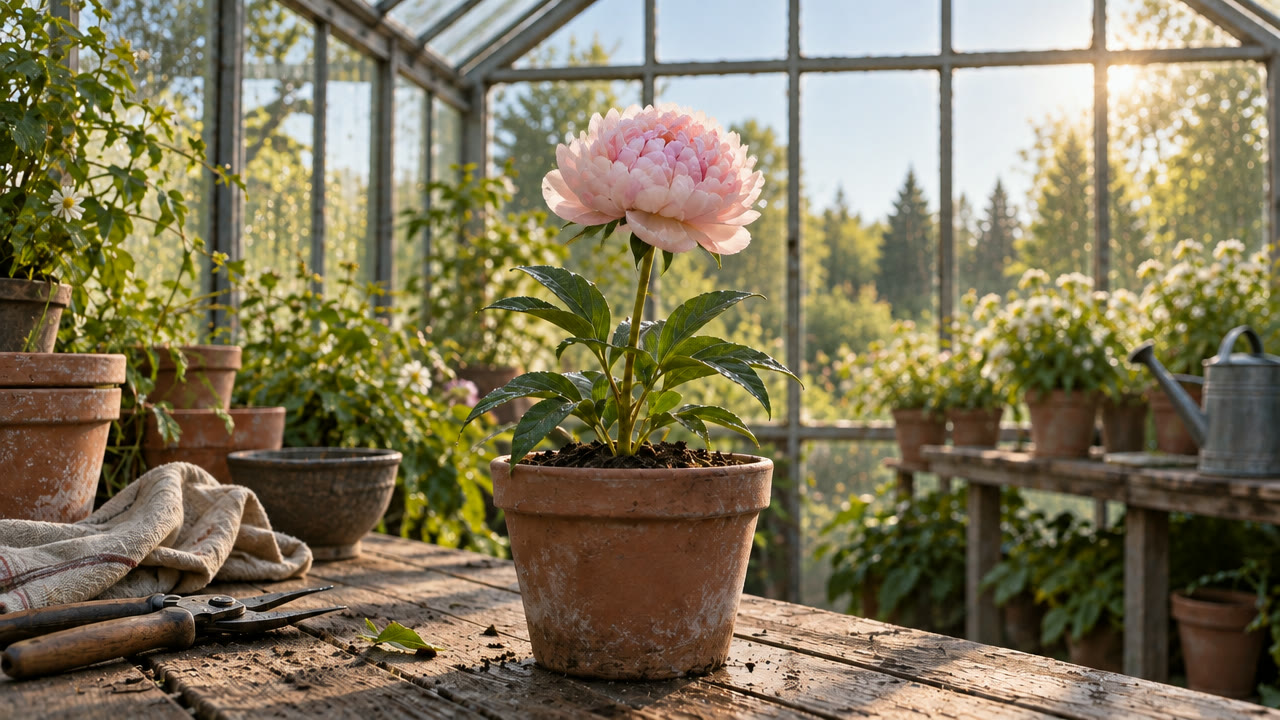
The peony bud opens into full bloom as morning light sweeps across the greenhouse; static camera, continuous time-lapse feel.
首尾关键帧定住花苞和盛开,中间交给模型补。固定机位加 continuous time-lapse feel,晨光扫过温室,花瓣逐层打开。
9. 无缝循环:海浪
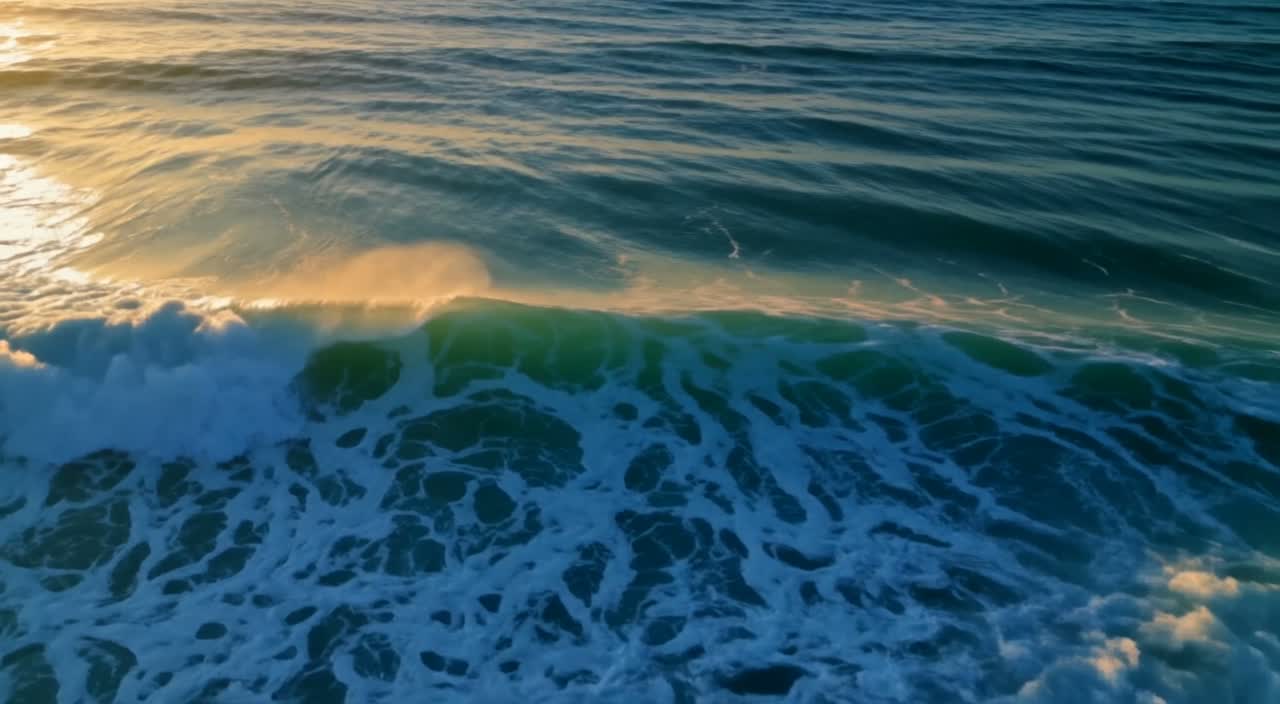
参数:关键帧 2 张(第 0 / 120 帧) · 5 秒 · 720p · auto · 音频关闭 · 观看成片 →
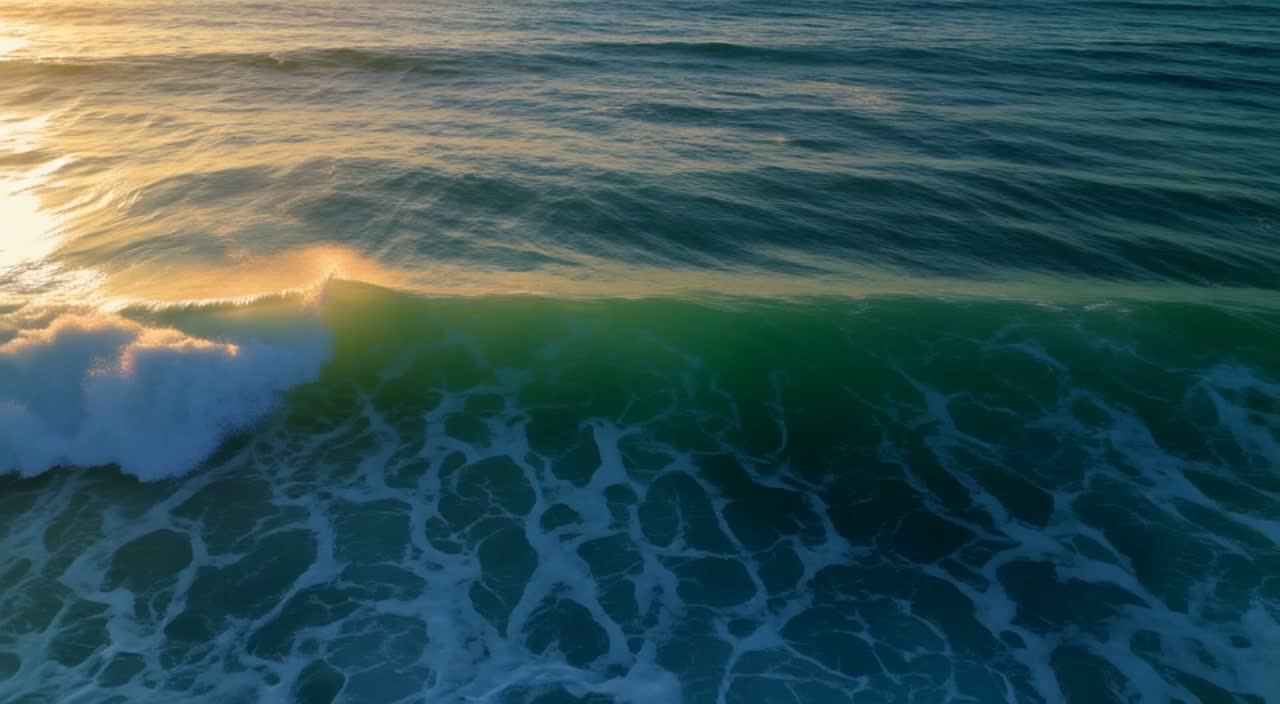
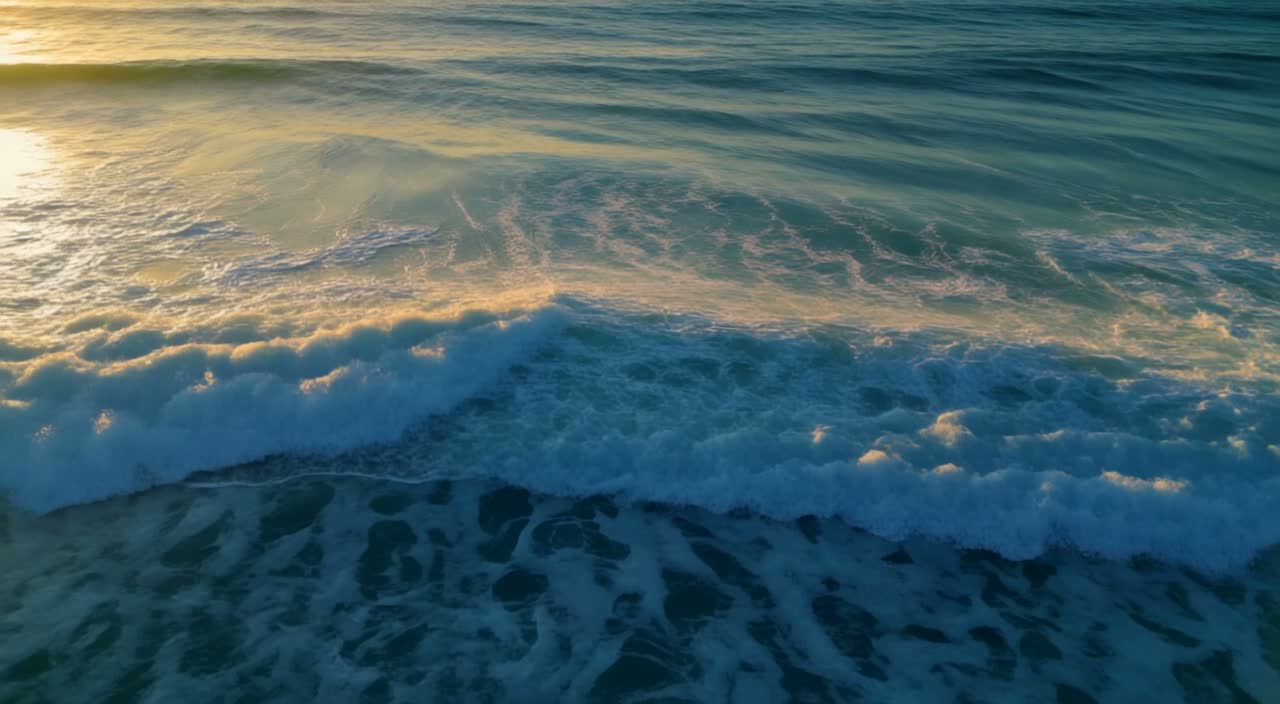
The ocean waves roll continuously in a seamless loop; the camera holds steady, sunlight glints on the water, subtle slow motion.
循环的关键是首尾两帧构图一致、镜头不动。seamless loop 和 holds steady 让涌浪持续翻滚,结尾接回开头也看不出接缝。
通用写法
- 先写主体和一个主动作,再写镜头怎么动,最后写光线、材质和氛围;一条提示词只留一个主要运动。
- 图生视频只描述首帧之后的变化;关键帧先把时长换算成帧号(24fps,5 秒 = 0–120),再决定每张图放哪一帧。
- 需要声音就保留
generate_audio默认开启;要循环就固定机位,并让首尾关键帧构图一致。
常见问题
点「用这个提示词生成」会预填提示词吗?
会。模型页打开时提示词已填好;图生视频还要上传首帧,关键帧生视频还要上传 1–10 张图并填 frame_index。
一条视频可以多长、什么画幅? 5–20 秒,720p 或 1080p,支持 auto、21:9、2:1、16:9、4:3、1:1、3:4、9:16。上面的案例都是 5 秒、720p。
默认有声音吗?
generate_audio 默认开启。上面的图生视频和关键帧案例关闭了音频,文生视频保留默认设置。
复制第 1 条日出提示词,去文生视频模型页生成第一条 5 秒片 →。