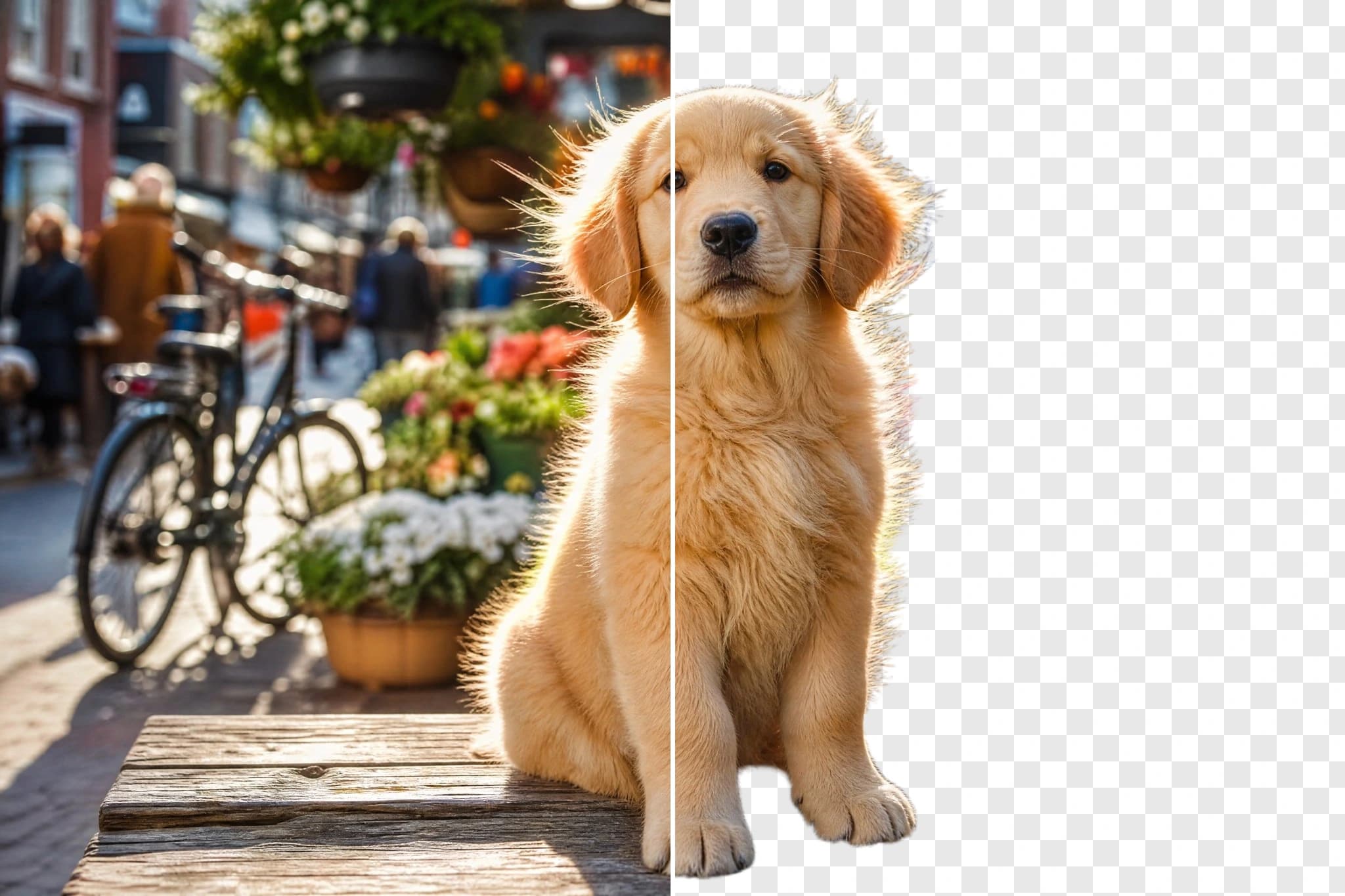
Bria Eraser API removes passers-by, clutter or blemishes you paint on a mask and fills in the background. Clean product shots and photos, then try it online.

Provider: Bria

Category: image generation

Endpoint: /v1/tasks

Status: Available

Cost: See live page pricing

Back to Models

Bria Eraser

New
by BriaImage

Bria Eraser API removes passers-by, clutter or blemishes you paint on a mask and fills in the background. Clean product shots and photos, then try it online.

Pricing

Standard Usage

115 Credits/ image

Input

More parameters

Upload assets

Preview after upload

Black-and-white mask: white is erased, black is kept; must match the image's aspect ratio. Paint slightly beyond the object edge

Generation settings

Manual for brush-drawn masks; automatic for masks from a segmentation tool

Generation preferences

Keep transparent areas transparent when the input has an alpha channel

Estimated cost115 Credits / imageper image
Upload Mask to run

Output

Ready for generation

Configure your parameters and click "Run" to see the output here.

--

Image, mask and erased result

Each case shows the image, the black-and-white mask and the full erased result side by side — no prompt involved, with zoom for the filled-in background.

1 source image + mask / 1360 × 768

Remove people

Remove a passer-by from a cobblestone street

Input: a quiet cobblestone street with one passer-by walking in the middle. Mask: the person. Output: the person is removed and the cobblestones, walls and light are filled in naturally.

Mask type
manual
Preserve transparency
off

1 source image + mask / 1360 × 768

Clean up clutter

Clear a paper ball and tea bag off a table

Input: a white mug on a wooden table with a crumpled paper ball and a used tea bag beside it. Mask: the paper ball and the tea bag. Output: a clean tabletop with only the mug, wood grain continued.

Mask type
manual
Preserve transparency
off

1 source image + mask / 1360 × 768

Interior clean-up

Remove a wall cable and socket

Input: a minimal living room with a wooden sideboard and a black cable running down the wall into a socket. Mask: the cable and the socket. Output: a clean, uninterrupted wall above the sideboard.

Mask type
manual
Preserve transparency
off

1 source image + mask / 1024 × 1024

Keep transparency

Remove a sticker and keep the transparent background

Input: a transparent-background PNG of a sage ceramic vase with a white blank sticker. Mask: the sticker. Output: the sticker is removed, the glaze is restored and the transparent background is kept (preserve_alpha).

Mask type
manual
Preserve transparency
on

Related image models

Choose an adjacent model by task, output tier, and reference-image needs.

About Bria Eraser

Bria Eraser API removes passers-by, clutter or blemishes you paint on a mask and fills in the background. Clean product shots and photos, then try it online.

The Playground and API use the same model ID: bria-eraser. It takes an image and a black-and-white mask with the same aspect ratio, needs no prompt, erases the white area, fills in the background and returns a PNG at the original resolution.

Provider
Bria
Task
Image-to-Image / Editing
Input image
1 image + 1 mask

Model specifications

Choose inputs and output settings for your creative goal with Bria Eraser.

Input images
1 image + 1 mask
Output formats
PNG
Mask
White erases, black keeps; same aspect ratio as the image
Mask type
manual (brush-drawn, default)automatic (from a segmentation tool)
Output size
Same resolution as the input
Input formats
JPEG / PNG / WEBP

Each request takes one image and one mask and returns one image. Mask type and transparency settings do not change the price; see live pricing and your task records for charges.

How to use Bria Eraser

One image plus one mask, no prompt — three steps to erase.

Image
Mask
1 + 1
01

Upload the image and mask

The image can be JPEG, PNG or WEBP. Paint what to remove — passers-by, clutter, blemishes — white on the mask, keep the rest black, and match the image's aspect ratio.

Input

Image + mask

Output

Erased

02

Pick the mask type and run

Use manual for brush-drawn masks and automatic for masks from a segmentation tool; turn on preserve transparency for transparent inputs.

Playground
POST /v1/tasks
03

Save and integrate

Check the result in Playground, copy it to your storage, then create asynchronous tasks with the same model ID.

API Quickstart

Copy a minimal request below. See Docs for parameters, callbacks, task retrieval, and errors.

Endpoint
POST /v1/tasks
Model ID
bria-eraser
cURL
curl -X POST "https://api.hiapi.ai/v1/tasks" \
  -H "Authorization: Bearer YOUR_API_KEY" \
  -H "Content-Type: application/json" \
  -d '{
  "model": "bria-eraser",
  "input": {
    "image_url": "https://dev-static.hiapi.ai/model-onboarding/bria-eraser/2026/10/21/1792546025379-46c31ddb2b52110d-e1-street-src.png",
    "mask_url": "https://dev-static.hiapi.ai/model-onboarding/bria-eraser/2026/10/21/1792546025861-e5d2a17ae1d12d41-e1-street-mask.png",
    "mask_type": "manual"
  }
}'

The create request immediately returns a taskId; image generation continues asynchronously.

Read the full API documentation
Need to compare models and billing tiers?View live pricing for all models

Frequently asked questions

How do I make the mask?

The mask is a black-and-white image: the white area is erased and the background is filled in, the black area stays unchanged. Paint the white area slightly beyond the object edge so shadows and edge remnants go too.

Does the mask have to match the image size?

The mask must have the same aspect ratio as the image. Exporting it at the image's exact size keeps the erased area in place.

Do I need a prompt?

No. Bria Eraser works from the image and the mask only; requests must not include a prompt field.

Should mask_type be manual or automatic?

Use manual (the default) for masks painted with a brush or an editor; use automatic for masks produced by a segmentation tool.

What happens with a transparent input?

Turn on preserve_alpha to keep the input's transparent areas transparent in the result. It is off by default.

What format and size is the output?

One PNG per request at the same resolution as the input image (measured: 1360 × 768 in, 1360 × 768 out). The PNG is RGBA and fully opaque unless preserve transparency is on.

Which input formats are supported?

The image can be JPEG, PNG or WEBP. Both the image and the mask must be publicly reachable http(s) URLs; files uploaded in the Playground are turned into links for you.

How is it billed?

Per output image, one image per request. See the live pricing on this page for the current rate.