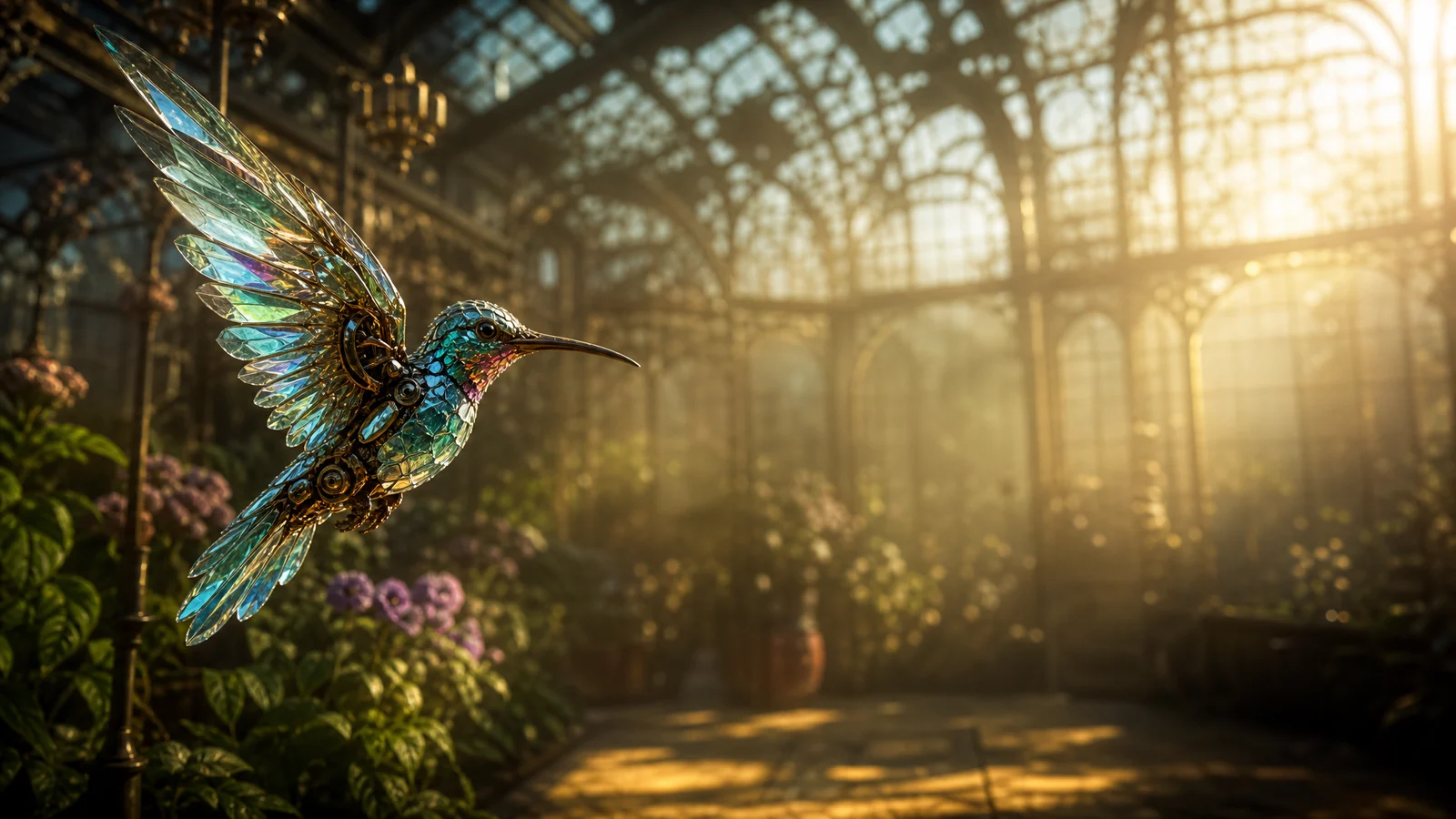
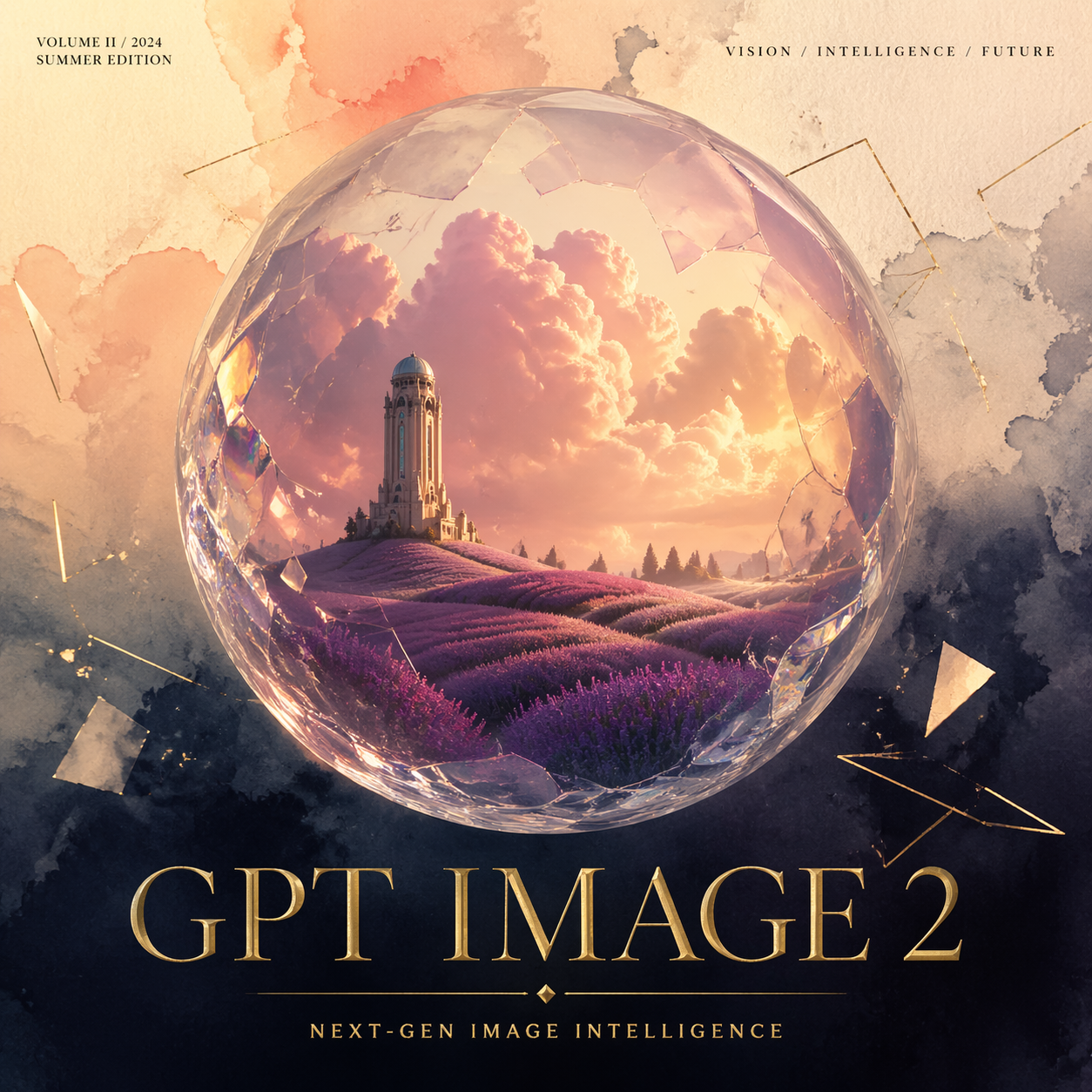
Create: subject, scene, style
Constrain: copy, position, hierarchy
01
Describe the image
Describe the subject, setting, composition, and style; include any exact text you need.
GPT Image 2 API turns text or reference images into posters and product visuals, with background and style edits. Try it online or integrate it into your app.
Provider: OpenAI
Category: image generation
Endpoint: /v1/tasks
Status: Available
Cost: See live page pricing
OpenAI GPT Image 2 image-to-image uses reference images for background changes, local edits, and other controlled transformations.
Pricing
Standard Usage
Background mode. This parameter is supported only at 1K resolution
Ready for generation
Configure your parameters and click "Run" to see the output here.
Choose another GPT Image 2 route for text-to-image or image editing.
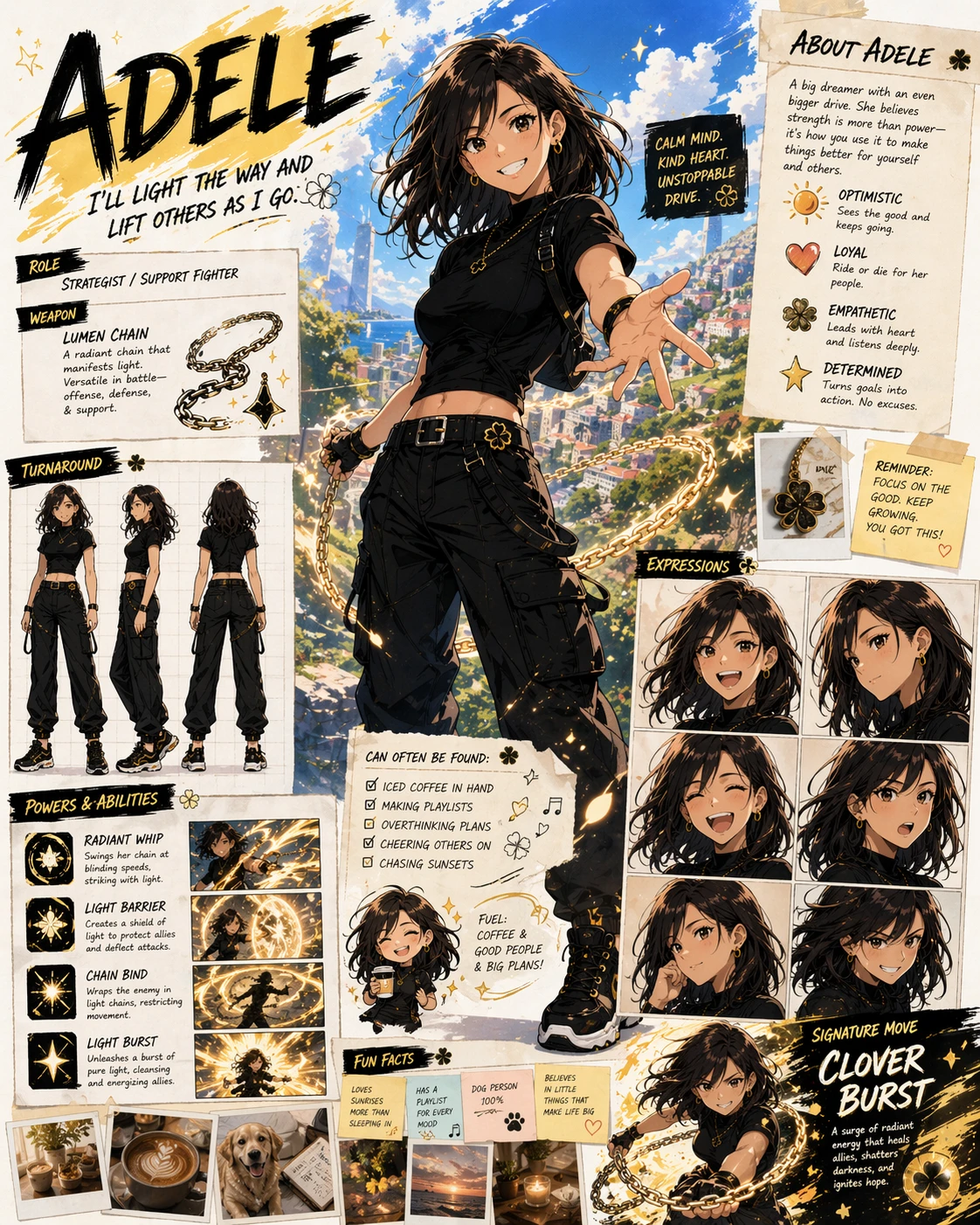
GPT Image 2 is OpenAI's text-to-image model for text-heavy posters, structured knowledge cards, product visuals, character design, and complex prompts with explicit layout and object relationships.
Combination limits: the auto aspect ratio supports 1K only; explicitly passing background (auto, opaque, or transparent) requires 1K; 1:1 does not support 4K; 2K does not support 5:4, 4:5, 3:1, 1:3, or 9:21; 4K does not support 1:1, 3:1, 1:3, or 9:21.
Create an image in three short steps.
Describe the subject, setting, composition, and style; include any exact text you need.
Choose the aspect ratio, 1K/2K/4K resolution, and an auto, opaque, or transparent background.
Click Run, wait for the task to finish, then view and download the image.
This example calls the GPT Image 2 text-to-image model to create a task.
POST /v1/tasksgpt-image-2/text-to-imagecurl --request POST 'https://api.hiapi.ai/v1/tasks' \
--header 'Authorization: Bearer YOUR_API_KEY' \
--header 'Content-Type: application/json' \
--data '{
"model": "gpt-image-2/text-to-image",
"input": {
"prompt": "A clean product photo of a red apple on a white table",
"aspect_ratio": "1:1",
"resolution": "1K",
"background": "auto"
}
}'The create request returns a taskId immediately while the image is generated asynchronously.
Transparent example: A red apple isolated on a transparent background. Set background to transparent and use 1K resolution.
OPENAI · GPT IMAGE 2
GPT Image 2 is an OpenAI image generation and editing model: start from text, or use reference images to extend a subject, background, or style.
MAIN WAYS
Choose the creative starting point that fits your work: build a new image from words, or continue editing from reference material.
Start with a brief and build a complete visual direction: a poster, product scene, knowledge card, or editorial image. Describe the subject, message, setting, and hierarchy before a reference asset exists.
The text-to-image variant is the open starting point for a new visual idea. It can turn a campaign message into a poster direction, a product concept into a scene, or a rough editorial thought into a complete image language. The brief begins with words, so the team can establish the subject, message, composition, setting, and tone before a reference asset exists.
This makes it useful at the moment when a creative direction is still being discovered. A designer can compare a restrained product story with a more expressive campaign scene; an editor can see how a title changes the reading order of an image; a brand team can explore how one message behaves across a hero visual, a card, and a social crop. When a real subject later becomes central, the image-to-image variant provides the next step for reference-based continuity.
Use text-to-imageBring a product, character, garment, room, or layout into a new scene. References establish continuity while the prompt describes the background, atmosphere, crop, or style to change.
The image-to-image variant begins with visual evidence that already matters. A product, character, layout, garment, or environment can remain part of the creative identity while the surrounding scene changes. The page is designed for reference-based editing: continuity comes from the input images, while the brief describes the new background, style, atmosphere, or composition.
This makes it a natural fit for a product moving through seasonal settings, a character entering a new story world, a poster adapting to a new format, or a catalog team developing related views from one visual source. Reference images make the starting point concrete, and the model gives the team room to discover a different destination without losing the subject’s main visual features.
Use image-to-imageKEY FEATURES
01
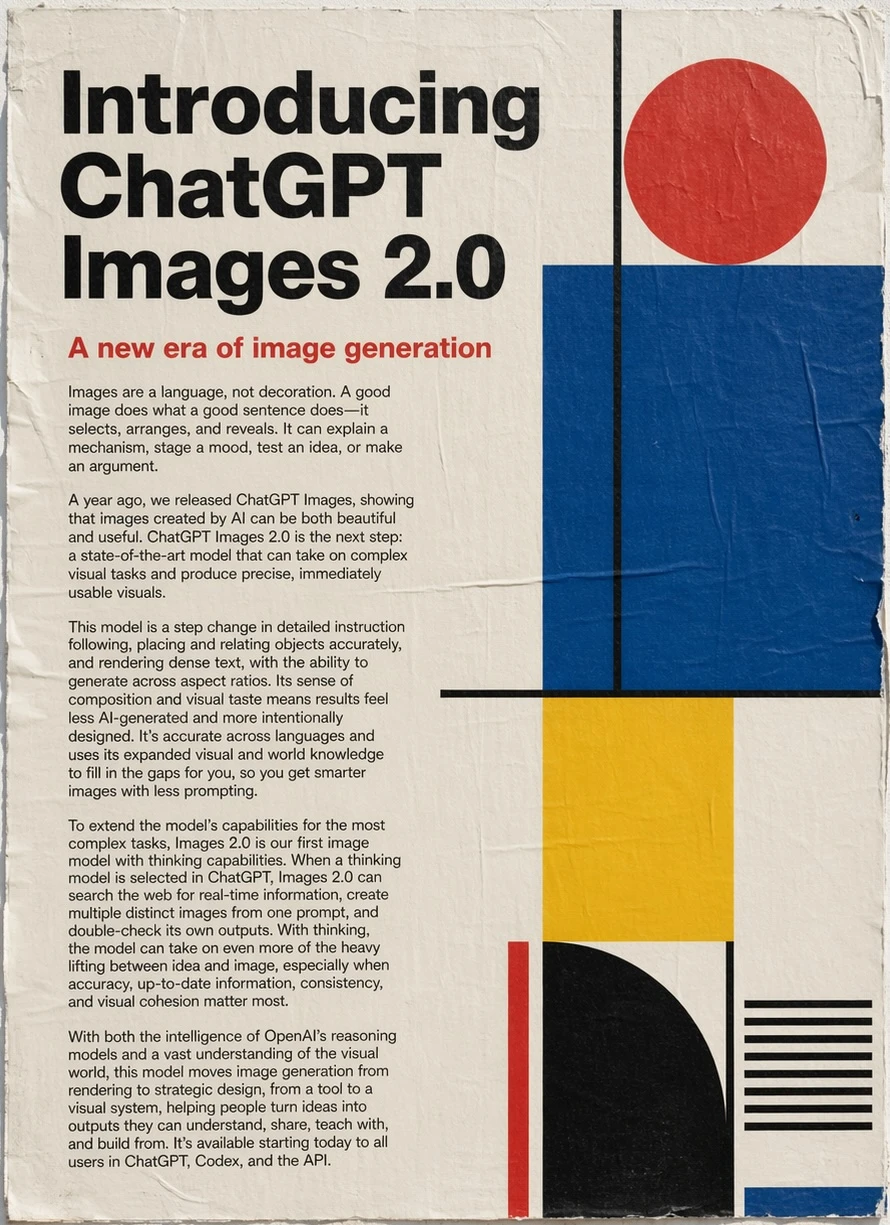
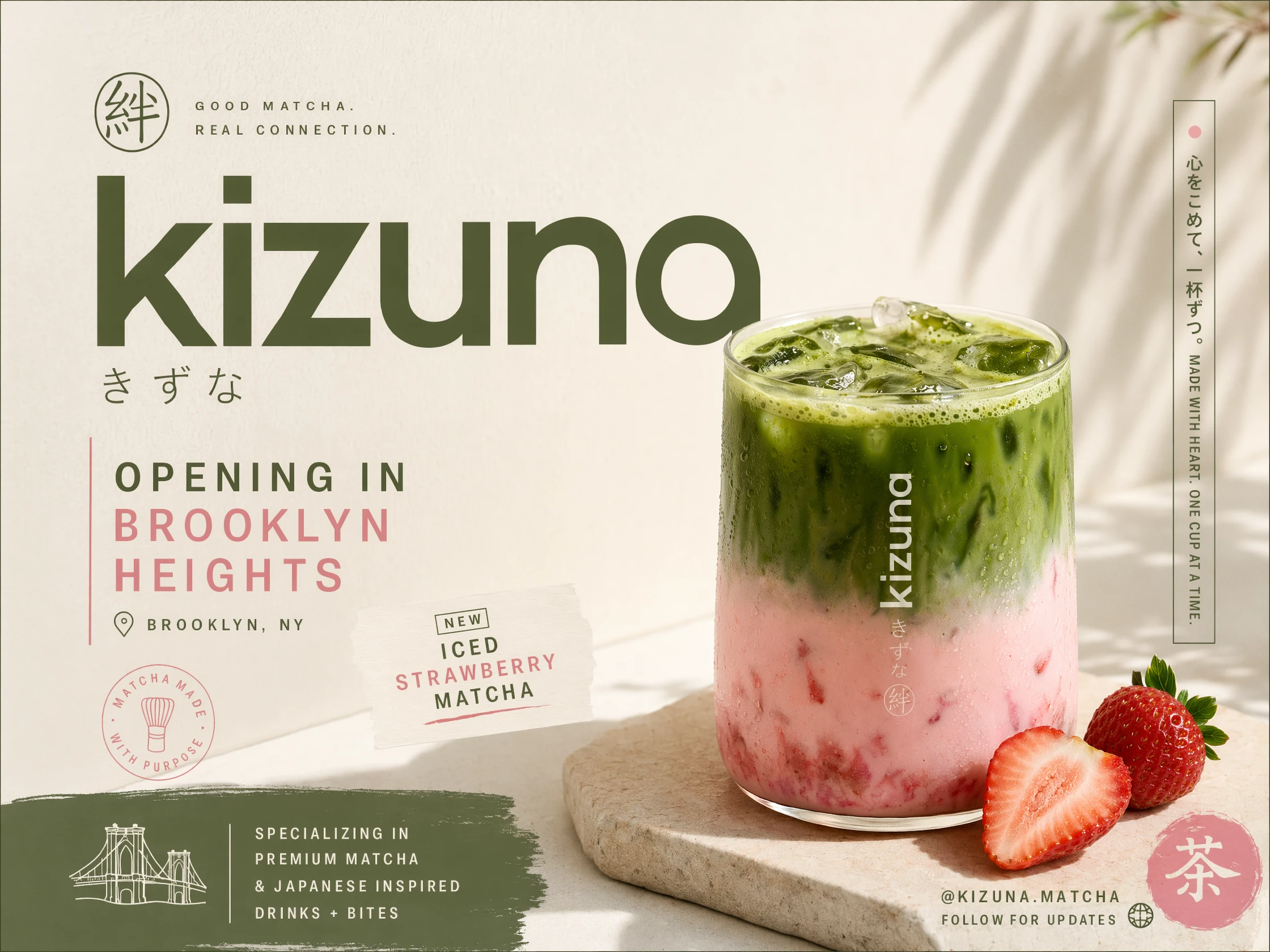
Use a headline, label, date, offer, or short caption as part of the visual brief. GPT Image 2 can explore information hierarchy alongside illustration, product photography, and the surrounding layout.
GPT Image 2 brings written information into the visual composition instead of treating it as a separate finishing layer. A launch poster can balance a headline, date, offer, and product image; a knowledge card can turn a dense subject into a clear hierarchy; a menu, invitation, or social announcement can make its most important line visible at a glance. The model is especially interesting for teams whose images need to explain, label, or guide as well as attract attention.
Dense type works best when it has a clear visual role. The model can develop a title-led poster, an annotated product story, a comparison card, or an editorial cover direction. The result gives a creative team a concrete visual object to discuss: what should be larger, what belongs together, where the eye should land, and how the message feels before the final art direction is settled.
02
Several references can carry different roles: one establishes the subject, another the environment, and another a color or styling direction. This gives editing work a concrete starting point and a deliberate destination.
HOW TO USE GPT IMAGE 2 WITH HIAPI
Create an account and open the API keys page.
Check prompts, ratio, resolution, and background online.
Copy the request from the API quickstart.
Use the task ID to poll status, then retrieve the image.
Connect generation to an editor, catalog, or content flow.
Turn one launch message into a coordinated poster, event visual, landing-page hero, and social preview. A team can compare a bold announcement, a quieter editorial composition, and a mobile crop, then carry the strongest direction into a campaign calendar without restarting the visual language for every channel.
Develop a product family across a clean catalog view, a seasonal lifestyle scene, a material detail crop, and a transparent asset for page modules. The same visual idea can support discovery, comparison, and purchase decisions while giving the content team reusable pieces for campaigns, email headers, and product pages.
Move from a concept to a cover, knowledge card, explanatory illustration, and landing-page direction. Teams can test hierarchy, negative space, object relationships, and reading order before committing to production, then adapt the chosen visual system across editorial packages, product stories, and recurring content updates.
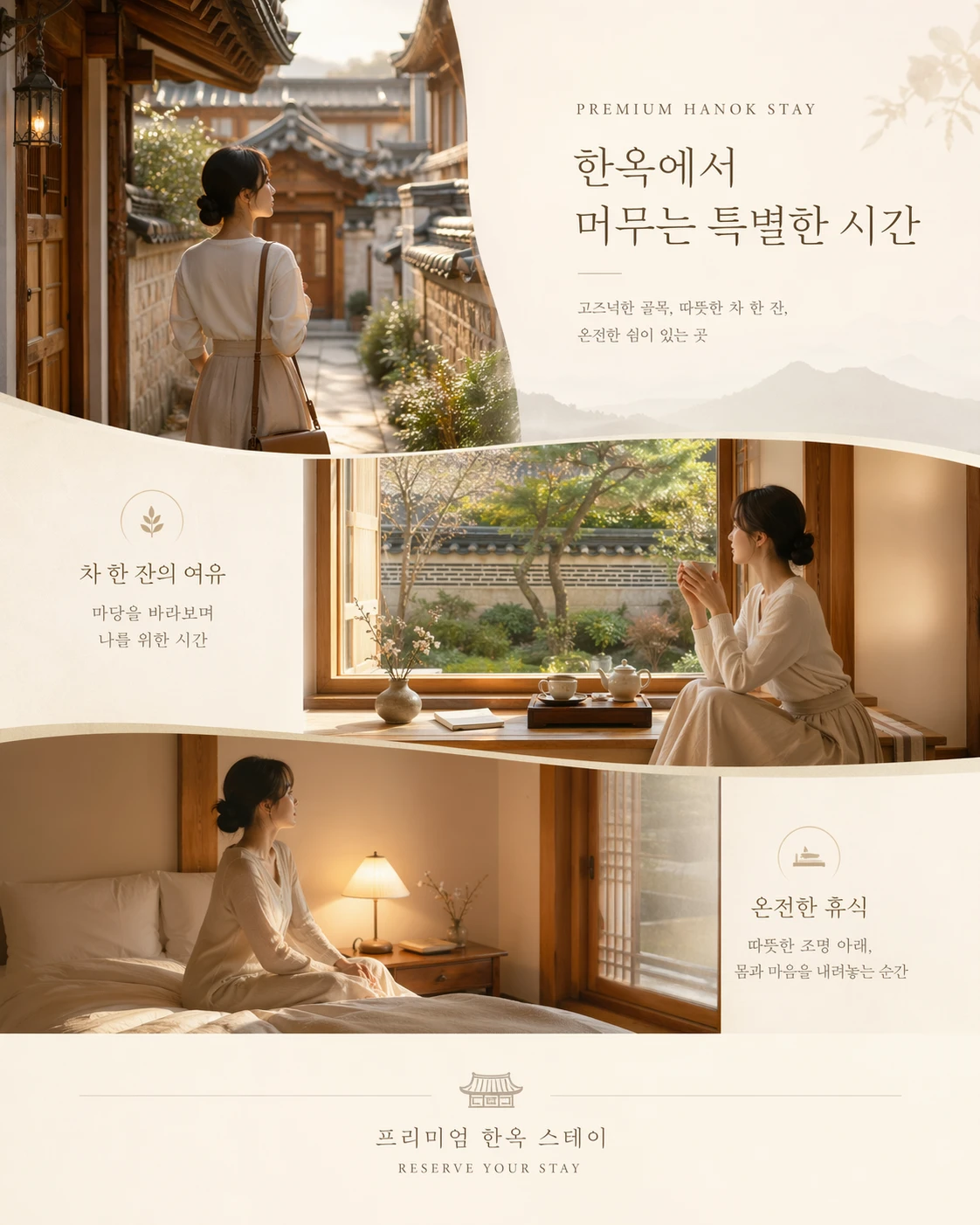
Keep one central visual idea while adapting headlines, supporting copy, calls to action, and information grouping for each audience. A hospitality launch, course announcement, or retail promotion can feel native in several languages because the layout follows each language's rhythm instead of treating translation as a final block pasted into the original design.
In HiAPI, you can try GPT Image 2 online, choose text-to-image or image-to-image, adjust the aspect ratio, resolution, and background, then review and download the generated result. Designers can compare poster and product-visual directions, while content teams can prepare images for an article, event, or product page.
When image generation belongs inside your own product, the page provides cURL, Python, and Node.js examples. A product editor can add background replacement, a content backend can offer article illustrations, and a creative tool can let users upload a reference image and continue editing it. Prompts and parameters tested online can carry over into the API request.
Generation runs as an asynchronous task: submit a request, receive a task ID, then query its progress and result. An application can show generation status while the user continues working elsewhere. Text-to-image creates a new picture from an idea; image-to-image extends existing material. Both can fit into an established content workflow.
Edit one or more references with prompt-driven background, lighting, composition, and style changes while preserving source structure.
Yes. This route requires reference input and accepts up to 6 images.
The page exposes 1K, 2K, 4K and auto, 1:1, 9:16, 16:9, 4:3, 3:4; use the Playground contract for the final available set.
Billing is per successful generated image. Resolution or quality differences, when present, are reflected by the live page price.
POST an asynchronous task to /v1/tasks with model set to gpt-image-2/image-to-image and put generation fields inside input.
The image-to-image variant starts with visual material that already carries meaning. A reference can establish a product shape, a character, a garment, a room, a pose, or the structure of a composition. GPT Image 2 then gives the creative team a way to explore what happens when the setting, palette, atmosphere, or surrounding details change while the important subject remains part of the picture.
This is valuable for catalog variations, seasonal campaigns, background replacement, character development, editorial adaptation, and design studies. A product can move from a studio surface to a summer table; a character can enter a different environment; an existing poster can become a new format with a related visual relationship. The reference image supplies continuity, while the written brief gives the new scene its purpose and tone.
Several references can contribute different kinds of information. One may define the main subject, another may suggest an environment, and another may provide a color or styling direction. The result is a visual conversation between what is already known and what the new image should become. This makes the image-to-image page a natural choice when the starting material matters as much as the destination.
03
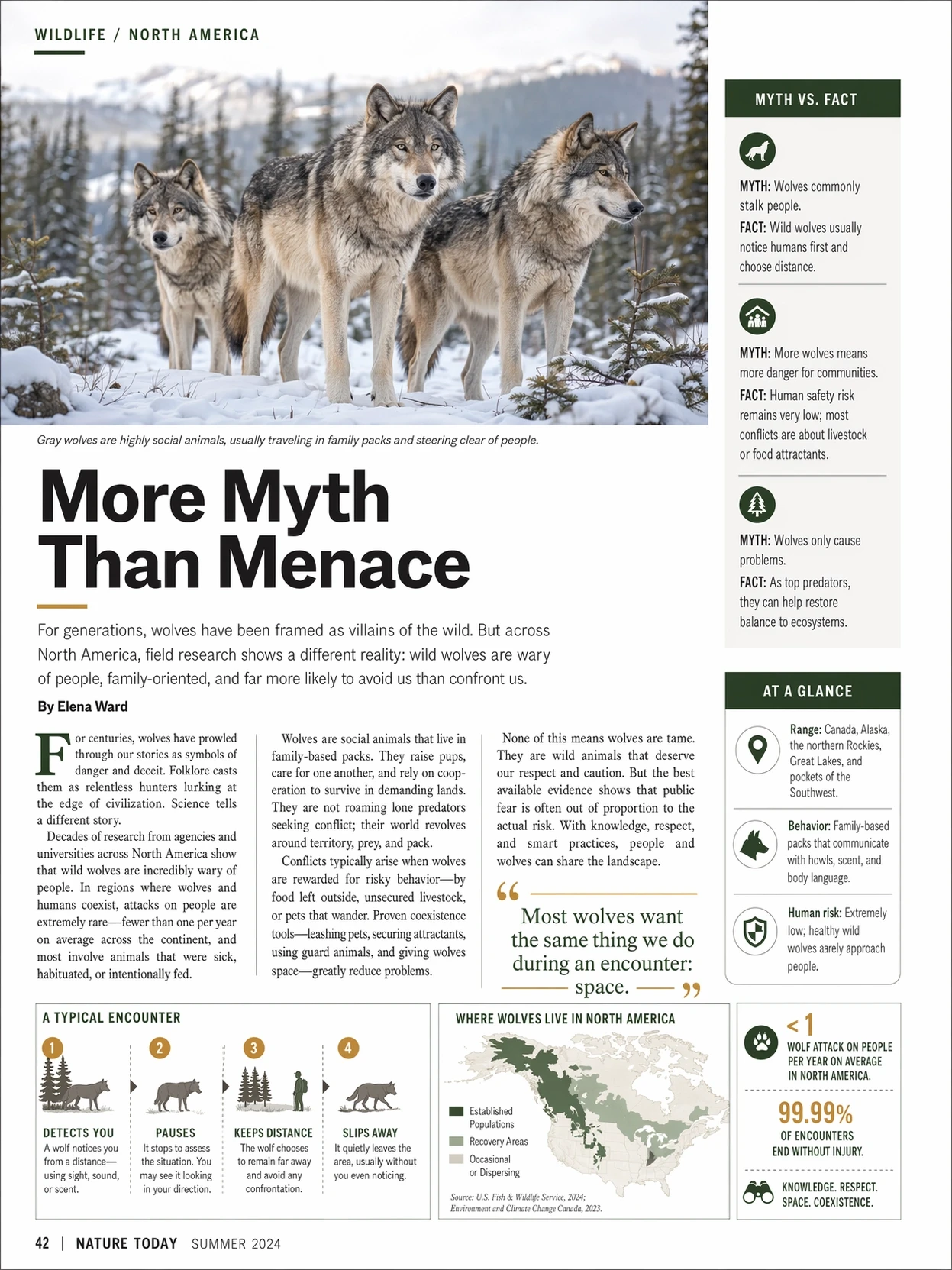
Use a real subject, place, or knowledge topic as the center of a visual world. The official wolf editorial example combines photography, maps, labels, and explanatory text, showing how an image can organize information for education and publishing as well as set a mood.
For education and publishing, GPT Image 2 can shape a lesson into a visual card, a chapter opener, a historical scene, or an explanatory illustration with a readable information structure. For travel and hospitality, it can explore destination stories, menu announcements, room atmospheres, and event visuals. For entertainment and editorial teams, it can support character directions, cover concepts, scene studies, and visual essays that need a strong relationship between subject and setting.
04
Make spatial intent explicit: what is closest, where the subject sits, what should be read first, and where copy needs room. This turns a mood into a visual system that can extend across a hero image, card, and crop.
GPT Image 2 can turn relationships into a visual narrative. A scene becomes more specific when the brief explains which object is closest, where the main subject sits, how much space surrounds it, and what the viewer should notice first. A campaign image may reserve a quiet area for a headline; a product scene may use scale to show premium detail; a character image may place the figure in an environment that explains the mood of the story.
These relationships support more than decorative style. They give a design team a way to talk about hierarchy, movement, balance, contrast, and focus with a concrete image in front of them. The same subject can feel intimate in a close crop, expansive in a wide environment, playful through unexpected scale, or calm through generous negative space. GPT Image 2 helps make those alternatives visible during concept development.
05
Adapt the message, supporting copy, call to action, and grouping for each language while keeping the central visual idea. Each localized version can have its own reading rhythm instead of feeling like pasted translation.
The same quality supports multilingual creative work. A campaign can retain its central visual idea while adapting its headline, supporting copy, call to action, and information grouping for different languages. Each version can have its own rhythm and emphasis rather than looking like a translated block pasted onto the original layout. This makes GPT Image 2 a useful part of the early design conversation for international launches, education, travel, retail, and editorial publishing.
Transparent output is useful when the subject needs to travel between layouts. A product cutout can appear in a catalog, a landing page, a presentation, or a campaign composition. An icon, sticker, character element, decorative object, or small interface illustration can sit on a new background without bringing an entire scene with it. The creative value is separation: the subject becomes a reusable part of a broader visual system.
This direction suits ecommerce teams building product modules, brand teams developing sticker and icon families, educators assembling visual cards, and creators preparing layered social designs. The asset can be conceived as a complete object with its own silhouette, edge treatment, pose, and visible details. It can then participate in several contexts while keeping the same visual identity.
HiAPI exposes auto, opaque, and transparent background choices for GPT Image 2. Automatic or opaque backgrounds remain useful when the environment is part of the image; transparent is the focused choice when the subject is destined for a new composition.