Grok Imagine 1.5 Lite API animates one image into a 1–15 s clip with built-in sound, keeping its style. Try it online and view examples and docs.

Provider: xAI

Category: video generation

Endpoint: /v1/tasks

Status: Available

Cost: See live page pricing

Back to Models

Grok Imagine 1.5 Lite Image to Video

by xAIVideo

Upload one image, describe how it should move, and get a 1–15 second video with sound already mixed in. The original style is kept and the aspect ratio approximately follows the image, which makes it easy to bring product shots, travel photos and illustrations to life.

Pricing

Standard Usage

86 Credits/ sImage Url +30 Credits per image

Input

0 / 4096
6s
1s1-second steps15s
Estimated cost516 Credits86 Credits / s × 6s × 720p
Upload input image to run

Output

Ready for generation

Configure your parameters and click "Run" to see the output here.

--

Image-to-video results

Turn one image into a video with sound

Source images and generated videos are shown separately. Copy a prompt to reproduce the motion language or adapt it to your own image.

Image-to-video example6s720p16:9

A surfer on a breaking wave

A 16:9 photo becomes a tracking shot: the wave curls, spray sparkles in the backlight and the surf roars.

Original prompt

The wave curls and breaks behind the surfer as he carves down its face, white spray bursts and sparkles in the golden backlight, water rushes past. Smooth tracking camera following the surfer. Loud ocean surf and rushing water. Keep the photo realistic. No text, no logos.
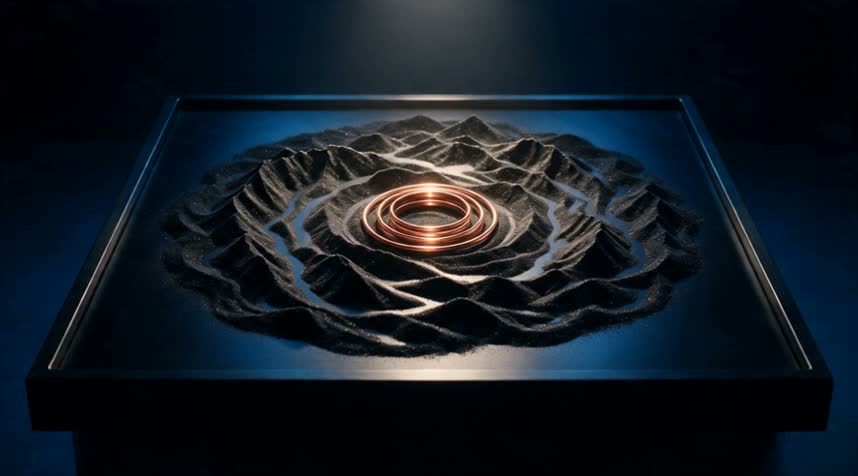
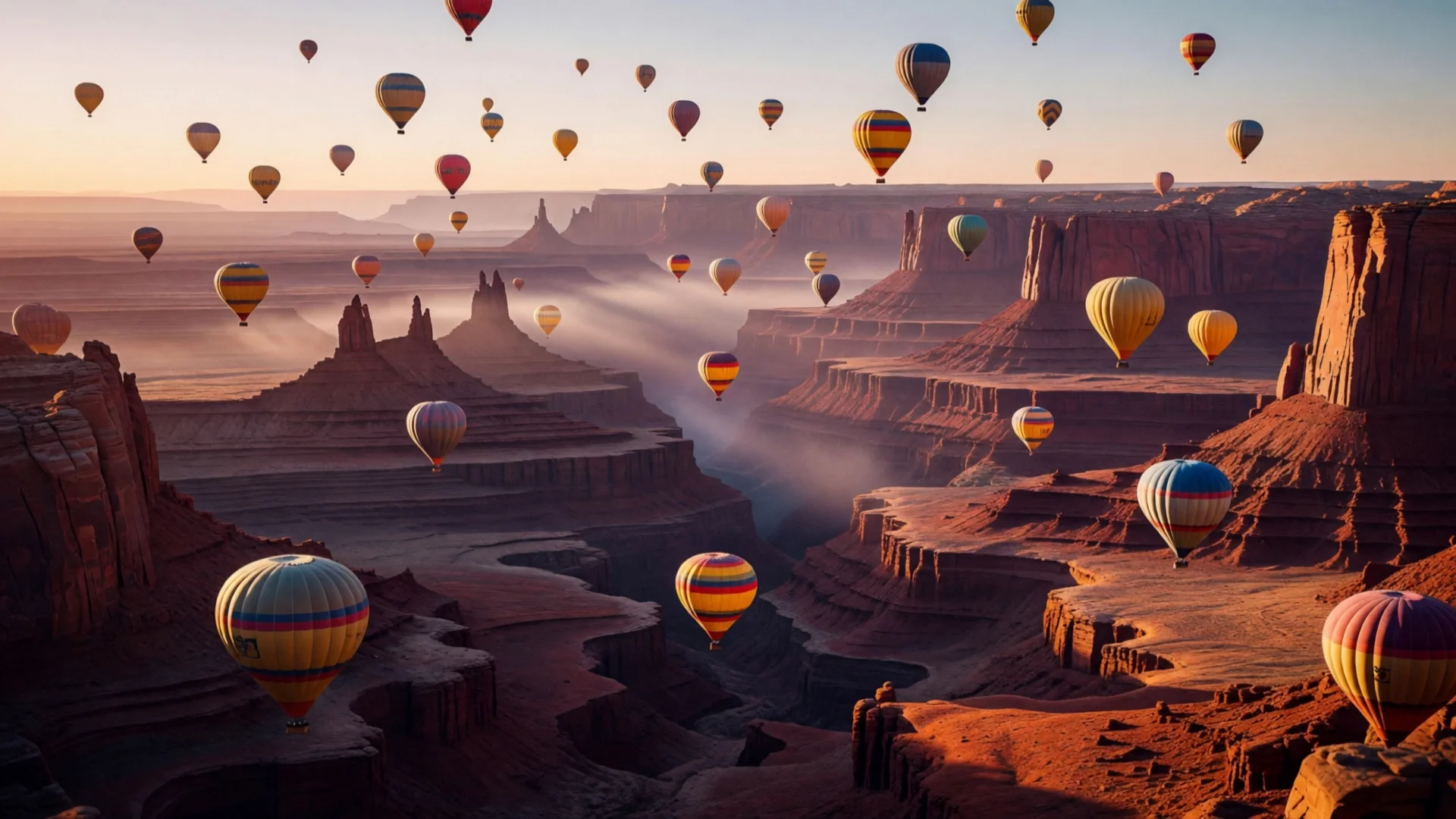
First frame16:9
Generated video · silent6s · 720p · 16:9
Image-to-video example6s720p9:16

Latte art being poured

A vertical café close-up: the milk stream draws a rosetta while steam rises, with soft café ambience.

Original prompt

Steamed milk pours in a thin stream into the espresso and a rosetta pattern slowly blooms on the surface, light steam rises, the barista's hand moves steadily. Slow push-in close-up. Soft cafe ambience, gentle pouring sound, quiet chatter in the background. No text, no logos.

First frame9:16
Generated video · silent6s · 720p · 9:16
Image-to-video example6s720p1:1

Perfume bottle on rippling water

A square product still gains ripples, drifting petals and moving light while the bottle stays unchanged.

Original prompt

Gentle ripples spread across the water around the perfume bottle, pink petals drift and rotate slowly, light caustics shimmer on the glass and background. Slow orbiting camera move around the bottle. Soft water droplets and calm ambient music. Keep the bottle shape and label area unchanged. No text, no logos.

First frame1:1
Generated video · silent6s · 720p · 1:1
Image-to-video example6s720p4:3

A red fox in falling snow

A 4:3 wildlife photo comes alive: snow falls, the fox turns, sniffs the air and steps forward.

Original prompt

Snow falls steadily, the red fox turns its head, sniffs the air and takes a few careful steps forward through the snow, its breath visible in the cold air, branches drop a little snow. Slow handheld push-in. Quiet winter forest ambience, soft crunching snow. Keep the photo realistic. No text, no logos.
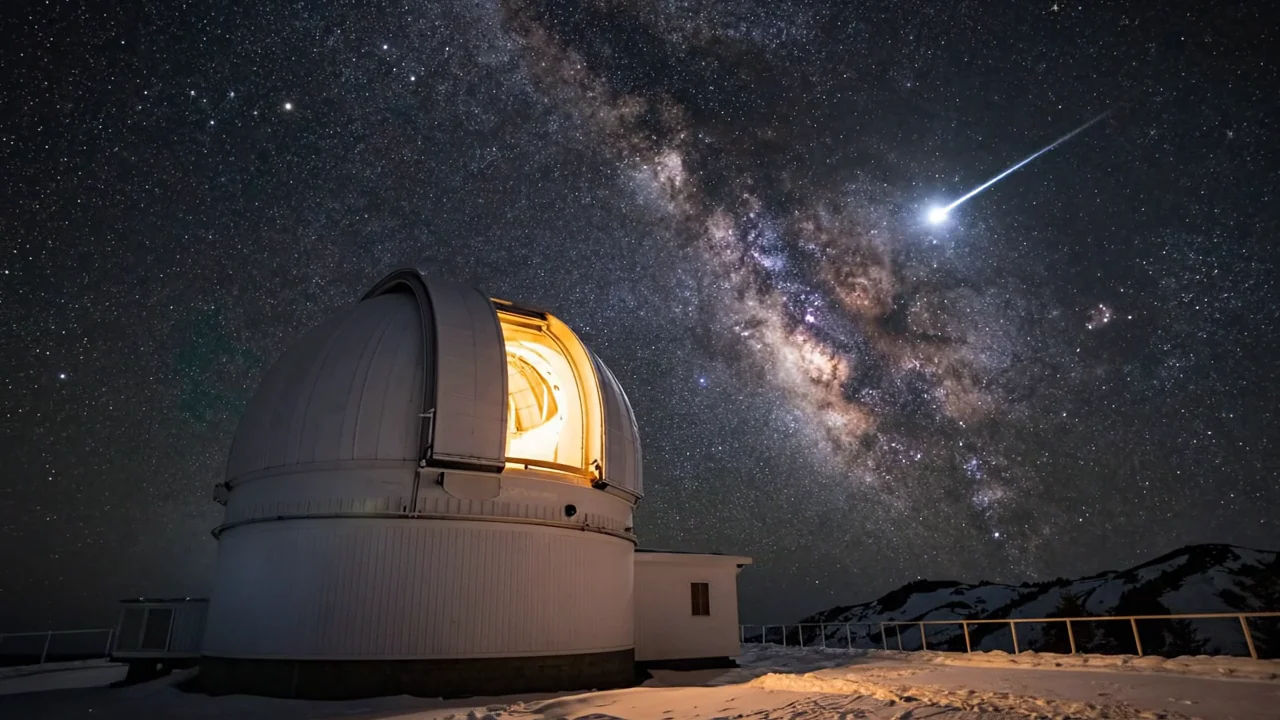
First frame4:3
Generated video · silent6s · 720p · 4:3

Choose by starting material, reference method, resolution, and shot-control requirements.

About Grok Imagine 1.5 Lite Image to Video

Grok Imagine 1.5 Lite Image to Video turns a source image into a continuous video shot while preserving recognizable subject details.

The Playground and API use model ID grok-imagine-1.5-lite/image-to-video. Keep image guidance and motion instructions in the same request.

Provider
xAI
Task
Image to video
Input
One required input image

Model specifications

These specifications reflect the current HiAPI Grok Imagine 1.5 Lite Image to Video request contract. Endpoint frames and multimodal references are separate input modes and should not be mixed.

Image input mode
One required input image
Duration
1–15s
Resolution
480p720p1080p
Other references
No additional reference media
Output and audio
MP4Video with generated sound on every clip
Model ID
grok-imagine-1.5-lite/image-to-video
API protocol
POST /v1/tasksAsync

How to use Grok Imagine 1.5 Lite Image to Video

Start with a clear input image and a short clip, then increase duration after subject and motion are stable.

First
Last
1 + optional 1
01

Prepare a first frame and optional endpoint

The first frame defines subject, composition, and shape. Add a matching last frame only when the ending state must be fixed, leaving room for the intended motion.

Transition
Camera
Audio
02

Direct the transition, camera, and sound

Write the middle process in time order, state whether the camera is locked, preserve stable details, and place sound cues next to their matching events.

Playground · 1s
POST /v1/tasks
03

Validate a short run, then extend

Start at 1 seconds to inspect endpoint continuity and subject stability, then increase duration or create the production task with grok-imagine-1.5-lite/image-to-video.

Grok Imagine 1.5 Lite Image to Video API quickstart

This is a minimal asynchronous first-frame request. Use the API docs for callbacks, task retrieval, reference limits, and error handling.

curl -X POST "https://api.hiapi.ai/v1/tasks" \
  -H "Authorization: Bearer YOUR_API_KEY" \
  -H "Content-Type: application/json" \
  -d '{
  "model": "grok-imagine-1.5-lite/image-to-video",
  "input": {
    "prompt": "Slow cinematic camera movement, preserve the subject and composition, coherent natural motion.",
    "image_url": "https://example.com/source.jpg",
    "duration": 1,
    "resolution": "480p"
  }
}'
The create request returns a taskId; retrieve the result asynchronously.Open full API docs

What Grok Imagine 1.5 Lite image-to-video is for

Grok Imagine 1.5 Lite image-to-video turns one still image into a clip of 1 to 15 seconds. The image sets the subject, style and composition; your prompt describes what moves, how the camera travels and what the scene sounds like. Sound is generated with every clip.

The output approximately follows the aspect ratio of your image, so a vertical illustration stays vertical and a square still life stays square, though exact pixel dimensions may be rounded. That makes it a direct way to animate existing key visuals, product shots and artwork without re-framing them.

What you can expect from each clip

The image's style is preserved

Photos stay photographic and illustrations keep their look. In the examples above, the perfume bottle and the fox keep their shape and detail while water, petals and snow move around them.

Ratio roughly follows the input

There is no aspect-ratio control. The examples above use 16:9, 9:16, 1:1 and 4:3 images, and each video comes out close to its input ratio (for example 16:9 in, 1264×720 out).

Motion and camera from the prompt

Describe a breaking wave, a milk pour, drifting petals or a slow push-in. Naming what must stay still helps keep the subject stable.

Built-in ambience

Surf, café chatter, water droplets or a quiet winter forest is generated with the clip. Mention the sound you want in the prompt.

Where teams use it

Each scenario below matches one of the examples on this page.

Sports and travel moments

Turn a single action or travel photo into a short clip with real motion and sound, like the surfer example, for social feeds and campaign openers.

Vertical café and food content

Bring a vertical food or drink photo to life for Stories and Reels, as in the latte-art pour, without reshooting video.

Product stills

Add ripples, drifting petals and moving light around a product while it stays unchanged, for listings and social posts.

Nature and wildlife

Give a nature photo weather and life (falling snow, an animal turning its head) for intros, backgrounds and ambient loops.

A practical workflow

Prepare the image in the final ratio first. The video will roughly follow it.

  1. Step 1

    Prepare one clear image

    Use a publicly accessible image in the ratio you need, with the subject unobstructed.

  2. Step 2

    Describe only the change

    Write what moves, how the camera travels and what you hear. Add “keep the original style” for illustrations.

  3. Step 3

    Draft, then render

    Test at 480p with the default 6 seconds, then render the version you keep at 720p or 1080p.

  4. Step 4

    Move to the API

    Send prompt, image_url, duration and resolution to POST /v1/tasks, then poll or use a callback to fetch the video.

Which one fits your shot

Pick by where the shot starts: with only a written idea, use Lite text-to-video; with an existing image, use Lite image-to-video. If you need to choose the output ratio for an image animation, look at the third column.

Lite text-to-videoLite image-to-videoGrok Imagine 1.5 image-to-video
Starts fromPrompt onlyOne image + promptImage + prompt
Duration1–15 s1–15 s1–15 s
Resolution480p / 720p / 1080p480p / 720p / 1080p480p / 720p
Aspect ratio7 options, 16:9 to 9:16Approximately follows the input imageSelectable
SoundGenerated with every clipGenerated with every clipSee that model's page
Best forExploring ideas, ads and social clips from scratchBringing existing artwork, product shots or key visuals to lifeImage animation when you need to choose the output ratio

Live prices for every resolution are shown in the pricing panel above and on the pricing page.

Need to compare models and billing tiers?View live pricing for all models

Frequently asked questions

How many images can I upload?

Exactly one, passed as image_url. It must be publicly accessible.

Can I choose the output aspect ratio?

No. The video approximately follows the aspect ratio of your image, with dimensions rounded to sizes the model supports. Crop or extend the image to the ratio you need before submitting.

Does every clip include sound?

Yes. Sound is generated with the picture and cannot be switched off. Describe the sound you want in the prompt.

Which durations and resolutions are supported?

Any whole-second duration from 1 to 15 seconds (default 6) at 480p, 720p or 1080p (default 720p).

Is a prompt required?

Yes. This route requires both image_url and a prompt of up to 4,096 characters. Describe what moves, the camera and the sound rather than re-describing the image.

How do I call it through the API?

POST an asynchronous task to /v1/tasks with model set to grok-imagine-1.5-lite/image-to-video and prompt, image_url, duration and resolution inside input. Poll the task or use a callback to get the video URL.

How do I keep the subject stable?

Use a clear image with a complete composition, describe one main motion, and name what should stay unchanged, such as faces, the art style or the background layout.

How is it billed?

By the requested duration at the selected resolution, plus a per-image input fee. The pricing panel shows the live rate, and the successful task record shows the final charge.