HiAPI
OverviewModel MarketplaceAPI KeysUsage StatisticsCall LogsBillingReferralPlaygroundStorageChangelogContact UsSettings
Display unit
N
Powered by hiapi
Settings

Welcome

Contact Us

Try Kling 3.0 Turbo Image to Video online. Animate a source image, review supported durations and resolutions, copy prompts, pricing, and POST /v1/tasks API code.

Provider: Kuaishou

Category: video generation

Endpoint: /v1/tasks

Status: Available

Cost: See live page pricing

Back to Models

Kling 3.0 Turbo Image to Video

New
by KuaishouVideo

Kling 3.0 Turbo image-to-video: first-frame driven generation at speed, 3-15s, 720p/1080p, billed per second.

Pricing

Standard Usage

260 Credits/ s

Input

0 / 2500
5s
3s1-second steps15s

Choose 3-15 seconds in 1-second steps

Estimated cost1,300 Credits260 Credits / s × 5s × 720p

Output

Ready for generation

Configure your parameters and click "Run" to see the output here.

--

Real API image-to-video results

Turn a first frame or two endpoints into video

Source images and generated videos are shown separately. Copy a prompt to reproduce the motion language or adapt it to your own image.

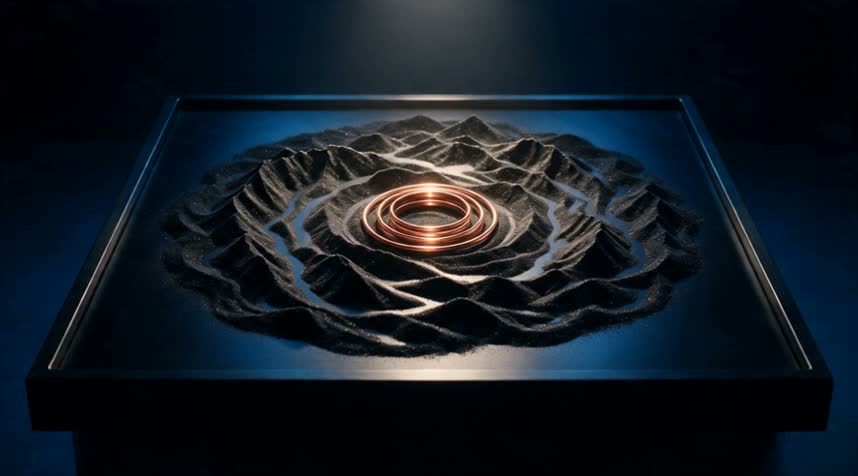
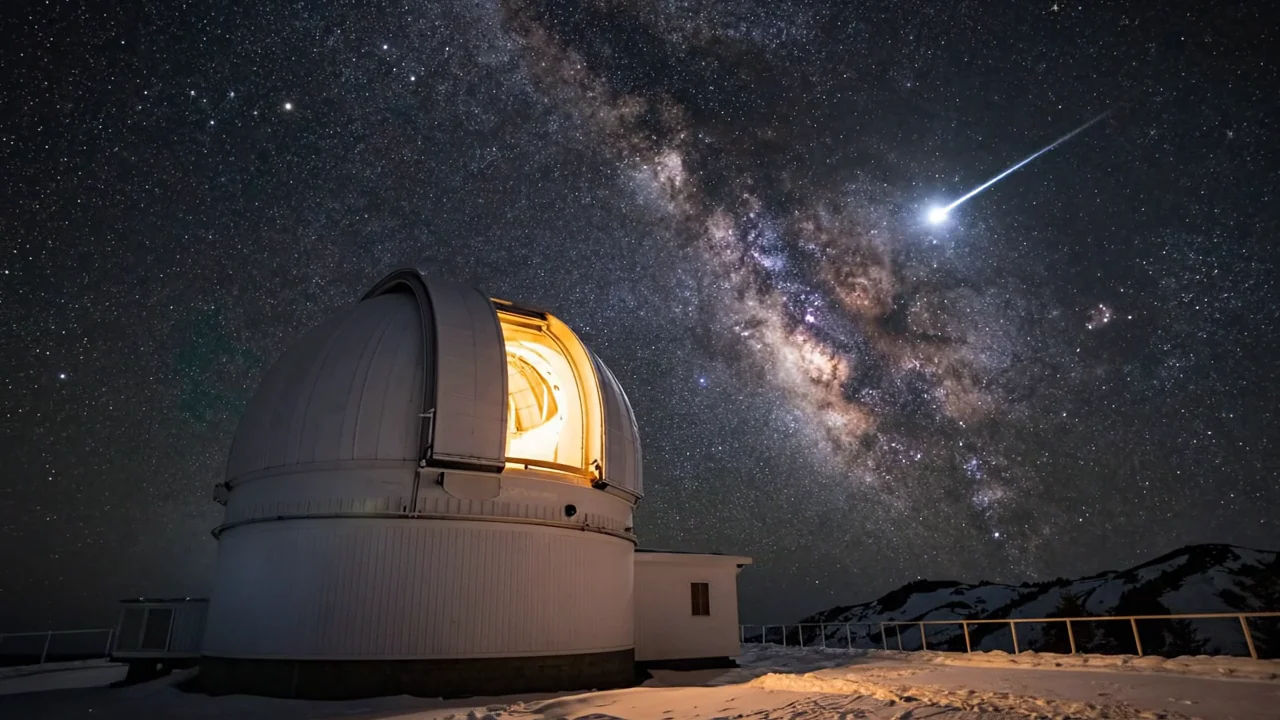
Image-to-video example
Image-to-video example5s720pauto

Animate a product shot with controlled camera motion

The source composition remains recognizable while the shot adds restrained camera and subject movement.

Prompt used for this verified run

Smooth cinematic camera movement around the product, preserve its shape and materials, coherent lighting and realistic motion.
First frameauto
Real API-generated video · silent5s · 720p · auto

Related video models

Choose by starting material, reference method, resolution, and shot-control requirements.

Endpoint control

Seedance 2.5 Image to Video

Use a first frame or first/last frames for longer controlled transitions.

Fast cinematic video

Veo 3.1 Fast Image to Video

Create image-led video with optional generated audio.

Compare AI video APIs

About Kling 3.0 Turbo Image to Video

Kling 3.0 Turbo Image to Video turns a source image into a continuous video shot while preserving recognizable subject details.

The Playground and API use model ID kling-3.0-turbo/image-to-video. Keep image guidance and motion instructions in the same request.

Provider
Kuaishou
Task
Image to video
Input
One required input image
Starting price
260 Credits / second

Model specifications

These specifications reflect the current HiAPI Kling 3.0 Turbo Image to Video request contract. Endpoint frames and multimodal references are separate input modes and should not be mixed.

Image input mode
One required input image
Duration
3–15s
Resolution
720p1080p
Other references
No additional reference media
Output and audio
MP4Video output; audio follows the route contract
Model ID
kling-3.0-turbo/image-to-video
API protocol
POST /v1/tasksAsync

Starting price is 260 Credits / second.

How to use Kling 3.0 Turbo Image to Video

Start with a clear input image and a short clip, then increase duration after subject and motion are stable.

First
Last
1 + optional 1
01

Prepare a first frame and optional endpoint

Kling 3.0 Turbo Image to Video API quickstart

This is a minimal asynchronous first/last-frame request. Use the API docs for callbacks, task retrieval, reference limits, and error handling.

curl -X POST "https://api.hiapi.ai/v1/tasks" \
  -H "Authorization: Bearer YOUR_API_KEY" \
  -H "Content-Type: application/json" \
  -d '{
  "model": "kling-3.0-turbo/image-to-video",
  "input": {
    "prompt": "Slow cinematic camera movement, preserve the subject and composition, coherent natural motion.",
    "image_urls": [
      "https://example.com/source.jpg"
    ],
    "duration": 3,
    "resolution": "720p"
  }
}'
The create request returns a taskId; retrieve the result asynchronously.Open full API docs
Need to compare models and billing tiers?View live pricing for all models

Frequently asked questions

Does Kling 3.0 Turbo Image to Video require an input image?

Yes. kling-3.0-turbo/image-to-video is an image-to-video route. The image establishes the subject and opening composition; the prompt directs motion, camera, and environmental change.

Which durations and resolutions does Kling 3.0 Turbo Image to Video support?

The current HiAPI contract supports 3–15s at 720p or 1080p. Check the page controls and API docs for the current options.

How is Kling 3.0 Turbo Image to Video billed?

Billing follows output duration and the selected tier. The page follows the global display unit, while the successful task record contains the final charge.

How can I improve subject consistency?

Use a clear, unobstructed source with a complete composition. Describe the main action and camera first, then name the appearance, material, and background relationships that must remain stable. Validate a short clip first.

The first frame defines subject, composition, and shape. Add a matching last frame only when the ending state must be fixed, leaving room for the intended motion.

Transition
Camera
Audio
02

Direct the transition, camera, and sound

Write the middle process in time order, state whether the camera is locked, preserve stable details, and place sound cues next to their matching events.

Playground · 3s
POST /v1/tasks
03

Validate a short run, then extend

Start at 3 seconds to inspect endpoint continuity and subject stability, then increase duration or create the production task with kling-3.0-turbo/image-to-video.