
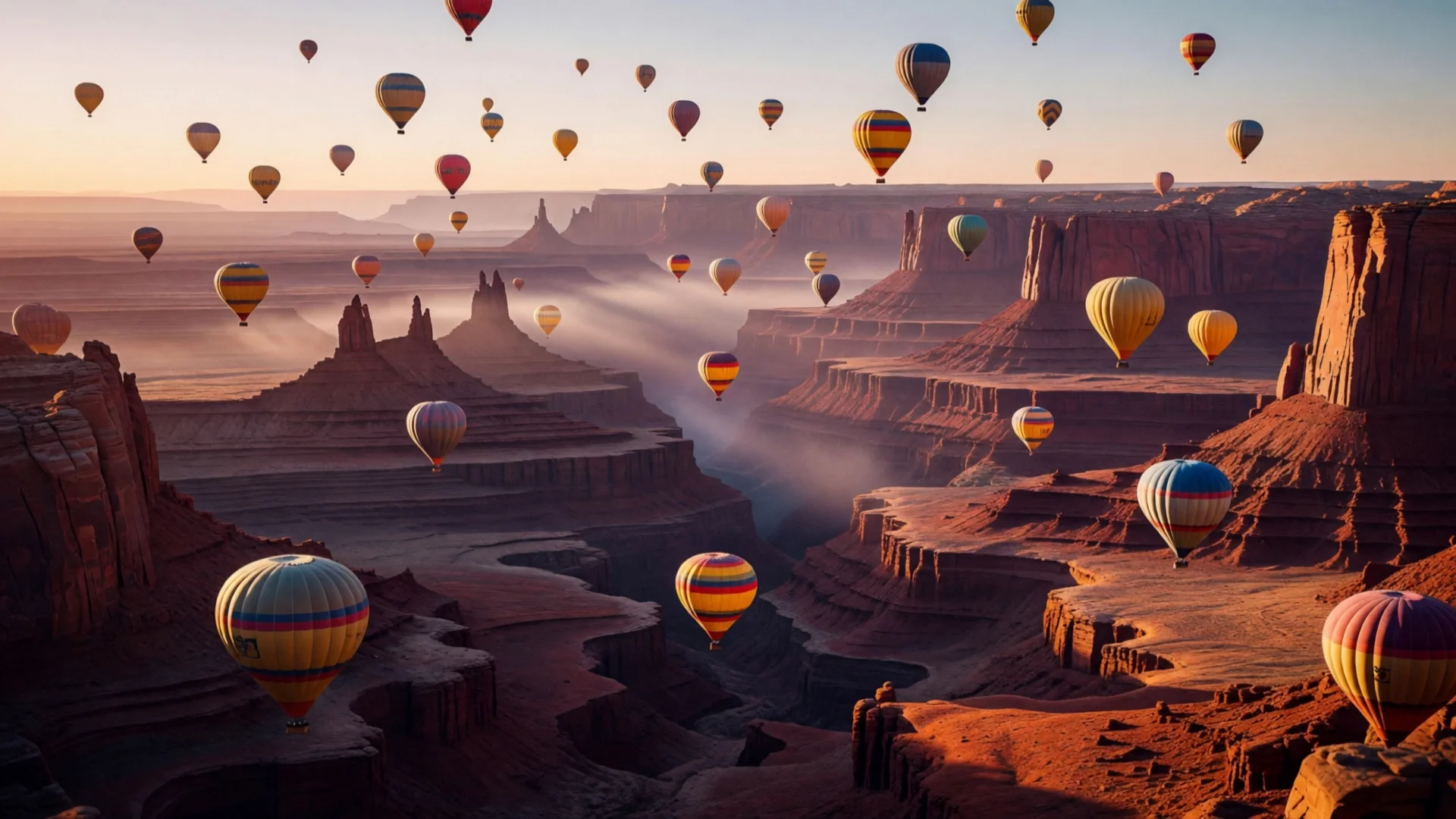
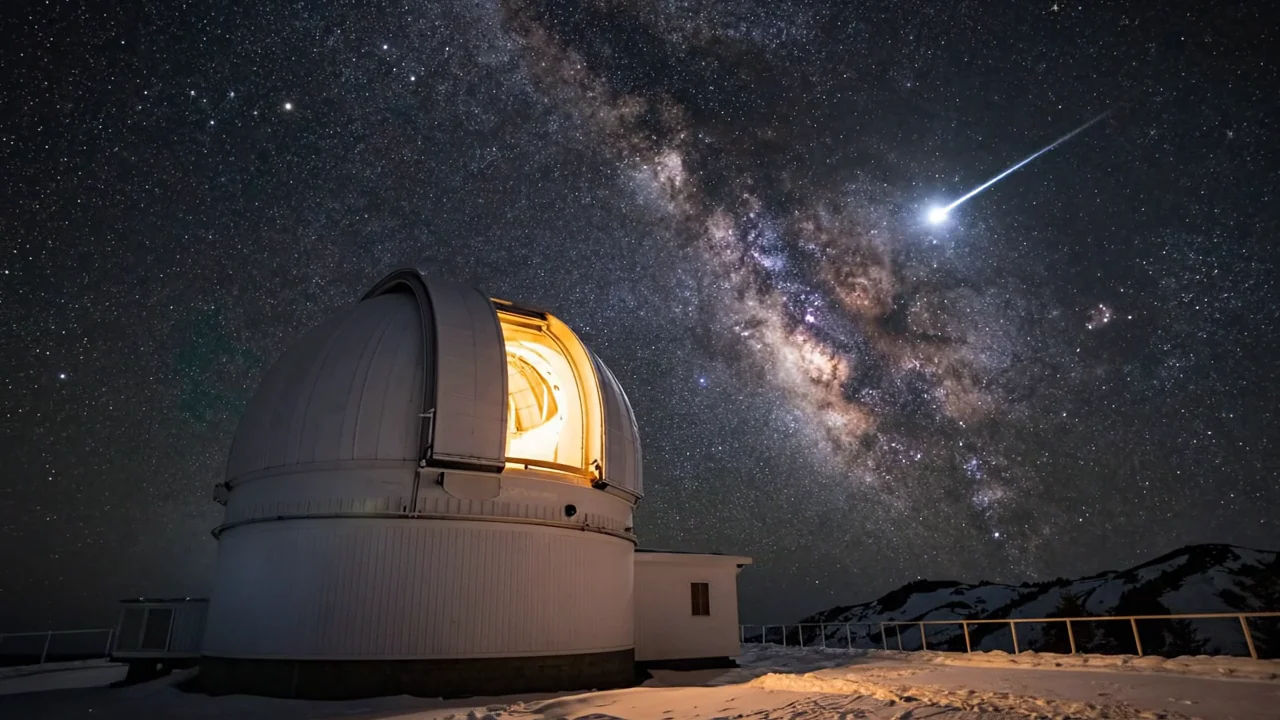
Subject
Style
Try HappyHorse 1.1 Reference to Video reference-to-video online. Use reference images to guide subjects, style, and scenes, then review pricing, prompts, and POST /v1/tasks API code.
Provider: HappyHorse
Category: video generation
Endpoint: /v1/tasks
Status: Available
Cost: See live page pricing
Alibaba HappyHorse 1.1 reference-to-video: generate video from up to 9 reference images while keeping subject, scene, and style consistent, native audio.
Pricing
Standard Usage
Choose 3-15 seconds in 1-second steps
1-9 reference image URLs. JPEG/PNG/WEBP, shortest side >= 400px, <= 20MB each
Ready for generation
Configure your parameters and click "Run" to see the output here.
Choose by starting material, reference method, resolution, and shot-control requirements.
Create image-led video with optional generated audio.
HappyHorse 1.1 Reference to Video uses one or more reference images to guide recognizable subjects, style, and scene details across a generated video.
The Playground and API use model ID happyhorse-1.1/reference-to-video. Assign a clear subject, style, or scene role to each reference image; they are not first or last frames.
These specifications reflect the current HiAPI HappyHorse 1.1 Reference to Video request contract. Reference images guide subjects, style, and scene details; they are not endpoint frames.
Starting price is 320 Credits / second.
Start with a clear input image and a short clip, then increase duration after subject and motion are stable.
This is a minimal asynchronous reference-image-to-video request. Use the API docs for callbacks, task retrieval, reference limits, and error handling.
curl -X POST "https://api.hiapi.ai/v1/tasks" \
  -H "Authorization: Bearer YOUR_API_KEY" \
  -H "Content-Type: application/json" \
  -d '{
  "model": "happyhorse-1.1/reference-to-video",
  "input": {
    "prompt": "Slow cinematic camera movement, preserve the subject and composition, coherent natural motion.",
    "reference_image": [
      "https://example.com/source.jpg"
    ],
    "duration": 3,
    "resolution": "720p",
    "aspect_ratio": "16:9"
  }
}'Yes. happyhorse-1.1/reference-to-video is a reference-to-video route. Reference images constrain subjects, style, and scene details while the prompt directs motion, camera, and environmental change.
The current HiAPI contract supports 3–15s at 720p or 1080p. Check the page controls and API docs for the current options.
Billing follows output duration and the selected tier. The page follows the global display unit, while the successful task record contains the final charge.
Use a clear, unobstructed source with a complete composition. Describe the main action and camera first, then name the appearance, material, and background relationships that must remain stable. Validate a short clip first.
Choose 1–9 subject, style, or scene references without redundant or conflicting guidance. The images do not need to match the first or last video frame.
State what each reference contributes, then describe subject motion, camera behavior, and the identity or style details that must remain stable.
Start at 3 seconds with a small reference set, then increase duration or references after identity stays stable, or create the production task with happyhorse-1.1/reference-to-video.