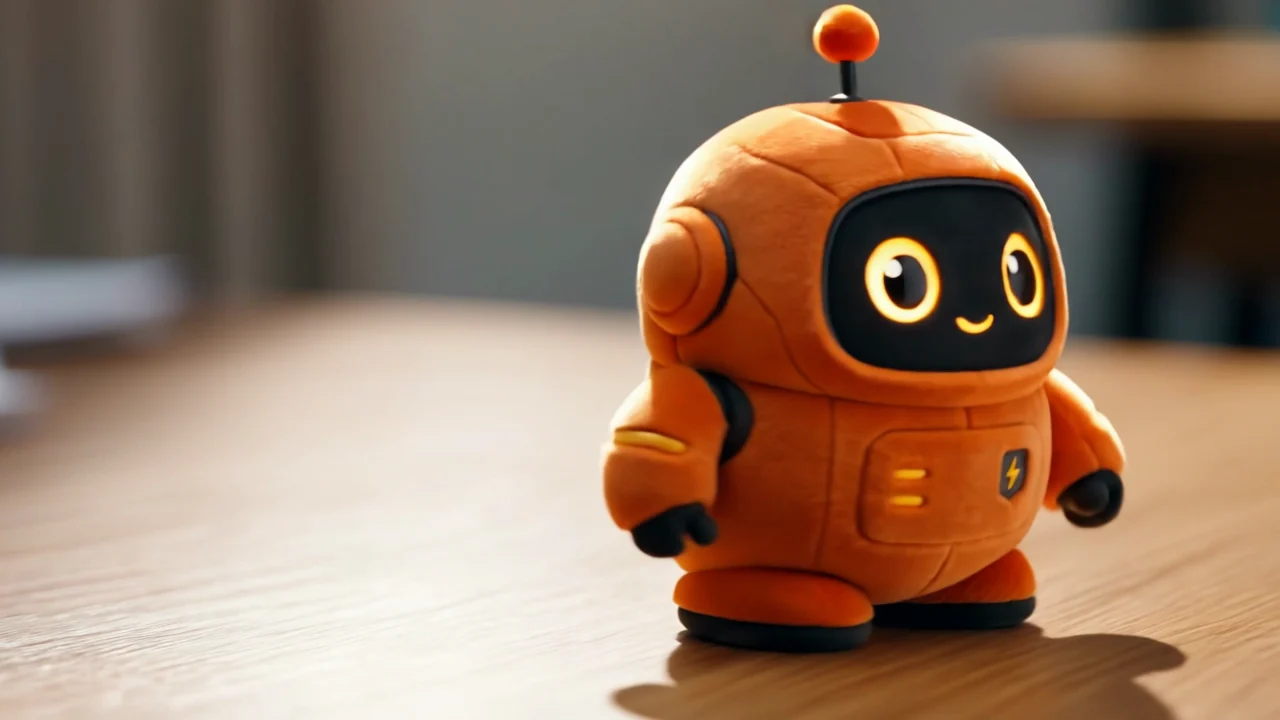
Generate 3–15 second videos from 1–7 reference images, plus an optional reference clip, so the same person, pet or object appears in a new scene, at 720p to 4K.

Provider: Kuaishou

Category: video generation

Endpoint: /v1/tasks

Status: Available

Cost: See live page pricing

Back to Models

Kling 3.0 Omni Reference-to-Video

by KuaishouVideo

Generate 3–15 second videos from 1–7 reference images, plus an optional reference clip, so the same person, pet or object appears in a new scene, at 720p to 4K.

Pricing

Standard Usage

200 Credits/ s

Input

0 / 5000
Estimated cost1,290 Credits258 Credits / s × 5s × 1080p

Output

Ready for generation

Configure your parameters and click "Run" to see the output here.

--

Example: a reference image plus a reference clip, moving a paper boat to a new scene

The reference image, reference clip and generated video sit side by side; open “Original” to see the full reference. Copy the prompt into the Playground and adapt it.

Reference image + video3s720p16:9

The same paper boat in a forest stream, with the reference clip's camera move

The reference image is a white paper boat in a rainy gutter, and the reference video is a low, water-level shot of that scene. The clip moves the boat into a forest stream at golden hour: the fold and white paper match the image, and the camera still skims the water facing the boat at a pace close to the reference clip.

Prompt

The same white paper boat from the reference drifts along a sunlit forest stream at golden hour, leaves floating beside it, camera tracks low alongside it with the same smooth motion as the reference video. Cinematic, shallow depth of field.
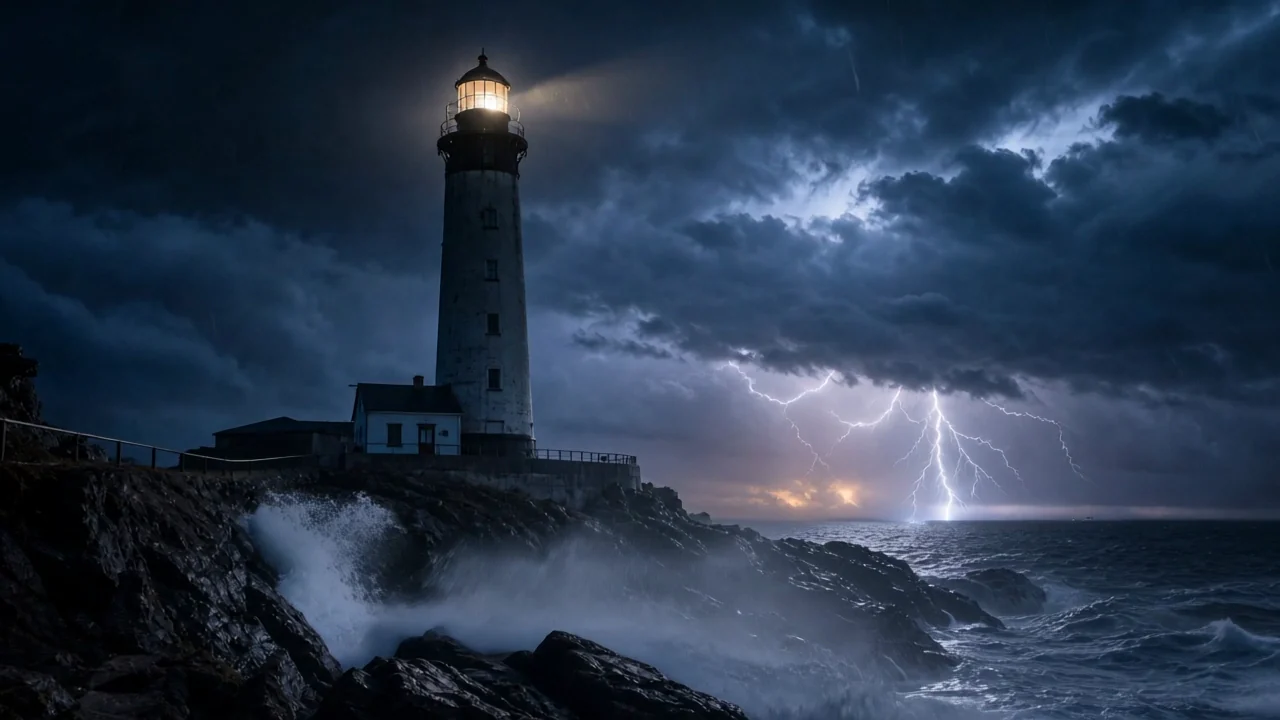
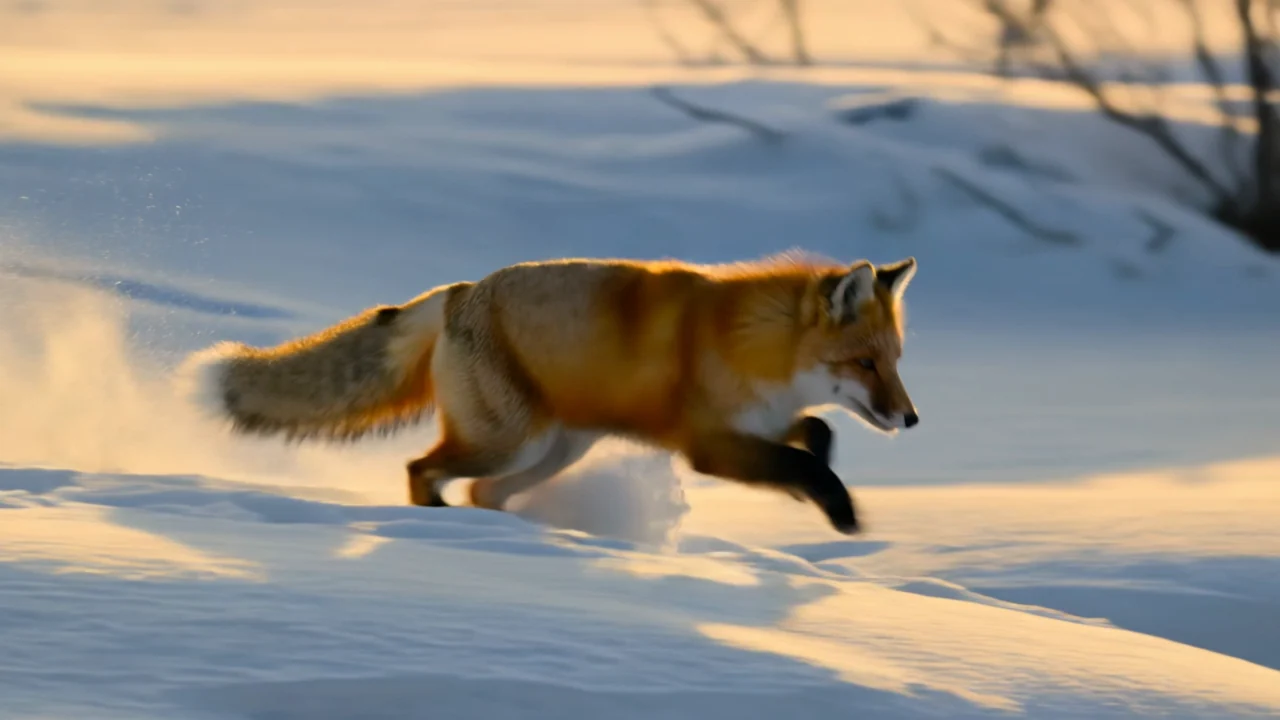
Reference image
Reference video
Generated video3s · 720p

Choosing among the four Kling 3.0 Omni endpoints

Use reference-to-video when the subject should appear in a new composition; image-to-video to open on an exact image; text-to-video with text only; transformation to rework an existing video.

Model specifications

Input
1–7 reference images + promptOptional reference video
Duration
3–15 seconds, 5 by default
Resolution
720p1080p4K
Aspect ratio
16:99:161:1
With a reference video
≤4 reference imagesNo audioNo smart multi-shot
Native audio / multi-shot
Optional without a reference video
Image requirements
JPG / PNG, ≤50MB each, at least 300px
Video requirements
MP4 / MOV, ≤200MB, 3–15.5 seconds700–4553px per side, 24–60fps
Subjects (elements)
Up to 7 subjects2–4 images per subjectMention as @name in the prompt
Model ID
kling-3.0-omni/reference-to-video

Current price: View live pricing

How to use Kling 3.0 Omni Reference-to-Video

Reference
Reference
Reference video (optional)
1–7 images
01

Prepare references and an optional clip

Several angles of the same subject keep it steadier. Add a reference clip to reuse a camera move, with up to 4 images in that case.

Who appears
What happens
Camera & frame
02

Describe the new scene and action

Say who from the references appears where and what they do, then choose duration, resolution and frame.

Playground
POST /v1/tasks
03

Try it, then call the API

Check the result in the Playground, then use the request below to create a task and fetch the result asynchronously.

API quickstart

curl --request POST 'https://api.hiapi.ai/v1/tasks' \
  --header 'Authorization: Bearer YOUR_API_KEY' \
  --header 'Content-Type: application/json' \
  --data '{
  "model": "kling-3.0-omni/reference-to-video",
  "input": {
    "prompt": "The same white paper boat from the reference drifts along a sunlit forest stream at golden hour, leaves floating beside it, camera tracks low alongside it with the same smooth motion as the reference video. Cinematic, shallow depth of field.",
    "image_urls": [
      "https://static.hiapi.ai/admin-assets/2026/10/13/1791861888668-6554d6167af93003-kling-omni-boat-frame.jpg"
    ],
    "video_urls": [
      "https://static.hiapi.ai/admin-assets/2026/10/13/1791861859228-2b40d774dd4b2262-kling-omni-t2v-golden.mp4"
    ],
    "duration": 3,
    "resolution": "720p",
    "aspect_ratio": "16:9",
    "audio": false
  }
}'
The create request returns a taskId; retrieve the result asynchronously.Open full API docs

About Kling 3.0 Omni Reference-to-Video

Remember how people and things look, then put them in a new story

Kling 3.0 Omni Reference-to-Video is the reference-to-video endpoint of the Kling 3.0 Omni family. Upload 1–7 reference images and the model remembers how the people, pets or objects in them look, then builds a new scene and action from your prompt, 3–15 seconds at 720p to 4K.

Several references from different angles make a person more stable, and several subjects can share one shot. Add a reference clip and the model follows its camera motion and pacing, which helps when you want to reuse a proven camera move. With a reference video there is no audio, up to 4 reference images and no smart multi-shot.

Kling 3.0 Omni Reference-to-Video cover
Provider
Kuaishou
Task
Reference-guided video
Input
1–7 reference images + prompt; optional reference video

What Omni reference-to-video adds

References set the subject, the prompt sets the scene

The boat's fold and material come from the reference, while the stream, trees and light come from the prompt. The same works for people, pets and products: upload 1–7 references, use several angles of one subject for steadier results, and put several subjects in one shot.

View this example

Borrow the camera motion from a clip

The reference clip supplies camera motion and pacing, and the result keeps the low, water-level shot. With a reference video you can use up to 4 images, no audio is generated and smart multi-shot is off.

View this example

More options without a reference video

With reference images alone you can use up to 7 images and turn on native audio and smart multi-shot. If a reference includes a full background, the opening may stay close to it; for a fully new setting, describe the environment clearly or use subject images without a background.

Where it fits

Series shorts and character content

Keep one set of references for the lead so they look the same across episodes and settings.

Products in new settings

Use product shots as references to generate showcase clips outdoors, at home or in holiday sets while the product keeps its look.

Reusing a proven camera move

Lock the camera rhythm with one reference clip, then batch-generate it with different subjects.

Using Kling 3.0 Omni on HiAPI

One API key reaches all four Omni endpoints and the other video models, and task history keeps clips and charges together so you can compare prompts and settings.

Need to compare models and billing tiers?View live pricing for all models

Frequently asked questions

How many reference images can I upload?

Send 1–7 reference images in image_urls, or up to 4 with a reference video. Reference images and elements subjects together may not exceed 7 (4 with a reference video). JPG or PNG, up to 50MB each, at least 300px.

What does the reference video do, and what are its limits?

video_urls takes one optional reference clip that guides camera motion and pacing. It must be MP4 or MOV, up to 200MB, 3–15.5 seconds, 700–4553px per side and 24–60fps. With a reference video, native audio and smart multi-shot are not available.

How is reference-to-video different from image-to-video?

Image-to-video uses your image as the first frame. Reference-to-video uses images to define what a person, pet or object looks like, then builds a new composition and scene; the references do not appear as the opening frame.

How long and in what frame?

3–15 seconds (5 by default), at 720p, 1080p or 4K, in 16:9, 9:16 or 1:1.

How do I tell the model who is who?

Describe the subject in words, for example “the woman in the yellow raincoat from the references”. For a firmer binding, name the subject in elements and mention it as @name.

How is it billed?

Billing follows video duration; resolution, native audio and whether a reference video is included change the rate. See the pricing page for current prices and your HiAPI task history for per-task charges.