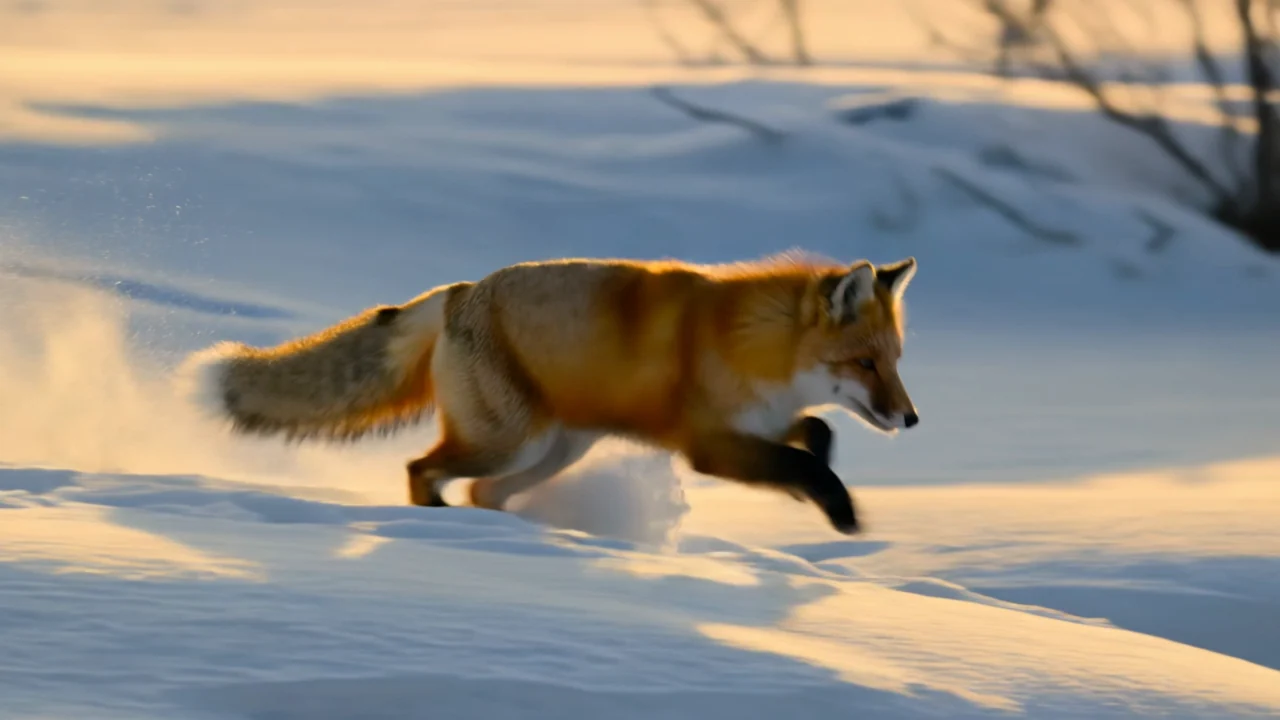
Upload a video and use a prompt to restyle it, change the setting or swap the subject while keeping the original motion and camera movement, at 720p to 4K.

Provider: Kuaishou

Category: video generation

Endpoint: /v1/tasks

Status: Available

Cost: See live page pricing

Back to Models

Kling 3.0 Omni Transformation

by KuaishouVideo

Upload a video and use a prompt to restyle it, change the setting or swap the subject while keeping the original motion and camera movement, at 720p to 4K.

Pricing

Standard Usage

286 Credits/ s

Input

0 / 5000
BillingBilled by actual output duration386 Credits / sSettled from the actual output duration

Output

Ready for generation

Configure your parameters and click "Run" to see the output here.

--

Example: one prompt changes both the subject and the scene

The source video sits next to the result so you can play both and compare the motion and camera. Copy the prompt into the Playground and adapt it.

Subject + scene in one prompt3s720p16:9

The paper boat becomes a glowing lantern, the gutter an icy stream

The source is a 3-second low shot of a paper boat drifting down a rainy gutter at night. One prompt changes both subject and scene: the boat becomes a lantern glowing from inside and the gutter turns into a cold blue frozen stream with snowy banks, while the boat's position, drift and camera push still follow the original.

Prompt

Transform the scene into a snowy winter night: the gutter becomes a frozen stream with drifting snowflakes, the paper boat becomes a small glowing paper lantern boat, keep the exact camera motion and water movement from the original video. Cinematic, cold blue tones.
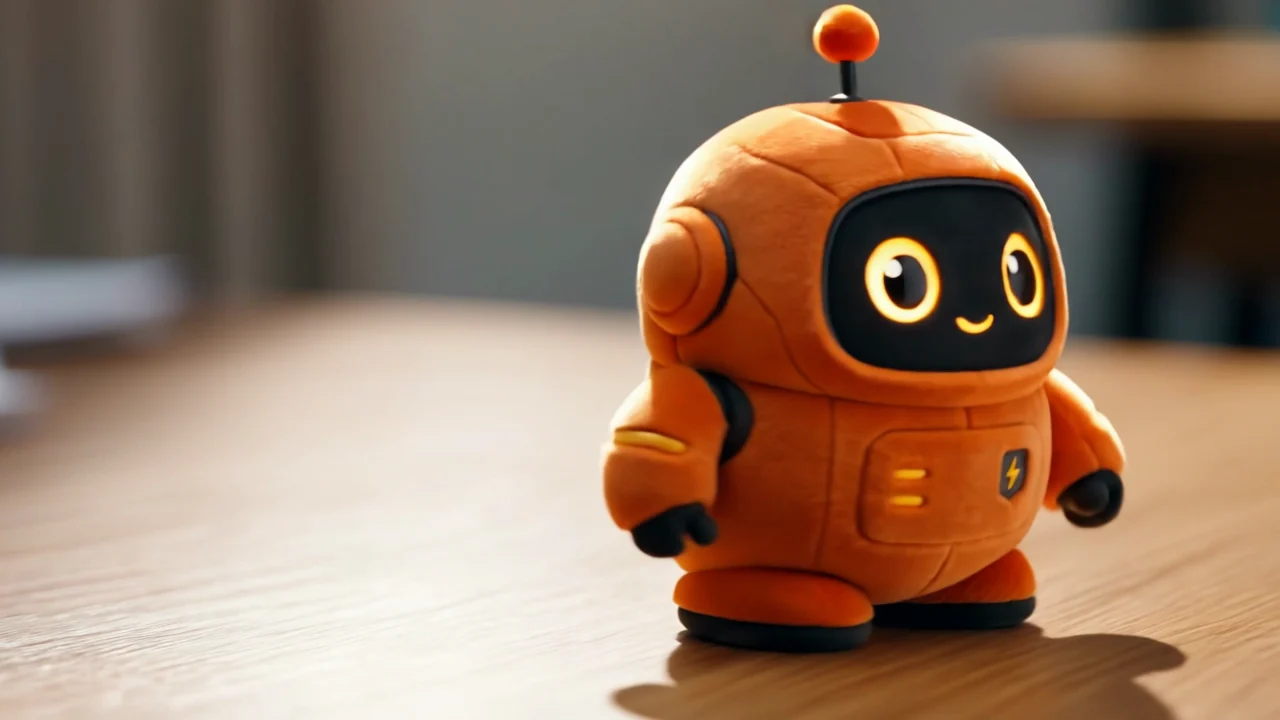
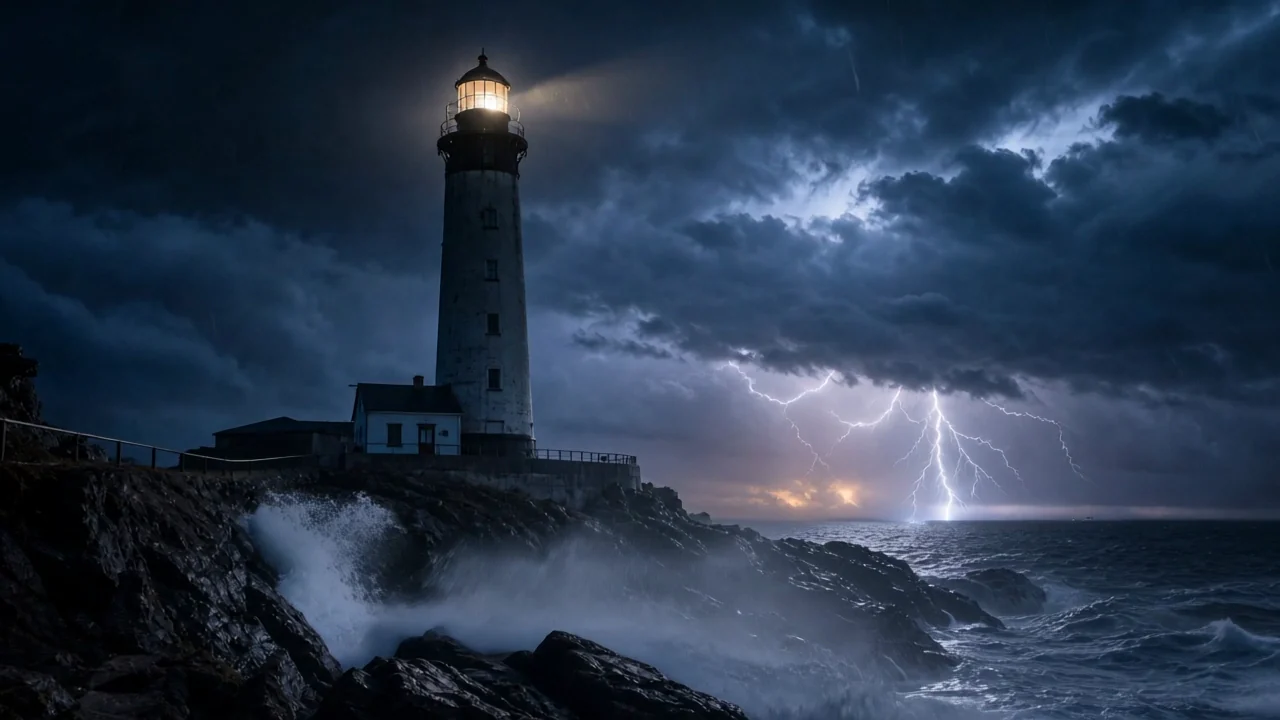
Source video
Generated video

Choosing among the four Kling 3.0 Omni endpoints

Use transformation when you have a video and only want to change how it looks; reference-to-video to borrow a clip's camera motion for new content; image- or text-to-video to start from an image or text.

Model specifications

Input
One source video + prompt
Output length and frame
Follow the source video
Resolution
720p1080p4K
Video requirements
MP4 / MOV, ≤200MB, 3–15.5 seconds700–4553px per side, 24–60fps
Audio
No audio generated
What is kept
Motion and camera movement
Subjects (elements)
Up to 7 subjects2–4 images per subjectMention as @name in the prompt
Prompt length
1–3072 characters
Model ID
kling-3.0-omni/transformation

Current price: View live pricing

How to use Kling 3.0 Omni Transformation

Source video
3–15.5 s
01

Prepare the source video

Upload a 3–15.5 second MP4 or MOV; the output length and frame follow it.

Change: style / setting / subject
Keep: motion & camera
02

Say what changes and what stays

Describe the new style, setting or subject and say to keep the original motion and camera; add subject images for a fixed look.

Playground
POST /v1/tasks
03

Try it, then call the API

Check the result in the Playground, then use the request below to create a task and fetch the result asynchronously.

API quickstart

curl --request POST 'https://api.hiapi.ai/v1/tasks' \
  --header 'Authorization: Bearer YOUR_API_KEY' \
  --header 'Content-Type: application/json' \
  --data '{
  "model": "kling-3.0-omni/transformation",
  "input": {
    "prompt": "Transform the scene into a snowy winter night: the gutter becomes a frozen stream with drifting snowflakes, the paper boat becomes a small glowing paper lantern boat, keep the exact camera motion and water movement from the original video. Cinematic, cold blue tones.",
    "video_urls": [
      "https://static.hiapi.ai/admin-assets/2026/10/13/1791861859228-2b40d774dd4b2262-kling-omni-t2v-golden.mp4"
    ],
    "resolution": "720p"
  }
}'
The create request returns a taskId; retrieve the result asynchronously.Open full API docs

About Kling 3.0 Omni Transformation

Keep a video's motion, redraw how it looks

Kling 3.0 Omni Transformation is the video-to-video endpoint of the Kling 3.0 Omni family. Give it a 3–15.5 second clip and it keeps the motion, camera movement and timing, then changes the style, setting or subject from your prompt, rendered at 720p, 1080p or 4K.

Because motion comes from the source, you can block the performance and camera with live footage, a phone recording or a rough previs, then turn it into anime, a winter night or another character. Length and frame follow the source and no audio is generated; for a fixed replacement, add subject images in elements.

Kling 3.0 Omni Transformation cover
Provider
Kuaishou
Task
Video transformation (video-to-video)
Input
Source video + prompt

What Omni transformation does

The same camera path, a different season and weather

The camera path and water movement stay, and a rainy night becomes a snowy one. Without reshooting, one shot gets versions for different seasons and times of day, which suits ad variants and mood tests. The same approach changes visual style too, such as turning live footage into an animated look.

View this example

Change the subject and the scene in one prompt

The paper boat becomes a glowing lantern and the gutter an icy stream, yet where it sits and how it drifts come from the source. To swap in a fixed character or product, add 2–4 subject images in elements and mention it as @name.

View this example

Spell out the changes that matter

The model keeps the motion and camera and reworks the picture from your prompt, but the degree of change can vary between runs. List the key changes, such as subject, setting, weather and style, one by one in the prompt, and generate a few takes to pick from.

Where it fits

Live action to animation

Shoot the action on a phone or camera, then restyle it as anime, clay or illustration to make animation far easier.

Ad variants

Turn one shot into seasonal, time-of-day and location variants for different markets and holidays.

Character and product swaps

Keep the demo motion and swap in different products or characters to batch-produce the same showcase.

Using Kling 3.0 Omni on HiAPI

One API key reaches all four Omni endpoints and the other video models, and task history keeps clips and charges together so you can compare prompts and settings.

Need to compare models and billing tiers?View live pricing for all models

Frequently asked questions

What kind of video do I upload?

Send one source video in video_urls: MP4 or MOV, up to 200MB, 3–15.5 seconds, 700–4553px per side and 24–60fps.

Can I set the duration or aspect ratio?

There is nothing to set. Output length and frame follow the source video; the option you choose is resolution (720p, 1080p or 4K).

What is kept and what changes?

The source's motion and camera movement are kept, while style, setting, weather or subject change according to the prompt. Saying “keep the original motion and camera movement” in the prompt makes the result steadier.

Does the output have sound?

No. Transformation does not generate audio; add sound in editing, or bring the source audio back in post.

How do I swap in a specific character?

Add a subject in elements with a name, description and 2–4 images, then say in the prompt that @name replaces the original subject. Up to 7 subjects are accepted.

How is it billed?

Billing follows the output length, which matches the source video, and resolution changes the rate. See the pricing page for current prices and your HiAPI task history for per-task charges.