Animate a first frame, optionally toward a last frame, into a 2-20 second 720p or 1080p video with native audio.

Provider: Lightricks

Category: video generation

Endpoint: /v1/tasks

Status: Available

Cost: See live page pricing

Back to Models

LTX 2.5 Fast Image to Video

by LightricksVideo

Animate a first frame, optionally toward a last frame, into a 2-20 second 720p or 1080p video with native audio.

Pricing

Standard Usage

86 Credits/ s

Input

Frames

Use images to control the first and last frame.

First frame required
0 / 5000
Estimated cost860 Credits172 Credits / s × 5s × 1080p

Output

Ready for generation

Configure your parameters and click "Run" to see the output here.

--

How frames become video

Compare the input frames with the clips; prompts describe only the motion and sound added.

First frame · push-in6s720p16:9

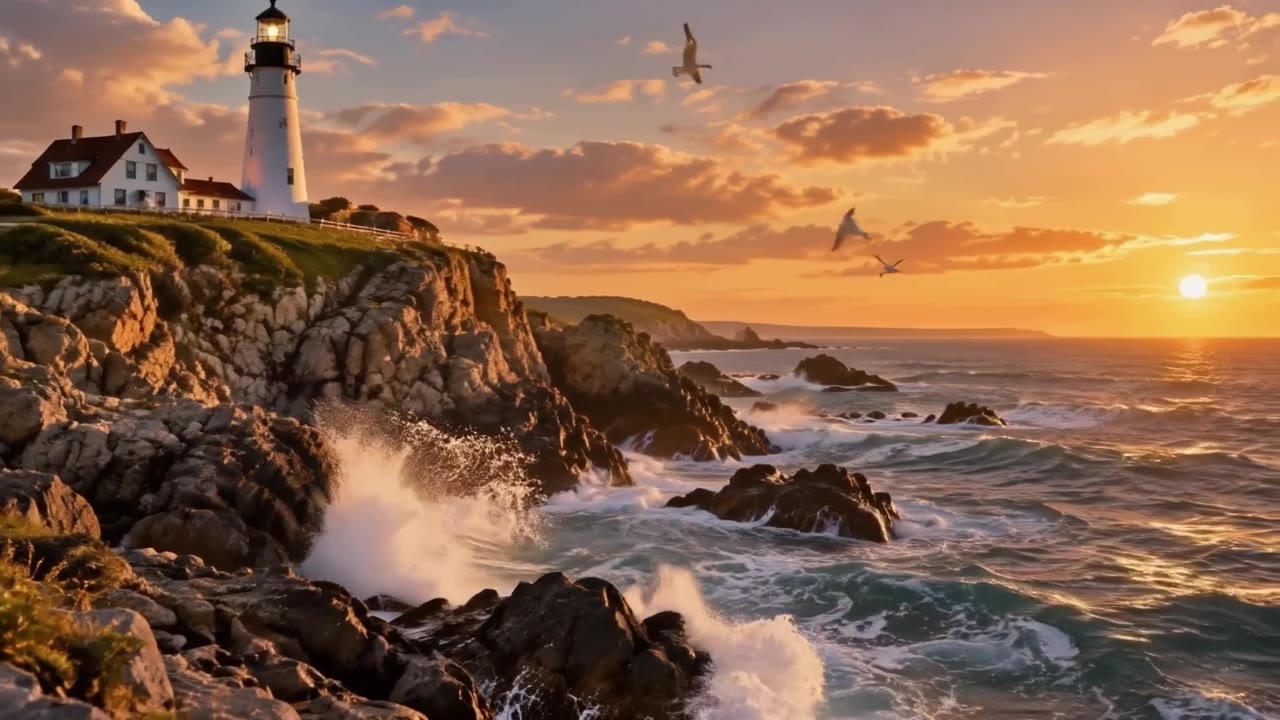
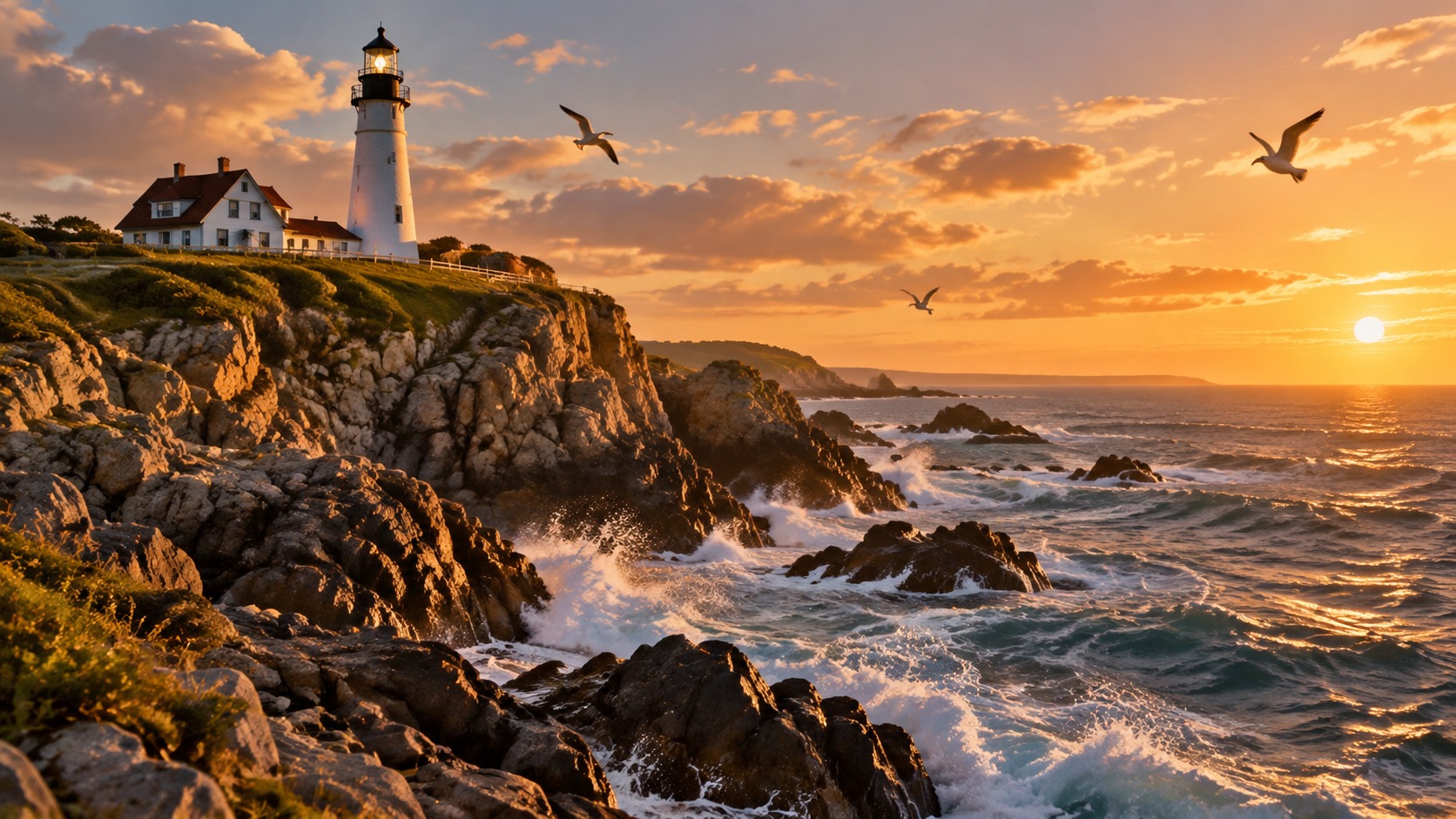
Lighthouse and surf

The first frame is a still landscape; the prompt only adds surf, gulls and a slow push-in while the subject stays put.

Prompt

Waves crash against the rocks below the lighthouse, seagulls glide across the golden sky, the camera slowly pushes in, sound of surf and gulls

First frame1672×941
Generated video6s · 720p · 16:9
First + last frame5s720p16:9

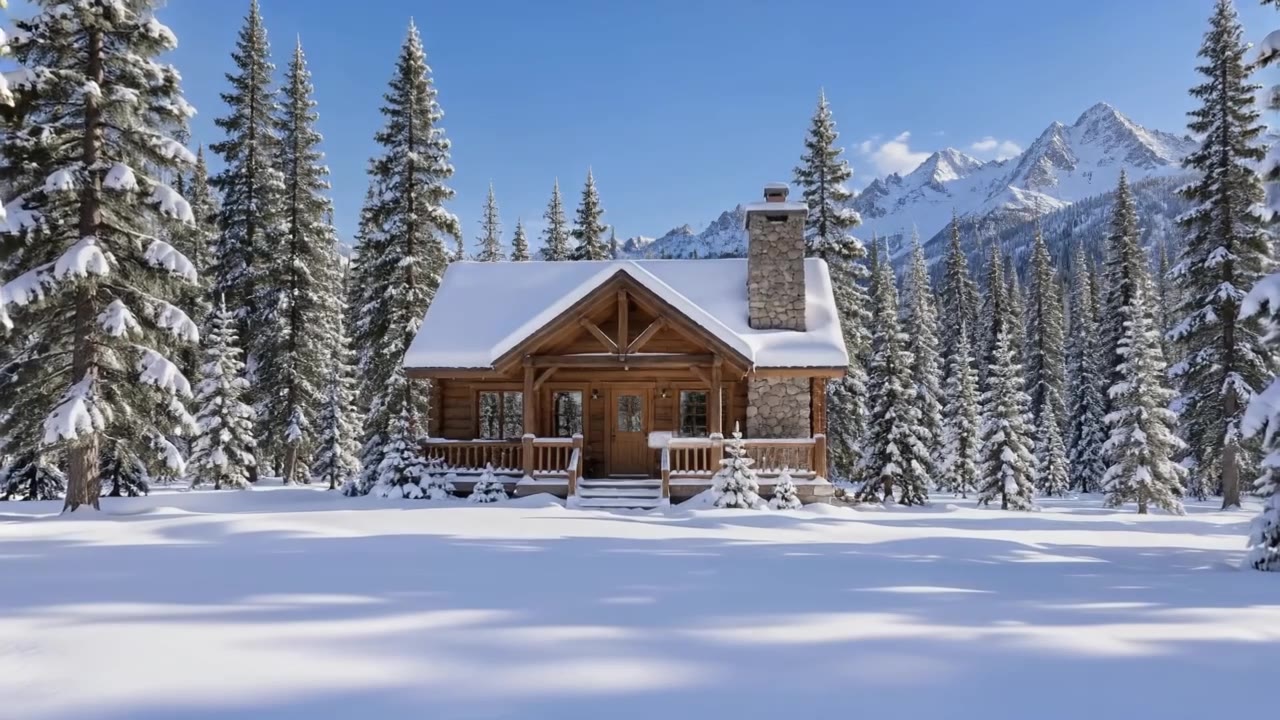
Snow cabin: day to night

Two frames, day and night: the model fills in the sky darkening, windows lighting up and the aurora appearing, with a locked camera.

Prompt

Time passes from bright winter day to starry night, the sky darkens, the cabin windows light up warmly and smoke rises from the chimney, an aurora appears, fixed camera

First frame1672×941
Last frame1672×941
Generated video5s · 720p · 16:9
Vertical · silent5s720p9:16

Pottery on the wheel

A vertical first frame with 9:16 output and audio off — clean footage for your own soundtrack.

Prompt

The potter's hands shape the spinning clay vase, it rises smoothly, wet clay glistens, slow subtle camera drift

First frame941×1672
Generated video5s · 720p · 9:16
Product5s720p16:9

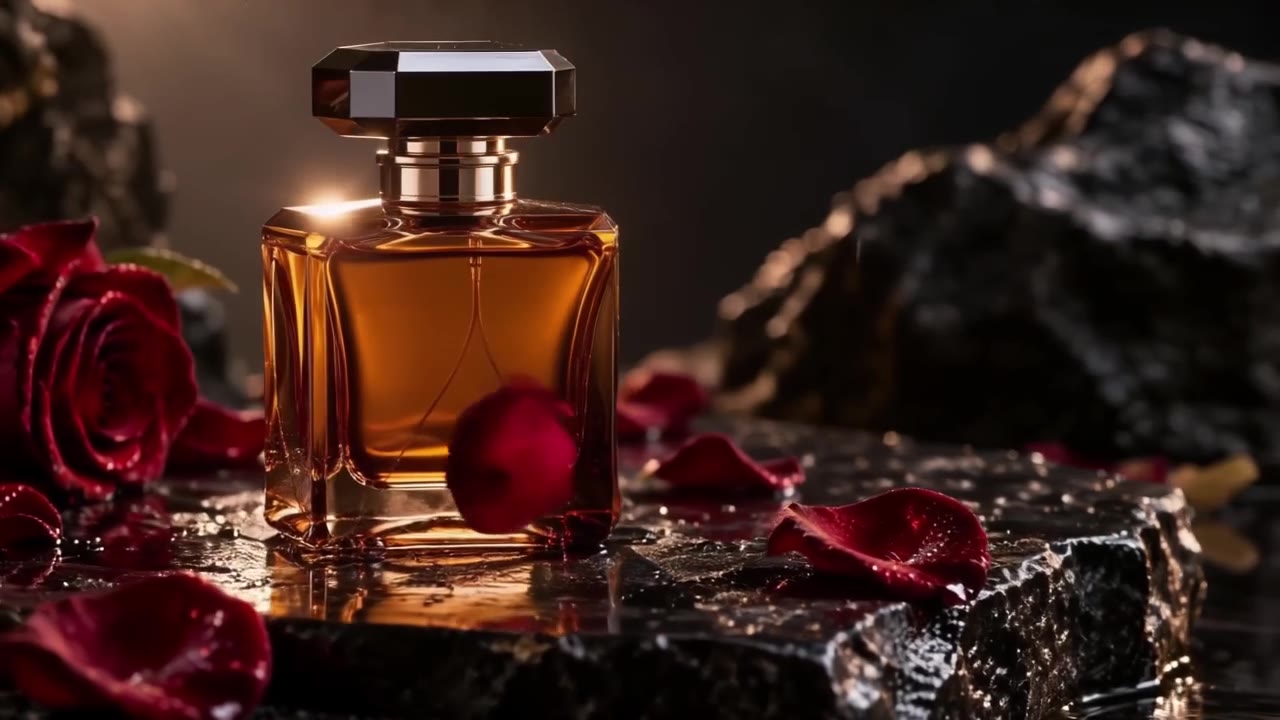
Perfume orbit

The product shot is the first frame: petals fall, the camera orbits and light glints across the glass, with soft piano.

Prompt

Rose petals drift down around the perfume bottle, a slow orbit of the camera, light glints across the amber glass, soft piano

First frame1672×941
Generated video5s · 720p · 16:9

More LTX 2.5 Fast clips

Landscape, vertical, sound-on and silent clips from the same model — tap to play.

Text720p6 sAudio

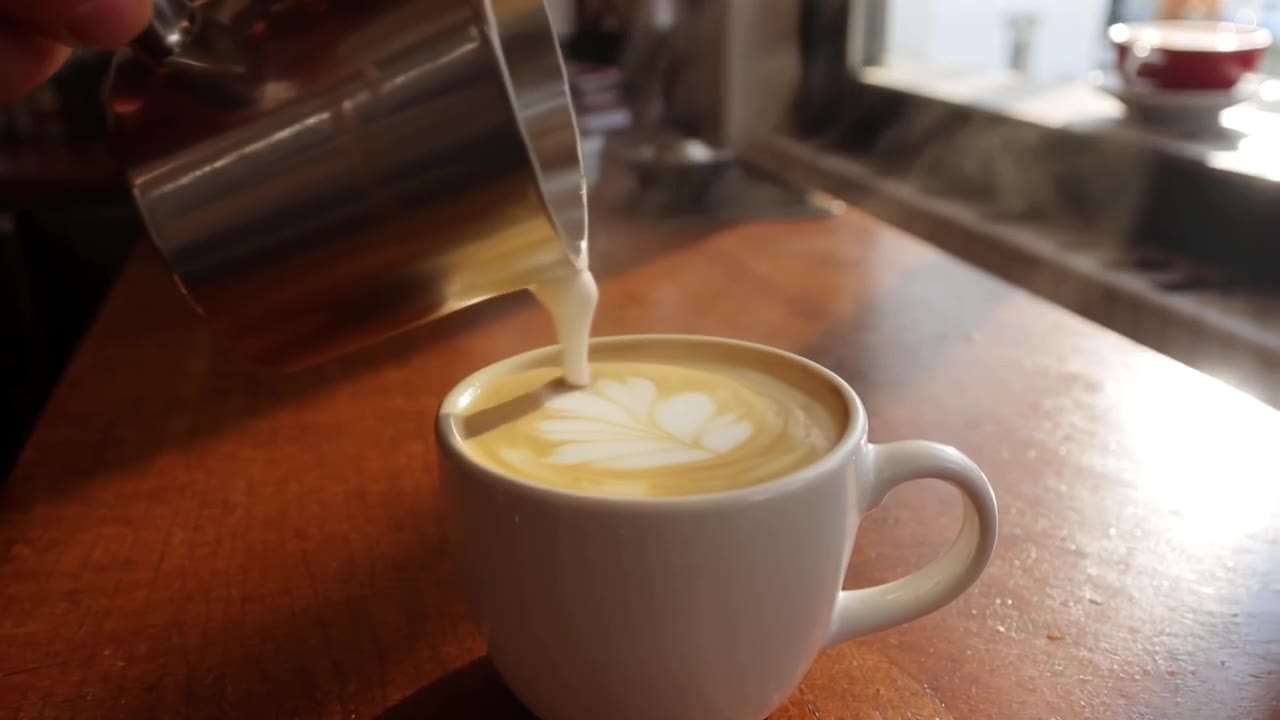
Latte art

Muted by default — tap the speaker for sound

Text1080p9:16Audio

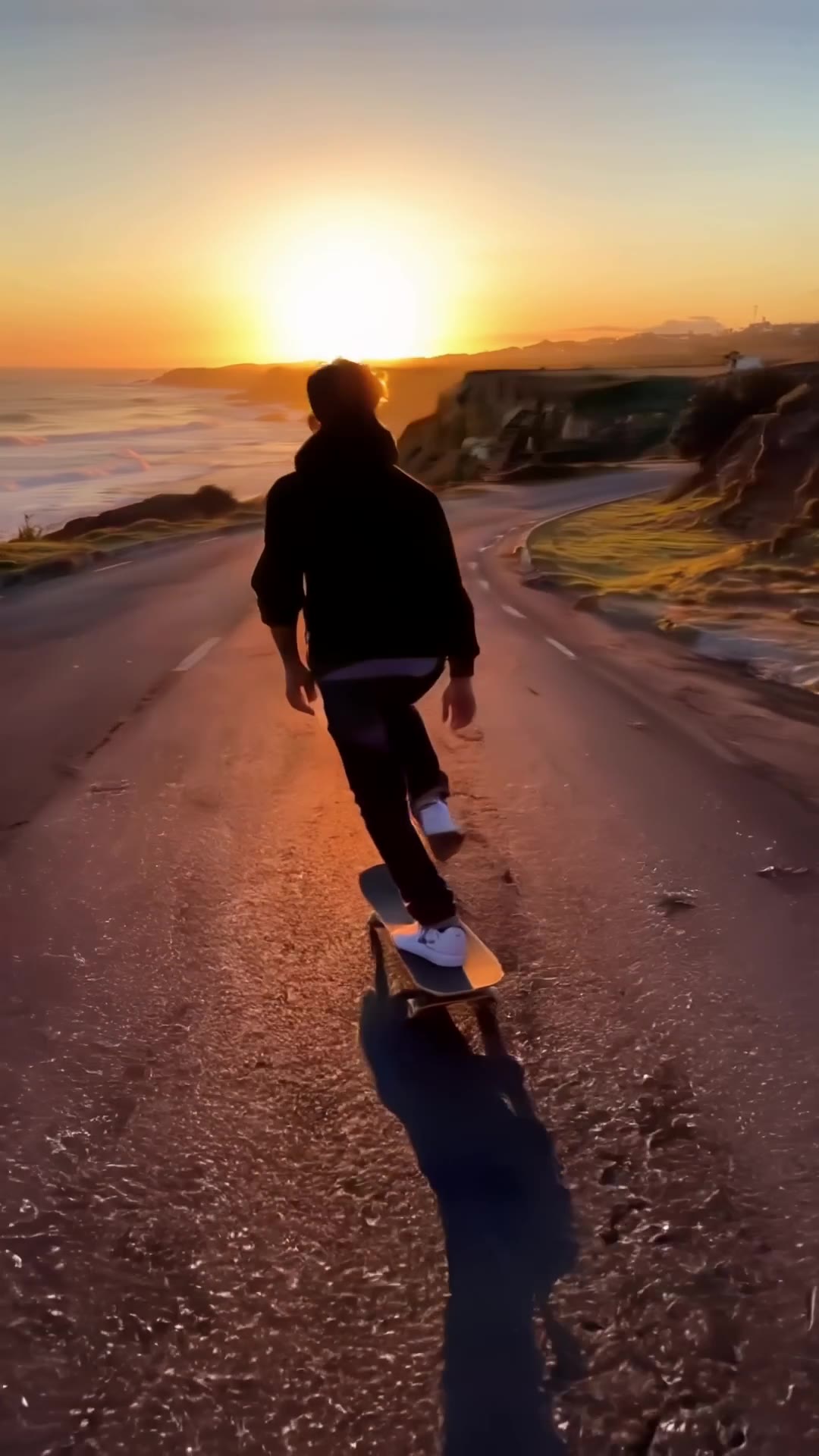
Coastal skate

Muted by default — tap the speaker for sound

Text720p5 sAudio

Sneaker drop

Muted by default — tap the speaker for sound

Text720p5 sAudio

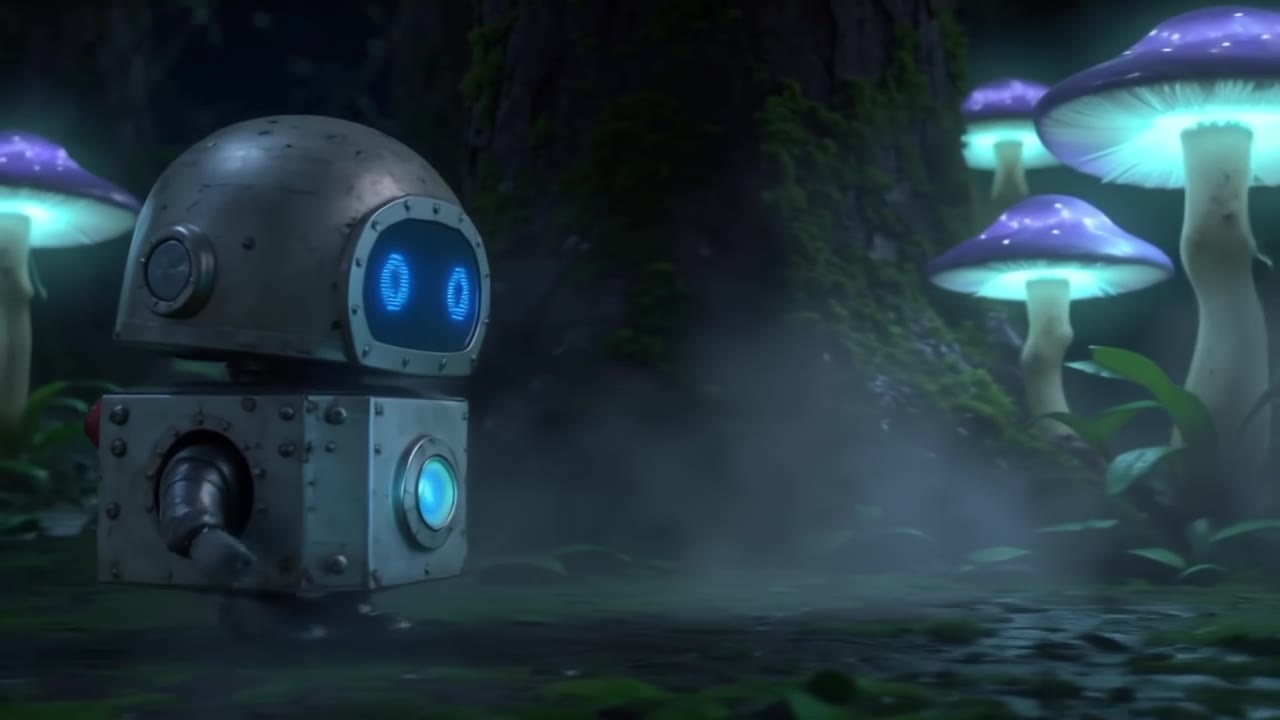
Glowing forest

Muted by default — tap the speaker for sound

Text720pOverheadAudio

Sizzling dumplings

Muted by default — tap the speaker for sound

Text1080p5 sAudio

Future city aerial

Muted by default — tap the speaker for sound

Text720p5 sAudio

Headphone ad

Muted by default — tap the speaker for sound

Text720p5 sAudio

Alpine lake aerial

Muted by default — tap the speaker for sound

Text720p5 sAudio

Rainy street musician

Muted by default — tap the speaker for sound

Image720p5 sAudio

Lighthouse at golden hour

Muted by default — tap the speaker for sound

Image720p5 sAudio

Latte art pour

Muted by default — tap the speaker for sound

Image720p5 sAudio

Red fox in autumn woods

Muted by default — tap the speaker for sound

Text720p5 sAudio

Slow-motion swish

Muted by default — tap the speaker for sound

Text720p5 sAudio

Future megacity

Muted by default — tap the speaker for sound

Image720p5 sAudio

Snowy cartoon bear

Muted by default — tap the speaker for sound

Image720p5 sAudio

Balloon over terraces

Muted by default — tap the speaker for sound

Choosing between related video models

Choose by input and need:

Model specifications

Input
First frame + promptOptional last frame
Resolution
720p1080p
Duration
2-20 seconds
Frame
16:99:16
Image requirements
JPG / PNG / WebP
Audio
Native audio, on by default
Frame rate
25fps
Model ID
ltx-2.5-fast/image-to-video

Current price: View live pricing

Resolution, length and frame

Two resolutions cover drafts and finals; length and frame combine freely.

Setting720p1080p
Good forDrafts, social, batch runsFinals, ads, large screens
Length2-20 s2-20 s
Frame16:9 / 9:1616:9 / 9:16
Frame rate25fps25fps
Per-second priceBase tierAbout 2× the 720p rate

Text-to-video vs image-to-video

AspectText-to-videoImage-to-video
InputText promptFirst frame (optional last frame) + prompt
ControlSet by the promptSubject and composition locked by the image
Typical useIdeation, previzProduct motion, transitions, animated posters
Model IDltx-2.5-fast/text-to-videoltx-2.5-fast/image-to-video

How to use LTX 2.5 Fast Image to Video

First frame
Last frame (optional)
1–2 images
01

Upload the first frame (and optional last frame)

The first image opens the clip, the second closes it; similar compositions blend best.

Subject motion
Camera
Native audio
02

Describe motion, camera and sound

Write only the change to add, not what is already shown.

Playground
POST /v1/tasks
03

Try, then integrate

Check the result in the Playground, then use the request below.

Prompt tips

  1. 01

    Subject + action + camera + sound

    One clause each; the model generates picture and sound together.

    Example:A barista pours latte art, close-up, morning light, soft clinking cups

  2. 02

    Name the camera move

    Push-in, tracking, orbit, overhead or locked-off beats "dynamic".

    Example:tracking shot from behind, low angle

  3. 03

    For images, write the change

    The frame already sets subject and scene; describe only what moves.

    Example:waves crash below, gulls glide, slow push-in

  4. 04

    Keep both frames aligned

    Similar composition gives smoother transitions; say what happens in between.

    Example:time passes from day to night, windows light up, fixed camera

API quickstart

curl --request POST 'https://api.hiapi.ai/v1/tasks' \
  --header 'Authorization: Bearer YOUR_API_KEY' \
  --header 'Content-Type: application/json' \
  --data '{
  "model": "ltx-2.5-fast/image-to-video",
  "input": {
    "prompt": "Waves crash against the rocks below the lighthouse, seagulls glide across the golden sky, the camera slowly pushes in, sound of surf and gulls",
    "image_urls": [
      "https://static.hiapi.ai/gallery/2026/10/0ca26560398eae72.jpg"
    ],
    "resolution": "720p",
    "duration": 6,
    "aspect_ratio": "16:9",
    "generate_audio": true
  }
}'
The create request returns a taskId; retrieve the result asynchronously.Open full API docs

About LTX 2.5 Fast Image to Video

Animate a still, or move from first frame to last

LTX 2.5 Fast Image to Video locks subject and composition with the first frame; the prompt adds motion, camera and sound. Add a last frame and the model fills in the journey between them, such as day to night.

720p or 1080p, 2-20 seconds, 16:9 or 9:16; native audio is on by default and turning it off does not change the price.

LTX 2.5 Fast Image to Video cover
Provider
Lightricks
Task
First-frame guided video
Input
First frame + prompt; optional last frame

How one image becomes a shot

Each block shows the input image and the clip: the image sets subject and framing, the prompt adds motion, camera and sound.

Landscape photo

Lighthouse at golden hour: push-in and tilt

From the same lighthouse photo, the prompt asks for a dolly along the cliff with a slight upward tilt; surf, gulls and sunlight move on top of the original.

Compared with the earlier push-in example, changing only the prompt gives a different camera path.

Input: lighthouse photo
Image to video · 720p · 5 s · audio

Food content

Turning a latte photo into a pour close-up

A frame from a text-to-video clip becomes the first frame; the prompt adds the pour, the rosetta forming and rising steam with a gentle push-in.

Text first, then image: a handy way to extend a frame you like into more shots.

Image to video · 720p · 5 s · audio

Wildlife

A lateral move past a red fox

A lateral dolly creates parallax through trunks and mist while the fox blinks, flicks its tail and looks up as a leaf spirals down.

Leaves, brook and a distant bird arrive in sync — no separate ambience track needed.

Image to video · 720p · 5 s · audio

Cartoon character

A cartoon bear waves at the moon

Cartoon art works too: the bear shifts its weight, waves and turns toward the moon as snow falls and the camera pushes in.

Gentle motion and a stable character design suit picture books, greetings and mascot clips.

Image to video · 720p · 5 s · audio

Travel aerial

A balloon over rice terraces

A still sunrise over terraces gains a forward track and slight rise as egrets lift off and mist drifts through the light.

Wind, creaking ropes and distant bells add a sense of place.

Image to video · 720p · 5 s · audio

Subject motion and camera work

First-to-last transitions

With two aligned frames the model fills in light, sky and smoke changes while the camera stays steady.

View this example

The subject stays put

The lighthouse and rocks stay as shot; only surf, gulls and a push-in are added.

View this example

Animate a product shot

Use a catalogue shot as the first frame and add an orbit, falling petals and soft music while the product keeps its shape.

View this example

Vertical and silent output

A 9:16 first frame gives vertical video; switch audio off to add your own soundtrack.

View this example

Where it fits

Ads and e-commerce

Ads and e-commerce

Product shots or a sentence become clips with sound.

Short-form social

Short-form social

9:16 output ready for feeds and short-video apps.

Storyboards and previz

Storyboards and previz

Up to 20-second takes to check pacing and camera.

Transitions and mood shots

Transitions and mood shots

First and last frames for day-to-night or seasonal changes.

Using LTX 2.5 Fast on HiAPI

One API key covers both text-to-video and image-to-video; task history keeps clips and charges together for review and cost tracking.

All articles
Need to compare models and billing tiers?View live pricing for all models

Frequently asked questions

Which resolutions does LTX 2.5 Fast support?

720p and 1080p, with 720p as the default, for both text-to-video and image-to-video.

How long can a clip be?

2 to 20 seconds: 2, 3, 4, 5, 6, 8, 10, 12, 14, 16, 18 or 20, with 6 as the default.

Does it support vertical video?

Yes. Set aspect_ratio to 9:16 for vertical output; the default is 16:9 landscape.

What is native audio, and does it cost extra?

With generate_audio on (the default) the model also creates ambience, effects or music. Turning it off gives a silent clip at the same price.

How is it billed?

Per second of video; the per-second rate depends on resolution, and 1080p costs more than 720p. See the pricing page for current prices.

Text-to-video or image-to-video?

Use text-to-video when you only have an idea; use image-to-video when you already have a product shot, poster or storyboard frame and want tighter control of the subject.

How does the last frame work?

Pass two images in image_urls; the second is the last frame. The model moves naturally from the first to the last frame — good for day-to-night or open/close transitions.

What are the frame image requirements?

JPG, PNG or WebP image URLs. The closer the composition and camera position of the two frames, the smoother the transition.

Can I change the frame rate?

It is fixed at 25fps; no parameter is needed.

Does image-to-video follow the image's aspect ratio?

The output frame is set by aspect_ratio. Match it to the first frame to avoid cropping or padding.

How should I write prompts?

Use subject + action + camera + sound, e.g. "a barista pours latte art, close-up, morning light, soft clinking cups". For image-to-video, describe only the motion to add.

How long are results kept?

Result links expire. Download or copy clips to your own storage if you need to keep them.