Turn a prompt into a 2-20 second 720p or 1080p video, landscape or vertical, with native audio.

Provider: Lightricks

Category: video generation

Endpoint: /v1/tasks

Status: Available

Cost: See live page pricing

Back to Models

LTX 2.5 Fast Text to Video

by LightricksVideo

Turn a prompt into a 2-20 second 720p or 1080p video, landscape or vertical, with native audio.

Pricing

Standard Usage

86 Credits/ s

Input

0 / 5000
Estimated cost860 Credits172 Credits / s × 5s × 1080p

Output

Ready for generation

Configure your parameters and click "Run" to see the output here.

--

Shots from text

Every example lists the full prompt and settings so you can reproduce it in the Playground.

Landscape · native audio6s720p16:9

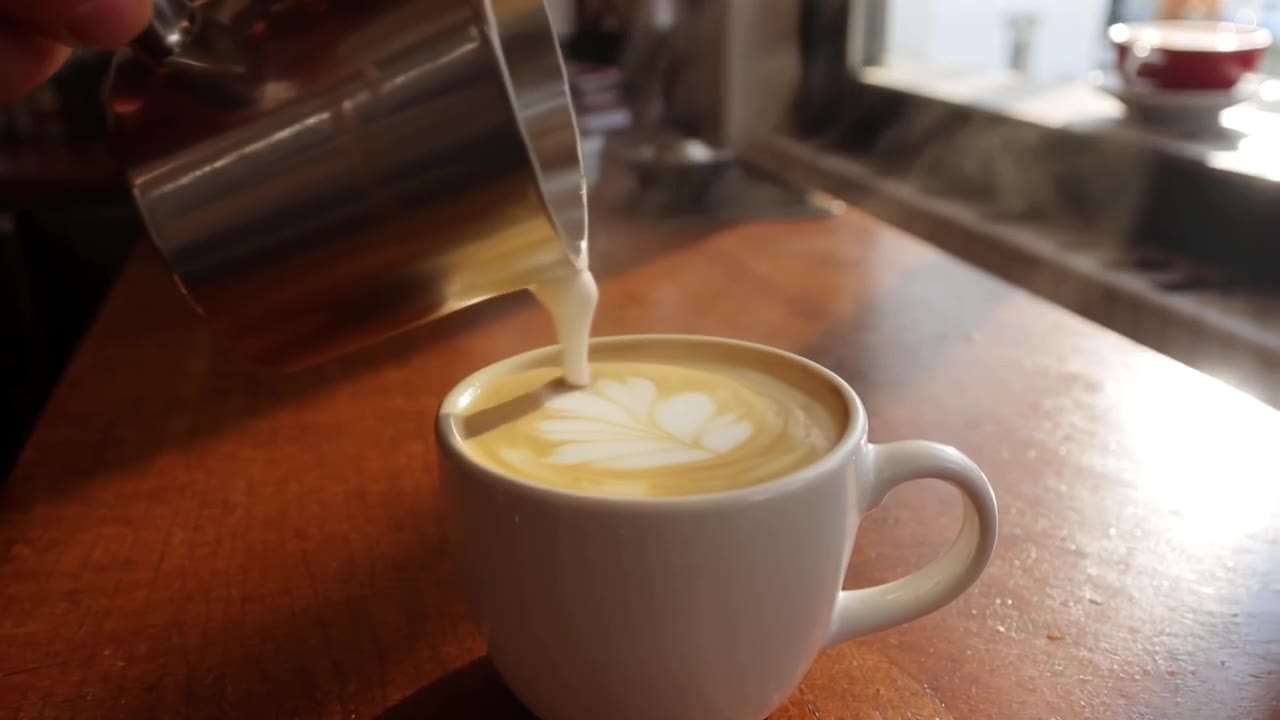
Latte art close-up

One sentence — the pour, the leaf pattern, morning light, clinking cups — gives a 6-second clip with sound on default settings.

Prompt

A barista pours steamed milk into a latte, creating a leaf pattern, close-up, soft morning light through a café window, gentle clinking cups and café ambience
Generated video6s · 720p · 16:9
Vertical · 1080p4s1080p9:16

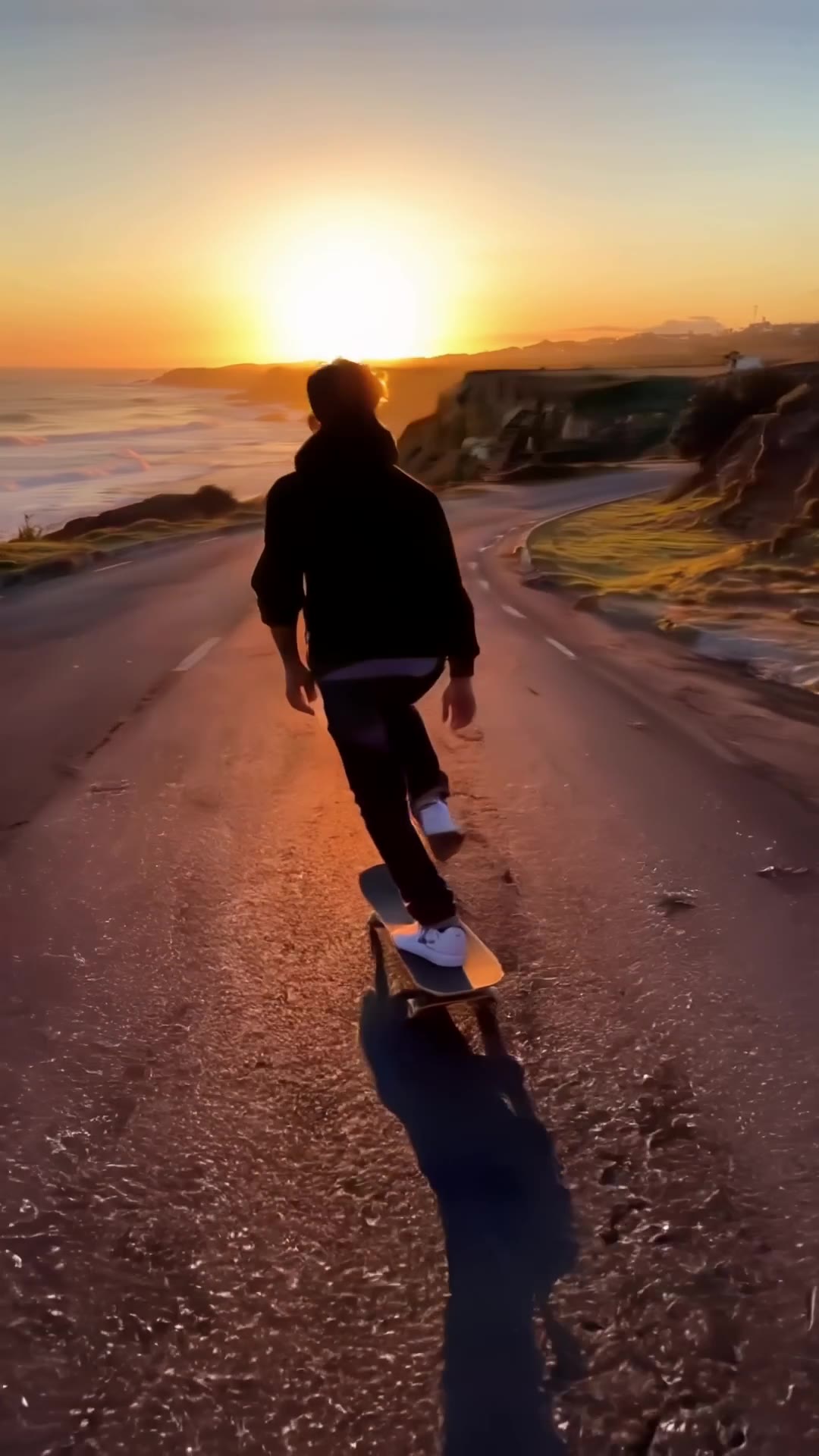
Coastal skate run

9:16, 1080p, 4 seconds — the tracking shot, wind and wheel noise come out together, ready for short-video feeds.

Prompt

A skateboarder carves down an empty coastal road at sunset, tracking shot from behind, wind noise and wheels rolling on asphalt

Generated video4s · 1080p · 9:16
Ad shot5s720p16:9

Sneaker slow-motion drop

Slow motion, rim light and a bass hit — a 5-second opener in the style of a product ad.

Prompt

Product commercial: a white running sneaker drops onto wet asphalt in slow motion, water splashes outward, dramatic rim light, bass hit sound

Generated video5s · 720p · 16:9
Previz5s720p16:9

Robot in a glowing forest

Low-angle follow, pulsing mushrooms and crickets — useful for previsualising an animated sequence.

Prompt

A small robot explorer walks through a misty bioluminescent forest at night, glowing mushrooms pulse with light, camera follows at low angle, soft ambient hum and crickets

Generated video5s · 720p · 16:9

More LTX 2.5 Fast clips

Landscape, vertical, sound-on and silent clips from the same model — tap to play.

Text720pOverheadAudio

Sizzling dumplings

Muted by default — tap the speaker for sound

Text1080p5 sAudio

Future city aerial

Muted by default — tap the speaker for sound

Image720p6 sAudio

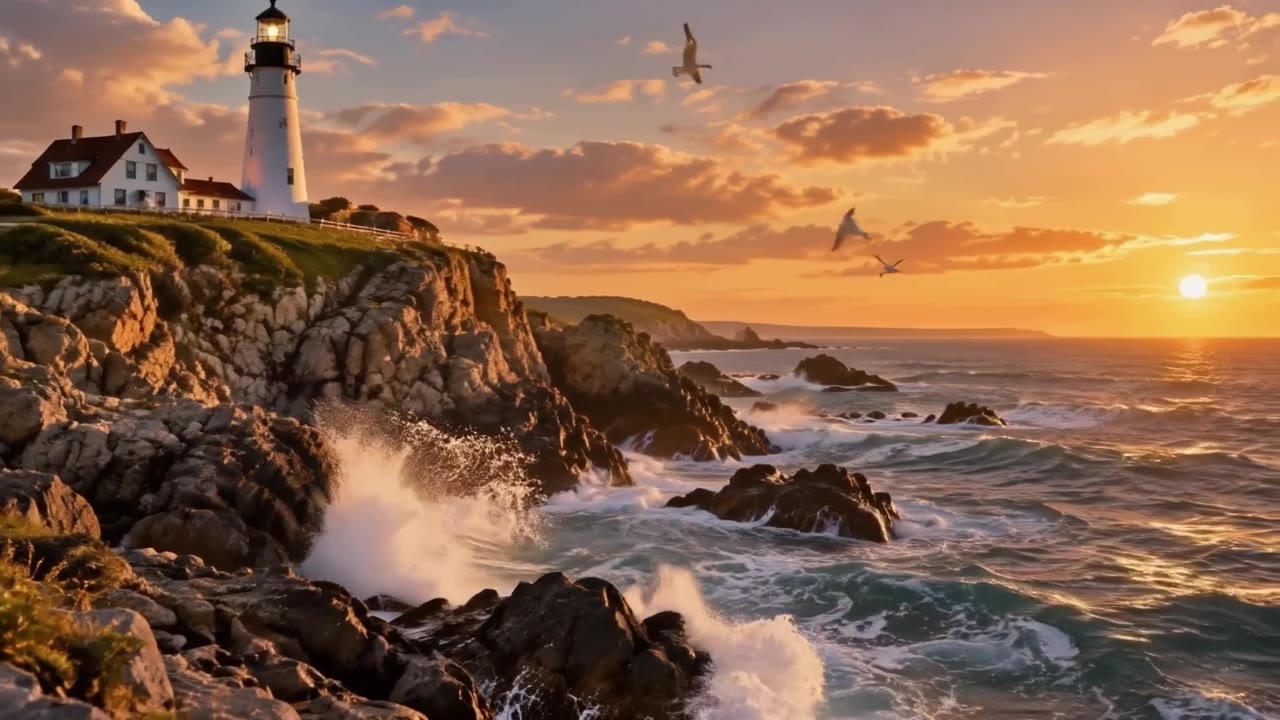
Lighthouse surf

Muted by default — tap the speaker for sound

First + last720p5 s

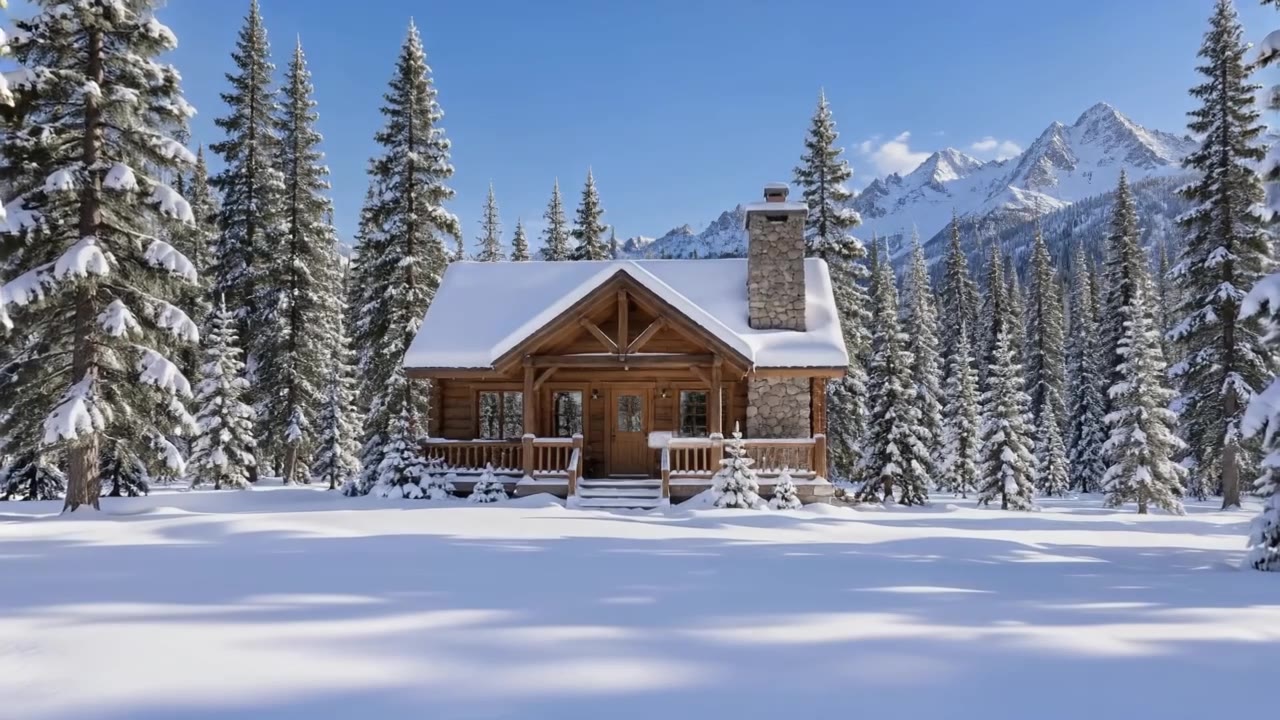
Cabin day to night

Muted by default — tap the speaker for sound

Image9:16Silent

Pottery wheel

Image720pAudio

Perfume orbit

Muted by default — tap the speaker for sound

Text720p5 sAudio

Headphone ad

Muted by default — tap the speaker for sound

Text720p5 sAudio

Alpine lake aerial

Muted by default — tap the speaker for sound

Text720p5 sAudio

Rainy street musician

Muted by default — tap the speaker for sound

Image720p5 sAudio

Lighthouse at golden hour

Muted by default — tap the speaker for sound

Image720p5 sAudio

Latte art pour

Muted by default — tap the speaker for sound

Image720p5 sAudio

Red fox in autumn woods

Muted by default — tap the speaker for sound

Text720p5 sAudio

Slow-motion swish

Muted by default — tap the speaker for sound

Text720p5 sAudio

Future megacity

Muted by default — tap the speaker for sound

Image720p5 sAudio

Snowy cartoon bear

Muted by default — tap the speaker for sound

Image720p5 sAudio

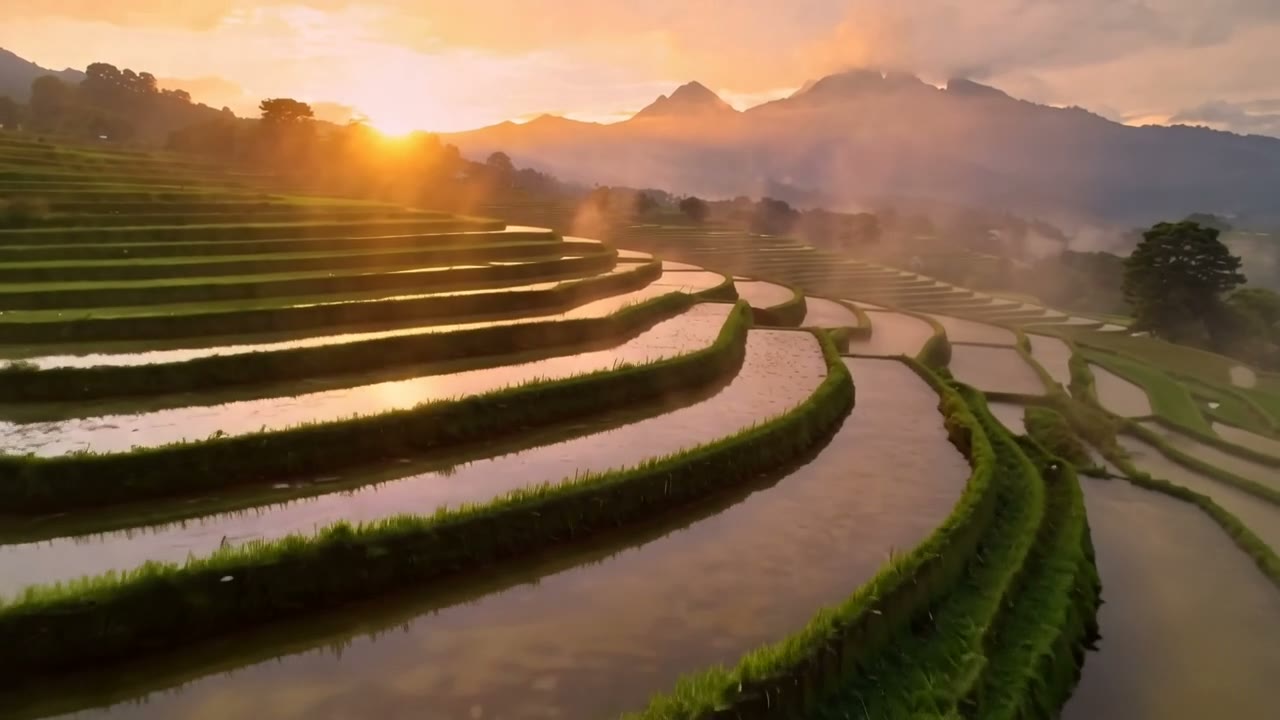
Balloon over terraces

Muted by default — tap the speaker for sound

Choosing between related video models

Choose by input and need:

Model specifications

Input
Text prompt
Resolution
720p1080p
Duration
2-20 seconds
Frame
16:99:16
Audio
Native audio, on by default
Frame rate
25fps
Prompt length
≤5,000 characters
Model ID
ltx-2.5-fast/text-to-video

Current price: View live pricing

Resolution, length and frame

Two resolutions cover drafts and finals; length and frame combine freely.

Setting720p1080p
Good forDrafts, social, batch runsFinals, ads, large screens
Length2-20 s2-20 s
Frame16:9 / 9:1616:9 / 9:16
Frame rate25fps25fps
Per-second priceBase tierAbout 2× the 720p rate

Text-to-video vs image-to-video

AspectText-to-videoImage-to-video
InputText promptFirst frame (optional last frame) + prompt
ControlSet by the promptSubject and composition locked by the image
Typical useIdeation, previzProduct motion, transitions, animated posters
Model IDltx-2.5-fast/text-to-videoltx-2.5-fast/image-to-video

How to use LTX 2.5 Fast Text to Video

Subject
Action
Camera
01

Describe subject, action and sound

Say what happens, how the camera moves and what you hear.

5s
8s
10s
02

Pick resolution, length and frame

Draft at 720p with a short length, then go 1080p or longer.

Playground
POST /v1/tasks
03

Try, then integrate

Check the result in the Playground, then use the request below.

Prompt tips

  1. 01

    Subject + action + camera + sound

    One clause each; the model generates picture and sound together.

    Example:A barista pours latte art, close-up, morning light, soft clinking cups

  2. 02

    Name the camera move

    Push-in, tracking, orbit, overhead or locked-off beats "dynamic".

    Example:tracking shot from behind, low angle

  3. 03

    For images, write the change

    The frame already sets subject and scene; describe only what moves.

    Example:waves crash below, gulls glide, slow push-in

  4. 04

    Keep both frames aligned

    Similar composition gives smoother transitions; say what happens in between.

    Example:time passes from day to night, windows light up, fixed camera

API quickstart

curl --request POST 'https://api.hiapi.ai/v1/tasks' \
  --header 'Authorization: Bearer YOUR_API_KEY' \
  --header 'Content-Type: application/json' \
  --data '{
  "model": "ltx-2.5-fast/text-to-video",
  "input": {
    "prompt": "A barista pours steamed milk into a latte, creating a leaf pattern, close-up, soft morning light through a café window, gentle clinking cups and café ambience",
    "resolution": "720p",
    "duration": 6,
    "aspect_ratio": "16:9",
    "generate_audio": true
  }
}'
The create request returns a taskId; retrieve the result asynchronously.Open full API docs

About LTX 2.5 Fast Text to Video

One prompt, a shot with sound

LTX 2.5 Fast Text to Video turns a description into a 2-20 second clip, generating picture, ambience and effects together. Name the subject, action, camera and sound to get an edit-ready shot.

Use 720p for fast drafts and batches and 1080p for finals; 16:9 and 9:16 cover landscape placements and vertical short-form.

Pick any length from 2 to 20 seconds: long takes suit previz and mood pieces, short ones suit ad openers and feed content. To lock the subject, switch to LTX 2.5 Fast Image to Video.

LTX 2.5 Fast Text to Video cover
Provider
Lightricks
Task
Pure text-to-video
Input
Text prompt

From one sentence to an edit-ready shot

Each block pairs a finished clip with what the prompt asked for and how picture and sound line up.

Product ad

A headphone shot with push-in and rim light

The prompt names a matte headphone, slate pedestal, rim light and slow push-in; the model adds shallow depth, metal glints and drifting mist.

Sound comes with it — an ambient pad and a soft mechanical click — ready as a product opener.

Text to video · 720p · 5 s · audio

Landscape aerial

One continuous move over lake, pines and mist

A low glide over an alpine lake rises to reveal the valley; light, mist and reflections stay consistent across five seconds.

Wind, birdsong and running water arrive with the picture — useful B-roll for travel and brand films.

Text to video · 720p · 5 s · audio

People and mood

A street musician under neon in the rain

The camera tracks back at walking pace as umbrellas pass in front and neon flickers in puddles, keeping the musician centred.

Guitar, rain and a distant train sit in clear layers — one prompt directs subject, camera and soundscape.

Text to video · 720p · 5 s · audio

Sports moment

A slow-motion swish

Asking for super slow motion, a spotlight and a snapping net puts leather texture, sweat and background blur into one shot.

The slap of the ball and a swelling cheer give the slow motion its rhythm.

Text to video · 720p · 5 s · audio

Concept design

Descending into a future city at dusk

Dropping from the clouds to a plaza reveals towers, vertical gardens and maglev trains — concept previz for games, property or sci-fi.

For a sharper final, rerun the same prompt at 1080p.

Text to video · 720p · 5 s · audio

Subject motion and camera work

Picture and sound together

The pour, the clinking cups and the café ambience arrive in sync with the picture.

View this example

Vertical 1080p

9:16 at 1080p for direct posting to short-video platforms.

View this example

Camera language you can direct

Low angles, tracking and overhead shots follow the prompt — handy for previz.

View this example

Ad-style slow motion and light

Slow motion, splashes and rim light with a bass hit make a 5-second product opener.

View this example

Where it fits

Ads and e-commerce

Ads and e-commerce

Product shots or a sentence become clips with sound.

Short-form social

Short-form social

9:16 output ready for feeds and short-video apps.

Storyboards and previz

Storyboards and previz

Up to 20-second takes to check pacing and camera.

Transitions and mood shots

Transitions and mood shots

First and last frames for day-to-night or seasonal changes.

Using LTX 2.5 Fast on HiAPI

One API key covers both text-to-video and image-to-video; task history keeps clips and charges together for review and cost tracking.

All articles
Need to compare models and billing tiers?View live pricing for all models

Frequently asked questions

Which resolutions does LTX 2.5 Fast support?

720p and 1080p, with 720p as the default, for both text-to-video and image-to-video.

How long can a clip be?

2 to 20 seconds: 2, 3, 4, 5, 6, 8, 10, 12, 14, 16, 18 or 20, with 6 as the default.

Does it support vertical video?

Yes. Set aspect_ratio to 9:16 for vertical output; the default is 16:9 landscape.

What is native audio, and does it cost extra?

With generate_audio on (the default) the model also creates ambience, effects or music. Turning it off gives a silent clip at the same price.

How is it billed?

Per second of video; the per-second rate depends on resolution, and 1080p costs more than 720p. See the pricing page for current prices.

Text-to-video or image-to-video?

Use text-to-video when you only have an idea; use image-to-video when you already have a product shot, poster or storyboard frame and want tighter control of the subject.

How does the last frame work?

Pass two images in image_urls; the second is the last frame. The model moves naturally from the first to the last frame — good for day-to-night or open/close transitions.

What are the frame image requirements?

JPG, PNG or WebP image URLs. The closer the composition and camera position of the two frames, the smoother the transition.

Can I change the frame rate?

It is fixed at 25fps; no parameter is needed.

Does image-to-video follow the image's aspect ratio?

The output frame is set by aspect_ratio. Match it to the first frame to avoid cropping or padding.

How should I write prompts?

Use subject + action + camera + sound, e.g. "a barista pours latte art, close-up, morning light, soft clinking cups". For image-to-video, describe only the motion to add.

How long are results kept?

Result links expire. Download or copy clips to your own storage if you need to keep them.