Direct scenes, action and sound with text, choosing framing for landscape, portrait or square clips.

Provider: MiniMax

Category: video generation

Endpoint: /v1/tasks

Status: Available

Cost: See live page pricing

Back to Models

MiniMax H3 Max Text-to-Video

by MiniMaxVideo

Direct scenes, action and sound with text, choosing framing for landscape, portrait or square clips.

Pricing

Standard Usage

230 Credits/ s

Input

136 / 50000

Range: 2 - 15

More parameters

Upload assets

Preview after upload

Replace the output soundtrack with audio of at least 2 seconds and at most 15 MB. Longer audio is trimmed; shorter audio is padded with silence. Video duration stays unchanged

Uploaded audio

0:00
--:--

Generation settings

disabled skips expansion; balanced is the default; quality adds detail and may take longer

Advanced

For repeatable results · integer · Integer only
Estimated cost460 Credits230 Credits / s × 2s × 768P

Output

Ready for generation

Configure your parameters and click "Run" to see the output here.

--

Choose how the camera sees the boat

View portrait subject framing and a wider environmental shot, then consider water movement, bridge light and soundtrack choices for your own clip.

Portrait · supplied audio2s768P4:7

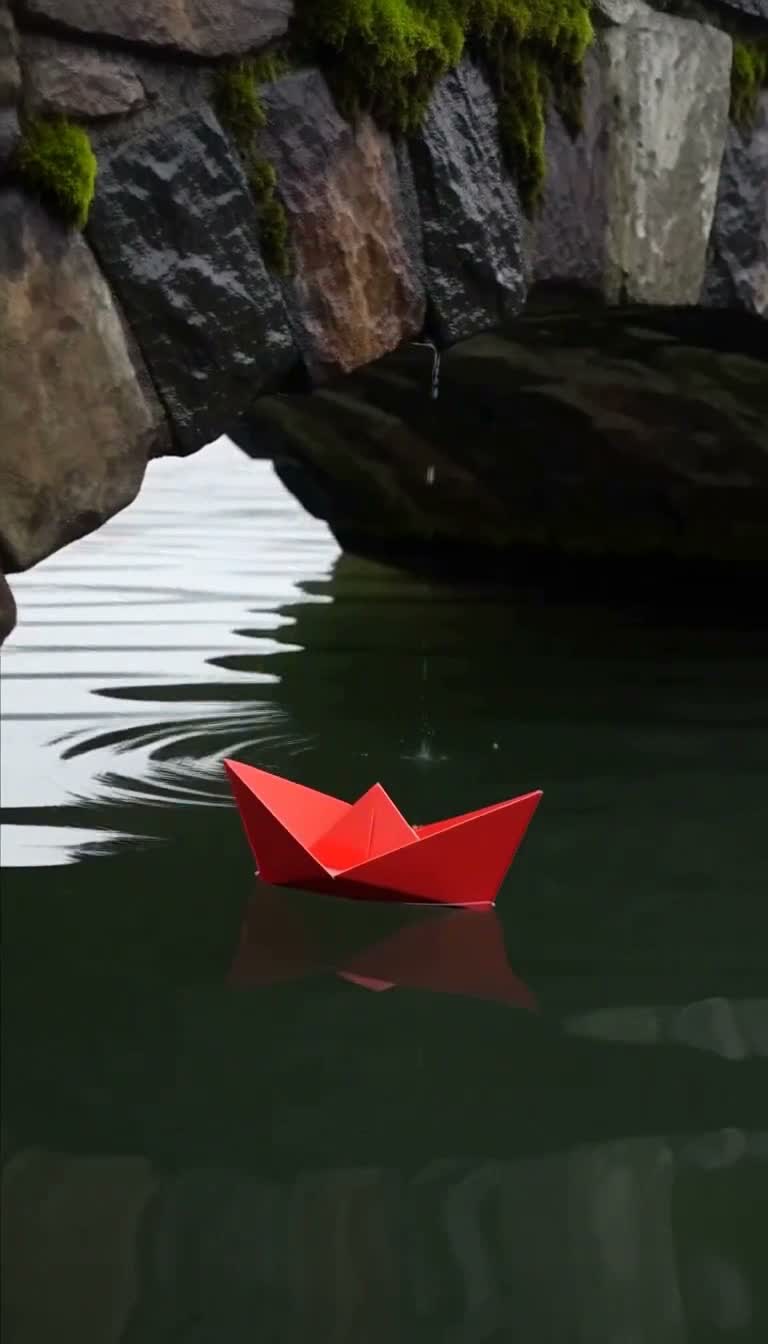
Bridge reflections in portrait

Portrait framing brings the red boat and stone bridge reflections into a vertical composition, paired with the supplied target audio for a cutaway clip.

Prompt

A red paper boat drifts beneath a stone bridge after rain. Smooth tracking camera, natural ripples, soft birdsong. No text or subtitles.

Generated video2s · 768P · 4:7

Target audio input

Environment · wider framing3.5s1080P4:3

Room for the water beneath the bridge

A 4:3 composition leaves room for the bridge, red boat and water, with small ripples unfolding across an environmental shot or opener.

Prompt

A red paper boat drifts beneath a stone bridge after rain. Smooth tracking camera, natural ripples, soft birdsong. No text or subtitles.

Generated video3.5s · 1080P · 4:3
Still life · square frame3s480P1:1

Tea beside a rainy window

A square frame gathers the ceramic cup, wooden table and rainy window into one quiet composition as the camera moves gently closer. The sound prompt pairs soft rain with a single quiet piano note, giving a lifestyle sequence room to pause.

Prompt

A ceramic cup of hot tea on a wooden table beside a rain-streaked window, steam curling upward, slow push-in, soft rain and a single quiet piano note. No text or subtitles.

Generated video3s · 480P · 1:1
Establishing scene · rising camera4s768P7:4

Cycling across the plaza at dawn

The wide frame begins close behind the cyclist, then rises to reveal the stone plaza, long shadows and distant skyline. Birdsong and distant bells in the sound prompt make this a useful opening for a travel or city film.

Prompt

A lone cyclist crosses a wide empty plaza at dawn, long shadows on the stone, the camera rising slowly behind them, birdsong and distant bells. No text or subtitles.

Generated video4s · 768P · 7:4
Craft process · portrait close-up4s768P4:7

Shaping a clay vase by hand

The portrait composition follows the height of the clay vessel as wet hands move upward from its belly to shape a neck, with window light catching the turning ridges and fingertips. The sound prompt asks for a soft wheel whirr and water, adding a sense of everyday studio activity to this close view of the craft.

Prompt

A potter shapes a clay vase on a spinning wheel, wet hands smoothing the curve upward, warm window light across the studio, soft whirring of the wheel and the sound of water. No text or subtitles.

Generated video4s · 768P · 4:7

Choosing between related video models

Stay here when all you have is a written idea. If you already have a finished picture, look at the Image-to-Video entry.

Model specifications

Input
Text prompt; no frame images
Duration
0.92–15 seconds, including fractionsAt least 2 seconds with target audio
Resolution
480P / 768P / 1080P1080P refines a 768P source
Soundtrack
Model-made sound, or swap in your own audio
Prompt expansion
disabled keeps your wordingbalanced is the default and adds moderate detailquality adds the most detail and takes longer
Target audio
Minimum 2 seconds, maximum 15 MBExcess is cut from the end; any shortfall is padded with silence
Random seed
Fix it to compare frame shapes and wordings
Framing
21:9 / 16:9 / 4:3 / 1:1 / 3:4 / 9:16
Prompt length
Up to 50,000 characters

Current price: View live pricing

How to use MiniMax H3 Max Text-to-Video

Subject and setting
Action
Camera
01

Describe one continuous shot

Describe the subject, setting, action, camera direction and sound.

0.92–15 seconds
Choose framing
Replace soundtrack
02

Choose framing and length

Choose framing and resolution for the destination. Request at least 2 seconds when using target audio.

Playground
POST /v1/tasks
03

Review the picture and soundtrack

Review the clip and sound online, then use the request below to create in your app.

API quickstart

curl --request POST 'https://api.hiapi.ai/v1/tasks' \
  --header 'Authorization: Bearer YOUR_API_KEY' \
  --header 'Content-Type: application/json' \
  --data '{
  "model": "minimax-h3-max/text-to-video",
  "input": {
    "prompt": "A red paper boat drifts beneath a stone bridge after rain. Smooth tracking camera, natural ripples, soft birdsong. No text or subtitles.",
    "resolution": "768P",
    "duration": 2,
    "aspect_ratio": "9:16",
    "target_audio_url": "https://static.hiapi.ai/model-onboarding/minimax-h3-max/2026/10/13/1791862423253-b835317bfd92f652-target-audio.wav"
  }
}'
The create request returns a taskId; retrieve the result asynchronously.Open full API docs

MINIMAX / H3 MAX · TEXT-TO-VIDEO

One description, a clip in the shape you choose

Text is all you need. Pick one of six frame shapes from 21:9 to 9:16 and the model arranges subject, action, camera and sound from your description. Already have music or a voice-over? Upload it as target audio to replace the soundtrack.

Six frame shapesBring your own audioUp to 15 seconds
Explore the model ↓
One description, a clip in the shape you choose

MODEL OVERVIEW

About MiniMax H3 Max Text-to-Video

Text-to-video works when the description makes one shot clear. Put the subject, setting, action, camera move and sound in one passage and the model has enough to arrange the picture — the shortest path from idea to clip.

The frame-shape option sets the canvas, so one description can produce landscape, vertical and square versions. With target audio the clip uses your sound while motion and camera still follow the text. Prompts can run to 50,000 characters.

One model, five frame shapes and subjects

Every clip was generated from text alone; expand to read its prompt.

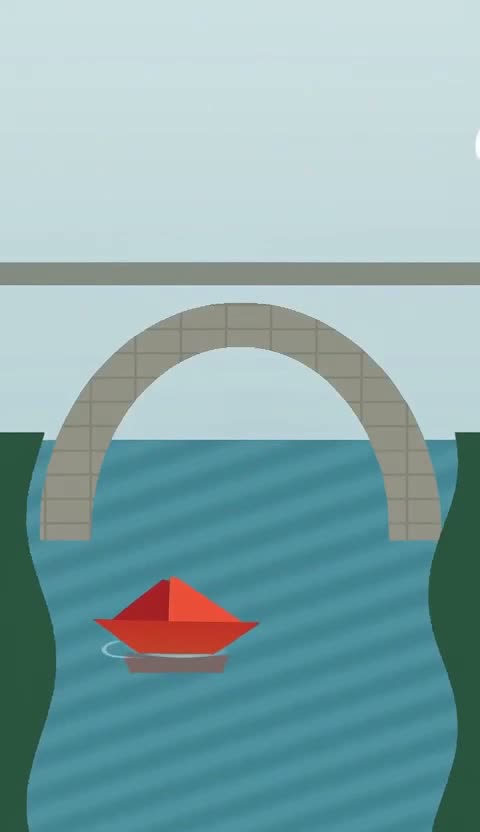
A bridge and red boat in vertical frame

The vertical frame stacks the red boat, the arch and its reflection into one column, leaving the subject room to move so the action reads instantly on a phone.

This clip used uploaded target audio, so its soundtrack is that recording. When the music for an edit is already set, you can start from the sound and generate the picture to match.

View prompt

A red paper boat drifts beneath a stone bridge after rain. Smooth tracking camera, natural ripples, soft birdsong. No text or subtitles.

4:7 · 768P · 2s · Target audio

Water under the bridge, with room to breathe

A 4:3 frame holds the bridge, the boat and the bank together. Small ripples unfold along the camera move, and the action does not need to fill the frame.

It works as an opener for brand stories or place introductions. Light, spatial layout and a slow camera build mood better than a frame crowded with action.

View prompt

A red paper boat drifts beneath a stone bridge after rain. Smooth tracking camera, natural ripples, soft birdsong. No text or subtitles.

4:3 · 1080P · 3.5s

A cup of tea by a rainy window

A 1:1 square gathers the ceramic cup, the wooden table and the rainy window, and a slow push-in leaves time to watch the steam rise.

The sound is written into the prompt: soft rain and one quiet piano note. Use it as a pause in a lifestyle video or as a square social post.

View prompt

A ceramic cup of hot tea on a wooden table beside a rain-streaked window, steam curling upward, slow push-in, soft rain and a single quiet piano note. No text or subtitles.

1:1 · 480P · 3s

Cycling across an empty plaza at dawn

The wide frame starts close to the cyclist, then rises to reveal the stone plaza, long shadows and the distant skyline.

Birdsong and a distant bell are written into the sound description. Moving from close to wide introduces both person and place in one shot, which suits travel or city openers.

View prompt

A lone cyclist crosses a wide empty plaza at dawn, long shadows on the stone, the camera rising slowly behind them, birdsong and distant bells. No text or subtitles.

7:4 · 768P · 4s

Hands shaping clay into a vase

The vertical frame follows the height of the clay as wet hands draw the neck up from the body, with window light on the turning ridges and fingertips.

The soft hum of the wheel and running water are written into the sound prompt, giving the close-up a working-studio feel for craft brands and vertical tutorials.

View prompt

A potter shapes a clay vase on a spinning wheel, wet hands smoothing the curve upward, warm window light across the studio, soft whirring of the wheel and the sound of water. No text or subtitles.

4:7 · 768P · 4s

Pick a resolution for the job

480P
Quick framing previews
768P
Everyday delivery
1080P
Enhanced from 768P, sharper

Where Text-to-Video fits

Vertical social clips

Go straight from an action idea to a 9:16 shot for short video, story transitions and mobile placements.

One idea, several shapes

Keep the prompt and seed, change only the frame shape, and get landscape, vertical and square versions for each channel.

Picture for existing music

Upload music or a voice-over as target audio, describe the camera rhythm, and the clip keeps your sound.

Openers and background shots

Prepare wide establishing footage for article videos and brand stories by writing place, weather and light into the prompt.

Start from one description

Write a scene in the Playground, pick a frame shape and try a clip, then send the same settings through the API. Every version stays in task history so you can compare shapes and soundtracks side by side.

Need to compare models and billing tiers?View live pricing for all models

Frequently asked questions

Do I need to prepare an image?

No. This entry creates video from text and does not accept first- or last-frame images. Choose MiniMax H3 Max Image-to-Video when an image should set the opening or ending.

How do I choose framing for the destination?

Choose 21:9, 16:9, 4:3, 1:1, 3:4 or 9:16. Landscape suits environments and openers, portrait suits short videos, and square fits feeds. Describe the subject’s position and room for movement so the shot fits the chosen frame.

How do I write a clearer shot description?

Start with the subject and setting, then add one continuous action, camera direction and sound. Avoid crowding a short clip with many events. Use prompt expansion for a fuller description and refine it after reviewing the clip.

Does 9:16 really return a vertical video?

Yes. This entry generates directly in the chosen frame shape, and our 768P test returned 768×1344.

Can I combine target audio with a very short duration?

No. With target audio the video must be at least 2 seconds and the audio itself at least 2 seconds. For clips under a second, let the model generate its own sound.

How do I get several frame shapes of one idea in a similar style?

Keep the prompt and seed fixed and change only aspect_ratio. The same seed does not guarantee identical pictures, but style, color and motion tendencies usually stay closer, which makes selection easier.

When should I turn prompt expansion on?

Use balanced or quality when you only have a short idea and want the model to add detail. Use disabled when the shot, light and action are already written and you want your own wording kept. Expansion does not change the requested length.

Why does the returned length differ slightly from my request?

Video is generated in frames, so the final length lands on the nearest frame boundary. In our tests the difference was under a third of a second. For exact edit points, use the length of the returned video.

What is 1080P good for here?

1080P is an output tier refined from a 768P source and suits final delivery or large-screen playback. For drafting and comparing ideas, 480P or 768P is quicker.