Palette
Brushwork
Light
01
Upload style references
Put 1–10 images in one style into image_urls: PNG, JPG or WEBP, each under 20 MB.
Recraft V4 Styles Pro API renders high-resolution images in the style of 1–10 reference pictures, for posters, print and brand visuals. Try it online on HiAPI.
Provider: Recraft
Category: image generation
Endpoint: /v1/tasks
Status: Available
Cost: See live page pricing
Recraft V4 Styles Pro API renders high-resolution images in the style of 1–10 reference pictures, for posters, print and brand visuals. Try it online on HiAPI.
Pricing
Standard Usage
How closely the result follows the reference style: precise stays close to the references, flexible allows more variation. Defaults to flexible when omitted
Ready for generation
Configure your parameters and click "Run" to see the output here.
The example shows the full output and the original prompt; the two submitted style references appear in the article below.
Choose an adjacent model by task, output tier, and reference-image needs.
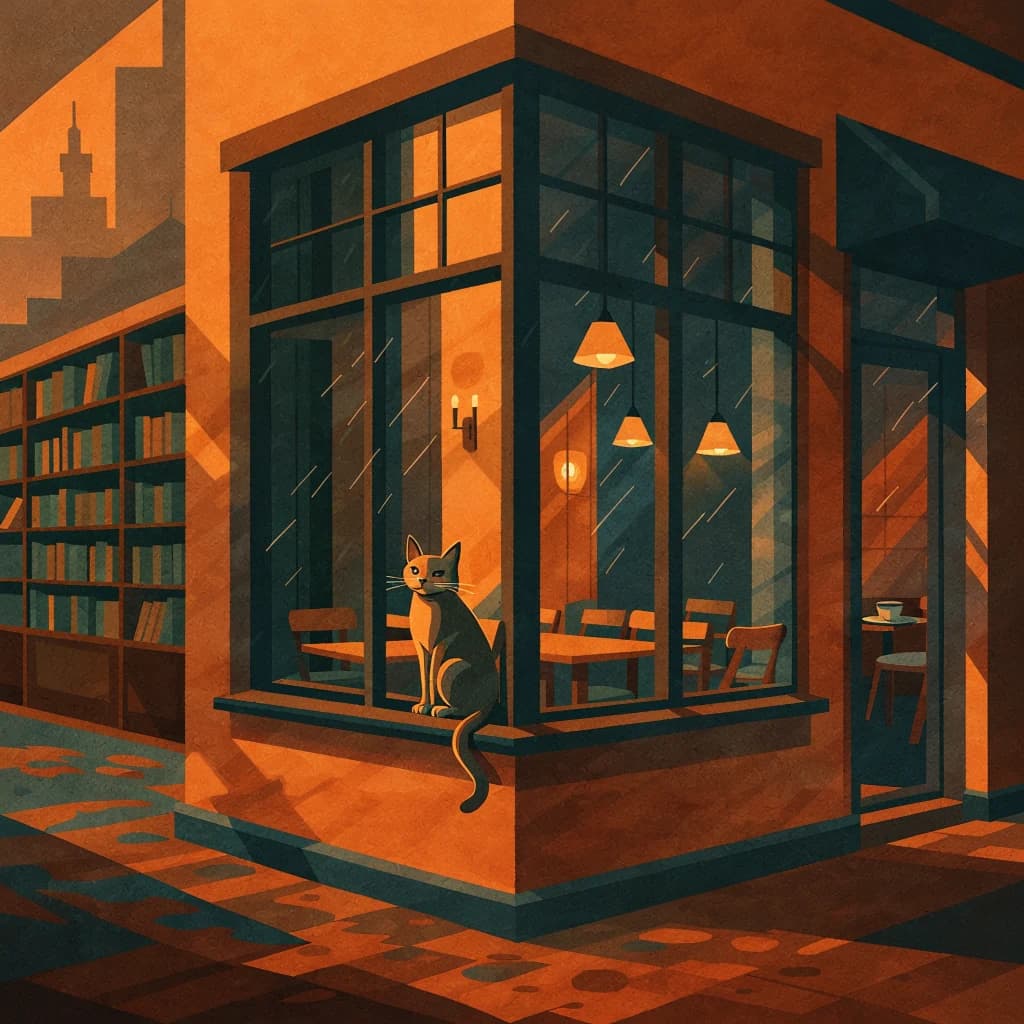
Everyday styled images
Same parameters with 1024×1024 output at square_hd, for everyday graphics and batches.
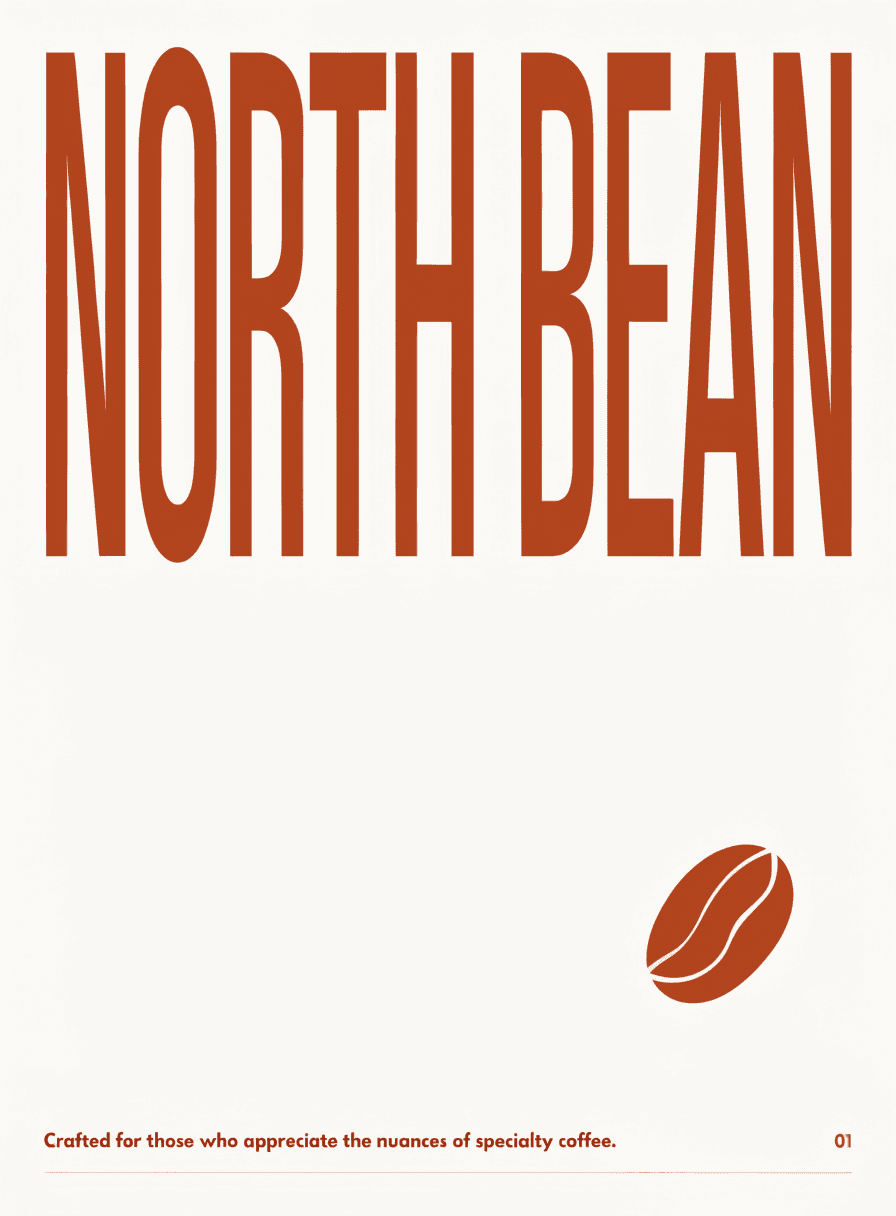
Text-only generation
Use it when you have no reference images and describe the look in the prompt.
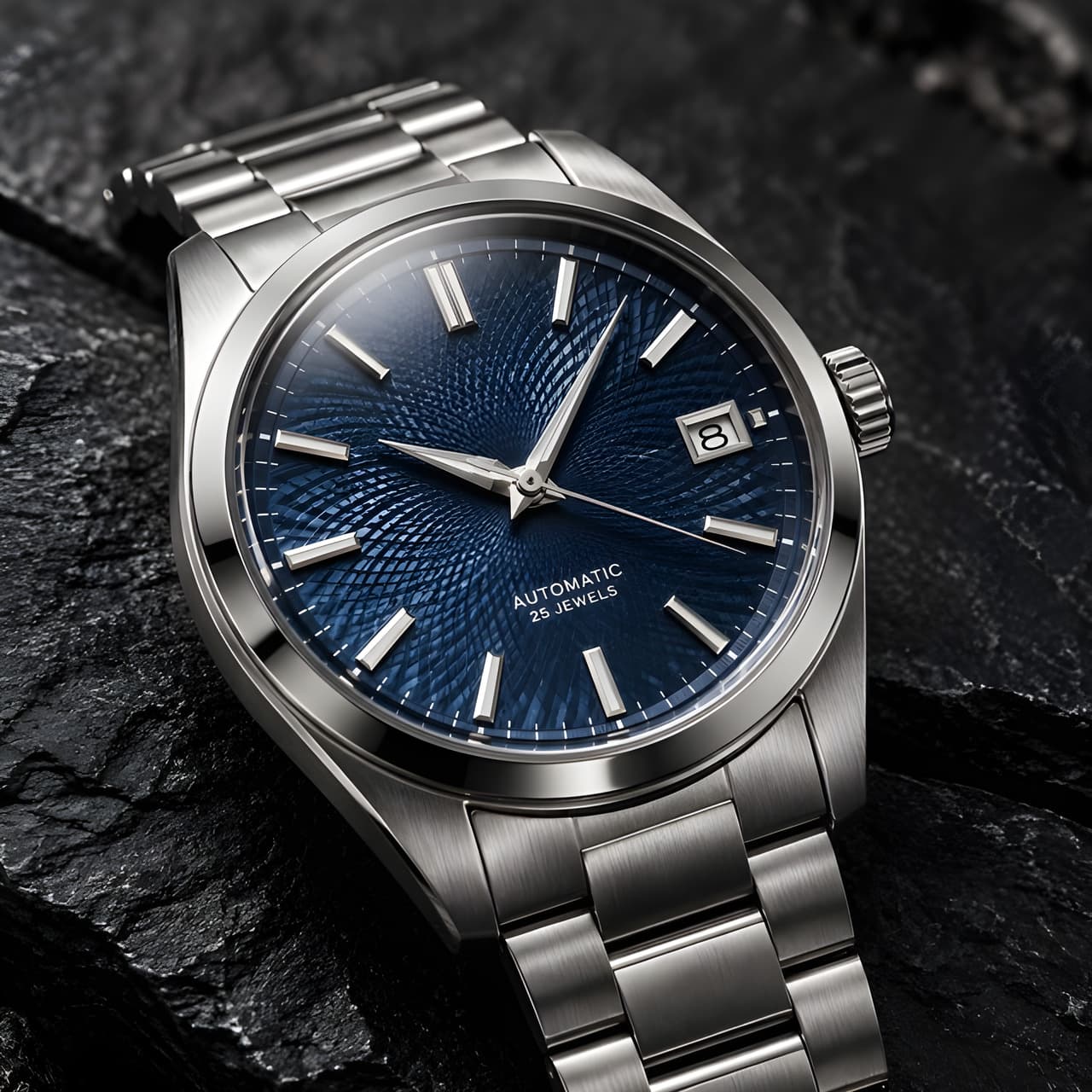
Sharper upscaling
Enlarge a finished image while keeping it close to the original.
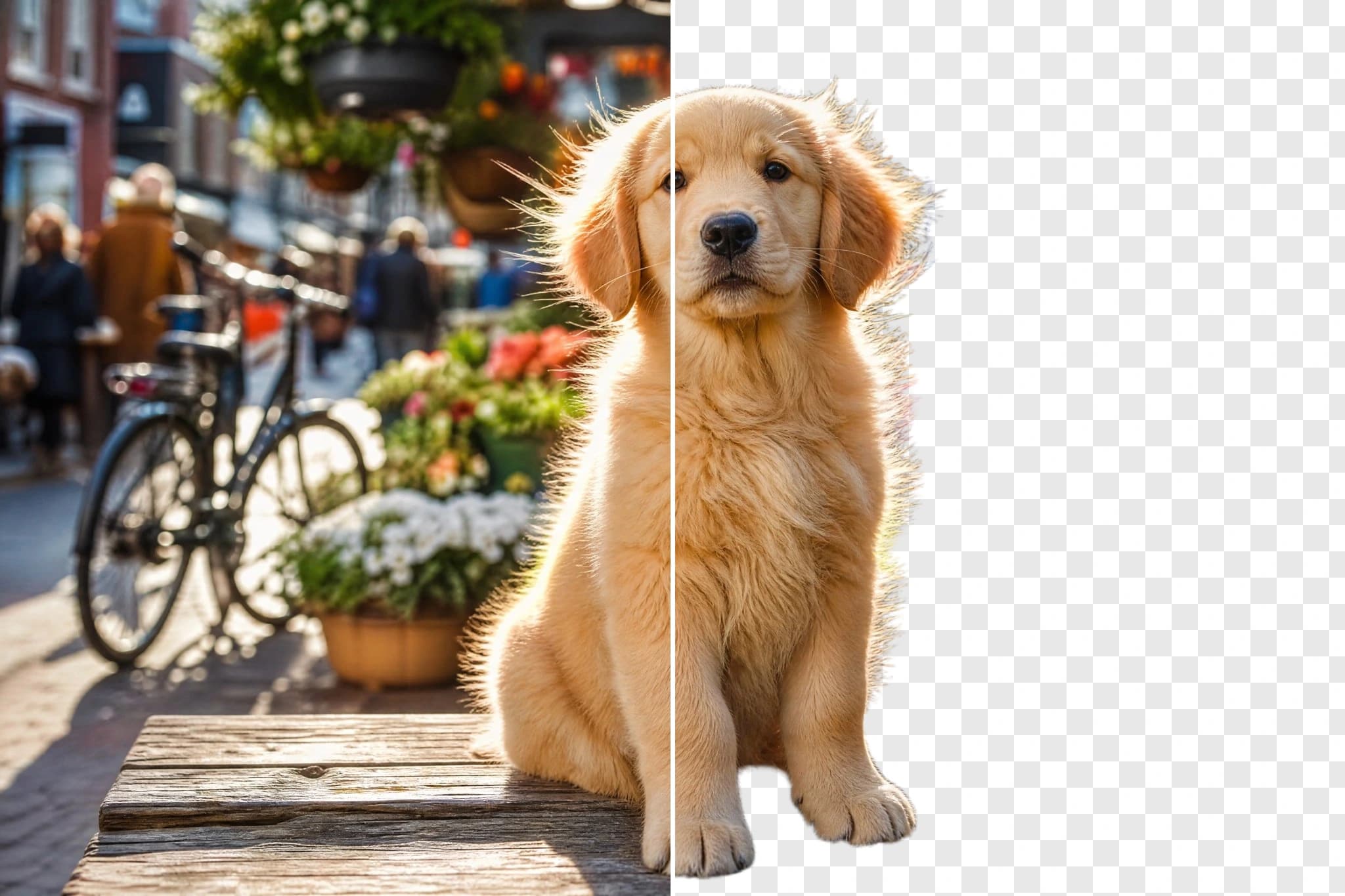
Background removal
Cut the subject out to a transparent PNG after generating.
Recraft V4 Styles Pro API renders high-resolution images in the style of 1–10 reference pictures, for posters, print and brand visuals. Try it online on HiAPI.
The Playground and API use the same model ID: recraft-v4-styles-pro/text-to-image. The 1–10 references in image_urls set the style, the prompt describes the content, and each request returns one image.
Choose inputs and output settings for your creative goal with Recraft V4 Styles Pro.
Final cost depends on the output tier and input add-ons. Check the live page price and task record for the final charge.
Choose the destination and aspect ratio before composing subject, scene, material, light, and text.
Put 1–10 images in one style into image_urls: PNG, JPG or WEBP, each under 20 MB.
Describe the subject and scene in prompt, choose one of the six image_size presets, and set style_match if needed.
Confirm the look in the Playground, then call POST /v1/tasks with the same model ID and parameters.
Copy a minimal request below. See Docs for parameters, callbacks, task retrieval, and errors.
POST /v1/tasksrecraft-v4-styles-pro/text-to-imagecurl -X POST "https://api.hiapi.ai/v1/tasks" \
-H "Authorization: Bearer YOUR_API_KEY" \
-H "Content-Type: application/json" \
-d '{
"model": "recraft-v4-styles-pro/text-to-image",
"input": {
"prompt": "A lighthouse on a cliff with seagulls and waves, no logos, no brand names",
"image_urls": [
"https://static.hiapi.ai/gallery/2026/10/fa10ab95992be1a3.png",
"https://static.hiapi.ai/gallery/2026/10/e96f0a8de9568541.png"
],
"image_size": "square_hd"
}
}'The create request immediately returns a taskId; image generation continues asynchronously.
HIGH-RESOLUTION STYLE-REFERENCE GENERATION
Like Styles, Recraft V4 Styles Pro separates style from content: the references in image_urls set the palette, brushwork and light, and the prompt says what this image should show. The difference is higher output resolution, for posters, print and key visuals that are viewed up close.
HIGH-RESOLUTION STYLE-REFERENCE GENERATION
Each request returns one image. Pick one of six size presets (square_hd by default); style_match controls how closely it follows the references; colors and background_color can pin the palette through the API.
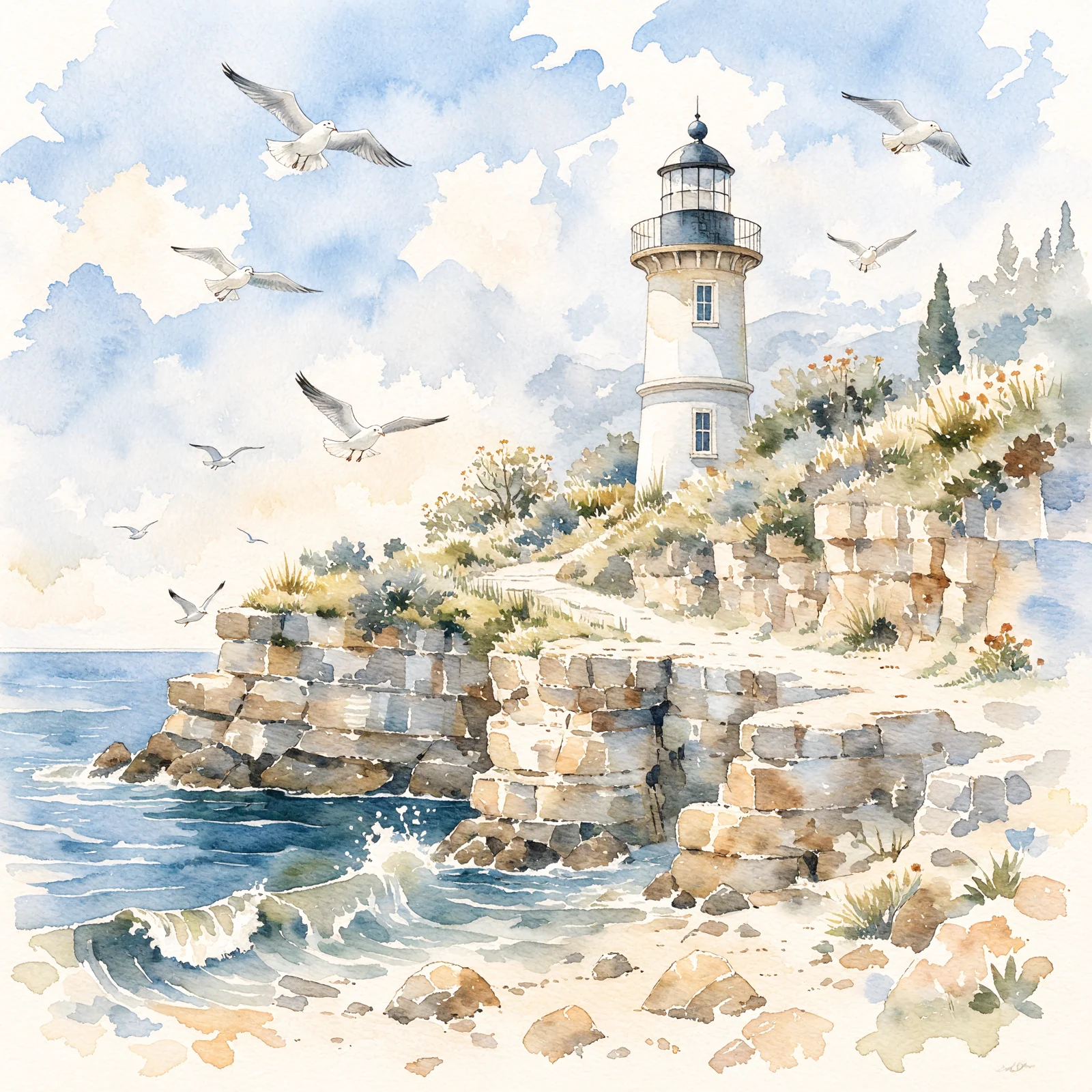
The example below is a real result from this model: two Mediterranean watercolors as references and a prompt for a cliff lighthouse with seagulls and waves. The 2048×2048 output keeps the references' watercolor look.
The references decide the look, so choosing them matters more than a long prompt.
References that share palette, brushwork and lighting give the clearest style. Both references in the example are light, airy landscape watercolors with plenty of white paper.
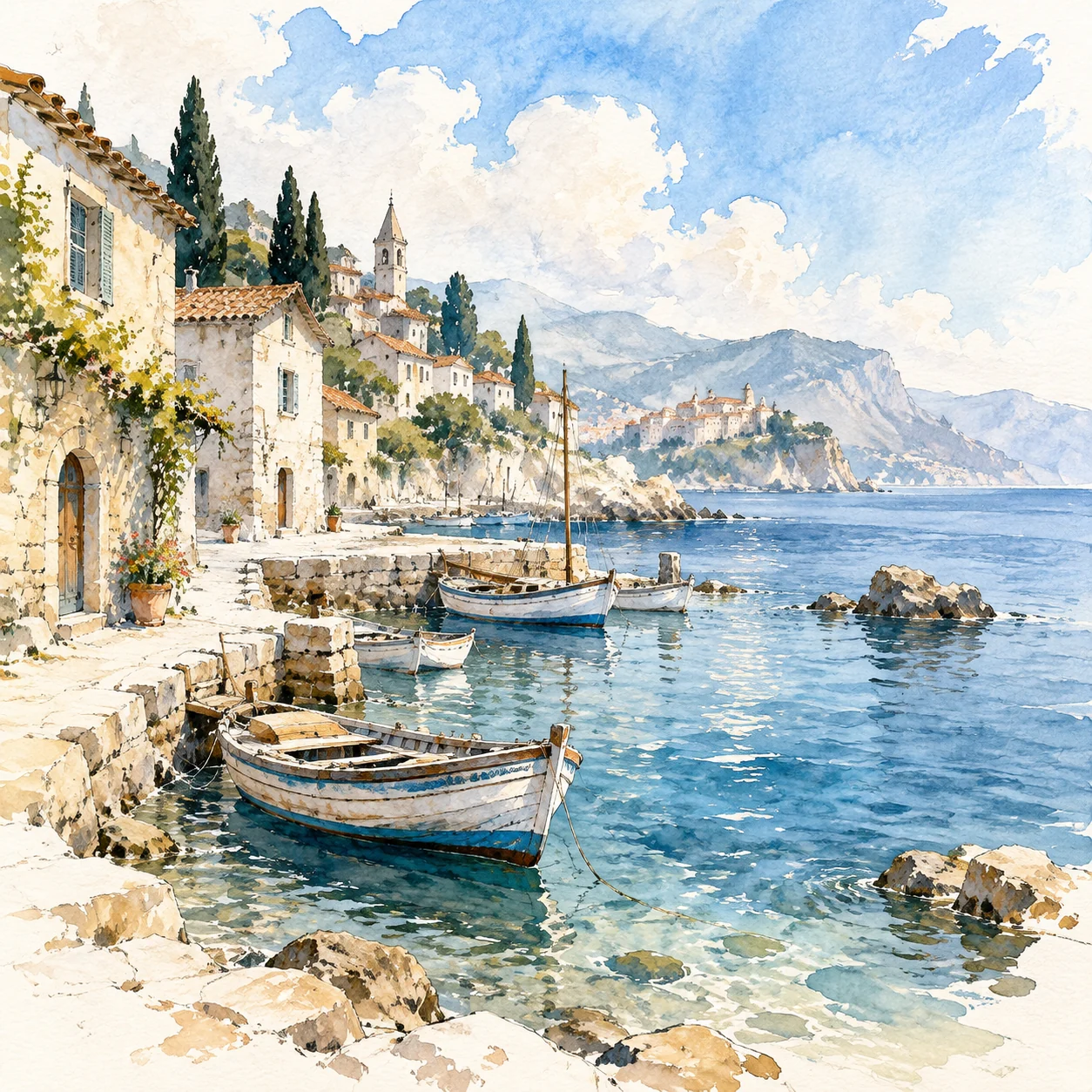
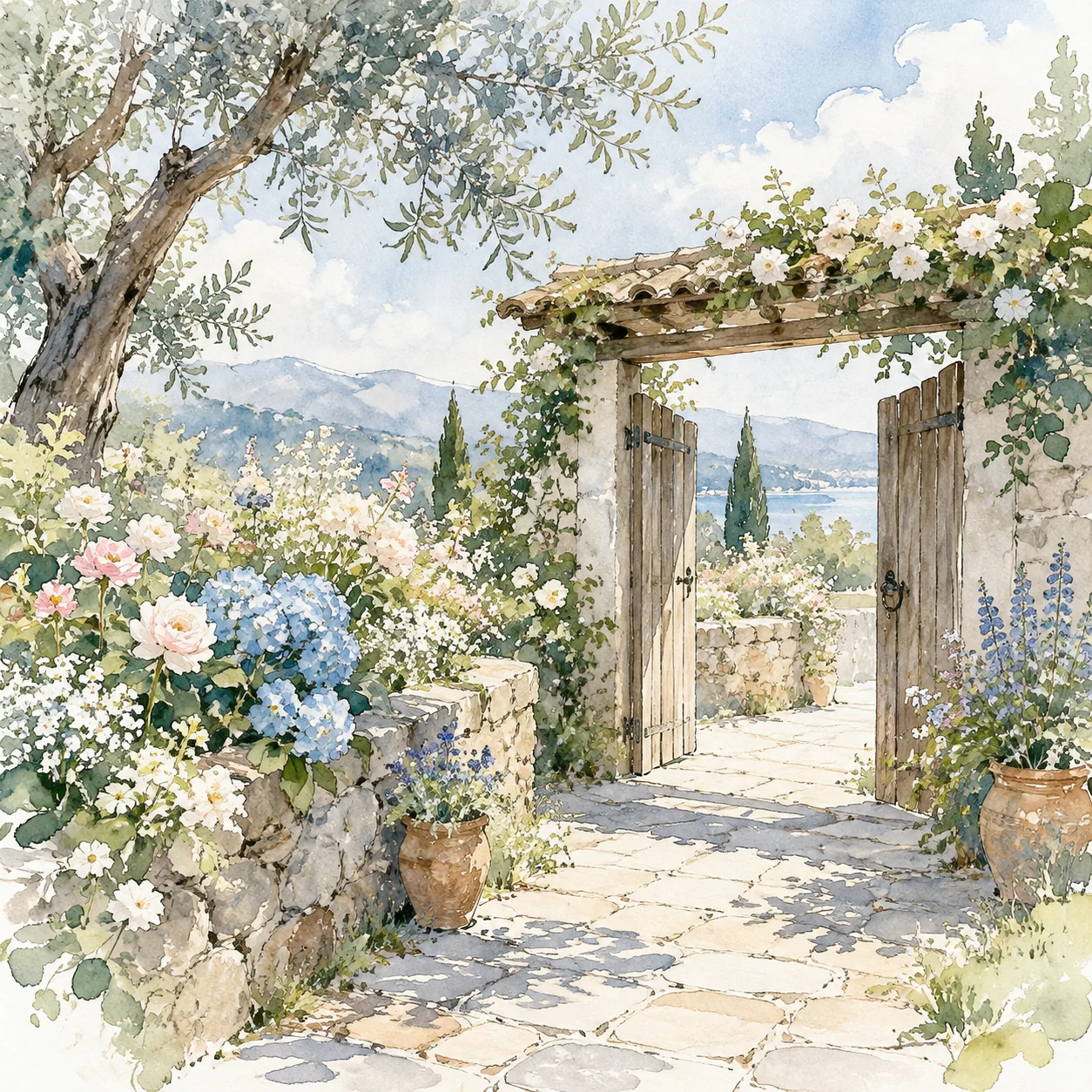
In the example the references show a harbor and a garden, while the result shows the lighthouse from the prompt. Put subject, scene and composition in the prompt; the references do not need to match the content.
PNG, JPG or WEBP, each under 20 MB and 64 MB in total, no SVG. In API requests pass publicly accessible http(s) URLs, up to 10 images.
The two images on the left are the submitted style references; on the right is the Recraft V4 Styles Pro output (shown as a preview; the original is 2048×2048).
2 references · square_hd
One reference is a harbor with small boats, the other a garden courtyard with an open wooden gate; both are watercolor landscapes with pale blue skies, beige stonework and plenty of white paper.
The prompt only asked for a lighthouse on a cliff with seagulls and waves. The result shows a white lighthouse on layered rock, a few seagulls and breaking waves, with the references' beige stone, pale blue sky and soft washes; the boats and gate from the references do not appear.
A lighthouse on a cliff with seagulls and waves, no logos, no brand names
Choose by whether you have style references and how much resolution you need.
| Aspect | Recraft V4 Styles Pro | Recraft V4 Styles | Recraft V4.1 |
|---|---|---|---|
| Where the style comes from | 1–10 reference images | 1–10 reference images | The prompt only |
| square_hd output size | 2048×2048 | 1024×1024 | 1024×1024 |
| Size presets | 6 | 6 | 6 |
| Best for | Posters, print and other high-resolution uses | Everyday graphics, batches in one style | No references, text description only |
See live pricing for current rates.
Confirm the look in the Playground, then send the same parameters through the API.
01
Put 1–10 images in one style into image_urls.
02
Describe the subject and scene in prompt, choose one of the six image_size presets, and set style_match if needed.
03
The request returns a taskId right away; when the task succeeds, download the image from output[].url and store it.
For posters, displays and printed pieces that need large output, Pro returns a higher-resolution original.
Use existing brand illustrations as references for new key visuals; add colors when the brand palette must be fixed.
Explore with one set of references, then use Pro for the final images that will be shown large.
For books, long-form pages or large web images where brushwork and texture are viewed up close.
Billed per output image, one per request; the number of references, the size preset and style_match do not change the price.
See the live price at the top of this page and on the pricing page.
Upload references and write a prompt in the Playground above, then call POST /v1/tasks with the same parameters.
You set a style with 1–10 reference images and describe the content in a prompt; the model draws a new, higher-resolution image in that style. The references decide how it looks, the prompt decides what is in it.
The example on this page uses square_hd and came back as a 2048×2048 WebP image. Exact pixel sizes for the other presets depend on what the task returns.
Yes. image_urls is required: at least 1 and up to 10 images. The example on this page uses 2 watercolors in the same style.
PNG, JPG or WEBP at publicly accessible http(s) URLs, each under 20 MB and no more than 64 MB in total. SVG is not supported. You can also upload images directly in the Playground.
In the example on this page, the boats, wooden gate and flower beds from the references did not appear; the result shows the cliff lighthouse from the prompt. What carried over was the pale blue sky, the beige stonework and loose watercolor washes with white paper showing. Put the subject you want in the prompt.
precise keeps the result closer to the reference style, flexible allows more variation; when omitted it behaves as flexible. The example on this page does not set style_match.
image_size has six presets: square_hd (default), square, portrait_4_3, portrait_16_9, landscape_4_3 and landscape_16_9.
The parameters are the same. Pro returns higher resolution: with square_hd, the Styles example is 1024×1024 and the Pro example is 2048×2048. Their prices differ; see live pricing.
Yes, through the API: colors takes an array of RGB objects and background_color one RGB object, each channel 0–255. The online Playground does not show these two fields yet.
Saved styles cannot be passed in at the moment. Send the reference images with every request; to keep a set of images consistent, reuse the same references each time.
Per output image, one per request. The number of references, the size preset and style_match do not change the price. See the current price above and on the pricing page.
Result URLs expire, so copy the image to your own storage once the task succeeds.