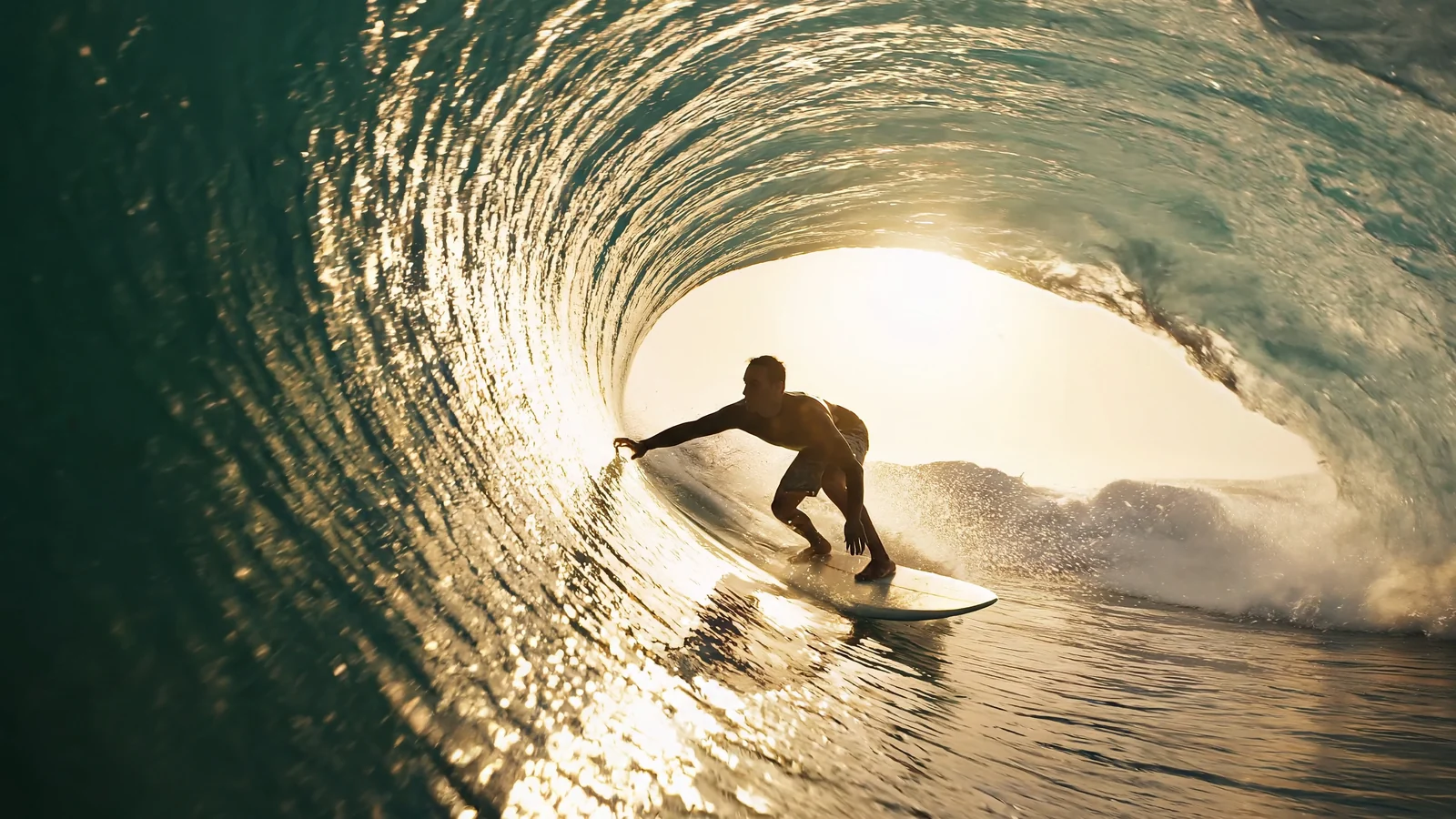
The fast Wan 3.0 route for 2-30 second video from text, first/last frames, reference images or audio, files or webpages, with 480P-1080P output and optional synchronized audio.

Provider: Alibaba

Category: video generation

Endpoint: /v1/tasks

Status: Available

Cost: See live page pricing

Back to Models

Wan 3.0 Prime

by AlibabaVideo

Wan 3.0 Prime fast video generation from text, first/last frames, reference images or audio, files, or webpages, producing 2-30 second 480P, 720P, or 1080P video with optional synchronized audio.

Pricing

Standard Usage

720 Credits/ s

Input

Frames

Use images to control the first and last frame.

Optional

Upload the first-frame image. Supports JPG/PNG/WebP/GIF, max 10MB

Upload the last-frame image. Supports JPG/PNG/WebP/GIF, max 10MB

0 / 20000
5s
2s1-second steps30s

More parameters

Upload assets

Preview after upload
0/5

Upload reference audio files

Generation settings

Enter one publicly reachable document or presentation URL; Up to 1 items

Enter one publicly reachable webpage URL that does not require login; Up to 1 items

Generation preferences

Include a synchronized audio track in the output video

Advanced

For repeatable results · integer 0-2147483647
BillingBilled by actual output duration720 Credits / sSettled from the actual output duration

Output

Ready for generation

Configure your parameters and click "Run" to see the output here.

--

Wan 3.0 Prime examples: one prompt to a video with sound

Two real generations, both from a text prompt alone at 480P, 2 seconds, 16:9 with a synchronized soundtrack: one product shot and one object in motion. Compare each prompt with what appears on screen.

Text to video · product shot

Iced matcha latte on a sunlit café table, stirred with a wooden spoon

A single prompt. A wooden spoon stirs the glass so the milk at the bottom and the matcha on top swirl into an even green while the ice shifts; condensation beads on the glass, the street behind stays softly blurred in warm morning light, and the light on the wooden table holds steady.

2s480P16:9With audio

Prompt

A glass of iced matcha latte on a sunlit café table; a slow push-in as condensation drips down the glass and a wooden spoon stirs, soft bokeh, warm morning light, gentle café ambience.
Output video

Text to video · object motion

A paper crane on a desk spreads its wings and lifts off

Text only again. The crane starts at rest on a sunlit wooden desk, raises and fully spreads both wings, then lifts clear of the desk into the air; the paper folds and its shadow on the desk change with the motion while the curtains and lamp behind stay soft.

2s480P16:9With audio

Prompt

A paper origami crane unfolds its wings on a sunlit wooden desk and lifts into the air, soft morning light, gentle camera push-in, subtle rustling paper sound.

Output video

Choose by input method, output specifications, control surface, and budget.

Model specifications

These specifications reflect the current HiAPI Wan 3.0 Prime request contract.

Input
Prompt + optional endpoint frames, reference images, audio, files, or links
Duration
2–30s
Resolution
480P720P1080P
Aspect ratio
adaptive16:94:31:13:49:16
Audio and references
Optional image, audio, file and link references; synchronized audio. Reference video input is not available yet.
API protocol
POST /v1/tasksAsync
Starting tier: 175 Credits / secondBilled by output duration and the live model tier

How to use the Wan 3.0 Prime API

Three steps to a clip: pick the control mode, set the parameters, submit the task.

Prompt
Frames
References
01

Pick one control mode

Prompt only; or add first and last frames to lock the start and end; or supply reference images, audio, a document or a webpage. Do not combine frames with references.

Draft

5s · 480P

Final

Up to 30s · 1080P

02

Set length, resolution and frame

Validate motion and composition with a few seconds at 480P, then move to 1080P and the length you need; pick the ratio for your channel, 9:16 for vertical.

Playground
POST /v1/tasks
03

Submit and get the video

Create an async task with model ID wan3.0-video-prime and fetch the result via callback.url or GET /v1/tasks/:id.

Wan 3.0 Prime API quickstart

This is the minimum request for an asynchronous text-to-video task. Use the API docs for task retrieval, callbacks, errors, and the complete parameter contract.

curl -X POST "https://api.hiapi.ai/v1/tasks" \
  -H "Authorization: Bearer YOUR_API_KEY" \
  -H "Content-Type: application/json" \
  -d '{
  "model": "wan3.0-video-prime",
  "input": {
    "prompt": "A glass of iced matcha latte on a sunlit café table; a slow push-in as condensation drips down the glass and a wooden spoon stirs, soft bokeh, warm morning light, gentle café ambience.",
    "duration": 5,
    "resolution": "1080P",
    "aspect_ratio": "adaptive",
    "audio": true
  }
}'
The create request returns a taskId; retrieve the result asynchronously.Open full API docs

What is Wan 3.0 Prime

Wan 3.0 Prime is the fast route of Alibaba's Wan 3.0 video generation. It is prompt-led: write one description and get a clip, or add first and last frames to lock the start and end, or give reference images, reference audio, a document or a webpage to show the model what to make.

Output length is set per second from 2 to 30, resolution comes in 480P, 720P and 1080P, and aspect ratio can be adaptive, 16:9, 4:3, 1:1, 3:4 or 9:16. A synchronized audio track is generated by default and can be turned off.

Reference video input is not available on this route yet; the other parameters match the Wan 3.0 family, so the same request structure works.

What Wan 3.0 Prime can do

From text-only generation to first/last frames, reference media and document or webpage input, see how much Wan 3.0 Prime lets you control; the two items with a video map to the real examples above.

01

Prompt only: picture, motion and sound in one pass

The simplest use is a single prompt that lays out subject, setting, action, camera and lighting in order. In the matcha latte example the prompt names the glass, the sunlight, the stirring spoon and a push-in, and the output shows the spoon stirring, the milk and matcha mixing, the beaded glass and the warm backlight as described.

A synchronized soundtrack is generated alongside by default, and the prompt can describe the sound you want, such as “gentle café ambience”; set audio to false when you do not need it.

Iced matcha latte on a sunlit café table, stirred with a wooden spoon · See the full example

02

First/last frames: lock the start and end, the model fills the change

Pass first_frame_url and the video starts from that image; add last_frame_url and it ends on the second one. It suits changes with a clear start and finish, such as a flower opening, a sunset, a product unfolding or a character turning.

The closer the two frames are in camera position, lighting and subject, the smoother the transition; the prompt only needs to describe what happens in between. First/last-frame mode cannot be combined with the reference arrays.

03

Reference images and audio: assign each asset with Image1 and Audio1

reference_image_urls takes up to 10 images for product looks, characters or visual style; reference_audio_urls takes up to five WAV or MP3 clips of 1 to 15 seconds each, used together with images, and can appear in the video as a voice, narration or music.

In the prompt, refer to assets in array order as Image1, Image2, Audio1 and say what each is for, for example “the cup from Image1, with Audio1 as the voice-over”.

04

Frame and length: landscape, vertical or square, 2 to 30 seconds

aspect_ratio supports 16:9, 4:3, 1:1, 3:4 and 9:16, so pick 9:16 for vertical short video instead of cropping a landscape clip; with adaptive, the ratio follows the input media and the prompt.

duration can be any whole number of seconds from 2 to 30, and billing follows the output length. Validate motion and composition with 480P and a few seconds first, then raise resolution and length for the final version; the paper-crane example is exactly such a 480P, 2-second check, and the wing spread and lift-off already read clearly.

A paper crane on a desk spreads its wings and lifts off · See the full example

05

Documents and webpages: turn product material into video

reference_file_urls takes one publicly reachable document or presentation, and reference_link_urls takes one webpage that needs no login; the model reads the content as the basis for the video. Use one or the other, one item each.

It suits turning a product page, an event brief or lecture notes into a short explainer, with the prompt setting the camera style and length.

How inputs combine

  • A prompt alone is enough; every other input is optional.
  • First/last frames (first_frame_url / last_frame_url) cannot be combined with the reference arrays.
  • Use either a reference file or a reference webpage, one item each.
  • Reference audio must be paired with reference images.
  • Reference video input is not available yet.

Where Wan 3.0 Prime fits

E-commerce and product shots

Use product photos as reference images plus a selling-point voice-over to produce listing videos and detail-page clips in volume.

Vertical short video

Render 9:16 with a synchronized soundtrack and skip cropping landscape footage or re-dubbing.

Transitions and changes

Use first/last frames for shots with a clear start and end, such as blooming, seasonal change or before-and-after assembly.

Material to explainer

Feed a product page, event brief or notes as a reference file or webpage to get a short explainer quickly.

Wan 3.0 Prime or Wan 3.0 Video

Both belong to the Wan 3.0 family and share the same prompt, first/last-frame, reference image, audio, file and webpage usage, so switching is a matter of changing the model ID.

Wan 3.0 Prime

The fast Wan 3.0 route. Suits work that needs results sooner, frequent prompt iteration or batch rendering; reference video input is not available yet.

Wan 3.0 Video

The standard Wan 3.0 route with the same spec range. The two routes are priced differently, so run the same prompt on each and compare results and turnaround before committing.

Compare live pricing

Try Wan 3.0 Prime with one prompt

Write a prompt in the Playground above, or add frames and references, and see a result in a few minutes.

Need to compare models and billing tiers?View live pricing for all models

Frequently asked questions

What inputs does Wan 3.0 Prime accept?

Only the prompt is required. Optional inputs are first and last frames, up to 10 reference images, up to 5 reference audio clips, and one reference document or one reference webpage. Reference video input is not available yet.

Can I combine first/last frames with references?

No. First/last-frame mode is mutually exclusive with the reference image, audio, file and webpage arrays, so pick one control mode per task; a reference file and a reference webpage are also either-or.

What are the reference audio requirements?

WAV or MP3, 1 to 15 seconds each, up to five clips, used together with reference images. Refer to them in the prompt as Audio1, Audio2 in order and say whether each is narration, dialogue or music.

Which lengths, resolutions and aspect ratios are supported?

Length is any whole number of seconds from 2 to 30; resolution is 480P, 720P or 1080P; aspect ratio is adaptive, 16:9, 4:3, 1:1, 3:4 or 9:16, with adaptive following the input media and prompt.

Does the video include sound?

By default it generates a synchronized audio track, and you can describe the sound in the prompt (ambience, narration and so on); set audio to false for picture only.

How is Wan 3.0 Prime different from Wan 3.0 Video?

Prime is the fast Wan 3.0 route. Both share the same prompt, first/last-frame and reference image, audio, file and webpage usage, so you switch by changing the model ID; Prime does not accept reference video input yet, and the two routes are priced differently.

How do I reproduce a result?

Pass a fixed seed (0 to 2147483647) and keep the prompt and other settings unchanged to get highly consistent output, which makes it easy to compare after small tweaks.

How is Wan 3.0 Prime billed?

By output video length and resolution tier, and failed tasks are refunded in full; see the live price on this page for the current rate.