TL;DR
- Bria Product Shot:上传商品图,用英文场景描述或场景参考图更换背景。
- 每张 $0.0575,每次请求输出 1 张 PNG。 查看价格与预算
- 下面 4 组案例覆盖文字场景、参考图场景与保持原位;文字链接只预填描述,商品图需另行上传。
按目标准备输入
文字模式适合已有明确场景描述的商品图。参考图模式把另一张图作为场景方向;如果商品必须保留在原来位置,单独选择 original。每个案例都保留了原始英文描述或明确的参考图输入。
护肤商品:窗边台面
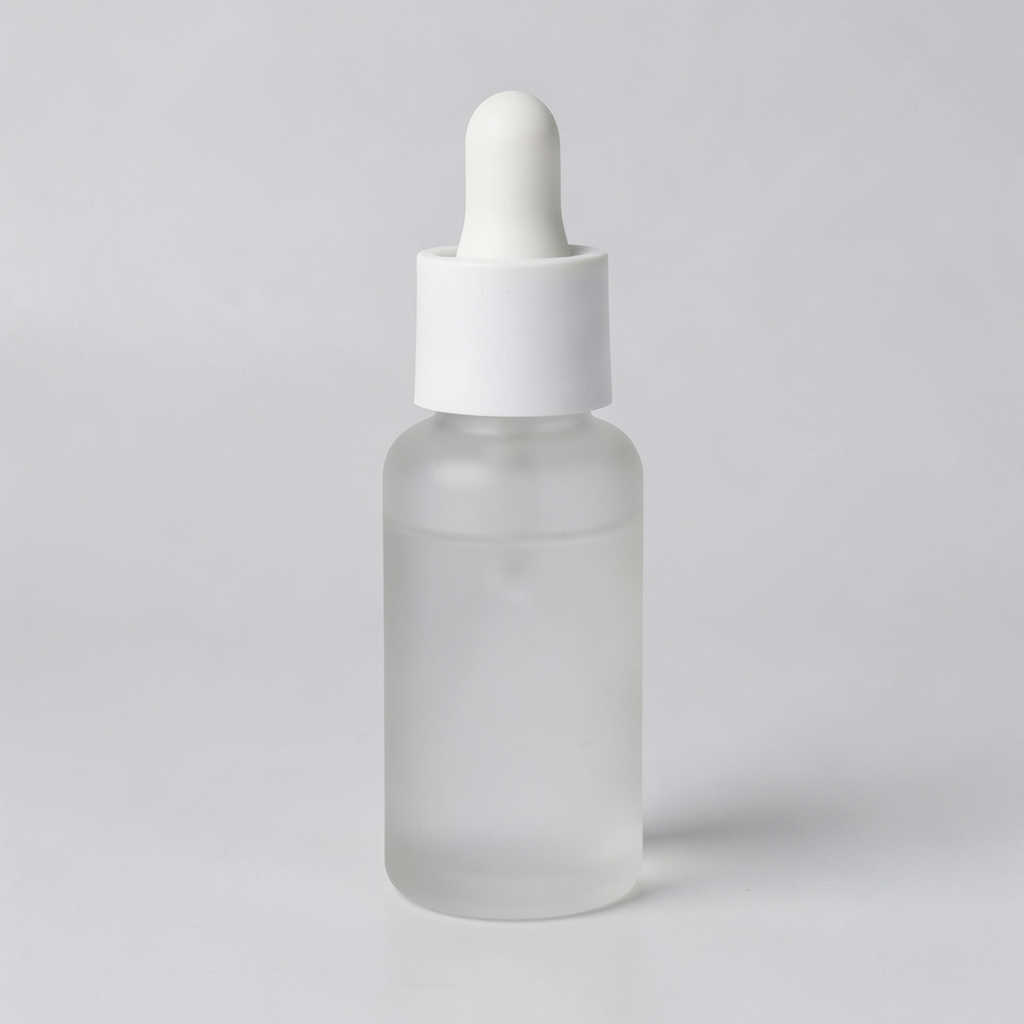
用此场景描述打开模型页,还需上传商品图并设置位置。
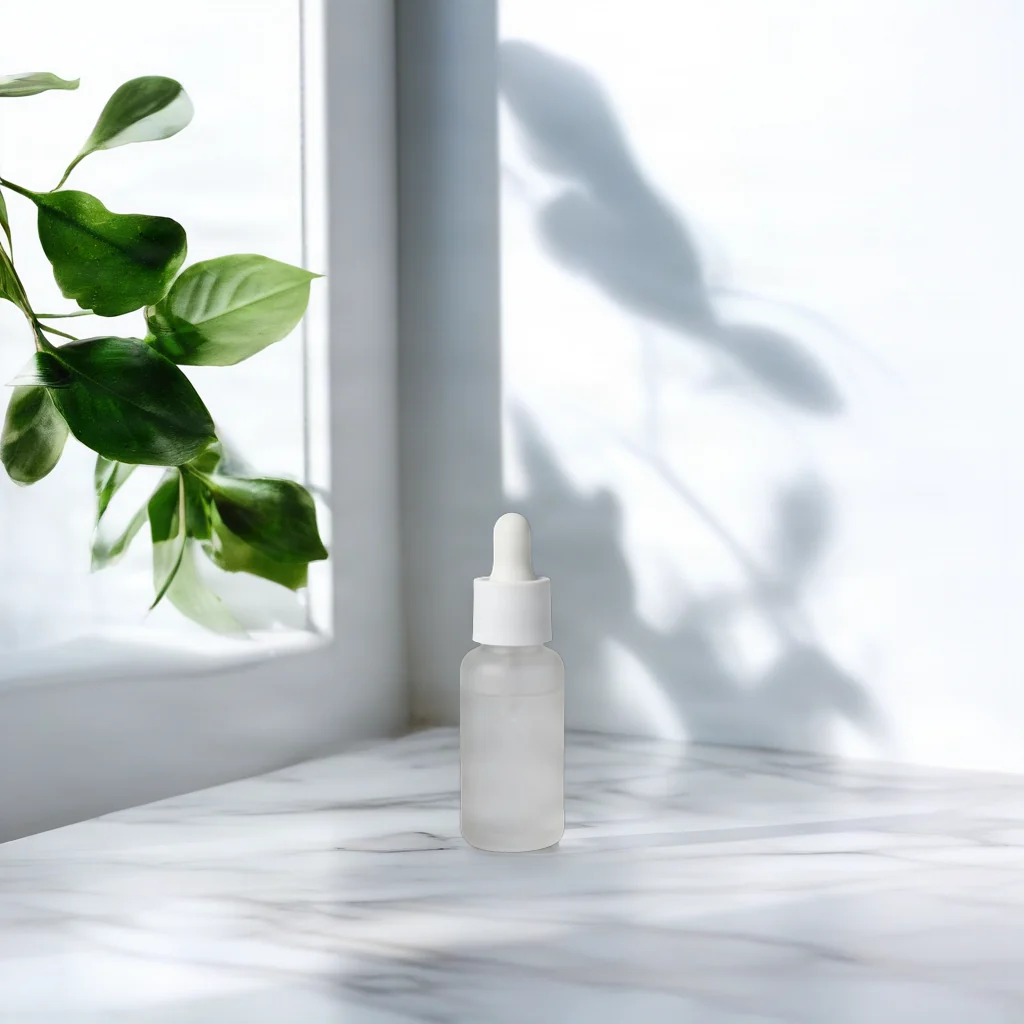
用此场景描述打开模型页,还需上传商品图并设置位置。
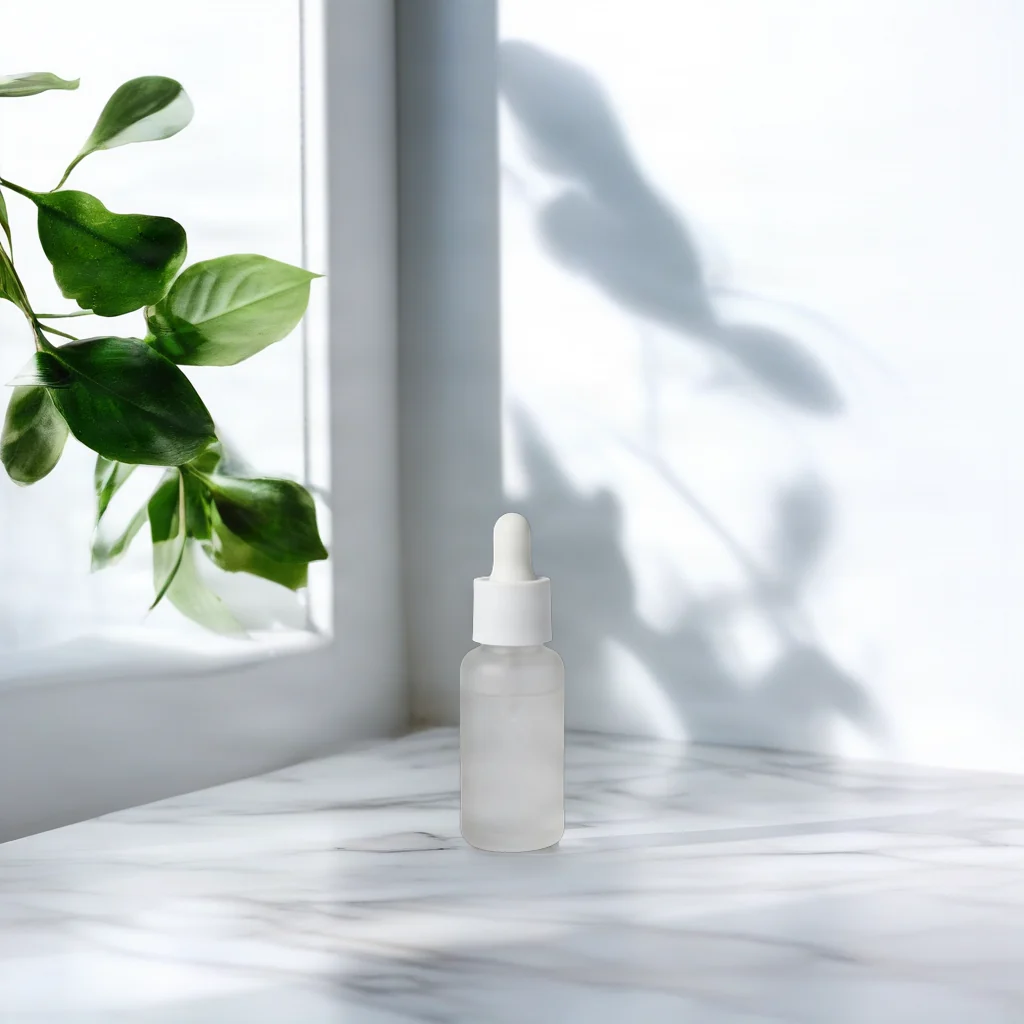
原图是浅色背景上的滴管瓶;结果图把瓶子放在画面下方,周围出现窗框、绿叶和有纹理的浅色台面。
On a white marble countertop beside a window, soft morning light, a few green leaves in the background
这条描述交代了台面材质、光线与背景物件。位置由 bottom_center 控制,商品图仍需单独上传。
{
  "model": "bria-product-shot",
  "input": {
    "image_url": "https://static.hiapi.ai/model-covers/2026/10/22/1792653491040-98cf020f23ff79b2-1792546029235-98cf020f23ff79b2-p1-serum-src.png",
    "prompt": "On a white marble countertop beside a window, soft morning light, a few green leaves in the background",
    "optimize_description": true,
    "placement_type": "manual_placement",
    "manual_placement_selection": "bottom_center",
    "fast": true
  }
}
bria-product-shot,每次输出 1 张,$0.0575/张。
家居商品:木质搁板
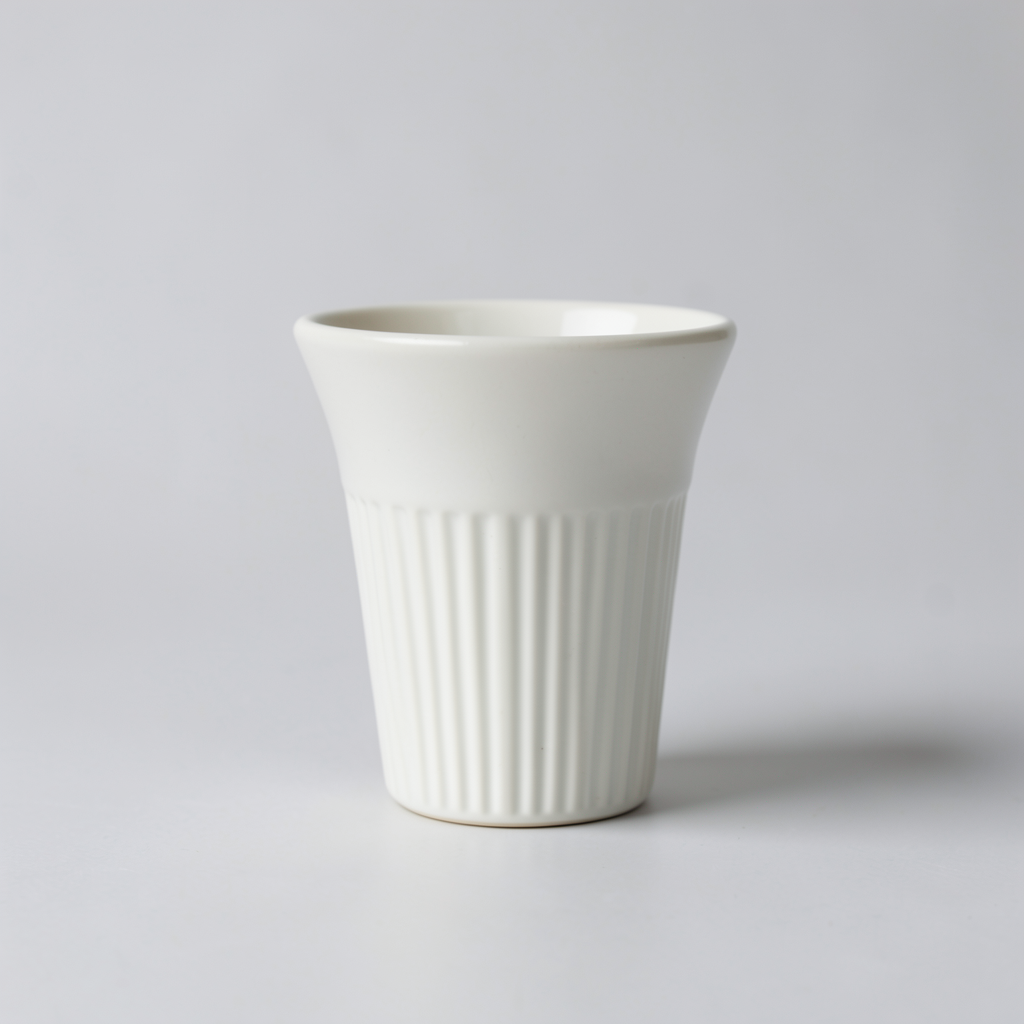
用此场景描述打开模型页,还需上传商品图并设置位置。
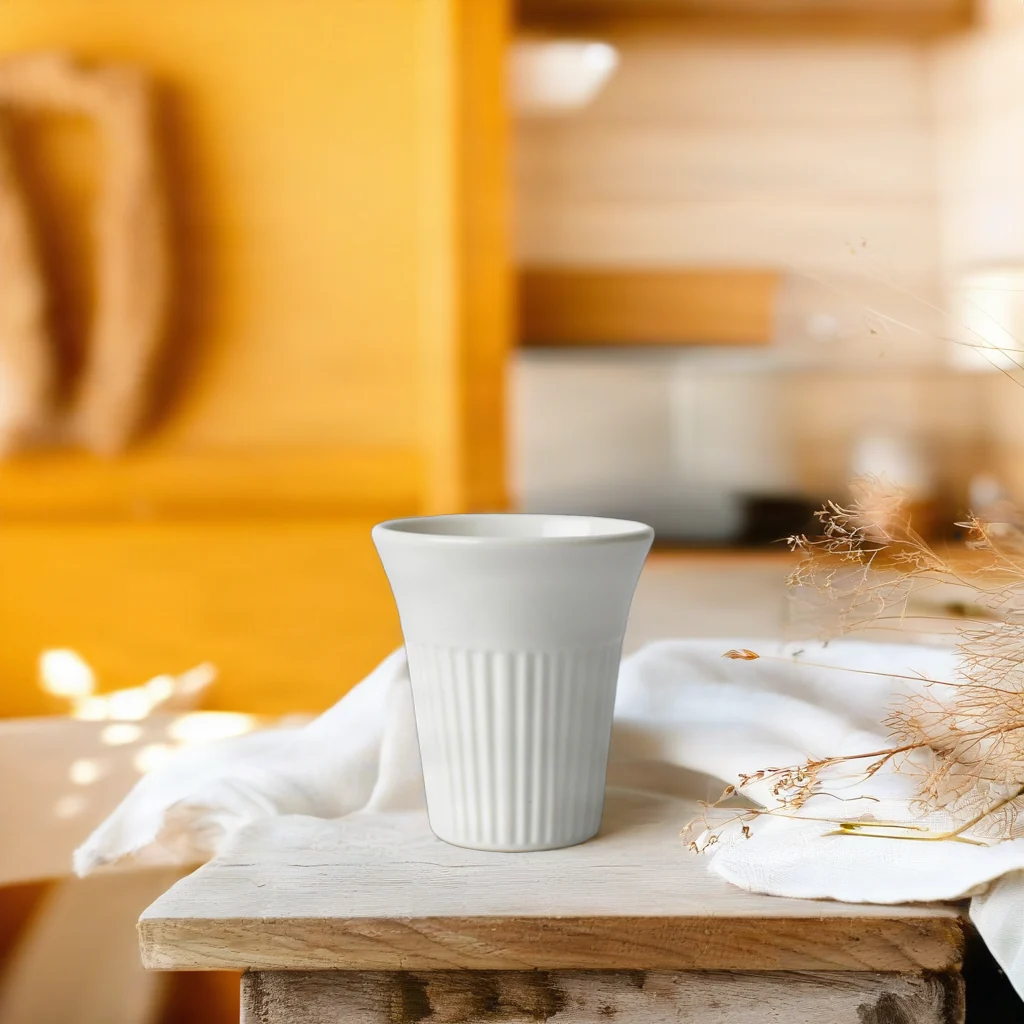
用此场景描述打开模型页,还需上传商品图并设置位置。
原图是浅色背景上的竖纹陶瓷杯;结果图里杯子位于木质台面上,旁边有浅色布料和干燥植物。
On a rustic wooden kitchen shelf with linen cloth and dried flowers, warm afternoon sunlight, cozy Scandinavian kitchen in the background
先写承托商品的表面,再写布料、植物与光线。复用时替换场景描述,并检查商品边缘是否完整。
{
  "model": "bria-product-shot",
  "input": {
    "image_url": "https://static.hiapi.ai/model-covers/2026/10/22/1792653495587-1ca0aee6e567e540-1792546029664-1ca0aee6e567e540-p2-dripper-src.png",
    "prompt": "On a rustic wooden kitchen shelf with linen cloth and dried flowers, warm afternoon sunlight, cozy Scandinavian kitchen in the background",
    "optimize_description": true,
    "placement_type": "manual_placement",
    "manual_placement_selection": "bottom_center",
    "fast": true
  }
}
bria-product-shot,每次输出 1 张,$0.0575/张。
数码商品:跟随参考场景
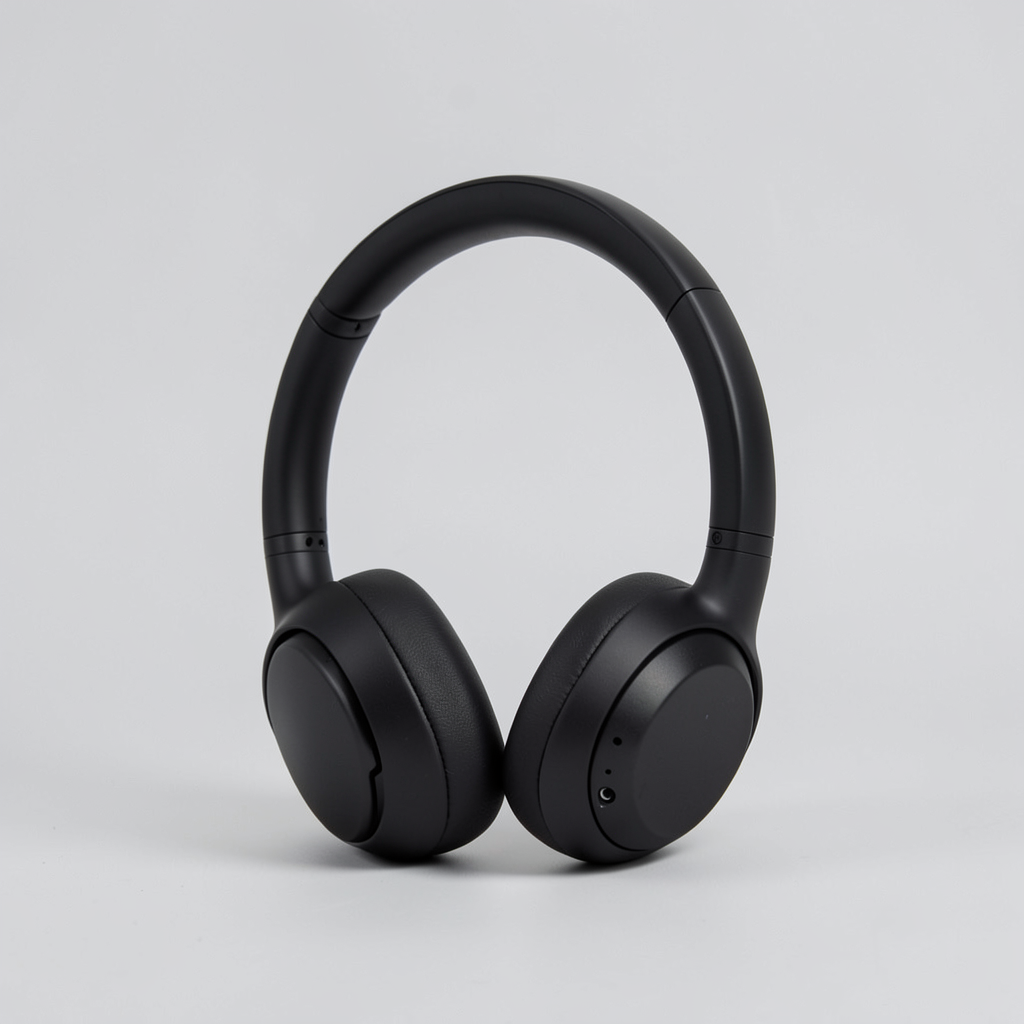
打开模型页上传输入图,并上传场景参考图;不填写提示词。
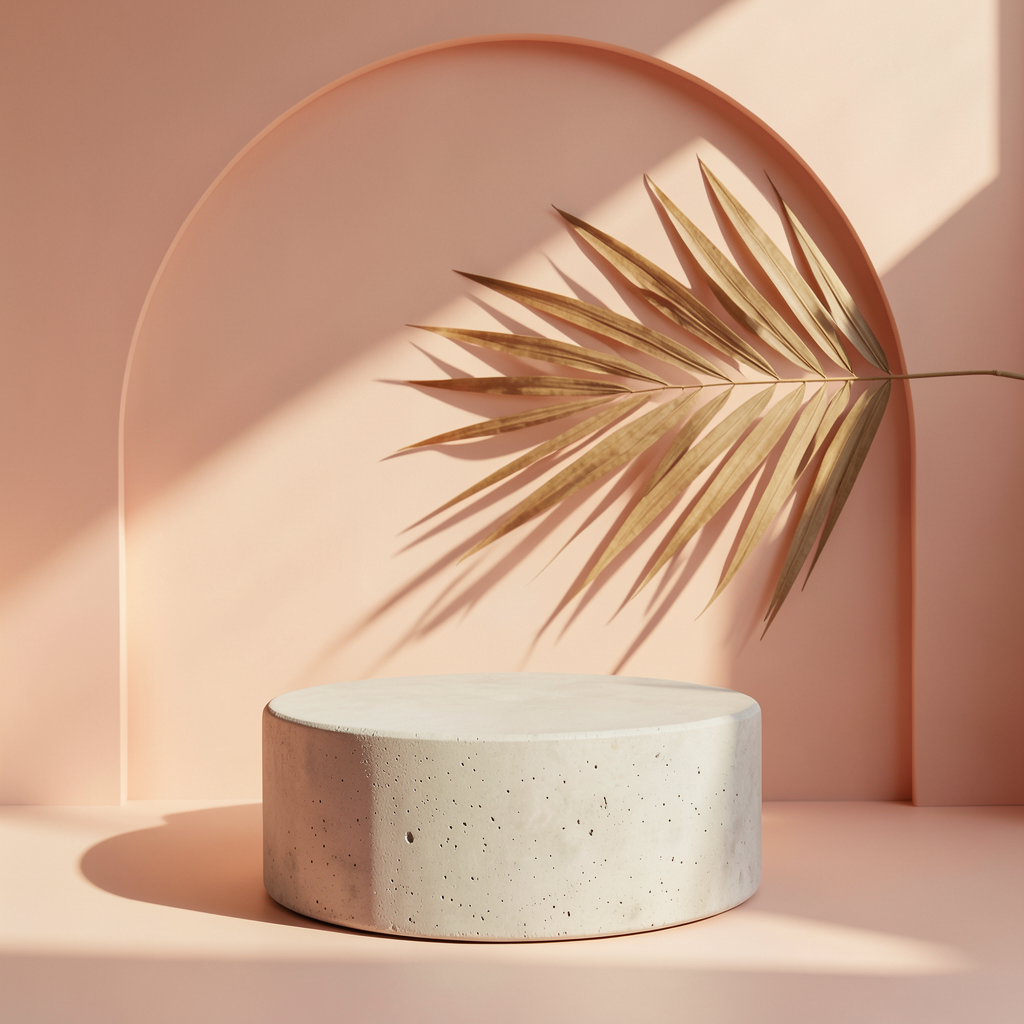
打开模型页上传输入图,并上传场景参考图;不填写提示词。
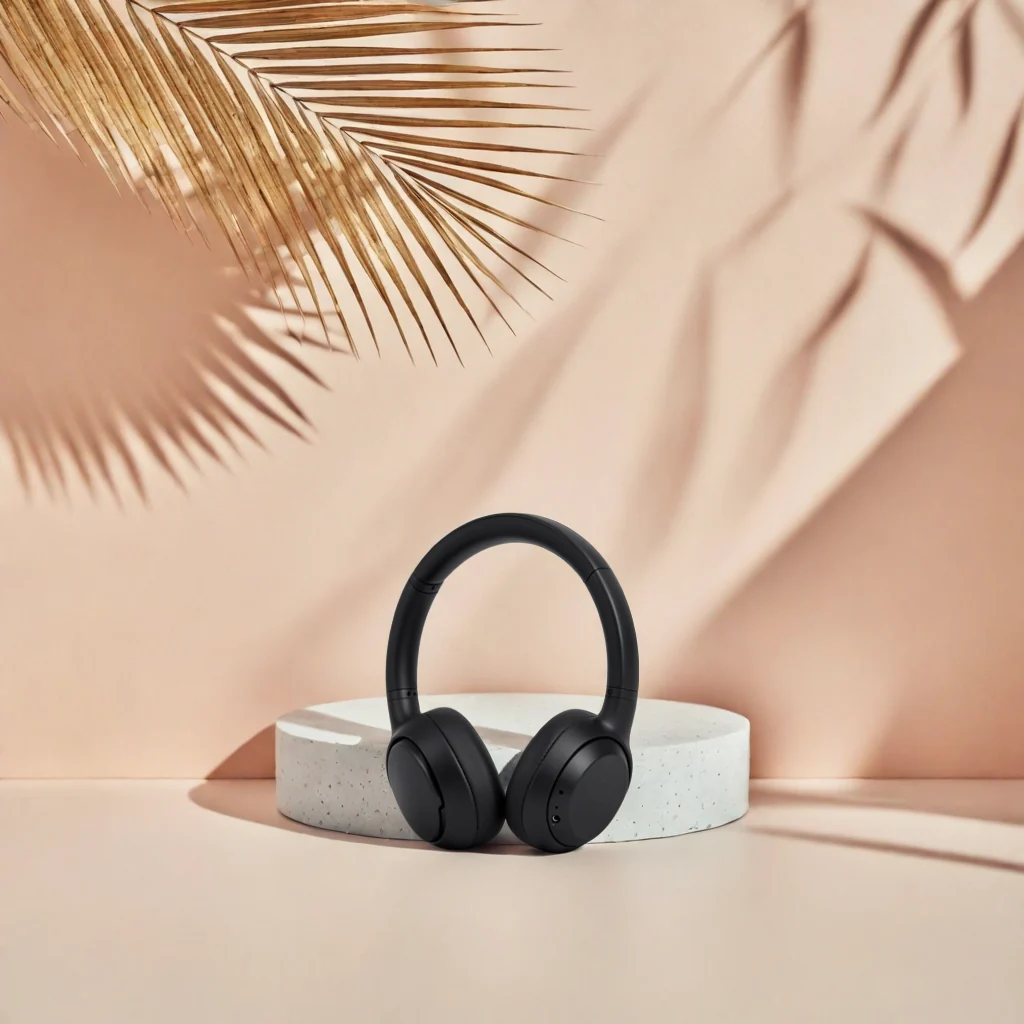
打开模型页上传输入图,并上传场景参考图;不填写提示词。
参考图有桃色墙面、圆形展台和棕榈叶元素;结果图中的耳机位于圆台前方,背景保留了暖色与叶片元素。
传商品图与参考图,省略 prompt 和 optimize_description。参考图用于提供场景方向,完成后仍需检查商品落点和比例。
{
  "model": "bria-product-shot",
  "input": {
    "image_url": "https://static.hiapi.ai/model-covers/2026/10/22/1792653508912-1a0141656fd5be3e-1792546030593-1a0141656fd5be3e-p3-headphones-src.png",
    "reference_image_url": "https://static.hiapi.ai/model-covers/2026/10/22/1792653513818-51ae5323f709b007-1792546031369-51ae5323f709b007-p3-scene-ref.png",
    "placement_type": "manual_placement",
    "manual_placement_selection": "bottom_center",
    "fast": true
  }
}
bria-product-shot,每次输出 1 张,$0.0575/张。
香薰商品:保留原有构图
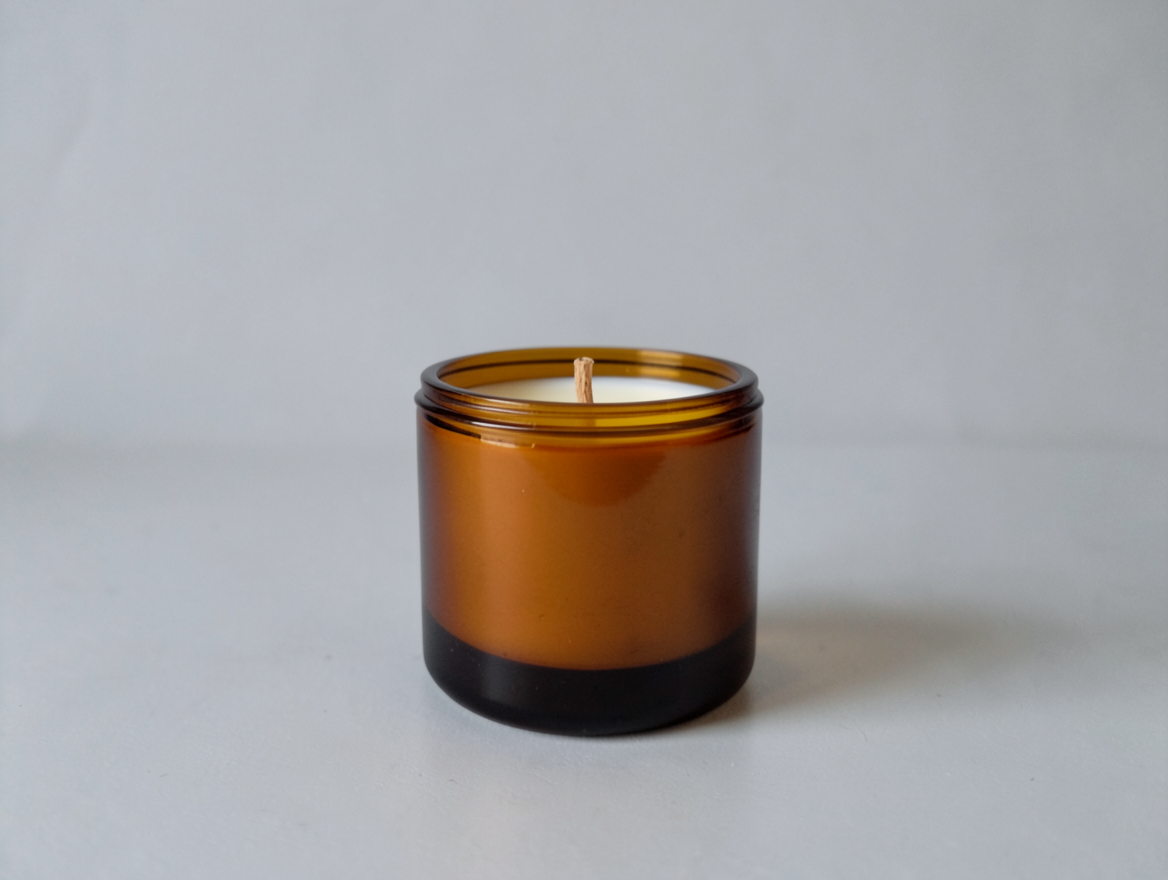
用此场景描述打开模型页,还需上传商品图并设置位置。
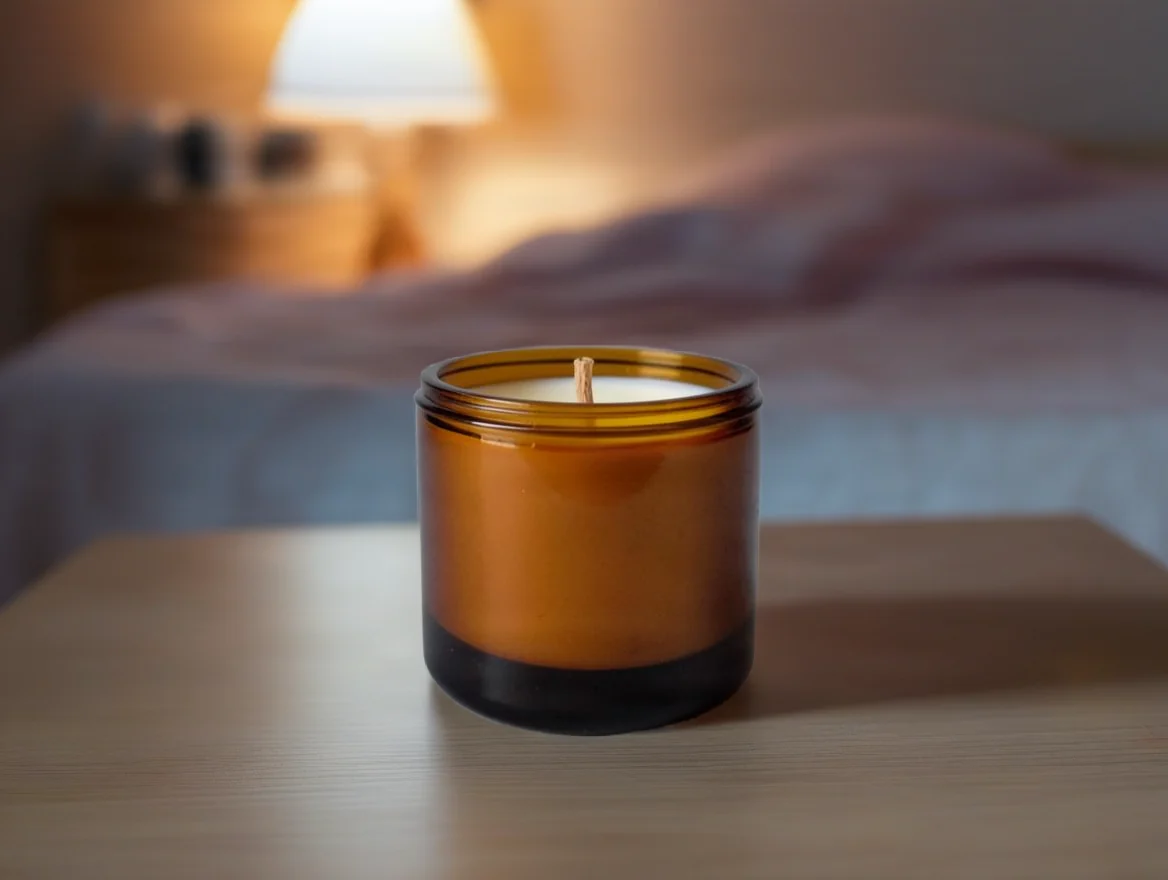
用此场景描述打开模型页,还需上传商品图并设置位置。
原图是灰色背景前的琥珀色蜡烛罐;结果图里蜡烛仍在画面下部中央,背景出现床品与亮着的台灯。
On a wooden bedside table in a calm bedroom at dusk, soft warm lamp light, linen bedding blurred in the background
选择 placement_type=original 和 original_quality=true,保留原位与输入尺寸;不要附带 manual_placement_selection。
{
  "model": "bria-product-shot",
  "input": {
    "image_url": "https://static.hiapi.ai/model-covers/2026/10/22/1792653518710-bd2c7181e19c3cb3-1792546031810-bd2c7181e19c3cb3-p4-candle-src.png",
    "prompt": "On a wooden bedside table in a calm bedroom at dusk, soft warm lamp light, linen bedding blurred in the background",
    "optimize_description": true,
    "placement_type": "original",
    "original_quality": true,
    "fast": true
  }
}
bria-product-shot,每次输出 1 张,$0.0575/张。
复用时怎么调整?
- 文字描述先写商品所在的表面,再补充光线与背景物件,使用英文。
- 用参数控制位置:预设位置使用 manual_placement,原位构图使用 original。
- 参考图模式只传参考图,省略 prompt 与 optimize_description,检查结果的商品落点。
常见问题
预填链接能把商品图也传进去吗?
这些链接只预填英文场景描述。仍需上传商品图并选择位置参数。
耳机案例应该填写哪条提示词?
该案例使用场景参考图,无需提示词。请求里省略 prompt 和 optimize_description。
蜡烛案例为什么不传位置预设?
它使用 placement_type=original,保留原位,因此不能传 manual_placement_selection。
每个案例的费用是多少?
每次输出 1 张,每张 $0.0575;4 次输出合计 $0.23。