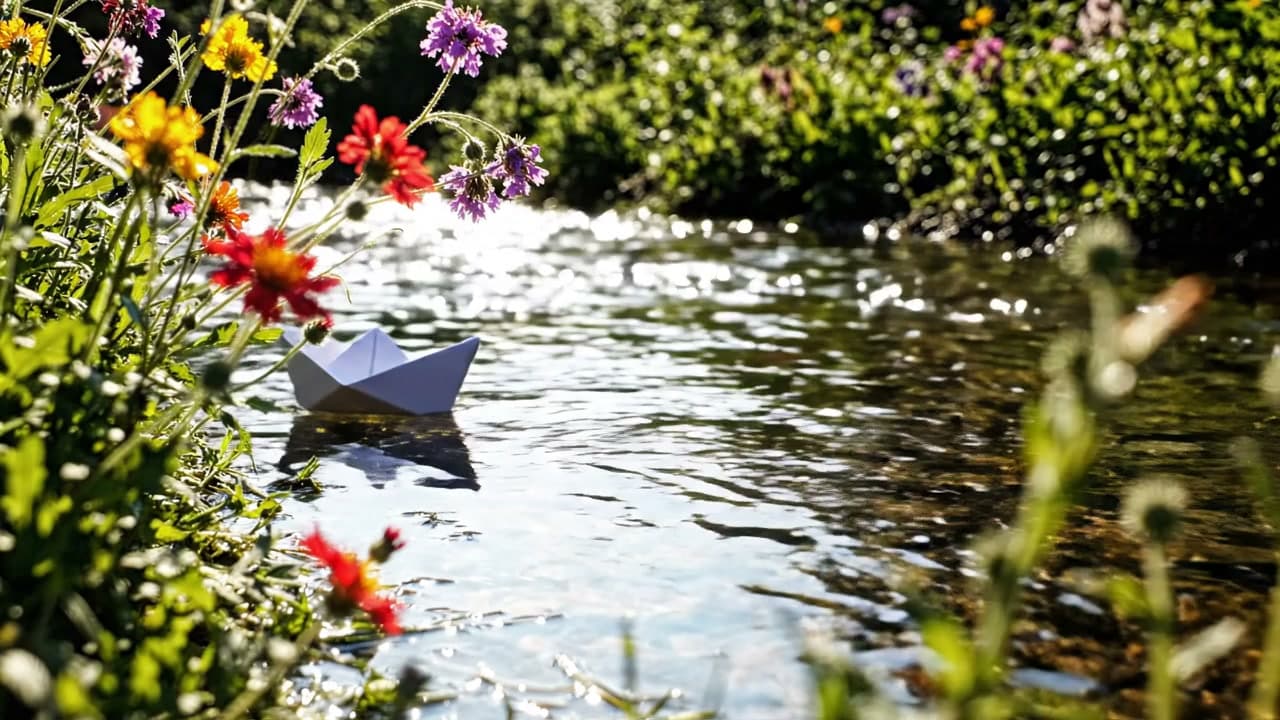
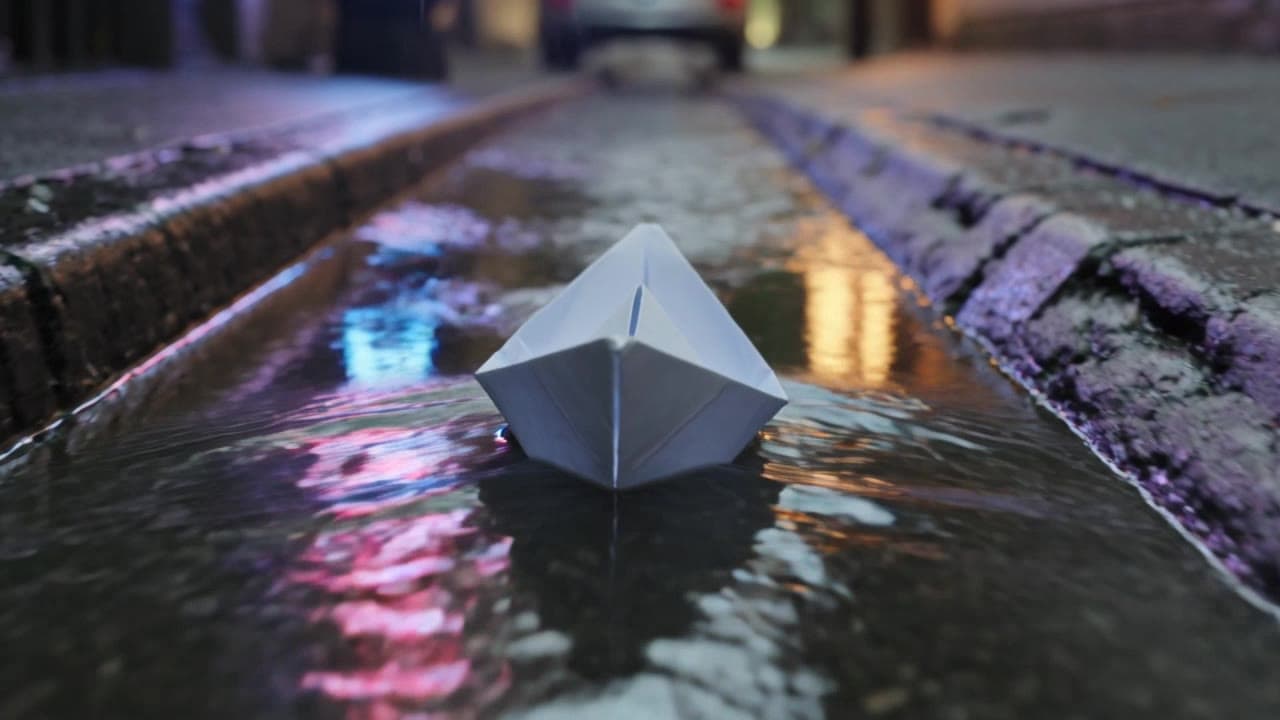
Grok Image 2.0 文生图提示词怎么写?下面 5 个场景,每条都是完整的英文提示词,直接复制就能出图:应用图标、产品图、宽横幅、手机壁纸、风景。每条均附对应的 API 原图。
Grok Image 2.0 已在 HiAPI 上线,文生图每张 $0.052,1K / 2K、low / medium、任意画幅同价,新用户注册送 200 积分。点每条提示词下面的「用这个提示词生成」,模型页会自动填好。
1. 应用图标:有个性的吉祥物
图标在小尺寸下看,构图要极简:一个主体、四周留足边距、背景不杂。这个图标示例使用 1K / low。

1K / low / 1:1,约 15 秒
提示词(原文):
A friendly white robot mascot for a creative app icon, rounded chunky body with a single antenna topped by a small mint-green sphere, big dark rounded-square face with two glowing cyan oval eyes and a simple curved smile, holding an artist's paintbrush loaded with a warm orange-to-pink gradient of paint in its right hand, a small circular badge on its chest showing a painter's palette icon in a pastel gradient, standing centered against a soft pastel gradient background inside a rounded square (lavender to peach to mint), flat vector-illustration style with clean outlines and soft ambient shading, no text, app-icon composition with even padding on all sides
用这个提示词生成 →(比例选 1:1,清晰度选 1K,质量选 low)
写法要点:主体只写一个,外加"app-icon composition with even padding on all sides"和"no text",可以避免图标被画满或出现乱码文字。
2. 产品摄影:窗边马克杯
商业图要像摄影师一样描述:光从哪边来、景深多浅,需要后期加字就明确要求留白。
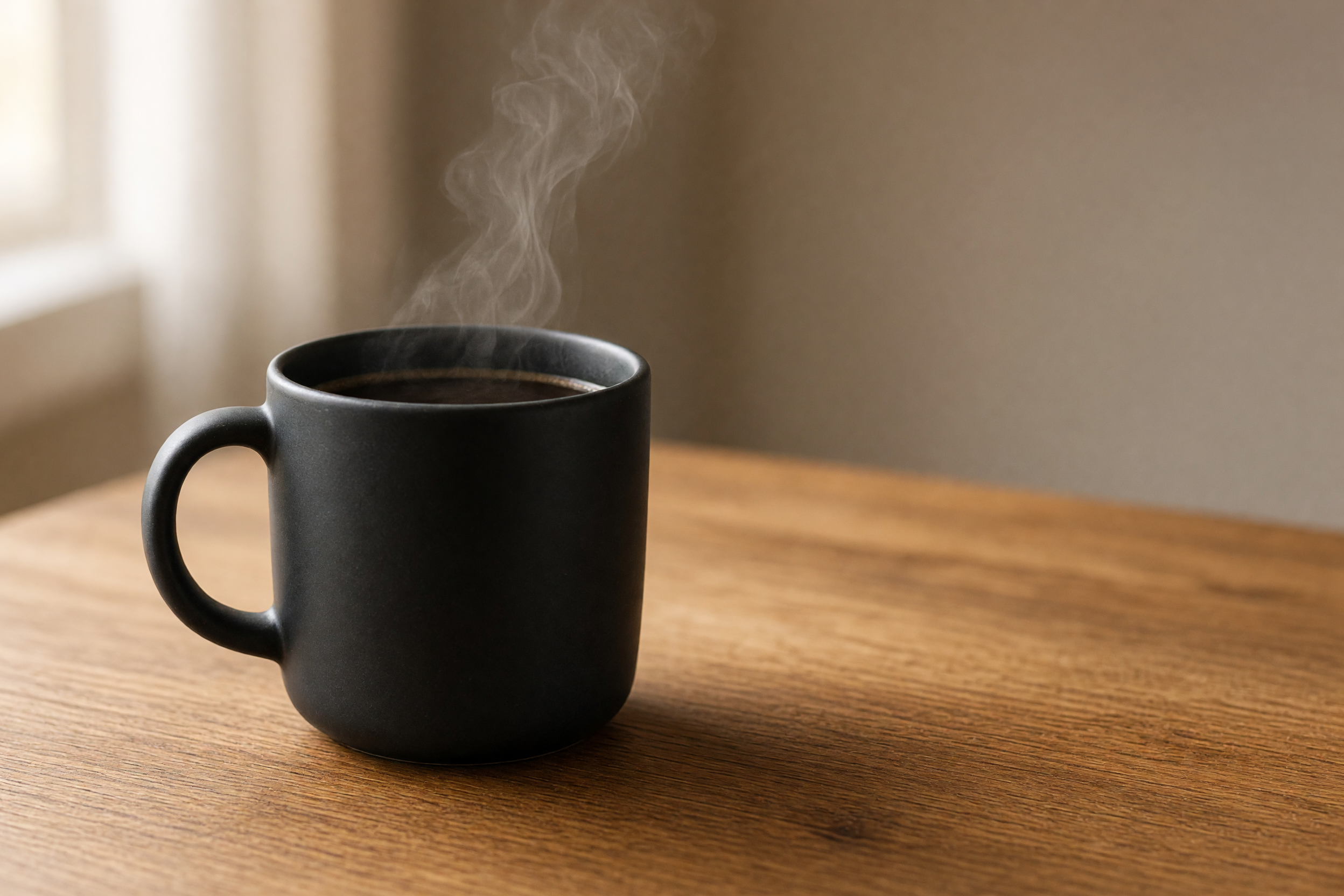
2K / medium / 3:2,约 73 秒
提示词(原文):
Product photography of a matte black ceramic coffee mug filled with steaming black coffee, thin wisps of steam curling upward, mug placed on a warm honey-toned wooden table near a bright window with sheer curtains, soft natural window light from the left creating gentle highlights on the mug's curved surface, shallow depth of field with the background softly blurred, plenty of empty negative space to the right of the mug for text overlay, warm cozy morning color grade, realistic commercial photography style, 3:2 aspect ratio
用这个提示词生成 →(比例选 3:2,清晰度选 2K,质量选 medium)
写法要点:光线方向("from the left")和留白位置("to the right of the mug")写具体,成图的文案区才会落在你想要的地方。
3. 宽横幅:白桦林日出
20:9 是模型支持的最宽画幅之一,适合网站头图。超宽画面要给一条引导线(这里是弯向远方的小路),构图才不会像裁出来的方图。
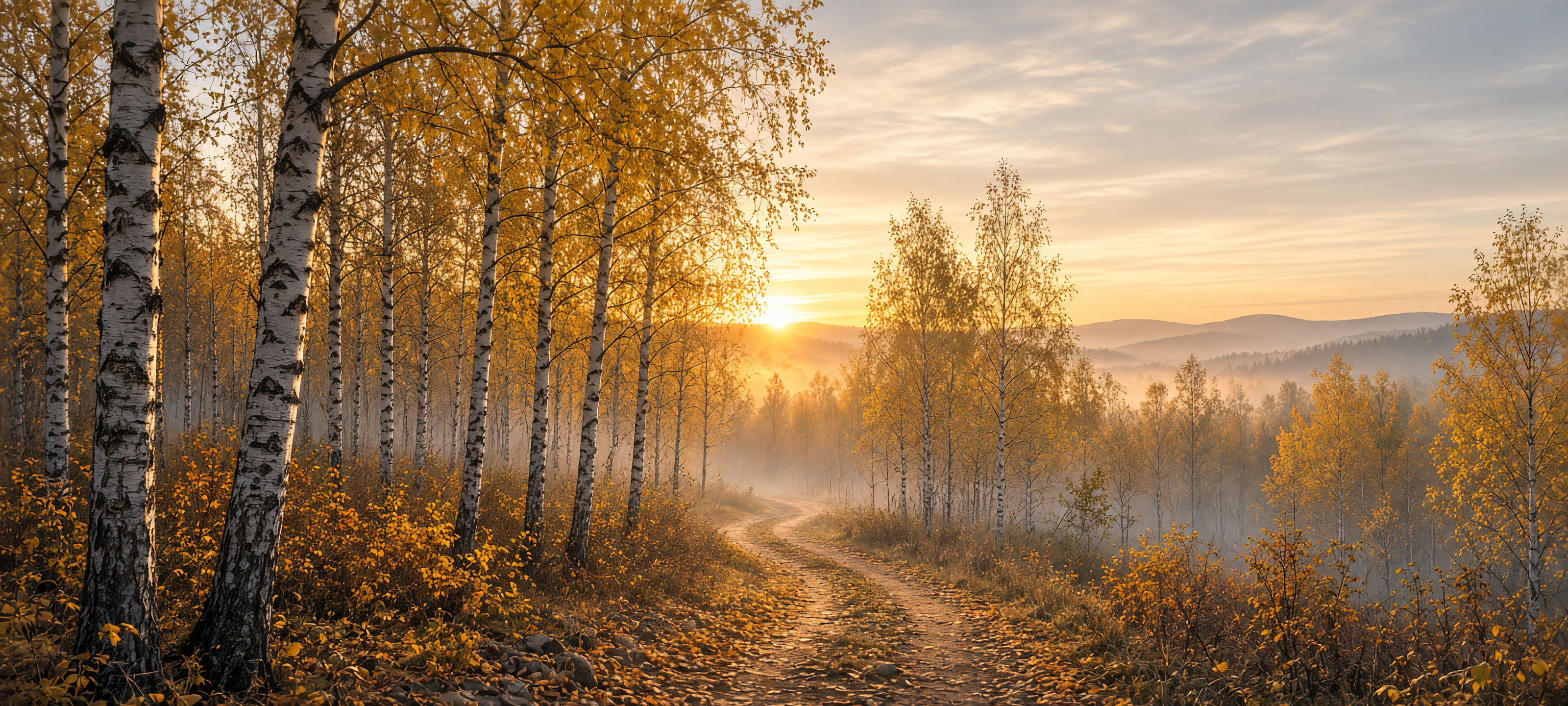
2K / medium / 20:9,约 76 秒
提示词(原文):
Ultra-wide panoramic landscape of a birch forest at sunrise in autumn, tall white-barked birch trees with golden-yellow leaves lining a winding dirt path that curves toward the horizon, low morning mist drifting between the trunks, the sun just cresting distant hazy hills and casting a warm golden glow through the canopy, soft pastel sky with thin clouds catching the light, rich autumn color palette of gold, amber and soft blue, cinematic wide-format nature photography, extremely wide 20:9 aspect ratio suitable for a website banner
用这个提示词生成 →(比例选 20:9,清晰度选 2K,质量选 medium)
写法要点:给超宽画幅一条明确的"leading line",再写清楚光源和色板,画面更有纵深。
4. 手机壁纸:雨夜霓虹小巷
竖版 9:16 的大部分画面是背景,需要一个前景锚点放在上或下三分之一处。这里把点亮的灯笼放在近景,霓虹倒影负责其余的纵深。
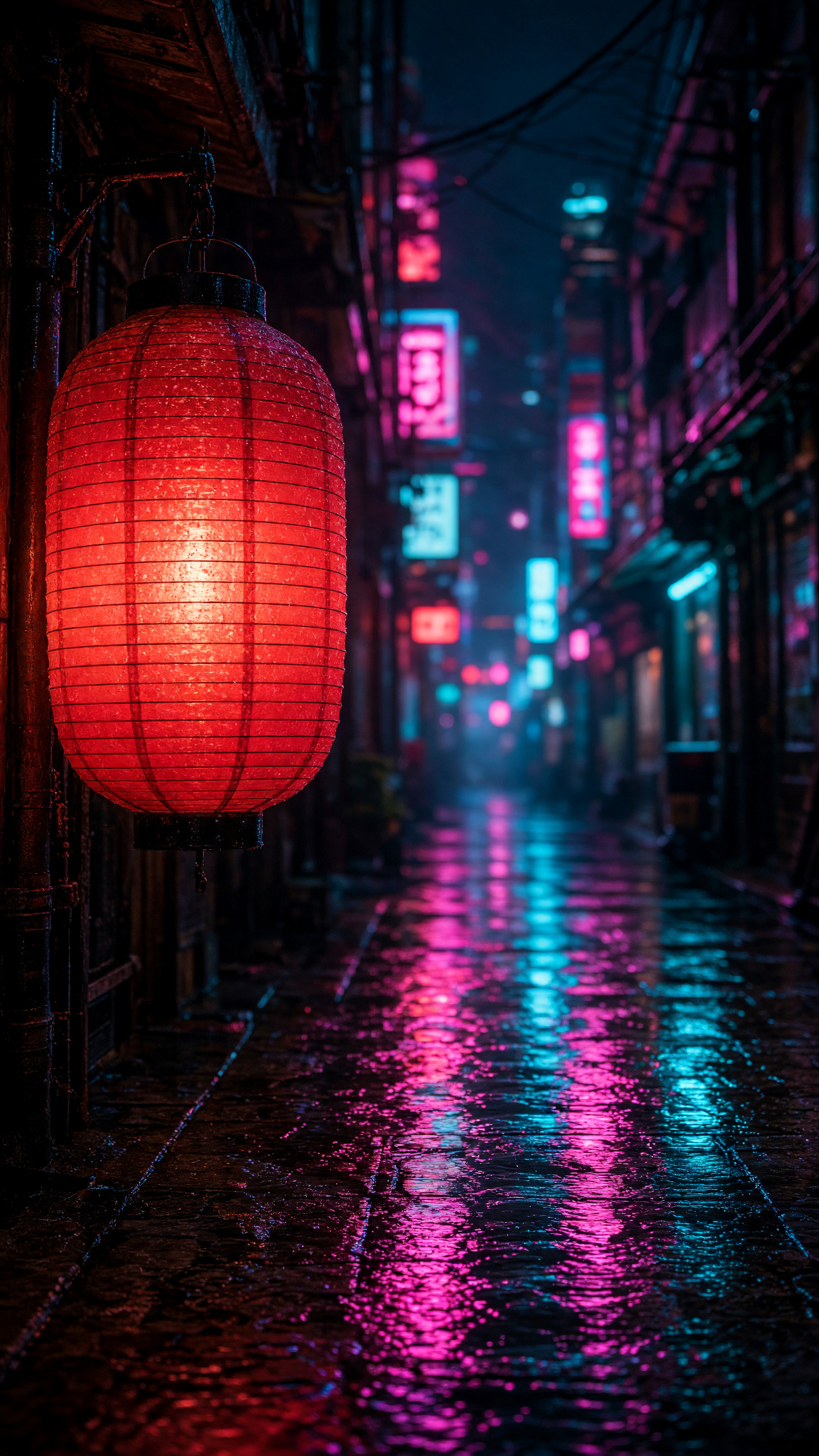
2K / medium / 9:16
提示词(原文):
Vertical phone wallpaper photo of a glowing red paper lantern hanging from a wooden eave in a narrow rain-soaked alley at night, the lantern lit warmly from within in the left foreground, the alley stretching away into the distance lined with blurred neon signs in pink and cyan, wet cobblestones reflecting the neon colors in long vertical streaks, moody cinematic night photography, shallow depth of field with the lantern sharp and the background softly bokeh'd, cyberpunk-tinged atmosphere, tall 9:16 aspect ratio framed for a phone lock screen
用这个提示词生成 →(比例选 9:16,清晰度选 2K,质量选 medium)
写法要点:前景主体写清位置("left foreground"),背景用 bokeh 虚化,主体和氛围就分开了。
5. 风景:高山湖泊日落
湖面倒影需要写清主体与倒影的关系,这条提示词用 mirrored perfectly 和 strong bilateral symmetry 指定对称构图。
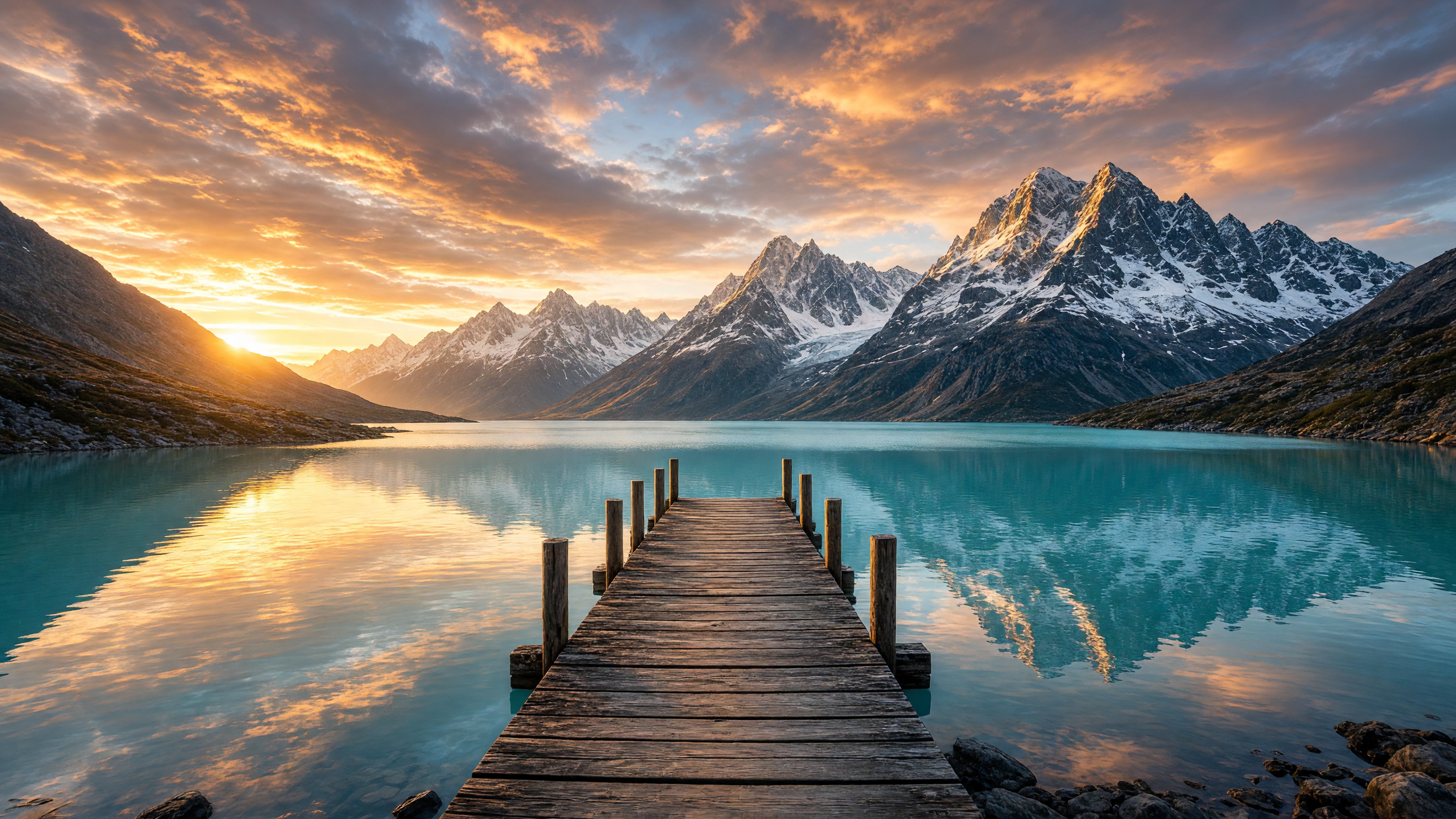
2K / medium / 16:9
提示词(原文):
Wide landscape photo of an old wooden pier extending into a calm turquoise alpine lake at sunset, snow-capped jagged mountain peaks rising directly behind the lake and mirrored perfectly in the still water, dramatic sky full of orange and pink clouds lit by the setting sun low on the horizon, scattered rocks along the near shoreline, crisp golden-hour light, epic nature photography with strong bilateral symmetry between sky/mountains and their reflection, 16:9 aspect ratio
用这个提示词生成 →(比例选 16:9,清晰度选 2K,质量选 medium)
写法要点:把"strong bilateral symmetry between sky/mountains and their reflection"写进去,倒影才会干净对称。
怎么把构图要求写清楚?
- 先写主体,再写光线和镜头,最后写画幅用途。 每个环节写具体,避免只写一个名词。
- 版面需求直接写进去: 要留白、要安全边距、要无文字,都用一句话说明。
- 画幅、清晰度、质量在模型页或
input里选。 示例提示词里的比例描述和下面标注的参数保持一致。
参数与价格
grok-imagine-image-2.0/text-to-image 的 input 只有四个字段:
prompt:必填resolution:1k或2kquality:low或mediumaspect_ratio:1:1、16:9、9:16、4:3、3:4、3:2、2:3、2:1、1:2、19.5:9、9:19.5、20:9、9:20,以及auto
价格固定 $0.052 一张,分辨率、质量、画幅都不影响;$10 约出 192 张。完整接入见 文生图 API 接入指南。
试构图和定稿怎么选参数?
试构图可用 1K / low,定稿选 2K / medium,两档价格相同。图注中的耗时对应各自那一次生成记录。
常见问题
Grok Image 2.0 能改图吗?
能,改图用 grok-imagine-image-2.0/image-to-image,传一张参考图加编辑指令,见 图生图提示词模板。
能选哪些分辨率?
1k 和 2k,没有 4K。
支持哪些画幅?
共 14 个取值:13 个固定比例(从 1:1 到超宽 20:9、超高 9:20)加 auto。
提示词要用英文吗? 上面提供完整英文模板,可以直接复制;再按自己的主题修改主体、场景和构图。
试构图选什么参数?
可先用 resolution: 1k、quality: low,确认构图后再用 2K / medium 出成稿;每次生成都是 $0.052。
现在就出第一张
复制上面的产品图提示词,去模型页生成第一张,比例选 3:2,清晰度选 2K。想接入 API,看 文生图 API 接入指南;价格细节见 Grok Image 2.0 API 多少钱。