TL;DR
- 它是什么:Sber 出品的视频模型,一句提示词或一张首帧图,就能生成带同步音频的 5 秒短片。已在 HiAPI 上线,打开 Kandinsky 6.0 Pro 模型页 输入提示词直接生成,新用户注册送 200 积分。
- 多少钱:按条计费,文生视频 $1.9286 一条(约 3,857 积分),图生视频 $2.00 一条(4,000 积分),失败任务退回预扣。
- 最快怎么调:
POST https://api.hiapi.ai/v1/tasks,model写kandinsky-6.0-pro/text-to-video,拿到taskId后轮询或等回调,从data.output[0].url下载 MP4。
上线后问得最多的两件事:它和别的视频模型差在哪,接进自己的产品要几步。前者看下面四点,后者 5 分钟就够。
Kandinsky 6.0 Pro 是什么?新在哪
它最大的变化是画面和声音一起生成。写提示词时把声音也写进去,成片里的车轮声、雨声、人声就跟着画面走,不用再单独配音。
- 同步音频。 Kandinsky 5.x 只出画面,这一代新增声音轨,一条任务直接拿到带同步音轨的 MP4。
- 固定 5 秒、480p、24fps。 时长和分辨率不用选,16:9 实际输出 864×480,正好是短视频的分镜和素材测试尺寸。
- 五种画幅。 文生视频支持 16:9、9:16、1:1、4:3、3:4,竖屏、方图、横屏一次覆盖;图生视频多一个
auto,按首帧自动匹配。 - 两个模型 ID 分工明确。
kandinsky-6.0-pro/text-to-video从文字起片,kandinsky-6.0-pro/image-to-video拿一张图当首帧,提示词只描述接下来发生什么。
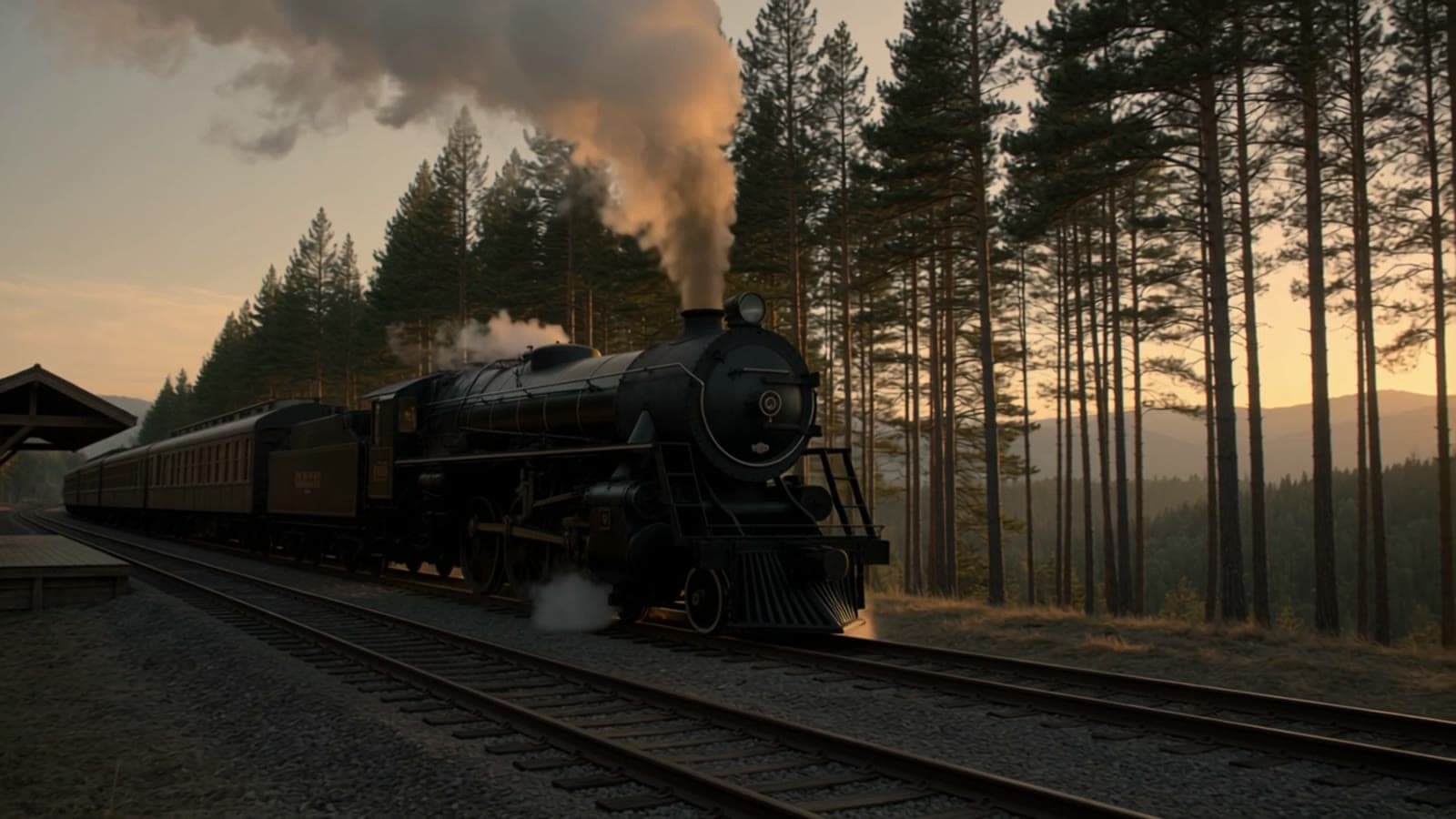
文生视频,16:9,864×480,24fps,声音和画面由同一条任务生成。
两条上手路线:在线试,还是接 API
在线试用(1 分钟)
- 打开 Kandinsky 6.0 Pro 模型页,提示词通过上面那条链接自动带入。
- 确认画幅,横屏选 16:9,竖屏选 9:16。
- 点生成,任务跑完就能在页面播放、下载。
API 接入(3 步)
- 在 控制台 创建 API Key。
POST /v1/tasks提交,model加input.prompt两个字段就能跑。- 用
GET /v1/tasks/{taskId}轮询,或提交时带callback;status变成success后取data.output[0].url。
第一段视频:curl 版
curl -s -X POST https://api.hiapi.ai/v1/tasks \
  -H "Authorization: Bearer sk-YOUR_KEY" \
  -H "Content-Type: application/json" \
  -d '{
    "model": "kandinsky-6.0-pro/text-to-video",
    "input": {
      "prompt": "A night train crosses a tall stone viaduct under a full moon, a plume of steam trailing into the valley, the camera cranes up from the river below, rhythmic wheels on the rails and a distant whistle",
      "aspect_ratio": "16:9",
      "guidance_scale": 5
    }
  }'
返回的是任务,不是视频:
{"code":200,"data":{"taskId":"tk-hiapi-..."},"message":"success"}
拿这个 ID 查状态:
curl -s https://api.hiapi.ai/v1/tasks/YOUR_TASK_ID \
  -H "Authorization: Bearer sk-YOUR_KEY"
任务在跑时 data.status 是 handling,成功后 data.output[0].url 就是 MP4 地址。aspect_ratio 不传默认 16:9;guidance_scale 取值 1–10、默认 5,想更贴提示词就往高调;不想要的东西写进 negative_prompt,上限 2,000 字符。seed 传整数,可以尽量复现同一条结果。
Python 版:提交、轮询、下载一次写完
import os, time, requests

BASE = "https://api.hiapi.ai"
H = {"Authorization": f"Bearer {os.environ['HIAPI_KEY']}"}
PROMPT = "A night train crosses a tall stone viaduct under a full moon, a plume of steam trailing into the valley, the camera cranes up from the river below, rhythmic wheels on the rails and a distant whistle"

r = requests.post(f"{BASE}/v1/tasks", headers=H, json={
    "model": "kandinsky-6.0-pro/text-to-video",
    "input": {"prompt": PROMPT, "aspect_ratio": "16:9"},
}, timeout=30)
r.raise_for_status()
task_id = r.json()["data"]["taskId"]
print("先存下这个 ID:", task_id)

while True:
    d = requests.get(f"{BASE}/v1/tasks/{task_id}", headers=H, timeout=20).json()["data"]
    if d["status"] == "success":
        break
    if d["status"] != "handling":
        raise RuntimeError(f"任务失败: {d}")
    time.sleep(15)

open("clip.mp4", "wb").write(requests.get(d["output"][0]["url"], timeout=120).content)
轮询间隔给到 15 秒:视频任务是异步的,查得太密只会多打接口,状态不会更快变。
图生视频:换个模型 ID,加一张首帧
curl -s -X POST https://api.hiapi.ai/v1/tasks \
  -H "Authorization: Bearer sk-YOUR_KEY" \
  -H "Content-Type: application/json" \
  -d '{
    "model": "kandinsky-6.0-pro/image-to-video",
    "input": {
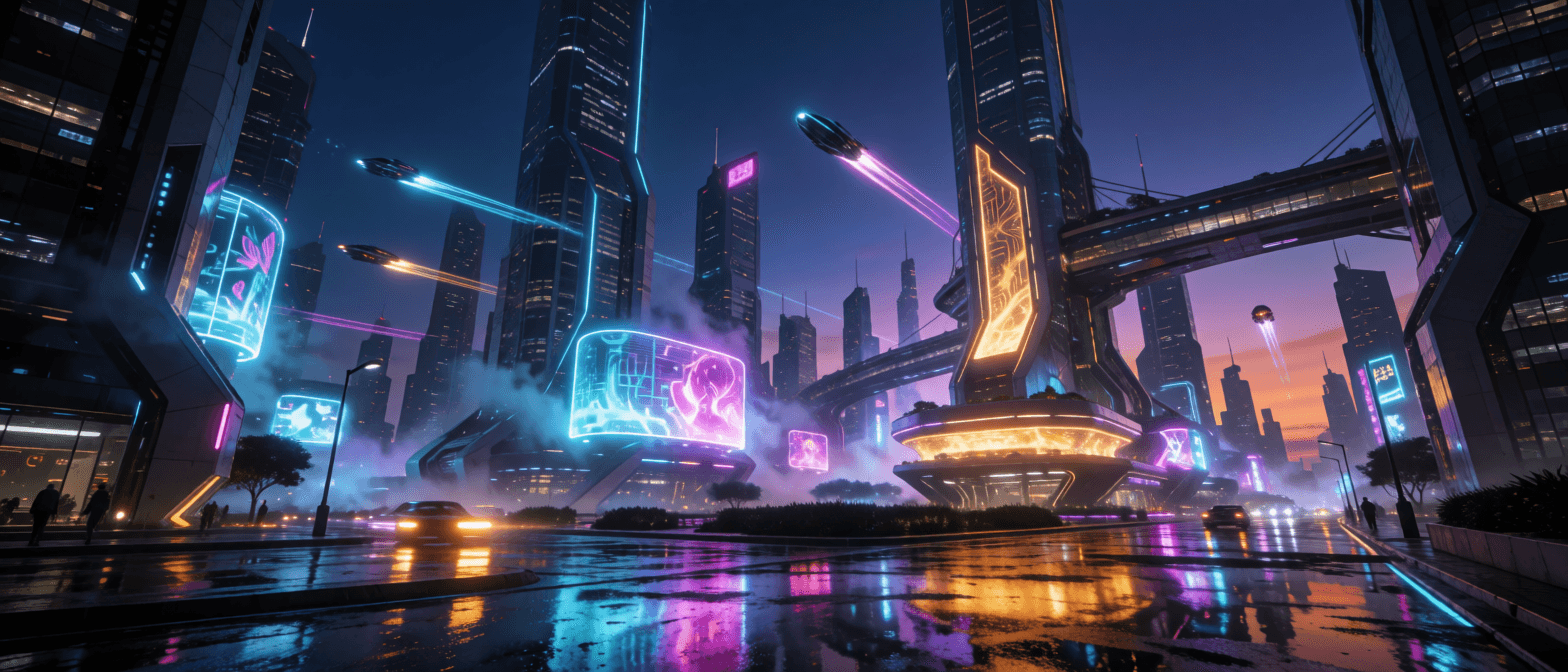
      "prompt": "Rain intensifies on the empty street, neon reflections ripple in the puddles, steam rises from a grate beside the booth, the camera slowly pushes in, steady rain and distant traffic",
      "image_url": "https://static.hiapi.ai/admin-assets/kandinsky-6-pro/2026/10/26/1793005005686-69a9b6e8a000188b-k-i2v-input.png",
      "aspect_ratio": "auto"
    }
  }'
image_url 是必填的首帧,支持 JPG、PNG、WebP。aspect_ratio 默认 auto,按首帧选最接近的画幅并居中裁切;也可以显式写 16:9、9:16、1:1、4:3、3:4 重新构图。看这段图生视频成片 →
提示词怎么写:场景、动作、镜头、声音
四层写清,5 秒的信息量刚好放得下:
- 场景:地点、时间、光线、天气——
A night train crosses a tall stone viaduct under a full moon - 动作:主体在做什么、速度多快——
a plume of steam trailing into the valley - 镜头:机位和运动——
the camera cranes up from the river below - 声音:你希望听见什么,这条音轨和画面同源——
rhythmic wheels on the rails and a distant whistle
最容易漏的是声音。只写画面,声音就只能靠模型猜;把雨声、脚步、远处车流写进去,音画才对得上。提示词用英文写最稳,中文想法先翻成英文再提交,单条上限 6,000 字符。
上线前注意这 4 件事
- 服务端用 callback。 请求体加
"callback": {"url": "https://yourapp.com/webhook"},任务结束自动通知,轮询只当兜底。轮询超时不要重新 POST,先存taskId再查——每次提交都是新任务、重新计费。 - 产物链接会过期。 成功响应的 URL 带
expireAt,拿到就下载到自己的存储,别把它当长期地址写进业务库。 - 提示词语言。 英文和俄文原生支持,中文提示词先翻成英文,画面贴合度和音效准确度都更稳。
- 图生视频的
aspect_ratio=auto会裁切。 想完整保留首帧构图,就显式写与首帧一致的比例;想适配平台画幅,留auto最省事。
完整字段见 中文文档。
常见问题
Kandinsky 6.0 Pro 的模型 ID 是什么?
文生视频 kandinsky-6.0-pro/text-to-video,图生视频 kandinsky-6.0-pro/image-to-video,写在 POST /v1/tasks 的 model 字段里。
能选时长或分辨率吗? 不开放,输出固定 5 秒、480p、24fps。要 720p 以上的规格,换 Kling 3.0 或 Seedance 2.0 的文生视频线路。
成片有声音吗? 有,而且固定开启。声音由同一条提示词生成,想听清什么,就把它写进提示词。
支持哪些画幅?
文生视频 16:9、9:16、1:1、4:3、3:4;图生视频另有 auto,默认按首帧匹配最接近的比例。
一次能出几条? 一个任务一条 5 秒视频,按条计费,失败任务退回预扣。要多条就并发建多个任务。
复制上面那句夜行列车提示词,去模型页生成第一段 5 秒视频,画幅选 16:9,声音已经写在提示词里。