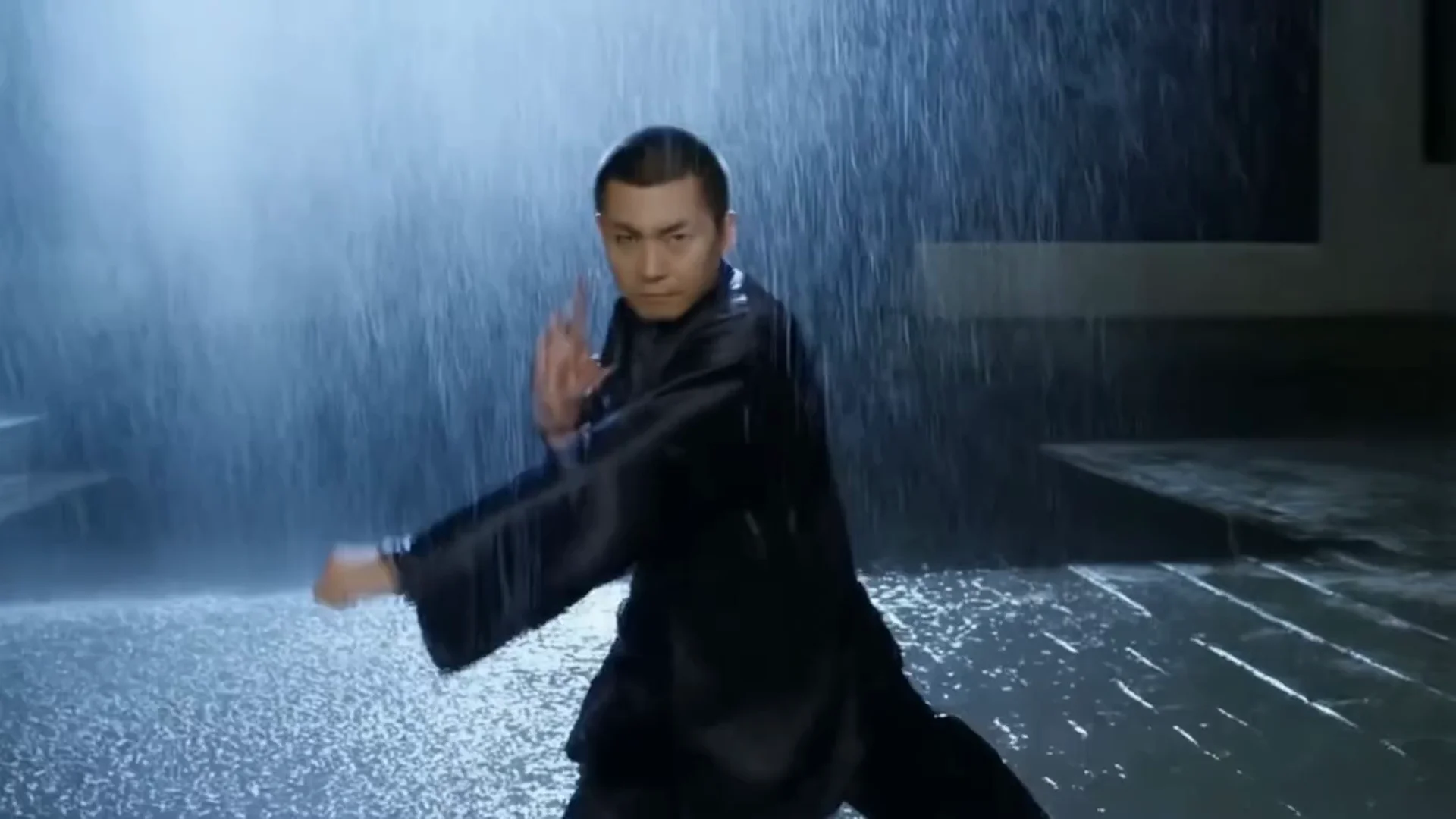
下面 6 条视频都是可灵 3.0(Kling 3.0)一次生成的:4 条文生视频,2 条图生视频。每条都附完整提示词、参数和价格,点「用这个提示词生成」会打开模型页并自动填好提示词。可灵 3.0 已在 HiAPI 上线,打开模型页 就能生成,5 秒 720p 一条 $0.50,新用户注册送 200 积分。
1. 一条提示词,三个镜头
Shot 1: wide shot of a small street noodle stall on a rainy night, neon signs reflecting on the wet pavement, steam rising from a big pot. Shot 2: close-up of the cook's hands lifting noodles high out of the boiling water. Shot 3: medium shot of a customer taking the first bite and smiling. Cinematic, warm lights against cool blue rain. Sound: rain on the canvas awning, boiling water, a sizzling wok, quiet street chatter.
用这个提示词生成 →(5 秒、720p、16:9、开声音)
kling-3.0/text-to-video,5 秒,720p,带声音,$0.715。
5 秒里切了三个镜头:面摊远景、捞面特写、食客吃第一口,顺序和提示词一致。写法很简单:用 Shot 1 / Shot 2 / Shot 3 分段,每段写清景别(wide / close-up / medium)和这个镜头里发生的一件事。声音单独写一句放最后。
2. 开口说话:竖屏口播
竖屏画面,一家明亮的奶茶店柜台后,一位扎马尾、穿浅绿色围裙的年轻女店员双手捧着一杯奶茶,看着镜头微笑着说:"今天第二杯半价,欢迎来尝尝!"口型与说话同步,背景有封口机的声音和轻柔的店内音乐,镜头固定,自然光,写实。
用这个提示词生成 →(5 秒、720p、9:16、开声音)
kling-3.0/text-to-video,5 秒,720p,9:16,带声音,$0.715。
要人物开口,必须把 sound 设为 true,台词用引号写进提示词,再加一句「口型与说话同步」。台词控制在一句话,5 秒说得完;镜头固定,模型的注意力才会放在脸和口型上。
3. 产品氛围:只让火苗动
起始图:

The candle flame flickers gently and a thin wisp of smoke curls upward, the eucalyptus leaves tremble slightly in a soft breeze, morning light slowly brightens across the windowsill. Camera stays locked off, subject motion only.
用这个提示词生成 →(上传你的产品图,5 秒、720p、关声音)
kling-3.0/image-to-video,5 秒,720p,无声音,$0.50。
画面几乎不动,只有火苗跳、一缕烟升起来。产品氛围图要的就是这种「活着但不乱动」的感觉:每个会动的东西都写一个很小的动作(flicker、curl、tremble),最后用 "Camera stays locked off, subject motion only" 把镜头钉住。
4. 室内推镜:一次只改一件事
起始图:
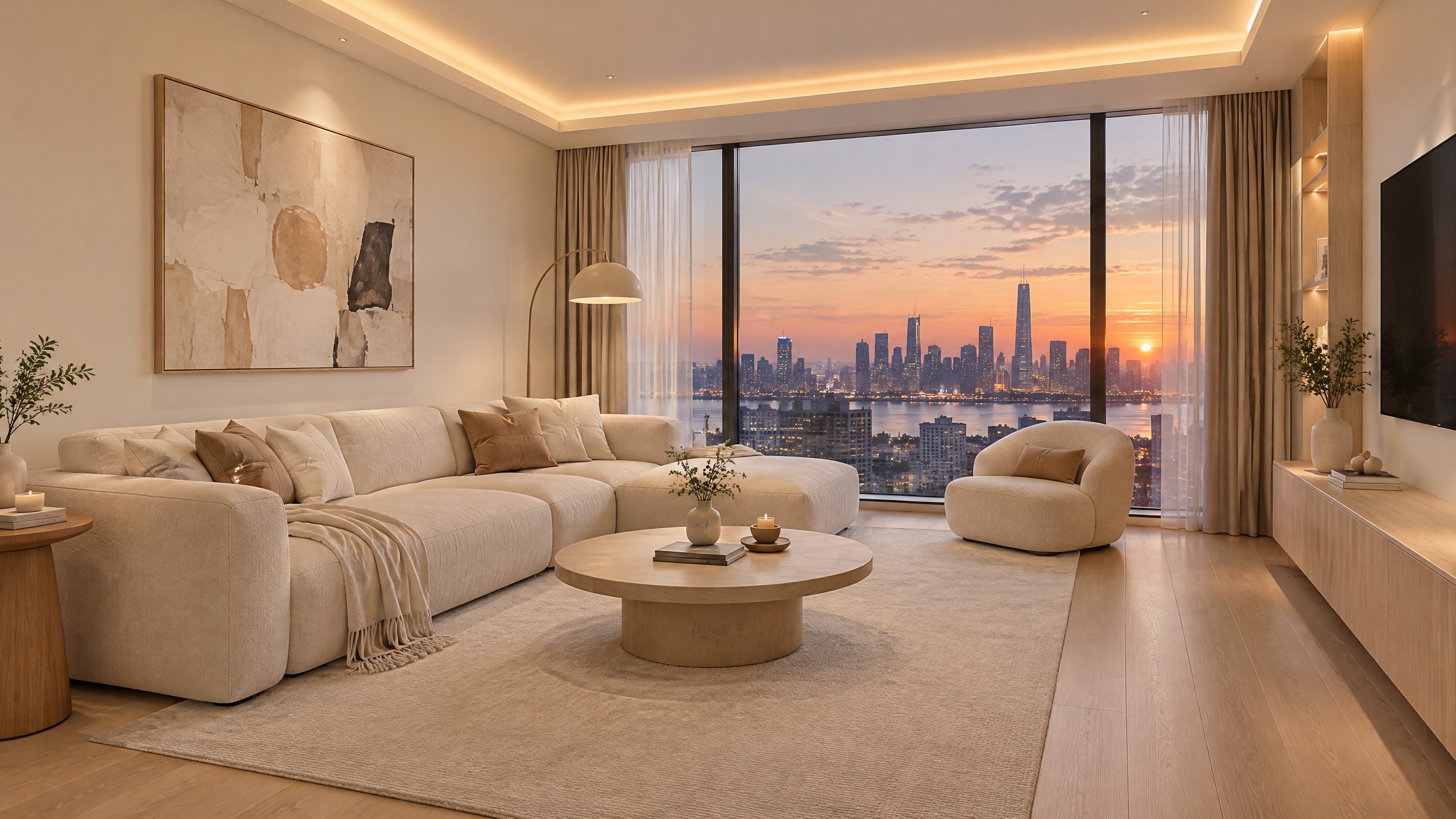
The camera slowly dollies forward into the living room. Outside the window the dusk sky fades into night and the city lights switch on one by one, while the hidden ceiling light strip gradually glows warmer. Smooth, steady motion, realistic.
用这个提示词生成 →(上传你的室内图,5 秒、720p、关声音)
kling-3.0/image-to-video,5 秒,720p,无声音,$0.50。
这条只做到了一半:推镜很稳,但窗外从黄昏变成夜晚、城市灯光亮起,都没有出现。5 秒里既要镜头运动、又要大幅度的光线变化,模型先保了运镜。想要「天黑、灯亮」,把运镜去掉、写「camera stays locked off」,只让光线变;或者分成两条生成后剪在一起。
5. 模型页示例:动物奔跑
A lone red fox sprints across a windswept snowy ridge at golden hour, powder snow kicking up behind each stride, then leaps over a frozen creek in a graceful arc. Cinematic, dramatic side lighting, ultra-detailed fur, shallow depth of field, smooth motion.
用这个提示词生成 →(5 秒、16:9)
kling-3.0/text-to-video 模型页示例,5 秒。按 720p 关声音算 $0.50。
动作写成两段:先奔跑(sprints),再跃过小溪(then leaps over)。用 then 把动作按先后串起来,比堆一串形容词更容易得到连贯的动作。
6. 模型页示例:静图变暴风雨夜
起始图:

The waves surge and crash against the rocks, the lighthouse beam sweeps slowly across the stormy night sky, rain streaks through the wind. Smooth cinematic motion, synchronized ambient sound of waves and storm.
用这个提示词生成 →(上传你的风景图,5 秒)
kling-3.0/image-to-video 模型页示例,5 秒。按 720p 开声音算 $0.715。
风景图动起来,靠的是几样东西各自的运动:浪拍礁石、灯塔光束扫过、雨被风吹斜。每样东西一个动词,画面就有层次。
写可灵 3.0 提示词的 5 条规则
- 多镜头用 Shot 1 / Shot 2 分段。 每段一个景别、一件事,5 秒最多三段。
- 要说话就开
sound,台词加引号。 再写一句「口型与说话同步」,台词一句话以内。 - 写明什么不能动。 产品和人像加 "camera stays locked off"。
- 一条只改一件事。 镜头运动和大幅光线变化别塞进同一条 5 秒视频。
- 先 720p 调,再换档出片。
resolution默认是 1080p,调提示词时显式写720p,5 秒从 $0.645 降到 $0.50。
常见问题
提示词用中文还是英文?
都可以。第 2 条就是中文提示词,台词也是中文。
这 6 条一共花了多少?
我们实际生成的 4 条:2 条开声音各 $0.715,2 条关声音各 $0.50,合计 $2.43。另外 2 条是模型页示例。
图生视频能指定画幅吗?
不能,画幅跟随首帧图。要竖屏就上传竖屏的图。
接入代码和三条线(可灵 3.0、Omni、Turbo)怎么选,看 可灵 3.0 API 中文教程。挑一条最接近你需求的提示词,去模型页生成第一条。