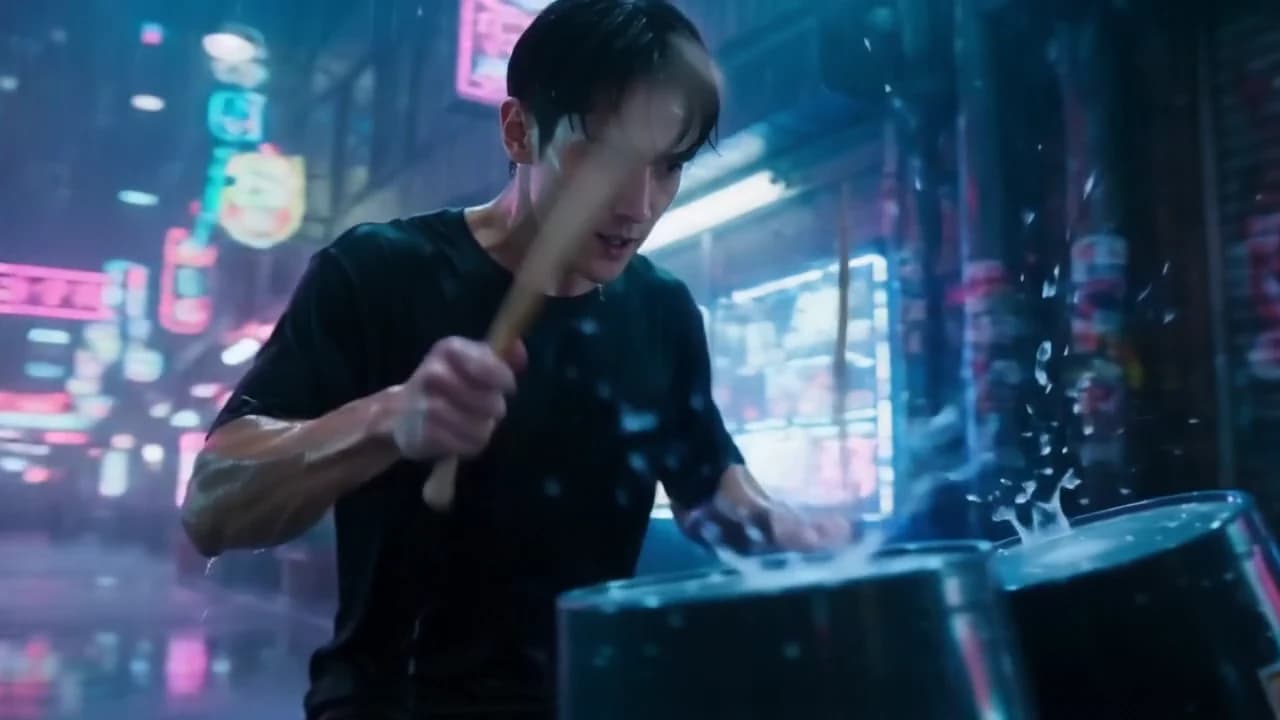
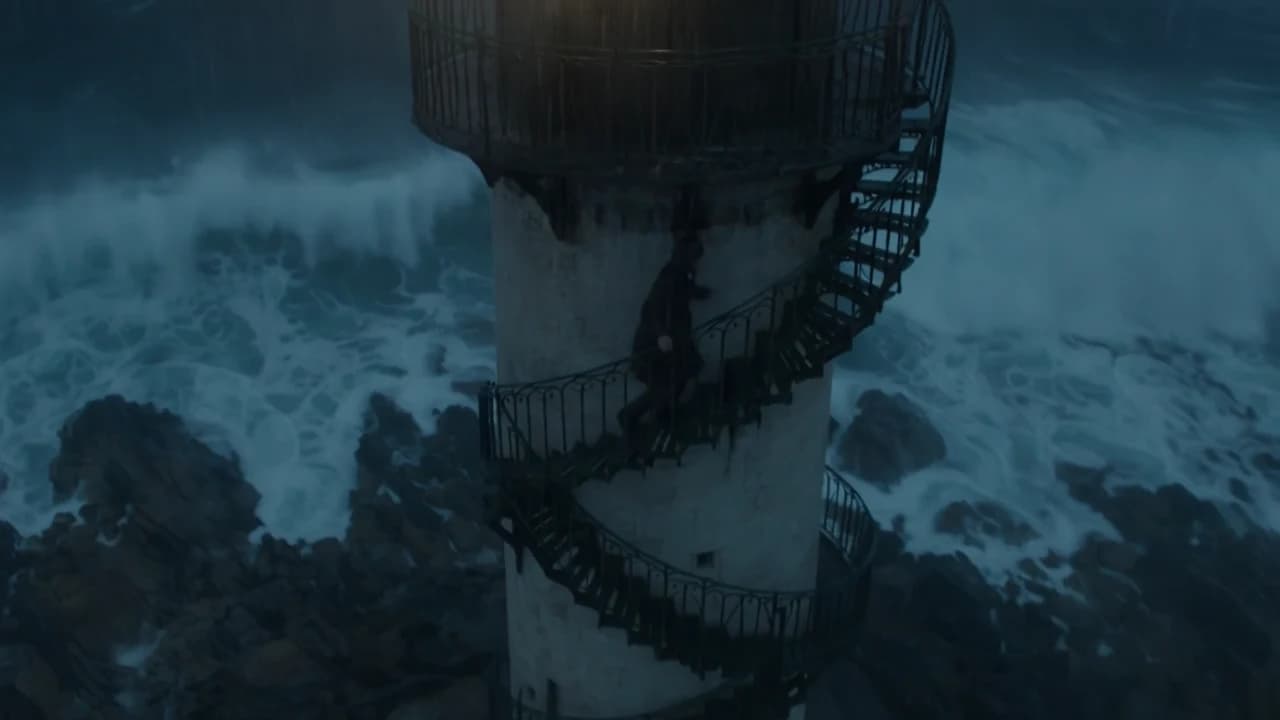
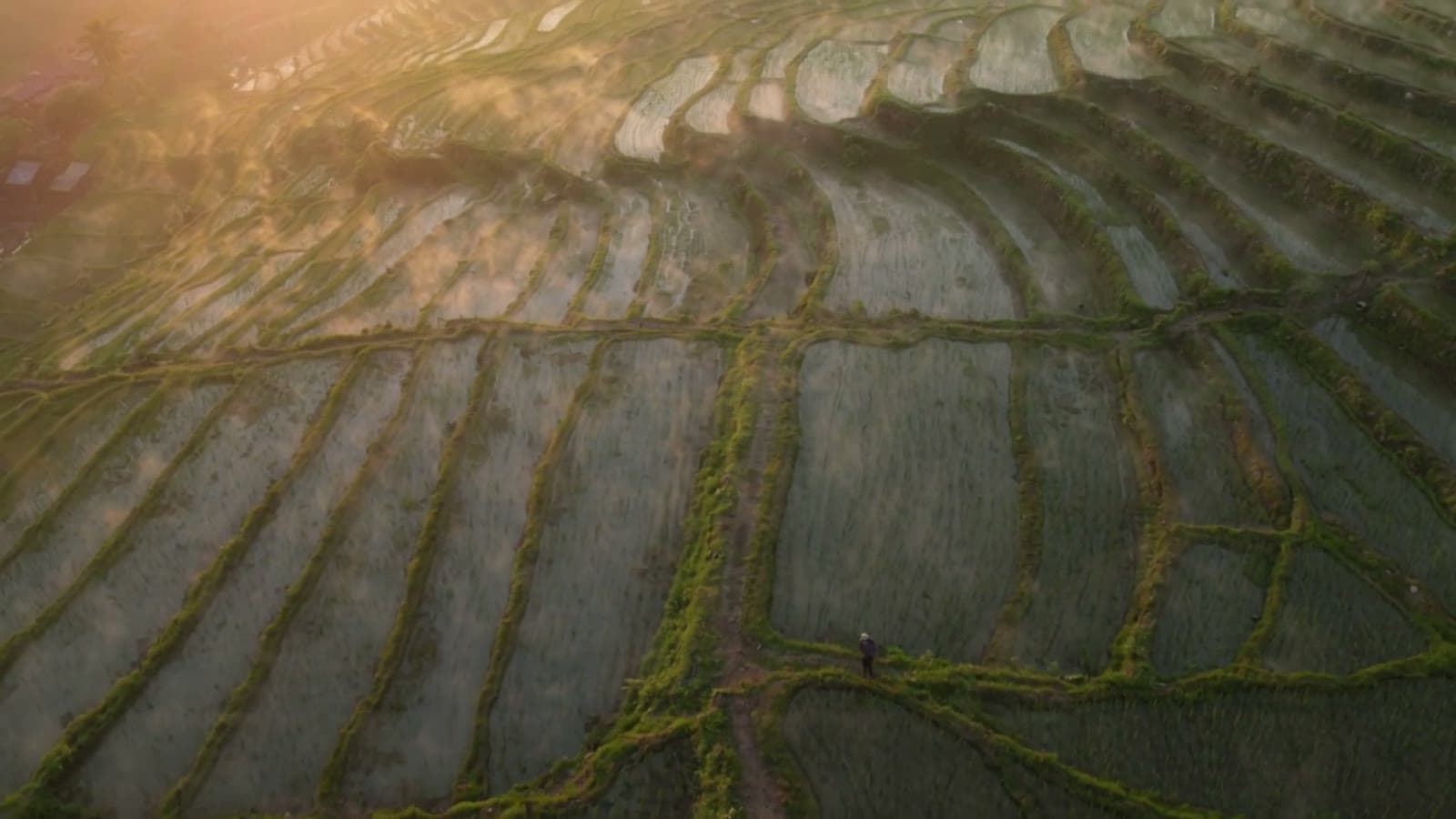
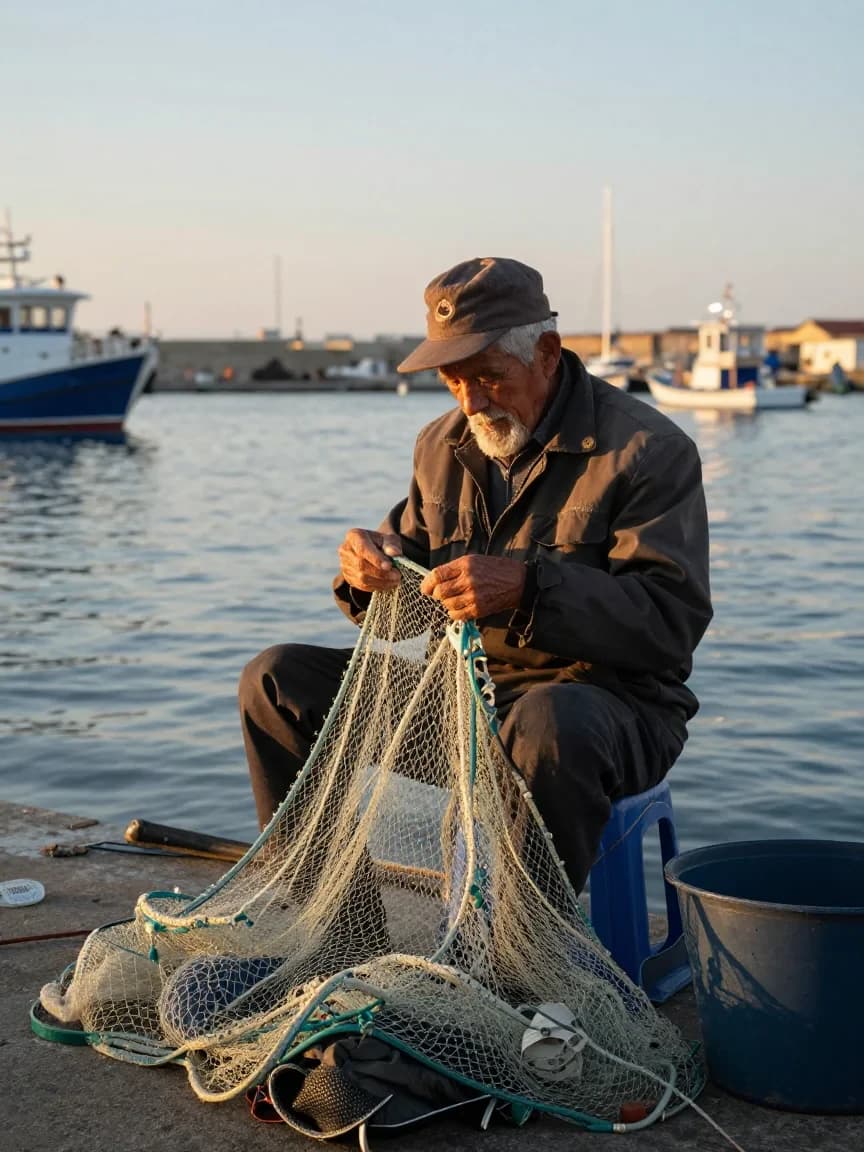
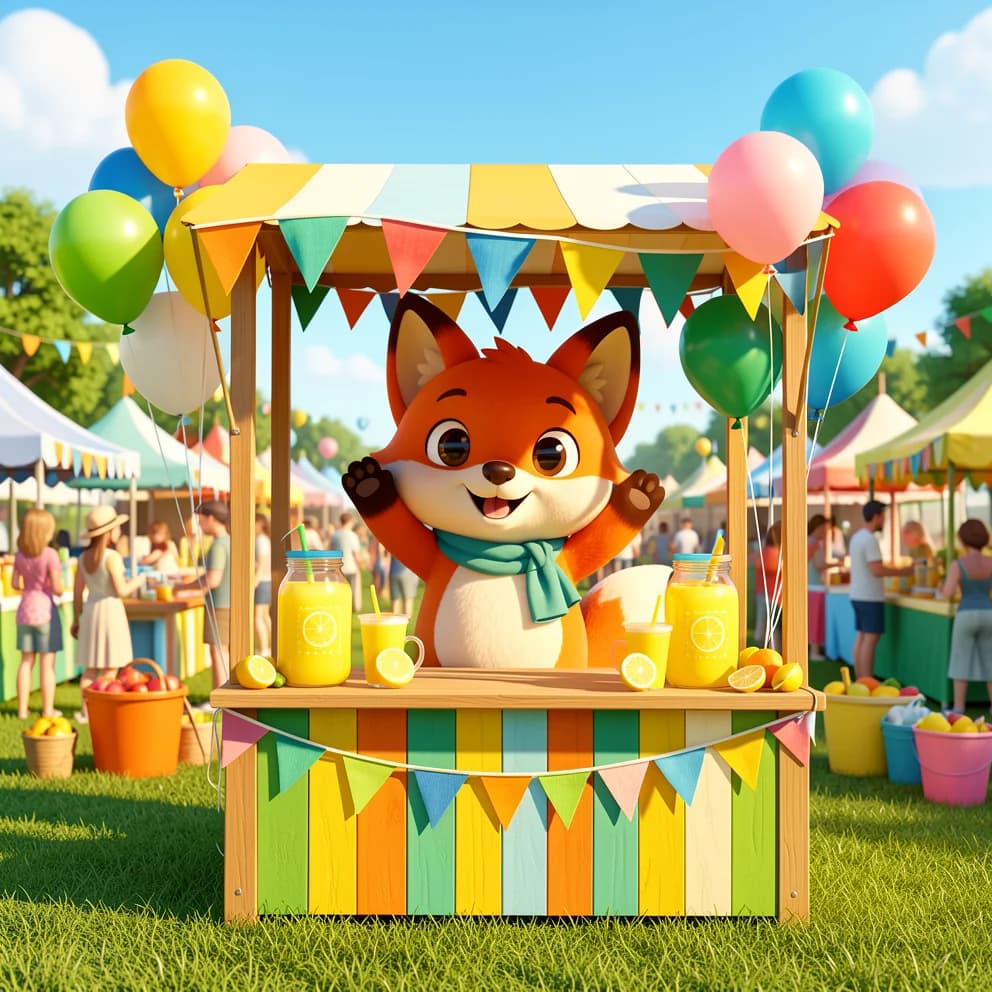
下面 8 条 PixVerse V6 提示词都配了真实成片:前 4 条从文字生成,后 4 条从一张首帧开始。每条都是完整提示词,点「用这个提示词生成」就能在模型页预填。
PixVerse V6 已在 HiAPI 上线,文生视频模型页 和图生视频模型页 都能直接生成,新用户注册送 200 积分。
文生视频:4 个场景
1. 海岸悬崖:用一句镜头指令推动画面
16:9、5 秒、720p、开启音频。高草随风摆动,镜头持续向悬崖边推进,最后露出完整海平线,文件里带风声和海浪声。
Cinematic slow dolly push-in across a windswept coastal cliff at golden hour. Tall grass ripples in the sea breeze, waves crash against dark rocks far below, warm low sunlight rakes across the scene. The camera glides forward steadily toward the cliff edge, revealing a wide ocean horizon. Shallow depth of field, gentle lens flare, realistic film grain, soft natural ambience of wind and distant surf.
slow dolly push-in 和 the camera glides forward steadily 是这段运动的来源,模型没有独立的运镜参数。
2. 动漫天台:style 直接定画风
16:9、5 秒、720p、style: anime。画面是手绘线条与赛璐璐色块,红夹克少女从侧后方转到正面,背景是亮着霓虹的城市天际线。
A teenage courier in a weathered red jacket stands on a rain-slicked rooftop at dusk, distant city lights blooming behind her. A gentle breeze lifts her hair and the hem of her jacket; neon signs flicker and reflect in shallow puddles. The camera slowly orbits from her side around to a three-quarter front view. Hand-drawn anime aesthetic, soft cel shading, warm-to-cool color grade.
画风交给 style 预设,提示词只保留一个明确动作:镜头绕到正面。
3. 桌面机器人:用动作节拍填满 5 秒
16:9、5 秒、720p、style: 3d_animation。圆头小机器人睁眼、抬臂、挥手,桌面上的咖啡杯冒着热气,晨光从窗边照进来。
A chubby palm-sized desk robot with big round eyes wakes up on a wooden desk beside a steaming coffee mug. It stretches its little arms, blinks twice, then waves cheerfully at the camera. Morning light streams through a nearby window. Smooth stylized 3D animation, soft global illumination, playful squash-and-stretch motion, shallow depth of field.
动作按「睁眼 → 抬臂 → 挥手」顺序写,5 秒里每一拍都看得见。
4. 竖屏赛博朋克:9:16 直接生成
9:16、5 秒、720p、style: cyberpunk。输出是 720×1280 竖屏,第一人称沿霓虹巷道向前冲,湿地面反射品红和青色光。
Fast first-person sprint through a narrow neon alley in a rain-soaked future megacity at night. Holographic advertisements smear past, puddles throw back magenta and cyan light, steam vents hiss on both sides. Quick energetic forward motion with a slight handheld camera shake, dynamic reflections, high contrast. Dense, kinetic, cinematic.
竖屏在 aspect_ratio 里直接选 9:16,不用先出横屏再裁。
图生视频:4 个场景
图生视频只写运动,不重复描述首帧里已经有的场景。先把首帧保存下来,在模型页上传,再粘贴提示词。
5. 雪湖木屋:一个推进镜头
首帧是一张 16:9 的雪湖木屋图。输出 1280×720、5 秒、720p、开启音频,镜头向木屋推进,湖面雾气低移,松枝轻摆,地平线保持水平。
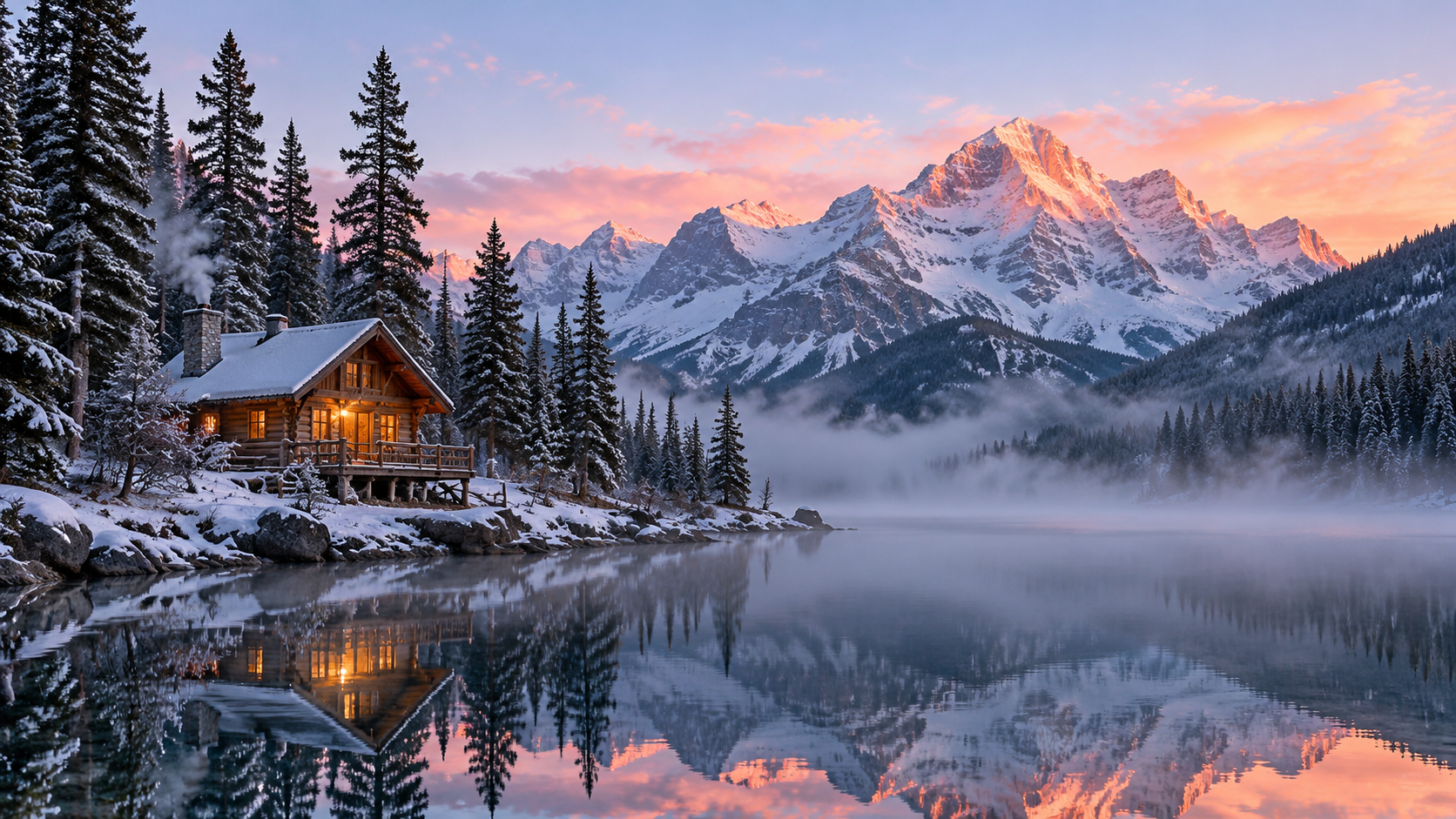
Slow, steady cinematic push-in toward the cabin. Mist drifts low across the lake and the water ripples gently. The pines sway in a soft breeze. Unhurried early-morning motion; the horizon stays level throughout.
the horizon stays level throughout 是一句稳定性指令,推进时画面不会歪。
6. 咖啡馆:让人物完成一个小动作
首帧是窗边拿杯的女生。输出 1280×720、5 秒、720p、无音频,她抬杯、抿一口、抬眼看向镜头并微笑,面部和手部保持稳定,背景不动。
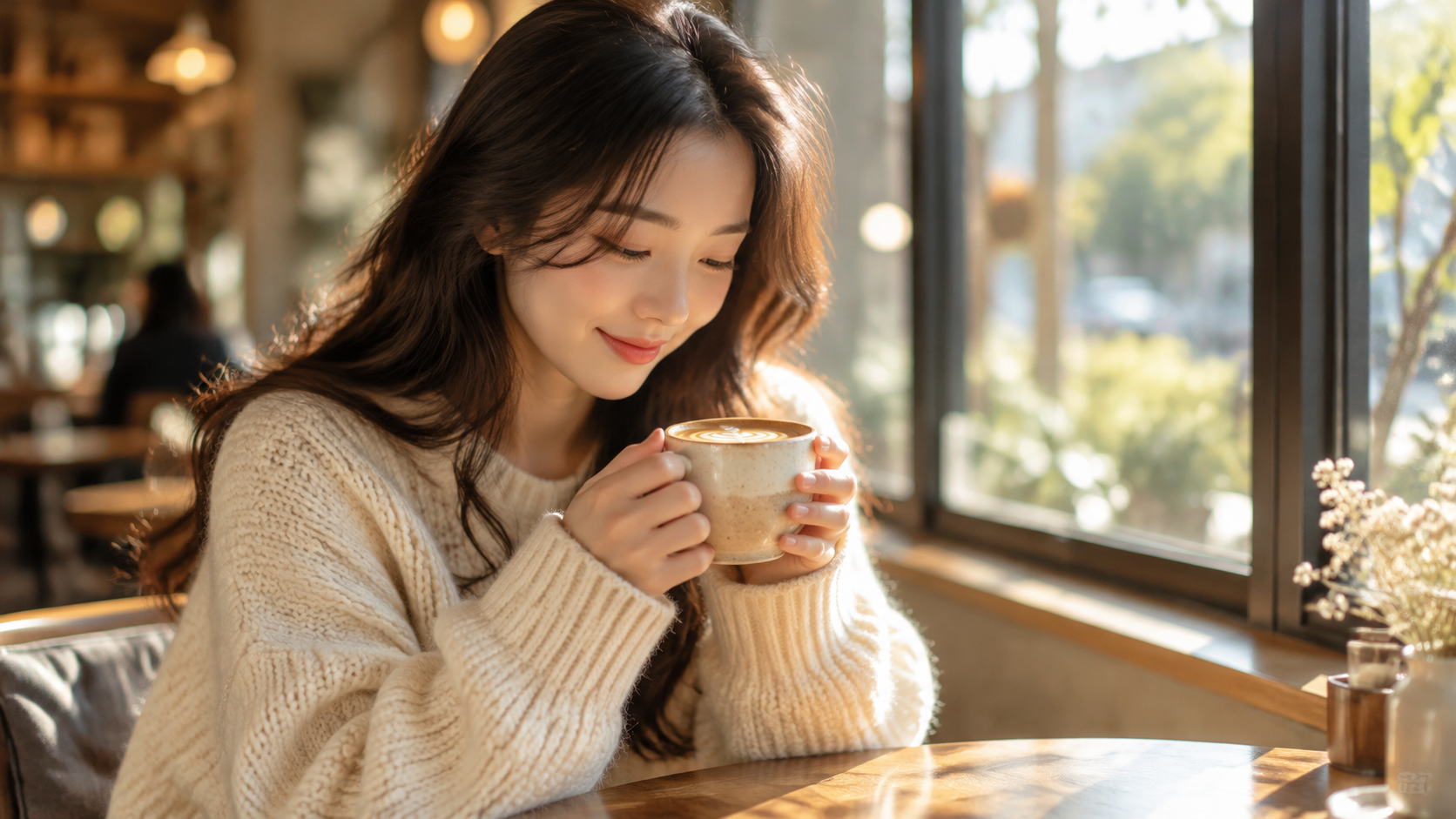
The woman slowly lifts the cup, takes a small sip, then raises her eyes toward the camera and gives a gentle, natural smile. A subtle blink and a slight tilt of the head; faint steam curls from the cup. The background stays still.
动作要和首帧姿势接得上,抬杯、抿一口、抬眼是一段连续小动作。
7. 雨夜拉面摊:机位不动,只让环境动
首帧是雨里的拉面摊。输出 1280×720、5 秒、720p、开启音频,机位全程不动,雨丝、蒸汽和霓虹倒影在湿地面晃动,远处有撑伞行人经过。
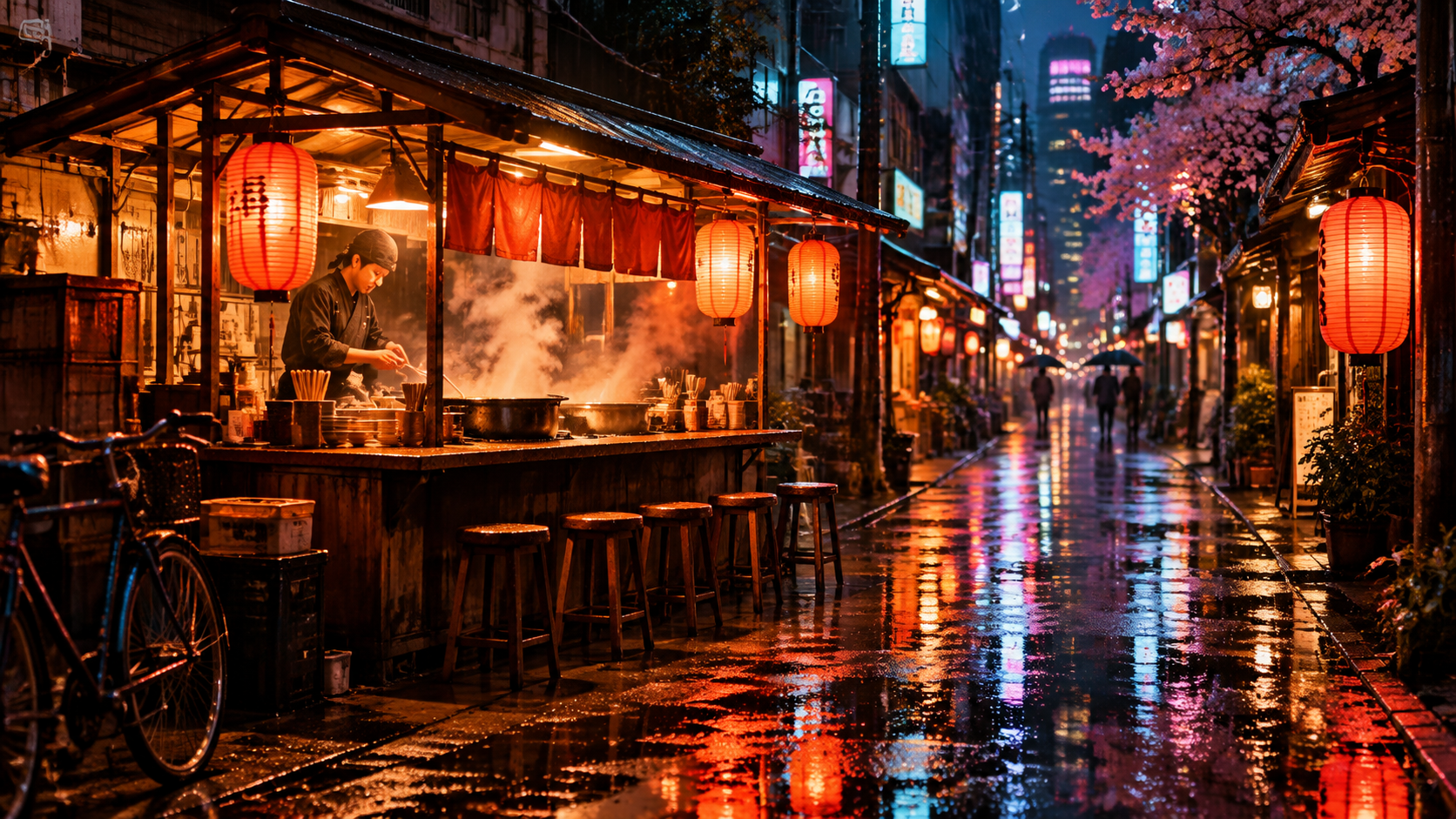
The camera stays locked off, no movement at all. Fine rain keeps falling in thin streaks; the neon signs flicker and shimmer in the wet pavement; steam curls up from the ramen pots; one or two pedestrians drift through the far background under umbrellas.
locked off, no movement at all 把机位钉住,运动预算全部留给雨、蒸汽和行人。
8. 竖屏滑板:画幅由首帧决定
首帧是 9:16 竖图。输出 720×1280、5 秒、720p、style: anime、无音频,滑手从坡顶下冲、转弯,板身带起少量尘土,画面仍保持写实外观。
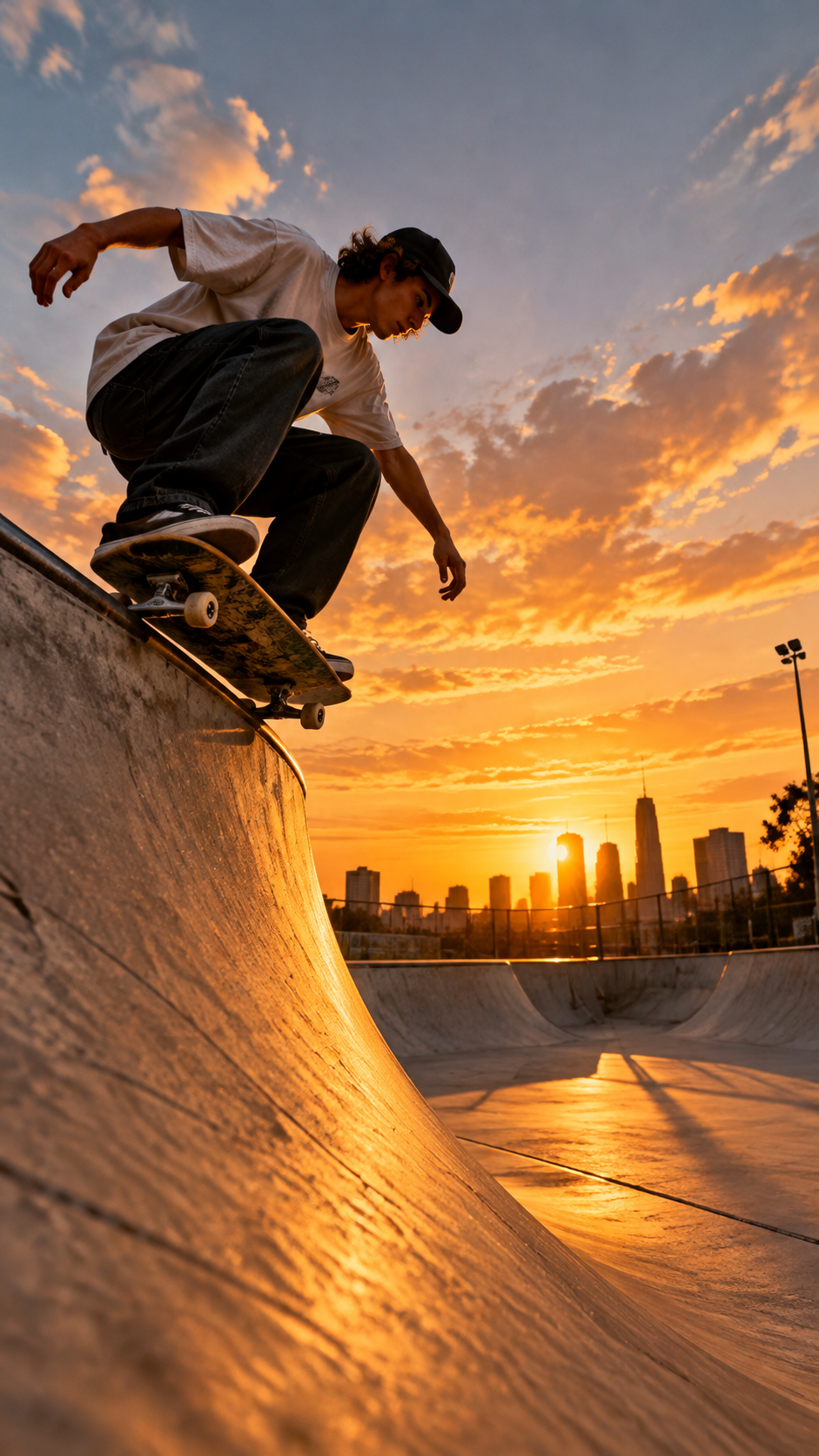
The skater drops in and carves down the ramp with fast, confident motion; the board kicks up a little dust and the jacket and hair whip in the wind. Energetic, dynamic action held in a stable vertical frame.
图生视频没有 aspect_ratio,想要竖屏就交竖图;这条的 style: anime 没有把写实首帧改成动漫,画风仍跟着首帧走。
写 PixVerse V6 提示词的 3 个要点
- 按「主体 → 动作 → 镜头 → 光线」写。 运镜只能写在提示词里,
slow dolly push-in、orbit to a three-quarter view这类句子就是镜头参数。 - 格式交给参数。 画幅、时长、分辨率、音频和风格都在 input 字段里选,提示词不用重复「9:16」「带声音」。
- 人像和固定机位用
negative_prompt收边。 人脸、手指容易变形就列出distorted face, extra fingers;要机位不动就排除camera shake, zoom, pan。
常见问题
提示词写中文还是英文?
两种都可以。单个中文字符按 3 字节计算,提示词和 negative_prompt 都有 2,048 字节上限。
图生视频要改提示词结构吗? 要。首帧已经锁定场景,提示词只写主体动作、镜头运动和环境变化,不要再描述一遍画面里已有的内容。
为什么生成的视频没有声音?
generate_audio 默认关闭。需要背景音乐、音效或对白时把它设为 true,并把想要的声音写在对应动作旁边。
生成失败会扣钱吗? 不会。失败任务全额退回,按成功出片计费。