下面 8 个案例都是 Ray 3.2 的真实成片:5 条文生视频提示词,3 条图生视频。每条都附完整提示词和参数,复制就能用,点「用这个提示词生成」会直接带着提示词打开模型页。Ray 3.2 已在 HiAPI 上线,打开文生视频模型页 直接生成,新用户注册送 200 积分。
1. 运镜开场:推镜灯塔
参数:5 秒 · 540p · 21:9
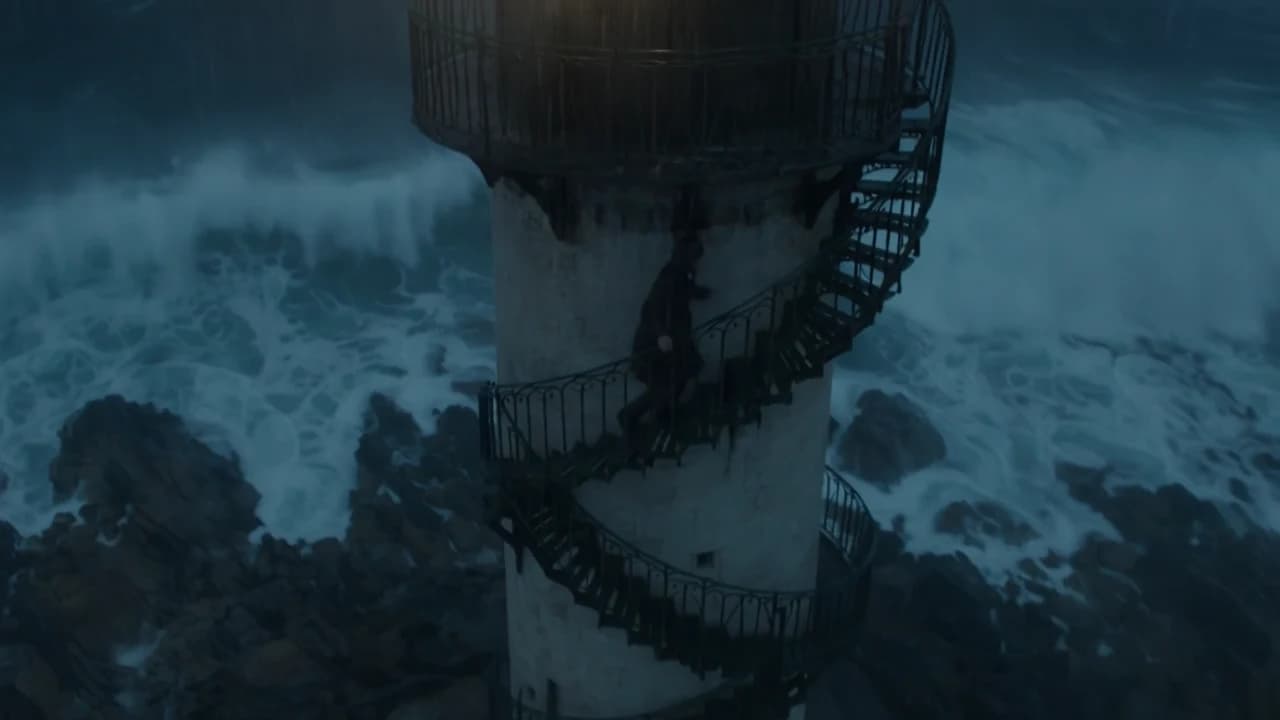
Slow cinematic dolly-in toward a lone lighthouse keeper standing on a weathered iron balcony, salt spray drifting across the frame. Overcast dawn light, cool blue-grey tones, soft diffused shadows. The camera glides forward at a steady, patient pace, compressing the distance as gulls cross the background. Anamorphic lens look, shallow depth of field, gentle film grain. Negative: no text, no logos, no warping hands, no abrupt cuts.
第一句就写镜头运动,Ray 3.2 会把它当成主要指令,整段保持向前滑。patient pace 用来压住文生视频常见的过快运动;结尾的负面清单收住文字、logo 和手部变形。换场景时只改主体和天气,镜头那句留着。
2. 建立镜头:日出梯田航拍
参数:5 秒 · 720p · 16:9
Aerial establishing shot drifting slowly over a terraced rice valley at golden hour, a low sun raking across flooded paddies that mirror an amber sky. Thin mist pools in the lower terraces. The camera moves laterally with a slow, patient pace, gradually revealing a single farmer walking a narrow dirt path. Warm high-dynamic-range lighting, rich greens and golds, cinematic haze. Negative: no text, no watermark, no flicker, no distorted geometry.
横移要有去处:gradually revealing a single farmer 给了镜头一个明确目标,画面不会只是飘。光线这一段是电影感的主要来源,golden hour、low sun raking、warm high-dynamic-range 三句一起写,比只写 cinematic 更具体。这条 720p 的封面帧也被拿去做成了文章头图。
3. 氛围光:雨夜霓虹小巷
参数:5 秒 · 540p · 16:9
A rain-slicked alley at night, neon signage reflecting in puddles, steam rising from a street-food stall. A handheld camera pushes gently down the alley, wet reflections shimmering with every step. Moody cyan-and-magenta neon lighting, deep shadows, volumetric haze, cinematic bokeh from the background signs. Negative: no readable text, no logos, no morphing people, no strobing.
handheld camera pushes gently 给一点手持晃动,gently 防止变成乱抖。霓虹场景最容易生成乱码招牌,负面清单里写 no readable text 比指望它拼对单词更稳。需要品牌字样时,把文字留到后期叠。
4. 跟踪运动主体:雪地狐狸
参数:5 秒 · 540p · 16:9
A red fox bounding through fresh powder snow in a sunlit birch forest, snow kicking up in slow backlit sprays. The camera tracks alongside the fox at a steady pace, keeping it centered as the trees blur past. Crisp winter morning light, cool whites with a warm sunlight rim, sparkling snow particles. Negative: no extra limbs, no jitter, no text, no unnatural speed ramps.
keeping it centered as the trees blur past 是关键:它告诉模型主体是锚点,动的是背景,这正是真实跟拍镜头的读法。动物动作最容易出肢体问题,no extra limbs 和 no unnatural speed ramps 值得留在负面清单里。
5. 竖屏微距:浓缩咖啡
参数:5 秒 · 540p · 9:16
Vertical macro shot of a single espresso being pulled, dark crema swirling into a warm glass cup on a marble counter in soft morning window light. The camera slowly tilts up from the dripping portafilter to the finished cup. Shallow depth of field, warm caramel tones, gentle rising steam, premium commercial finish. Negative: no shaking hands, no spills, no text overlay, no colour banding.
9:16 不额外收费:Ray 3.2 只按时长和分辨率计价,竖屏和横屏同价。微距主体本身动作小,用 slowly tilts up from ... to ... 给镜头一个明确的起止位置,画面就不会僵住。
图生视频:首帧已经给了画面,提示词只写变化
下面 3 个案例走 ray-3.2/image-to-video。首帧已经定下主体、构图和光线,提示词重点写接下来发生什么:主体动作、镜头怎么动、光线或天气怎么变。每条固定 5 秒,画幅跟随首帧。
6. 首帧:流星划过沙漠夜空

参数:5 秒 · 720p · 首帧约 3:2(1024×687),输出 4:3 的 1104×832
The shooting star streaks across the Milky Way as the camera slowly cranes down toward the glowing tent, desert sand ripples shimmer in the lantern light, cinematic night timelapse feel
用这个提示词生成 →(上传上图作首帧)
首帧决定主体和场景,提示词只写了流星和镜头下降,其它保持不变。原图不是标准画幅,输出自动匹配到最接近的 4:3,边缘有少量裁切;重要元素尽量放中间。
7. 首尾帧:牡丹从花苞到盛放
| 首帧 | 尾帧 |
|---|---|
 |  |
参数:5 秒 · 540p · 16:9 · 首帧 + 尾帧
Time-lapse in a greenhouse at dawn: the peony bud slowly unfolds into full bloom as morning light brightens, static camera
用这个提示词生成 →(上传两张图,先首帧后尾帧)
传了 end_image_url 后,视频会落在尾帧上。这个案例两张图取景略有偏移,即使提示词写了 static camera,模型还是加了一段横向平移去对齐尾帧。想完全固定机位,先把两张图的构图对齐。
8. 1080p 竖屏:冰咖啡里的奶沉下去

参数:5 秒 · 1080p · 9:16 · 1080×1920
The ribbon of milk keeps folding down through the iced espresso, the ice cubes settle and shift slightly, condensation beads slide down the outside of the glass, very slow push-in toward the glass, warm rim light stays steady, vertical product commercial shot
用这个提示词生成 →(上传上图作首帧)
首帧是 9:16 的商品图,输出 1080×1920,基本没有裁切。1080p 是最高一档,$1.7145 一条;先用 540p 把动作确认好,再出这一档。
通用写法
- 按「镜头运动 → 主体和动作 → 环境 → 光线和色彩 → 负面清单」写,一条视频只安排一个主要动作。
- 镜头写清方向和速度:
slow dolly-in、drifts laterally、handheld push、slowly tilts up。 - 光线用具体词:
golden hour、overcast dawn、cyan-and-magenta neon、backlit,比“电影感”有效。 - 结尾用
Negative:列排除项:文字、logo、多肢体、闪烁、跳切。 - 图生视频不要重复描述图里已有的外观,写清「接下来发生什么」和「什么必须保持不变」;首尾帧过渡先把两张图的构图对齐。
- 先用 5 秒 540p 定动作($0.2145 一条,$10 约 46 条),满意后再升 720p 或 1080p。
| 场景 | 画幅 | 建议分辨率 |
|---|---|---|
| 推镜开场 | 21:9、16:9 | 540p 定构图,720p 出片 |
| 航拍建立镜头 | 16:9 | 720p |
| 氛围光空镜 | 16:9、21:9 | 540p 试光,720p 出片 |
| 运动主体跟拍 | 16:9、9:16 | 540p 试动作,720p 出片 |
| 竖屏商品微距 | 9:16 | 540p 试,1080p 出终稿 |
想直接看同款?点任意一条下方的「用这个提示词生成」,提示词会自动填好;也可以去文生视频模型页或图生视频模型页写自己的第一条。注册送的 200 积分可以直接进模型页体验,跑完整视频按所选档位扣积分。