851 Background Remover API
https://api.hiapi.ai /v1/tasks Image, video, and audio models are called through theUnified Async API POST /v1/tasks endpoint; only the input fields differ (see input parameters below).
Model summary
| Model | 851-labs/background-remover |
|---|---|
| Type | Background removal |
| Task | Single-image background removal |
| Input | One accessible image URL |
| Output | PNG with an alpha channel |
| Pricing | Live pricing |
Submit one image to separate the foreground and produce a transparent PNG. No prompt is needed for product cutouts, portraits and compositing assets.
Production guidance
- Make the image URL directly downloadable. A local file path or a page requiring browser sign-in cannot be used.
- This endpoint accepts no prompt, background color, aspect ratio, resolution or other image-generation controls.
- Output dimensions match the image submitted to the model. Playground optimizes larger uploads; use an API request with your own image URL to submit the original.
- Use callback for terminal notifications and handle them idempotently by taskId, or poll the task retrieval endpoint.
- Download or copy successful results promptly and use expireAt to manage temporary outputs.
Best suited for
Isolate bags, footwear or ceramics for downstream layouts and composites.
image_urlGet a transparent PNG for further editing, then inspect hair, fur and small openings.
image_urlRequest parameters
model string required The identifier selecting the background-removal model.
input object required Input configuration for the image to process.
image_url string required URL of the source image whose background should be removed. Use a non-empty HTTP or HTTPS URL without whitespace, directly downloadable by the service.
callback object optional Configure a notification when the task finishes.
url string required http(s) endpoint receiving the terminal task notification.
when enum optional Send the notification when the task succeeds or fails.
Example requests
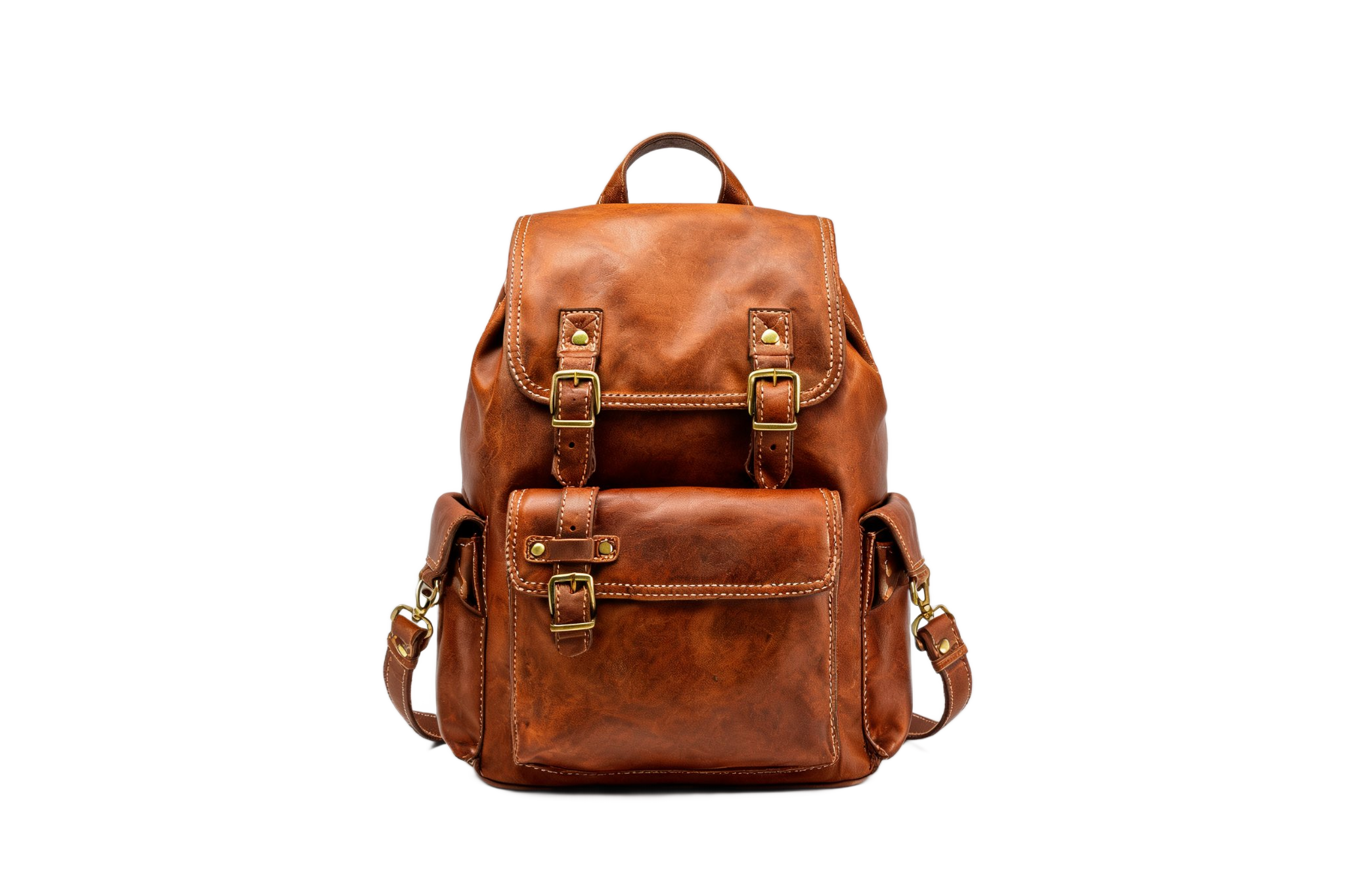
This request produces a transparent PNG from a backpack image. The example input and output are both 2048 × 1365; drag the comparison on the model page to inspect the full result.
{
  "model": "851-labs/background-remover",
  "input": {
    "image_url": "https://static.hiapi.ai/model-covers/851-background-remover/2026/09/03/1788433602795-7188271fb0d9a807-backpack-input.jpg"
  }
}
Getting the result
- Save the taskId returned after submission.
- Wait for the callback or query GET /v1/tasks/:id.
- When status is success, download the transparent PNG from output[].url.
- When status is fail, correct the input based on the returned error rather than resubmitting an identical invalid request.
FAQ
Do I need a prompt?
No. Only image_url is needed inside input; the model separates the foreground automatically.
Is the checkerboard part of the result?
The downloaded PNG has an alpha channel. The model page uses a checkerboard to show transparency; it is not embedded in the image.
Can it create a new background?
This endpoint removes the background. Pass its transparent PNG to a subsequent editing or compositing tool.
Where can I check the charge?
Consult live pricing and the task record. View live pricing