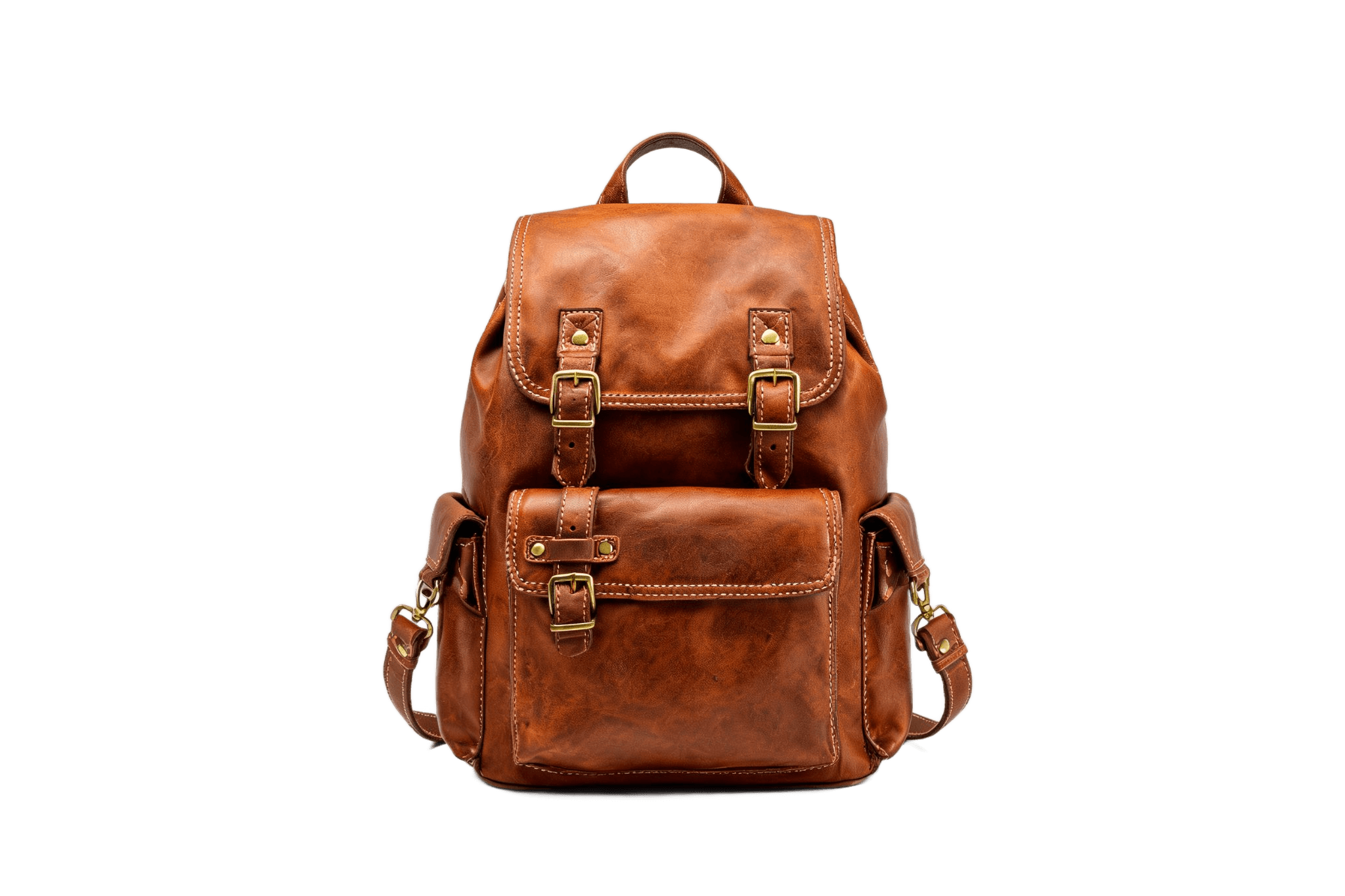
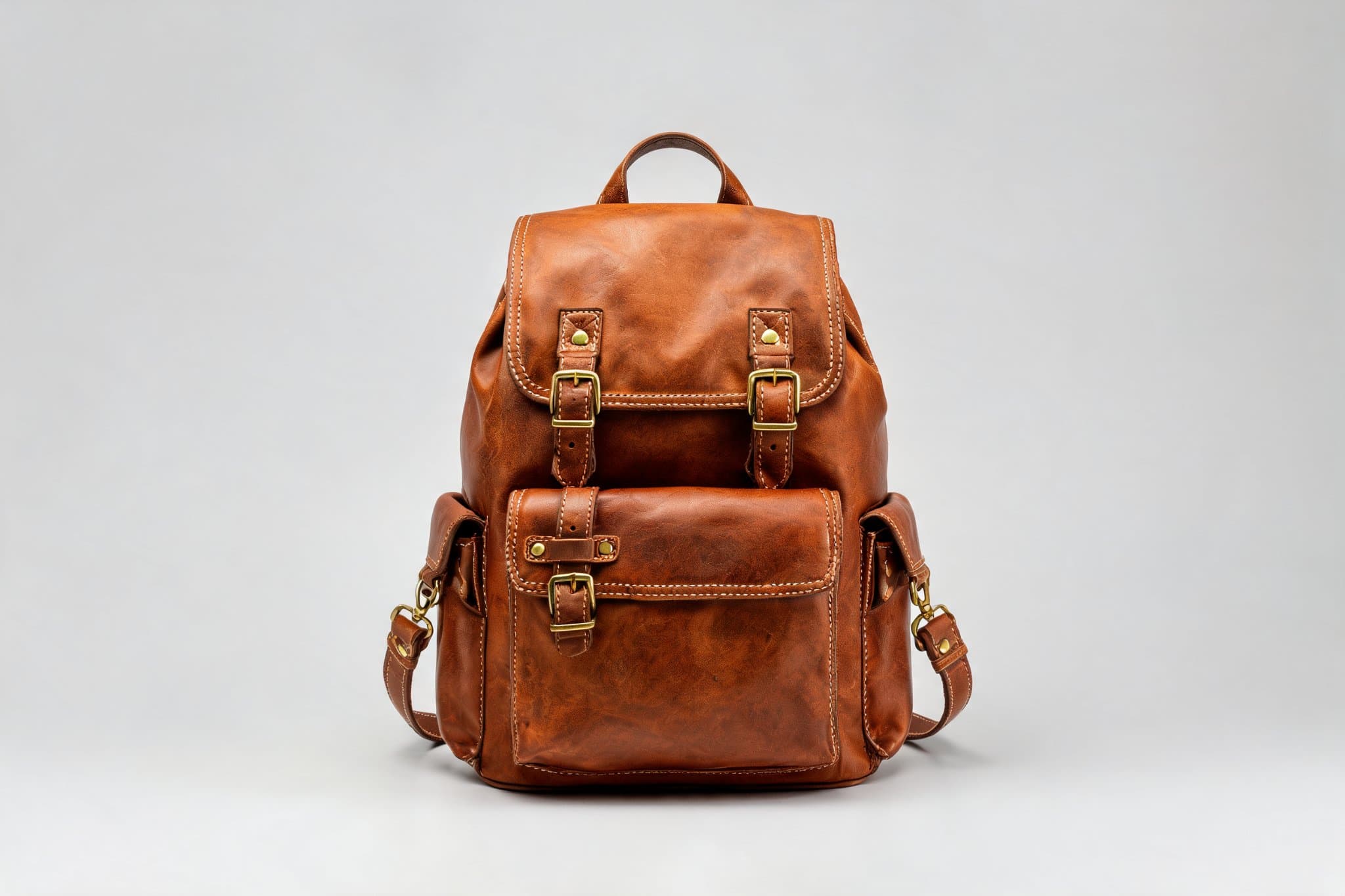
1 source image / 2048 × 1365
A leather backpack on a transparent background
Isolate the backpack while retaining its handle, straps and outline for layouts and compositing. The submitted image and transparent PNG are both 2048 × 1365.
Turn product, portrait and pet images into transparent PNGs. Explore five before-and-after examples, input parameters and an API quickstart.
Provider: 851 Labs
Category: image generation
Endpoint: /v1/tasks
Status: Available
Cost: See live page pricing
Turn product, portrait and pet images into transparent PNGs. Explore five before-and-after examples, input parameters and an API quickstart.
Pricing
Standard Usage
Ready for generation
Configure your parameters and click "Run" to see the output here.
Each case pairs the input with the complete output — no prompt involved, with zoom for edge detail.
1 source image / 2048 × 1365
Isolate the backpack while retaining its handle, straps and outline for layouts and compositing. The submitted image and transparent PNG are both 2048 × 1365.
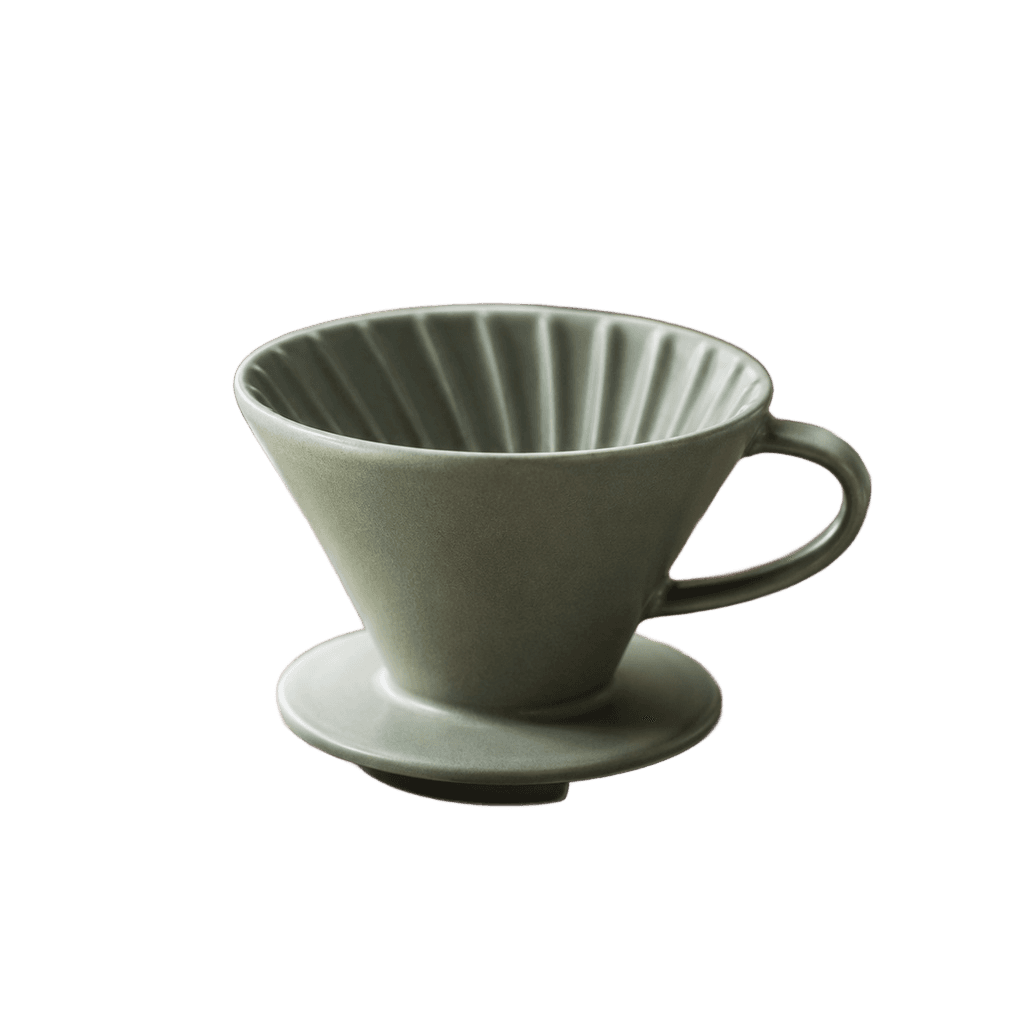
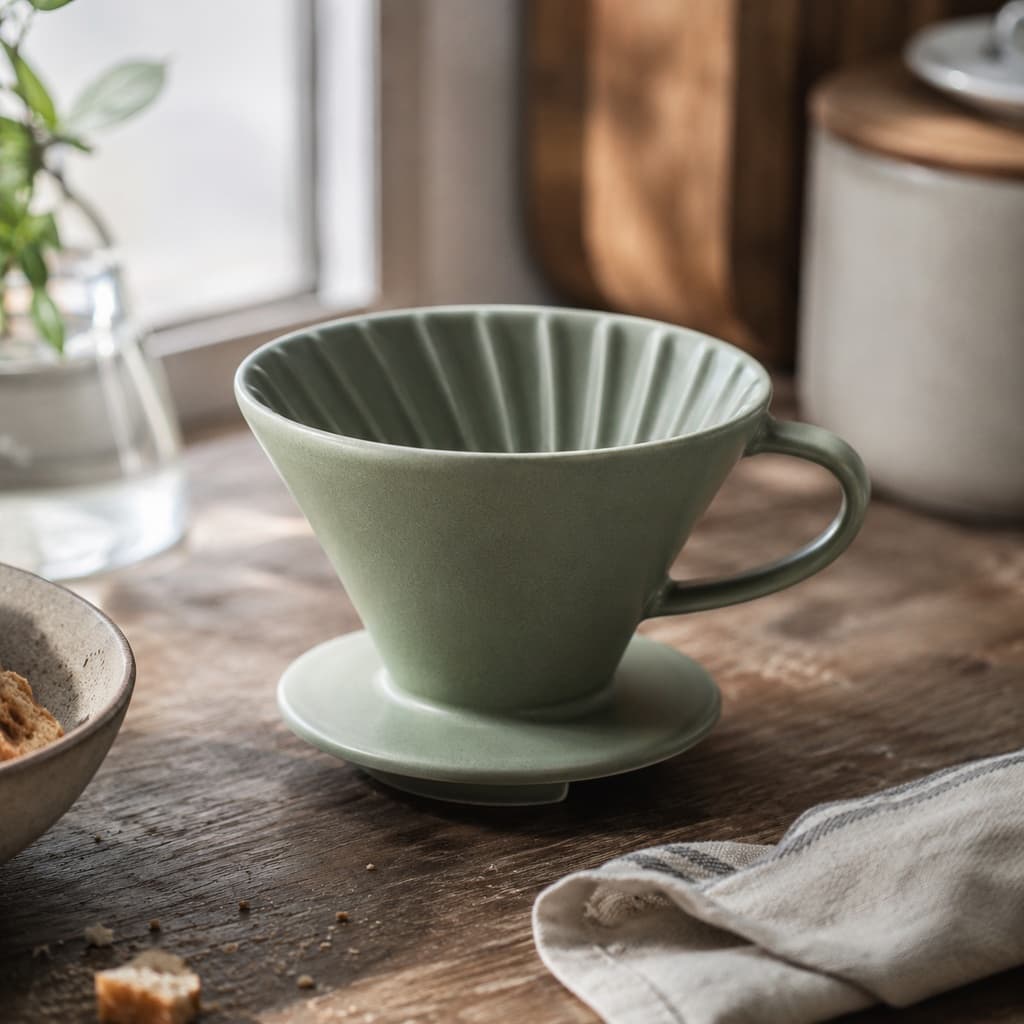
1 source image / 1024 × 1024
Isolate the ceramic dripper from the table while keeping the body, base and handle opening for layouts and compositing.
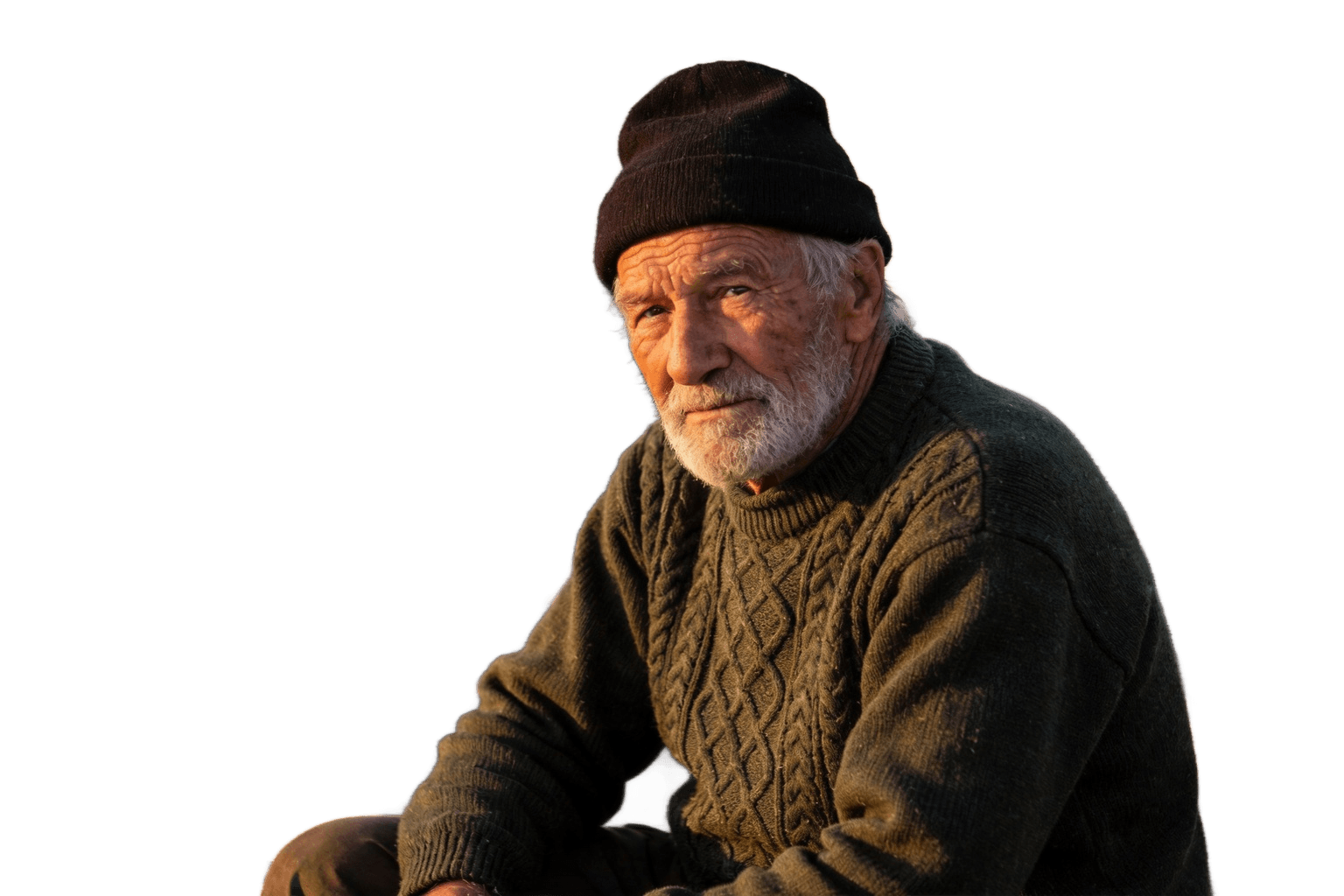

1 source image / 1536 × 1024
Remove the harbor background while keeping the hat, beard and clothing outline. Expand the comparison to inspect the edges.
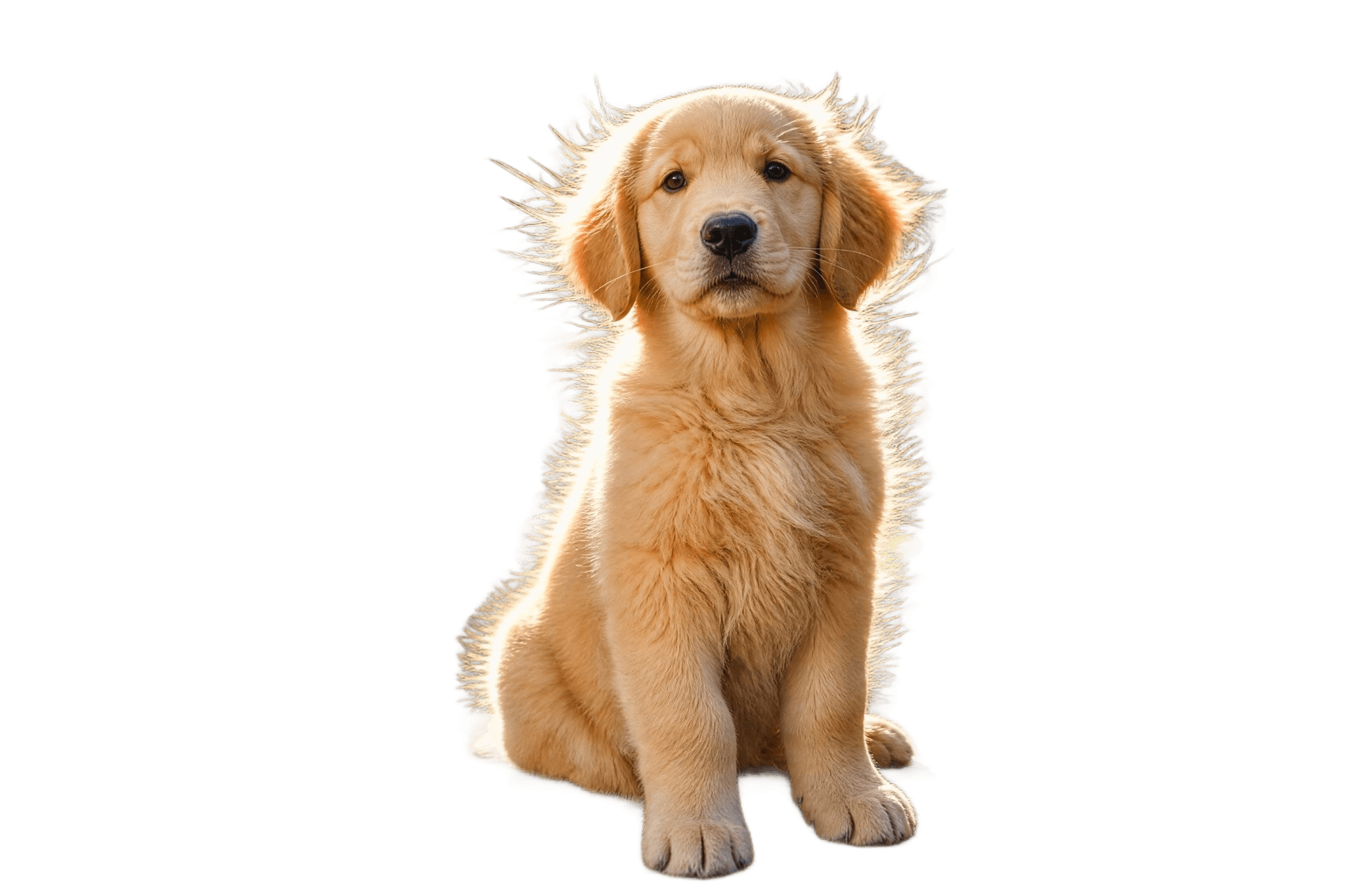
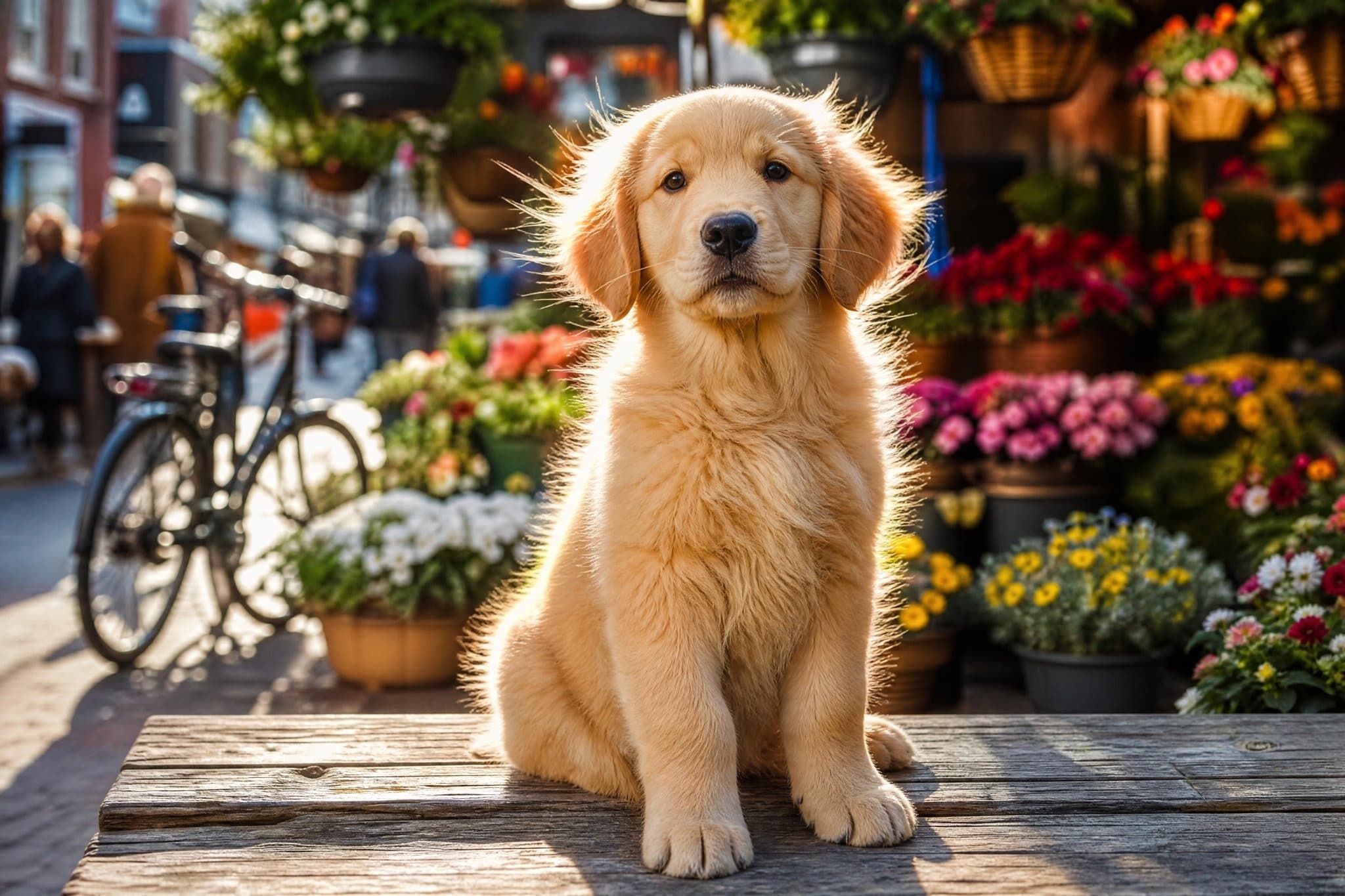
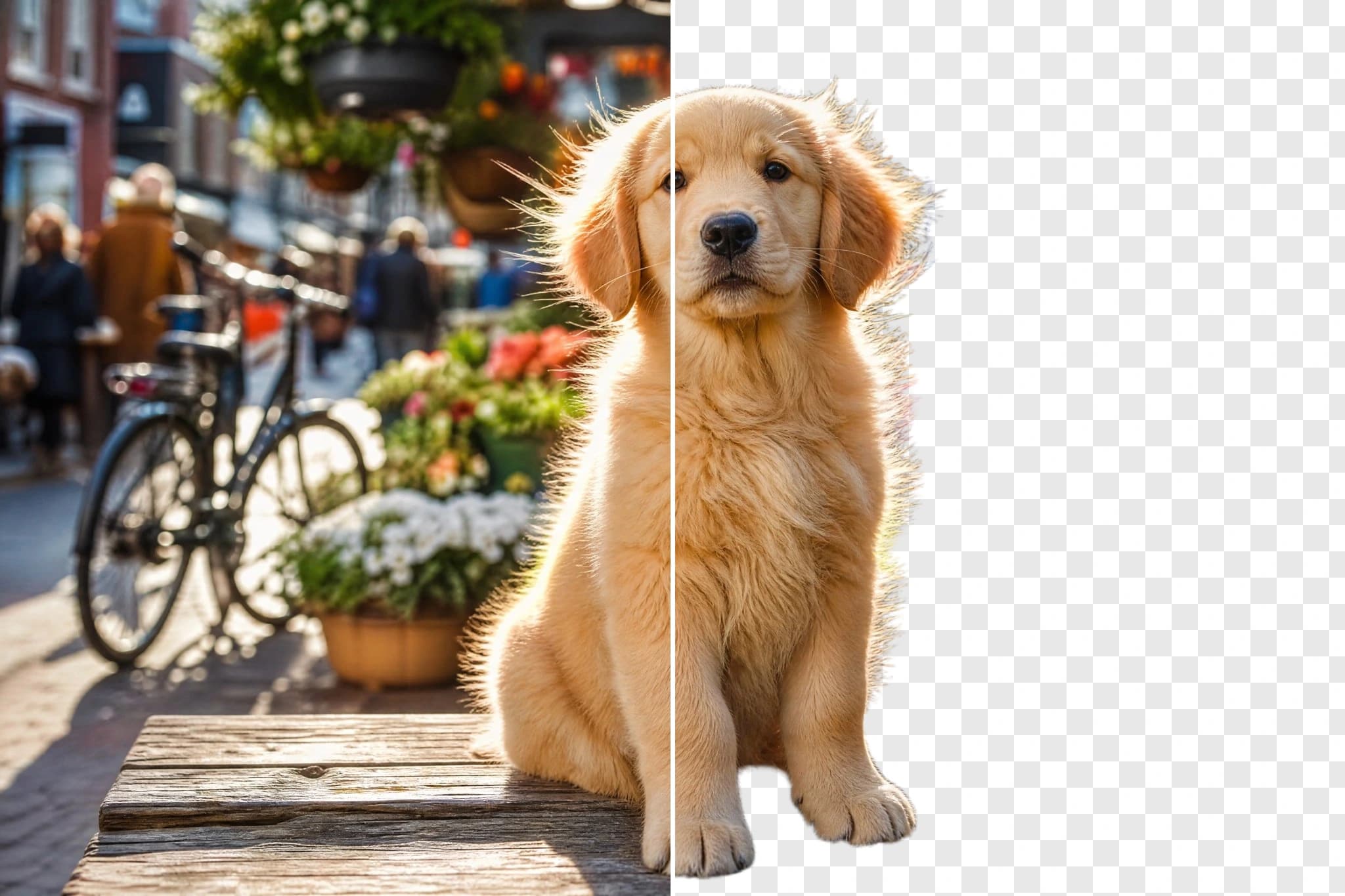
1 source image / 2048 × 1365
Separate the dog from the busy flower market for compositing into another scene. Drag the comparison to inspect fine fur detail.
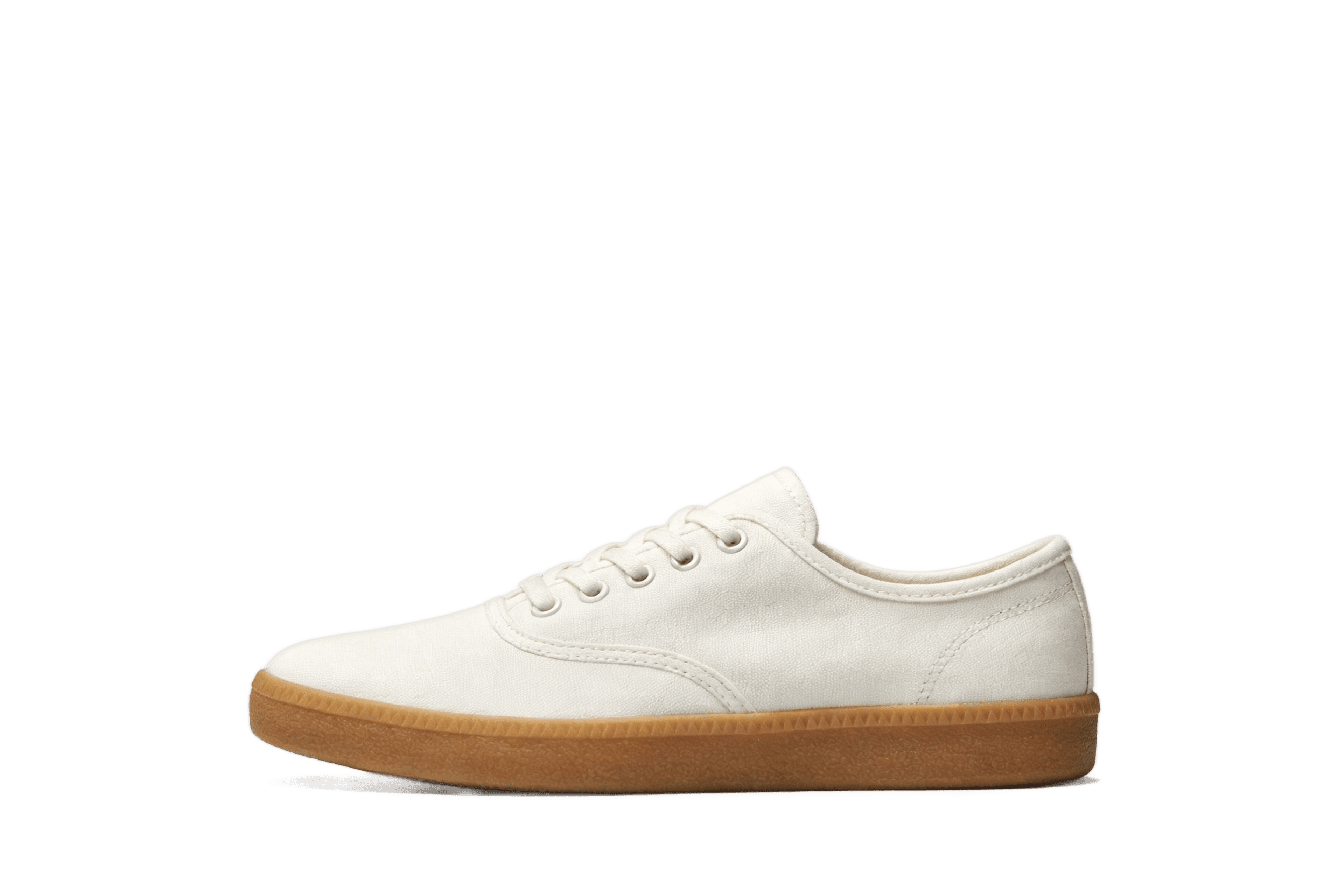
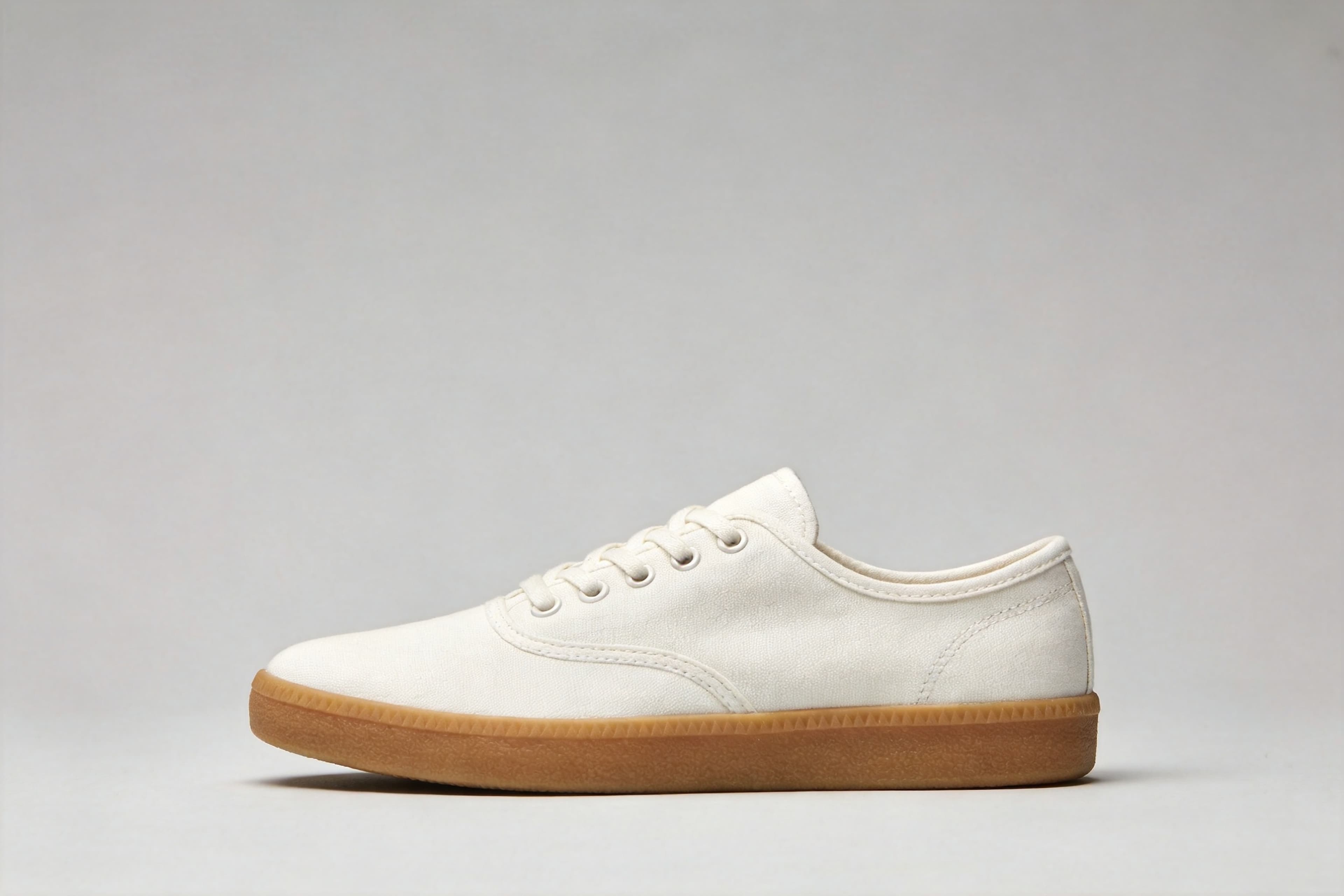
1 source image / 4096 × 2731
Remove the studio background while keeping the laces, sole and overall shape. This case used an input upscaled to 4096 × 2731 to exercise larger-image processing.
Choose an adjacent model by task, output tier, and reference-image needs.
Another background-removal model
Compare another model on the same image.

Continue editing and compositing
Use the isolated subject in a subsequent scene edit.

Multi-reference editing
Continue working on the scene and style with additional references.
Turn product, portrait and pet images into transparent PNGs. Explore five before-and-after examples, input parameters and an API quickstart.
The Playground and API use the same model ID: 851-labs/background-remover. It takes a single image URL with no prompt and returns a transparent-background PNG — built for automated batch pipelines.
Choose inputs and output settings for your creative goal with 851 Background Remover.
This endpoint takes one image with no additional generation controls. Consult live pricing and the task record for the charge.
One image in, transparent PNG out — no prompt, three steps to integrate.
Choose one JPG, PNG or WebP image. For API requests, provide a directly accessible image URL.
Input
Original image
Output
Transparent PNG
Upload one image to produce a transparent PNG with no prompt. Output dimensions match the submitted image; Playground optimizes larger uploads.
Check the edges in Playground, copy the result to your storage, then create asynchronous tasks with the same model ID.
Copy a minimal request below. See Docs for parameters, callbacks, task retrieval, and errors.
POST /v1/tasks851-labs/background-removercurl -X POST "https://api.hiapi.ai/v1/tasks" \
-H "Authorization: Bearer YOUR_API_KEY" \
-H "Content-Type: application/json" \
-d '{
"model": "851-labs/background-remover",
"input": {
"image_url": "https://static.hiapi.ai/model-covers/851-background-remover/2026/09/03/1788433602795-7188271fb0d9a807-backpack-input.jpg"
}
}'The create request immediately returns a taskId; image generation continues asynchronously.
No. Supply one image URL and the model separates the foreground from the background.
The output is a PNG with an alpha channel. The checkerboard on this page illustrates transparency and is not embedded in the original downloadable result.
Submit model and input.image_url. The image must be directly accessible over HTTP or HTTPS.
This endpoint focuses on background removal and offers no aspect-ratio, background-color or prompt controls. Use the transparent output in a subsequent editing step.
Download it after the task succeeds or copy it to your own storage. Page examples and temporary task outputs have different retention policies.
HiAPI Blog
