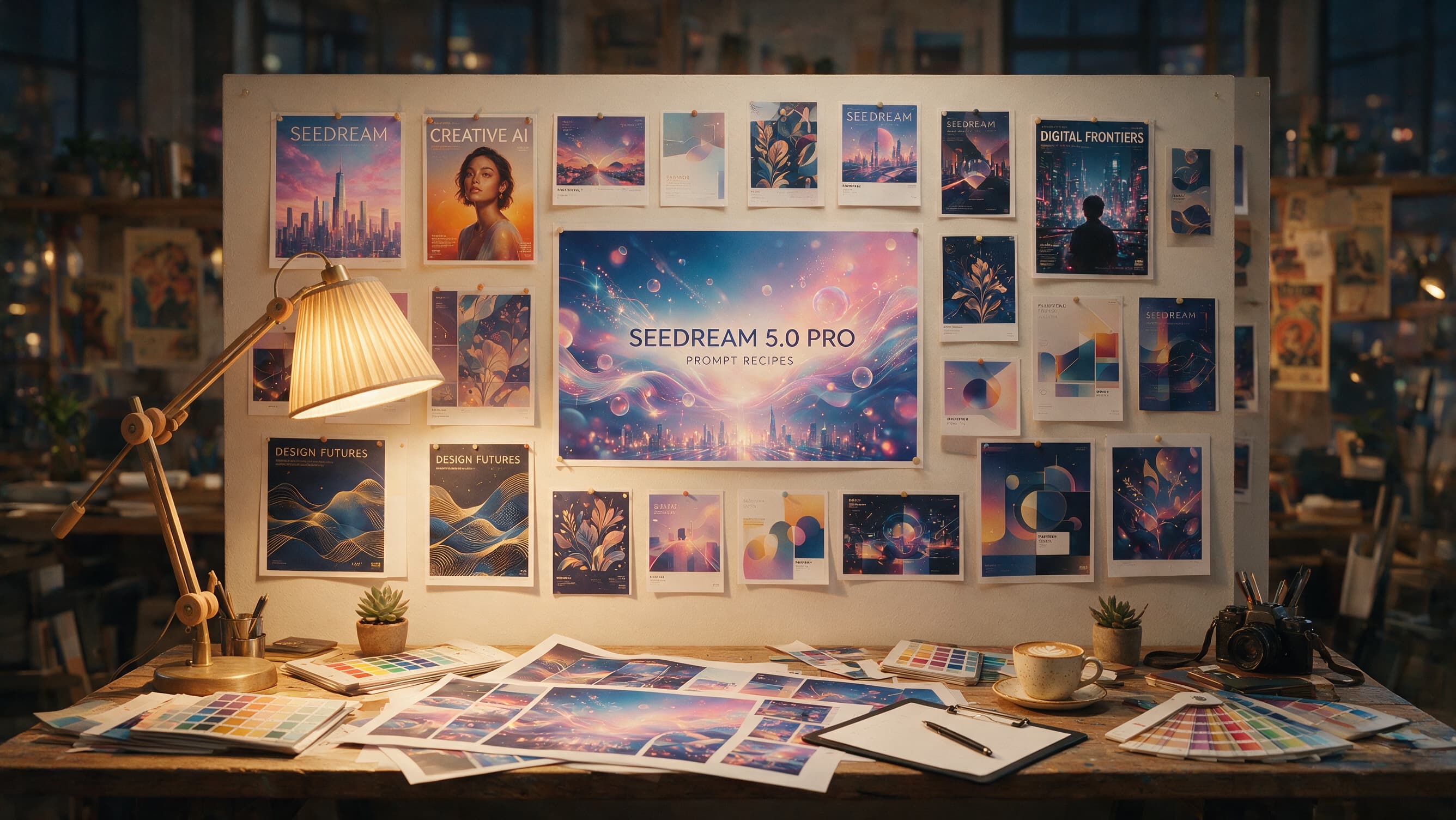
Edit with Seedream 5.0 Pro Image to Image using one to ten references, real recolor, weather, and multi-image examples, 1K or 2K pricing, and API code.

Provider: ByteDance

Category: image generation

Endpoint: /v1/tasks

Status: Available

Cost: See live page pricing

Back to Models

Seedream 5.0 Pro Image to Image

by ByteDanceImage

Edit with Seedream 5.0 Pro Image to Image using one to ten references, real recolor, weather, and multi-image examples, 1K or 2K pricing, and API code.

Pricing

Standard Usage

120 Credits/ image

Input

0 / 4000

More parameters

Generation settings

Choose the output image file format

Estimated cost200 Credits / image2K
Upload a reference image to run

Output

Ready for generation

Configure your parameters and click "Run" to see the output here.

--

From references to edited results

Each case separates references, the edit instruction, and the complete result, with image zoom and prompt copy.

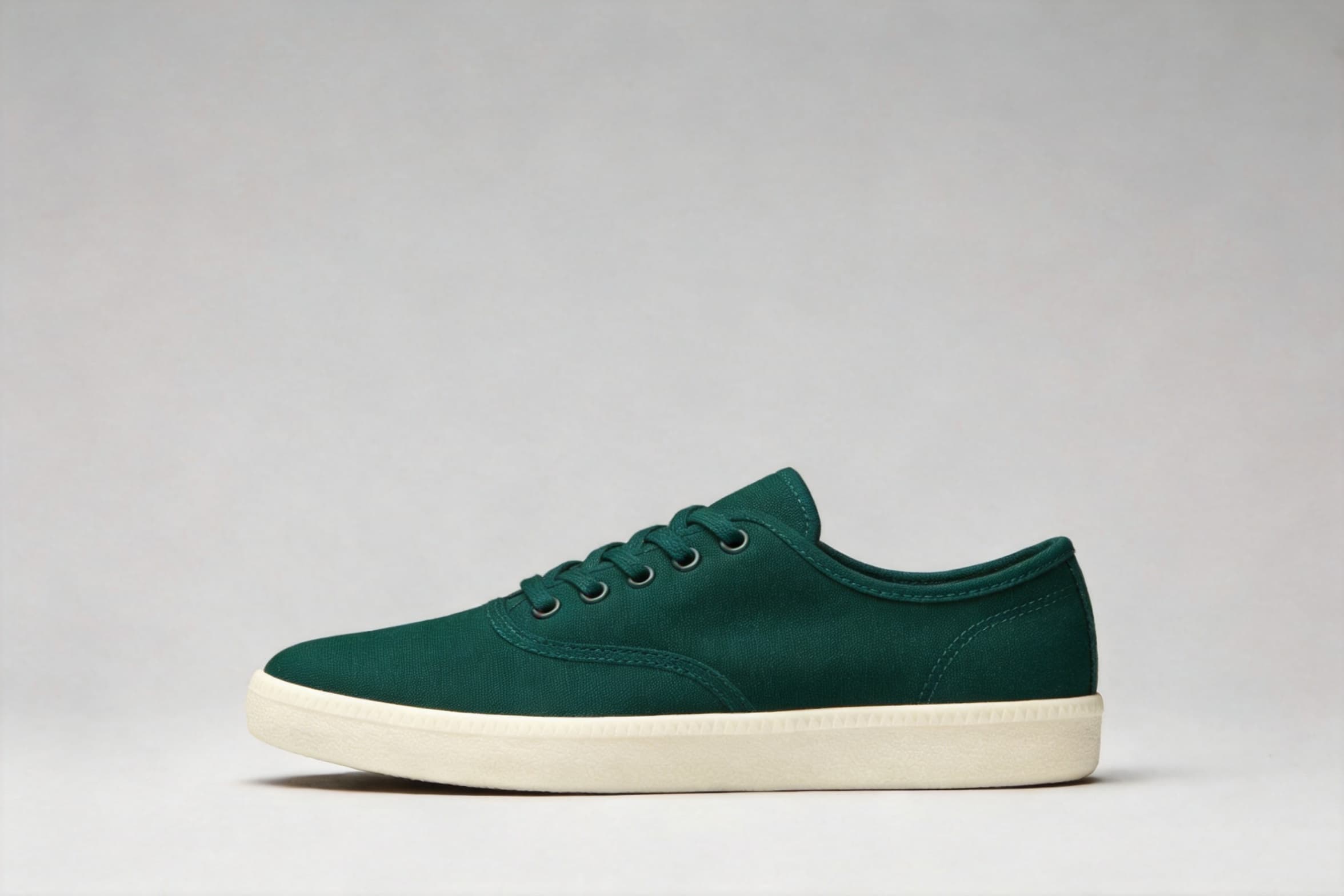
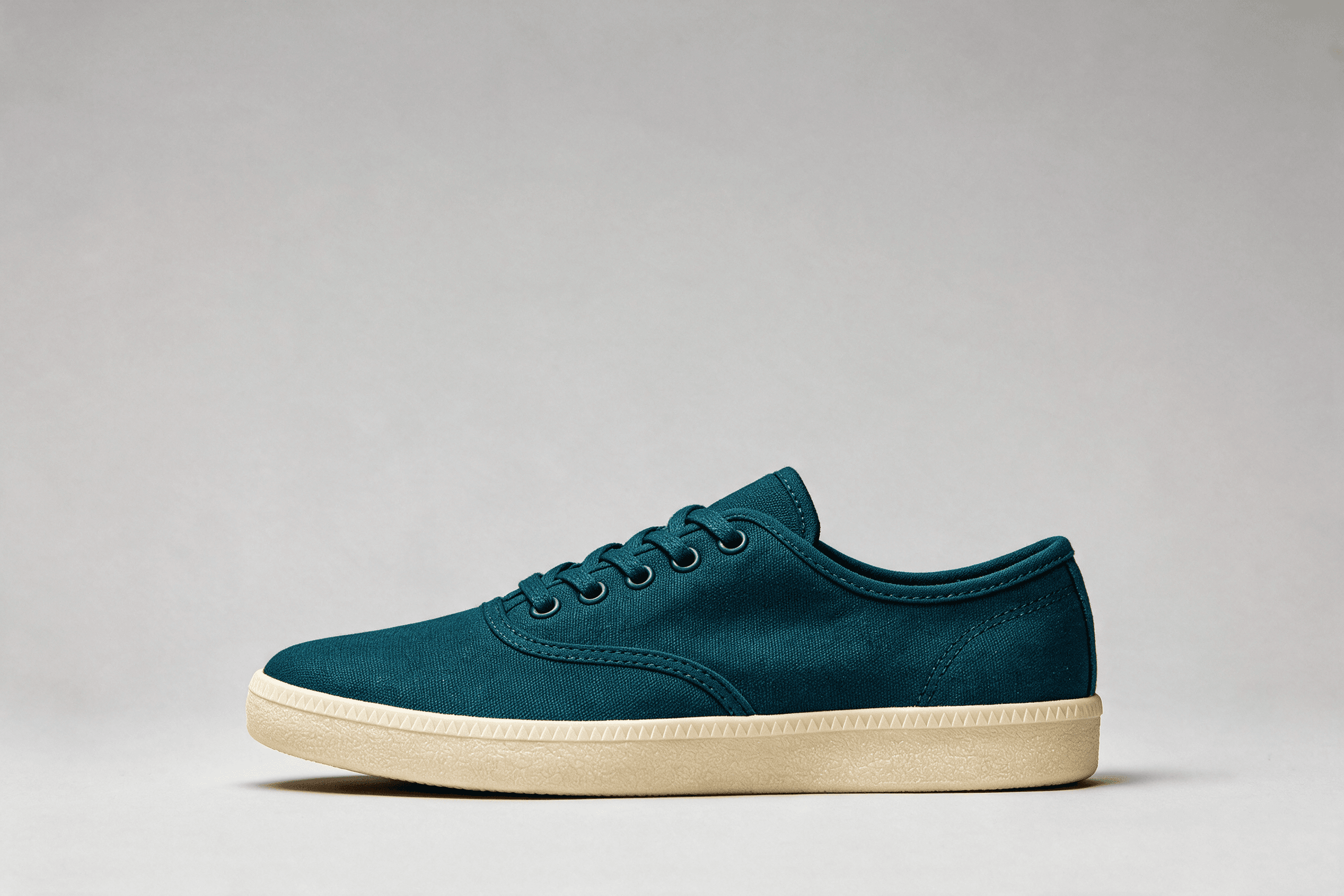
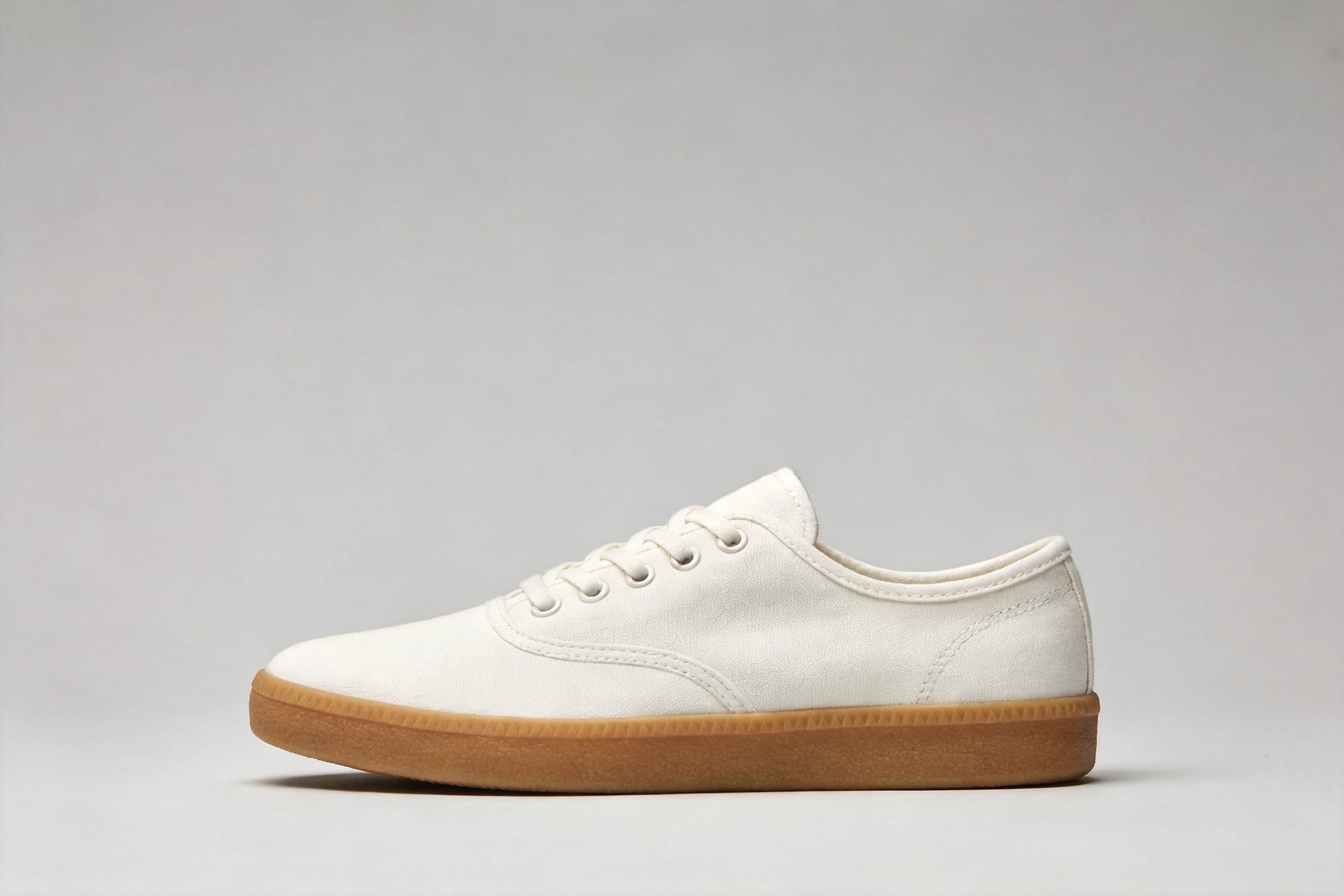
Change color without changing the product · After
Change color without changing the product · Before
BeforeAfter

1 reference image / 2448 × 1632

Change color without changing the product

The edit preserves the silhouette, stitching, eyelets, lace routing, camera, and contact shadow.

Prompt · English

Edit only the sneaker colorway. Change the entire white canvas upper, tongue and laces to a deep dark teal, and change the brown gum sole to warm off-white cream. Preserve the exact shoe silhouette, proportions, stitching, eyelets, lace count and routing, canvas texture, camera angle, framing, background, lighting, contact shadow and all object positions. Do not add, remove, reshape or restyle anything.
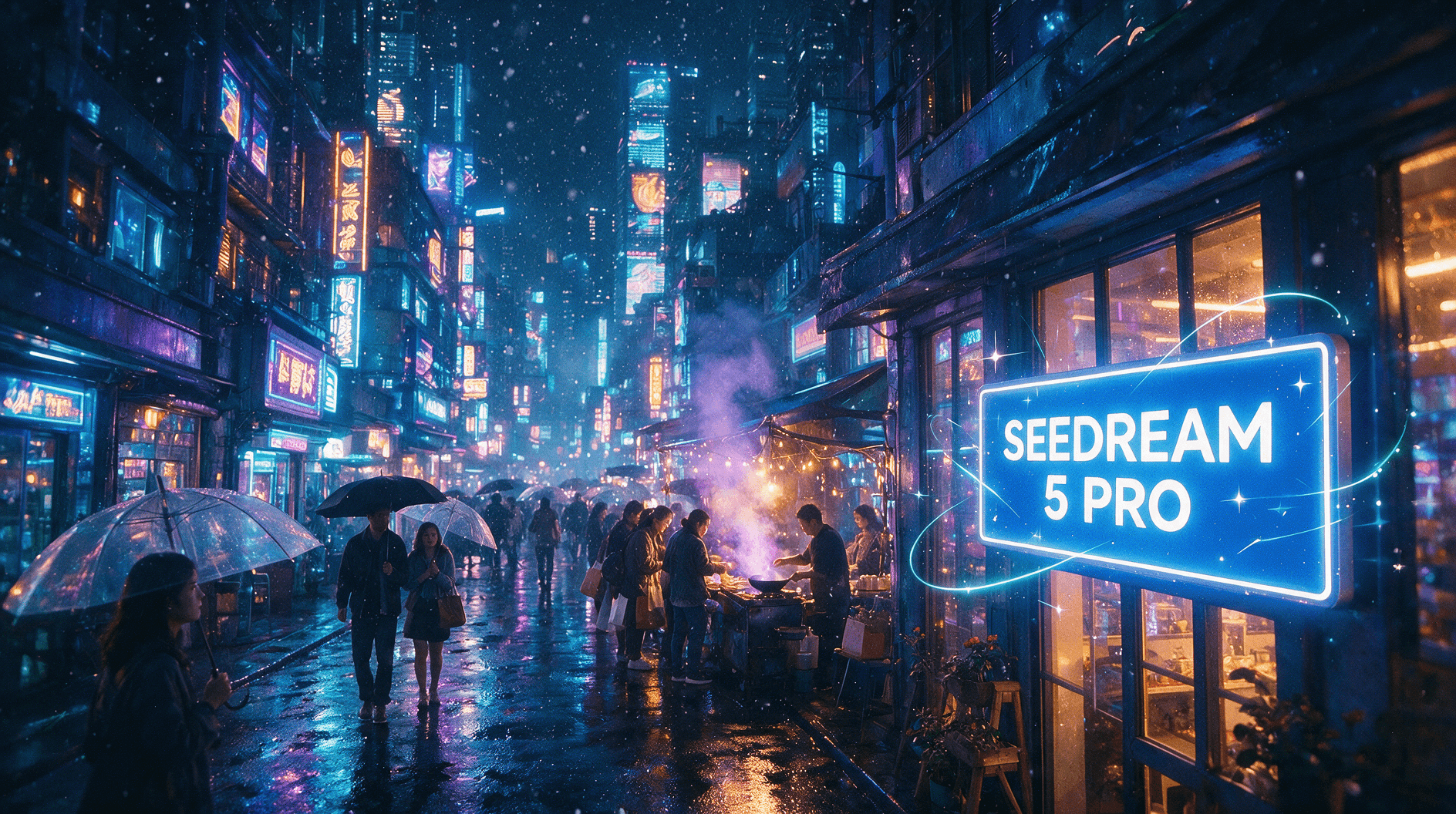
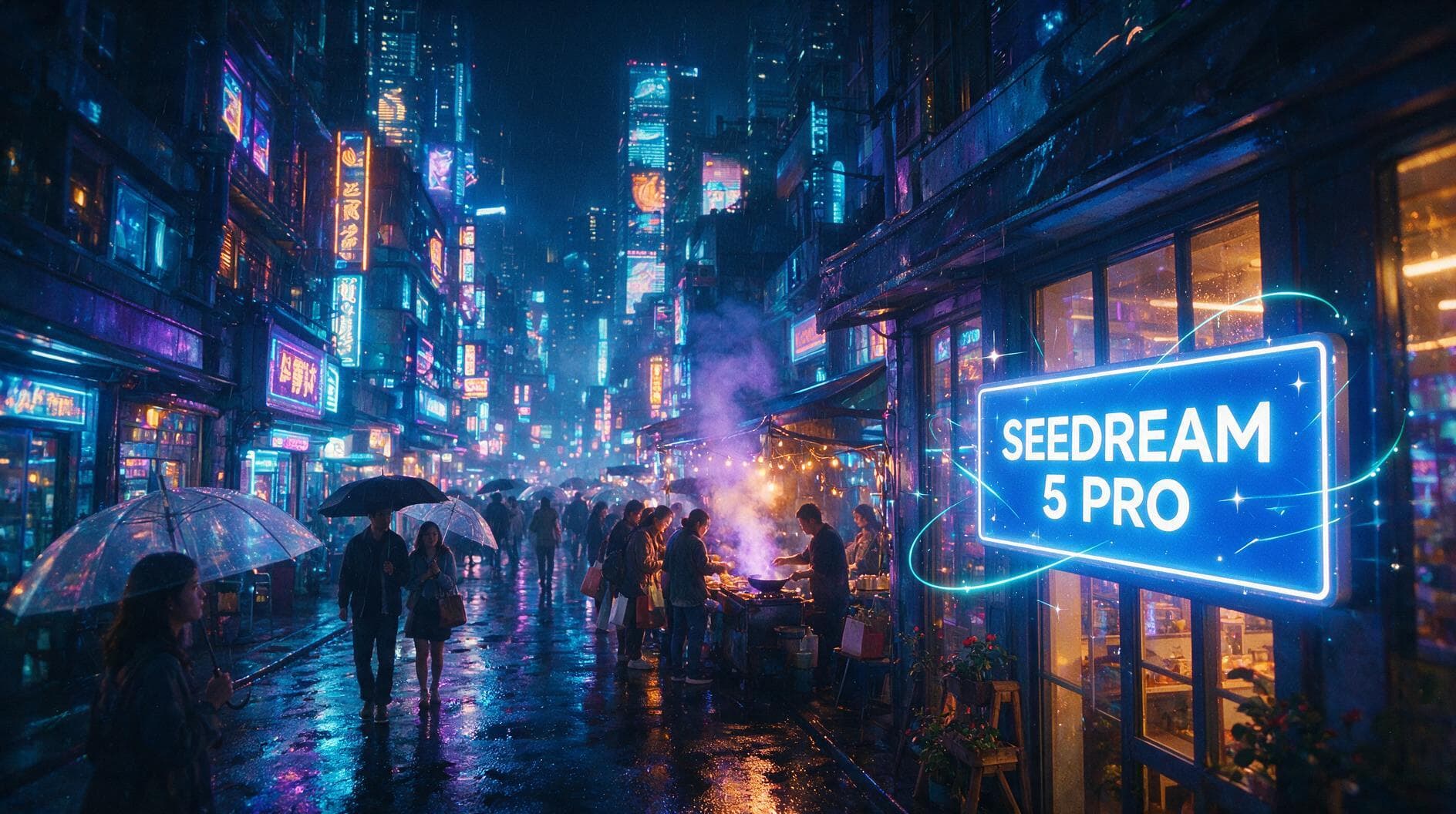
Add weather while preserving the street · After
Add weather while preserving the street · Before
BeforeAfter

1 reference image / 1888 × 1056

Add weather while preserving the street

Snow is added without changing the street layout, crowd, storefront, or sign composition.

Prompt · English

Add gentle falling snow to this street scene, keep everything else unchanged

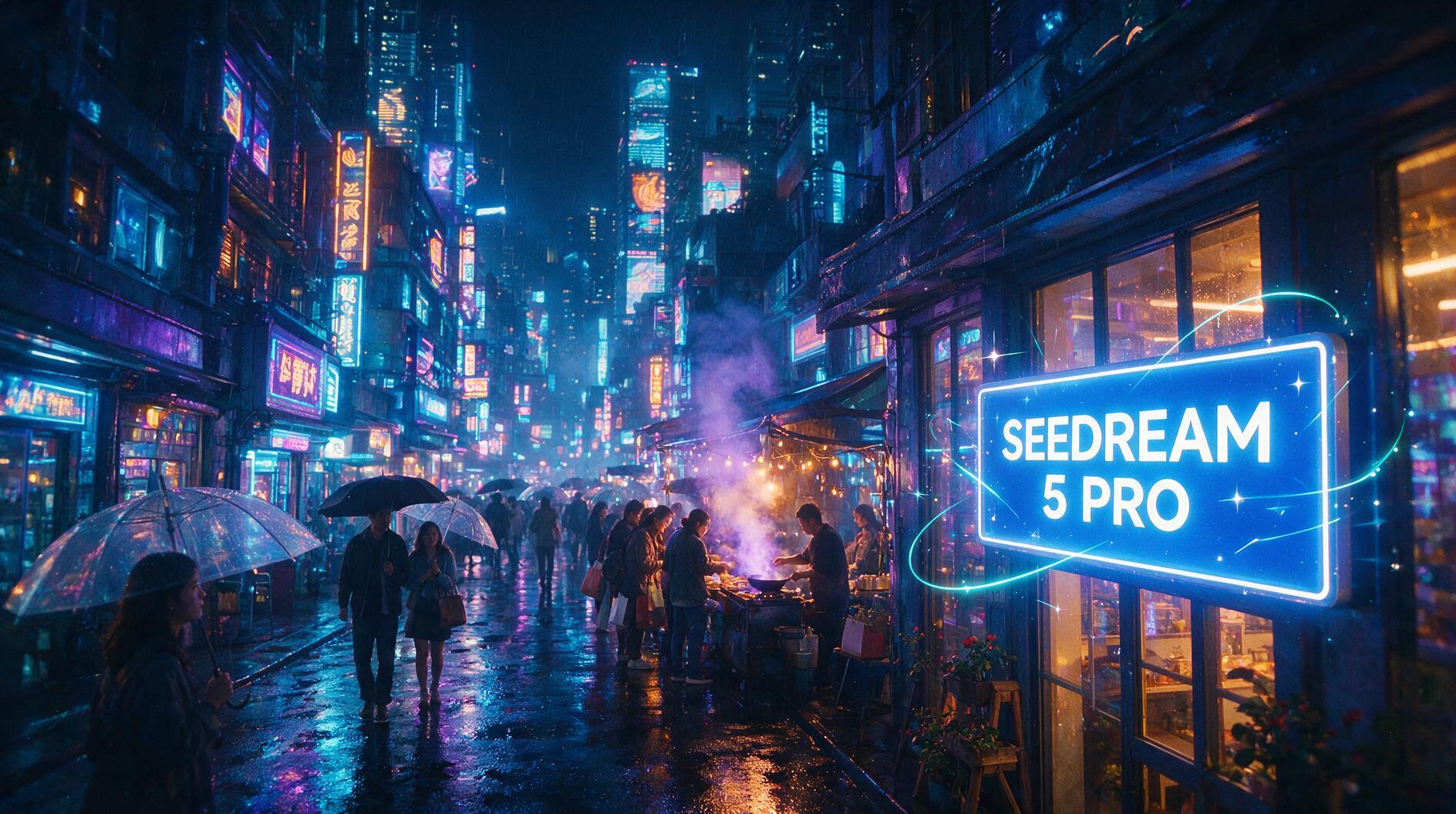
Lighting referenceLighting reference
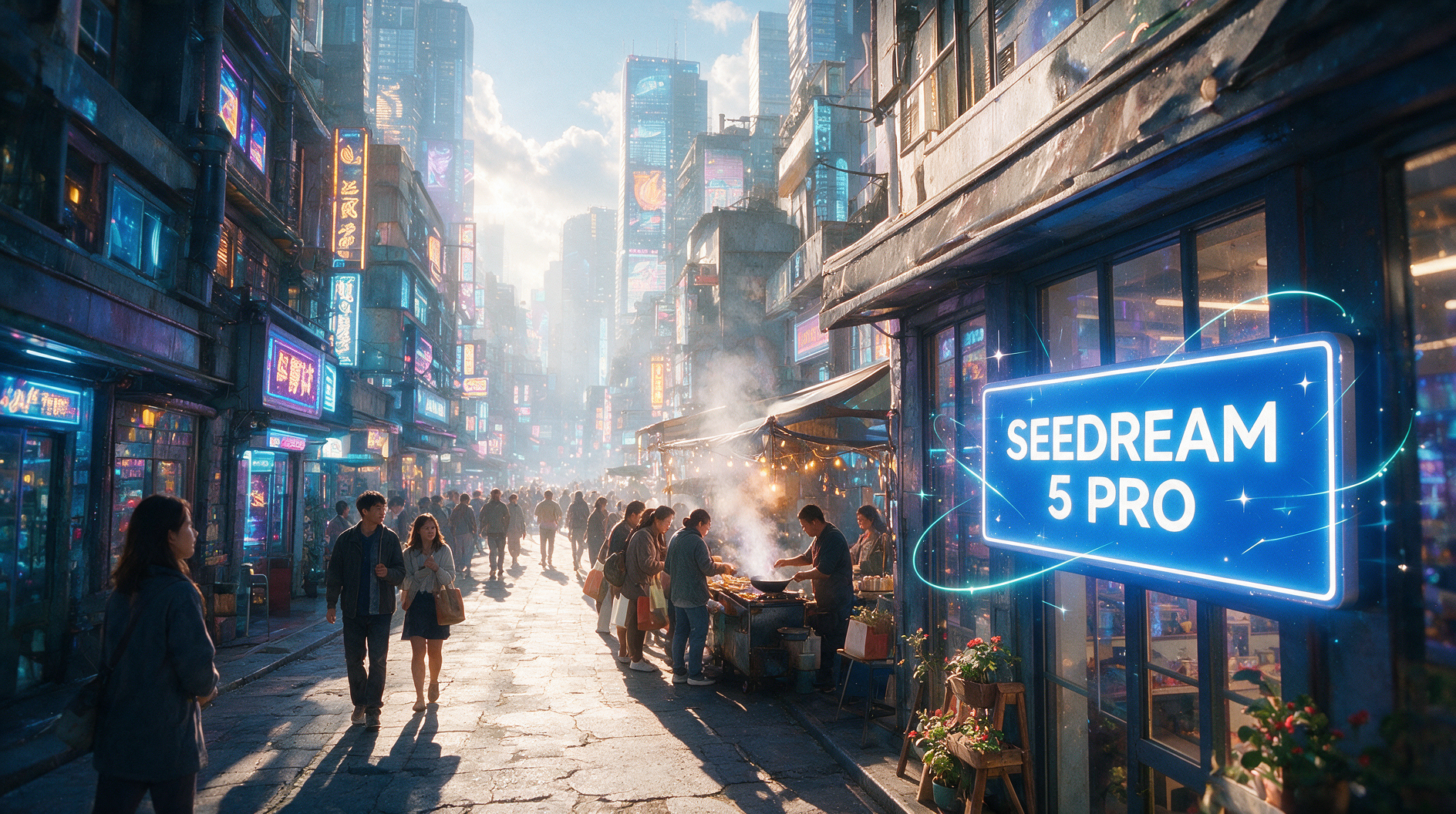
Layout referenceLayout reference
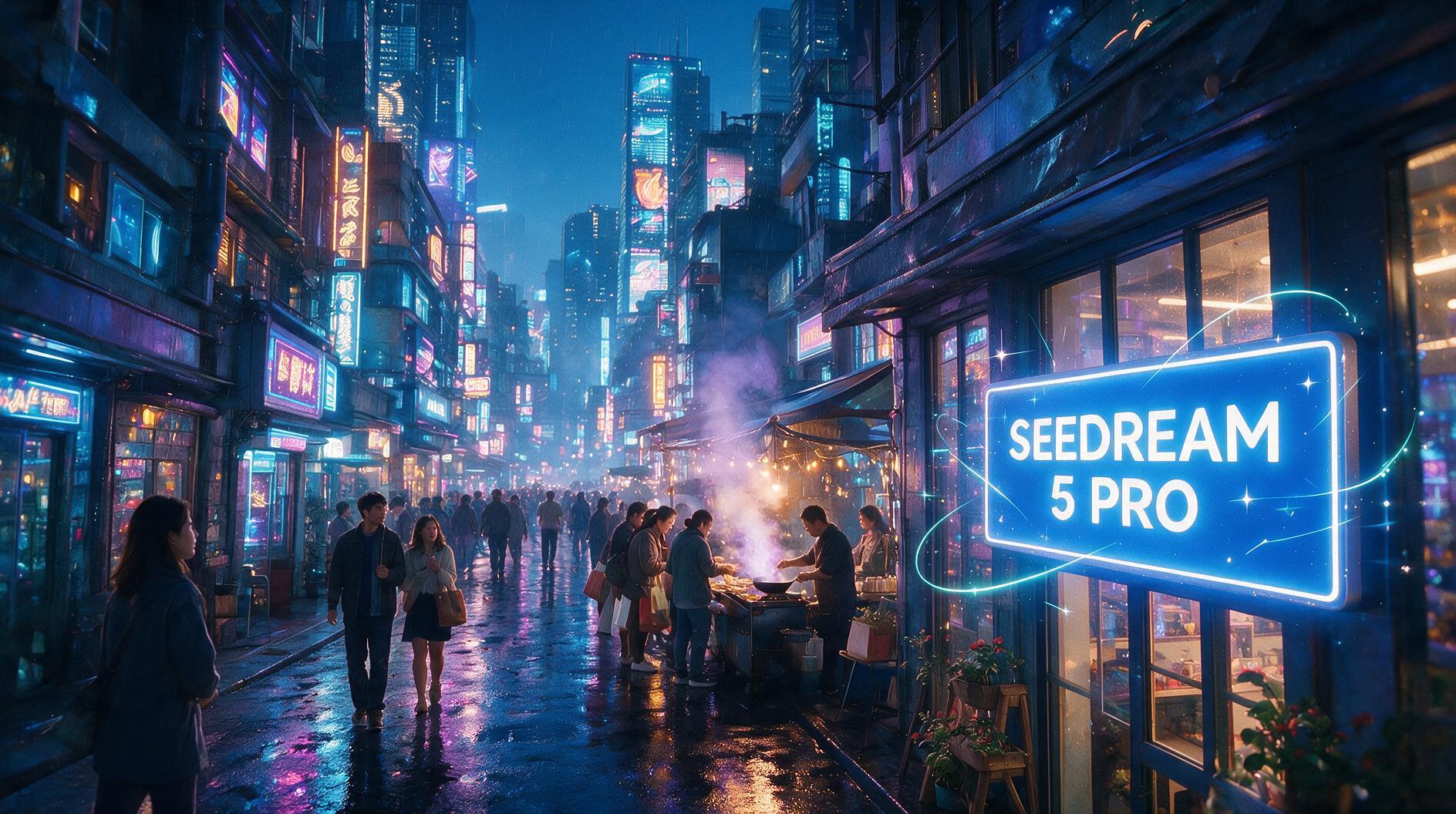
Blend lighting and layout from two references · Composite resultResult

2 reference images / 1888 × 1056

Blend lighting and layout from two references

The output takes rainy neon lighting from one image and sky and crowd structure from the other.

Prompt · English

Blend these two versions of the same street into one image: use the rainy night lighting and neon mood from image 1, but the clear sky and crowd layout from image 2, keep the glowing storefront sign text unchanged

Related image models

Choose an adjacent model by task, output tier, and reference-image needs.

About Seedream 5.0 Pro Image to Image

Edit with Seedream 5.0 Pro Image to Image using one to ten references, real recolor, weather, and multi-image examples, 1K or 2K pricing, and API code.

The Playground and API use the same model ID: seedream-5.0-pro/image-to-image. Reference images provide subject, product, scene, or style facts, while the prompt assigns each role and limits the edit.

Provider
ByteDance
Task
Image-to-Image / Editing
References
1-10
Pricing
120 Credits / image

Model specifications

Choose inputs and output settings for your creative goal with Seedream 5.0 Pro Image to Image.

Reference images
1-10
Output resolution
1K2K
Aspect ratios
1:14:33:416:99:162:33:221:9
Output formats
PNGJPEG
Prompt length
3-4000 characters
Pricing
1K: 120 Credits / image2K: 200 Credits / image

Final cost depends on the output tier and input add-ons. Check the live page price and task record for the final charge.

How to use Seedream 5.0 Pro Image to Image

References provide visual facts; the prompt assigns their roles and limits the edit.

Subject
Scene
Style
Up to 10
01

Upload references

Choose 1 to 10 publicly accessible images without redundant or conflicting roles.

What to change
What to preserve
02

Define changes and constraints

Describe the requested edit and the subject, text, composition, lighting, and positions that must remain.

Playground
POST /v1/tasks
03

Validate before integration

Check the reference relationship in Playground, then create asynchronous tasks with the same model ID.

API Quickstart

Copy a minimal request below. See Docs for parameters, callbacks, task retrieval, and errors.

Endpoint
POST /v1/tasks
Model ID
seedream-5.0-pro/image-to-image
cURL
curl -X POST "https://api.hiapi.ai/v1/tasks" \
  -H "Authorization: Bearer YOUR_API_KEY" \
  -H "Content-Type: application/json" \
  -d '{
  "model": "seedream-5.0-pro/image-to-image",
  "input": {
    "prompt": "Change the product color and preserve its structure",
    "image_urls": [
      "https://example.com/reference.jpg"
    ],
    "aspect_ratio": "1:1",
    "resolution": "2K",
    "output_format": "png"
  }
}'

The create request immediately returns a taskId; image generation continues asynchronously.

Read the full API documentation
Need to compare models and billing tiers?View live pricing for all models

Frequently asked questions

How many references does Seedream 5.0 Pro Image to Image accept?

It accepts 1 to 10 JPEG, PNG, or WebP images under 10MB each. SVG is not supported. Use one image for focused edits or multiple images for subject, style, and scene blending.

How are 1K and 2K priced?

1K and 2K use separate per-output tiers regardless of the number of references. See the live page price for current amounts.

How do I preserve everything outside the edit?

State both the requested change and the exact structure, text, camera, lighting, and object positions that must remain unchanged.

Do generation and editing use the same model ID?

No. This page uses seedream-5.0-pro/image-to-image. Use the separate seedream-5.0-pro/text-to-image ID to generate from text only.

How do I submit reference images through the API?

Pass 1 to 10 public image URLs in input.image_urls together with the prompt, aspect ratio, resolution, and output format to POST /v1/tasks.