Subject
Scene
Camera and light
01
Describe subject and scene
Start with the subject, environment, and visual goal, then add material, light, camera, and exact text.
Try FLUX.2 [klein] 4B Text to Image for low-cost drafts and commercial visuals with eleven ratios, five megapixel tiers, seed control, and API code.
Provider: Black Forest Labs
Category: image generation
Endpoint: /v1/tasks
Status: Available
Cost: See live page pricing
Try FLUX.2 [klein] 4B Text to Image for low-cost drafts and commercial visuals with eleven ratios, five megapixel tiers, seed control, and API code.
Pricing
Standard Usage
Controls saved image quality. PNG is usually unaffected; Range: 0 - 100, Integer only
Choose the output image file format
Ready for generation
Configure your parameters and click "Run" to see the output here.
Browse results across different aspect ratios, complete prompts, and visual detail.
Choose an adjacent model by task, output tier, and reference-image needs.
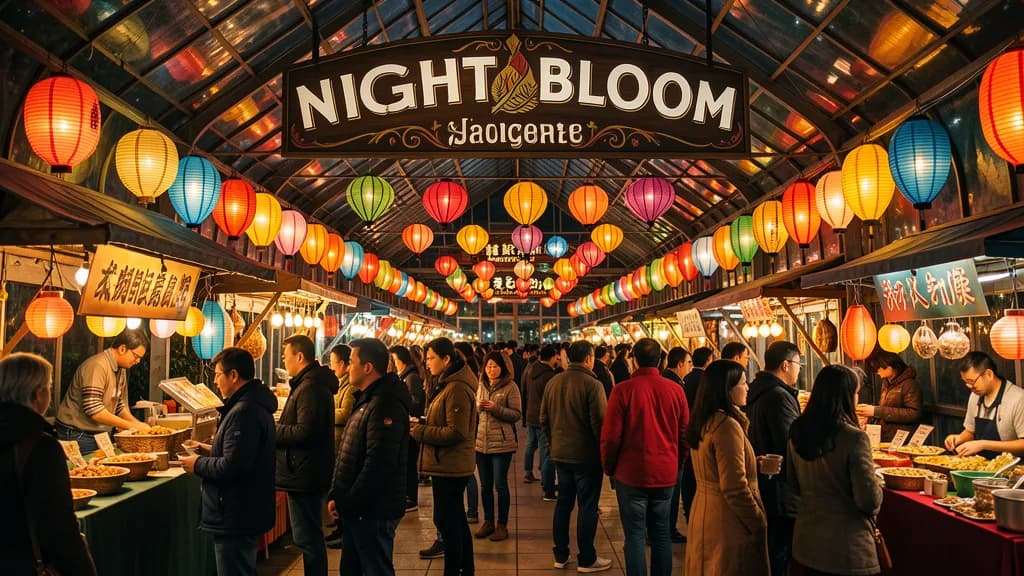
Higher-fidelity four-step output
Use the 9B route when realism, typography, and detail matter more than the lowest cost.

Pro FLUX generation
A higher-end FLUX option for final composition and resolution-sensitive output.
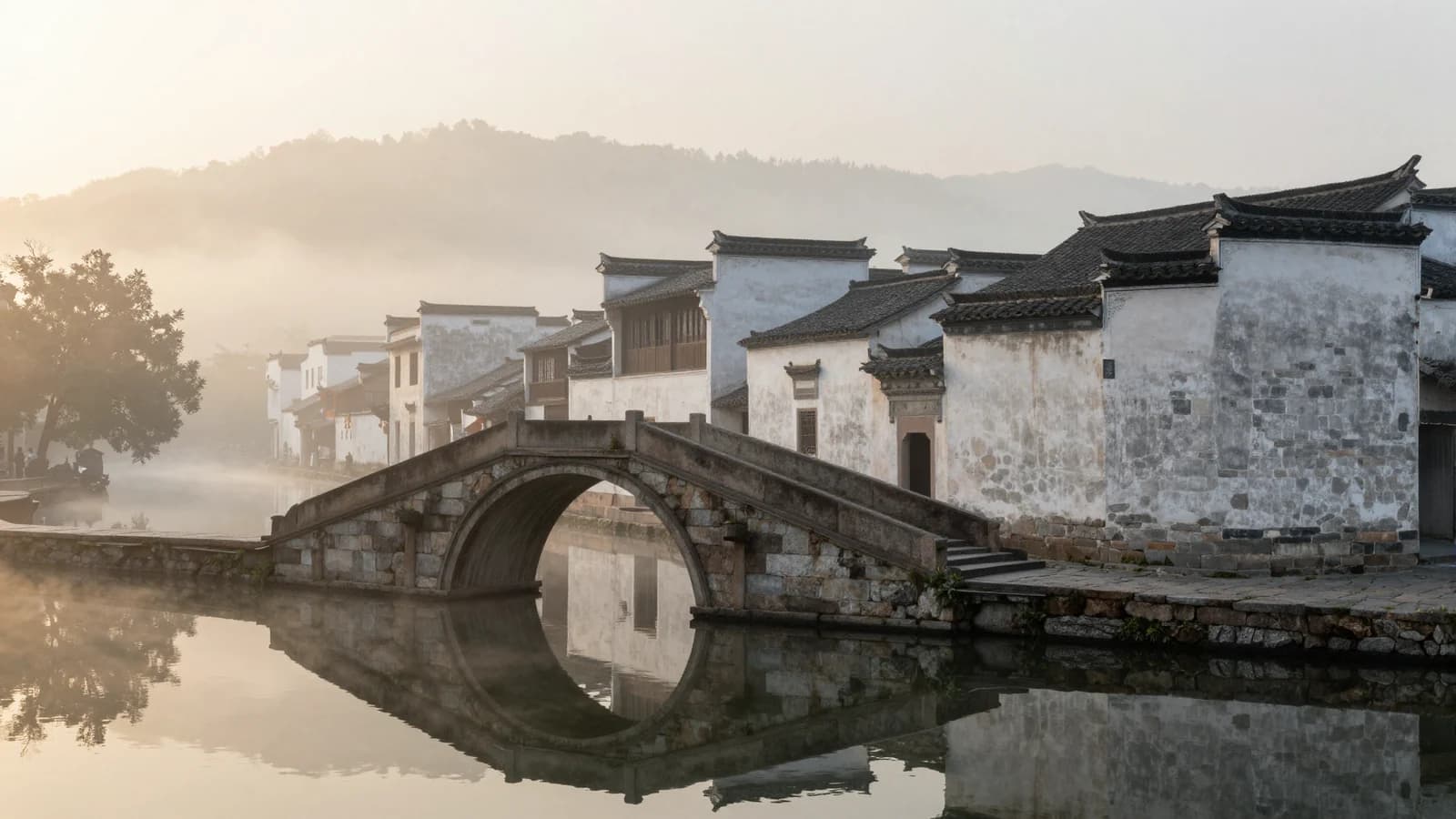
Low-cost Chinese-friendly generation
Compare simple ratio controls, Chinese prompts, and a flat per-image price.
Try FLUX.2 [klein] 4B Text to Image for low-cost drafts and commercial visuals with eleven ratios, five megapixel tiers, seed control, and API code.
The Playground and API use the same model ID: flux-2-klein-4b/text-to-image. This endpoint accepts text prompts only; reference-image editing uses the separate Image-to-Image route.
Choose inputs and output settings for your creative goal with FLUX.2 [klein] 4B Text to Image.
Final cost depends on the output tier and input add-ons. Check the live page price and task record for the final charge.
Choose the destination and aspect ratio before composing subject, scene, material, light, and text.
Start with the subject, environment, and visual goal, then add material, light, camera, and exact text.
Draft
0.25 MP
Final
4 MP
Choose one of eleven aspect ratios, a 0.25-4 MP resolution tier, format, compression quality, and optional seed.
Confirm the result in Playground, then reuse the same prompt and model ID in an asynchronous task.
Copy a minimal request below. See Docs for parameters, callbacks, task retrieval, and errors.
POST /v1/tasksflux-2-klein-4b/text-to-imagecurl -X POST "https://api.hiapi.ai/v1/tasks" \
-H "Authorization: Bearer YOUR_API_KEY" \
-H "Content-Type: application/json" \
-d '{
"model": "flux-2-klein-4b/text-to-image",
"input": {
"prompt": "A cinematic product campaign with sharp text",
"aspect_ratio": "1:1",
"resolution": "1 MP",
"output_format": "jpg",
"output_quality": 95
}
}'The create request immediately returns a taskId; image generation continues asynchronously.
It fits batch drafts, product concepts, social assets, and cost-sensitive iteration. Move to 9B when realism, typography, and fine detail matter more.
Start with 0.25 or 0.5 MP for drafts, use 1 MP for typical web assets, and select 2 or 4 MP for larger output. Price changes by megapixel tier.
1:1, 16:9, 9:16, 3:2, 2:3, 4:3, 3:4, 5:4, 4:5, 21:9, and 9:21.
Keep seed, prompt, ratio, megapixel tier, and output settings fixed while changing one variable at a time.
POST /v1/tasks with model and input.prompt. Other settings may use defaults.
HiAPI Blog