Subject
Scene
Camera and light
01
Describe subject and scene
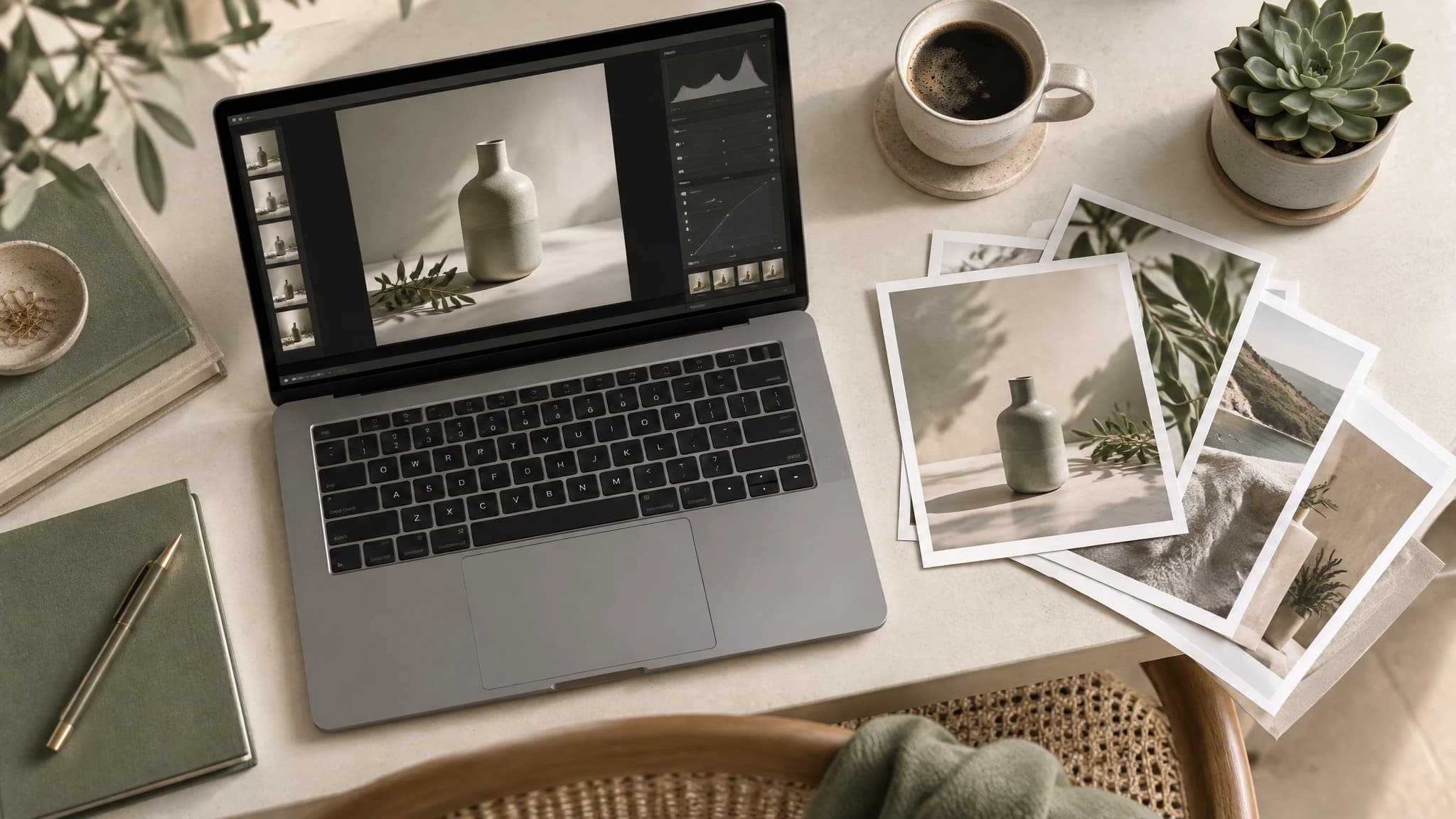
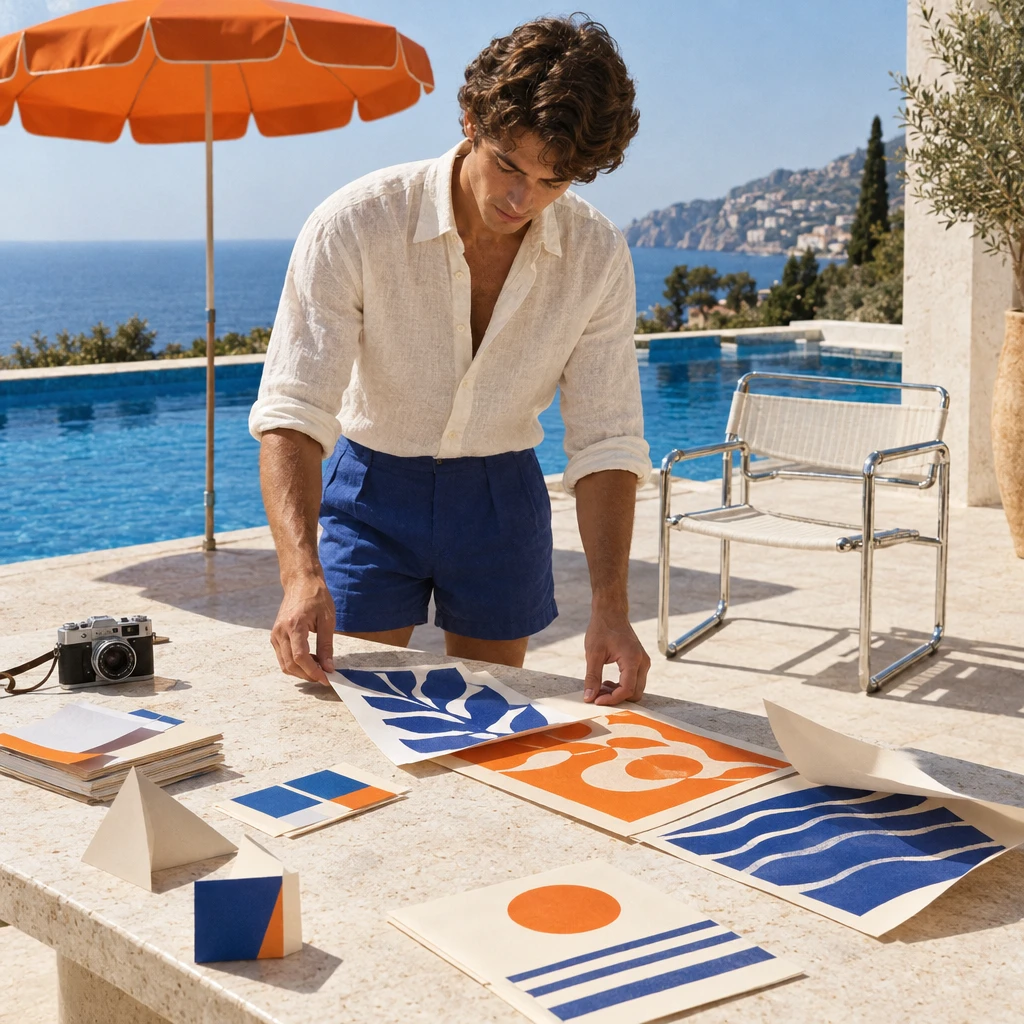
Start with the subject, environment, and visual goal, then add material, light, camera, and exact text.
Explore GPT Image 2.5 Sunburst for detailed creation, multi-reference outfits, text localization, object removal and campaign revisions through HiAPI.
Provider: OpenAI
Category: image generation
Endpoint: /v1/tasks
Status: Available
Cost: See live page pricing
GPT Image 2.5 Sunburst text-to-image model with prompt, aspect ratio, resolution, and background controls.
Pricing
Standard Usage
Background mode. Supported only at 1K resolution; omit for 2K/4K
Ready for generation
Configure your parameters and click "Run" to see the output here.
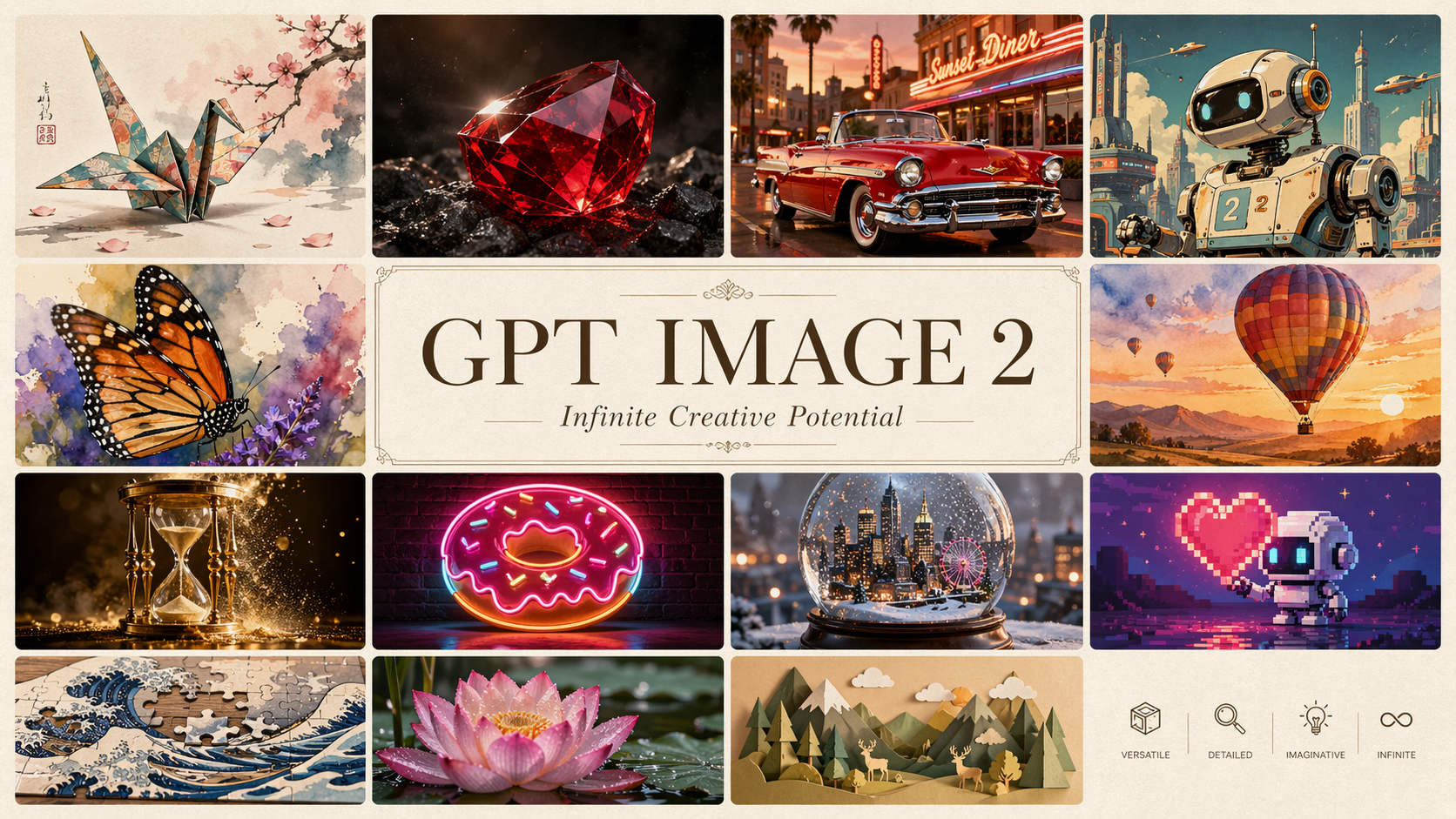
Browse results across different aspect ratios, complete prompts, and visual detail.
Choose by task: create or edit images, or handle text, coding and reasoning.
Choose inputs and output settings for your creative goal with gpt-image-2.5-sunburst.
Pricing is per output image and resolution tier. See the estimate before generating.
Start with an idea, add an image if needed, and create in three steps.
Start with the subject, environment, and visual goal, then add material, light, camera, and exact text.
Draft
1K
Final
4K
Generate from text, or add reference images for editing. Choose a layout, quality, and file format; each request returns one image. Use PNG or WebP for transparency.
Confirm the result in Playground, then reuse the same prompt and model ID in an asynchronous task.
Copy the request example and use your own API key and image URLs. See the documentation for parameters, callbacks and result retrieval.
POST /v1/tasksgpt-image-2.5-sunburst/text-to-imagecurl -X POST "https://api.hiapi.ai/v1/tasks" \
-H "Authorization: Bearer YOUR_API_KEY" \
-H "Content-Type: application/json" \
-d '{
"model": "gpt-image-2.5-sunburst/text-to-image",
"input": {
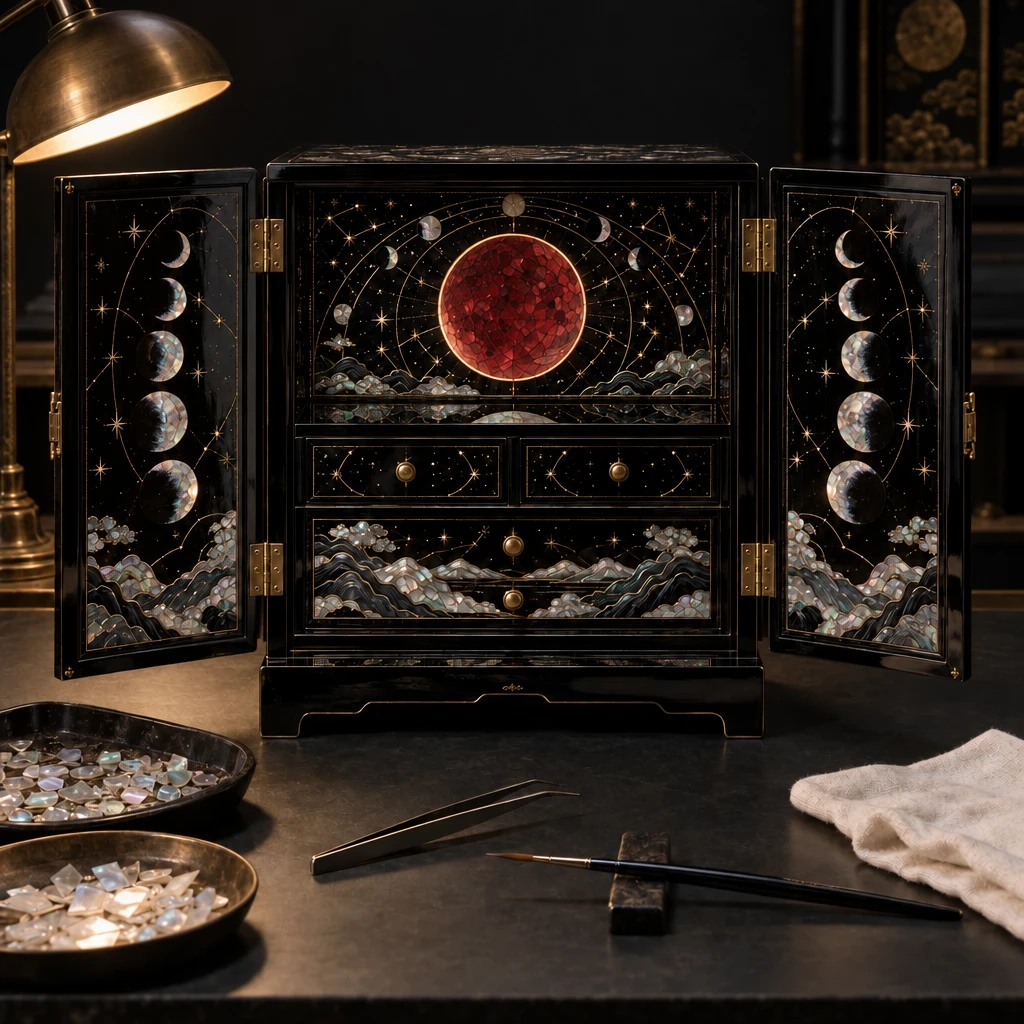
"prompt": "Change only the central crescent-moon inlay on the open lacquer cabinet into a perfectly circular total lunar eclipse disc made from deep crimson mother-of-pearl with a thin copper-gold halo. Preserve every surrounding shell fragment, gold-wire constellation, cabinet shape, door angle, brass hinge, conservation tool, tray, lacquer reflection, camera position, focus, lighting direction, shadow, and background exactly. Do not add, remove, move, resize, or recolor anything else. No text, logos, people, animals, perfume, or watches.",
"aspect_ratio": "auto",
"resolution": "1K"
}
}'The create request immediately returns a taskId; image generation continues asynchronously.
GPT IMAGE 2.5 / SUNBURST
Sunburst is the GPT Image 2.5 model focused on image quality and editing precision for demanding creative briefs, campaign imagery and refined product visuals. It generates from text and edits images, with longer generation times in exchange for greater precision.
QUALITY & EDITING PRECISION
It is particularly relevant when source assets or art direction are already established. A face, product outline, packaging text and surrounding environment may need to remain recognizable while one element changes. Multiple references and successive edits support work within that existing image.
The lacquer-cabinet example targets the central lunar inlay, with the surrounding ornament and cabinet forming the preservation context. The Sunburst examples below begin with a product-ad sequence, followed by clothing, localization, furniture and object-removal edits.
This sequence shows how successive edits connect. A product photo first becomes a highway billboard scene. The next edit changes the conditions to a snowy winter evening, carrying the product and campaign lettering into the revision.
Sunburst is positioned for revisions to established creative, including seasonal campaigns, background updates and product-ad variants. Each iteration uses the relevant image as input for a further editable result.
01 · Product photo
02 · Sunset billboard
03 · Winter revision
Sunburst prioritizes quality and editing precision for demanding requirements. Its examples below cover multi-reference outfits, object removal, layout translation and product imagery.
The person photograph supplies the face, pose and setting, while a jacket, top and boots provide separate clothing references. The output assembles the outfit within the original museum setting.
Each input has a distinct role, supporting outfit presentations, styling proposals and commercial visuals with recognizable subjects.
Person
Jacket
Top
Boots
Sunburst · Outfit edit
The coffee-machine diagram contains a cutaway, process information and dense labels. A follow-up edit translates the wording into Spanish within the machine-centered layout.
In-image text editing supports localized diagrams, revised promotional assets and multilingual visuals. Headings, labels and explanations can be updated within the existing visual structure.
English diagram
Spanish version
This edit targets the flower in the person’s hand. The portrait, blue cap, shirt graphic and wall remain part of the scene, with the requested change concentrated near the hand.
Sunburst’s focused-editing positioning suits prop changes, image cleanup and revisions to existing photographs. Edit requests can focus on a specific object, such as a prop, background element or local decoration.
Before
Sunburst · Flower removed
The kitchen’s table, windows and layout establish the room, while the edit focuses on the chairs. Wooden chairs take the original positions, making furniture style the subject of the revision.
This type of edit supports interior proposals, furniture styling and in-context product presentation within an existing background.
Original kitchen
Sunburst · Wooden chairs
The original photograph shows a shampoo bottle with its surface and background. The output presents the bottle as an independent subject, with shape, cap and label central to the asset.
An isolated product can support ad composition, product displays and page design. HiAPI offers transparent-background settings with PNG and WebP when an alpha channel is needed.
Product photograph
Sunburst · Isolated product
The toy-airplane example combines a transparent shell, printed card, toy materials and seasonal decoration. It illustrates Sunburst generation with several visual requirements in one composition.
Sunburst generates directly from text as well as editing existing assets. Its creative scope includes packaging concepts, detailed product imagery and brand campaigns.
Sunburst · Toy packaging concept
ARENA LEADERBOARD
GPT Image 2.5 Sunburst ranks first in text-to-image, image editing and multi-image editing, with strong results across both generation and reference-based creation.
| Rank / Model | Score |
|---|---|
| 1Sunburst | 1421 |
| 2Flare | 1399 |
| 3GPT Image 2 (medium) | 1381 |
| Rank / Model | Score |
|---|---|
| 1Sunburst | 1520 |
| 2Flare | 1491 |
| 3GPT Image 2 (medium) | 1461 |
| Rank / Model | Score |
|---|---|
| 1Sunburst | 1535 |
| 2Flare | 1501 |
| 3GPT Image 2 (medium) | 1454 |
Refine products, lettering and settings within an established campaign direction.
Work with packaging, materials, isolated products and in-context displays.
Revise in-image wording within an existing layout for different markets.
Revise objects and styling within portraits or interior photographs.
Upload a person, product or setting and describe the details to revise. You can also create from text and manage subsequent image tasks through the API.
Sunburst targets visual work with demanding quality and precision requirements, including campaigns, refined product imagery, multiple references and focused revisions. It also generates new images directly from text.
Sunburst emphasizes quality and precision, generally with longer generation times. Flare focuses on faster everyday creation. The choice depends on the visual requirements and acceptable wait.
Yes. The outfit example uses a person, jacket, top and boots as four inputs, combining the garments within the person’s original setting. HiAPI supports up to 16 references.
Yes. Specify the object to remove and describe the person and setting to preserve. The portrait example targets the flower in the subject’s hand, illustrating photo cleanup, prop changes and content revisions.
The kitchen example replaces chairs while retaining the table, windows and room context. Similar edits support furniture styling and interior proposals.
The coffee-machine example shows an English diagram revised into Spanish. These edits support localized diagrams, international promotional assets and language updates to existing designs.
The product sequence begins with a bottle photo, creates a sunset billboard and then edits that output into a snowy winter scene. Each iteration uses the relevant image as input with the next requested change.
It can create product concepts combining a package shell, printed wording, materials and decoration. The toy-airplane example illustrates this kind of brief for packaging presentations, product visuals and creative proposals.
Sunburst supports isolated subjects and transparent backgrounds. On HiAPI, choose a transparent background with PNG or WebP. Use the output in advertising compositions, product displays and page designs.
The requested change targets the central lunar inlay on the cabinet door. The surrounding ornament, cabinet and tools form the context to preserve, illustrating editing around one defined local objective.
HiAPI offers low, medium, high, xhigh, max and auto, along with the listed aspect ratios and pixel dimensions. Quality and size are independent, and the default quality is medium.
Each submitted revision is an independent image task billed by its selected quality and output image, without an extra reference-image fee. The page shows an estimate and provides preview and download after completion.
HiAPI Blog