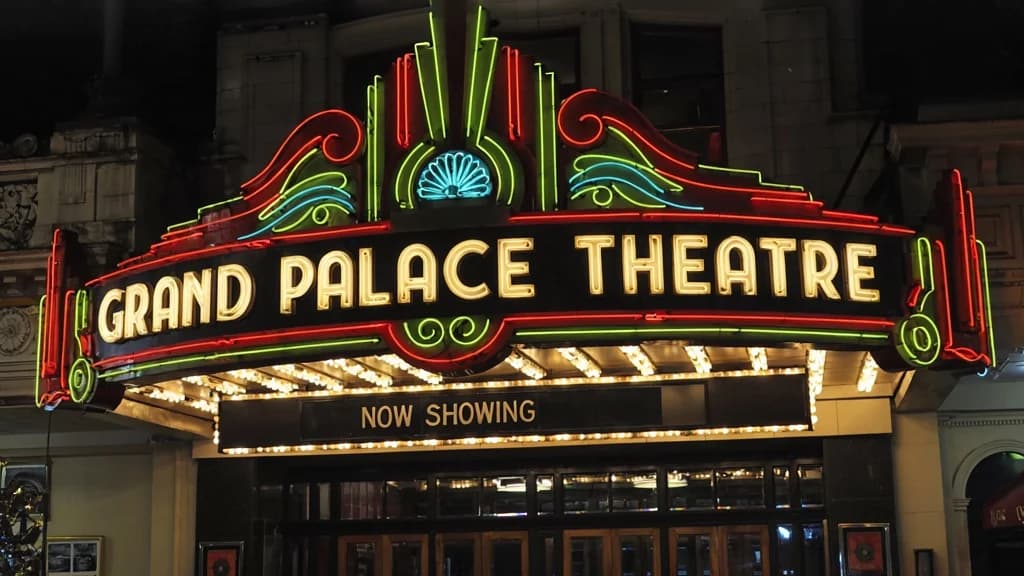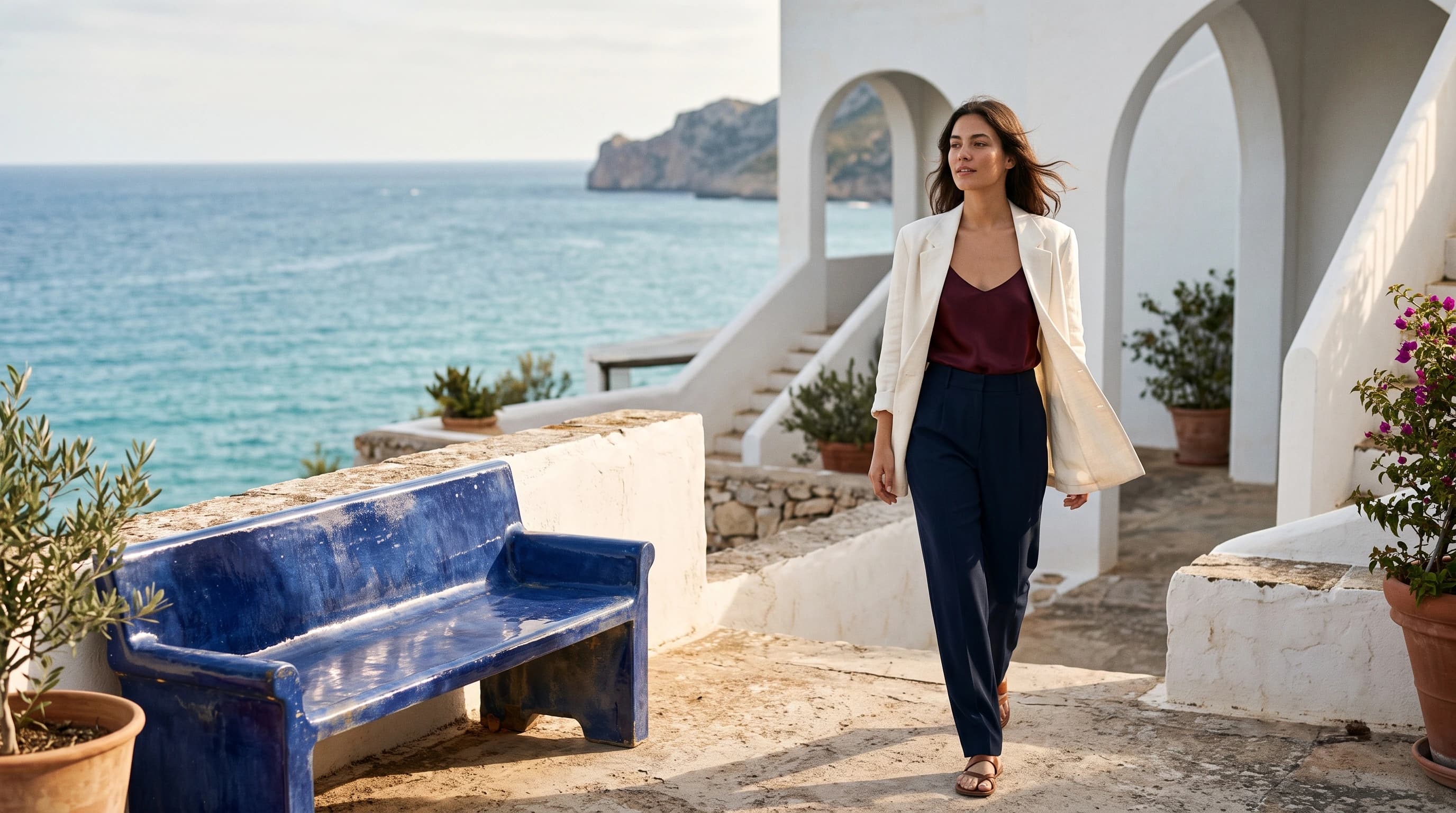
Use a source image, a mask and one character reference to inpaint the same character into an existing scene. Try it on HiAPI with before/after examples, billing notes and API samples.

Provider: Ideogram

Category: image generation

Endpoint: /v1/tasks

Status: Available

Cost: See live page pricing

Back to Models

Ideogram 3.0 Character Edit

by IdeogramImage

Use a source image, a mask and one character reference to inpaint the same character into an existing scene. Try it on HiAPI with before/after examples, billing notes and API samples.

Pricing

Standard Usage

260 Credits/ image

Input

0 / 5000

More parameters

Upload assets

Preview after upload
0/1

Upload one clear image of the character (illustration or photo); generated output follows its aspect ratio

Black areas are repainted, white areas kept; must match the source aspect ratio

Generation settings

TURBO is fastest, BALANCED is the default, QUALITY has the finest detail; each tier is priced separately

AUTO, REALISTIC or FICTION (illustrated)

Generation preferences

Expand the prompt with MagicPrompt

Advanced

For repeatable results · integer · Range: 0 - 2147483647, Integer only
Estimated cost260 Credits / imageBALANCED
Upload Mask to run

Output

Ready for generation

Configure your parameters and click "Run" to see the output here.

--
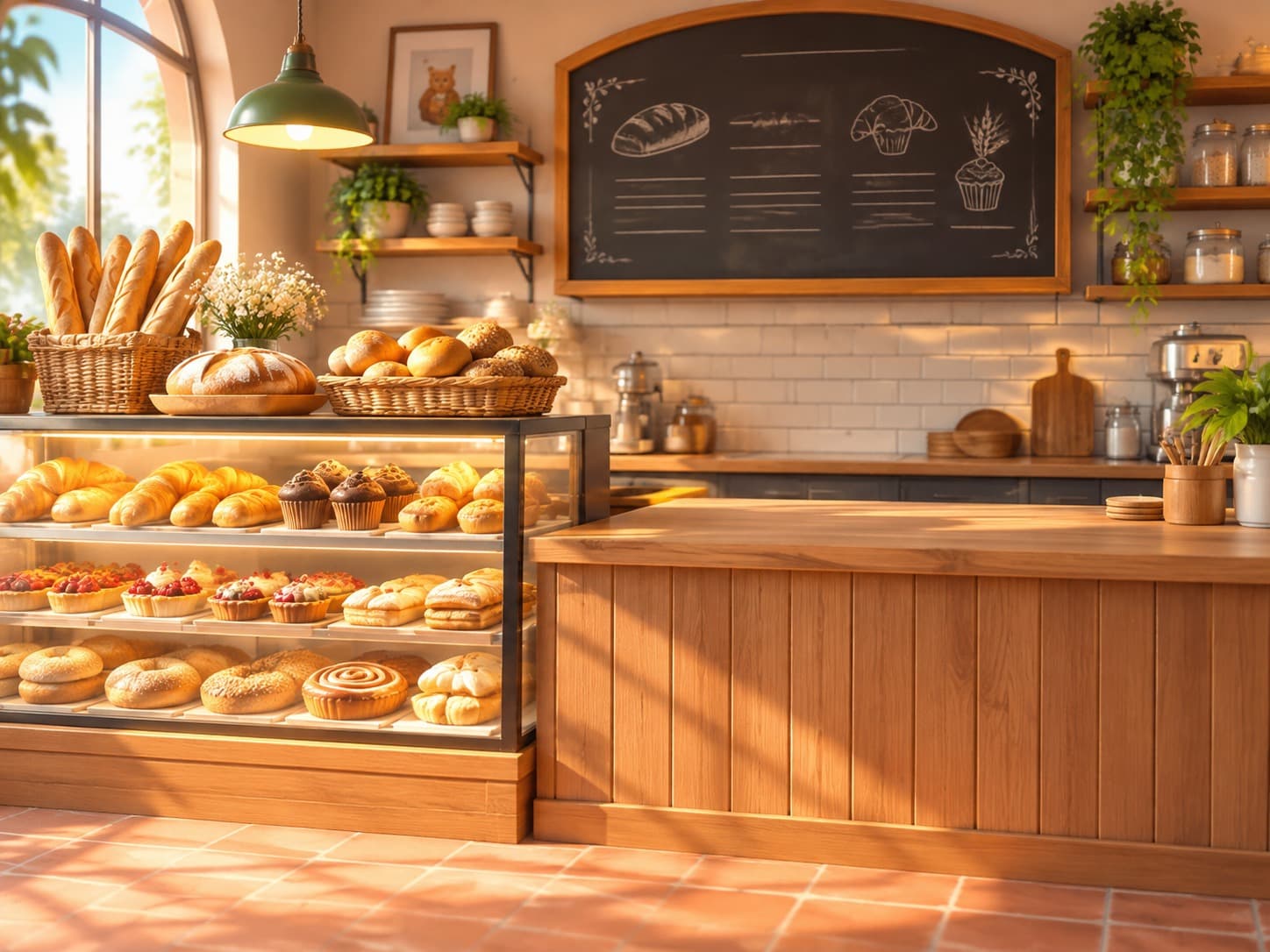
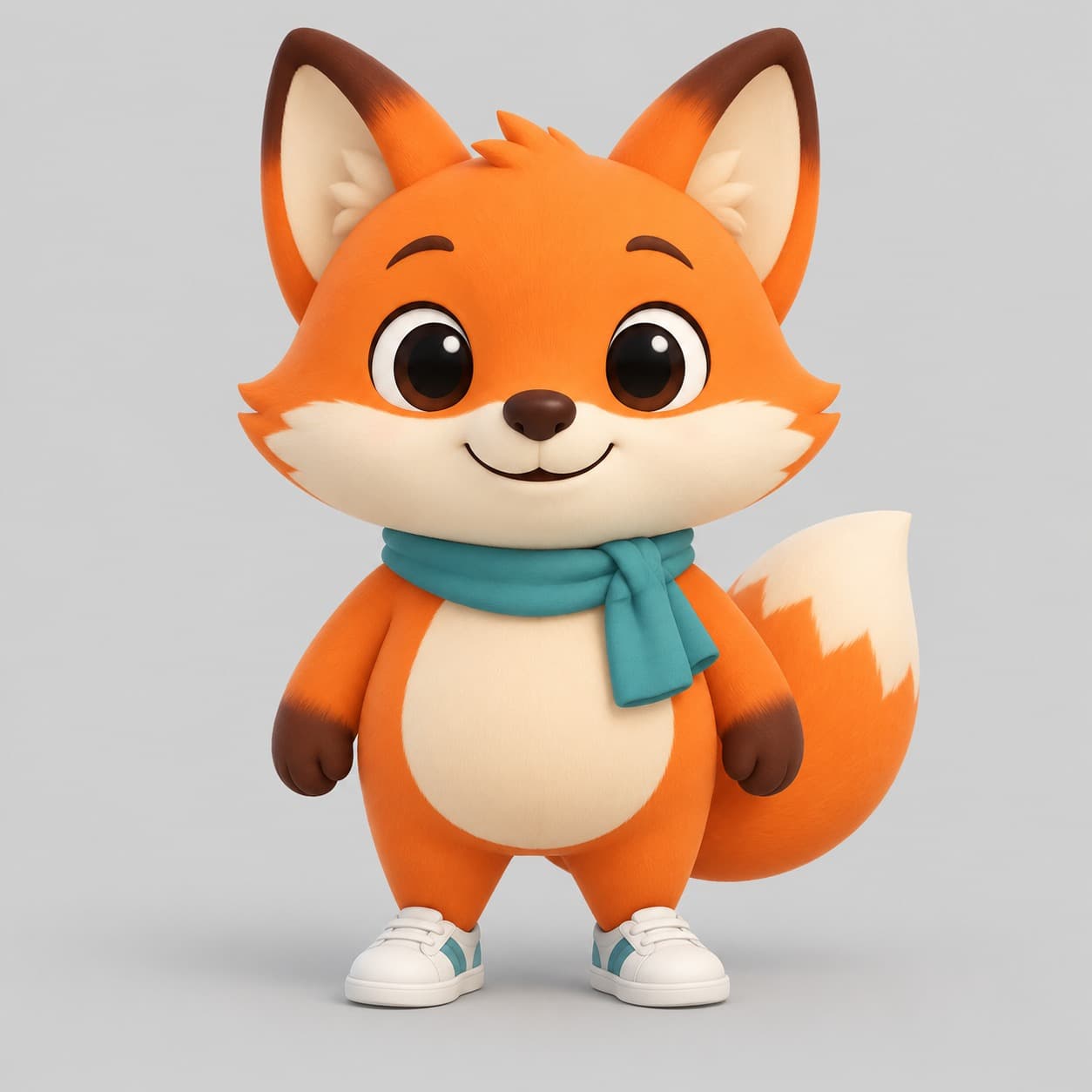
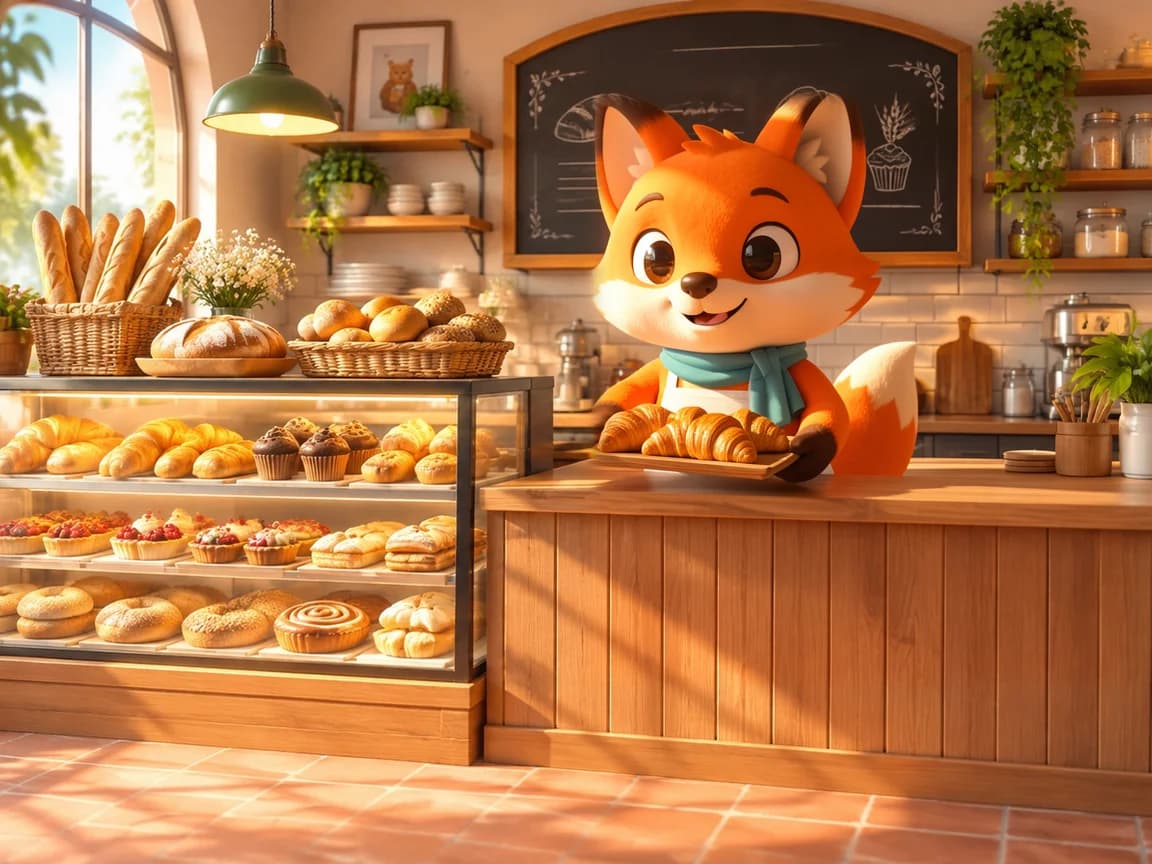
Inpainted: the mascot behind the counter
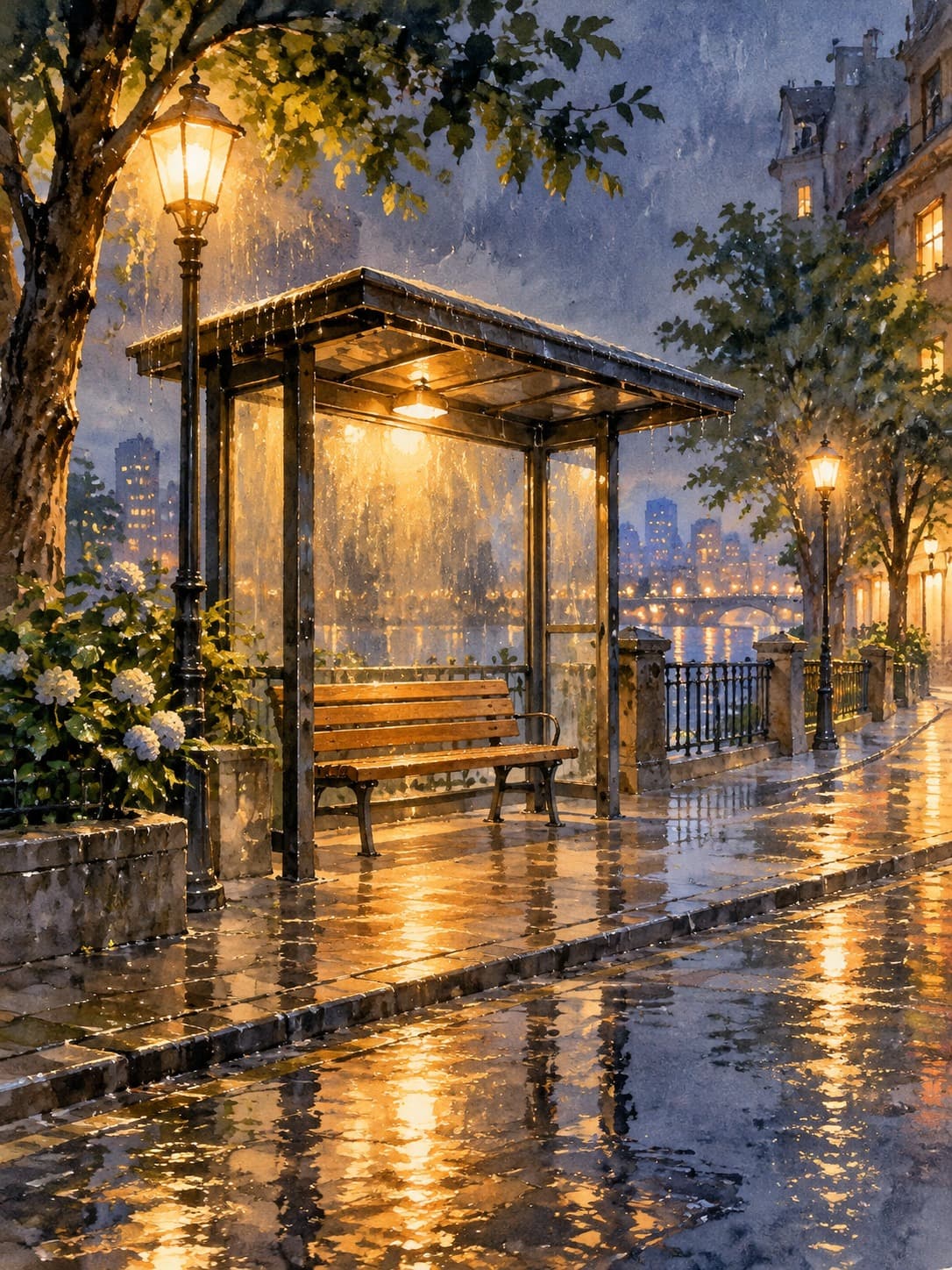
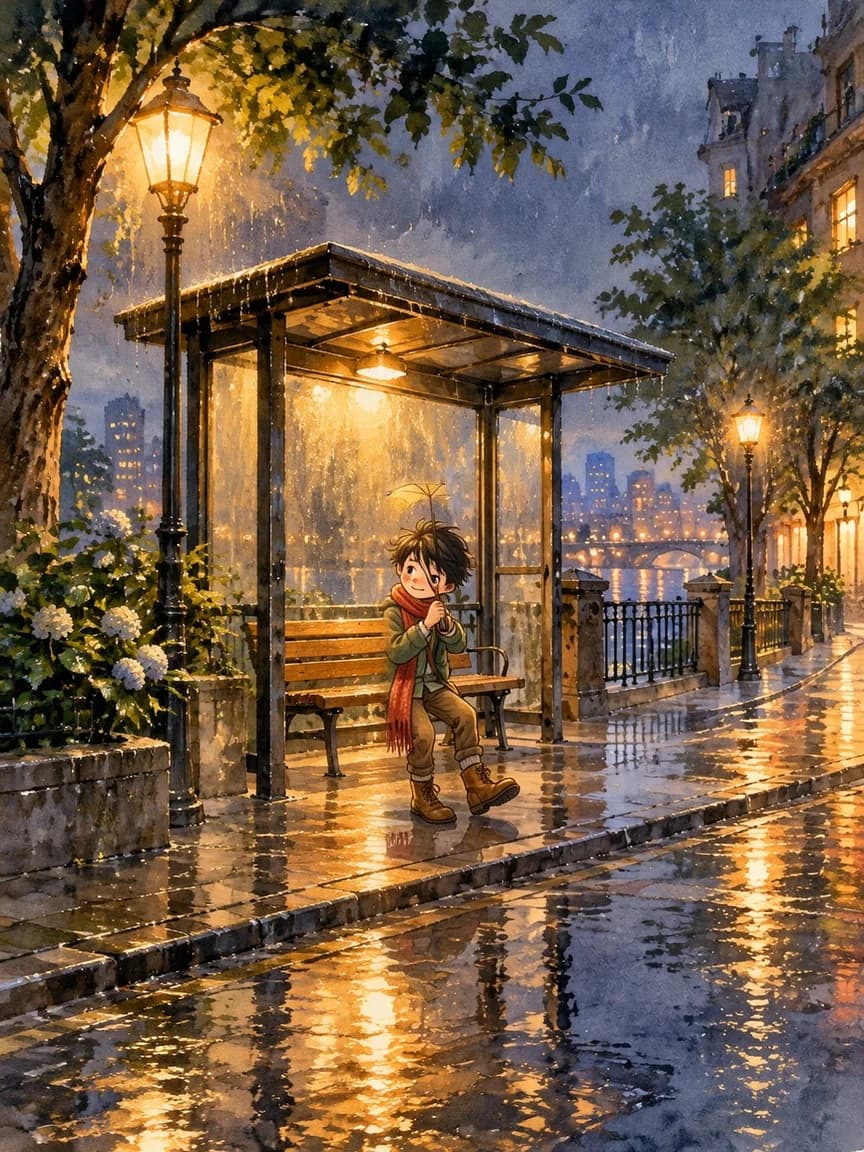
Inpainted: the picture-book hero on the bench
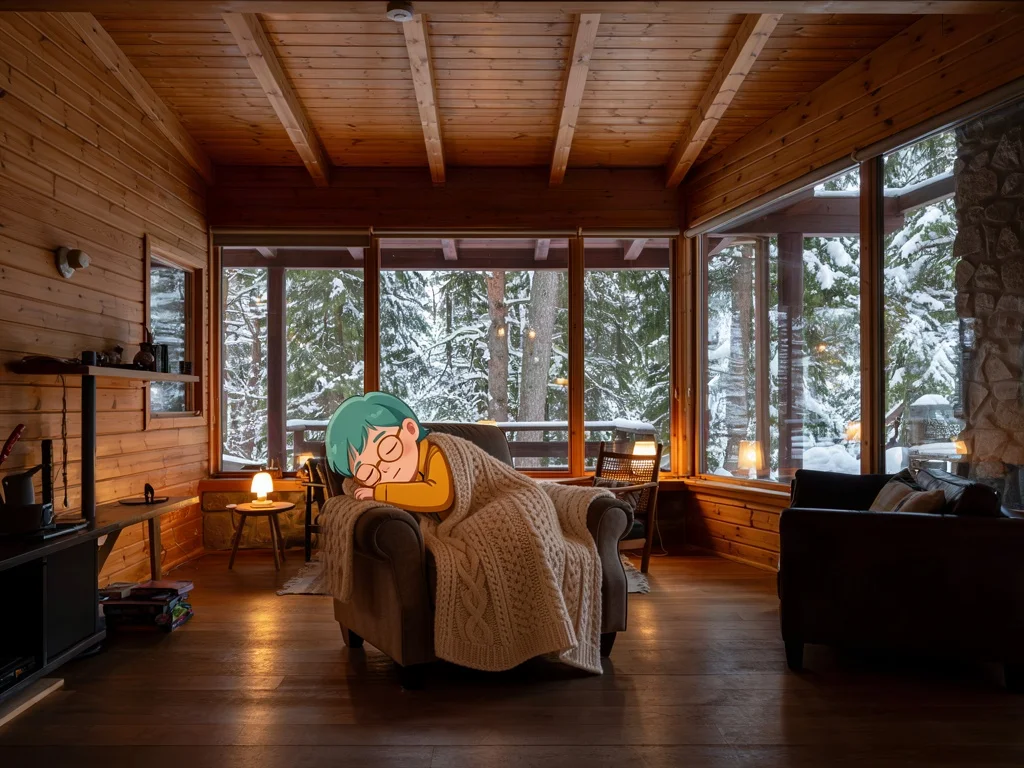
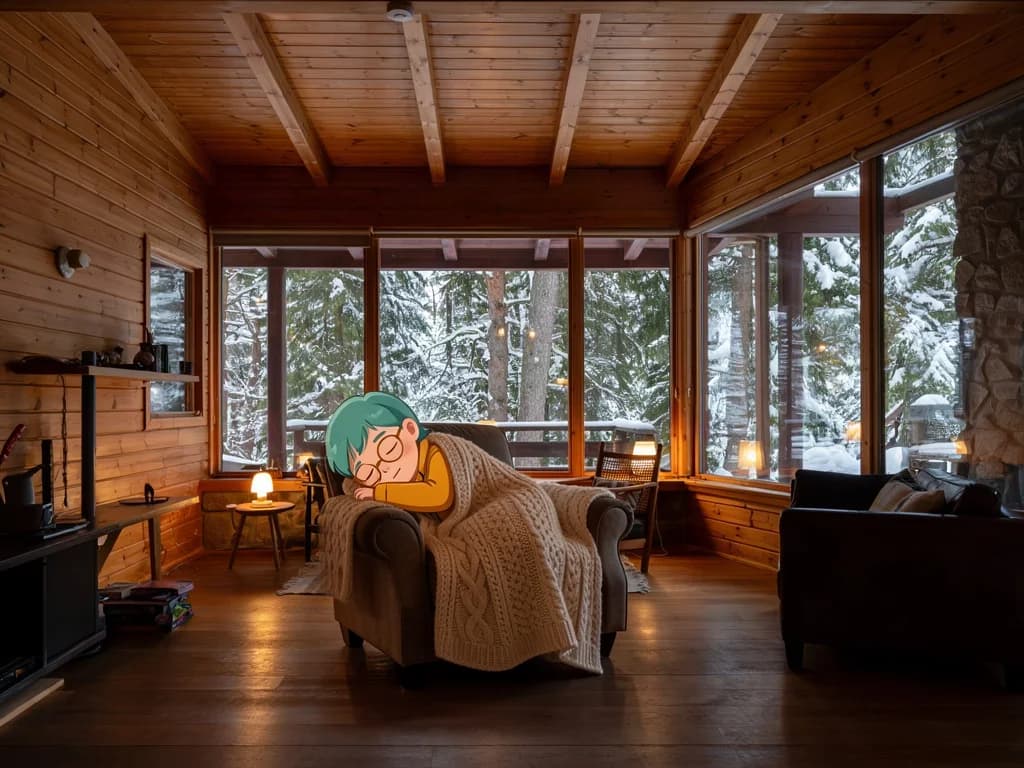
Inpainted: asleep in the armchair
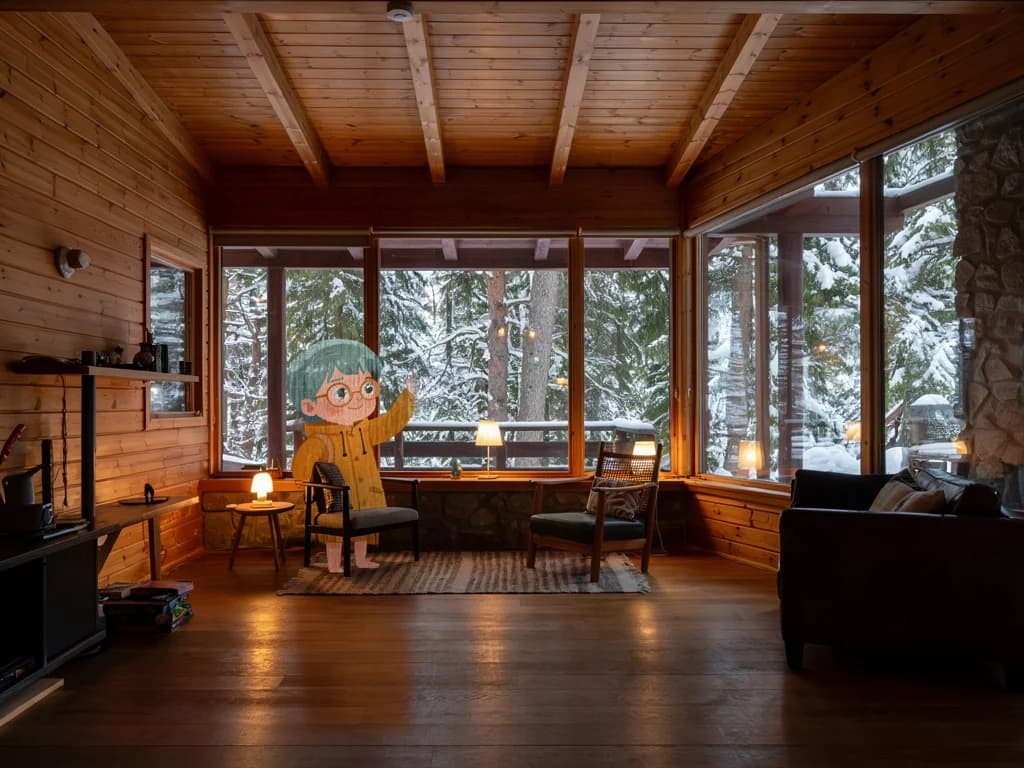
A different mask: waving by the window

From references to edited results

Each case separates references, the edit instruction, and the complete result, with image zoom and prompt copy.

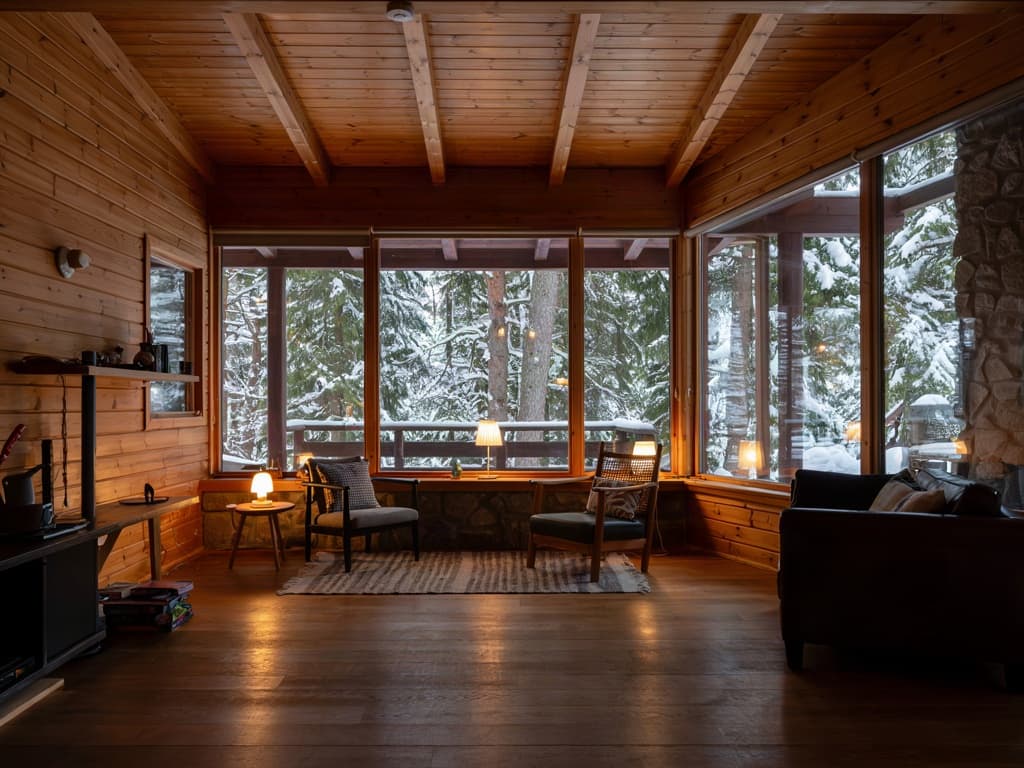
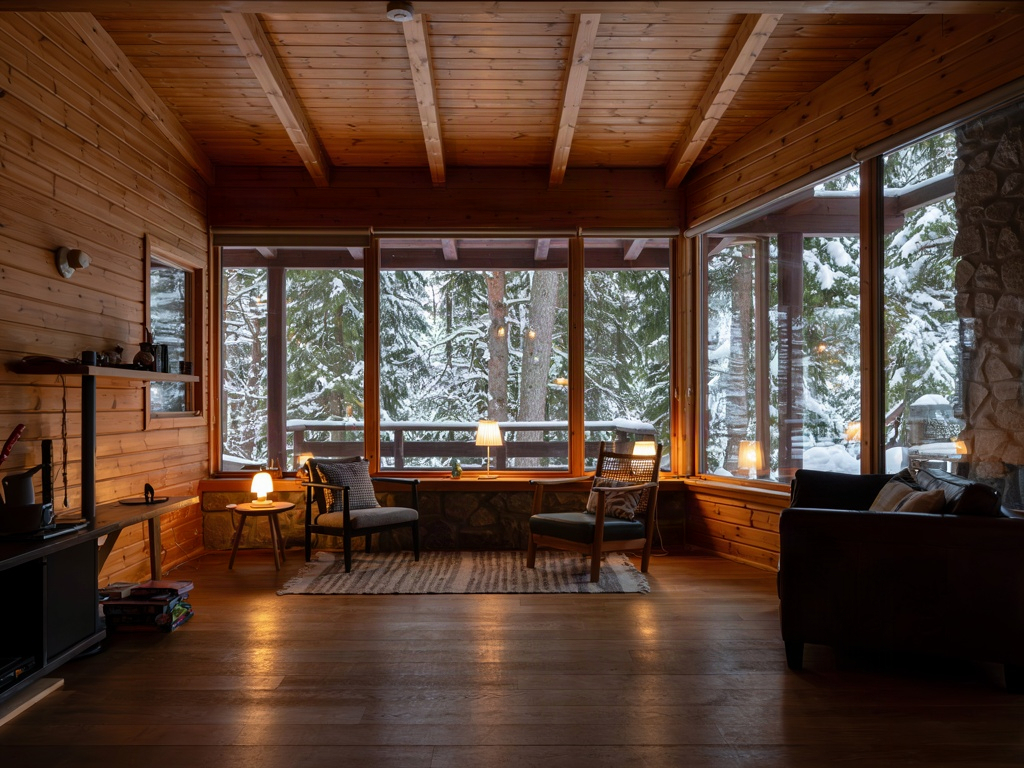
Source image (cabin)Source image (cabin)
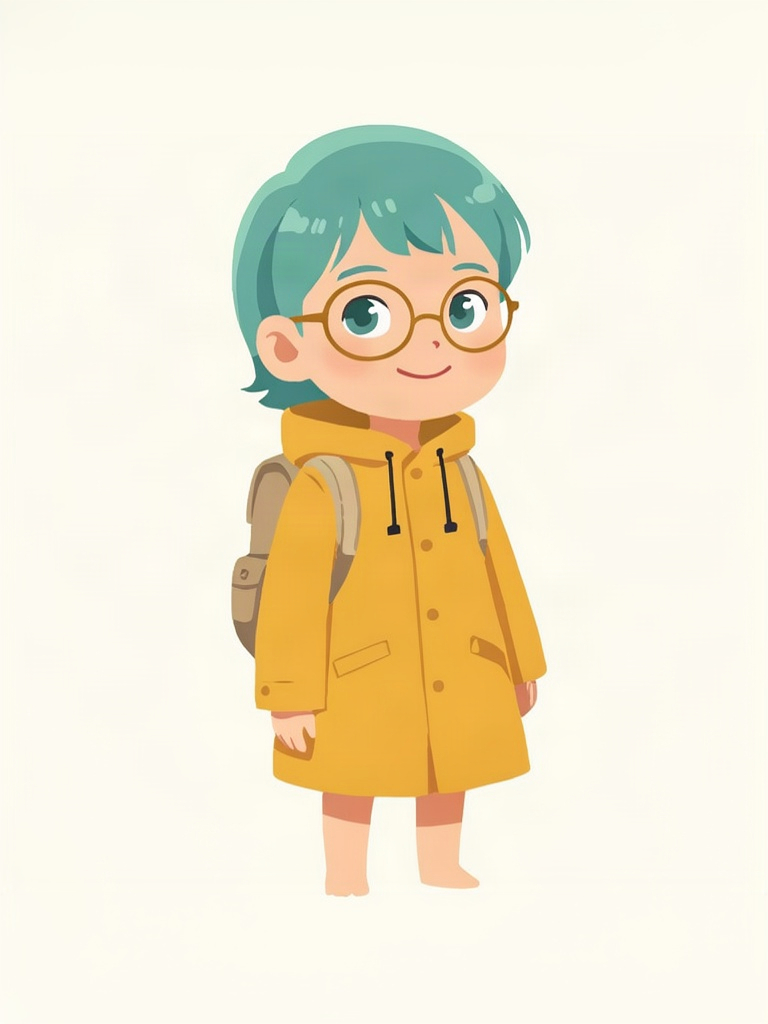
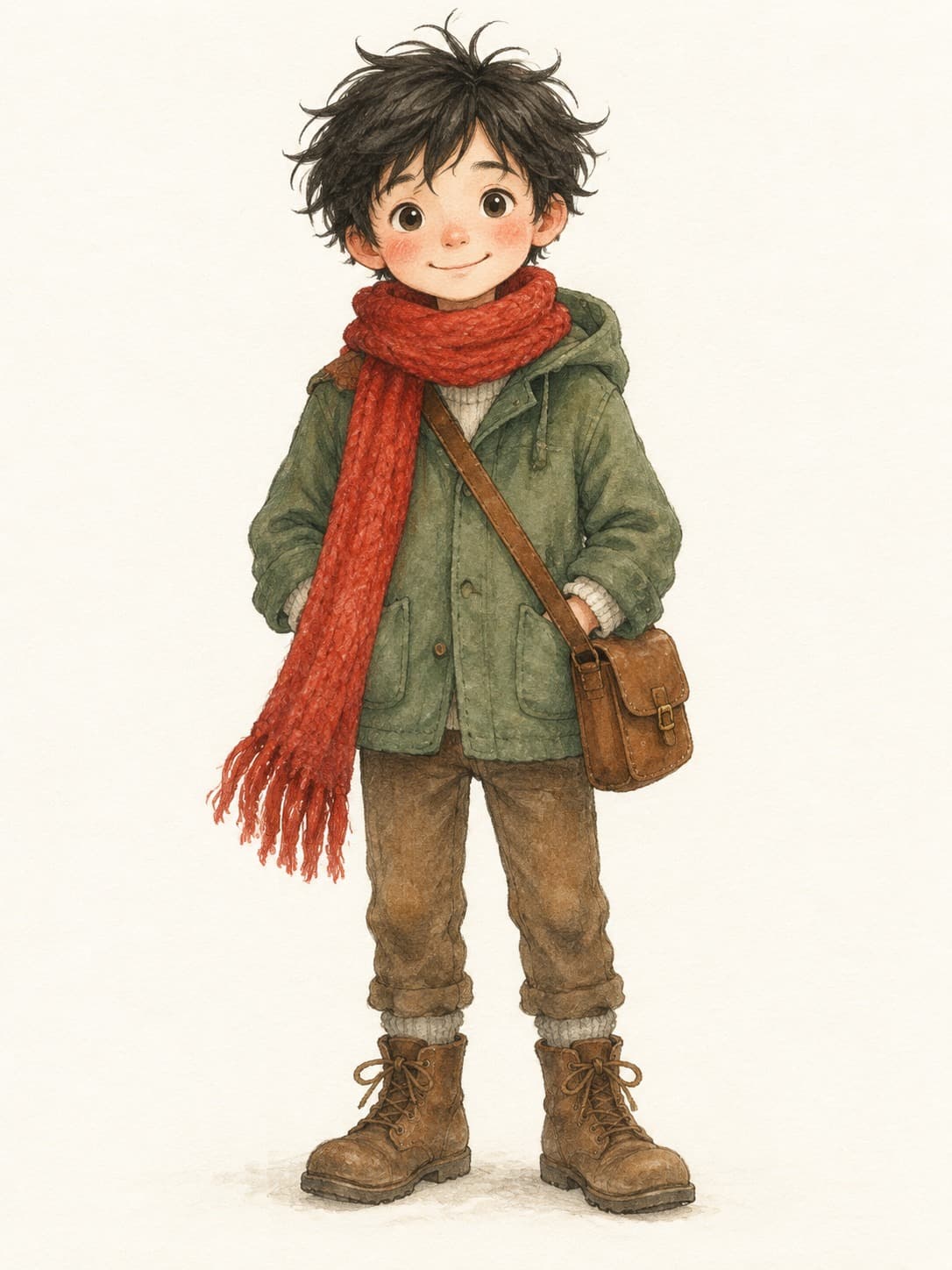
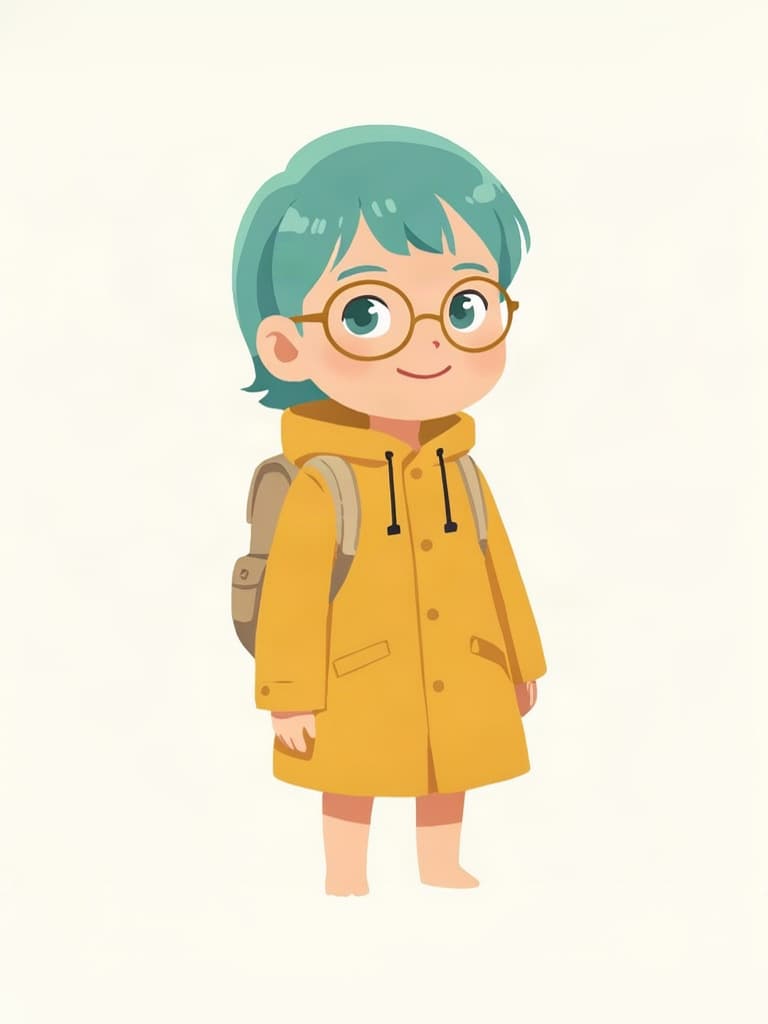
Portrait illustrated characterPortrait illustrated character
Asleep in the armchair · Composite resultResult

2 reference images / 1024 × 768

Asleep in the armchair

Only the masked area is repainted: the character sleeps in the armchair while the rest of the cabin stays unchanged.

Prompt · English

The explorer character curled up in the armchair asleep under a knitted blanket
Source image (cabin)Source image (cabin)
Portrait illustrated characterPortrait illustrated character
Waving by the window · Composite resultResult

2 reference images / 1024 × 768

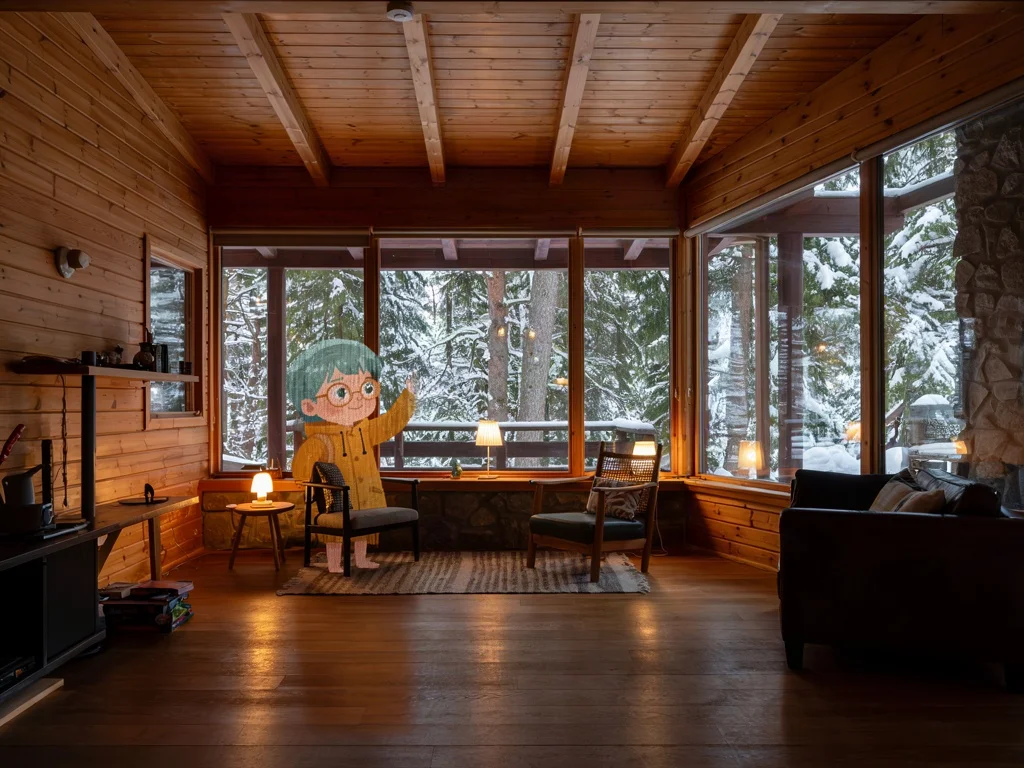
Waving by the window

A different mask places the same character waving by the window, keeping the original composition and light.

Prompt · English

The explorer character standing by the window waving at the camera

Source image (cabin)Source image (cabin)
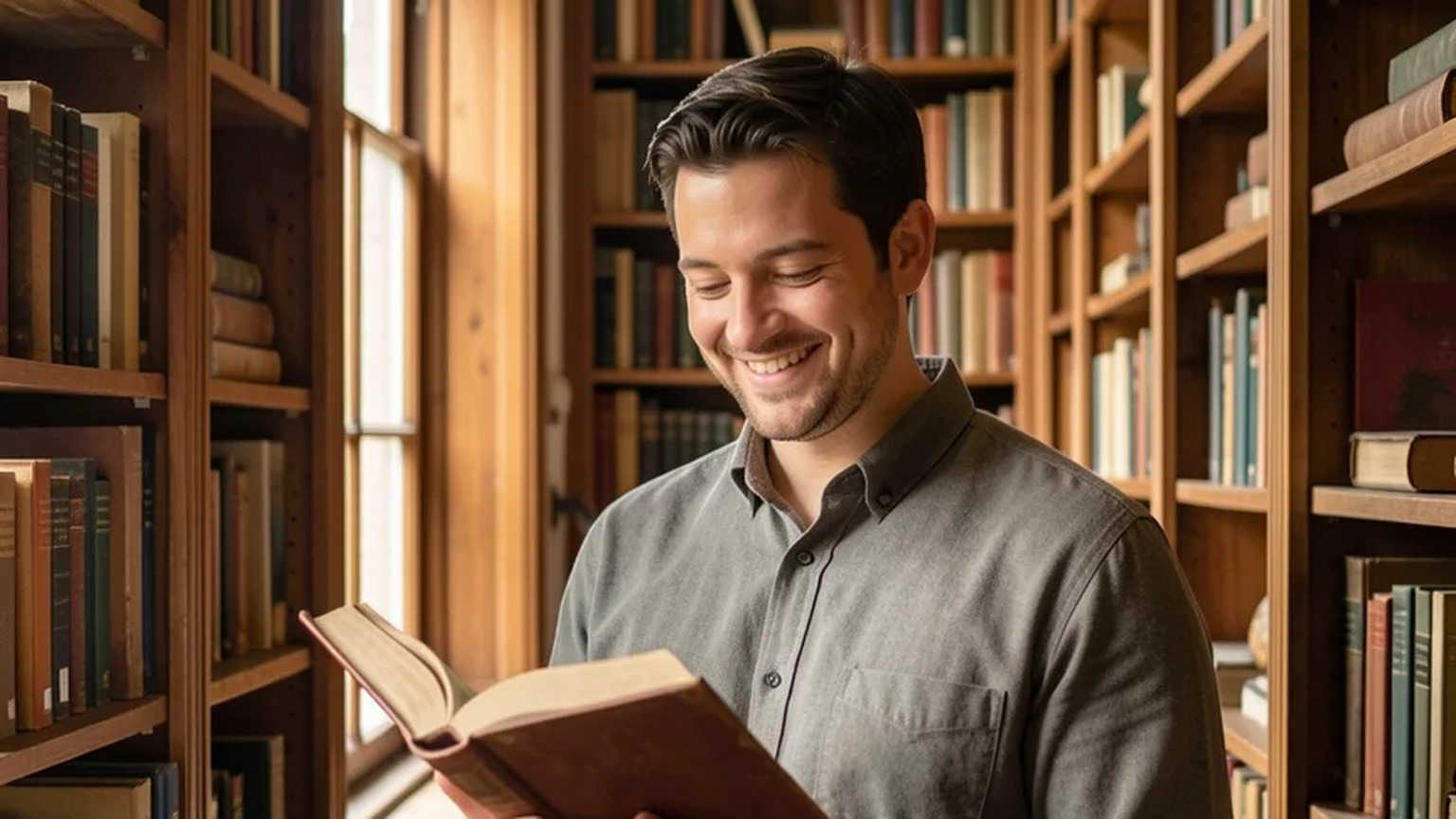
Landscape photo referenceLandscape photo reference
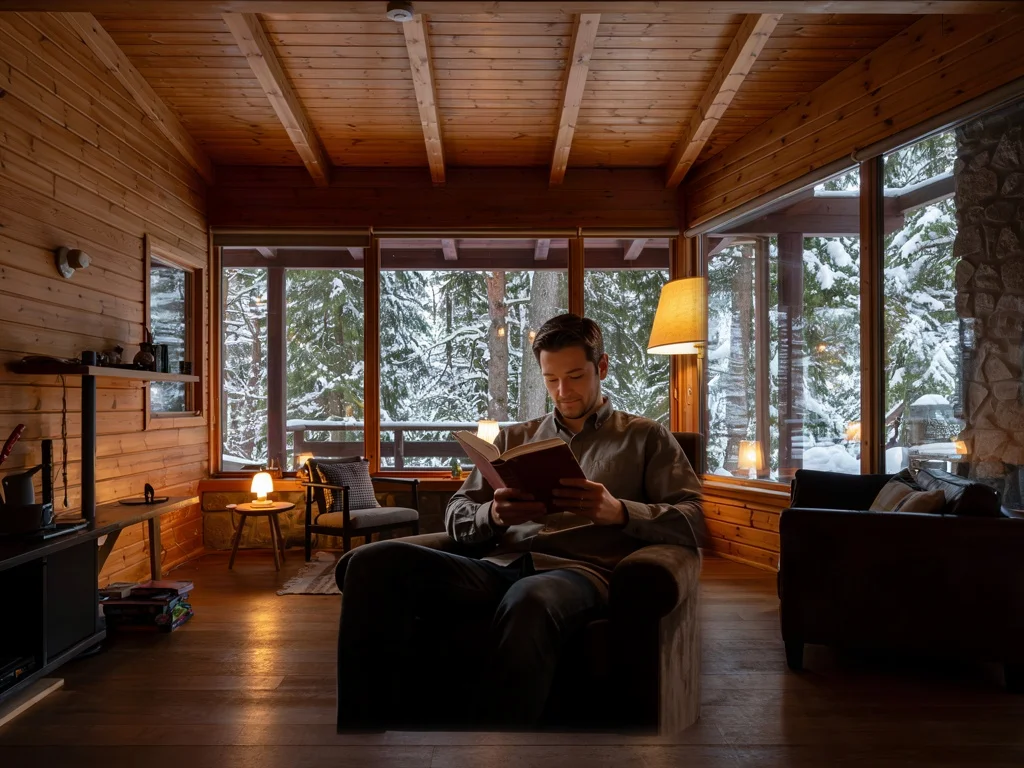
The photographed man reads in the cabin · Composite resultResult

2 reference images / 1024 × 768

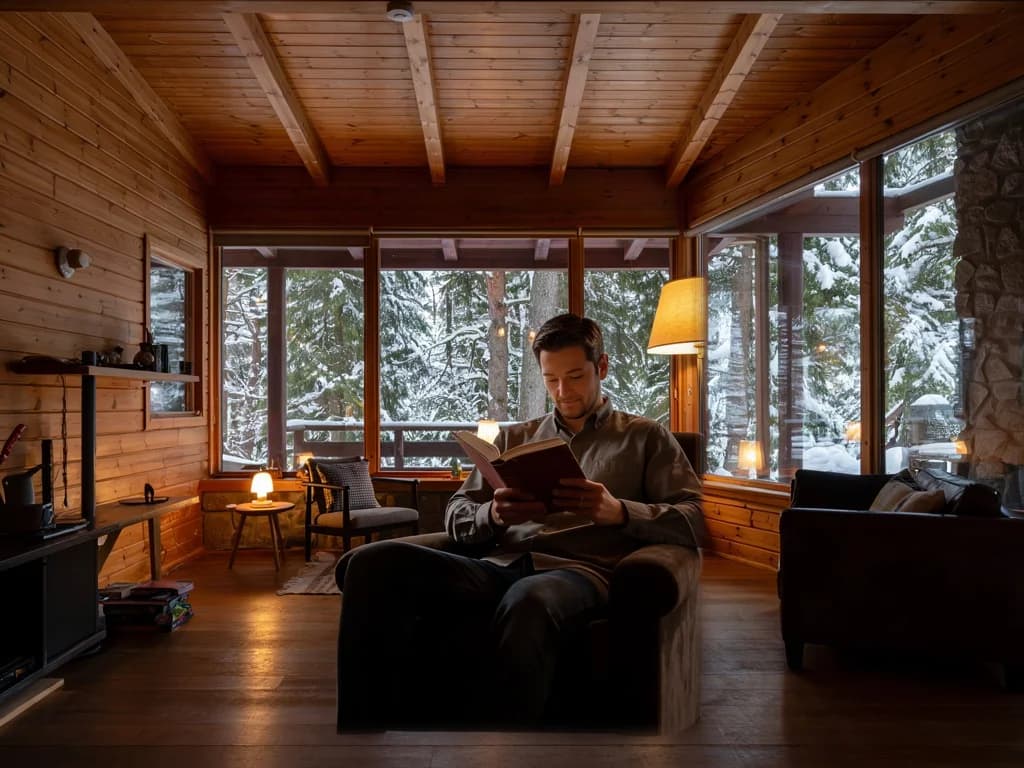
The photographed man reads in the cabin

Photo reference plus mask: the same person reads in the cabin, and the output keeps the 1024×768 source size.

Prompt · English

The same man sitting in the armchair reading a hardcover book, relaxed, warm lamp light on his face

Related image models

Choose an adjacent model by task, output tier, and reference-image needs.

About Ideogram 3.0 Character Edit

Use a source image, a mask and one character reference to inpaint the same character into an existing scene. Try it on HiAPI with before/after examples, billing notes and API samples.

The Playground and API use the same model ID: ideogram-v3-character/edit. Reference images provide subject, product, scene, or style facts, while the prompt assigns each role and limits the edit.

Provider
Ideogram
Task
Image-to-Image / Editing
References
1

Model specifications

Choose inputs and output settings for your creative goal with Ideogram 3.0 Character Edit.

Reference images
1
Output formats
WEBP
Rendering speed
TURBOBALANCED (default)QUALITY
Style
AUTOREALISTICFICTION
Required inputs
Source + mask + one character reference
Output size
Follows the source image
Prompt length
1–5000 characters

Each request returns one image; references, source images and masks are not charged separately. Failed tasks are not charged; see live pricing.

How to use Ideogram 3.0 Character Edit

References provide visual facts; the prompt assigns their roles and limits the edit.

Source
Mask
Character
3 required
01

Prepare source, mask and reference

Match the source aspect ratio; on a white background paint the character area black, slightly larger than the silhouette.

Inside mask: character
Outside mask: unchanged
02

Describe the action, keep the rest

Describe the character's action and props inside the mask; background, light and composition outside stay unchanged.

Playground
POST /v1/tasks
03

Compare, then integrate

Compare source and result in Playground, then create asynchronous tasks with the same model ID.

API Quickstart

Copy a minimal request below. See Docs for parameters, callbacks, task retrieval, and errors.

Endpoint
POST /v1/tasks
Model ID
ideogram-v3-character/edit
cURL
curl -X POST "https://api.hiapi.ai/v1/tasks" \
  -H "Authorization: Bearer YOUR_API_KEY" \
  -H "Content-Type: application/json" \
  -d '{
  "model": "ideogram-v3-character/edit",
  "input": {
    "prompt": "The explorer character curled up in the armchair asleep under a knitted blanket",
    "image_url": "https://static.hiapi.ai/gallery/2026/10/8e1328c02f8edd33.jpg",
    "mask_url": "https://static.hiapi.ai/gallery/2026/10/0121b5b1d8af8697.png",
    "reference_image_urls": [
      "https://static.hiapi.ai/gallery/2026/10/12ccfec91203bec9.jpg"
    ],
    "rendering_speed": "TURBO"
  }
}'

The create request immediately returns a taskId; image generation continues asynchronously.

Read the full API documentation

MASK-BASED INPAINTING

Ideogram 3.0 Character Edit: paint the same character into the mask only

Character Edit is for when the scene already exists and only the character is missing. Submit a source image, a mask with the same aspect ratio and one character reference; the model repaints only the black mask area with the referenced character while the background, light and composition outside the mask stay as they are.

The mask sets where the character appears and roughly how large; the prompt only needs to describe the action and props inside that area. Output keeps the source size, one image per request.

  • Source + mask + one reference
  • Repaints only the black mask area
  • Output keeps the source size
  • TURBO / BALANCED / QUALITY

EXAMPLES AT A GLANCE

One cabin, three local inpaints

All three use the same cabin source and change only the mask and character reference; the prompt describes just the action inside the mask and can be copied.

Asleep in the armchair4:3

Asleep in the armchair

The explorer character curled up in the armchair asleep under a knitted blanket
Waving by the window4:3

Waving by the window

The explorer character standing by the window waving at the camera

The photographed man reads in the cabin4:3

The photographed man reads in the cabin

The same man sitting in the armchair reading a hardcover book, relaxed, warm lamp light on his face

MASKED EDITING

Three inputs, one local inpaint

ideogram-v3-character/edit takes three inputs: a source image, a mask with the same aspect ratio and one character reference. The black mask area is repainted, white areas stay, and the output keeps the source size.

  1. 01

    Prepare source and mask

    Match the source aspect ratio and on a white background paint the character area black, slightly larger than the silhouette.

  2. 02

    Choose a reference

    Illustration or photo, exactly one image with a clear subject.

  3. 03

    Describe the action

    Say what the character does inside the mask, such as reading in the armchair or waving by the window.

BEFORE AND AFTER

Drag to compare: only the masked area is repainted

Each set submits a source, a mask and one character reference. The black mask area is repainted with the character and the white area keeps the source; drag the slider to see shelves, lights, the rainy street and the cabin stay unchanged.

Bakery counter · mascot · Edited
Bakery counter · mascot · Source
SourceEdited
MaskCharacter referenceBakery counter · mascot · mask + character reference
Rainy bus stop · picture-book hero · Edited
Rainy bus stop · picture-book hero · Source
SourceEdited
MaskCharacter referenceRainy bus stop · picture-book hero · mask + character reference
Cabin armchair · illustrated character · Edited
Cabin armchair · illustrated character · Source
SourceEdited
MaskCharacter referenceCabin armchair · illustrated character · mask + character reference

SAME SOURCE, DIFFERENT MASK

Where you paint the mask is where the character appears

Keep the source and reference, and change the mask position and the action in the prompt: with the mask over the armchair and a sleeping prompt, the character sleeps in it; with the mask by the left window and a waving prompt, the character stands there waving. Furniture, light and composition outside the mask stay the same.

Source image
Mask over the armchair
Mask by the window

Which images suit local inpainting

Stores and product scenes

Stores and product scenes

Keep an existing store or display shot and mask only the empty spot for the mascot.

Adding characters to illustrations

Adding characters to illustrations

When the background art is final, mask the spot and paint the hero in.

Several versions of one scene

Several versions of one scene

Swap masks on the same source to get the character in different spots and poses.

Where inpainting fits

When the background is final and the character just needs a spot, local inpainting is more controllable than regenerating the whole image.

01

Stores, displays and products

Mask an empty spot in an existing store or display photo and add the mascot without reshooting shelves or lights.

Example: bakery counter

02

Adding characters to illustrations

When the background art is done, mask a bench or window and paint the hero in.

Example: rainy bus-stop bench

03

Several versions of one scene

Swap masks on one source for versions with the character in different spots and poses.

Example: cabin armchair and window

Before you paint the mask

These notes correspond to the inpainting examples on this page.

Matching aspect ratio
mask_url and image_url must share the same aspect ratio or the request is rejected; output keeps the source size.
Black repaints, white keeps
Black areas are repainted with the character and white areas keep the source; a mask slightly larger than the silhouette blends better.
All three inputs required
Source, mask and one character reference are all required; to generate a new scene from the reference alone, use the Character generation model.

Related models

CHARACTER

No source image? Generate new scenes with Character

One character reference plus a prompt places the character in any new scene.

IDEOGRAM V4

Need lettering and layouts? See Ideogram V4

Compare it for titles, logos and signage.

Try Character Edit on HiAPI

Upload the source, mask and character reference separately in the Playground above. For integration, submit model ID ideogram-v3-character/edit through the HiAPI /v1/tasks endpoint, billed per image with no charge for failures.

Need to compare models and billing tiers?View live pricing for all models

Frequently asked questions

What are the mask requirements?

The mask must match the source aspect ratio. Black areas are repainted and white areas are kept; a mask slightly larger than the silhouette looks more natural.

What size is the output?

The output keeps the source size; a 1024×768 source returns 1024×768.

Can I replace a person already in the image?

Yes. Paint that person into the mask and describe the new character's action; people and background outside the mask are kept.

What format should the mask be?

An image with the same aspect ratio as the source, with the area to repaint in black on white; the examples on this page use PNG masks.

How large should the mask be?

Slightly larger than the character silhouette. Too small cramps the pose; too large repaints more of the background.

What should the prompt say?

Only what the character does inside the mask, such as sitting on the bench with an umbrella or waving by the window. There is no need to describe the background; everything outside the mask stays.

Can I place the character in different spots of one image?

Yes. Keep the source and reference, and change the mask position and the action in the prompt; the cabin armchair and window versions on this page were made that way.

Can I skip the mask?

No. image_url, mask_url and reference_image_urls are all required; without a source image, use the Character generation model.

Can I send more than one character reference?

No. reference_image_urls must contain exactly one image; illustrations, mascots and photos all work.

Do rendering_speed and style work for edits?

Yes. The TURBO / BALANCED / QUALITY tiers and AUTO / REALISTIC / FICTION styles apply as well; each tier is priced per image, see live pricing.

Is Remix supported?

Not yet. Character generation (ideogram-v3-character) and masked editing (ideogram-v3-character/edit) are available today.

Am I charged for failures, and how do I get results?

Failed tasks are not charged. Save the taskId, query GET /v1/tasks/:id and download the WebP from output[].url when status is success; output[].url is temporary, so save results promptly.