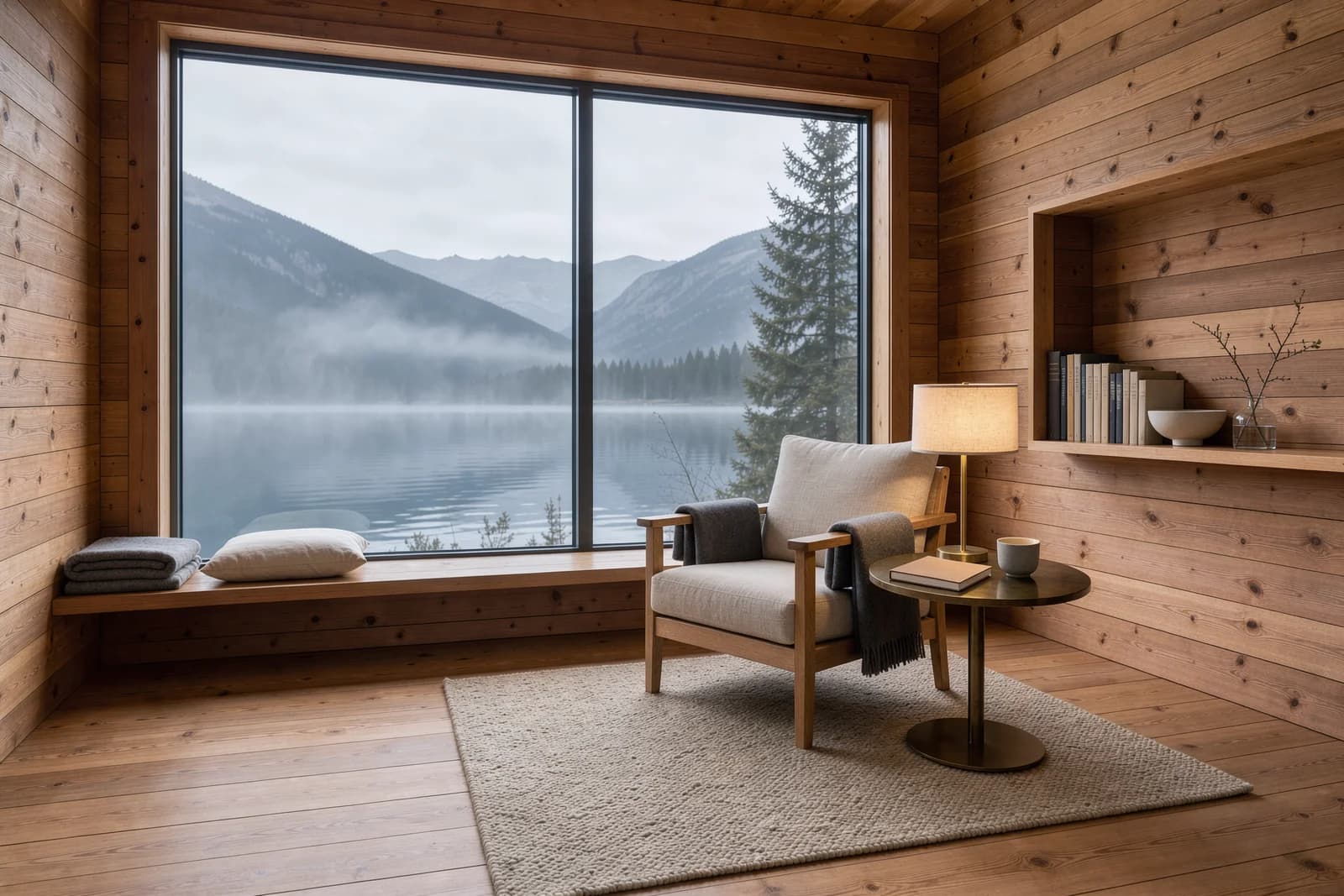
Subject
Scene
Camera and light
01
Describe subject and scene
Start with the subject, environment, and visual goal, then add material, light, camera, and exact text.
Muse Image API creates illustrations and layouts for book covers, posters and content. Try online and explore images, live pricing and API guides.
Provider: Meta
Category: image generation
Endpoint: /v1/tasks
Status: Available
Cost: See live page pricing
Muse Image API creates illustrations and layouts for book covers, posters and content. Try online and explore images, live pricing and API guides.
Pricing
Standard Usage
Choose the file format for downloaded images
Ready for generation
Configure your parameters and click "Run" to see the output here.
Explore the complete images, reference materials and creative instructions; expand images for a closer look.
Choose an adjacent model by task, output tier, and reference-image needs.
Choose inputs and output settings for your creative goal with Muse Image Text-to-Image.
Final cost depends on the output tier and input add-ons. Check the live page price and task record for the final charge.
Choose the destination and aspect ratio before composing subject, scene, material, light, and text.
Start with the subject, environment, and visual goal, then add material, light, camera, and exact text.
Framing
Automatic / chosen ratio
File format
JPEG / PNG / WebP
Choose framing and file format. Each task returns one image; the model determines pixel dimensions.
Confirm the result in Playground, then reuse the same prompt and model ID in an asynchronous task.
Copy a minimal request below. See Docs for parameters, callbacks, task retrieval, and errors.
POST /v1/tasksmuse-image-1.0/text-to-imagecurl -X POST "https://api.hiapi.ai/v1/tasks" \
-H "Authorization: Bearer YOUR_API_KEY" \
-H "Content-Type: application/json" \
-d '{
"model": "muse-image-1.0/text-to-image",
"input": {
"prompt": "Premium skincare campaign photograph of a matte coral glass bottle with a cream label reading DAWN, a folded sandstone paper panel and a delicate olive branch on pale travertine, soft morning side light, restrained editorial styling, crisp material texture, generous cream negative space, no other text.",
"aspect_ratio": "4:3",
"output_format": "webp"
}
}'The create request immediately returns a taskId; image generation continues asynchronously.
META / MUSE IMAGE
Muse Image is Meta’s image model, which Meta describes as planning the picture before rendering it. It is strong at illustration, posters and product visuals; this entry generates from text, one image per task.
MODEL OVERVIEW
A single description is enough to start. Muse Image arranges subject, composition and style from your text and renders about 2.5 megapixels; dimensions follow the aspect ratio, for example about 1920×1280 at 3:2 and 1600×1600 at 1:1.
Nine aspect ratios are available—1:1, 4:3, 3:4, 16:9, 9:16, 3:2, 2:3, 21:9 and 9:21—with JPEG, PNG or WebP output. To edit an existing picture, use the Muse Image image-to-image entry.
Every example below was generated with Muse Image through HiAPI, covering a product ad, a paper-cut illustration and scenes framed for different placements.
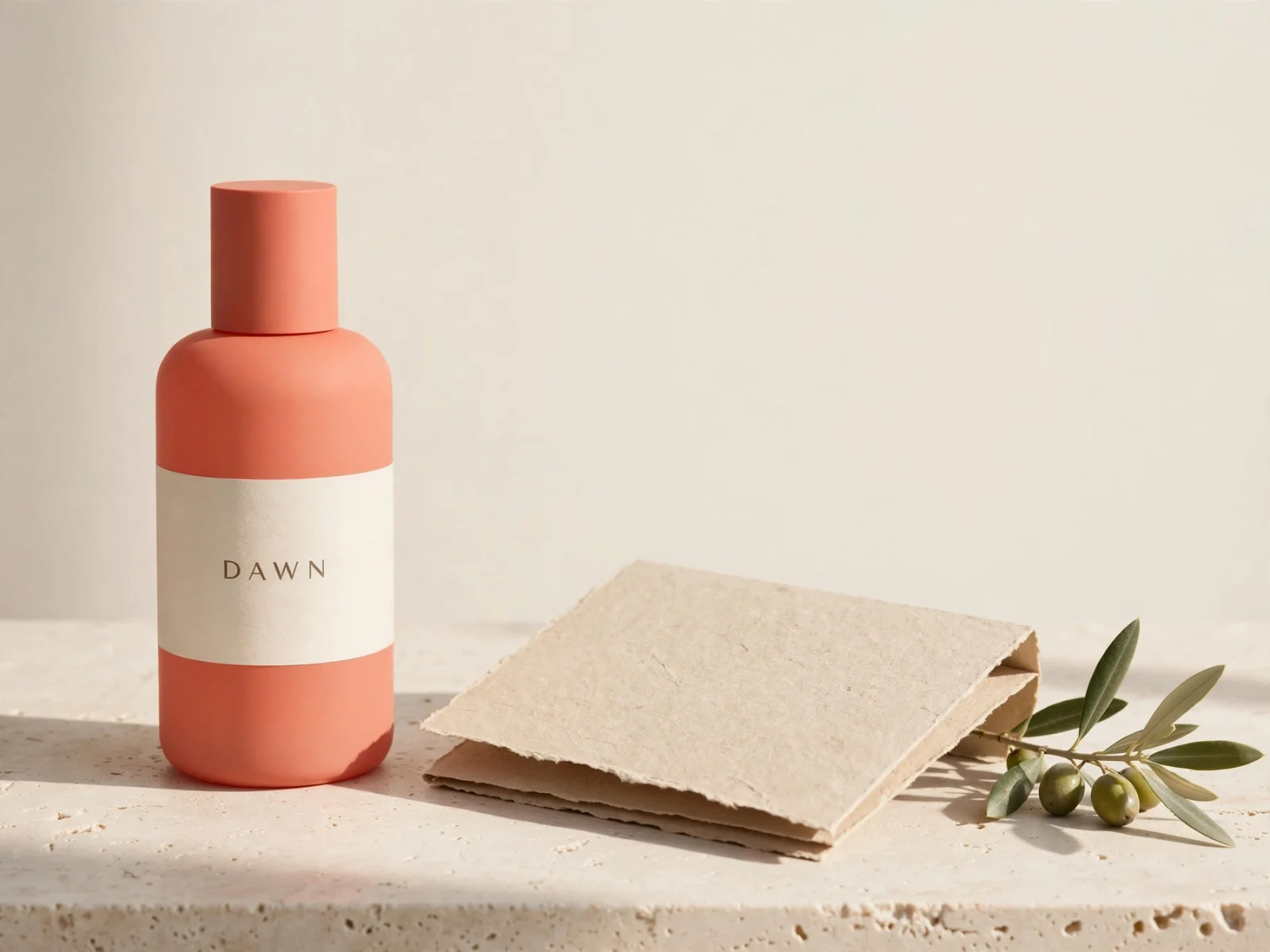
A matte coral bottle, cream label and rough stone base come together in soft side light as a skincare ad, with the brand lettering clearly legible.
It suits launch teasers, social ads and product pages. When the image needs text, write the exact wording into the description and check the spelling afterwards.
Premium skincare campaign photograph of a matte coral glass bottle with a cream label reading DAWN, a folded sandstone paper panel and a delicate olive branch on pale travertine, soft morning side light, restrained editorial styling, crisp material texture, generous cream negative space, no other text.
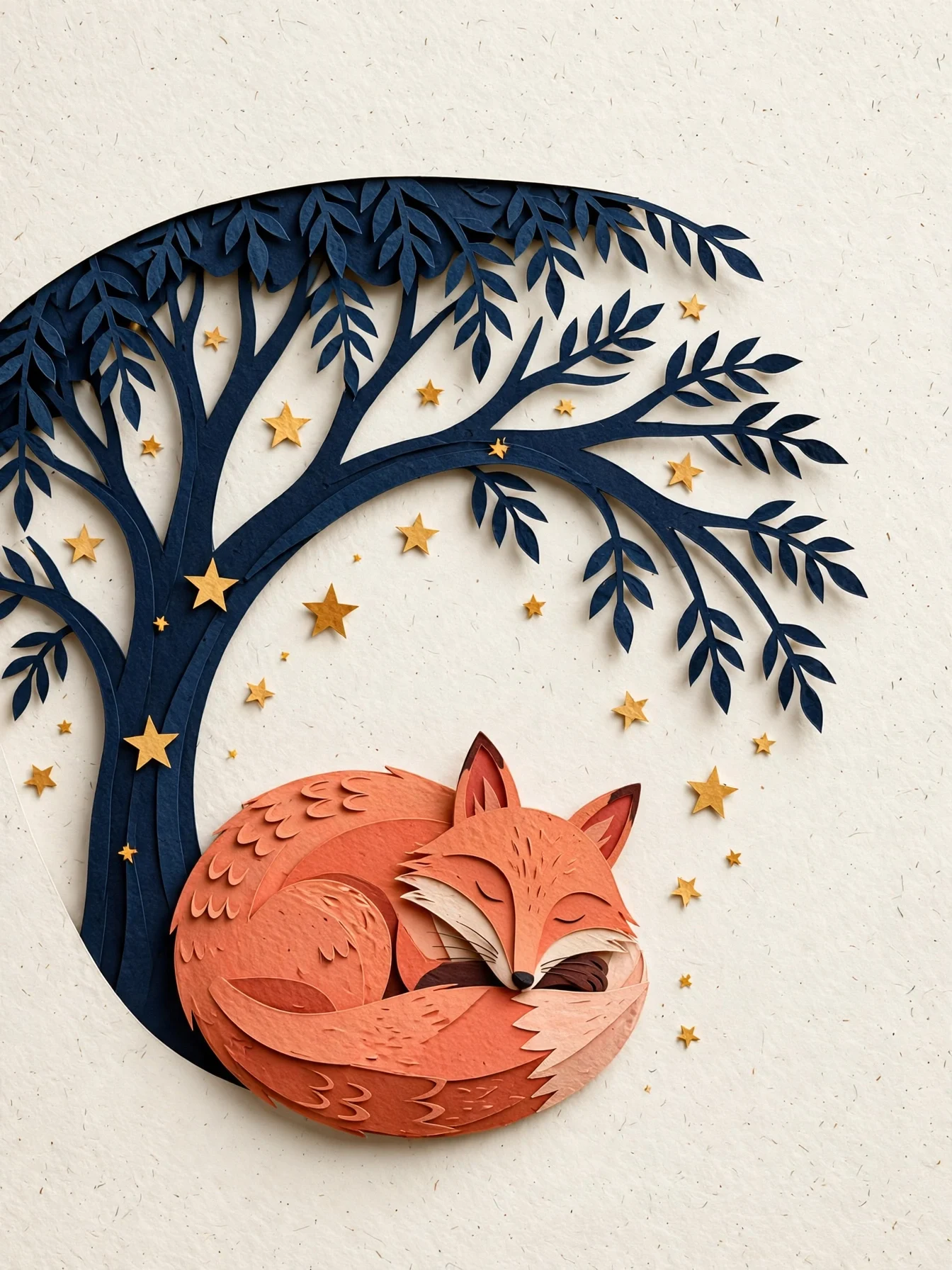
A fox curled beneath a tree, layered paper-cut branches and scattered stars—the thickness and shadows of the paper give the picture a handmade, dimensional feel.
The 3:4 portrait format suits picture-book pages, book covers and greeting cards. Style, material and composition can all go into one description.
Editorial paper-cut illustration of a coral fox curled beneath a midnight-blue tree, scattered warm stars, layered tactile paper edges, clear silhouette and generous negative space, quiet book-cover composition, no text.
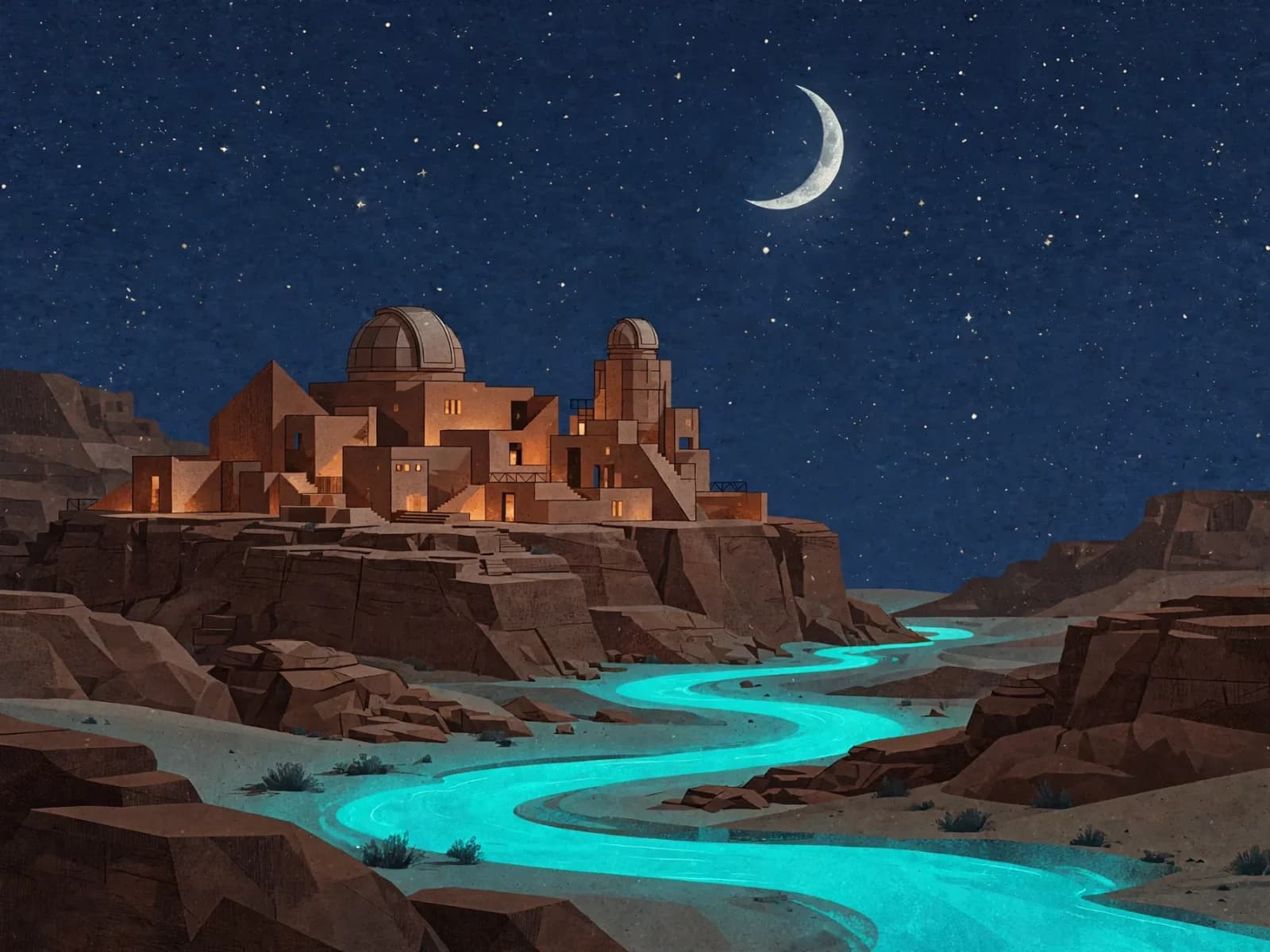
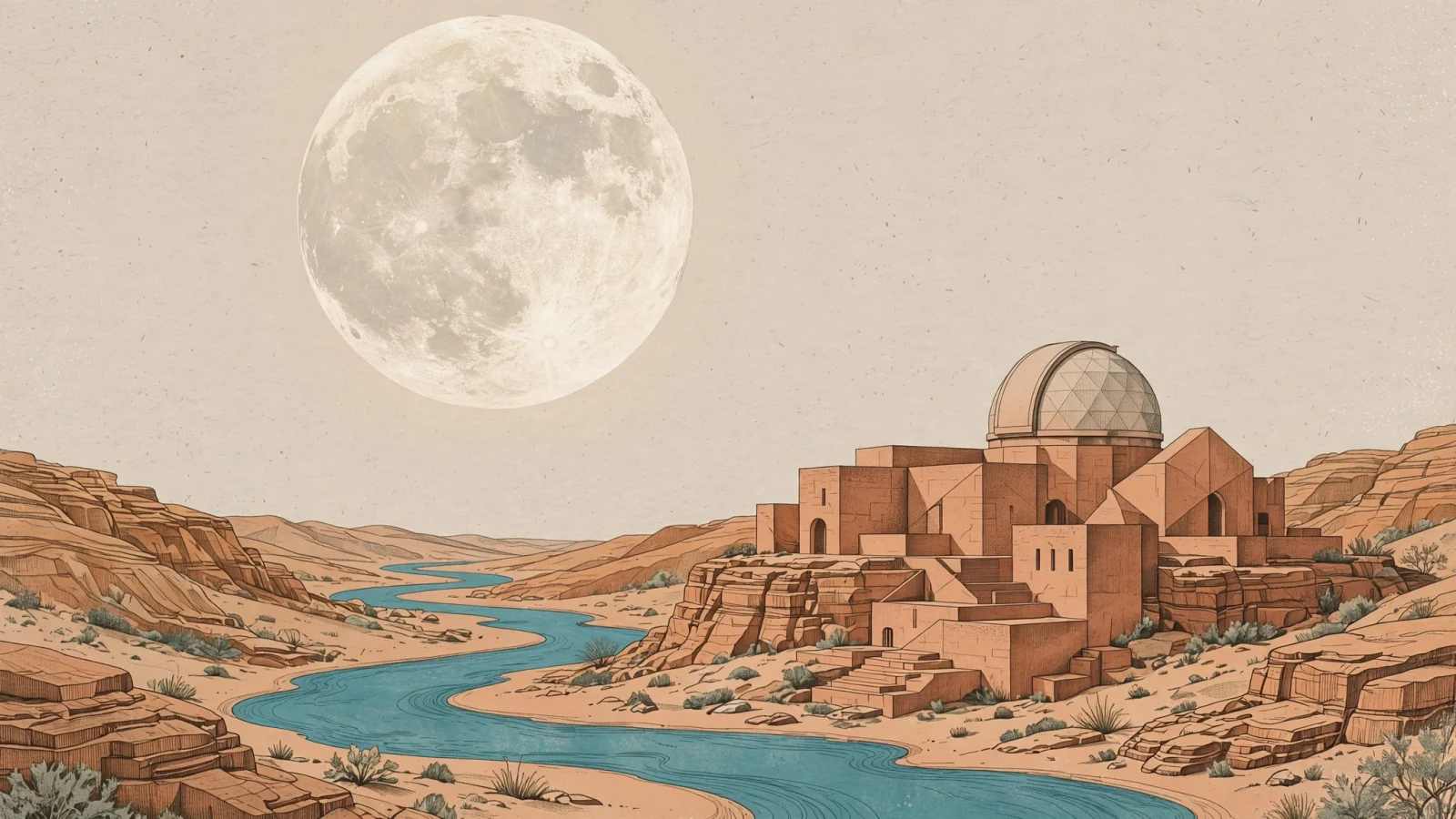
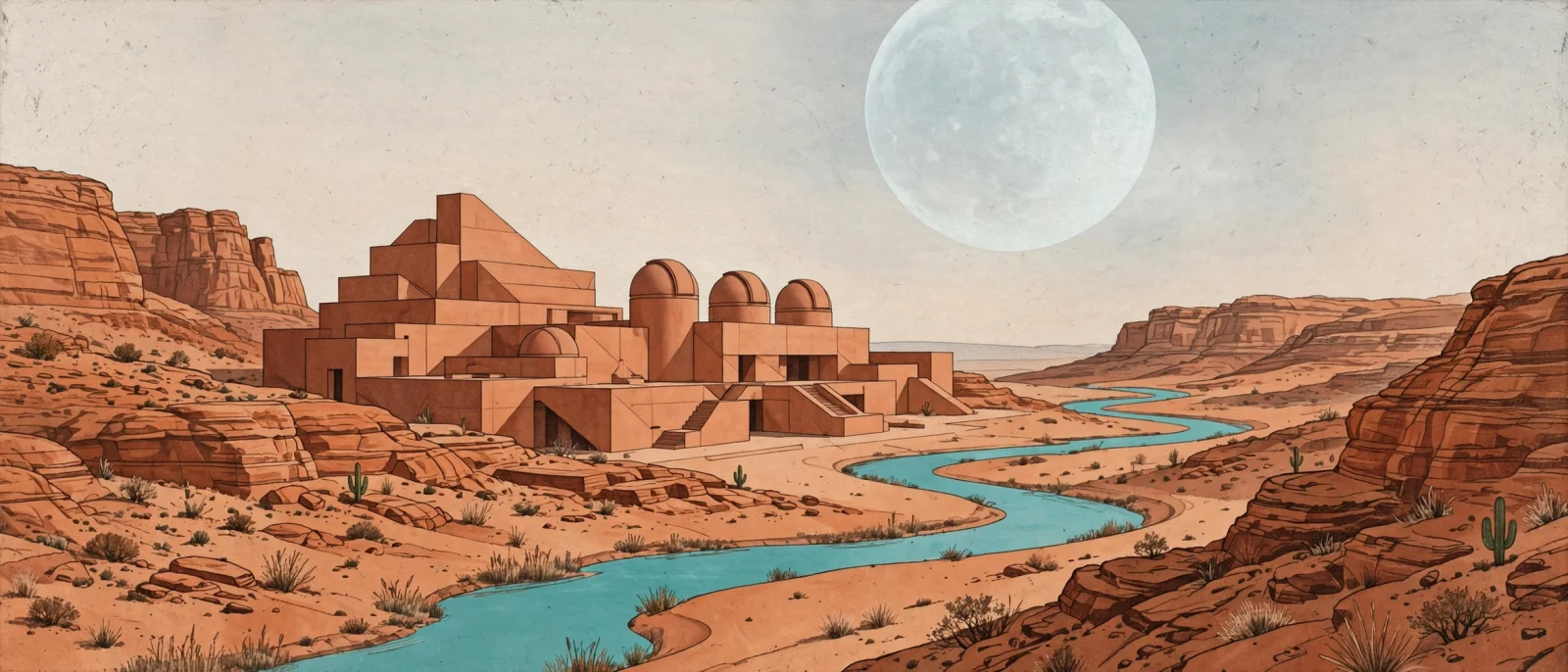
Both desert-observatory images share one description and differ only in aspect ratio: 16:9 for article headers and video covers, 21:9 for web banners.
Each composition is generated separately rather than cropped from one image, so the subject stays complete in the ultra-wide frame.
A sophisticated editorial illustration of a terracotta desert observatory with an oversized pale moon and a winding turquoise river, warm sandstone textures, geometric architectural forms, subtle paper grain, carefully balanced negative space, no text.
Ads and lifestyle scenes for skincare, food, home and more.
Paper-cut, watercolour and print-style illustration for books and covers.
Landscape headers that match each article, with consistent framing and style.
Portrait 9:16 or square 1:1 for short-video covers and posts.
Key-visual drafts for holidays, fairs and brand events, with headline text included.
The 21:9 ultra-wide format fits homepage heroes and campaign banners.
Write a description and pick an aspect ratio in the Playground on this page, then reuse the same settings through the API. Generated links expire—download what you need, or choose permanent storage when creating the task.
Choose generation to start from a written brief, or editing with references to build on an existing subject or layout.
Each task returns one image with no count selector. Submit a new task with an adjusted prompt for another composition.
This entry has no resolution tiers. Choose framing; the model determines dimensions, typically around 2.5MP. Inspect the downloaded file.
Choose JPEG, PNG or WebP; the default is WebP. Select a format for your web or design workflow.
Describe subject placement and which side needs whitespace, then choose framing for the final cover. Avoid relying entirely on a later crop.
Start with the subject, materials and placement, then add light, background and a few props. State short label text separately and inspect the silhouette and lettering.
Generated image links have an expiry date. Download files you need to keep, or select permanent storage when creating the task. Existing images can also be re-stored by following the storage management guide.
Save the result and supply it as a reference in a new task. Tasks are independent, so describe what to retain and what this revision should change.
Put a short heading in quotes and describe its position, hierarchy and surrounding space. Check the lettering before use and finish typography in a design tool if needed.
Use automatic framing when the placement is flexible. Choose a ratio for a fixed banner, portrait poster or square card, then check the downloaded dimensions.
Choose your parameters and check the Playground estimate and live pricing. Task records show the completed image and its charge.
Composition and details can vary between results. Use a selected picture as a reference and specify preservation requirements when continuity matters.