下面 4 段都是 Kandinsky 6.0 Pro 的真实成片,每段附完整提示词:复制就能用,点「用这个提示词生成」会带着提示词直接打开模型页。Kandinsky 6.0 Pro 已在 HiAPI 上线,打开模型页直接生成,新用户注册送 200 积分。
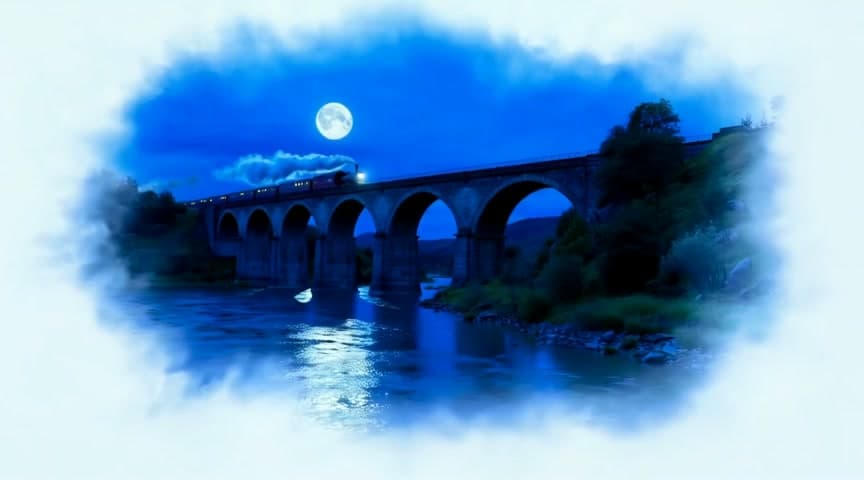
1. 氛围镜头:月夜列车过石拱桥
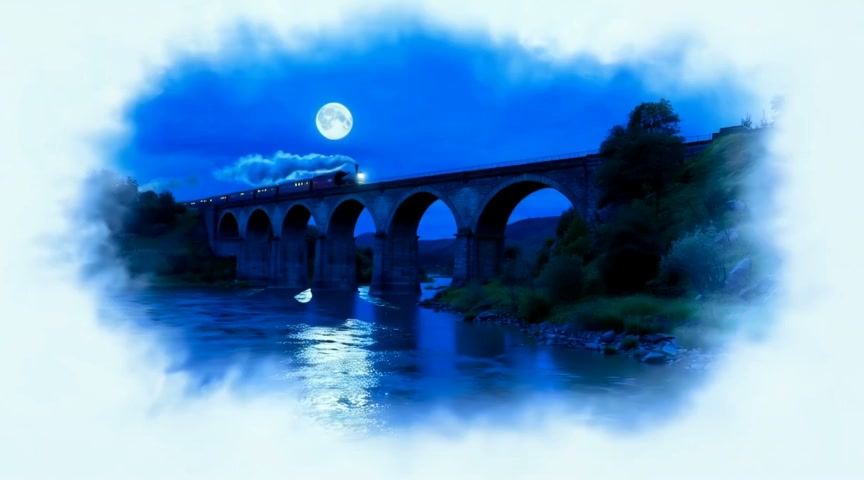
Settings: 16:9 · 5 seconds · 864×480 · 24 fps · audio always on · Watch the clip →
A night train crosses a tall stone viaduct under a full moon, a plume of steam trailing into the valley, the camera cranes up from the river below, rhythmic wheels on the rails and a distant whistle
四句各管一层:场景和月光、蒸汽飘向山谷、镜头从河面升起、车轮声加一声远处的汽笛。5 秒里放这四层刚好,再补车厢细节就会互相挤。
2. 餐饮产品:手冲咖啡的 5 秒特写
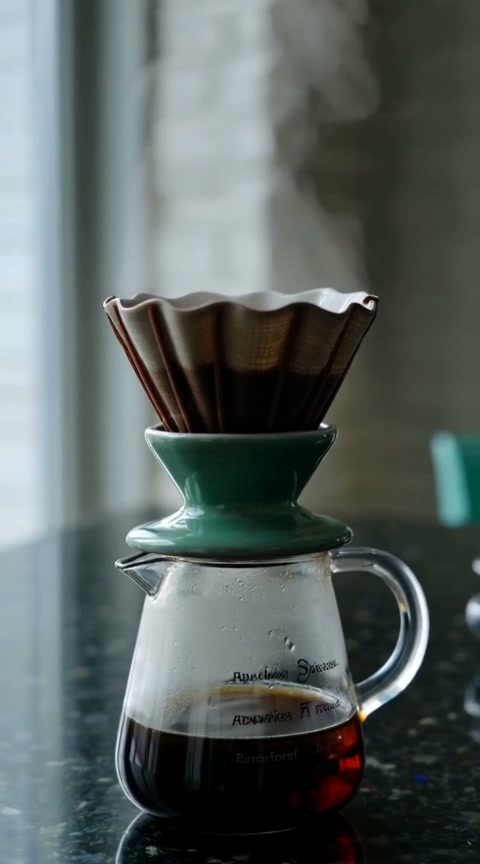
Settings: 9:16 · 5 seconds · 480×864 · 24 fps · audio always on · Watch the clip →
A ceramic pour-over coffee dripper on a dark counter, steam rising, slow push-in, soft cafe ambience
竖屏只留滤杯一个主体,热气撑起画面里的动势。声音写 soft cafe ambience,环境音压在底下,产品特写不会被盖住。
3. 城市夜景:雨里的霓虹街口
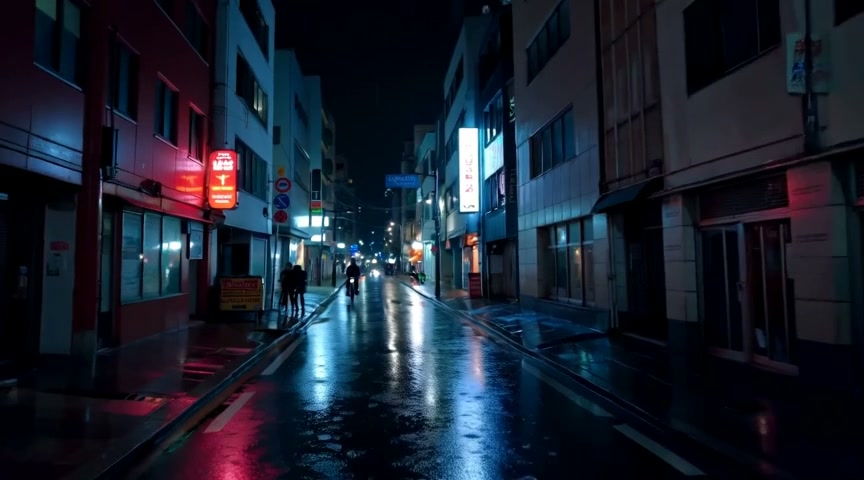
Settings: 16:9 · 5 seconds · 864×480 · 24 fps · audio always on · Watch the clip →
A narrow city street at night in heavy rain, neon signs reflect in the puddles, a cyclist passes, the camera tracks slowly forward, steady rain and distant traffic
这里让环境来演:雨、倒影、路过的骑行者,镜头只做缓慢前移。steady rain and distant traffic 把环境声写进提示词,音轨才不会空着。
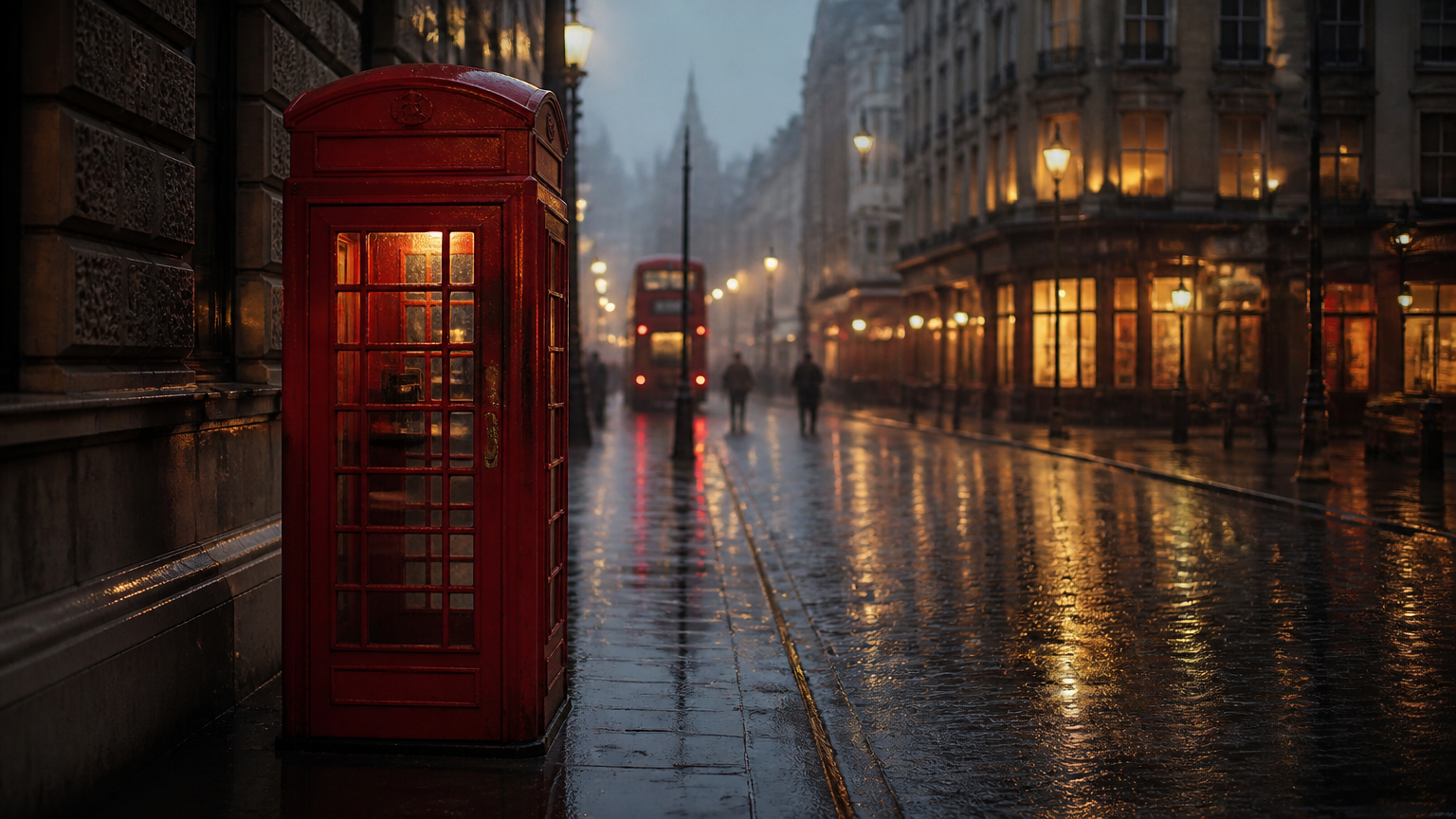
4. 给照片加运动:雨夜电话亭
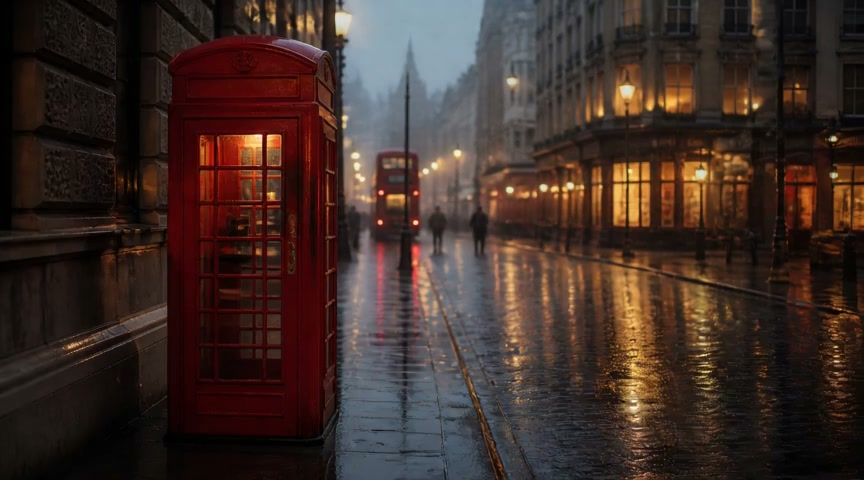
Settings: auto from a 16:9 first frame · 5 seconds · 864×480 · 24 fps · audio always on · Watch the clip → Input frame: first frame
Rain intensifies on the empty street, neon reflections ripple in the puddles, steam rises from a grate beside the booth, the camera slowly pushes in, steady rain and distant traffic
图生视频的提示词只写首帧之后发生什么:雨变大、倒影晃动、井盖冒蒸汽,已有的构图、霓虹和电话亭位置都交给首帧。镜头只做一次缓推。
写自己的提示词:四层各一句
- 场景:地点、时间、光线、天气。
- 动作和镜头:主体在做什么、多快;机位怎么动,
cranes up、pushes in、tracks forward各管一种。 - 声音:想听见什么就写什么,雨声、车轮、远处车流。
文生视频 $1.9286 一条,$10 能跑 5 条;图生视频 $2.00 一条。规格固定 5 秒、480p、24fps,音频随画面一起生成,画幅在 16:9、9:16、1:1、4:3、3:4 里选。挑一条提示词,去模型页生成第一段 →
常见问题
提示词一定要用英文吗? 英文和俄文原生支持。中文想法先翻成英文再提交,画面贴合度和音效准确度都更稳;单条上限 6,000 字符。
能关掉声音吗?
同步音频固定开启。不想要的音效写进 negative_prompt(上限 2,000 字符),想要的直接写进提示词。
能改时长或分辨率吗? 不开放,输出固定 5 秒、480p、24fps。想要更长的镜头,就多生成几条再接起来。
画幅怎么选?
文生视频 16:9、9:16、1:1、4:3、3:4;图生视频默认 auto,按首帧自动匹配画幅并居中裁切。
复制案例 1 的提示词,去模型页生成你的第一段 5 秒短片 →,画幅选 16:9,声音已经写在提示词里。