Subject
Scene
Camera and light
01
Describe subject and scene
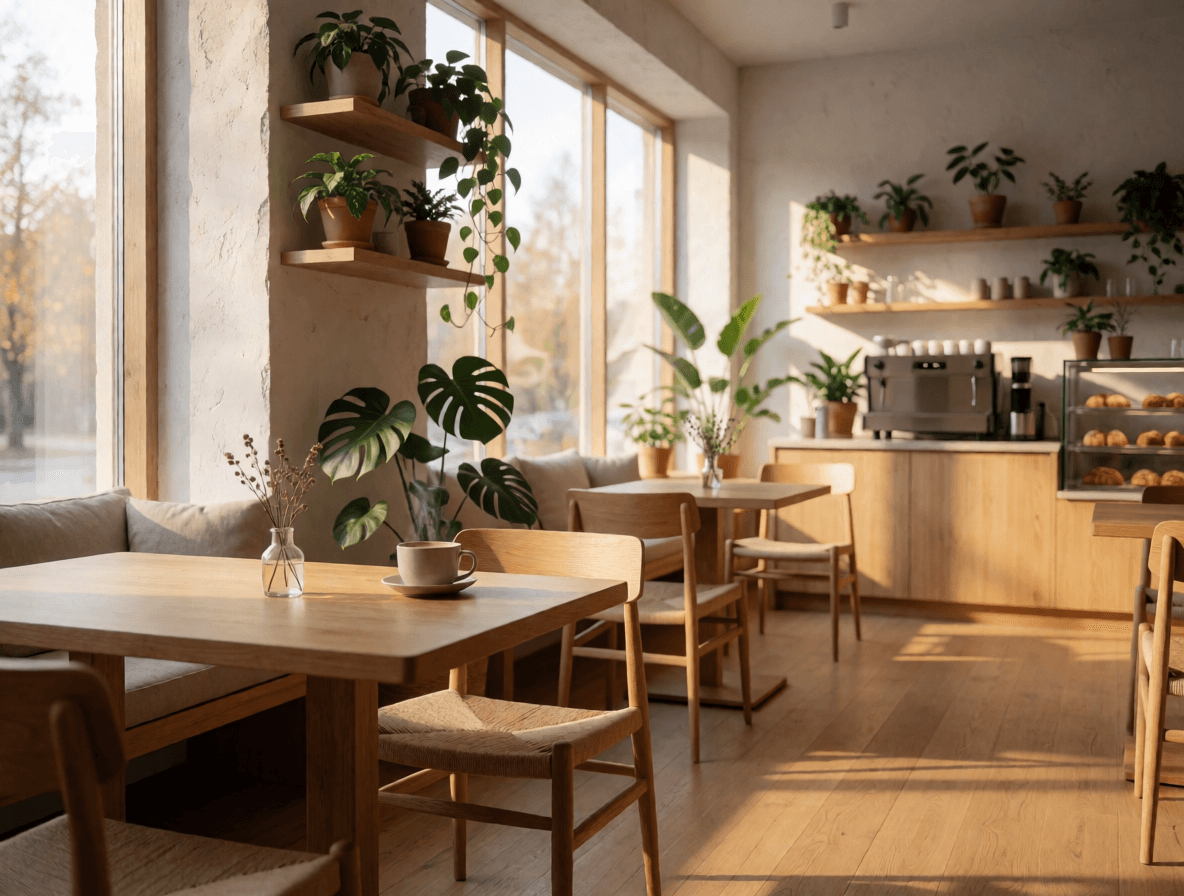
Start with the subject, environment, and visual goal, then add material, light, camera, and exact text.
Try Krea 2 Medium Turbo for fast text-to-image generation with 8 aspect ratios including 2.35:1, four creativity levels, reproducible seeds and API examples.
Provider: Krea
Category: image generation
Endpoint: /v1/tasks
Status: Available
Cost: See live page pricing
Krea 2 Medium Turbo generates images fast from text, with 8 aspect ratios including 2.35:1 widescreen, 4 creativity levels and reproducible seeds.
Pricing
Standard Usage
How loosely the prompt is interpreted: lower stays closer to it, higher is more creative and may drift
Ready for generation
Configure your parameters and click "Run" to see the output here.
Browse results across different aspect ratios, complete prompts, and visual detail.
Choose an adjacent model by task, output tier, and reference-image needs.
Photoreal generation
Compare for photoreal products and in-image text.

Fast generation
Compare when you need custom color palettes.

Typography-first generation
Compare for logos and long in-image text.
2K/4K generation
Compare when larger outputs matter.
Fast drafts
Compare for batch drafts and quick prompt exploration.
Try Krea 2 Medium Turbo for fast text-to-image generation with 8 aspect ratios including 2.35:1, four creativity levels, reproducible seeds and API examples.
The Playground and API use the same model ID: krea-2-medium-turbo. This endpoint accepts text prompts only; reference-image editing uses the separate Image-to-Image route.
Choose inputs and output settings for your creative goal with Krea 2 Medium Turbo.
Final cost depends on the output tier and input add-ons. Check the live page price and task record for the final charge.
Choose the destination and aspect ratio before composing subject, scene, material, light, and text.
Start with the subject, environment, and visual goal, then add material, light, camera, and exact text.
Draft
1:1
Final
9:16
Choose one of eight aspect ratios, one of four creativity levels and an optional seed; each request returns one image.
Confirm the result in Playground, then reuse the same prompt and model ID in an asynchronous task.
Copy a minimal request below. See Docs for parameters, callbacks, task retrieval, and errors.
POST /v1/taskskrea-2-medium-turbocurl -X POST "https://api.hiapi.ai/v1/tasks" \
-H "Authorization: Bearer YOUR_API_KEY" \
-H "Content-Type: application/json" \
-d '{
"model": "krea-2-medium-turbo",
"input": {
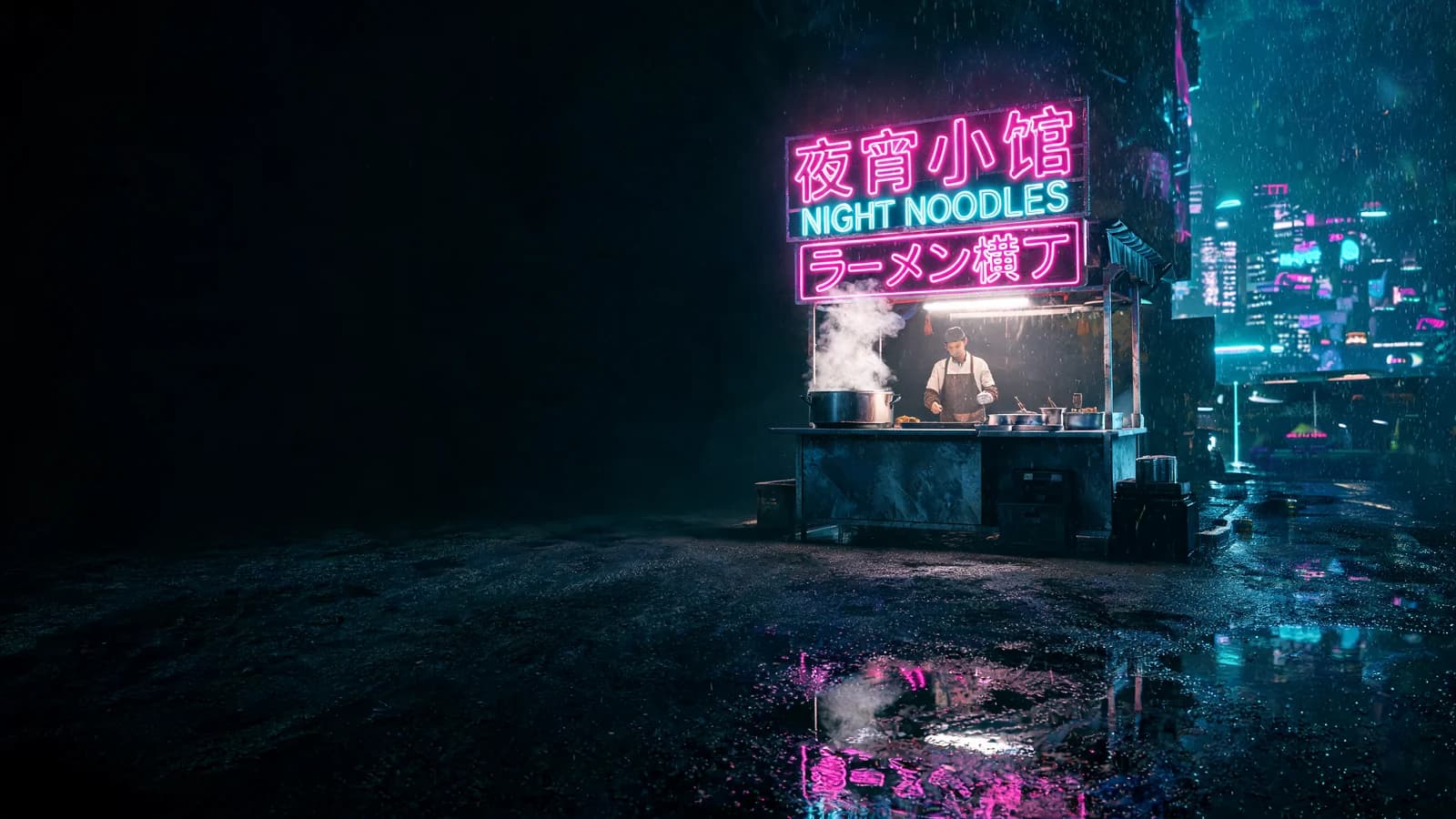
"prompt": "Cinematic wide shot of a lone lighthouse on a rocky coast at blue hour, warm light in the lantern room, waves breaking on the rocks, light mist over the sea",
"aspect_ratio": "2.35:1",
"creativity": "low"
}
}'The create request immediately returns a taskId; image generation continues asynchronously.
FAST TEXT-TO-IMAGE
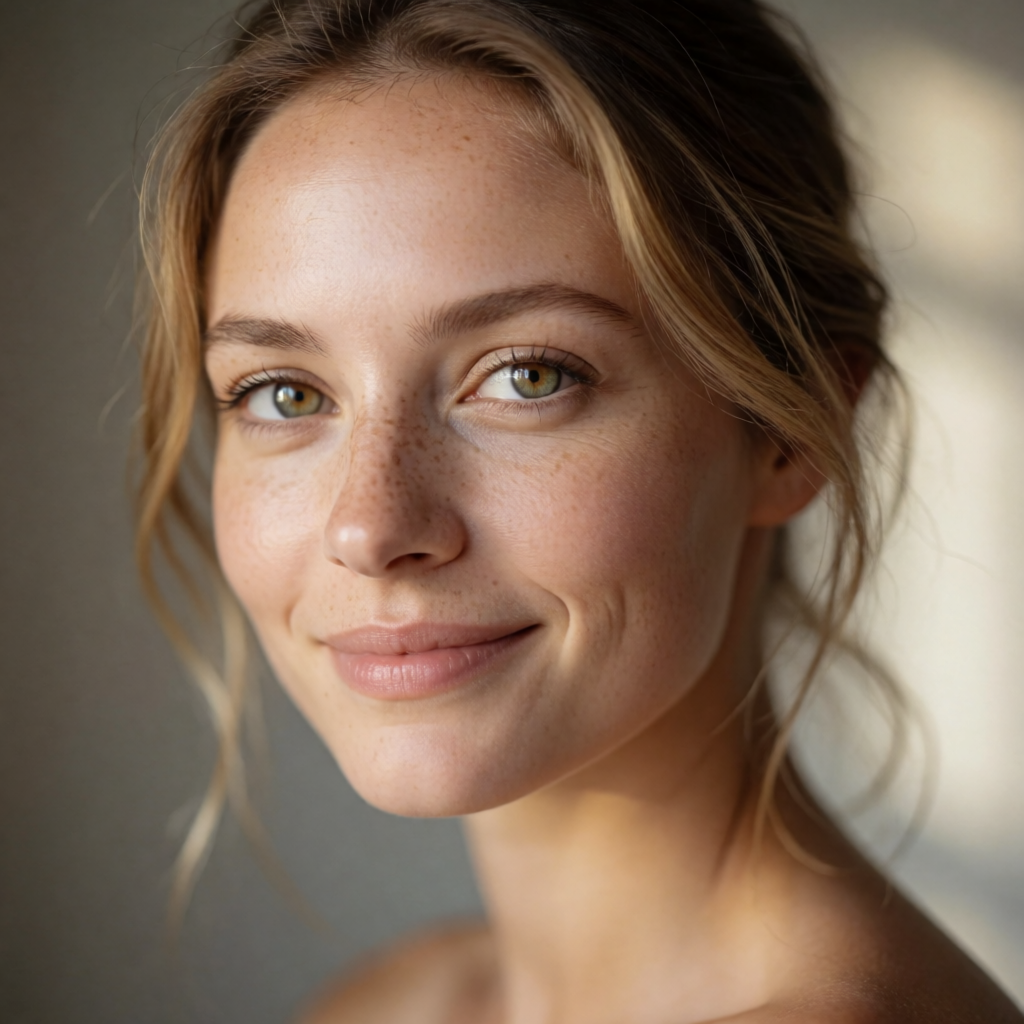
Krea 2 Medium Turbo is Krea's text-to-image model, built for fast, high-fidelity generation. Write a description, pick a ratio and creativity level, and get an image.
FAST TEXT-TO-IMAGE
It offers eight aspect ratios: the common 1:1, 4:3, 16:9 and 9:16, plus a 2.35:1 widescreen frame for cinematic compositions and banners.
The creativity parameter sets how loosely the prompt is interpreted: raw, low, medium or high, from closest to most creative. HiAPI defaults to low. seed is optional and reproduces results when fixed.
Each request returns one image, submitted asynchronously through POST /v1/tasks and billed per output image.
Six ways to use it, each with a generated result, ratio, creativity level and full prompt.
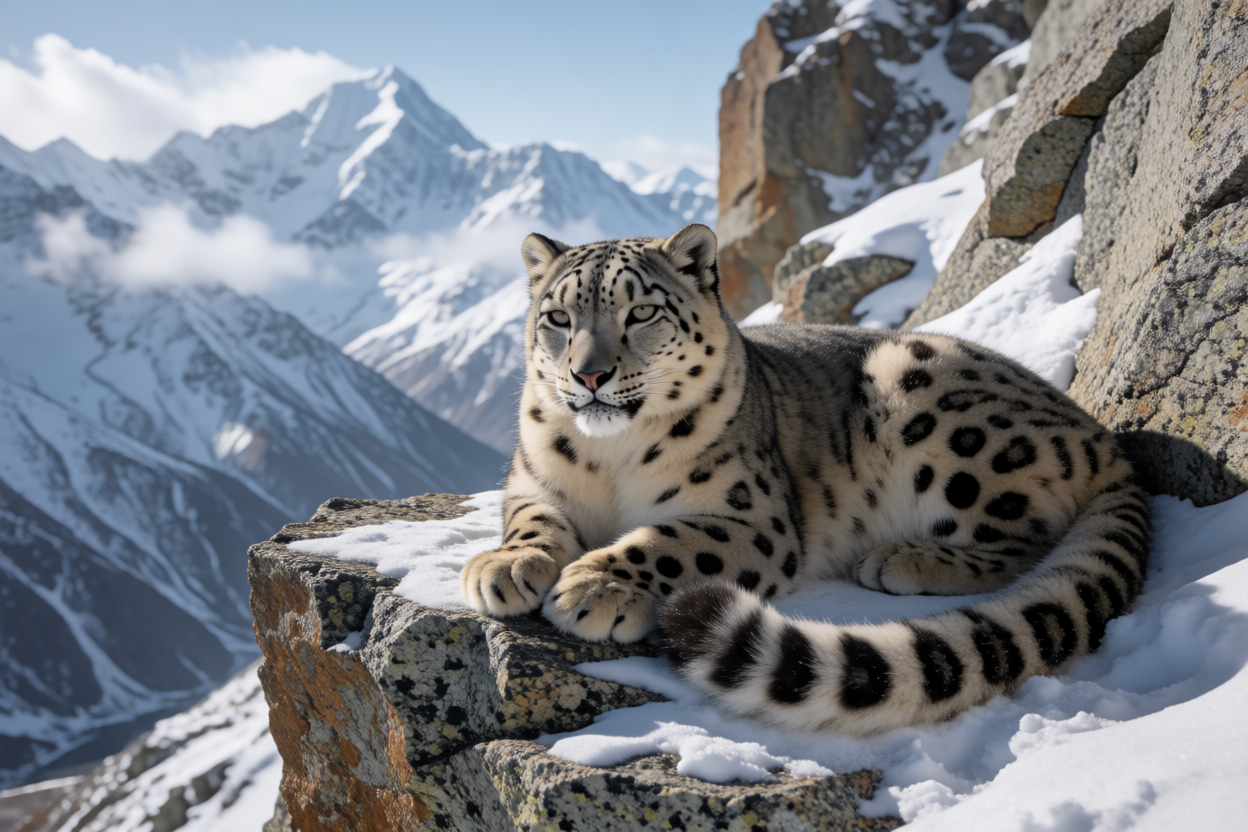
Describe the subject, setting and light in plain language for a photographic result. Spelling out the lens, time of day and weather brings the image closer to what you have in mind.
With creativity at the default low, the image stays close to the description, which suits realistic scenes that must match a brief.
Snow leopard resting on a rocky ledge in the Himalayas, wildlife photography
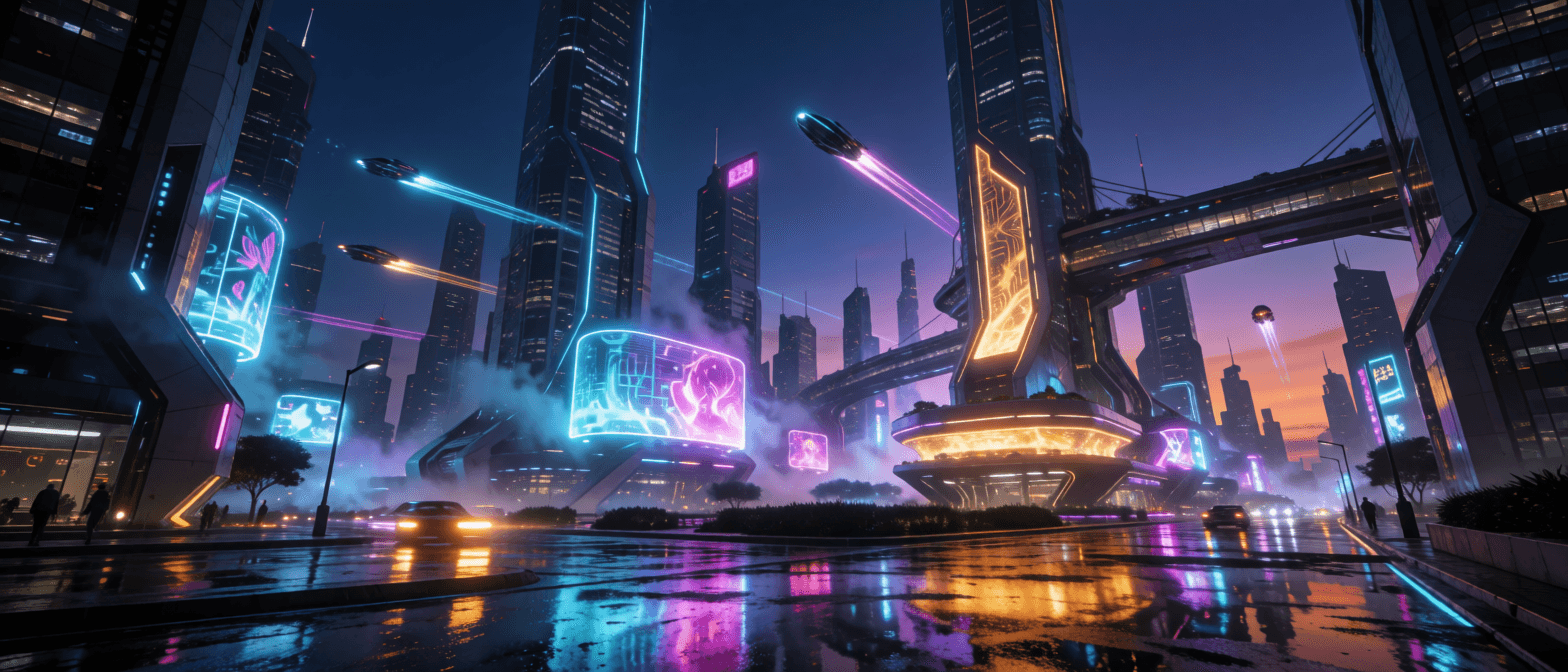
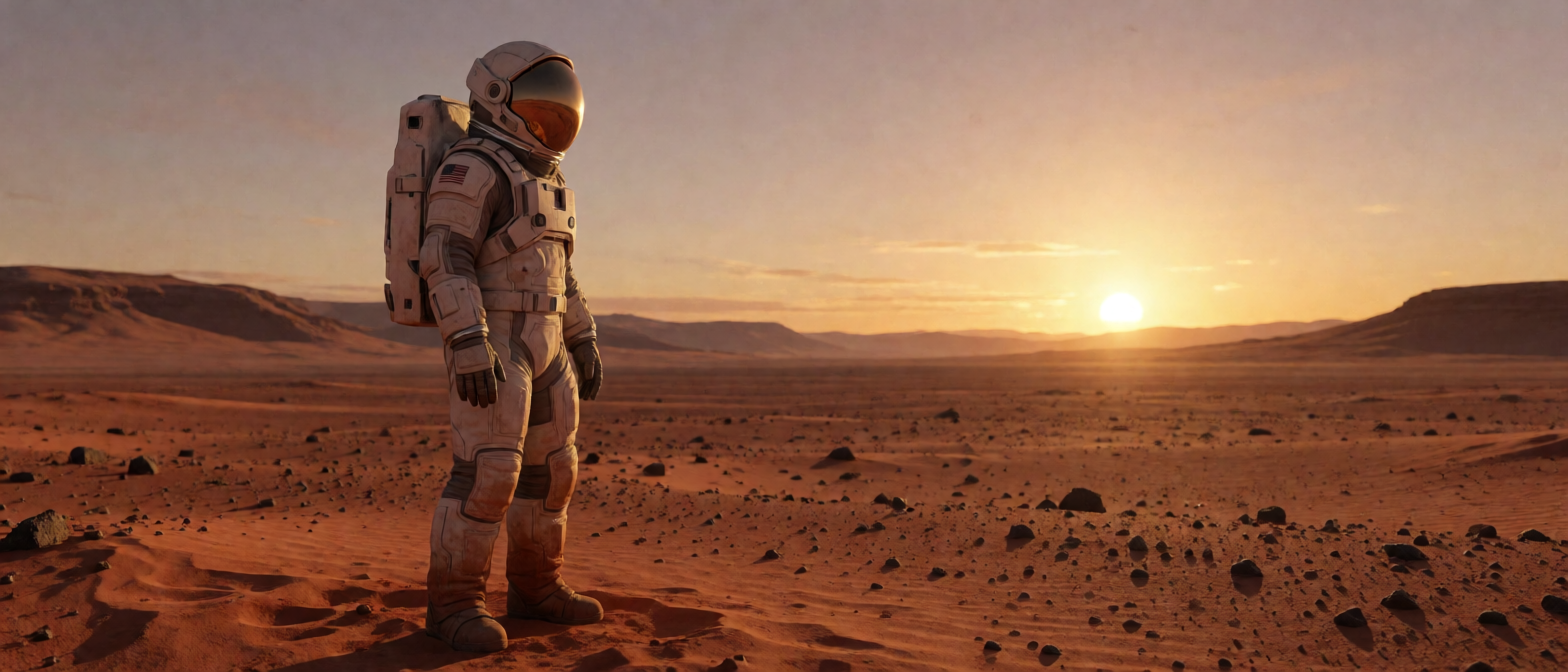
Besides the usual landscape and portrait ratios, it supports a 2.35:1 widescreen frame for cinematic scenes, website banners and video covers.
Add framing words such as "wide shot" or "cinematic" to the prompt and pair them with 2.35:1 to make full use of the horizontal space.
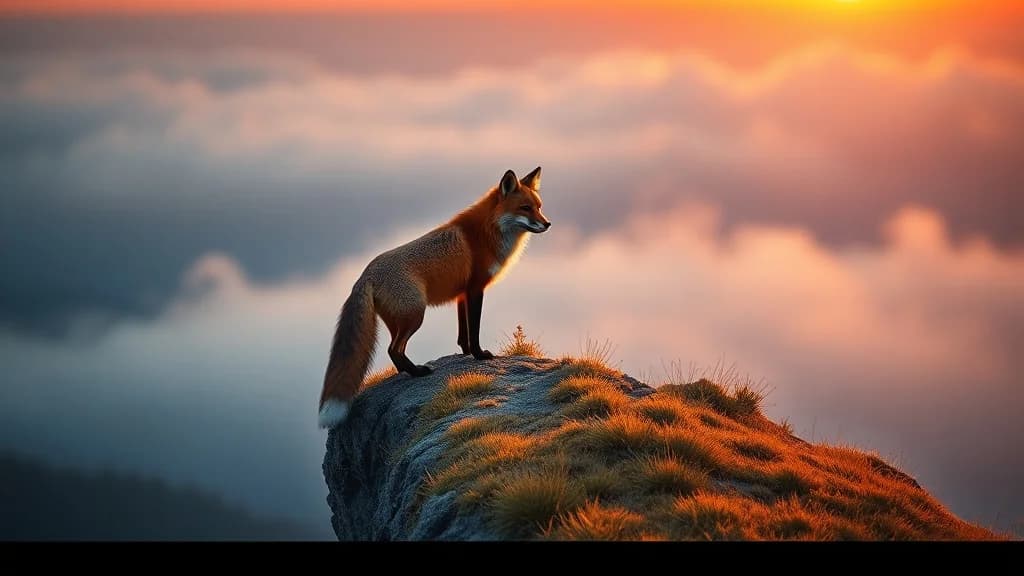
Lone astronaut standing on a red Martian plain at dawn, cinematic
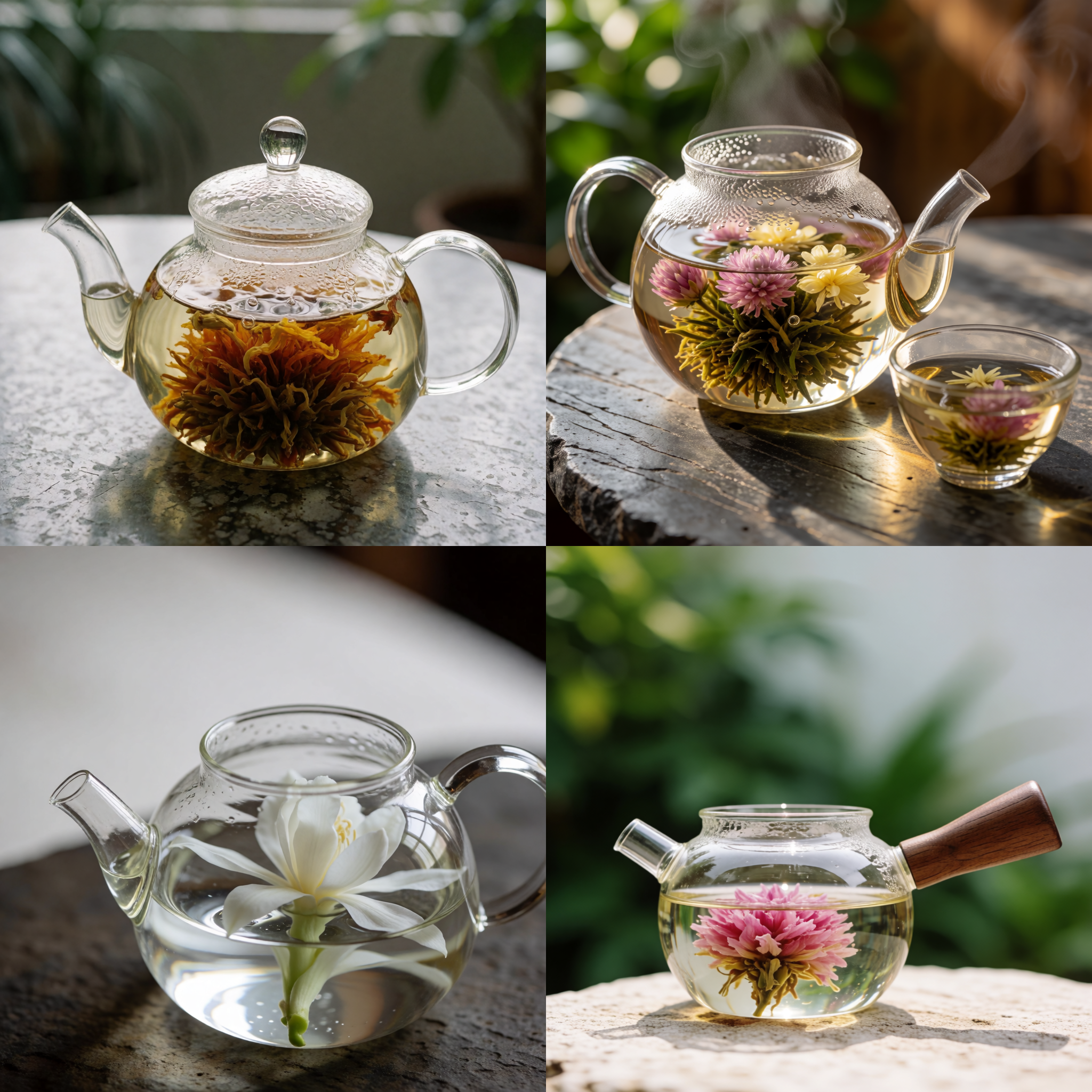
creativity has four levels: raw, low, medium and high. Lower levels stay closer to the prompt; higher levels are more creative and may drift from it.
Keep the seed fixed and change only creativity to compare the four levels side by side, then pick the one that fits before generating at scale.
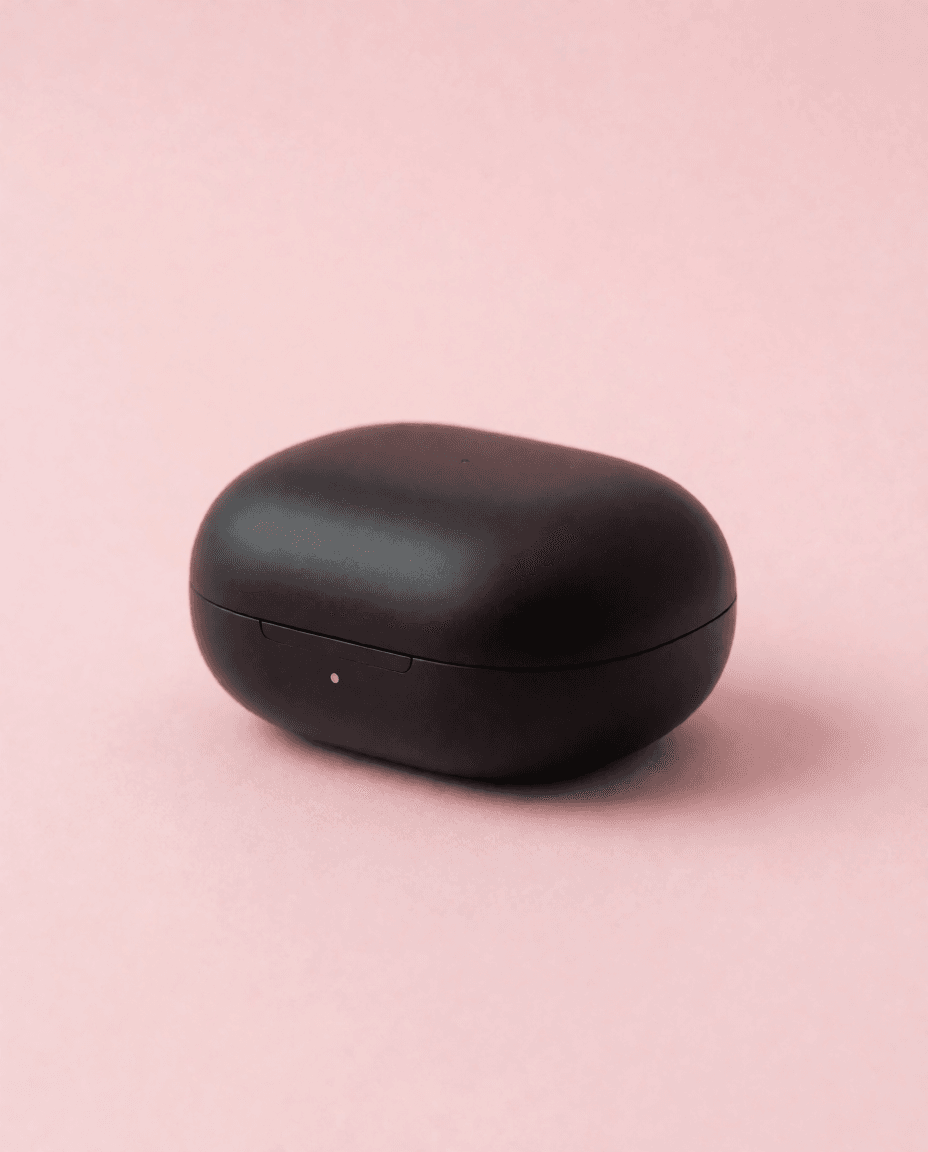
A glass teapot with blooming flower tea on a stone table (seed 12345)
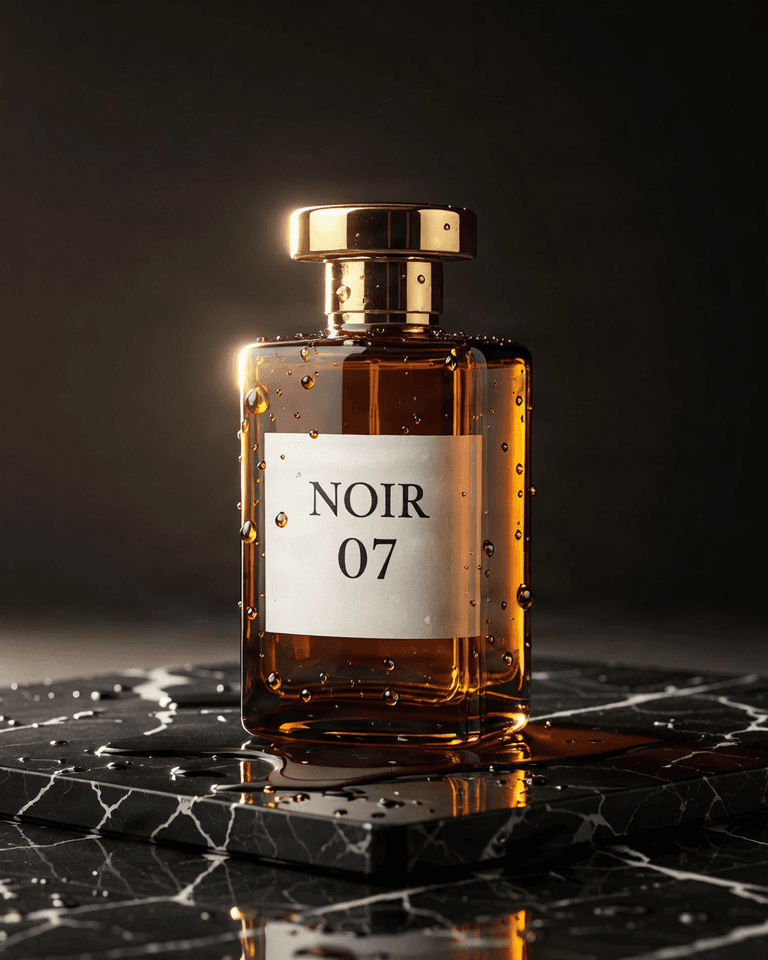
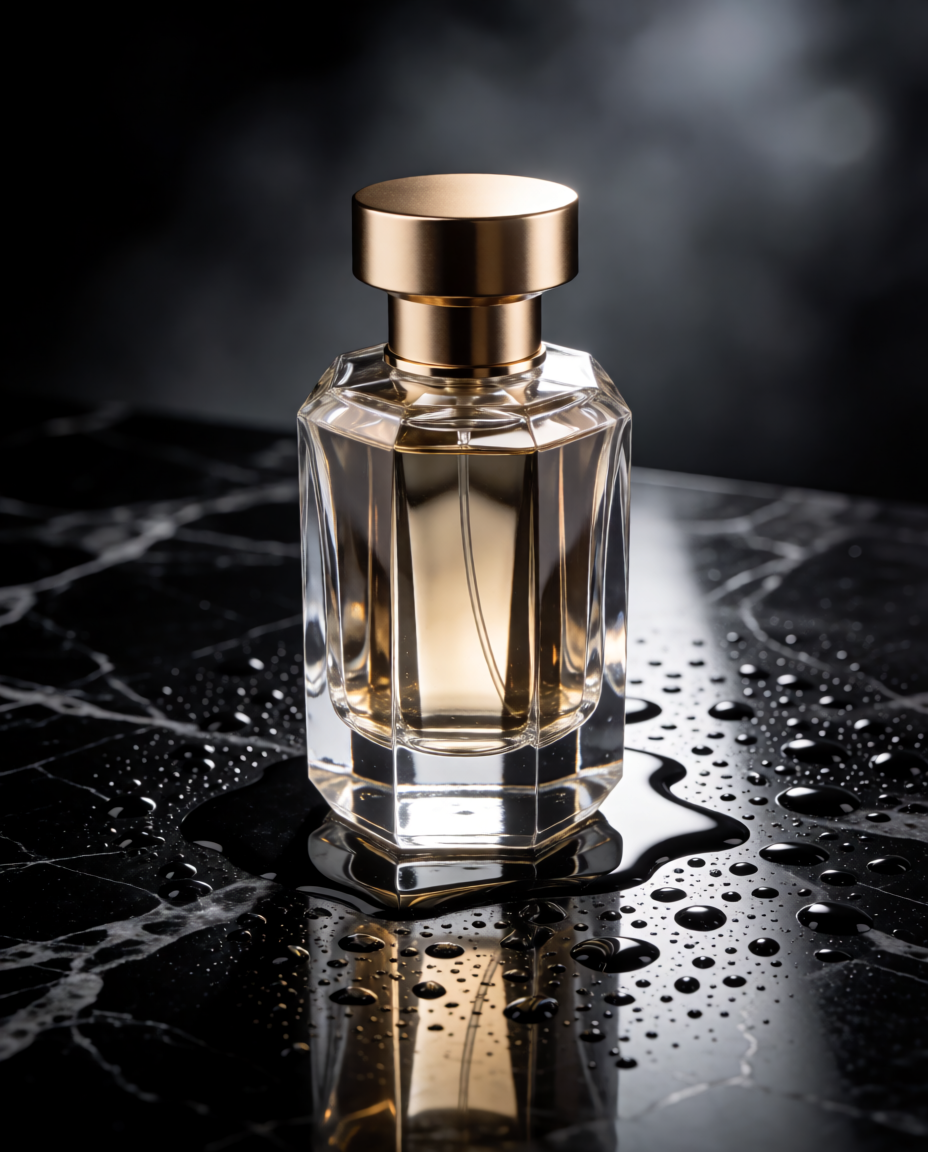
Describe the product, materials, backdrop and lighting to get clean product visuals for exploring directions on product pages or ads.
4:5 and 1:1 suit product listings and social feeds, and switching ratios needs no prompt rewrite.
Luxury perfume bottle on wet black marble with water droplets, product photography
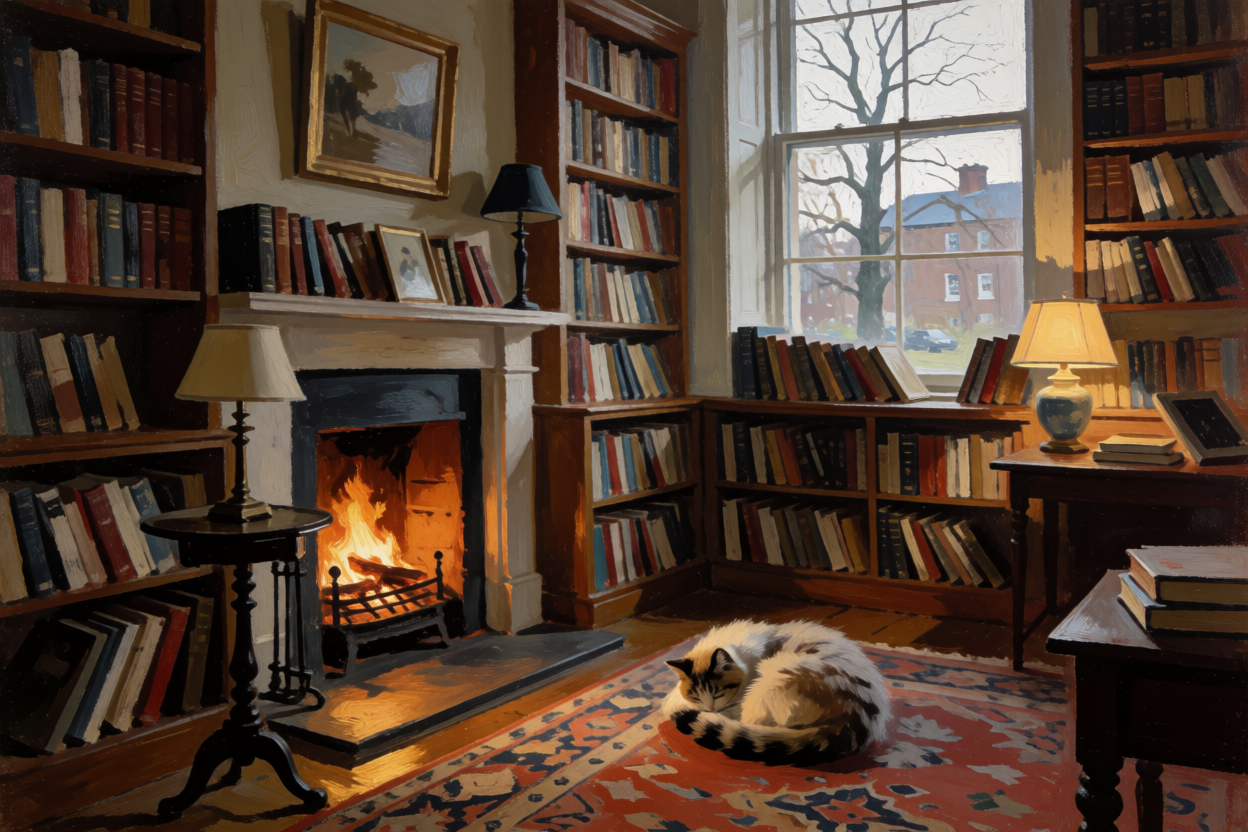
Name a style in the prompt, such as watercolor, flat illustration or oil-paint texture, to generate stylized images.
For bolder composition or color, try raising creativity to medium or high.
Oil painting of a cozy library with a cat sleeping by the fireplace
Vertical ratios such as 9:16 and 2:3 suit short-video covers, phone wallpapers and portrait posters.
Each request returns one image; submit a few with different seeds to get several options.
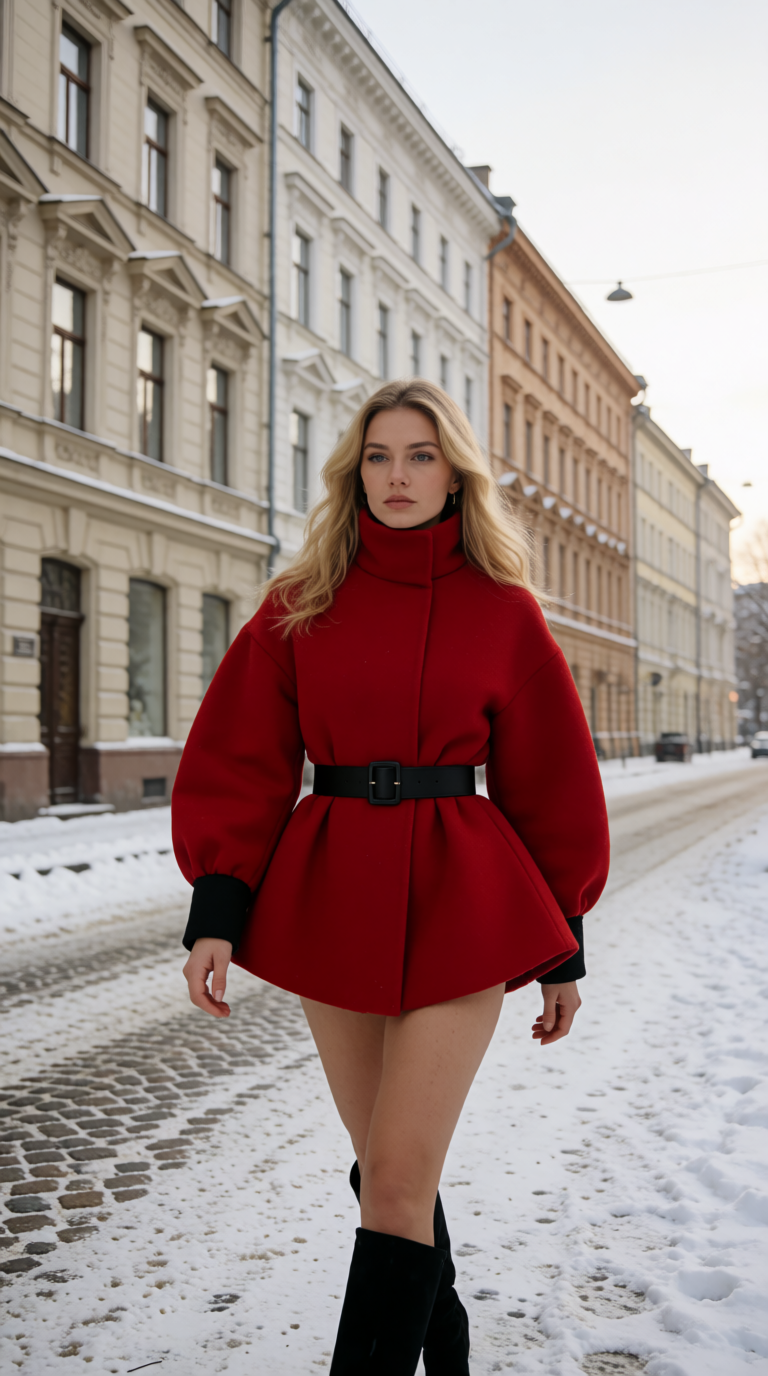
Fashion editorial of a model in a red coat walking through a snowy street
Both are one-image text-to-image models with different controls; choose by the ratios and controls you need.
| Aspect | Krea 2 Medium Turbo | FIBO Gen 1.5 |
|---|---|---|
| Aspect ratios | 8, including 2.35:1 widescreen | 9, including 5:4 and 3:4 |
| Creativity control | raw / low / medium / high | — |
| Seed | Optional, random when omitted | Defaults to 5555 |
| Prompt length | 1–5000 characters | 1–10000 characters |
| Per request | 1 image | 1 image |
Use Krea 2 Medium Turbo for widescreen framing or creativity control; try FIBO Gen 1.5 for photoreal products and in-image text.
Fast output suits repeated prompt tweaks and quick comparison of directions before a final pick.
The 2.35:1 widescreen ratio suits storyboard references, website headers and video covers.
1:1, 4:5 and 9:16 cover feeds, product listings and vertical video covers.
Fixing the seed and creativity keeps results comparable and consistent while you tweak prompts.
Billed per output image, one per request; the ratio and creativity do not change how it is billed. See the live price for the current rate.
Write a description, pick a ratio and creativity in the Playground, then use the same settings through the API.
It turns a text description into a high-fidelity image very quickly, which suits work that needs fast iteration on prompts, such as concept sketches, social visuals and cinematic frames.
aspect_ratio accepts eight values: 1:1 (default), 4:3, 3:2, 16:9, 2.35:1, 4:5, 2:3 and 9:16.
2.35:1 is a common widescreen cinema ratio, suited to cinematic scenes, website banners and video covers that need an extra-wide frame.
creativity controls how loosely the prompt is interpreted: raw, low, medium or high. Lower values stay closer to the prompt; higher values are more creative and may drift from it.
On HiAPI it defaults to low, which keeps results close to the prompt. Switch to medium or high for more variation.
seed is an optional integer. Leave it out for a random result each time; keep the seed and other inputs fixed to reproduce a result and compare prompt or creativity changes.
One image per request; submit several tasks for more.
prompt is required and must be 1–5000 characters.
No. This is a pure text-to-image model driven by the prompt alone. Style reference images, preset styles and moodboards are not offered at this time.
Billing is per output image, one image per request. See the live price on this page for the current rate.
POST /v1/tasks returns a taskId right away. In production set callback.url to receive the completion notice; while debugging poll GET /v1/tasks/:id, then download the image URL from output once the task succeeds.
Yes. Safety screening is on for every generation, and requests that break content rules may fail.
HiAPI Blog