TL;DR
- These 5 Krea 2 Medium Turbo scenarios cover ecommerce, venues, banners, reading illustrations, and product concepts. Each includes a complete prompt and an existing output.
- Each image costs $0.0215; one image for each of the 5 scenarios totals $0.1075. See pricing and budgets.
- The model is available on HiAPI. Links prefill the prompt on the model page; choose the ratio and creativity manually as shown in each caption.
1. Ecommerce: an earbud case on pink
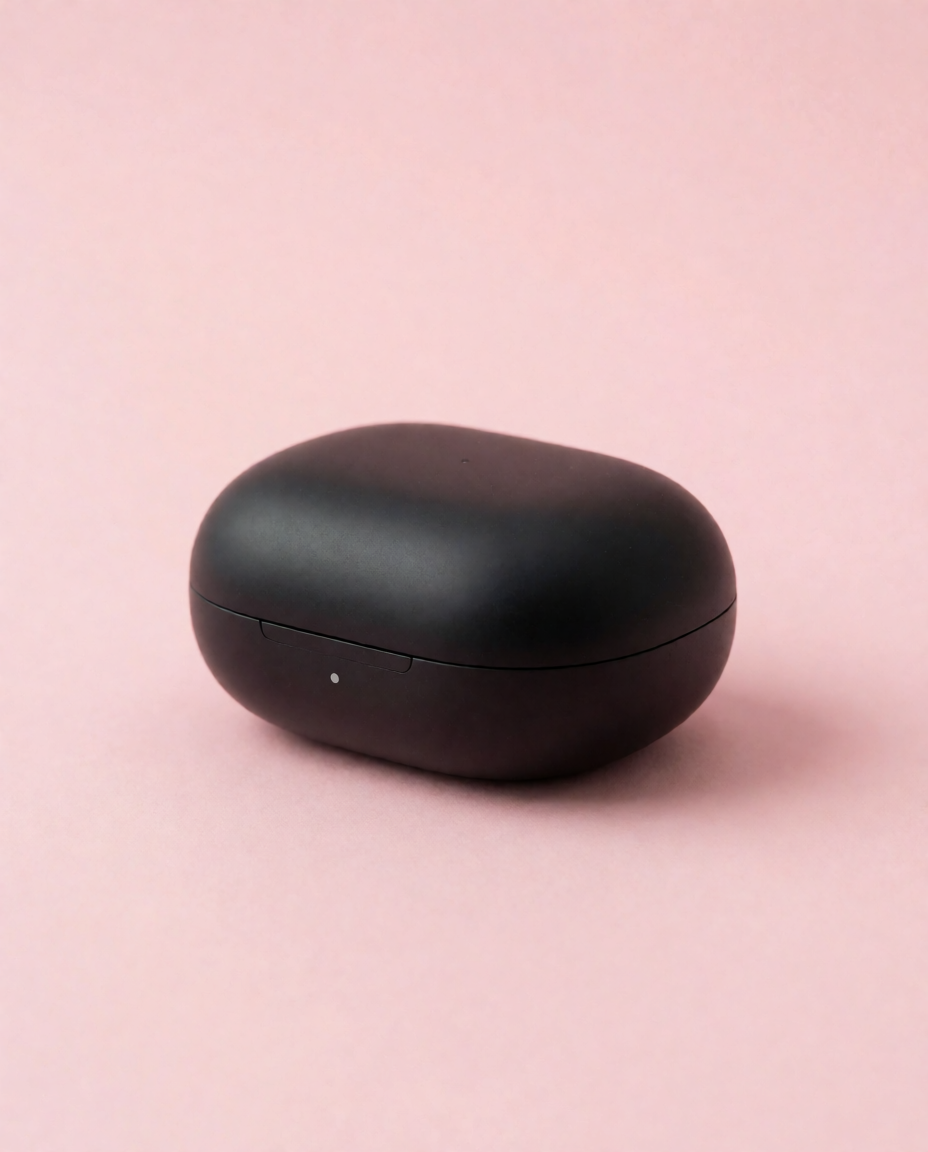
Minimalist product shot of a matte black wireless earbud case on a pastel pink background, studio lighting
Krea 2 Medium Turbo; requested aspect_ratio=4:5, creativity=low; displayed file: 928×1152 PNG; current price: $0.0215 per image.
The black case sits low in the image, leaving a generous pink area above; the prompt specifies matte material, background color, and studio lighting. When adapting it, keep those three choices and change the subject first, then check the silhouette and space available for your layout.
2. Venue introductions: a Scandinavian cafe
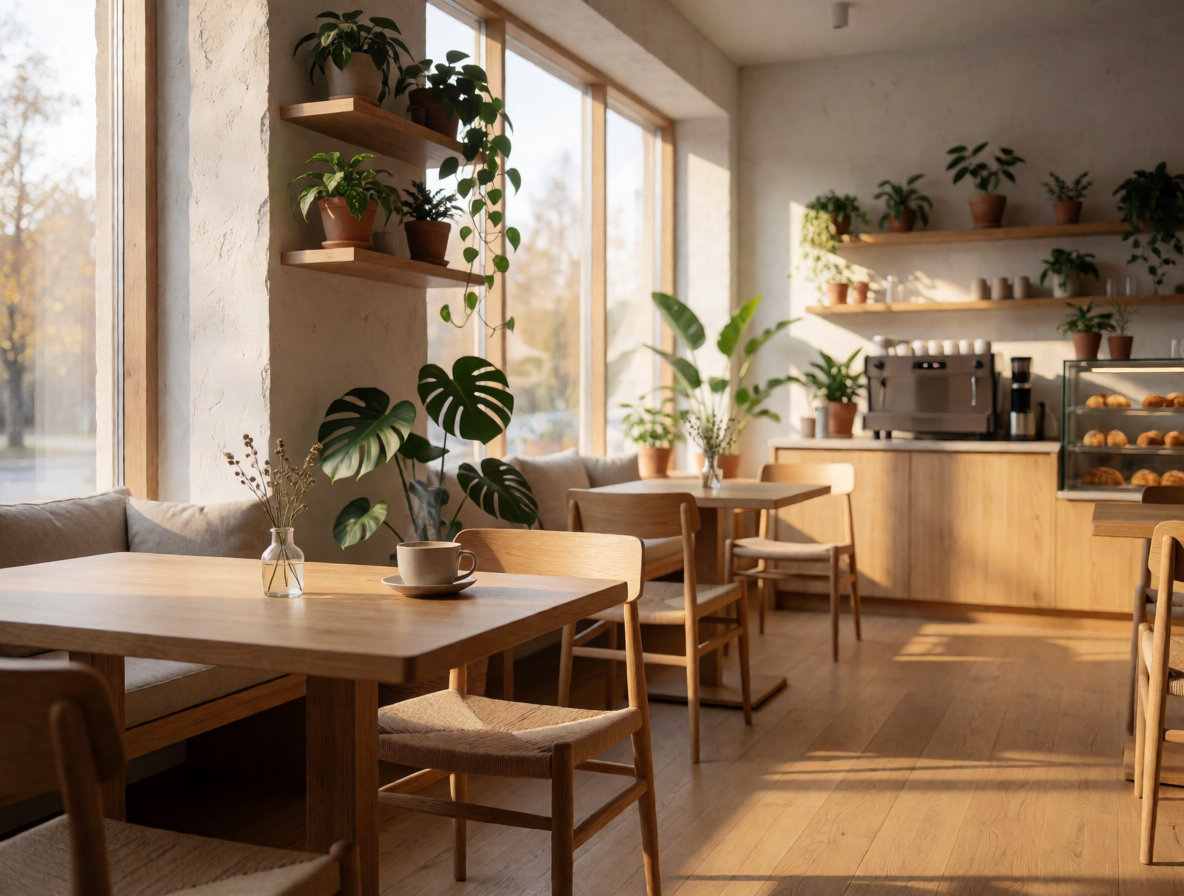
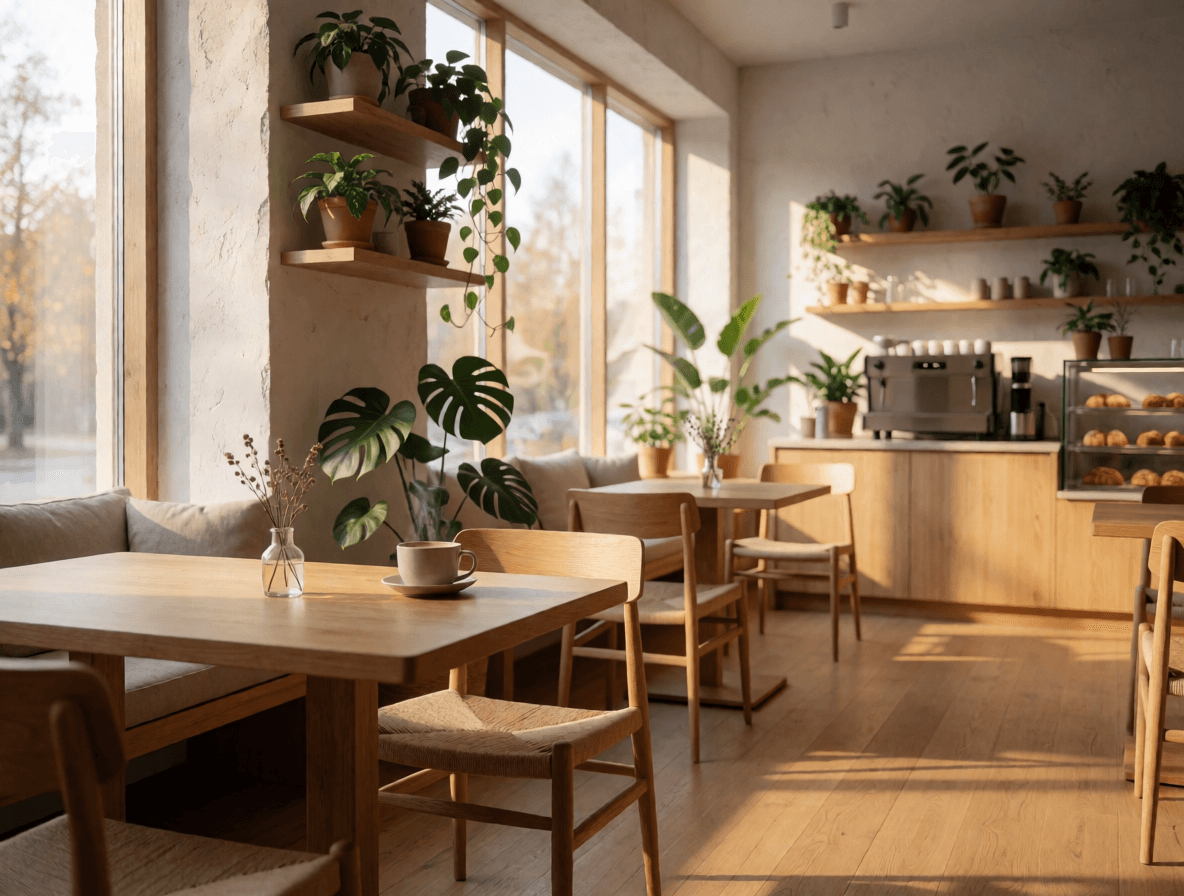
Cozy Scandinavian cafe interior at morning, warm sunlight through windows, wooden tables, plants
Krea 2 Medium Turbo; requested aspect_ratio=4:3, creativity=low; displayed file: 1184×896 PNG; current price: $0.0215 per image.
Window light from the left falls across wooden tables and the floor, with plants connecting the space; morning, wood, and greenery establish a consistent mood. For a conceptual venue illustration, add a camera position when adapting the prompt; use actual photographs when presenting the real premises.
3. Website banners: a neon skyline
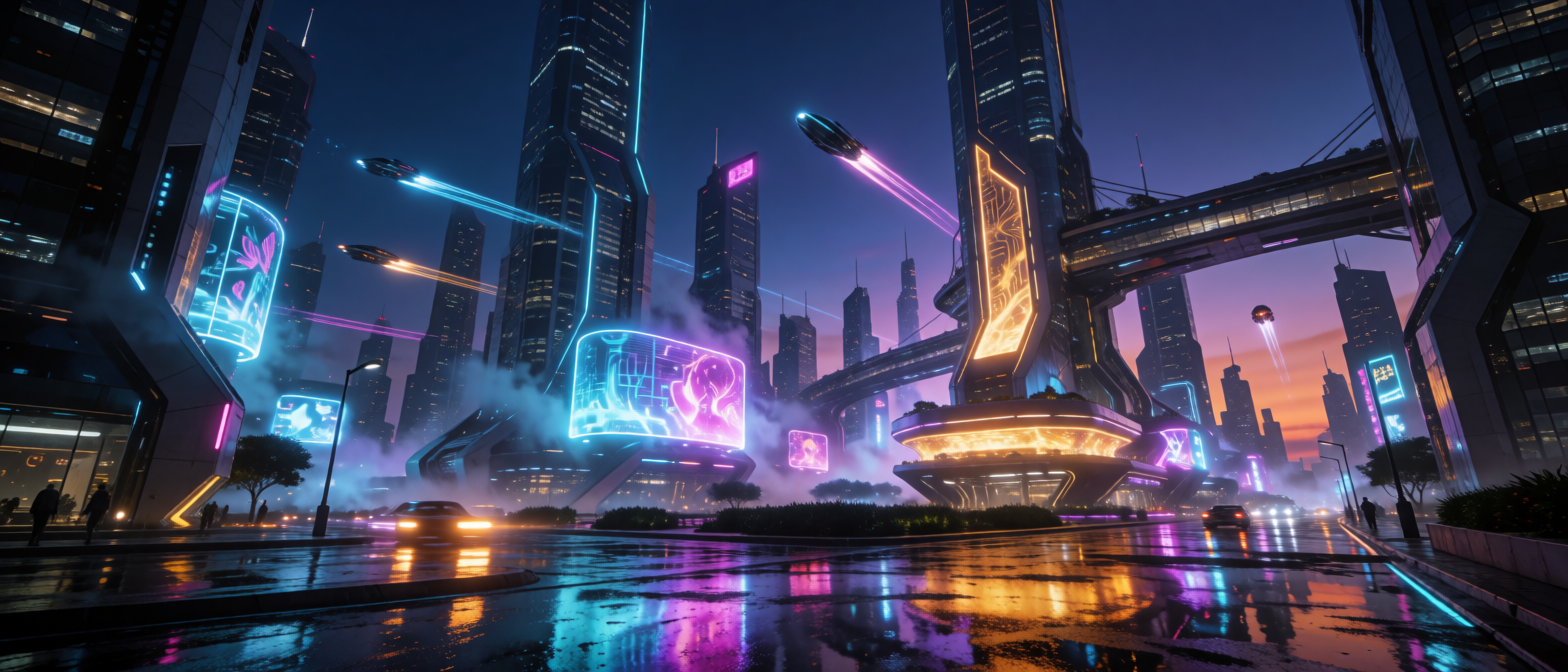
Futuristic city skyline at dusk, neon reflections on wet streets, cinematic widescreen
Krea 2 Medium Turbo; requested aspect_ratio=2.35:1, creativity=low; displayed file: 1568×672 PNG; current price: $0.0215 per image.
Towers and elevated passages extend across the wide frame while the street carries blue, purple, and orange reflections; the prompt ties together time, light sources, and a reflective surface. Check contrast where the headline will sit, and specify a left- or right-weighted subject in a later revision if needed.
4. Reading illustrations: a fox under an autumn tree
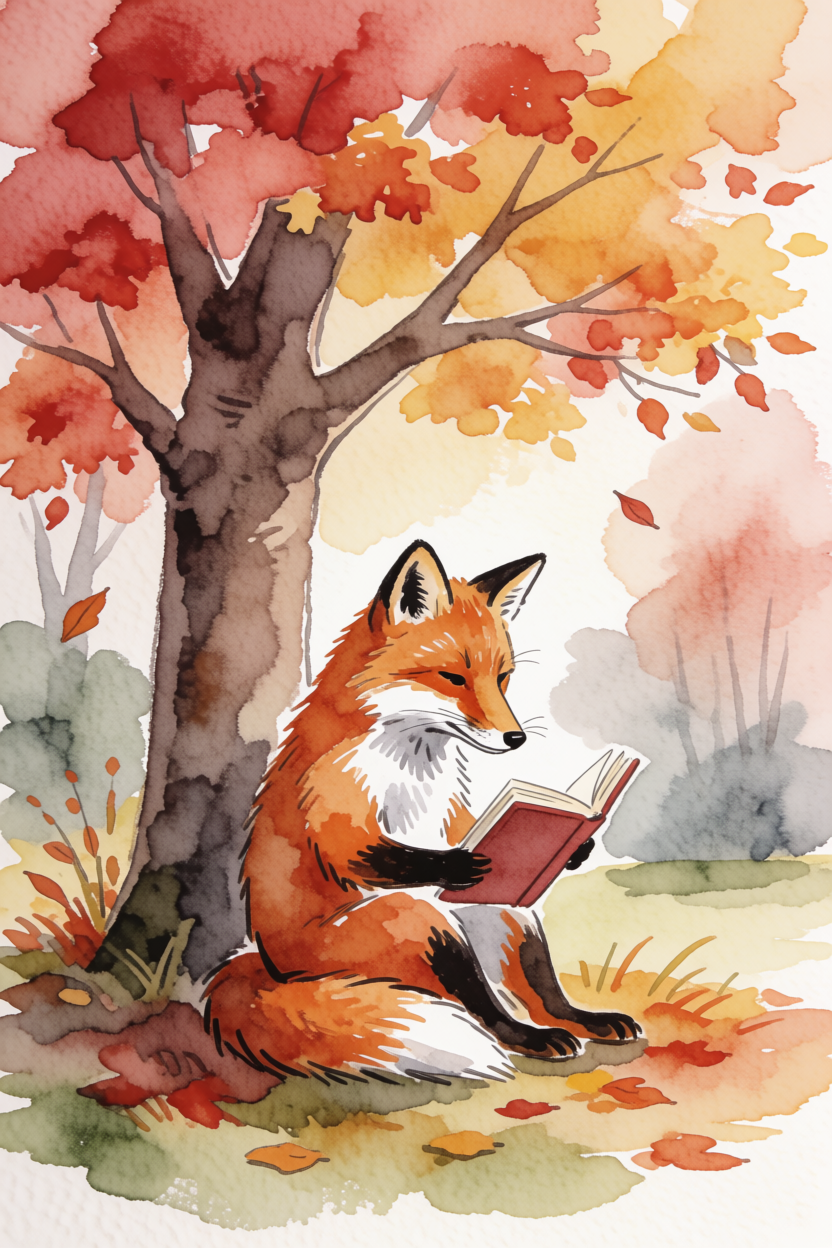
Watercolor illustration of a fox reading a book under an autumn tree
Krea 2 Medium Turbo; requested aspect_ratio=2:3, creativity=medium; displayed file: 832×1248 PNG; current price: $0.0215 per image.
Red and yellow foliage occupies the top of the frame, while the fox holds a book below; watercolor edges and areas of exposed paper are visible. The description combines medium, subject action, and a seasonal setting; keep a clear action when substituting another character.
5. Product concepts: perfume, stone, and leaf shadows
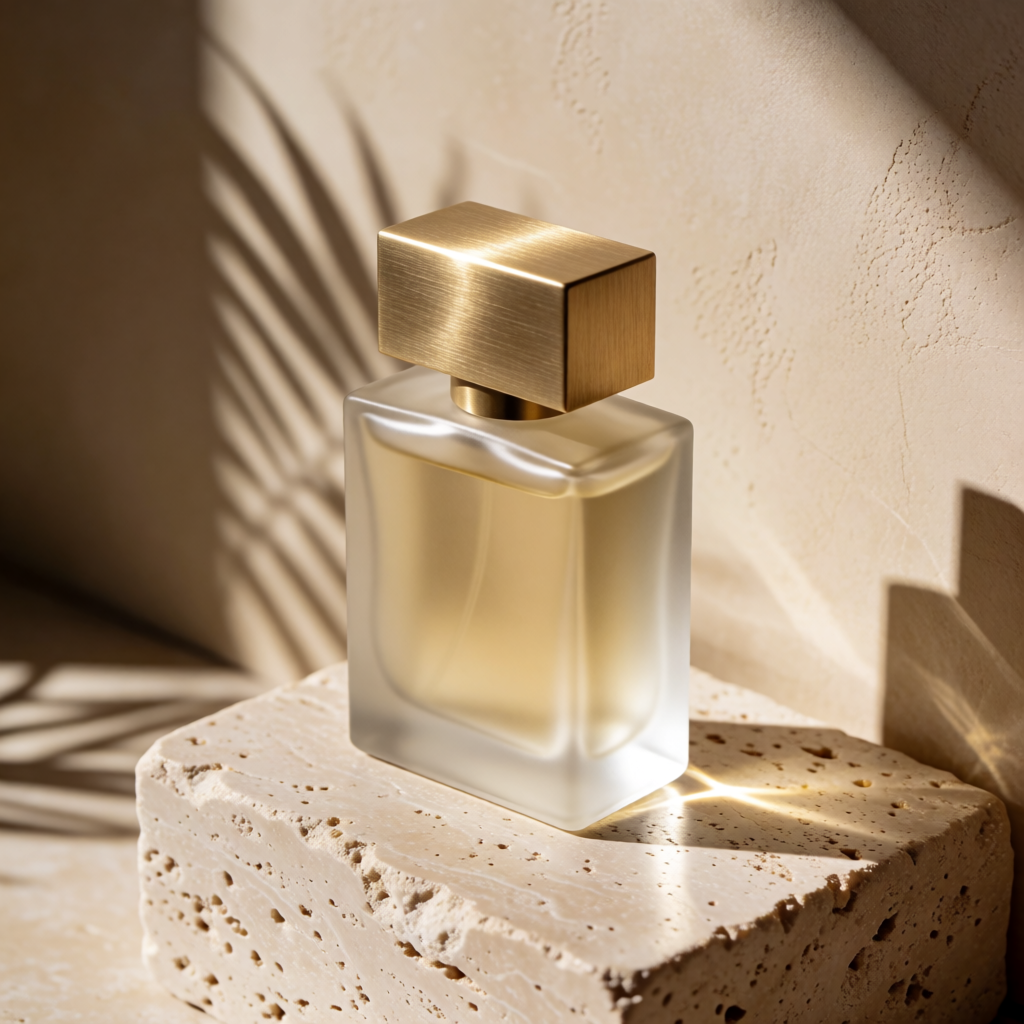
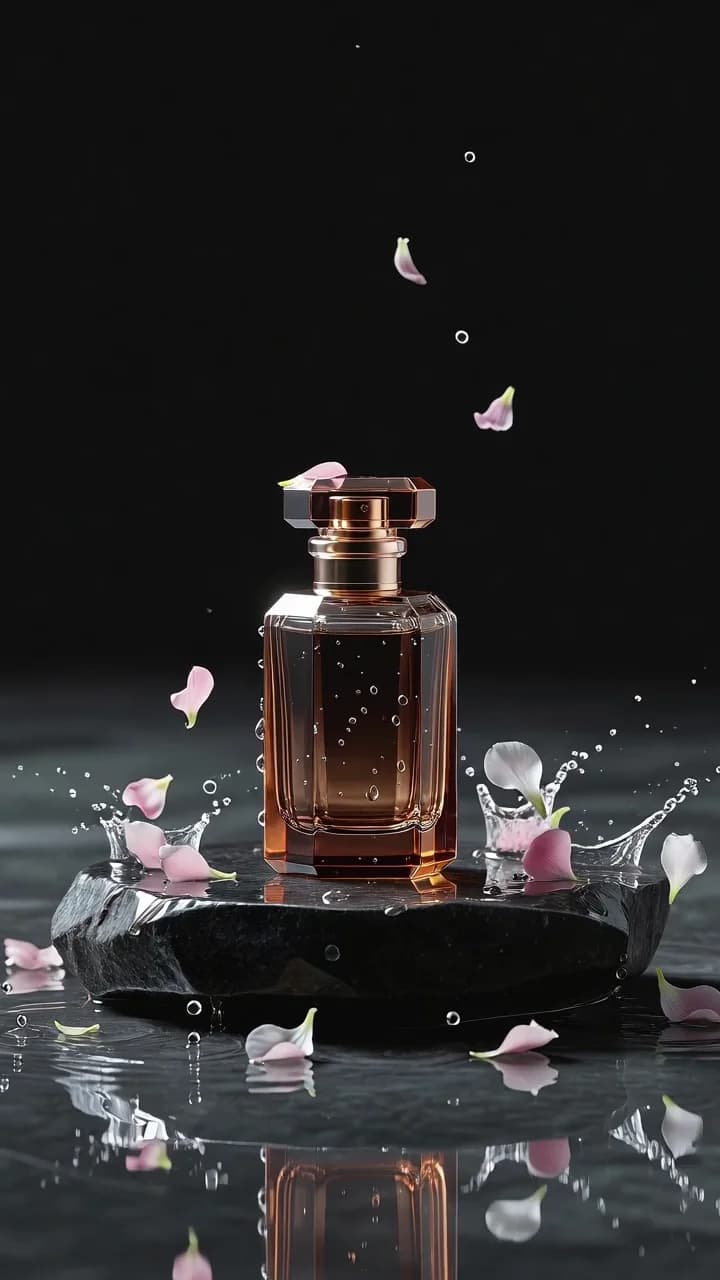
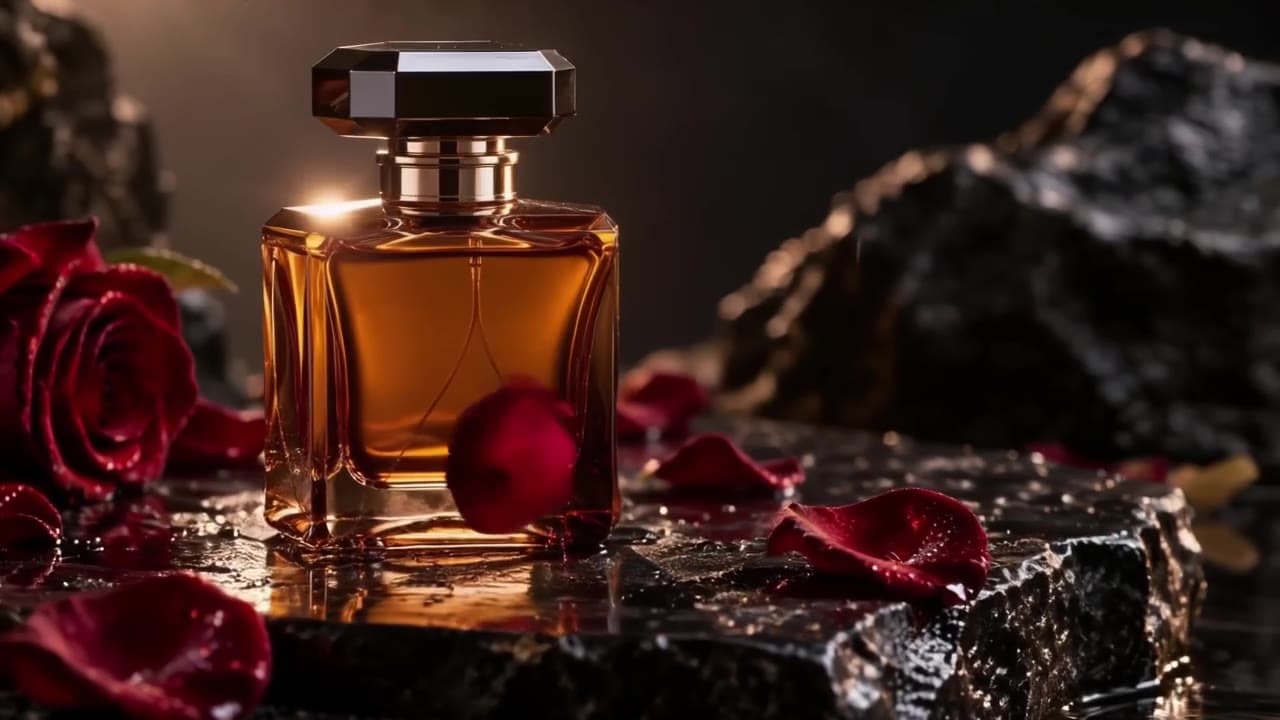
Studio product photograph of a frosted glass perfume bottle with a brushed brass cap standing on a block of travertine, hard afternoon sunlight casting a long palm-leaf shadow across a warm beige wall, crisp reflections, high-end editorial look
Krea 2 Medium Turbo; requested aspect_ratio=1:1, creativity omitted/default low; seed omitted; displayed file: 1024×1024 PNG; current price: $0.0215 per image.
A rectangular metal cap and an angled glass bottle form the center of attention, surrounded by porous stone and leaf shadows. The original prompt leaves cap shape open; specify and inspect it when the product has a required silhouette, and treat the result as a concept rather than an exact reproduction of a physical item.
How should you adapt these prompts?
- Replace the subject and intended use first, keeping the selected materials, lighting, or illustration style.
- Add composition instructions: subject placement, camera angle, and space for layout. Select aspect ratio separately in the controls.
- Change one important condition at a time and save chosen images with their inputs. Add exact headline text during layout if needed.
For application integration, follow the submission and result-query tutorial. To budget for several rounds of candidates, use the pricing and budget guide.
FAQ
Does the link automatically set ratio and creativity?
It prefills the complete prompt only. Select ratio and creativity from the caption before generating.
Why does the Chinese page keep English prompts?
The code blocks preserve the complete English inputs associated with these images. Chinese explanations describe the use case and ways to adapt it.
Does changing creativity to high cost more?
No. All four settings share one image price. The setting changes interpretive freedom; inspect the resulting image for suitability.
Can these images stand in for real product or venue photographs?
Concept illustrations help explore composition and atmosphere. Use actual photographs when accurate representation matters, and check product shape and spatial layout.
Choose the example closest to your page's purpose. For a vertical product illustration, Generate with this prompt → and select 4:5 with low.