TL;DR
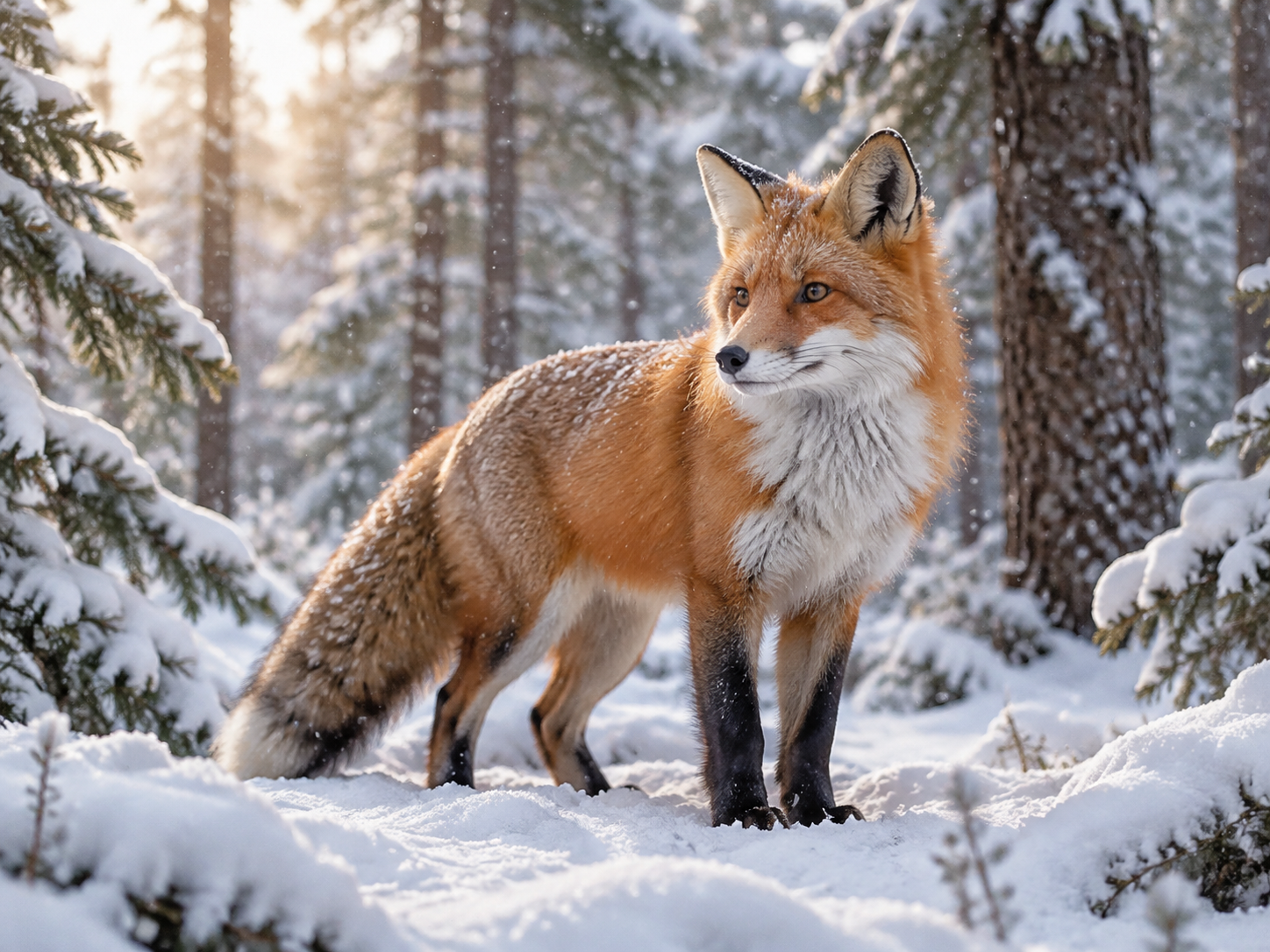
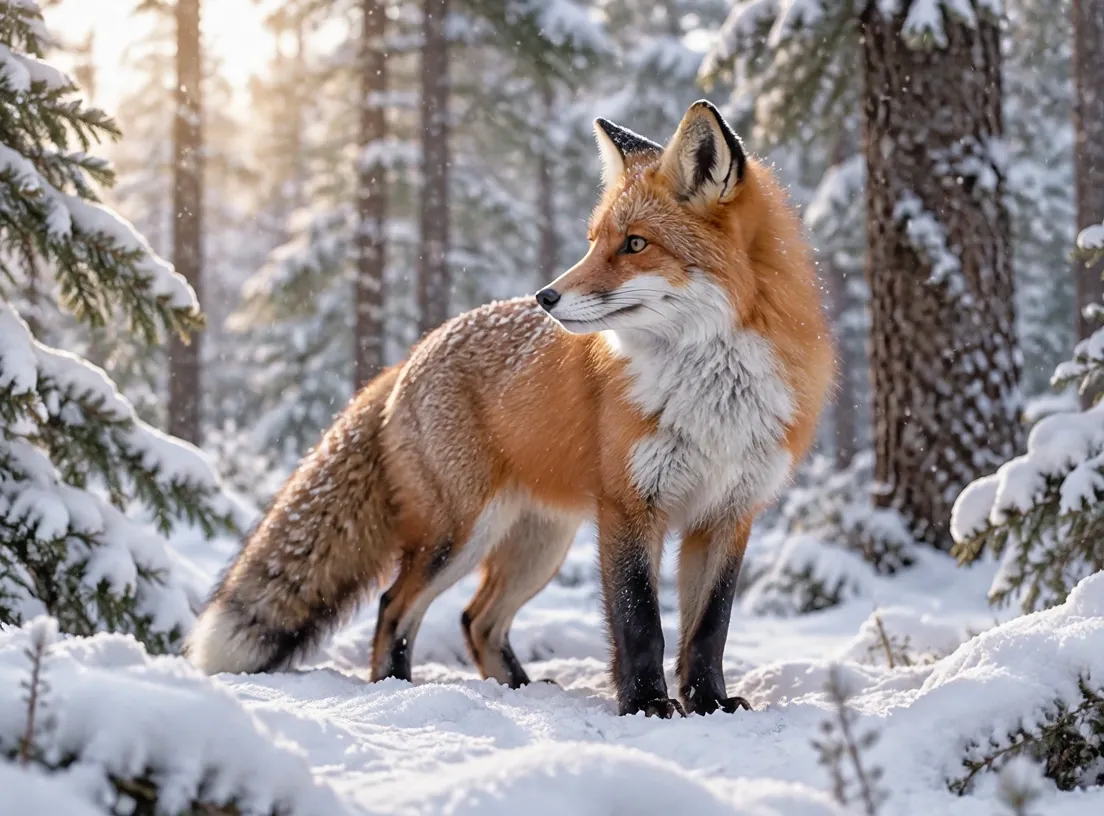
- 4 ready-to-use image-to-video scenes: a surfer tracking shot (16:9), a vertical latte close-up (9:16), a square product ripple (1:1), and a red fox in snow (4:3) — showing exactly how the aspect follows the input image. All real
grok-imagine-1.5-lite/image-to-videoclips (720p, 6 s, $0.273 incl. the image fee, sound included). - Each scene lists the input image, the prompt, and a pre-fill link. Code lives in the API guide.
- New accounts get 200 credits; generating from scratch is in the text-to-video prompt guide.
Scene 1: Surfer tracking shot (16:9 photo)
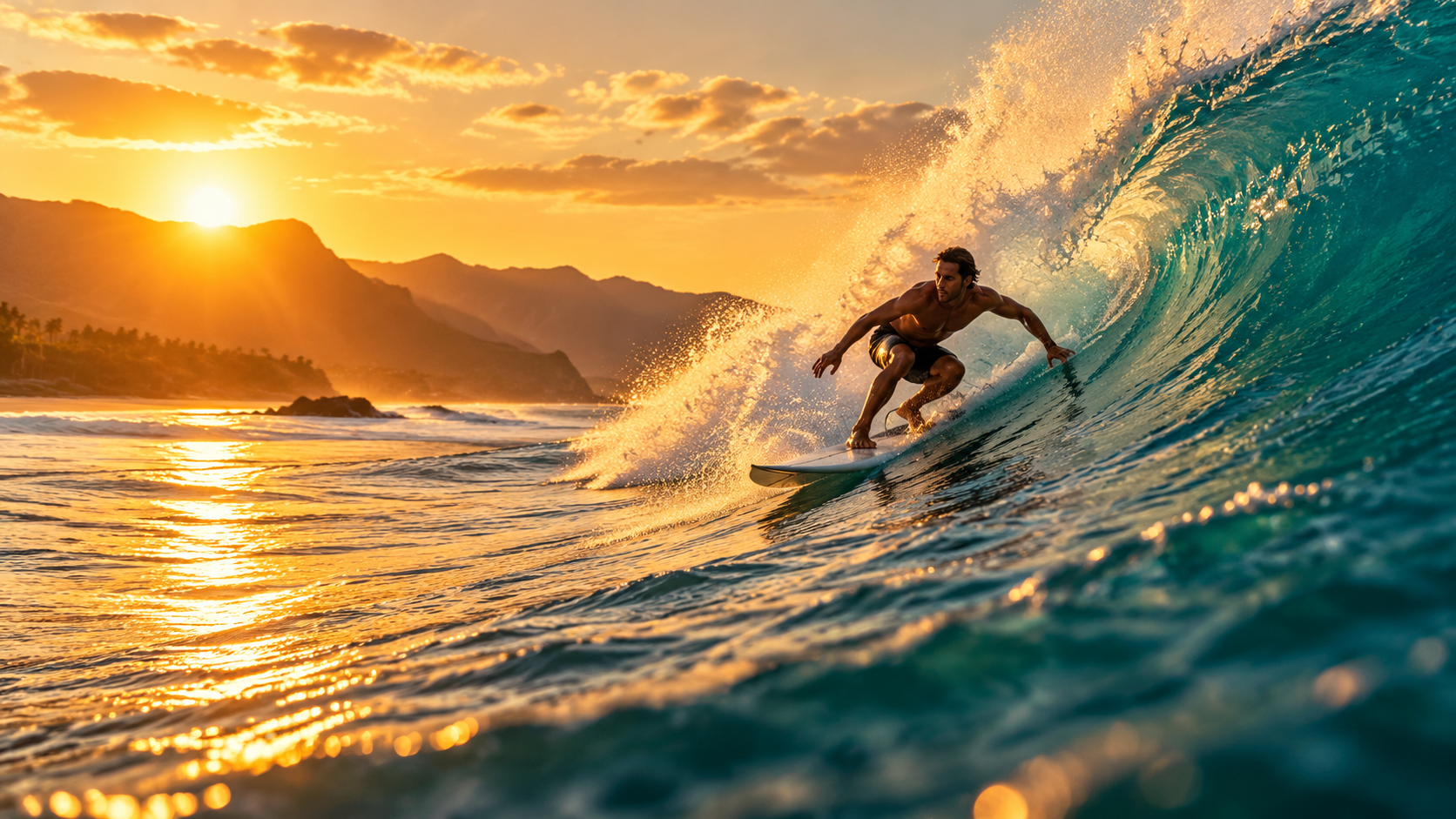
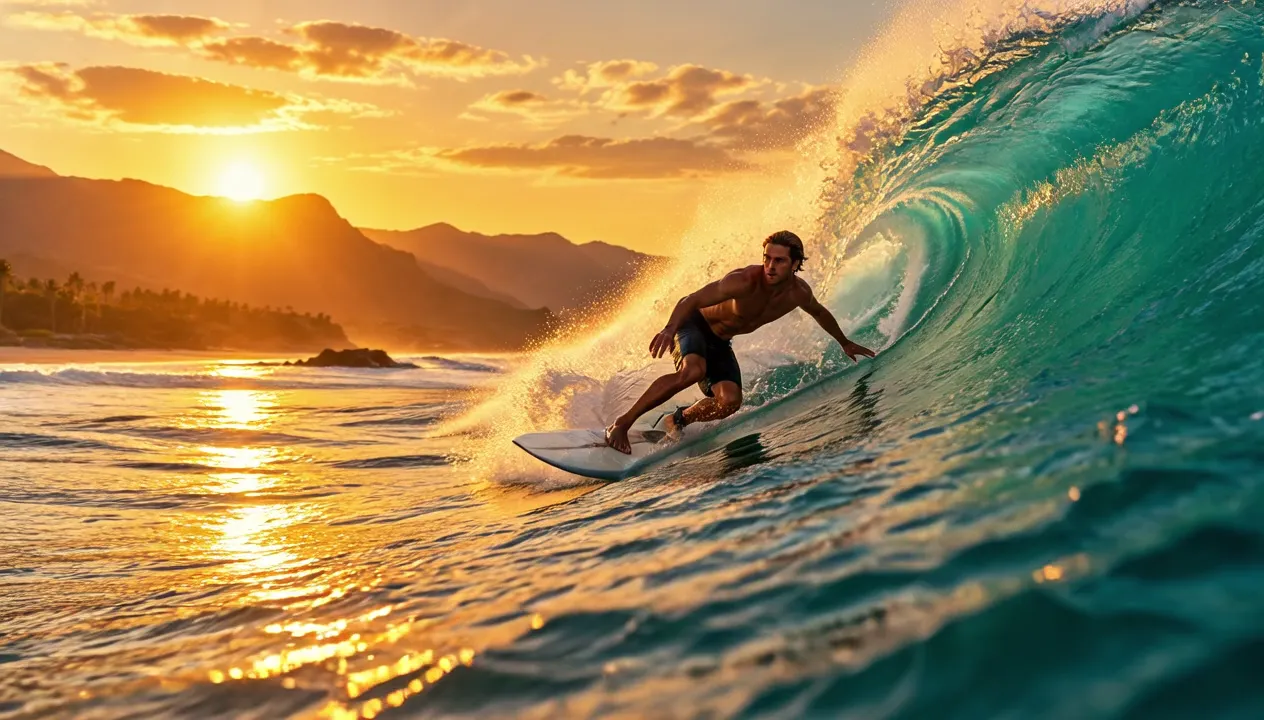
Input image · Poster frame · Watch the full clip →
The wave curls and breaks behind the surfer as he carves down its face, white spray bursts and sparkles in the golden backlight, water rushes past. Smooth tracking camera following the surfer. Loud ocean surf and rushing water. Keep the photo realistic. No text, no logos.
grok-imagine-1.5-lite/image-to-video, 720P, 6 s, 16:9, 1264×720, $0.273 (incl. $0.015 image fee).
How to write it: leave the subject to the photo; write how the environment moves, how the camera follows, and what it sounds like. "Keep the photo realistic" locks the photoreal look.
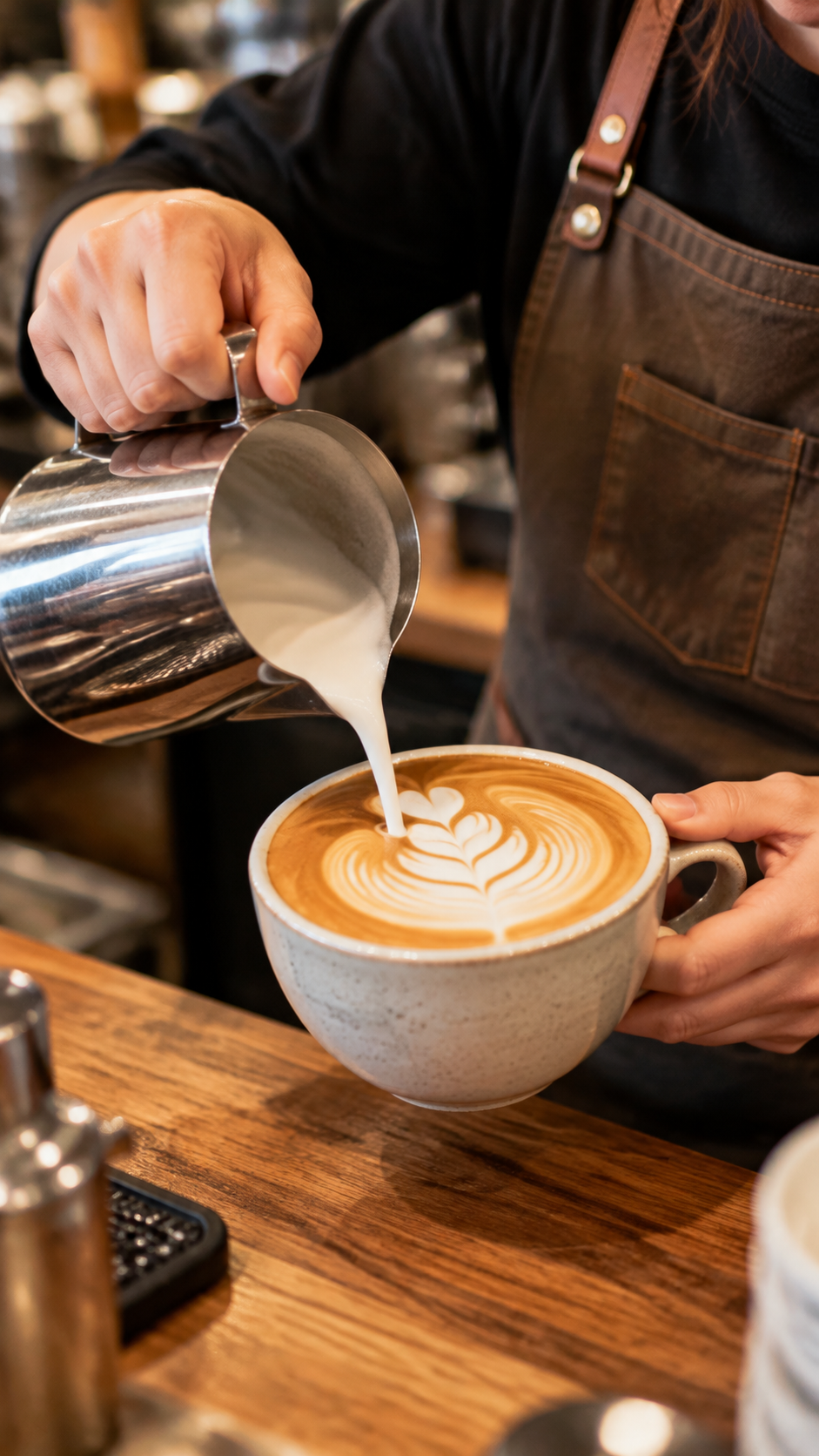
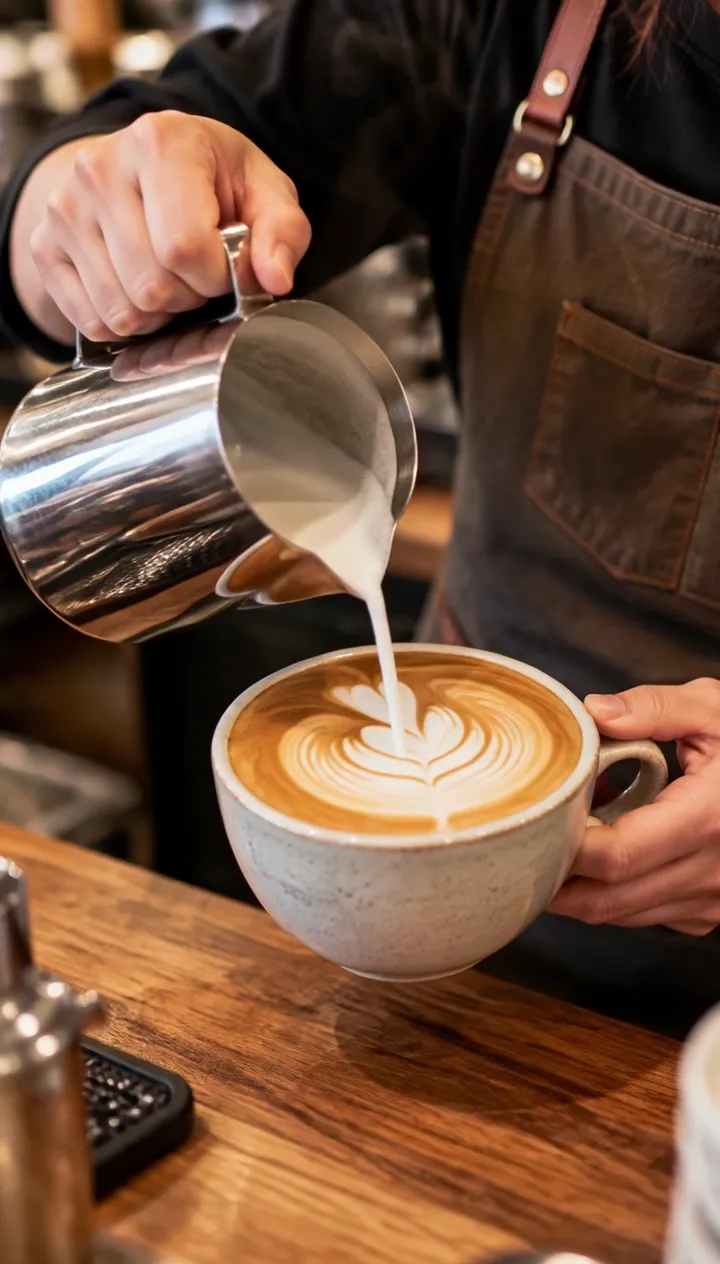
Scene 2: Vertical latte close-up (9:16 photo)
Input image · Poster frame · Watch the full clip →
Steamed milk pours in a thin stream into the espresso and a rosetta pattern slowly blooms on the surface, light steam rises, the barista's hand moves steadily. Slow push-in close-up. Soft cafe ambience, gentle pouring sound, quiet chatter in the background. No text, no logos.
grok-imagine-1.5-lite/image-to-video, 720P, 6 s, 9:16, 720×1264, $0.273.
How to write it: for hand close-ups, write how the hand moves and how the liquid flows; ambience (pouring, murmurs) warms the frame.
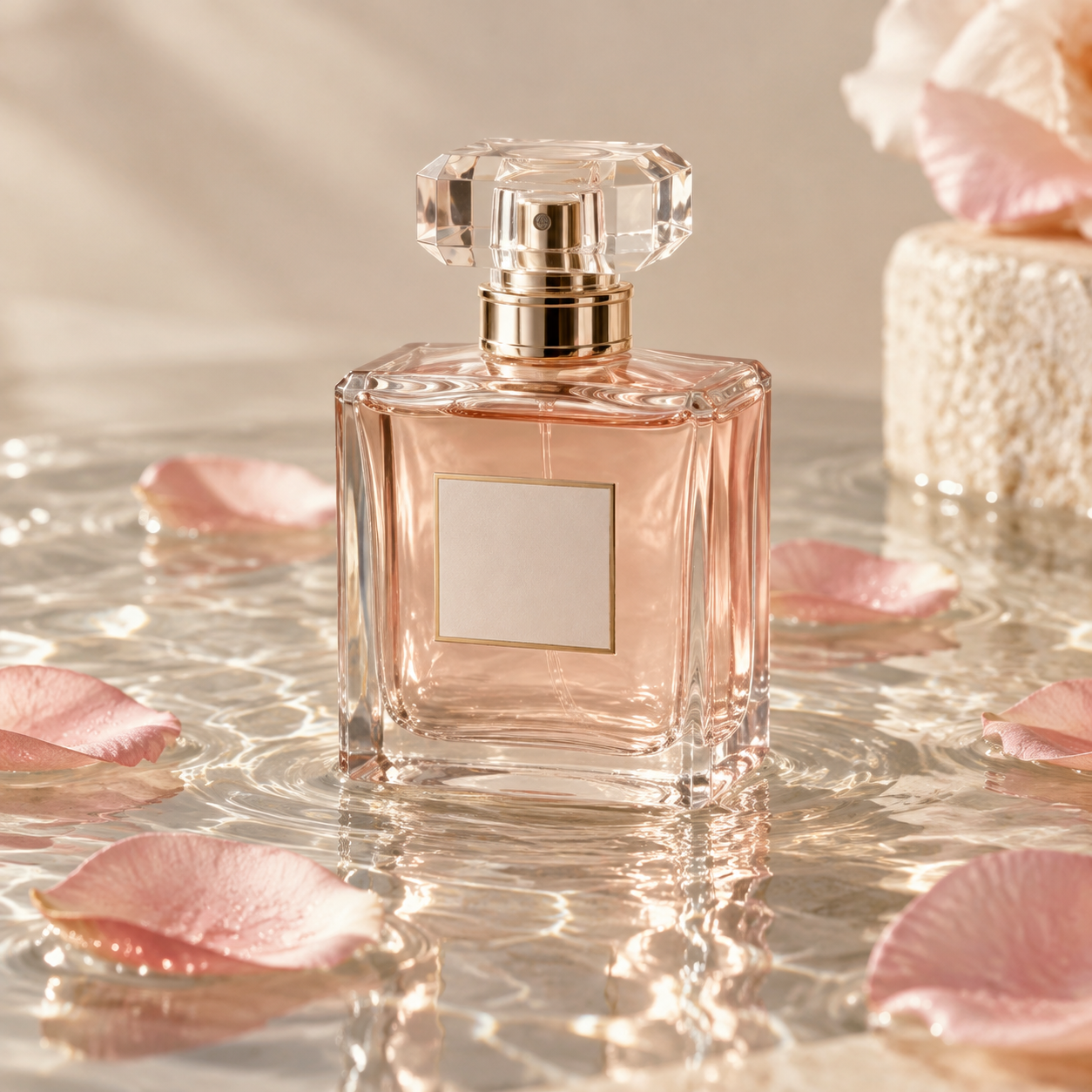
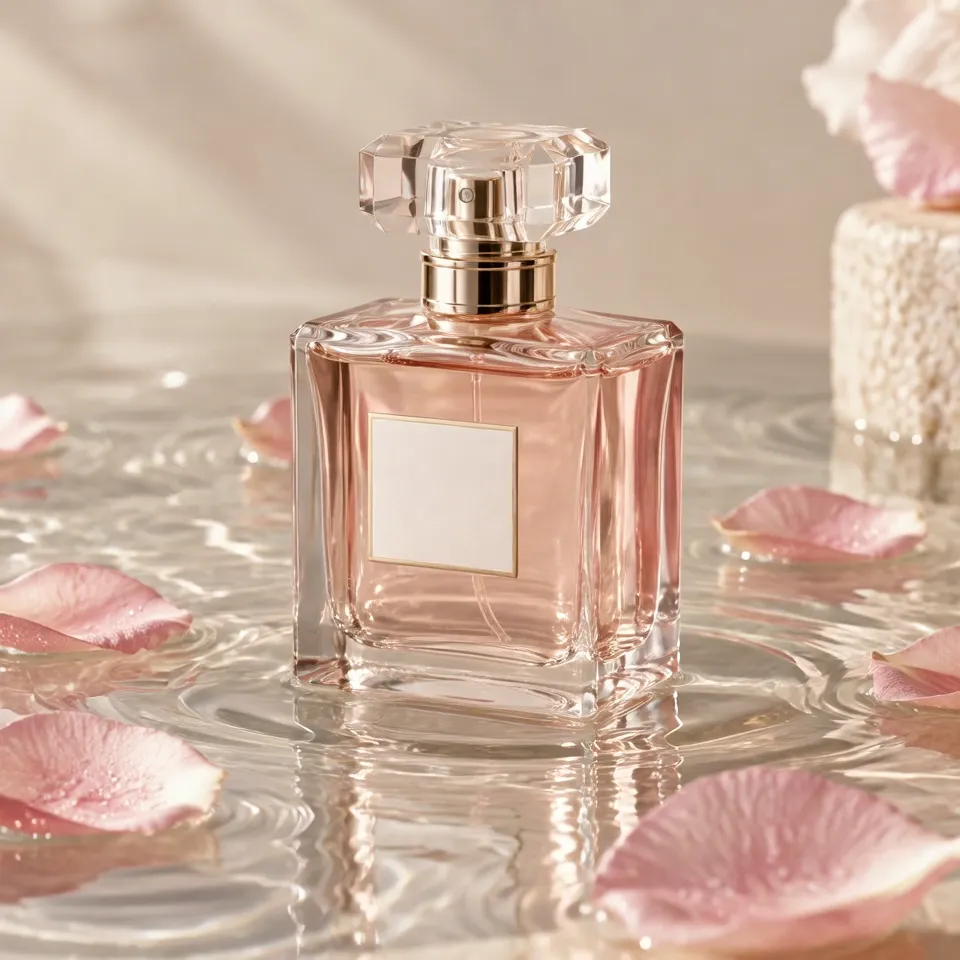
Scene 3: Square product ripple (1:1 photo)
Input image · Poster frame · Watch the full clip →
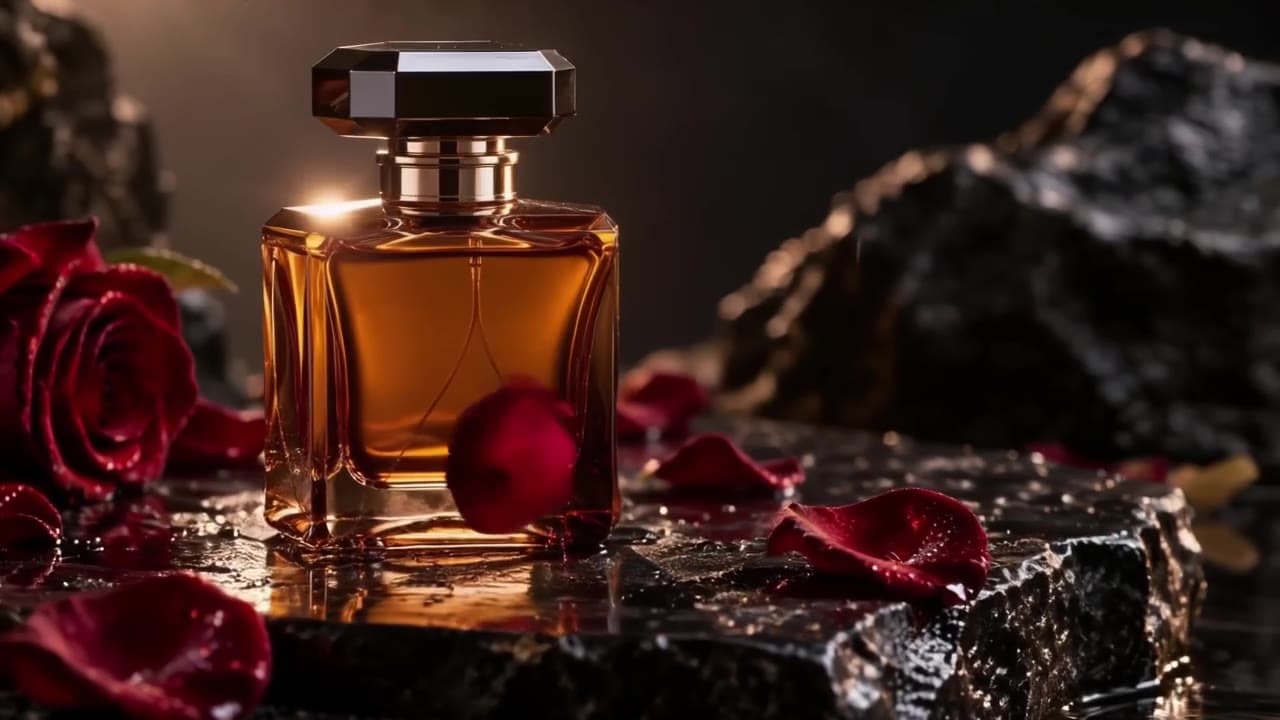
Gentle ripples spread across the water around the perfume bottle, pink petals drift and rotate slowly, light caustics shimmer on the glass and background. Slow orbiting camera move around the bottle. Soft water droplets and calm ambient music. Keep the bottle shape and label area unchanged. No text, no logos.
grok-imagine-1.5-lite/image-to-video, 720P, 6 s, 1:1, 960×960, $0.273.
How to write it: product motion = one environmental effect (ripples) + one drifting element (petals) + a camera move (orbit); "Keep the bottle shape and label area unchanged" protects the product.
Scene 4: Red fox in snow (4:3 photo)
Input image · Poster frame · Watch the full clip →
Snow falls steadily, the red fox turns its head, sniffs the air and takes a few careful steps forward through the snow, its breath visible in the cold air, branches drop a little snow. Slow handheld push-in. Quiet winter forest ambience, soft crunching snow. Keep the photo realistic. No text, no logos.
grok-imagine-1.5-lite/image-to-video, 720P, 6 s, 4:3, 1104×816, $0.273.
How to write it: for animal photos, a chain of small actions (turn → sniff → step) plus steady ambient motion (falling snow) and one micro-detail (visible breath) reads more natural than big moves.
How to write these prompts (3 lines)
- Write only what the still lacks: motion, camera, sound; "Keep the photo realistic" holds the look.
- Name what must not change ("Keep … unchanged") — product shapes and label areas first.
- Ignore aspect: upload the ratio you want, get the ratio you uploaded.
FAQ
Does the aspect follow the input image?
Yes. 16:9, 9:16, 1:1, and 4:3 all work, with pixels rounded to supported sizes.
How much does an image-to-video clip cost?
$0.273 (720p, 6 s, incl. the $0.015 image fee); 480P runs $0.189.
Does every clip come with sound?
Yes. Surf, crunching snow, water droplets — no off switch.
Next: pick one of your photos, follow the link to pre-fill the prompt, upload the original, and run one 6-second take.