TL;DR
- Grok Imagine 1.5 Lite Image to Video (
grok-imagine-1.5-lite/image-to-video) animates one uploaded image into a 1–15 second clip with sound built in, and the aspect follows the input image. Try it on the model page; new accounts get 200 free credits. - Price = per-second rate × seconds plus $0.015 per input image: a 720P 6-second clip is $0.273; 480P is $0.189 and 1080P $1.215.
- Everything runs on HiAPI
/v1/tasks:image_urlis a string (not an array) with exactly one public URL.
What it does
- A photo becomes a sounding shot: effects, camera, and audio come from the prompt while the subject stays true to the image.
- Aspect follows the image: 16:9 in gives 1264×720, portrait gives 720×1264, square gives 960×960, 4:3 gives 1104×816 — pixels round to supported sizes, ratios hold.
- 1–15 seconds, any integer, three resolutions.
- Sibling text-to-video: generate from scratch with the text-to-video guide.
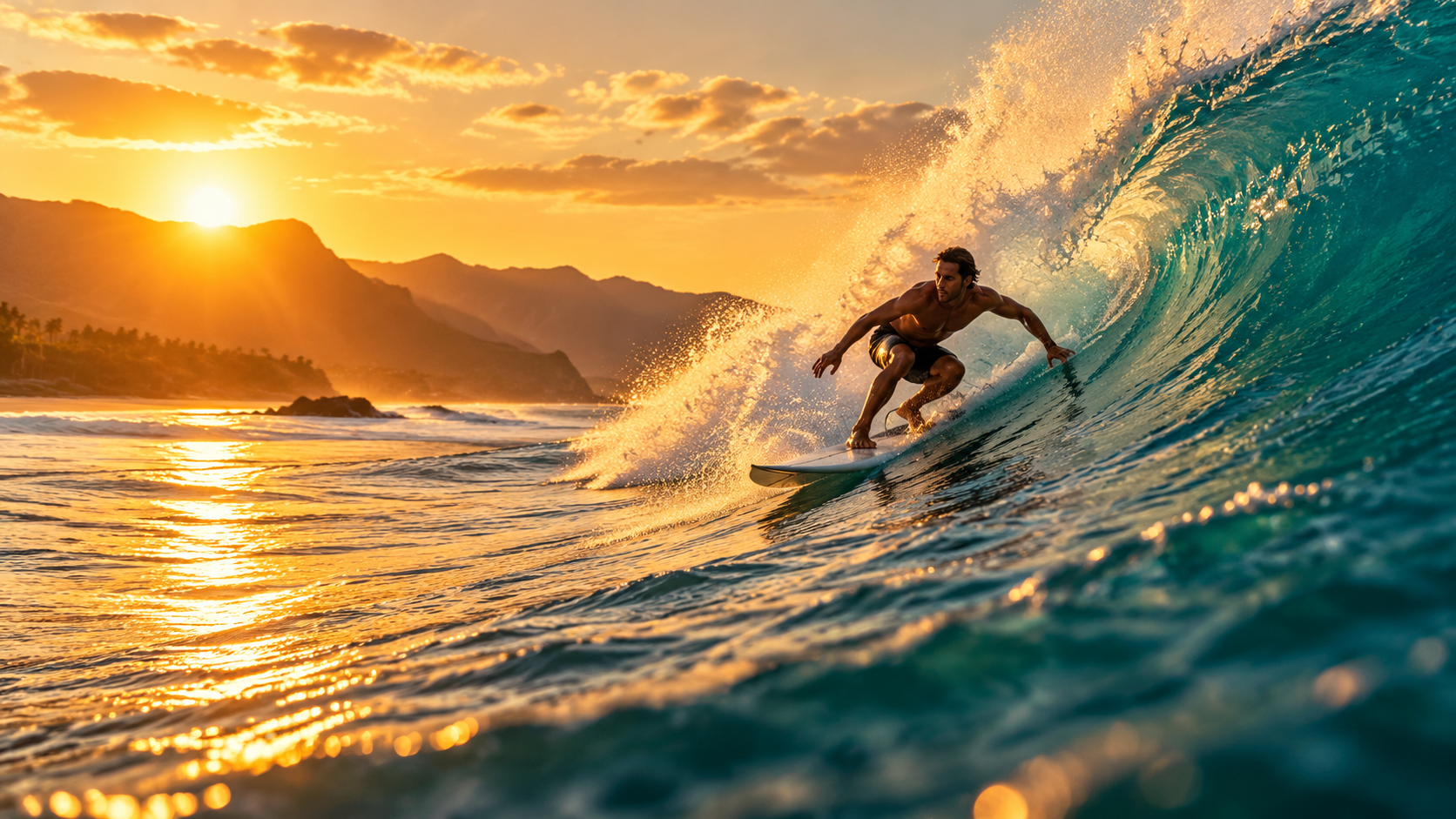
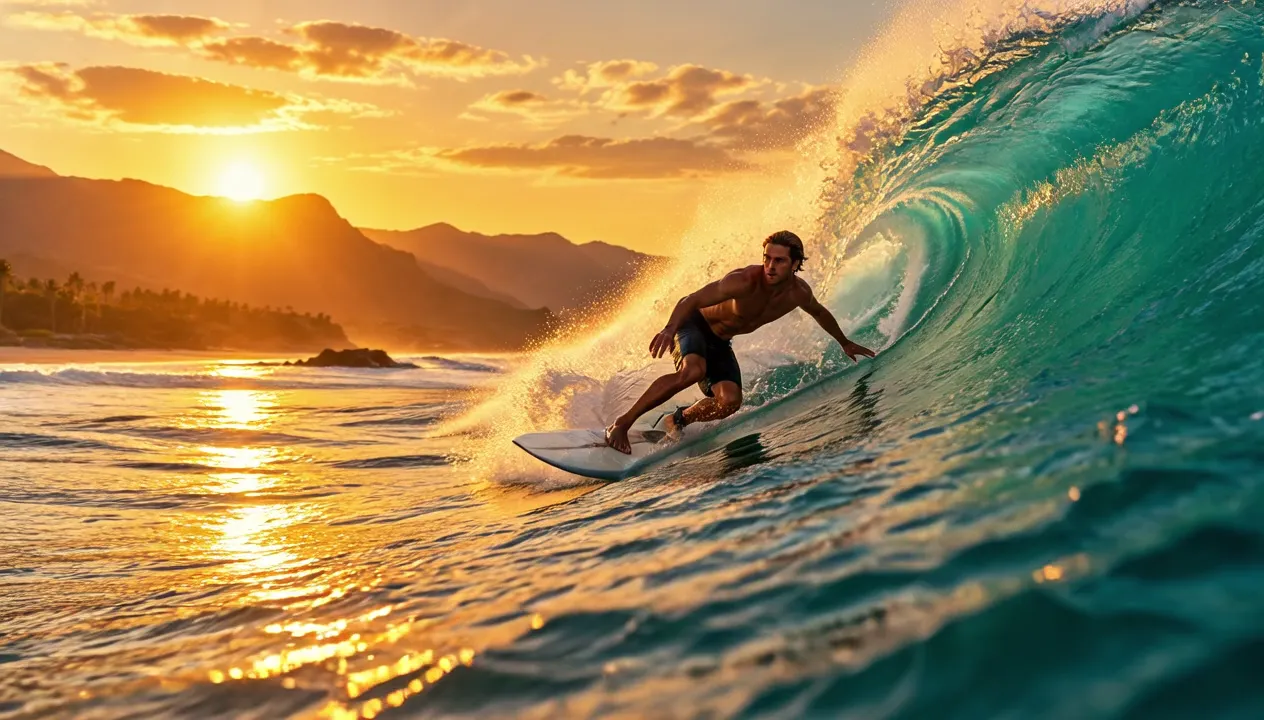
Here's a real clip (surfer photo → 6-second tracking shot, surf sound included):
The wave curls and breaks behind the surfer as he carves down its face, white spray bursts and sparkles in the golden backlight, water rushes past. Smooth tracking camera following the surfer. Loud ocean surf and rushing water. Keep the photo realistic. No text, no logos.
grok-imagine-1.5-lite/image-to-video, 720P, 6 s, 16:9, 1264×720, sound included, $0.273 (incl. $0.015 input-image fee). Watch the full clip →
Pricing: per second plus an input-image fee
| Tier | Per second | 6-second clip (incl. $0.015 image fee) |
|---|---|---|
| 480P | $0.029 | $0.189 |
| 720P (default) | $0.043 | $0.273 |
| 1080P | $0.20 | $1.215 |
HiAPI current prices, checked October 23, 2026. image_url is required, so the $0.015 applies to every clip; at $0.20/s, 1080P is ~4.65× 720P — explore at 480P. Failed tasks refund in full.
Two ways to start
Browser, 3 steps: open the model page → upload the image, write the motion line → generate.
API, 3 steps: POST /v1/tasks to submit → take the taskId → poll to success.
curl: your first clip
curl -X POST https://api.hiapi.ai/v1/tasks \
  -H "Authorization: Bearer YOUR_API_KEY" \
  -H "Content-Type: application/json" \
  -H "Idempotency-Key: your-unique-key-001" \
  -d '{
  "model": "grok-imagine-1.5-lite/image-to-video",
  "input": {
    "prompt": "The wave curls and breaks behind the surfer as he carves down its face, white spray bursts and sparkles in the golden backlight, water rushes past. Smooth tracking camera following the surfer. Loud ocean surf and rushing water. Keep the photo realistic. No text, no logos.",
    "image_url": "https://static.hiapi.ai/gallery/2026/10/3f75ff28db9e0070.png",
    "duration": 6,
    "resolution": "720p"
  }
}'
Note image_url is a string with one image — an array returns a 400.
Python: submit, poll, download
import time, uuid, requests

BASE = "https://api.hiapi.ai/v1/tasks"
HEADERS = {
    "Authorization": "Bearer YOUR_API_KEY",
    "Content-Type": "application/json",
}

payload = {
    "model": "grok-imagine-1.5-lite/image-to-video",
    "input": {
        "prompt": "The wave curls and breaks behind the surfer as he carves down its face, white spray bursts and sparkles in the golden backlight, water rushes past. Smooth tracking camera following the surfer. Loud ocean surf and rushing water. Keep the photo realistic. No text, no logos.",
        "image_url": "https://example.com/your-image.png",
        "duration": 6,
        "resolution": "720p",
    },
}

resp = requests.post(
    BASE,
    headers={**HEADERS, "Idempotency-Key": str(uuid.uuid4())},
    json=payload,
    timeout=30,
)
resp.raise_for_status()
task_id = resp.json()["taskId"]

while True:
    task = requests.get(f"{BASE}/{task_id}", headers=HEADERS, timeout=30).json()
    print(task["status"])
    if task["status"] in ("success", "fail"):
        break
    time.sleep(5)

if task["status"] == "success":
    video = next(o for o in task["output"] if o.get("type") == "video")
    mp4 = requests.get(video["url"], timeout=120)   # temporary URL — save promptly
    with open("output.mp4", "wb") as f:
        f.write(mp4.content)
    print("saved output.mp4")
Parameters
| Field | Required | Values | Notes |
|---|---|---|---|
image_url | yes | string, exactly one public URL | The output aspect follows this image |
prompt | yes | 1–4,096 chars | The motion or change you want, including sound |
duration | no | any integer 1–15, default 6 | |
resolution | no | 480p / 720p / 1080p, default 720p |
Any field outside the table returns a 400.
Errors you'll actually hit
| Status | Meaning | What to do |
|---|---|---|
| 400 INVALID_REQUEST | Malformed body (missing image_url, sent as an array, unknown fields) | Use a string for image_url |
| 402 INSUFFICIENT_QUOTA | Out of credits (no charge) | Top up and retry |
| 429 RATE_LIMITED | Rate limited | Slow your submissions |
| 409 / 422 IDEMPOTENCY_KEY_* | Same idempotency key resubmitted | Generate a fresh key |
Terminal failures use CONTENT_POLICY_VIOLATION, TASK_FAILED, and TASK_TIMEOUT; failed tasks refund in full.
Before you ship
- Callbacks: video tasks run long — pass
"callback": {"url": "https://..."}and skip polling. - Persist outputs: the video URL in
outputis temporary; download immediately. - Don't forget the $0.015: budget as per-second × seconds + $0.015 × clips.
- Sound can't be disabled: cut the track in post; the price is the same.
FAQ
- Yes, every clip ships with sound: describe the effects (surf, crunching snow) and they generate with the picture; there's no off switch.
- Yes, the aspect follows the input: 16:9 gives 1264×720, square gives 960×960 — rounded pixels, same ratio.
- Yes,
image_urlis a string with exactly one image; arrays or multiple images return a 400. - Yes, duration is any integer 1–15.
- Yes, the input image sets the ceiling: a blurry, small source won't get sharper when animated — feed it a clean image at 720p or higher.
- Yes, bulk budgets follow a formula: per-second rate × seconds + $0.015 × clips; 100 720P 6-second clips cost $27.30, 1,000 cost $273.00.
Next: take one of your photos and bring it to life; you can try the four scene prompts directly on the image-to-video model page.