Keep the subject. Lose the background.
Upload an image, inspect the edges, and download a transparent PNG without a watermark.
10 successful images per rolling 24 hours
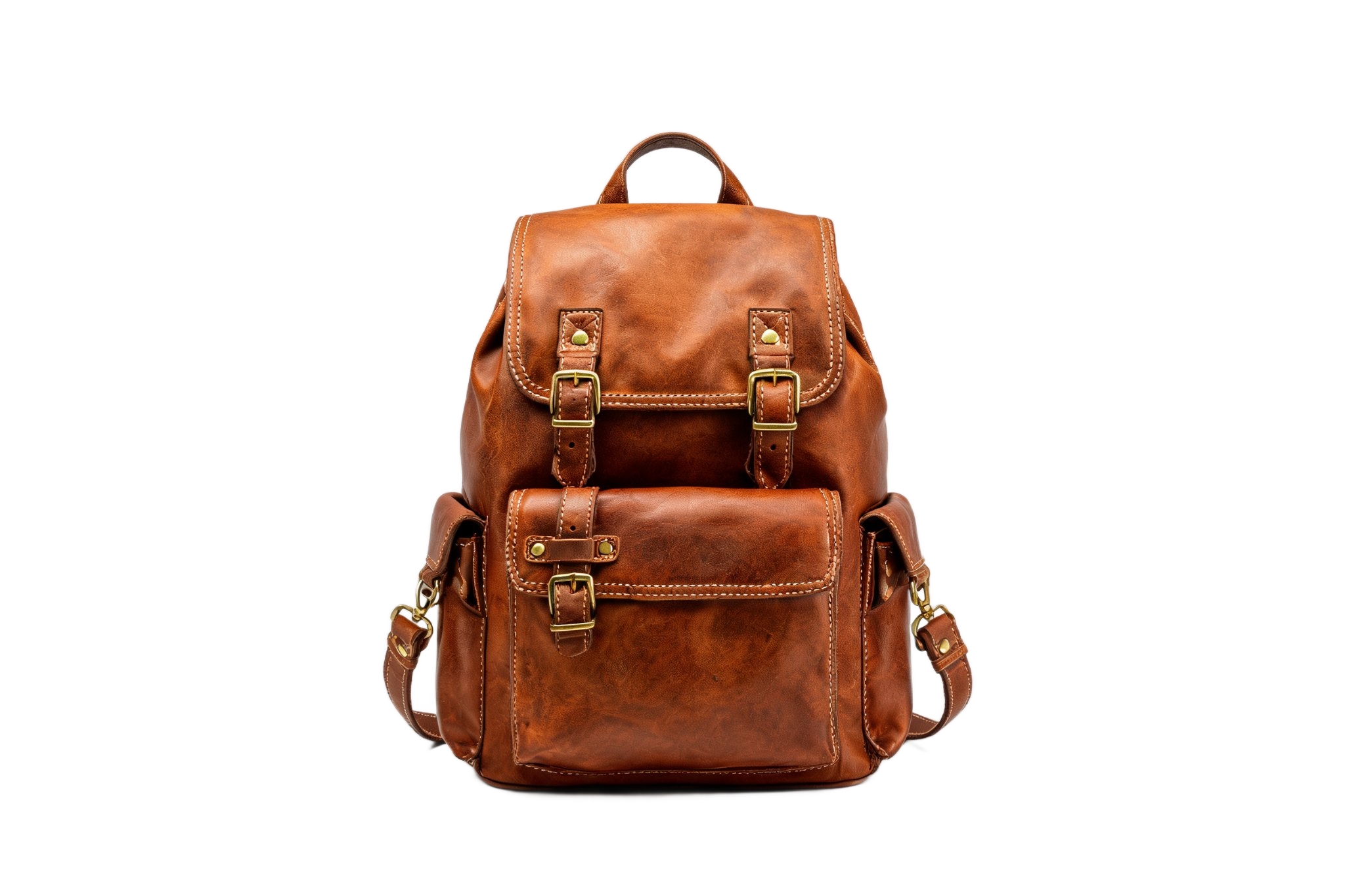
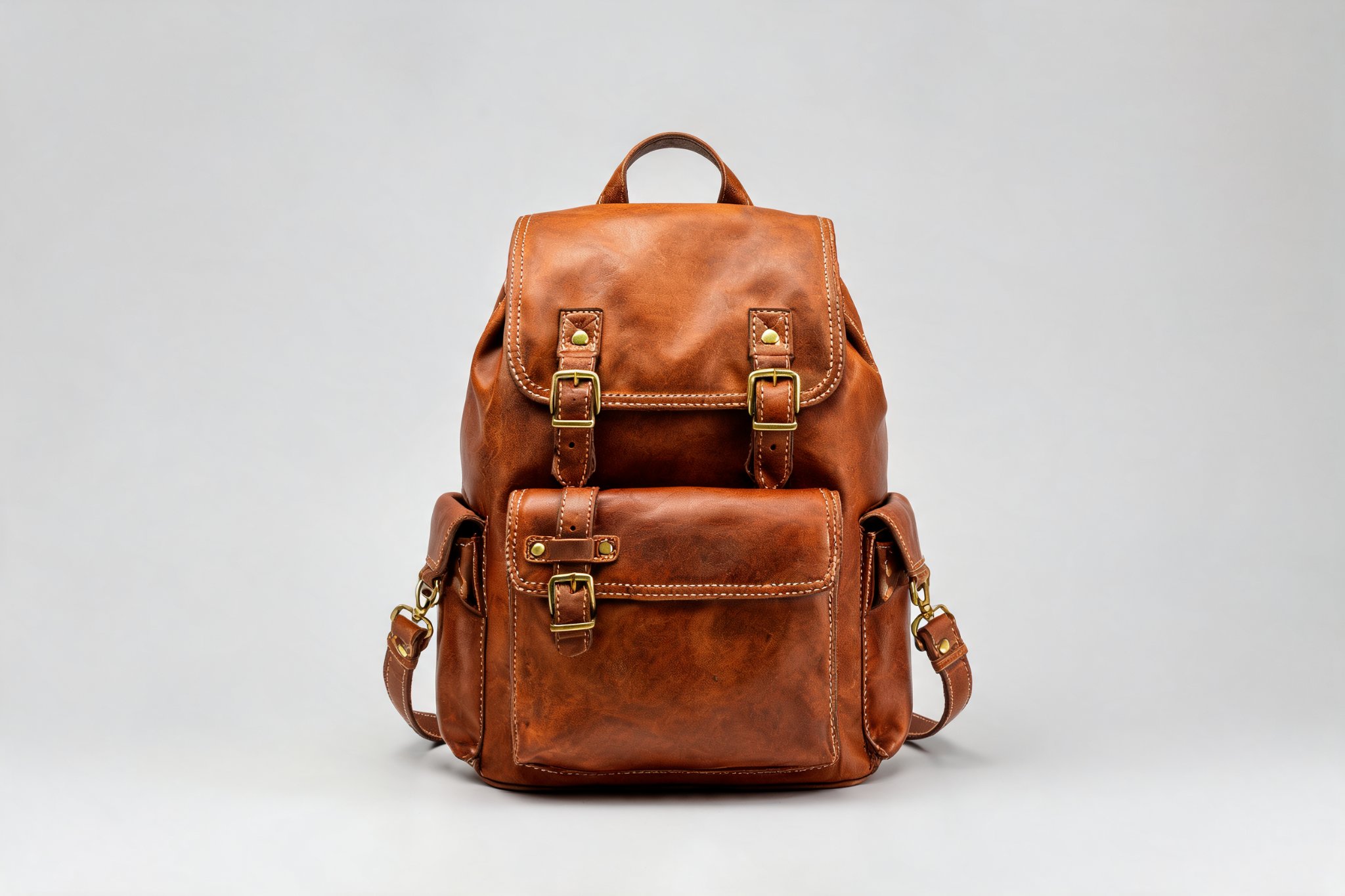
Remove backgrounds with an APIFor batch processing and app integrationsView API examplesHide examples
Add the same capability to your application. API requests are billed separately from this tool's free allowance.
# Replace the image URL; keep the same idempotency key when retrying this request.
curl https://api.hiapi.ai/v1/tasks \
  -H "Authorization: Bearer $HIAPI_API_KEY" \
  -H "Content-Type: application/json" \
  -H "Idempotency-Key: YOUR_UNIQUE_REQUEST_ID" \
  -d '{
  "model": "851-labs/background-remover",
  "input": {
    "image_url": "https://YOUR_PUBLIC_IMAGE_URL/image.jpg"
  },
  "storage": "temp"
}'

# Use data.taskId from the create response. Poll until a terminal status.
curl https://api.hiapi.ai/v1/tasks/TASK_ID \
-H "Authorization: Bearer $HIAPI_API_KEY"From photo to transparent asset
Choose an image
Drop in a product photo, portrait or animal image. Preview a JPG, PNG or WebP locally before uploading, up to 5 MB.
Check the cutout
Start processing and wait for the actual result. Switch views, slide between before and after, and inspect the edges at full size.
Download the PNG
Save the file without a watermark or a sign-up gate. The preview checkerboard is not part of your downloaded image.
Before you get started
How does the free allowance work?
No sign-up is needed. Up to 10 successful images are available per rolling 24 hours, checked by IP and device. Processing and unconfirmed tasks temporarily reserve an allowance; failed attempts can still count toward submission limits. Capacity and safety limits also apply.
Which images are supported?
Static JPG, PNG and WebP files up to 5,000,000 bytes. Each side must be 256-4096 pixels, with no more than 16,000,000 pixels in total. The tool does not automatically resize your original. Output dimensions depend on the actual result.
Will it preserve every hair or transparent edge?
Results depend on the subject, lighting and background. Inspect fine hair, glass, translucent objects and low-contrast edges before downloading. A sample image is not a guarantee for every scene.
How are my images stored?
Images are uploaded for cloud-based background removal after your confirmation. Inputs and outputs use temporary storage and may be accessible to anyone holding their links. The download deadline does not mean every CDN or provider copy has been deleted. Do not upload sensitive images; save your result promptly.
What happens if I refresh or close the page?
Your browser stores a task reference, not the original image. Return in the same browser to check that task. A network interruption or paused waiting does not cancel processing or automatically create a replacement. Keep this site's storage enabled.
Can I use an API for batch processing?
HiAPI offers API integration for background removal. API requests are billed separately from the web tool's free allowance. Once model access is available, create an API key and follow the developer documentation.