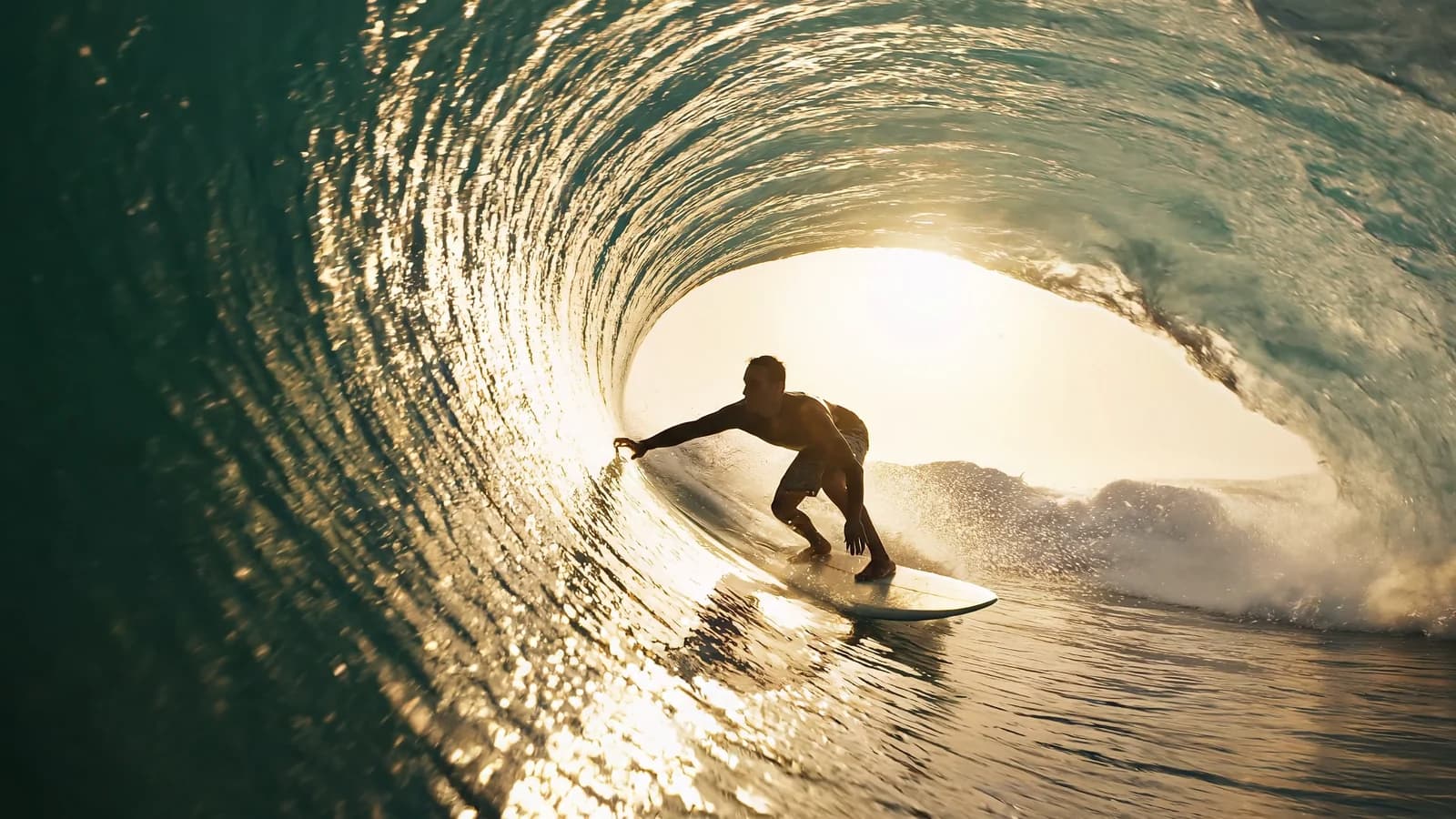
Animating a still image with pixverse-v6/image-to-video on hiapi is one POST /v1/tasks call plus a poll — the same async task pattern every generation model on the platform uses. The difference from the text-to-video endpoint is the input: you hand it a starting frame (image_url) and a prompt describing how it should move. This guide is a copy-paste curl and Python example, the exact input fields the endpoint validates, and the one surprise that trips people coming from the text-to-video call.
What you need
- A hiapi API key. Create one in the dashboard and send it as
Authorization: Bearer sk-<your-key>. See Authentication for the header format. - The model id is
pixverse-v6/image-to-video(keep the slash — it is part of the id, not a URL path). This is a different model id frompixverse-v6/text-to-video. - A publicly reachable image URL for the first frame. The platform fetches the image server-side, so a
localhostor private-bucket link will not work — host the frame somewhere the API can GET it. - Nothing to install for curl. For the Python example, only the standard library plus
requests.
PixVerse V6 image-to-video takes your still as the opening frame and animates it into a 1–15 second clip. It runs through the unified task API — you submit a job, poll for the result, then download the output URL before it expires.
The minimal working request (curl)
Submit the job to POST /v1/tasks. Both image_url and prompt are required:
curl -s -X POST https://api.hiapi.ai/v1/tasks \
  -H "Authorization: Bearer sk-<your-key>" \
  -H "Content-Type: application/json" \
  -d '{
    "model": "pixverse-v6/image-to-video",
    "input": {
      "image_url": "https://cdn.example.com/your-first-frame.jpg",
      "prompt": "Slow push-in; the subject turns toward the camera and smiles, soft breeze in the hair",
      "duration": 5,
      "resolution": "720p"
    }
  }'
The response hands you a task id:
{ "code": 200, "data": { "taskId": "a1b2c3d4-...." } }
Then poll GET /v1/tasks/<taskId> until data.status is success:
curl -s https://api.hiapi.ai/v1/tasks/a1b2c3d4-.... \
  -H "Authorization: Bearer sk-<your-key>"
On success the finished video URL is at data.output[0].url:
{
  "code": 200,
  "data": {
    "status": "success",
    "output": [{ "url": "https://temp.hiapi.ai/....mp4", "expireAt": 1760000000 }]
  }
}
That output URL is temporary — it carries an expireAt timestamp. Download the .mp4 and store it on your own bucket right away; do not hotlink it.
The same flow in Python
import time, requests

BASE = "https://api.hiapi.ai/v1/tasks"
HEADERS = {"Authorization": "Bearer sk-<your-key>", "Content-Type": "application/json"}

def create_task():
    payload = {
        "model": "pixverse-v6/image-to-video",
        "input": {
            "image_url": "https://cdn.example.com/your-first-frame.jpg",
            "prompt": "Slow push-in; the subject turns toward the camera and smiles",
            "duration": 5,
            "resolution": "720p",
        },
    }
    r = requests.post(BASE, json=payload, headers=HEADERS, timeout=60)
    r.raise_for_status()
    data = r.json()
    task_id = (data.get("data") or {}).get("taskId")
    if not task_id:
        raise RuntimeError(f"create failed: {data}")  # 400s echo the exact bad field
    return task_id

def wait_for(task_id, timeout_s=600):
    deadline = time.time() + timeout_s
    while time.time() < deadline:
        try:
            r = requests.get(f"{BASE}/{task_id}", headers=HEADERS, timeout=30)
            task = (r.json().get("data") or {})
        except requests.RequestException:
            time.sleep(5)          # one transient network blip should not abort the whole poll
            continue
        status = task.get("status")
        if status == "success":
            return task["output"][0]["url"]
        if status == "fail":
            raise RuntimeError(f"task failed: {task.get('error')}")
        time.sleep(5)              # still pending — keep the SAME task_id, re-poll
    raise TimeoutError(task_id)

task_id = create_task()
url = wait_for(task_id)
video = requests.get(url, timeout=120).content
open("out.mp4", "wb").write(video)
print("saved out.mp4")
The poll loop checks for success and fail explicitly and keeps waiting on anything else, so it is robust to whatever intermediate status label the job reports while rendering. If a single poll request errors out, sleep and re-poll the same saved task_id rather than resubmitting — resubmitting bills a second render.
Parameters pixverse-v6/image-to-video actually validates
These are the fields the live endpoint accepts. I confirmed each by sending an invalid value and reading the validation error, then cross-checked against the model docs:
| Field | Type | Values / range | Notes |
|---|---|---|---|
image_url | string | a public image URL | Required. The first frame. A single URL string — not an array. |
prompt | string | — | Required. Describes the motion applied to the frame. |
duration | integer | 1–15, default 5 | Seconds. Must be an integer, not a string. |
resolution | string | 360p, 540p, 720p, 1080p | Output resolution. |
negative_prompt | string | — | Optional; what to steer away from. |
seed | integer | — | Optional; reuse for reproducibility. |
style | string | anime, 3d_animation, clay, comic, cyberpunk | Optional preset look. |
generate_audio | boolean | true / false, default false | Optional; toggles a generated soundtrack/ambience. |
There is no aspect_ratio field here. That is the one real difference from the request you may have seen for text-to-video, and it is worth internalizing (see below).
Production notes
- No
aspect_ratio— the output geometry follows your input image. The text-to-video endpoint takes anaspect_ratioenum; this one rejects it. Because you supply the first frame, the clip inherits that frame's dimensions. If you need a 9:16 vertical clip, crop or pad yourimage_urlto 9:16 before you submit — there is no ratio knob to override it. - The schema is closed. Any field not in the table above is rejected with
invalid input: <root>: additional properties '<field>' not allowed. A typo'd or guessed field fails loudly at submit time instead of being silently ignored. Fields likefirst_frame,image,input_image,motion_mode, andcamera_movementare all rejected — the starting image goes inimage_url, and camera movement goes in theprompttext. durationis an integer, unlike some other video models on the platform that take a string ("6"). Sending"5"returnsinvalid input: duration: got string, want integer. Out-of-range values report the bound directly, e.g.duration: maximum: got 999, want 15.- Errors come back one field at a time, in a flat envelope:
{"code":400,"error_code":"INVALID_REQUEST","message":"invalid input: image_url: missing required field \"image_url\""}. Fix the reported field and resubmit; the next invalid field (if any) surfaces on the following call. - A failed job still returns HTTP 200. The failure lives in the body as
data.status: "fail"— check the status field, not just the HTTP code. An image URL the platform cannot fetch is a common cause, so verify your frame is public first. - Pricing is per second and scales with resolution and duration, so a 1080p/15s clip costs much more than a 540p/3s one. Check the current rate on the pricing page before you batch-generate.
What I verified (and what I didn't)
I mapped the input contract by sending deliberately invalid values to the live /v1/tasks endpoint for pixverse-v6/image-to-video and reading the API's own validation responses — a read-only schema probe, no callback attached, no render billed. Concrete findings worth keeping:
image_urlis the required first-frame field, and it is a single string, not an array. Sending a number returnsimage_url: got number, want string; omitting it returnsmissing required field "image_url". The guessable alternatives (first_frame,image,input_image) are all rejected as unknown properties.aspect_ratiois rejected on this endpoint (additional properties 'aspect_ratio' not allowed), even though it is valid onpixverse-v6/text-to-video. This is the concrete reason the image-to-video request looks different from the text-to-video one: the output shape is determined by your frame, not by a parameter.generate_audiois a real boolean toggle (defaultfalse) — sending a string returnsgenerate_audio: got string, want boolean. If you want sound, set it totrue; it is not forced on or off.
I did not render a clip as part of this probe, so this guide makes no claim about motion quality or how faithfully the model holds your input frame — it documents the exact request contract the endpoint enforces.
Related
- PixVerse V6 Image to Video — model page
- PixVerse V6 Image to Video — API docs
- Create Task and Get Task Detail reference
- Authentication
- Pricing
- Other image-to-video recipes on hiapi: hailuo-2.3 and Grok Imagine 1.5
FAQ
Why is there no aspect_ratio for image-to-video? Because the clip opens on your image_url frame and inherits its dimensions. To control the output ratio, resize or crop the input image before you submit — the endpoint rejects aspect_ratio as an unknown field.
Does image_url accept more than one image? No. On this endpoint it is a single URL string; passing an array fails validation. It sets the starting frame only.
Is duration in seconds or frames? Seconds — any integer from 1 to 15, default 5. It must be an integer; the string "5" is rejected.
How is this different from the text-to-video endpoint? pixverse-v6/image-to-video animates a frame you provide (image_url + prompt, no aspect_ratio). pixverse-v6/text-to-video is a separate model id that generates from a prompt alone and does take aspect_ratio. Use image-to-video when you already have the exact opening still you want to move.
Why did my request fail with "additional properties not allowed"? You sent a field that is not in the schema. The input accepts only image_url, prompt, duration, resolution, negative_prompt, seed, style, and generate_audio.