

Portrait · face and hair
Hair and earring edges are clearer, while skin texture becomes noticeably smoother.
Enlarge photos and illustrations at 2x or 4x with AI, compare the details, and download the full-resolution result.
Drop your image here
You can also paste an image from your clipboard
PNG, JPEG, WebP · up to 20 MB · ≤ 2048 px / 4 MP
First use downloads about 27 MB (model: 4.87 MB). Your browser caches these files when storage is available.
2x output → 2048 × 1536
4x output → 4096 × 3072
48 tiles · 128 × 128 px
Output cap 16 MP
Estimate: WebGPU may take seconds; CPU may take tens of seconds or minutes. Depends on image size and device; first download is extra.
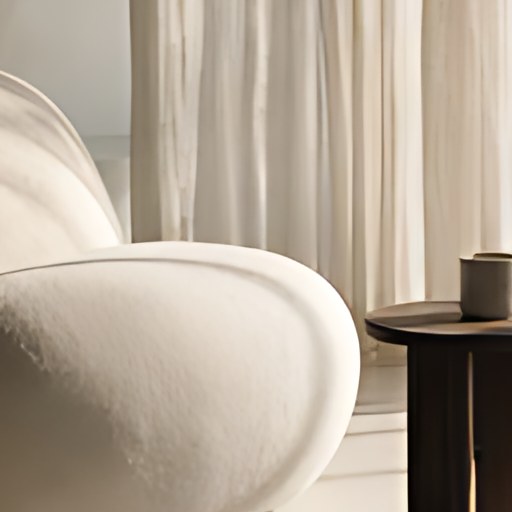

One model, different textures. See how each behaves before you start.
Hair and earring edges are clearer, while skin texture becomes noticeably smoother.
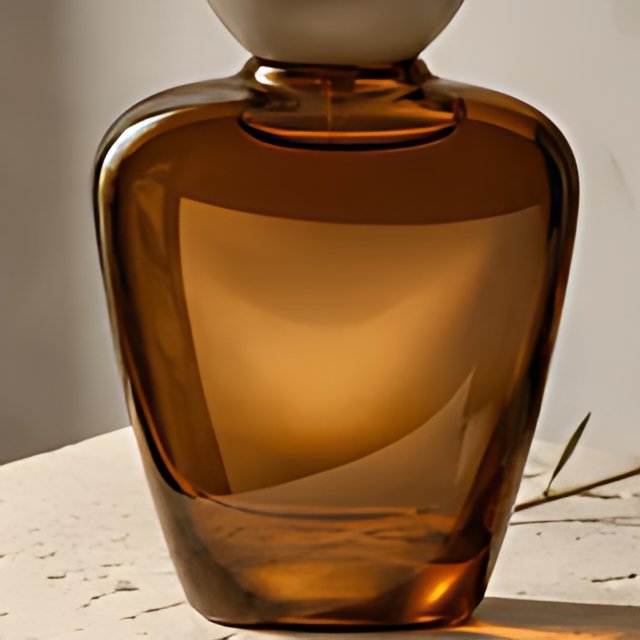
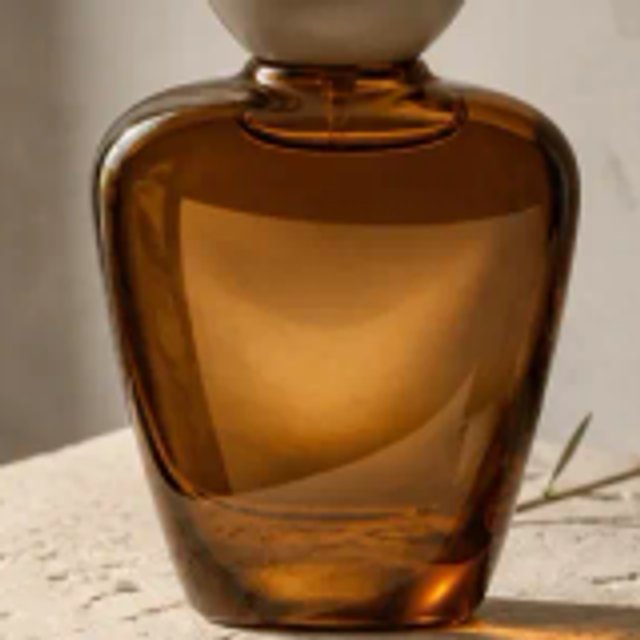


The glass outline is crisper; the bottle surface and fine stone texture become smoother.
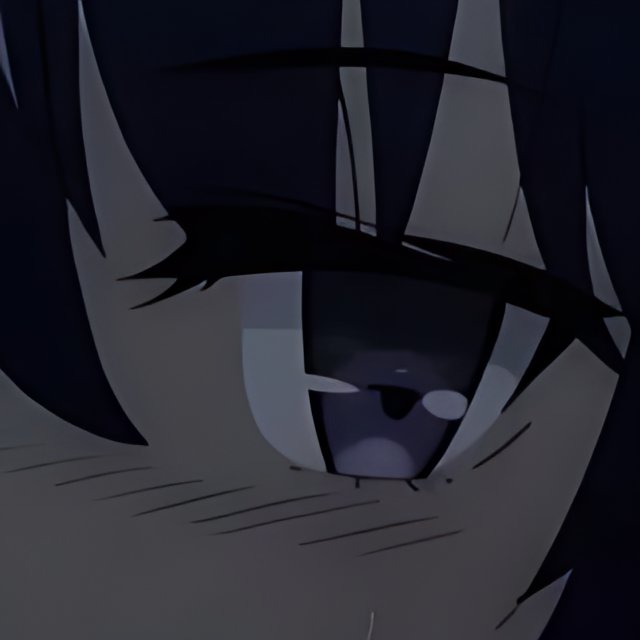
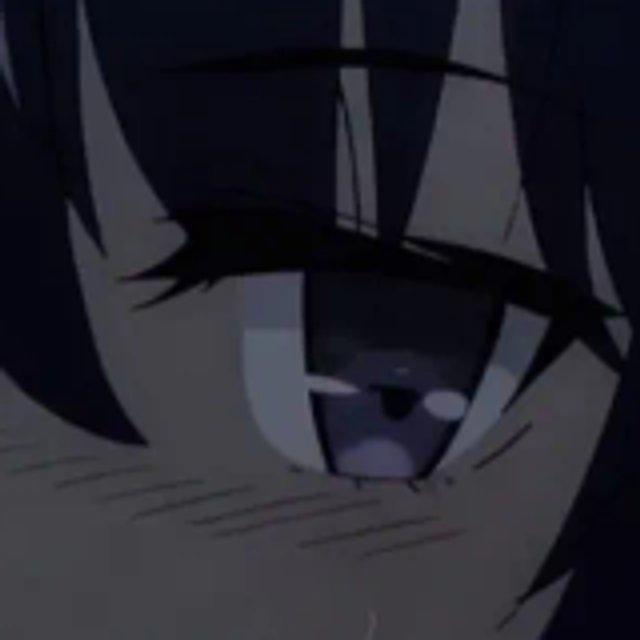

Eyelashes and hair outlines look cleaner; fine facial lines are thinner and more uniform.


Letter edges are sharper, but some stroke shapes change. Check text against the source.
Each source is resized to 480 px wide, then a 160 × 160 crop is upscaled to 640 × 640 with this tool's WASM engine. Both comparisons are JPEG quality 85. Drag to compare.
Matching 128 × 128 crops from the comparisons above. Original means interpolation display; AI detail is an estimate, not proof of what was there.
Inspect a single image with the open-source Real-ESRGAN model, running on your device.
Use the HiAPI image API to automate image processing or generate higher-resolution versions. Capabilities depend on the model; redrawing may change the original image.
Select a PNG, JPEG or WebP up to 20 MB, 2048 pixels on the longest side and 4 megapixels. Transparent areas are placed on white.
Start the upscaler to download the model, then process the image in tiles. 4x is available for inputs up to 1 megapixel; output is capped at 16 megapixels.
Move the comparison slider or inspect the result at 1:1. Download a PNG or choose JPEG quality. The download keeps the full output dimensions.
The first run downloads about 27 MB of model and runtime files, then initializes the AI engine. Your browser caches these files when storage is available. Later runs may still need initialization, and clearing the cache triggers another download.
No. AI estimates missing detail and can introduce textures or change small text and faces. It cannot recover information that was never captured. This model produces 4x output; the 2x option downsamples that AI result. Compare important details before using it.
Inputs must be at most 2048 pixels on the longest side and at most 4 megapixels, with a file size up to 20 MB. The output limit is 16 megapixels, so 4x is disabled above 1 megapixel. Resize larger images first, or explore the image API for other workflows.
Yes. PNG and JPEG downloads keep the full output dimensions. JPEG quality changes compression, not resolution. Save the result before closing or reloading the tab.
A modern browser with WebAssembly, Workers and OffscreenCanvas is required. WebGPU is used when available, with CPU fallback otherwise. Phones may run slowly or run out of memory. Try a smaller image at 2x and keep this tab open; you can cancel at any time.
This is a lightweight browser workflow with one AI model and a side-by-side inspection tool. It is not Photoshop's algorithm or a RAW editing pipeline. It exports PNG or JPEG, flattens transparency onto white and does not preserve camera metadata or color profiles.
Files are processed only in your browser and are never uploaded to a server. Only the AI model and runtime are downloaded. Images and results are kept in this tab's memory; save your result before leaving. No image data or filenames are included in analytics. AI model license (BSD-3-Clause)