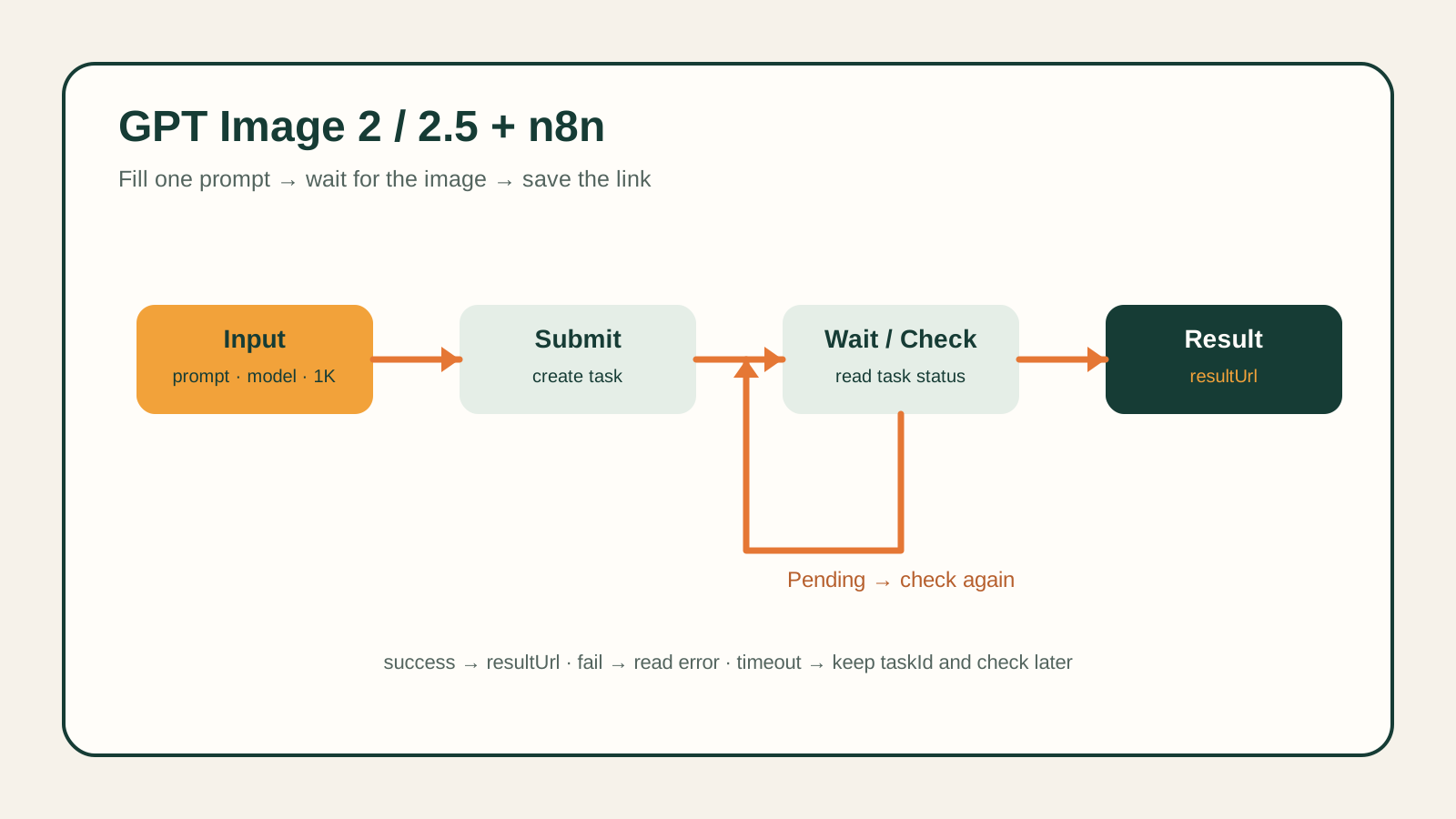
flux-2/text-to-image is Black Forest Labs' current text-to-image model on hiapi, exposed through the platform's unified asynchronous task interface. This guide covers the full request schema, three working code examples (curl, Python, Node.js), a real generated image next to the exact request that produced it, and the concrete differences from the older flux-1.1-pro endpoint.
Prerequisites
- A hiapi API key with access to
/v1/tasks. - Any HTTP client — the examples below use
curl, Python'srequests, and Node's built-infetch.
Request schema
Every request is a POST to https://api.hiapi.ai/v1/tasks with model: "flux-2/text-to-image" and an input object. Only prompt is required; everything else has a platform default.
| Field | Required | Type | Values |
|---|---|---|---|
prompt | Yes | string | Your description of the image. |
aspect_ratio | No | string | 1:1, 16:9, 3:2, 2:3, 4:5, 5:4, 9:16, 3:4, 4:3, custom. Defaults to 1:1. |
resolution | No | string | 0.5 MP, 1 MP, 2 MP, 4 MP (the space in the value is required). Defaults to 1 MP. Ignored when aspect_ratio is custom. |
output_format | No | string | webp, jpg, png. |
width, height | Only with aspect_ratio: "custom" | integer | 256-2048, rounded to the nearest multiple of 16. |
The schema is strict — sending a field the model doesn't recognize (for example strength or safety_tolerance, which exist on other models but not this one) gets rejected with a 400 for additional properties not allowed. There's no reference-image field on this endpoint at all: flux-2/text-to-image is text-only. For image editing or composing from a reference photo, use the separate flux-2/image-to-image model instead.
A real request and its output
This is the actual request used to generate the image below — not a placeholder example.
Prompt: "A wide overhead flat-lay of a modern developer desk: a matte black mechanical keyboard on the left, a ceramic mug of steaming coffee on the right, a small potted succulent in the top corner, and an open spiral notebook in the center with the handwritten words 'API ready' clearly visible on the page, soft natural window light falling from the left, a muted teal and warm wood color palette, no other text or logos anywhere in the frame"
Parameters: aspect_ratio: "16:9", resolution: "2 MP", output_format: "webp"

curl
curl --request POST 'https://api.hiapi.ai/v1/tasks' \
  --header 'Authorization: Bearer YOUR_API_KEY' \
  --header 'Content-Type: application/json' \
  --data '{
    "model": "flux-2/text-to-image",
    "input": {
      "prompt": "A wide overhead flat-lay of a modern developer desk: a matte black mechanical keyboard on the left, a ceramic mug of steaming coffee on the right, a small potted succulent in the top corner, and an open spiral notebook in the center with the handwritten words '\''API ready'\'' clearly visible on the page, soft natural window light falling from the left, a muted teal and warm wood color palette, no other text or logos anywhere in the frame",
      "aspect_ratio": "16:9",
      "resolution": "2 MP",
      "output_format": "webp"
    }
  }'
The response only carries a taskId — the image isn't ready yet:
{ "code": 0, "data": { "taskId": "tk-hiapi-xxxxxxxxxxxxxxxxxxxxxxxxxx" } }
Poll GET /v1/tasks/{taskId} with the same Authorization header until data.status is success (or fail). On success, the image is at data.output[0].url.
Python
import time
import requests

API_KEY = "YOUR_API_KEY"
HEADERS = {"Authorization": f"Bearer {API_KEY}", "Content-Type": "application/json"}

create = requests.post(
    "https://api.hiapi.ai/v1/tasks",
    headers=HEADERS,
    json={
        "model": "flux-2/text-to-image",
        "input": {
            "prompt": (
                "A wide overhead flat-lay of a modern developer desk: a matte black "
                "mechanical keyboard on the left, a ceramic mug of steaming coffee on "
                "the right, a small potted succulent in the top corner, and an open "
                "spiral notebook in the center with the handwritten words 'API ready' "
                "clearly visible on the page, soft natural window light falling from "
                "the left, a muted teal and warm wood color palette, no other text or "
                "logos anywhere in the frame"
            ),
            "aspect_ratio": "16:9",
            "resolution": "2 MP",
            "output_format": "webp",
        },
    },
)
create.raise_for_status()
task_id = create.json()["data"]["taskId"]

while True:
    status = requests.get(f"https://api.hiapi.ai/v1/tasks/{task_id}", headers=HEADERS).json()["data"]
    if status["status"] == "success":
        print(status["output"][0]["url"])
        break
    if status["status"] == "fail":
        raise RuntimeError(status.get("error"))
    time.sleep(5)
Node.js
const API_KEY = "YOUR_API_KEY";
const HEADERS = {
  Authorization: `Bearer ${API_KEY}`,
  "Content-Type": "application/json",
};

async function generate() {
  const create = await fetch("https://api.hiapi.ai/v1/tasks", {
    method: "POST",
    headers: HEADERS,
    body: JSON.stringify({
      model: "flux-2/text-to-image",
      input: {
        prompt:
          "A wide overhead flat-lay of a modern developer desk: a matte black mechanical keyboard on the left, a ceramic mug of steaming coffee on the right, a small potted succulent in the top corner, and an open spiral notebook in the center with the handwritten words 'API ready' clearly visible on the page, soft natural window light falling from the left, a muted teal and warm wood color palette, no other text or logos anywhere in the frame",
        aspect_ratio: "16:9",
        resolution: "2 MP",
        output_format: "webp",
      },
    }),
  });
  if (!create.ok) throw new Error(`hiapi request failed: ${create.status}`);
  const { data } = await create.json();

  while (true) {
    const res = await fetch(`https://api.hiapi.ai/v1/tasks/${data.taskId}`, { headers: HEADERS });
    const { data: task } = await res.json();
    if (task.status === "success") return task.output[0].url;
    if (task.status === "fail") throw new Error(JSON.stringify(task.error));
    await new Promise((r) => setTimeout(r, 5000));
  }
}
Pricing by resolution tier
flux-2/text-to-image bills per resolution tier, not a flat per-image rate. Aspect ratio doesn't change the price within a tier:
| Resolution | Price per image |
|---|---|
| 0.5 MP | $0.037 |
| 1 MP (default) | $0.05 |
| 2 MP | $0.075 |
| 4 MP | $0.125 |
Check the live pricing page before shipping a production integration — rates can change.
flux-2/text-to-image vs. flux-1.1-pro
Both are Black Forest Labs text-to-image models on hiapi, but they're not interchangeable in code:
- Pricing model. flux-2/text-to-image is tiered by output resolution ($0.037-$0.125). flux-1.1-pro is a flat $0.05 per image regardless of size.
- Schema surface. flux-1.1-pro accepts extra tuning fields like
safety_tolerance,prompt_upsampling, andseed. flux-2/text-to-image doesn't — its schema is deliberately smaller (prompt,aspect_ratio,resolution,output_format, pluswidth/heightin custom mode), and unrecognized fields 400 instead of being silently ignored. - Custom sizing range. flux-2/text-to-image's custom mode accepts
width/heightfrom 256 to 2048. flux-1.1-pro's custom range tops out lower, at 1440. - "High Fidelity" and prompt adherence are descriptive, not configurable. Black Forest Labs positions flux-2 around stronger prompt adherence and detail retention. That's a property of the model itself, not a parameter — there's no
fidelityoradherencefield to set in the request. If you're looking for a literal knob to turn, the closest levers you actually have areresolution(more pixels, more detail) and prompt specificity.
Production notes
- This is async, always. There's no synchronous variant — every request returns a
taskIdfirst, then you poll for the result. Plan for that in your request timeout and retry logic. - Output URLs expire. The
output[0].urlon a completed task carries anexpireAttimestamp. Download and store the bytes yourself immediately; don't hot-link the temporary URL in production. resolutiontakes a space. The enum values are"0.5 MP","1 MP","2 MP","4 MP"— not"1MP"or"1K". A malformed value 400s with the full list of accepted values in the error message.- Custom mode drops
resolution. Setaspect_ratio: "custom"with explicitwidth/heightand the platform ignores anyresolutionfield you also send. - No image input on this endpoint. If your use case is editing or combining reference images rather than generating from a text prompt, you want
flux-2/image-to-image— see our guide to that API.
FAQ
Is resolution required? No. It defaults to "1 MP" if you omit it, and is ignored entirely when aspect_ratio is "custom".
Can I pass a reference image to flux-2/text-to-image? No — this endpoint has no image-input field. Use flux-2/image-to-image for reference-based editing or composition.
Why did my request 400 with "additional properties not allowed"? The schema is strict. Fields valid on other hiapi models — strength, safety_tolerance, seed, prompt_upsampling — aren't accepted here. Stick to prompt, aspect_ratio, resolution, output_format, and (in custom mode) width/height.
Does aspect ratio affect price? No. Price is set by the resolution tier only; any supported aspect ratio at the same tier costs the same.
What image formats can I get back? webp, jpg, or png, set via output_format.
Related reading
- flux-2/text-to-image model page — live pricing, playground, and specs.
- flux-1.1-pro model page — the comparison model in this guide.
- How to use the flux-2/image-to-image API — the reference-image counterpart to this endpoint.
- hiapi pricing — current rates across all models.
Ready to try it yourself? Grab an API key and run the curl example above — it's the exact request that produced the image in this article.