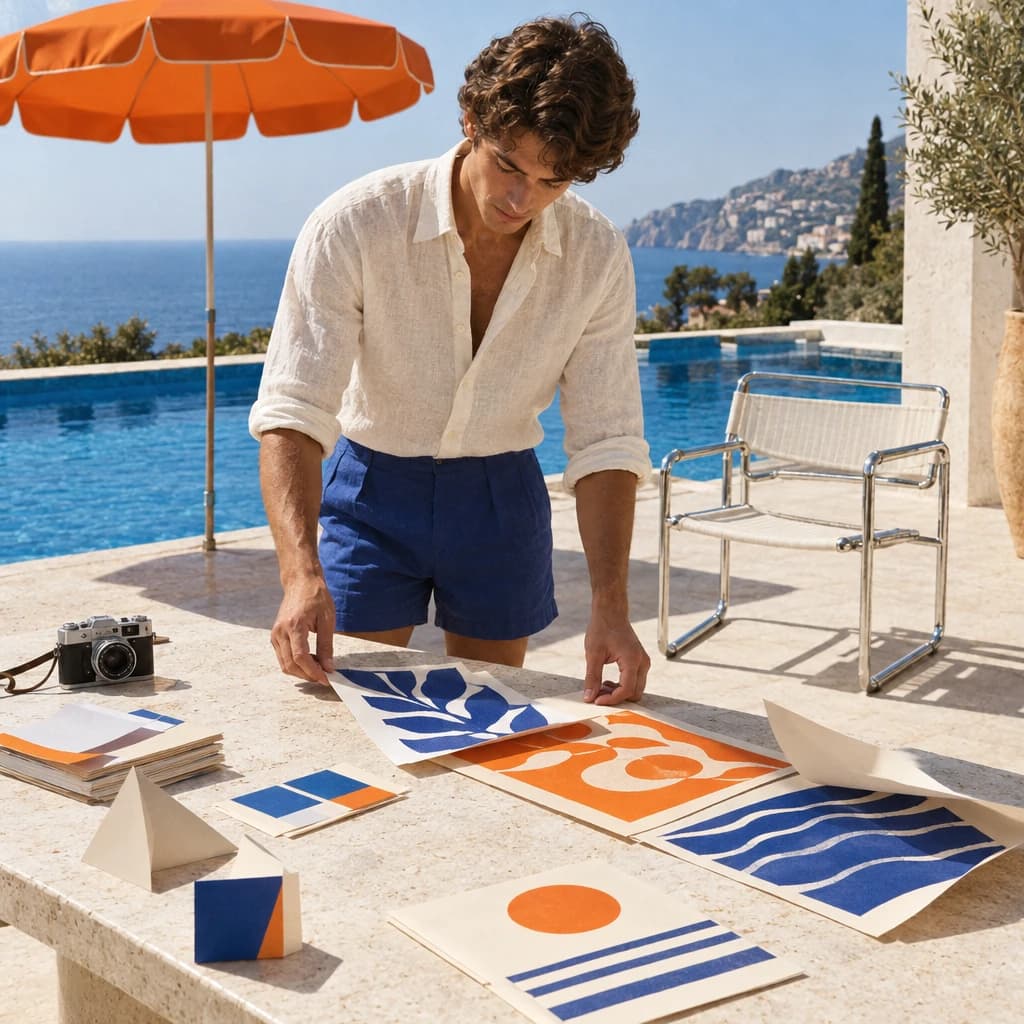
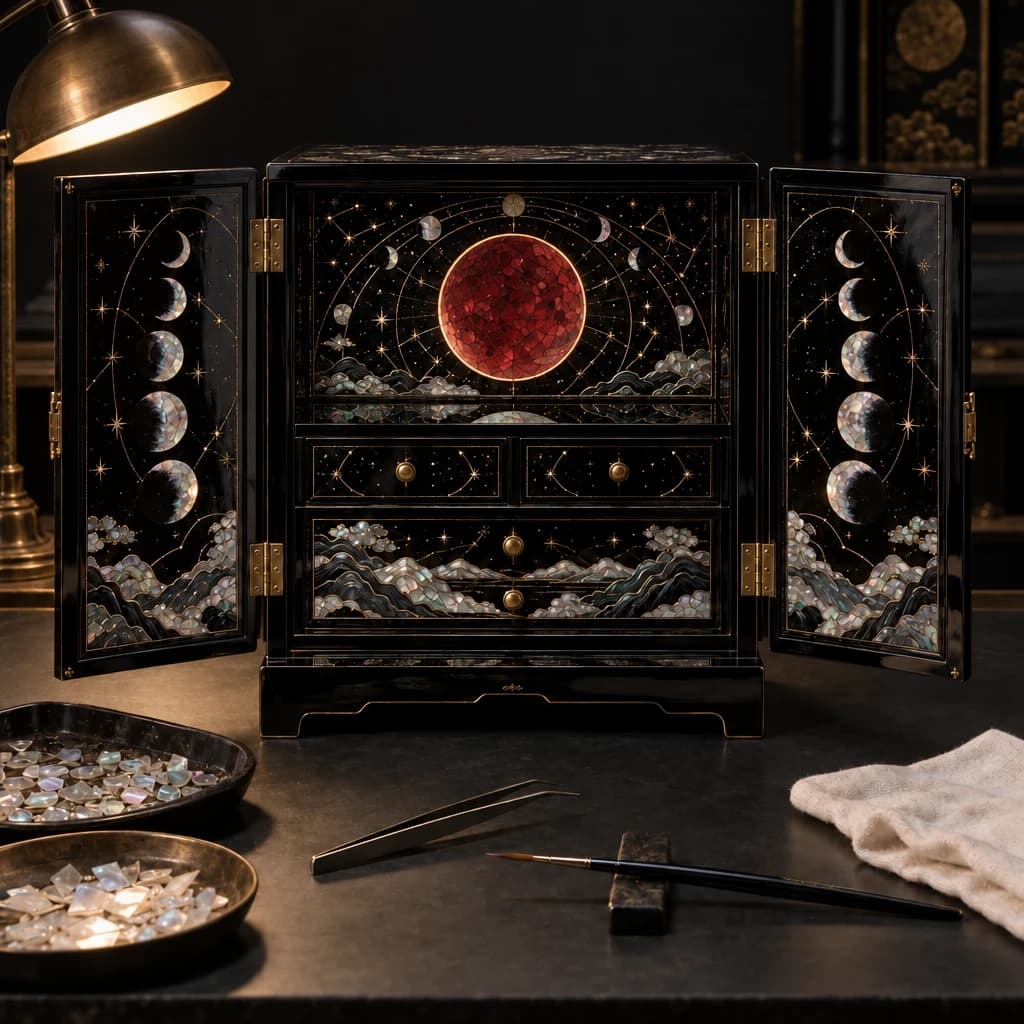
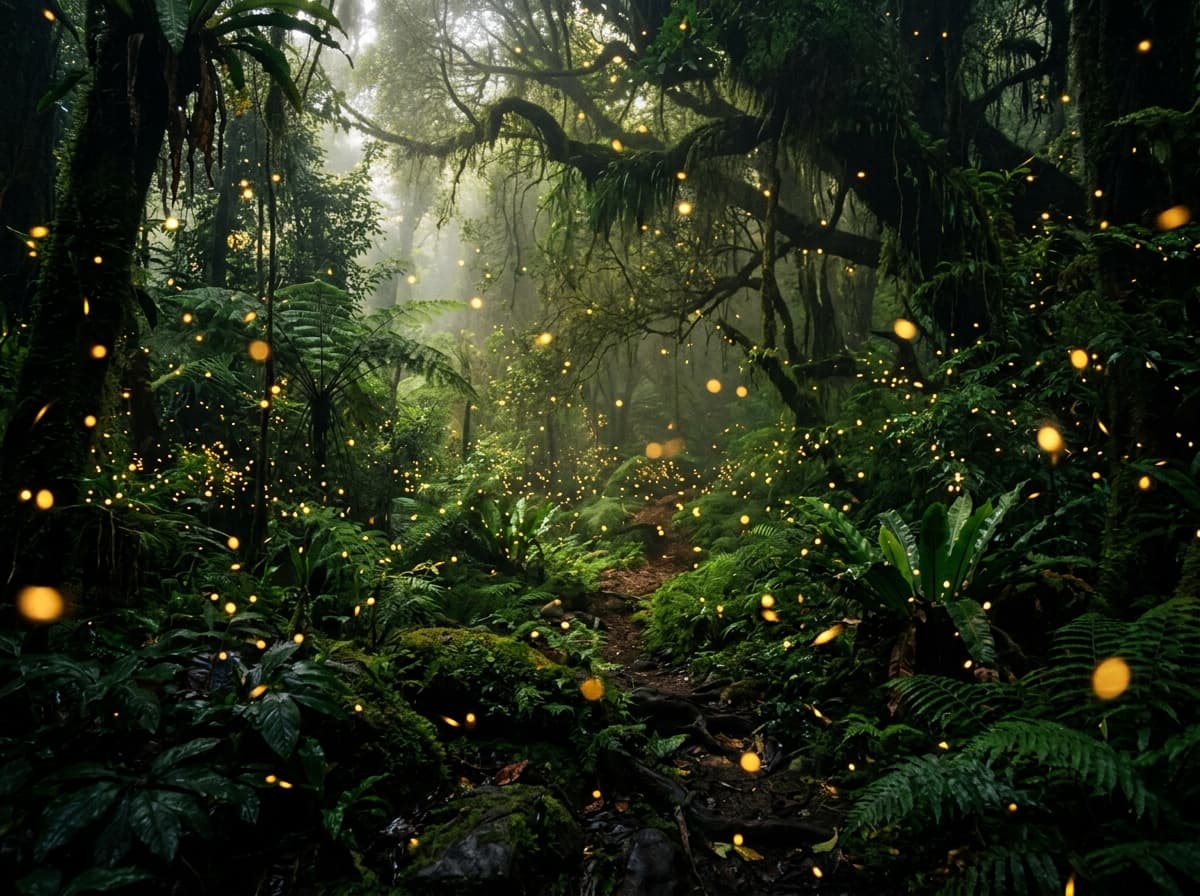
Text-to-image starts from nothing. Image-to-image starts from an asset you already have — a product packshot, a brand visual, a reference photo — and transforms it: new background, new lighting, a different scene, a restyle. It is the workflow for teams that already own their imagery and need variations, not net-new inventions. This guide shows the GPT Image 2 image-to-image API on hiapi with two real before-and-after transforms, the exact call, and the parameters.
The standout fact: on hiapi, gpt-image-2/image-to-image is $0 per call. You can iterate on background swaps and restyles for free, which makes it the natural first stop before you reach for any paid tier.
The call: prompt + input_urls
Image-to-image is the same task lifecycle as everything else on hiapi — POST /v1/tasks, poll or callback, download. The only new piece is input_urls: the image(s) you want the model to work from.
curl -X POST https://api.hiapi.ai/v1/tasks \
  -H "Authorization: Bearer $HIAPI_TOKEN" \
  -H "Content-Type: application/json" \
  -d '{
    "model": "gpt-image-2/image-to-image",
    "input": {
      "prompt": "Place this product on a dark slate surface with dramatic side lighting",
      "input_urls": ["https://static.hiapi.ai/blog/gpt-image-2-product-image-api/white-bg-packshot.jpg"],
      "aspect_ratio": "1:1"
    }
  }'
| Field | Type | Required | Notes |
|---|---|---|---|
prompt | string | yes | what to change |
input_urls | string[] | yes | the source image(s) to transform |
aspect_ratio | enum | no | output ratio |
resolution | enum | no | 1K / 2K / 4K |
The source
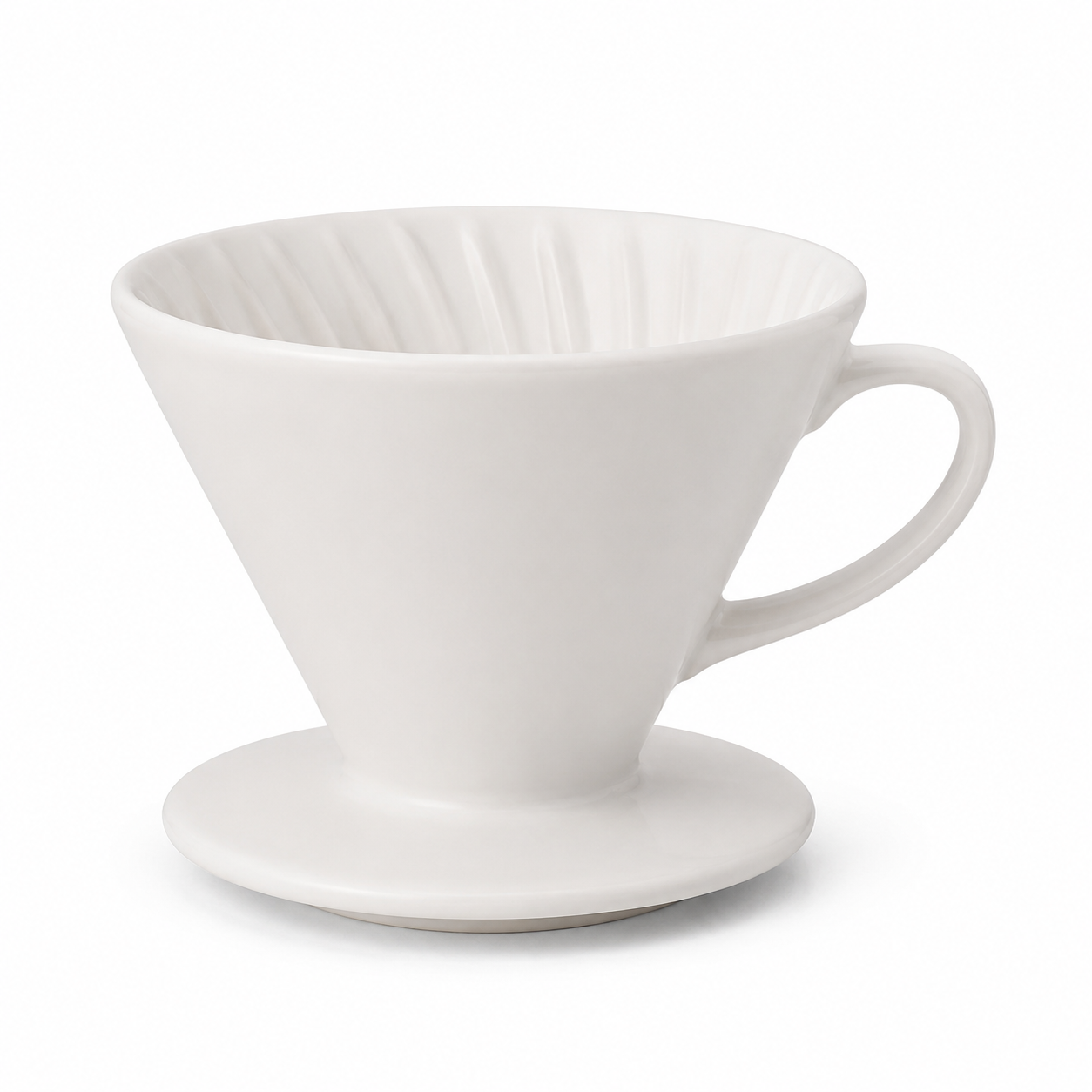
Both transforms below start from one plain catalog packshot — a white ceramic pour-over dripper on a seamless white background:
Transform 1: background and lighting swap
Same product, moody studio treatment — dark slate, dramatic side light, a wisp of steam. The packshot becomes an editorial hero without a reshoot.
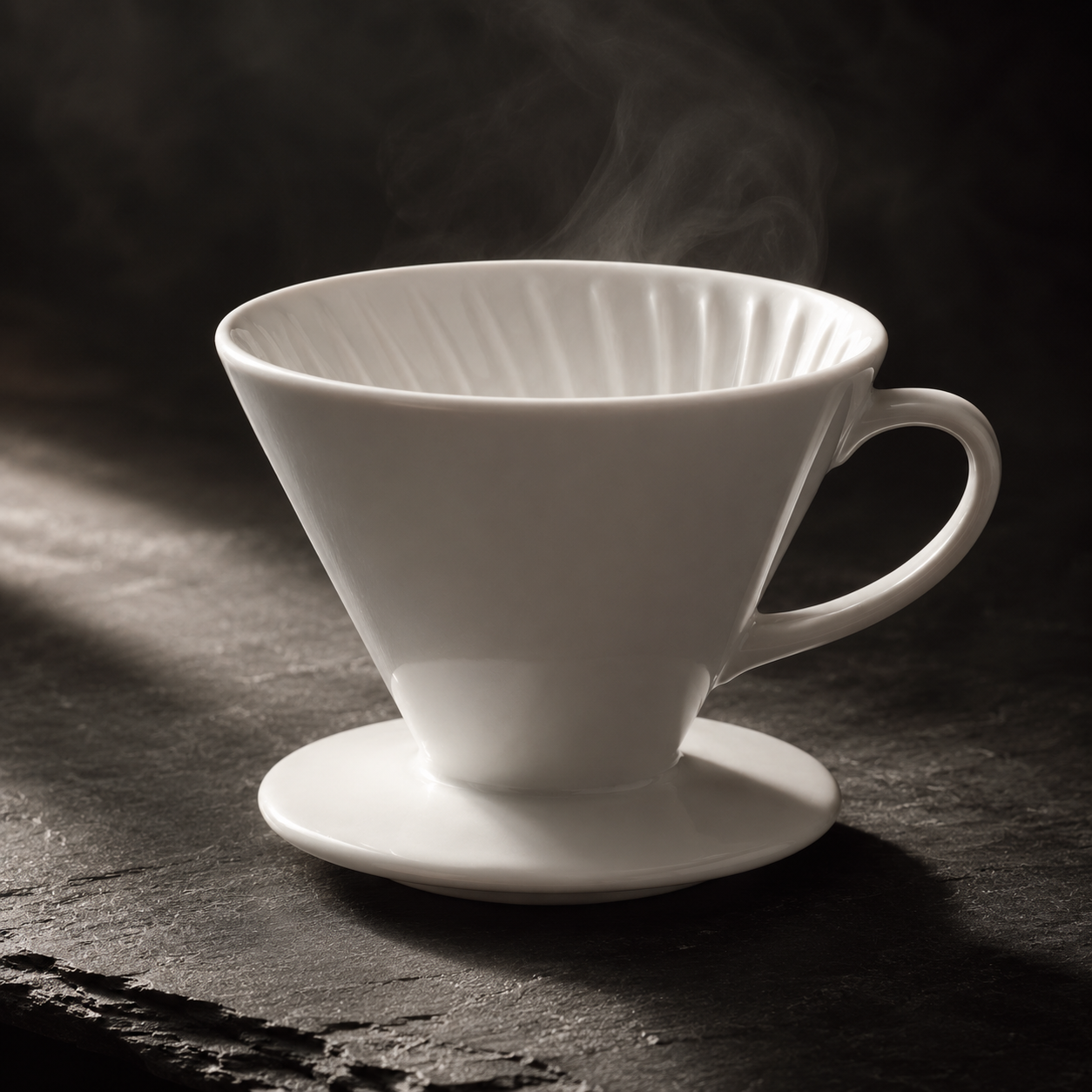
Place this exact white ceramic pour-over dripper on a dark slate stone surface
with dramatic side lighting and a soft steam wisp, moody editorial product
photography, keep the product shape and color unchanged.
- Model:
gpt-image-2/image-to-image· aspect_ratio:1:1· Task ID:tk-hiapi-01KVQK47VS7W1BCS9FCDTEX9XP· Cost: $0 - What to copy: the phrase "keep the product shape and color unchanged" is doing the heavy lifting — it anchors the subject so the model restyles the scene, not the product.
Transform 2: drop it into a scene
Same source, different intent — place the product in a lifestyle context for an above-the-fold shot.
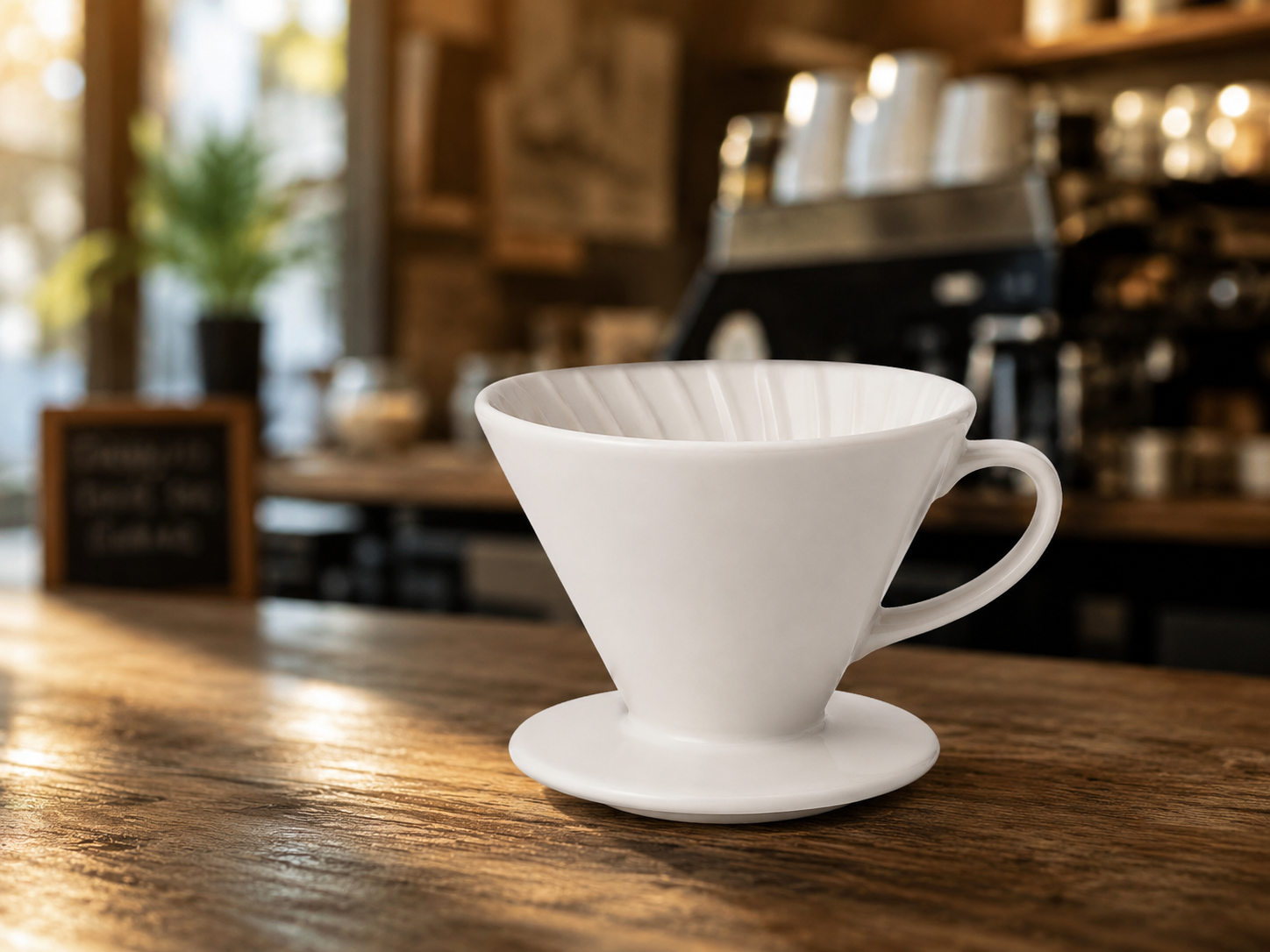
Place this exact white ceramic pour-over dripper on a wooden cafe counter with
a blurred warm cafe interior behind it, morning light, lifestyle product
photography, keep the product shape and color unchanged.
- Model:
gpt-image-2/image-to-image· aspect_ratio:4:3· Task ID:tk-hiapi-01KVQK75691SE3XJ1RP31JPQAE· Cost: $0
When to step up to the Pro tier
The free gpt-image-2/image-to-image tier is right for exploration and most edits. When a render has to be production-stable and you need to feed 1–5 reference images at once — compositing, multi-angle consistency, brand-critical assets — there is a gpt-image-2-image-to-image-pro tier at $0.40 built for that reliability. Start free, escalate only when the brief demands it.
For a multi-turn editing workflow (iterating edits across several calls), see GPT Image 2 multi-turn editing. Ready to transform your own assets? Open the GPT Image 2 image-to-image model page.