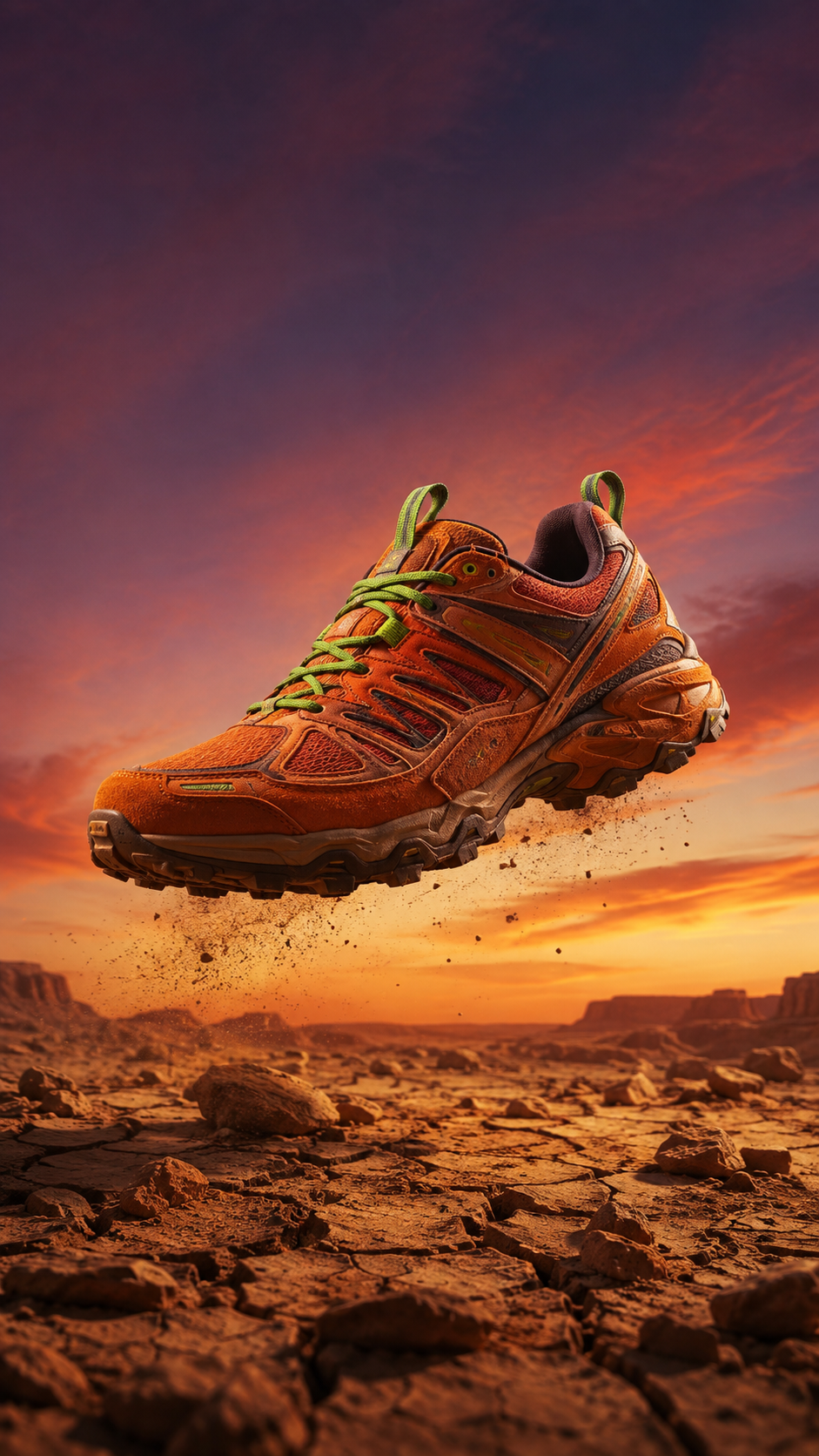
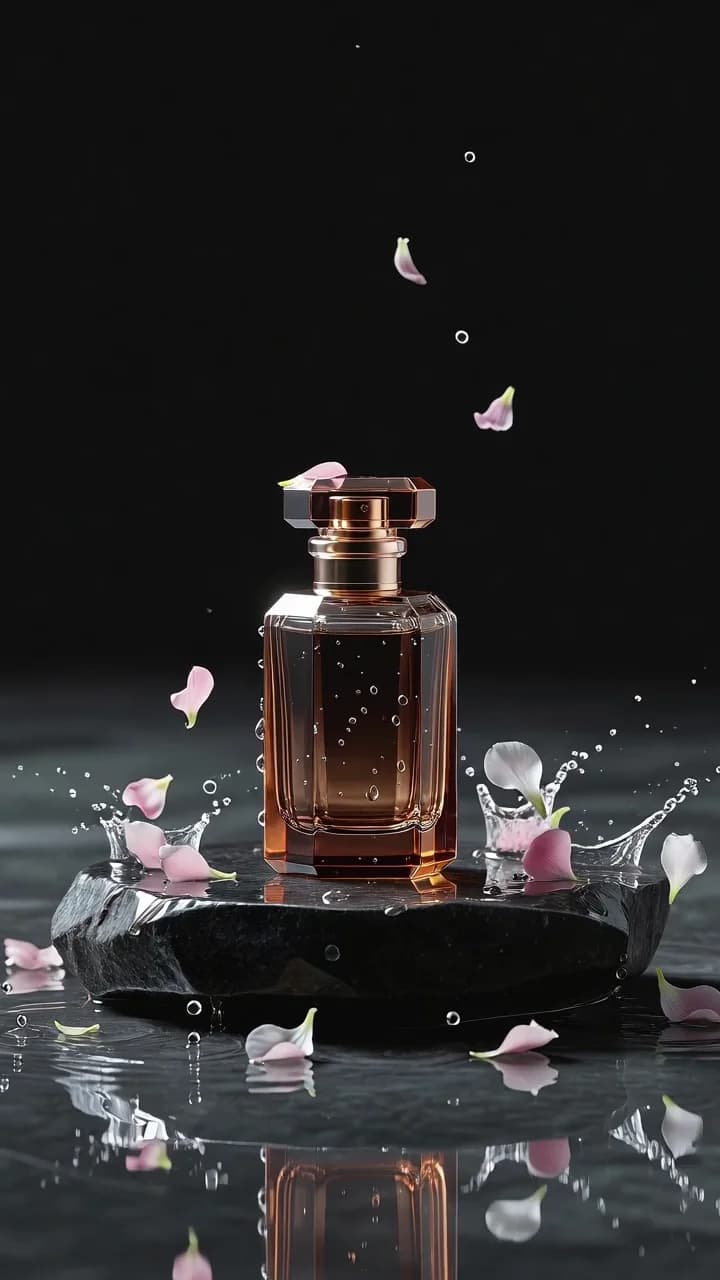
Short-form product video has a supply problem. A feed-ready clip used to mean a shoot: studio time, motion design, an editor. But if you already run an e-commerce catalog, you're sitting on the raw material — thousands of product stills. grok-imagine/image-to-video (xAI's Grok Imagine, image-to-video endpoint) turns those stills into 6–30 second cinematic clips through one async API call, with reference-image conditioning that keeps your product looking like your product.
This guide is the end-to-end workflow on the hiapi API: animating a single catalog still, using multiple reference images to lock subject consistency, choosing duration and resolution tiers for feed economics, and batching a catalog into a queue of vertical clips. Every clip embedded below is a real, unedited first output from the live API — generated for this article from stills in our asset library, with the exact prompt and settings shown next to it.
grok-imagine/image-to-video runs on hiapi's async task interface (POST /v1/tasks). The input schema we validated live for this article:
image_urls (array, required) — one or more publicly reachable reference image URLs. Private or unfetchable URLs fail at normalization time, not with a schema error, so host references somewhere public first.prompt (string, optional) — motion, camera, and atmosphere directions. With no prompt the model improvises; for product work you always want one.duration (integer, 6–30 seconds)resolution (480p or 720p)aspect_ratio (1:1, 2:3, 3:2, 16:9, 9:16)There is no motion_mode, seed, or negative-prompt field — unknown fields are rejected with a 400. All motion control is prompt wording.
One behavior we hit while generating the clips for this article: when aspect_ratio disagrees with the reference image's own aspect, the reference tends to win. We requested 9:16 on all three runs below; the two square source stills came back as square clips (960×960 and 544×544), while the run whose first reference was landscape delivered true 720×1280 vertical. If your feed needs guaranteed 9:16, crop the reference still to 9:16 before submitting instead of relying on the parameter.
Pricing is per second of output, from the hiapi pricing page at the time of writing:
| Tier | Price per second | 6s clip | 15s clip | 30s clip |
|---|---|---|---|---|
| 480p | $0.0114 | $0.068 | $0.171 | $0.342 |
| 720p | $0.0214 | $0.128 | $0.321 | $0.642 |
That pricing shapes the whole workflow: a 6-second 720p hero clip costs about 13 cents, and a 480p draft pass costs roughly half that. You can afford to iterate.
The task lifecycle is submit, poll, download. Submitting with curl:
curl -s -X POST https://api.hiapi.ai/v1/tasks \
-H "Authorization: Bearer $HIAPI_API_KEY" \
-H "Content-Type: application/json" \
-d '{
"model": "grok-imagine/image-to-video",
"input": {
"prompt": "Slow cinematic orbit around the bag, studio lighting glinting off the brass zippers, background stays clean, product unchanged.",
"image_urls": ["https://your-cdn.example.com/products/weekender.jpg"],
"duration": 6,
"resolution": "720p",
"aspect_ratio": "9:16"
}
}'
You get a task ID back immediately:
{"code": 200, "data": {"taskId": "tk-hiapi-01KX2H8WMWQG99A2F97BREDPS6"}, "message": "success"}
Then poll GET /v1/tasks/{taskId} until status is success and download output[0].url. A complete Python helper — the exact pattern used to generate every clip in this article:
import json, subprocess, time, os
API = "https://api.hiapi.ai/v1/tasks"
TOKEN = os.environ["HIAPI_API_KEY"]
def submit(input_fields: dict) -> str:
payload = {"model": "grok-imagine/image-to-video", "input": input_fields}
out = subprocess.run(
["curl", "-s", "-X", "POST", API,
"-H", f"Authorization: Bearer {TOKEN}",
"-H", "Content-Type: application/json",
"-d", json.dumps(payload)],
capture_output=True, text=True, timeout=70).stdout
data = json.loads(out)
if not (data.get("data") or {}).get("taskId"):
raise RuntimeError(f"submit failed: {out[:300]}")
return data["data"]["taskId"]
def wait(task_id: str, timeout_s: int = 1200) -> dict:
deadline = time.time() + timeout_s
while time.time() < deadline:
out = subprocess.run(
["curl", "-s", f"{API}/{task_id}",
"-H", f"Authorization: Bearer {TOKEN}"],
capture_output=True, text=True, timeout=40).stdout
task = json.loads(out)["data"]
if task["status"] == "success":
return task
if task["status"] == "fail":
raise RuntimeError(f"task failed: {task.get('error')}")
time.sleep(10)
raise TimeoutError(task_id)
task_id = submit({
"prompt": "...",
"image_urls": ["https://your-cdn.example.com/products/weekender.jpg"],
"duration": 6,
"resolution": "720p",
"aspect_ratio": "9:16",
})
task = wait(task_id)
video_url = task["output"][0]["url"]
subprocess.run(["curl", "-s", "-o", "clip.mp4", video_url], timeout=180)
Two operational details that matter in production:
output[0].url is a time-limited signed link (it carries an expiry). Download the bytes the moment the task succeeds and move them to your own storage — never persist the raw task URL."duration": 99 — you get the full schema validation error back without creating a billable task.The workhorse move: take the catalog packshot and give it one continuous camera motion. Product photography is static by definition, so the prompt's job is to add exactly one believable move and explicitly pin everything else down:
Slow cinematic orbit around the burnt-orange canvas weekender bag, camera
circling smoothly from front to three-quarter view, studio lighting glinting
off the brass zippers, seamless white background stays clean and shadowless,
product perfectly sharp and unchanged, subtle premium e-commerce energy.
Real output — grok-imagine/image-to-video, 6s @ 720p, single reference image. First take, unedited. Delivered 960×960: the square source still overrode our 9:16 request (see the aspect-ratio note above). Source still below.

The prompt pattern that keeps product clips honest:
image_urls accepts more than one reference, and this is the feature that separates grok-imagine from single-frame animators for product work. Give it the lifestyle shot you want as the scene plus the clean packshot as identity insurance, and the model reconciles them — the scene comes from the first image, the product's exact trim, straps and zippers stay anchored by the second:
The same burnt-orange weekender bag rests on a weathered wooden bench in a
sunlit loft; a gentle push-in as dust motes drift through warm window light,
soft shadows slide slowly across the bench, the bag and its dark leather trim
stay exactly consistent with the reference images, calm lifestyle-catalog mood.
Real output — grok-imagine/image-to-video, 6s @ 720p, 9:16, two reference images (bench lifestyle shot + white-background packshot). First take, unedited.
Note the phrase "consistent with the reference images" in the prompt — with multiple refs, saying so out loud helps the model treat the extra image as an identity constraint rather than a second scene to blend in. This is the pattern for brand accounts posting daily: shoot (or generate) one packshot per SKU, then reuse it as the consistency anchor across every lifestyle clip you animate.
Duration runs 6 to 30 seconds, and resolution is where the budget lever lives: 480p is roughly half the per-second price of 720p. Since feeds recompress aggressively anyway, a sane pipeline is draft at 480p, reshoot winners at 720p. Longer durations also give the model room for a slow build — here's a 12-second 480p draft-tier clip, one continuous atmospheric move on a tea tin still:
Moody slow dolly-in on the matte-black tea tin standing on slate, steam curls
up lazily behind it, a soft beam of morning light sweeps across the embossed
label, tiny tea leaves tumble gently onto the slate in the final seconds, dark
premium atmosphere, label text unchanged and legible.
Real output — grok-imagine/image-to-video, 12s @ 480p, single reference image. First take, unedited (delivered square, matching the square source still). Cost: $0.137.
At 480p the render costs $0.0114/s — this entire 12-second clip was 13.7 cents. That is cheap enough to draft three prompt variants per product and only pay the 720p rate for the one you actually post. Note "label text unchanged and legible" in the prompt: packaging text is the first thing to smear in image-to-video, and calling it out is the cheapest protection you have.
Everything above scales linearly because tasks are asynchronous: submit the whole batch, then poll. A minimal batch runner over a product list:
products = [
{"sku": "weekender-orange", "refs": ["https://cdn.example.com/weekender.jpg"],
"prompt": "Slow cinematic orbit around the bag, studio light on the brass zippers, background clean, product unchanged."},
{"sku": "tea-tin-black", "refs": ["https://cdn.example.com/tea-tin.jpg"],
"prompt": "Moody slow dolly-in, steam drifting, light sweeping the embossed label, label text unchanged."},
# ... the rest of the catalog
]
jobs = []
for p in products:
tid = submit({
"prompt": p["prompt"],
"image_urls": p["refs"],
"duration": 6,
"resolution": "480p", # draft tier
"aspect_ratio": "9:16",
})
jobs.append((p["sku"], tid))
for sku, tid in jobs:
task = wait(tid)
url = task["output"][0]["url"]
subprocess.run(["curl", "-s", "-o", f"{sku}.mp4", url], timeout=180)
print(f"{sku}: done")
Practical batching notes from running this pipeline:
aspect_ratio — crop your stills to 9:16 before submitting if the clip is feed-bound. Cropping a finished square render to vertical throws away most of your pixels.How long does a render take? The 6-second clips for this article rendered in a few minutes each; the 12-second clip took slightly longer. Treat it as an async queue, not an interactive call — submit batches and poll.
Can I use generated images as the reference? Yes. Reference URLs just need to be publicly fetchable. All three source stills in this article were themselves API-generated product shots (from seedream-5.0-lite runs) pulled from our asset library — a fully synthetic still-to-video pipeline.
What about 1080p or longer than 30 seconds? This endpoint tops out at 720p and 30 seconds. For short-form feeds that's the sweet spot; if you need higher resolutions, upscale in post or check the model catalog for current options.
How does this differ from grok-imagine-1.5/image-to-video? The 1.5 preview endpoint trades range for motion quality: 1–15 second durations with upgraded motion, same per-second pricing. This 1.0 endpoint gives you 6–30 seconds. We covered 1.5 basics in a separate walkthrough.
Is there a text-to-video version? Yes — grok-imagine/text-to-video, same task interface, prompt-only input. Image-to-video is the right pick when brand/product consistency matters; text-to-video when you need footage from nothing.
If you have product stills and an API key, you're one POST /v1/tasks away from your first feed clip: grab your key from the dashboard, start with the grok-imagine/image-to-video model page, and animate one packshot with the orbit prompt above — at 13 cents per draft, the fastest way to learn the model is to run it.