Short-form video is the format every content pipeline eventually has to support, and the cheapest way to produce a batch of them reliably is image-to-video: take a still frame you already control — a product shot, a character design, a generated keyframe — and let a video model animate it. Kling 3.0's image-to-video endpoint on HiAPI does this well, with a feature most i2v models skip: you can supply both a first frame and a last frame, so the model animates between two states instead of just extrapolating motion from one.
This walkthrough builds a complete, scriptable workflow: generate a first frame, submit it to Kling 3.0's async task API, poll for completion, and download a finished clip with native synced audio — all through plain HTTP calls you can drop into a batch job.
Why image-to-video instead of text-to-video
Text-to-video gives you a surprise every time. Image-to-video gives you a starting point you already approved — which matters when the frame is a product photo, a brand character, or anything that needs to look a specific way before it moves. Kling 3.0's image-to-video model takes this further with first+last-frame control: pass one reference image and the model treats it purely as a starting point; pass two, and the second becomes the target end state, with the model interpolating the motion in between. That's effectively programmable keyframe animation through a single API call, with no timeline editor involved.
The request shape
Kling 3.0 image-to-video runs on HiAPI's unified async task endpoint — POST /v1/tasks, then poll GET /v1/tasks/{id} until it resolves. The model's input schema is intentionally small:
{
  "model": "kling-3.0/image-to-video",
  "input": {
    "prompt": "a lantern slowly lighting up as the camera pushes in, warm cinematic glow",
    "image_urls": ["https://static.hiapi.ai/blog/kling-3-0-image-to-video-short-form-workflow/first-frame.jpg"],
    "duration": 3,
    "resolution": "720p",
    "sound": true
  }
}
A few things worth knowing before you build around this:
image_urlstakes 1 or 2 entries. One image means "animate starting from this frame." Two means "animate from the first toward the second" — that's the first+last-frame control mentioned above. There's no separatetail_image_urlfield; it's all expressed through array position.durationis an integer from 3 to 15 seconds. Short-form platforms mostly want clips in the 3–8 second range anyway, so the low end of that scale is usually what you want for a single scene.resolutiongoes up to 4K, which is higher than thekling-3.0-turbosibling model (capped at 1080p). The tradeoff is cost — see pricing below — so 720p or 1080p covers most short-form use cases without paying for resolution nobody will notice on a phone screen.soundis a boolean, and it's real synchronized audio generation, not a silent clip with music bolted on afterward. Toggle it on when the motion in your scene would plausibly produce sound (a door closing, wind, footsteps) and the result is noticeably more convincing than a silent render.- There's no
aspect_ratiofield — the output frame matches whatever aspect ratio your input image already has.
End-to-end script
Here's the full flow in Python: create the task, poll until it finishes, download the result.
import requests
import time

API_KEY = "YOUR_HIAPI_KEY"
BASE = "https://api.hiapi.ai/v1/tasks"
HEADERS = {"Authorization": f"Bearer {API_KEY}", "Content-Type": "application/json"}

def submit_i2v(image_url, prompt, duration=3, resolution="720p", sound=True):
    payload = {
        "model": "kling-3.0/image-to-video",
        "input": {
            "prompt": prompt,
            "image_urls": [image_url],
            "duration": duration,
            "resolution": resolution,
            "sound": sound,
        },
    }
    resp = requests.post(BASE, headers=HEADERS, json=payload, timeout=60)
    resp.raise_for_status()
    return resp.json()["data"]["taskId"]

def wait_for_result(task_id, poll_interval=5, timeout_s=600):
    deadline = time.time() + timeout_s
    while time.time() < deadline:
        resp = requests.get(f"{BASE}/{task_id}", headers=HEADERS, timeout=30)
        resp.raise_for_status()
        task = resp.json()["data"]
        if task["status"] == "success":
            return task["output"][0]["url"]
        if task["status"] == "fail":
            raise RuntimeError(task.get("error"))
        time.sleep(poll_interval)
    raise TimeoutError(f"task {task_id} did not finish in {timeout_s}s")

task_id = submit_i2v(
    image_url="https://static.hiapi.ai/blog/kling-3-0-image-to-video-short-form-workflow/first-frame.jpg",
    prompt="a lantern slowly lighting up as the camera pushes in, warm cinematic glow",
)
video_url = wait_for_result(task_id)
print(video_url)  # temporary signed URL — download immediately, don't store it as a permanent link
One detail that trips people up when they wire this into a real pipeline: the output[0].url you get back is a temporary, expiring link. Download the bytes and move them to your own storage right away rather than persisting the task's output URL anywhere long-term.
Here's the first frame used in this example, and the clip Kling 3.0 produced from it with sound: true:
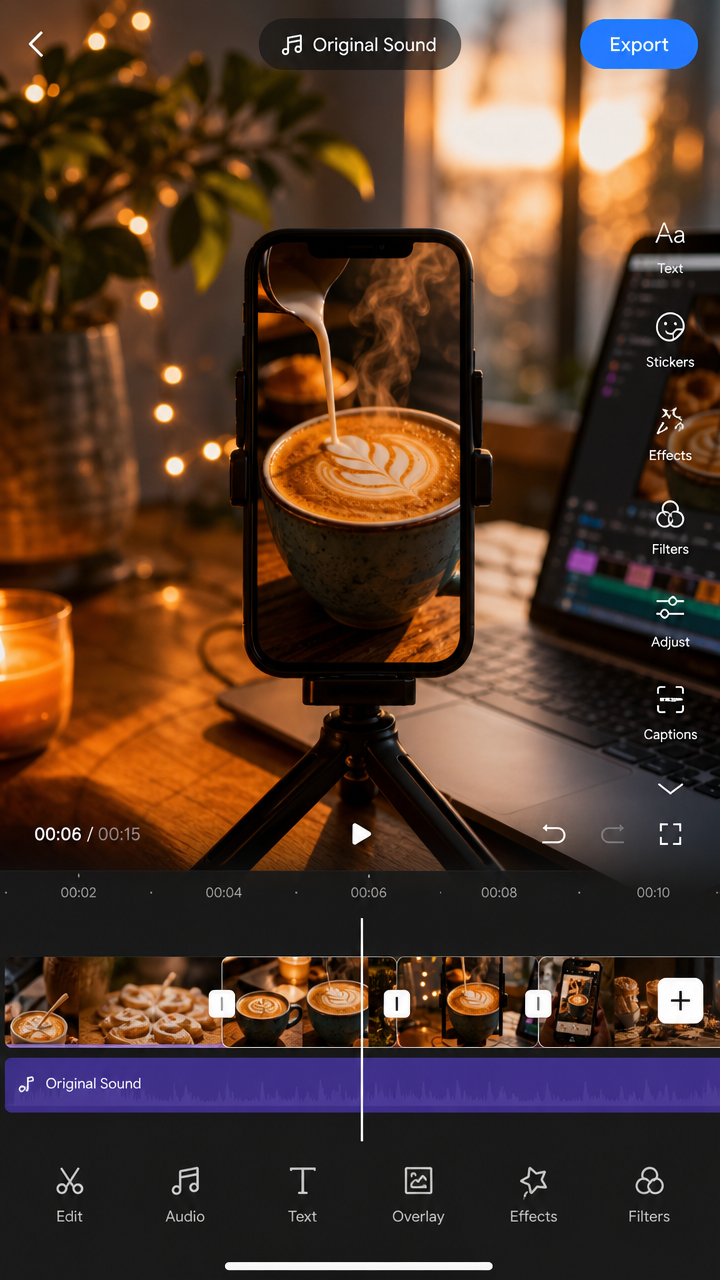
A 3-second 720p clip with audio like the one above costs a little over $0.40 — cheap enough to iterate on prompts a few times before you land on the take you want to ship.
Pricing: resolution and audio both scale cost
Kling 3.0 image-to-video bills per second of output duration, with both resolution and the audio toggle affecting the rate:
| Resolution | Without audio | With audio |
|---|---|---|
| 720p | $0.10/s | $0.143/s |
| 1080p | $0.129/s | $0.193/s |
| 4K | $0.479/s | — |
Worked examples: a 3-second 720p clip with sound comes to about $0.43. A 5-second 1080p clip without audio is $0.645; the same clip with audio is $0.965. For short-form content where most finished clips land in the 3–8 second range, 720p or 1080p is almost always the right call — 4K pricing only makes sense if you're compositing into something that will genuinely benefit from the extra resolution downstream. Check current pricing before running anything at scale, since per-second rates are the kind of detail that's worth confirming against the live page rather than caching in your head.
Batching this into a real workflow
For short-form content at any volume, you don't want to submit one task and babysit it — you want to fire off a batch and collect results as they land. Since each task is independent and identified by its own taskId, the pattern is straightforward: submit all your image-to-video requests up front, store the returned task IDs, then poll them on a loop and only act once each one resolves to success or fail. That keeps your pipeline running at the platform's actual throughput instead of serializing on the slowest single generation.
A few habits worth building in from the start:
- Verify your source images are reachable before submitting. The task API will happily accept a URL and then fail the task later if the image can't be fetched — checking with a HEAD request first saves a wasted generation.
- Treat
failstatus as a normal outcome, not an exception. Model outputs occasionally reject a particular prompt/image combination; log the failure and move to the next item rather than halting the whole batch. - Reuse clips across variations where you can. If you're testing multiple captions or soundtracks against the same generated motion, there's no need to regenerate the video itself — that's purely a downstream editing step.
If you're setting up the API key and authentication for the first time, HiAPI's quickstart guide covers the basics of getting a key and making your first authenticated call before you build out a full batch pipeline on top of it.
Wrapping up
Kling 3.0's image-to-video model turns a single still frame — or two, if you want first+last-frame control — into a short, audio-synced clip through one HTTP call, with pricing that scales predictably by duration, resolution, and whether you need sound. For short-form video pipelines, that combination of control, low per-clip cost at 720p/1080p, and a straightforward async task API makes it easy to go from "one still image" to "a batch of finished clips" without touching a video editor.




