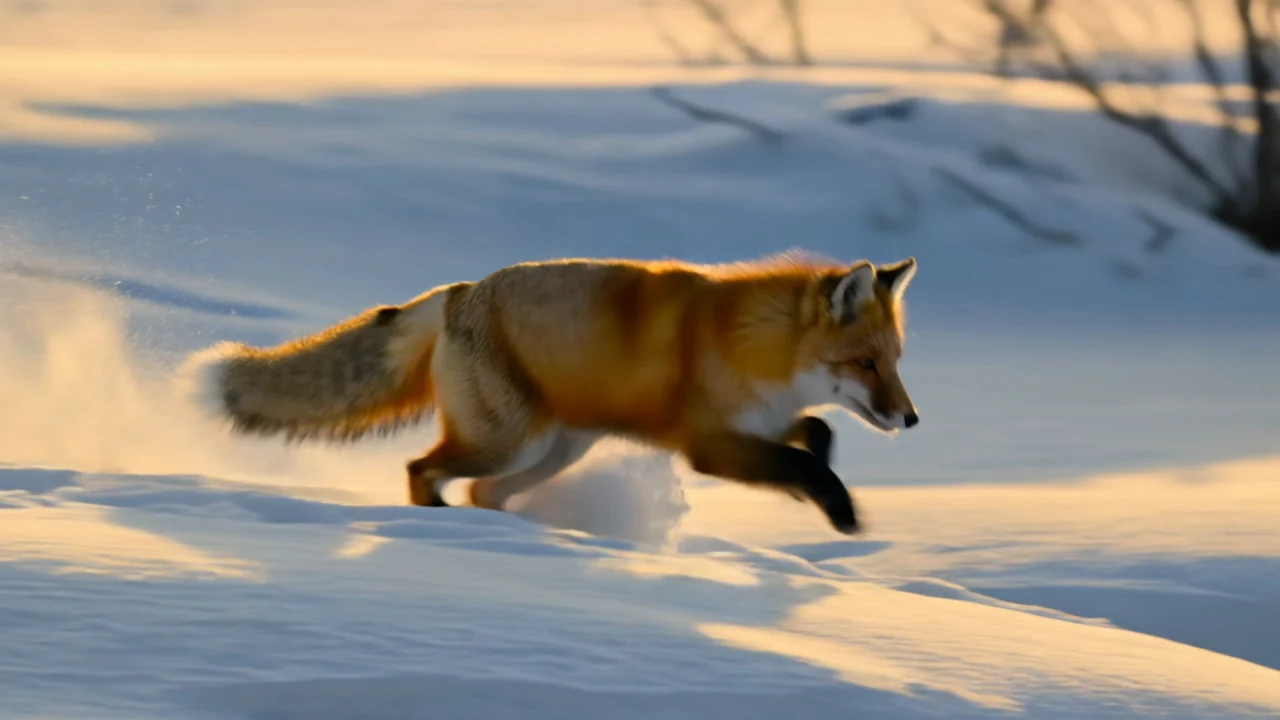
TL;DR
- Wan 2.7 is Alibaba's video model. On HiAPI it is available as
wan2.7-video/text-to-videoandwan2.7-video/image-to-video, 2–15 seconds per clip, with no GPU or local setup needed. - Both endpoints cost the same per second: $0.10 at 720P and $0.167 at 1080P. A 5-second 720P clip is $0.50.
- Two things trip people up: resolution must be uppercase (
720P/1080P, default 1080P), and the text-to-video aspect field isratio, notaspect_ratio. Both mistakes return HTTP 400.
What Wan 2.7 output looks like
Text-to-video, the model page example:
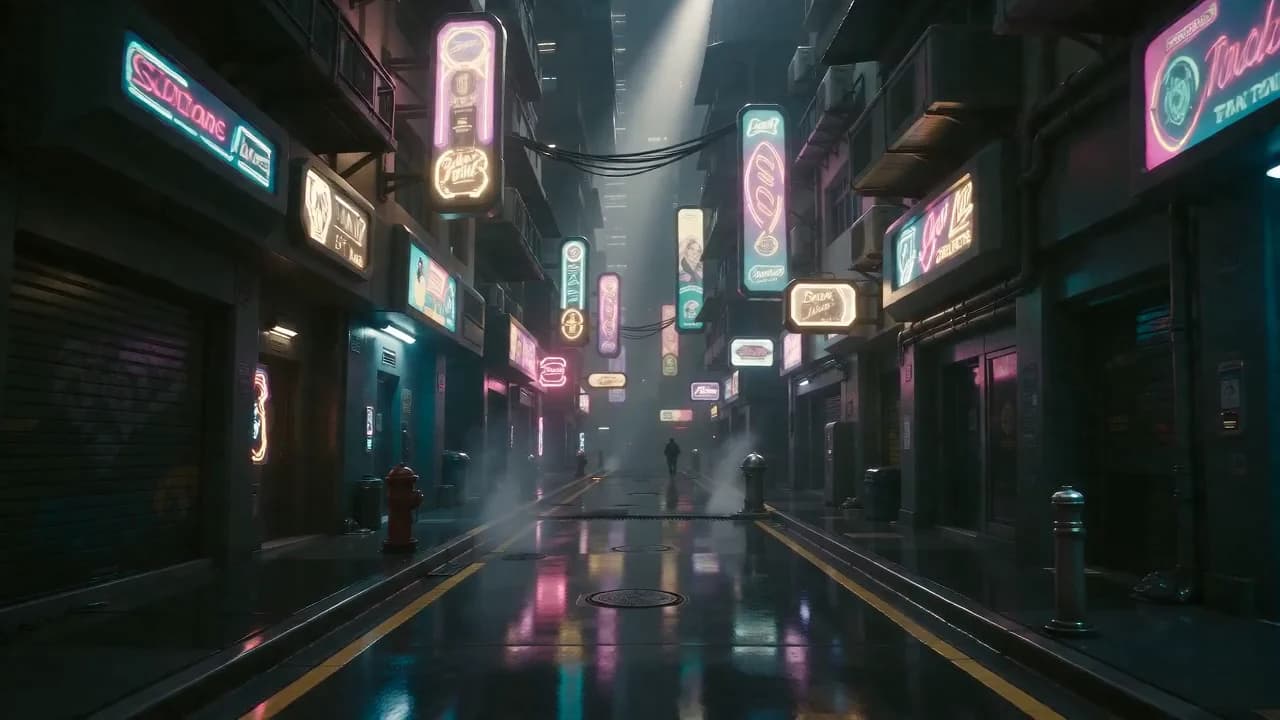
一位穿着白色毛衣的年轻女子坐在咖啡馆窗边,窗外是雨天的街道,她轻轻端起咖啡杯,目光望向窗外,暖黄色灯光映照在她的脸上,雨滴顺着玻璃缓缓流下,电影级浅景深,35mm胶片质感,温暖色调,慢镜头特写
Generate with this prompt → (1080P, 16:9)
wan2.7-video/text-to-video model page example, 1080P, about 8 seconds, $1.336 at current prices.
The prompt is in Chinese (a woman in a white sweater by a rainy café window, lifting her coffee, warm light, 35mm film look, slow close-up). Wan 2.7 accepts English prompts just as well.
Image-to-video, animating a claymation farm illustration:
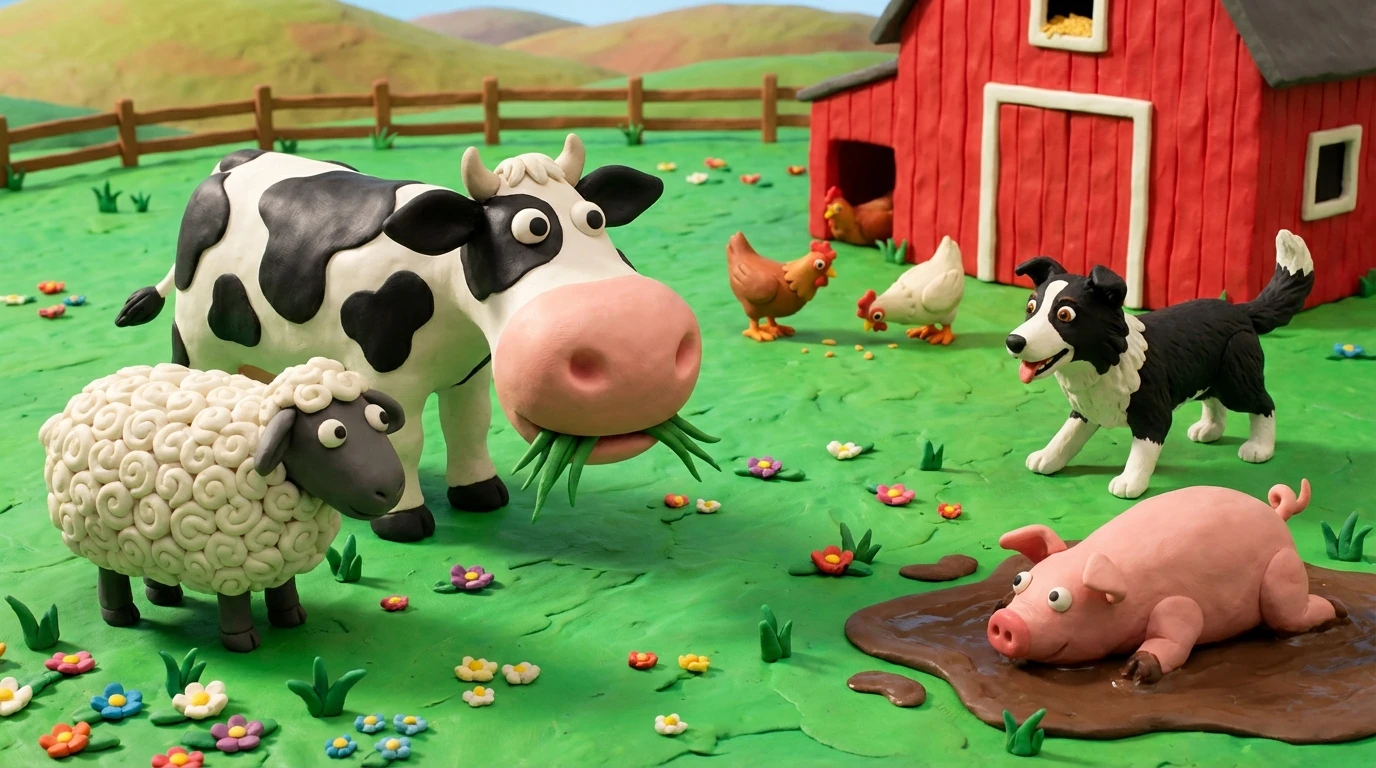
黏土动画风格,欢乐农场场景缓缓活起来。奶牛妈妈慢慢咀嚼嘴里的青草,小牛好奇地歪头张望。身后的母鸡们低头啄食地上的谷粒,小狗摇着尾巴朝镜头方向小跑几步。泥坑里的小猪满足地打了个滚,溅起小小的泥花。远处红色谷仓的风车缓缓转动,绿色山丘上白云悠悠飘过。地面上的小花随微风轻轻摇摆,整个画面充满温暖的午后阳光,定格动画质感,童趣十足。
Generate with this prompt → (upload your start frame)
wan2.7-video/image-to-video model page example, 1080P, about 8 seconds, $1.336 at current prices.
The prompt gives every character in the picture one small action: the cow chews, the hens peck, the dog trots toward the camera, the pig rolls in the mud. That is the pattern for image-to-video in general: describe what each subject does next, not what the picture already shows.
Wan 2.7 API in Python
Get a key from the dashboard, pip install requests, and set HIAPI_KEY. This script submits a task, polls until it finishes, and saves the MP4:
import os
import time
import uuid

import requests

API = "https://api.hiapi.ai/v1/tasks"
HEADERS = {"Authorization": f"Bearer {os.environ['HIAPI_KEY']}"}


def run_wan(model: str, out_path: str, timeout_s: int = 900, **params) -> str:
    # Reuse the same Idempotency-Key when retrying a submission so it is billed once
    headers = {**HEADERS, "Idempotency-Key": str(uuid.uuid4())}
    r = requests.post(API, json={"model": model, "input": params}, headers=headers, timeout=30)
    if r.status_code == 400:
        raise ValueError(f"schema error, no task created: {r.text}")
    r.raise_for_status()
    task_id = r.json()["data"]["taskId"]

    deadline = time.time() + timeout_s
    while time.time() < deadline:
        data = requests.get(f"{API}/{task_id}", headers=HEADERS, timeout=30).json()["data"]
        if data["status"] == "success":
            video = requests.get(data["output"][0]["url"], timeout=120)
            video.raise_for_status()
            with open(out_path, "wb") as f:
                f.write(video.content)  # output URLs are temporary
            return out_path
        if data["status"] == "fail":
            raise RuntimeError(f"task {task_id} failed: {data.get('error')}")
        time.sleep(10)
    raise TimeoutError(task_id)


# Text-to-video: 5 s, 720P, vertical ($0.50)
run_wan(
    "wan2.7-video/text-to-video", "cat.mp4",
    prompt="An orange cat yawns on a sunlit windowsill, tail swaying gently, warm tones, shallow depth of field",
    resolution="720P", ratio="9:16", duration=5,
)
The same text-to-video request in curl:
curl -X POST https://api.hiapi.ai/v1/tasks \
  -H "Authorization: Bearer $HIAPI_KEY" \
  -H "Content-Type: application/json" \
  -d '{
    "model": "wan2.7-video/text-to-video",
    "input": {
      "prompt": "An orange cat yawns on a sunlit windowsill, tail swaying gently, warm tones",
      "resolution": "720P",
      "ratio": "16:9",
      "duration": 5
    }
  }'
Image-to-video: the media array
Image-to-video doesn't use image_url. It takes a media array of 1–3 items, each with a type and a url:
{
  "model": "wan2.7-video/image-to-video",
  "input": {
    "prompt": "The camera pushes in slowly, petals lift in the wind, the subject turns and smiles",
    "media": [
      {"type": "first_frame", "url": "https://your-cdn.example.com/start.jpg"},
      {"type": "last_frame", "url": "https://your-cdn.example.com/end.jpg"}
    ],
    "resolution": "720P",
    "duration": 5
  }
}
type | What it does |
|---|---|
first_frame | The opening frame |
last_frame | The closing frame, used with a first frame for a transition |
driving_audio | Audio the motion follows |
first_clip | An opening video clip that the model continues |
There is no aspect setting on image-to-video; the output follows the first frame.
Input reference
| Field | Values | Notes |
|---|---|---|
prompt | string, up to 5,000 characters | Required. English or Chinese |
negative_prompt | string, up to 500 characters | What to avoid |
resolution | 720P / 1080P, default 1080P | Uppercase only; sets the price |
ratio | 16:9, 9:16, 1:1, 4:3, 3:4; default 16:9 | Text-to-video only |
duration | integer 2–15, default 5 | Seconds |
audio_url | wav or mp3, 2–30 s, up to 15 MB | Text-to-video only, optional |
prompt_extend | default true | Rewrites your prompt; set false to use it verbatim |
seed | 0–2147483647 | Fix it to reproduce a result |
watermark | default false | Adds an AI-generated watermark |
Wan 2.7 pricing
| Duration | 720P ($0.10/s) | 1080P ($0.167/s) |
|---|---|---|
| 2 s | $0.20 | $0.334 |
| 5 s | $0.50 | $0.835 |
| 10 s | $1.00 | $1.67 |
| 15 s | $1.50 | $2.505 |
$10 covers 100 seconds at 720P. Since the default is 1080P, setting 720P while you test saves 40%. Failed tasks are not charged.
Common errors
resolution: value must be one of '720P', '1080P': you sent lowercase720p.additional properties 'aspect_ratio' not allowed: useratioon text-to-video.duration: maximum: got 20, want 15: clips are capped at 15 seconds.
All three are HTTP 400 responses, which means no task was created and nothing was billed.
FAQ
Can I run Wan 2.7 without a GPU?
Yes. Through the API the model runs on HiAPI's side; you only send HTTP requests.
What's the longest Wan 2.7 video?
15 seconds per task. For longer videos, generate clips and edit them together, or pass the end of one clip as first_clip to continue it.
Should I use Wan 2.7 or Wan 3.0?
On HiAPI, Wan 3.0 is a reference-to-video model for locking characters and products from reference images. For plain text-to-video or image-to-video, use Wan 2.7.
More prompts: Wan 2.7 text-to-video prompt recipes and image-to-video prompt recipes. Or try a clip on the model page.