Subject
Scene
Light and camera
01
Write the prompt
Describe the subject, scene, material, light and any exact text in 1–5,000 characters. Ultra rewards specific material, light and depth of field.
Imagen 4 Ultra generates finished, detail-rich images from text for product macros, portraits and close-ups, in six aspect ratios. Try it online and review examples and API examples.
Provider: Google
Category: image generation
Status: In progress
Imagen 4 Ultra generates finished, detail-rich images from text for product macros, portraits and close-ups, in six aspect ratios. Try it online and review examples and API examples.
Browse results across different aspect ratios, complete prompts, and visual detail.
Choose an adjacent model by task, output tier, and reference-image needs.
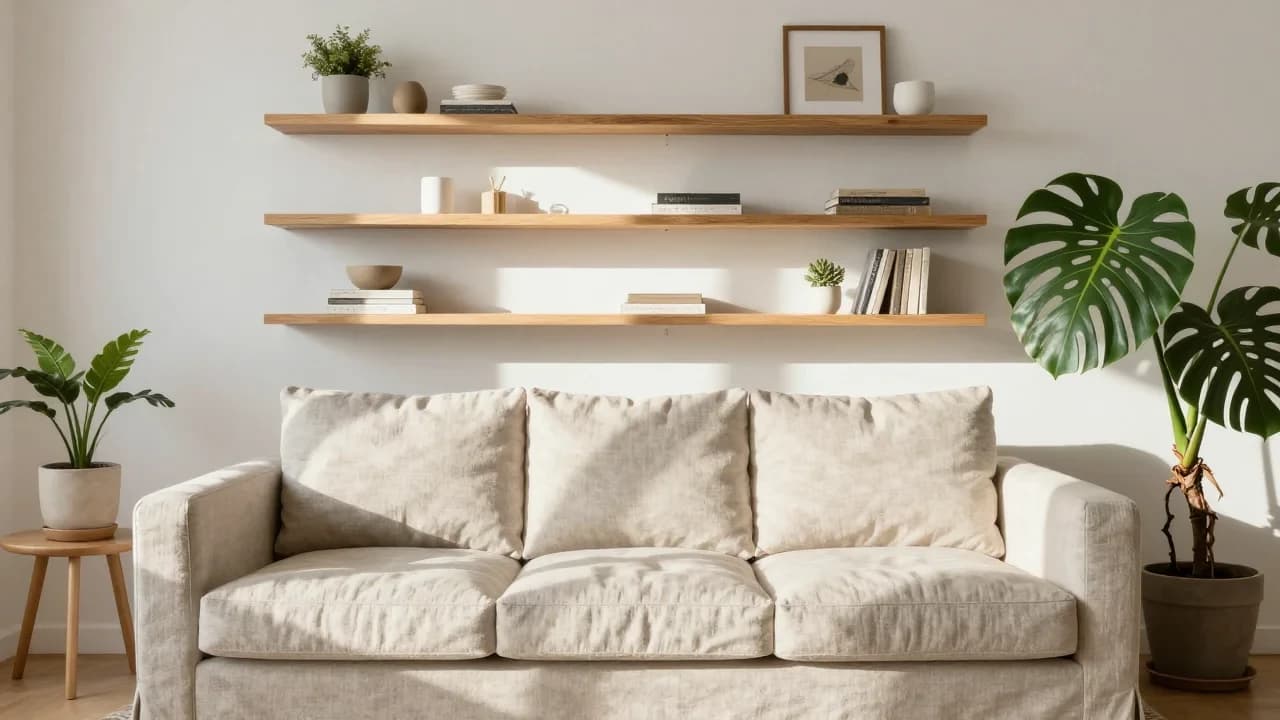
Everyday production
For everyday product, lifestyle and content images.

Fast drafts
Faster output for exploring many directions before the final.
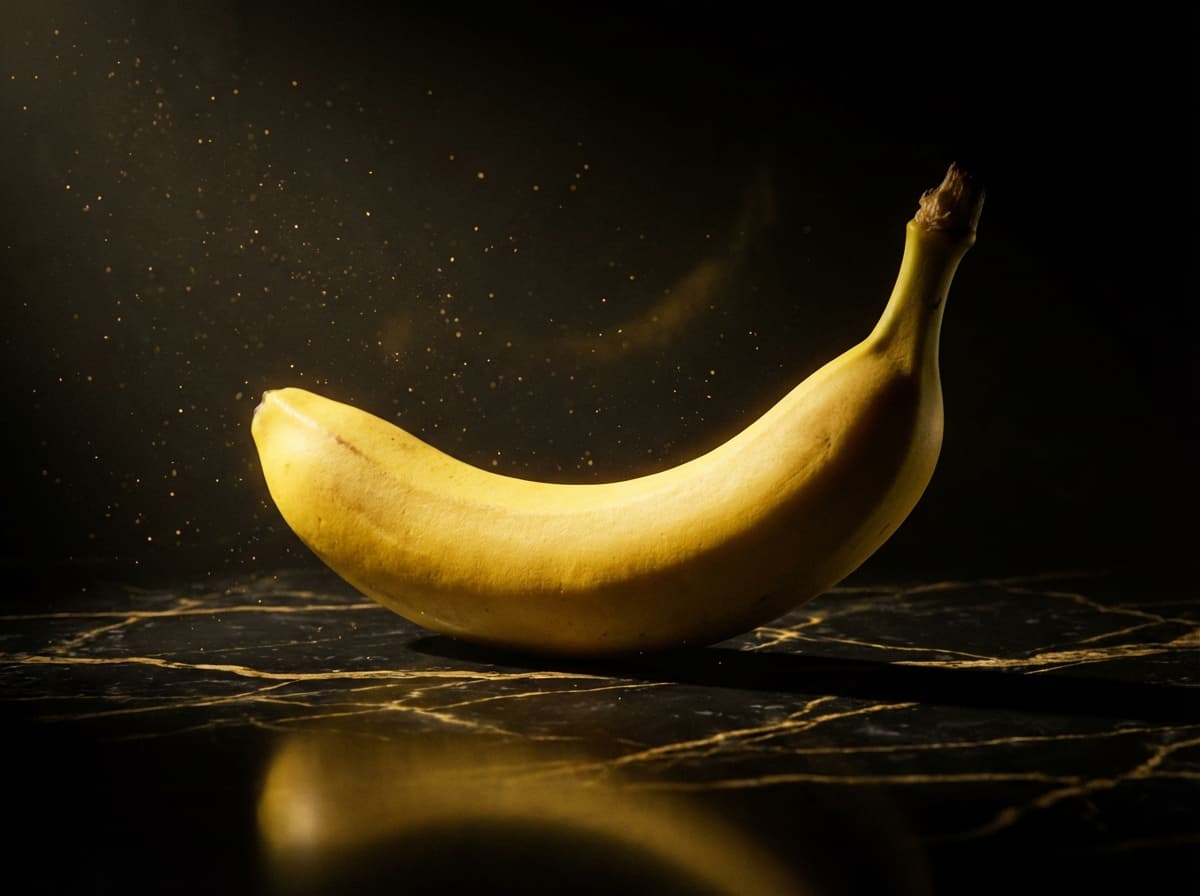
High-detail commercial images
Up to 4K output with references, for high-detail commercial images.
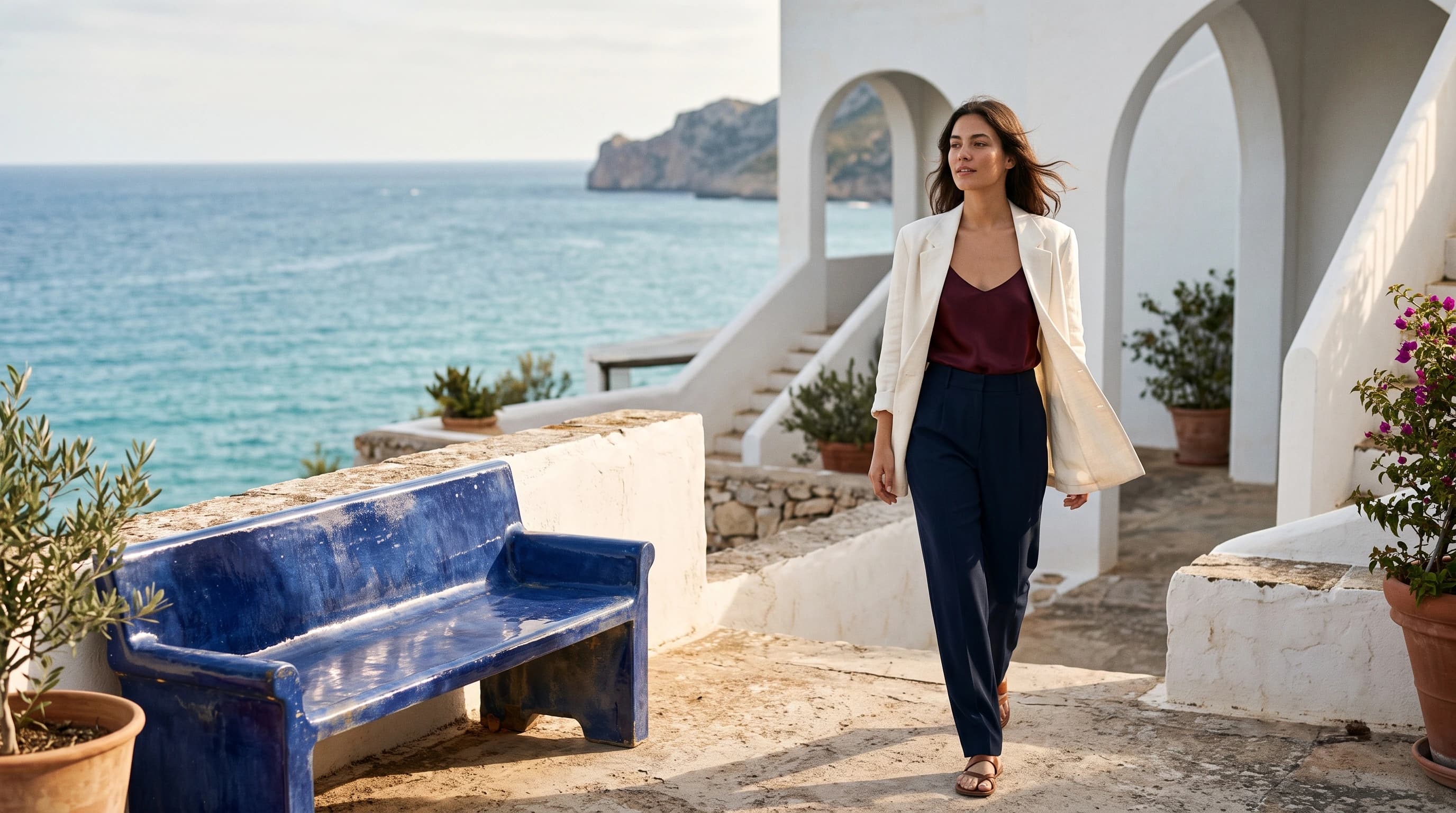
Generation and editing
Generates from text and also edits with reference images.
Imagen 4 Ultra generates finished, detail-rich images from text for product macros, portraits and close-ups, in six aspect ratios. Try it online and review examples and API examples.
The Playground and API use the same model ID: imagen4-ultra. This endpoint accepts text prompts only; reference-image editing uses the separate Image-to-Image route.
Choose inputs and output settings for your creative goal with Imagen 4 Ultra.
Aspect ratio, negative prompt and seed do not change how a task is billed; confirm the charge with the live price and the task record.
Choose the destination and aspect ratio before composing subject, scene, material, light, and text.
Describe the subject, scene, material, light and any exact text in 1–5,000 characters. Ultra rewards specific material, light and depth of field.
Default ratio
1:1
Optional
auto
Choose aspect_ratio from 1:1, 16:9, 9:16, 3:4, 4:3 or auto (this page defaults to 1:1). Use negative_prompt for what to exclude; seed is an optional string (up to 500 characters); fix it while finalizing.
Confirm the result in the Playground, then send the same inputs and model ID to POST /v1/tasks and use the returned taskId to fetch the Imagen 4 Ultra image.
Copy a minimal request below. See Docs for parameters, callbacks, task retrieval, and errors.
POST /v1/tasksimagen4-ultracurl -X POST "https://api.hiapi.ai/v1/tasks" \
-H "Authorization: Bearer YOUR_API_KEY" \
-H "Content-Type: application/json" \
-d '{
"model": "imagen4-ultra",
"input": {
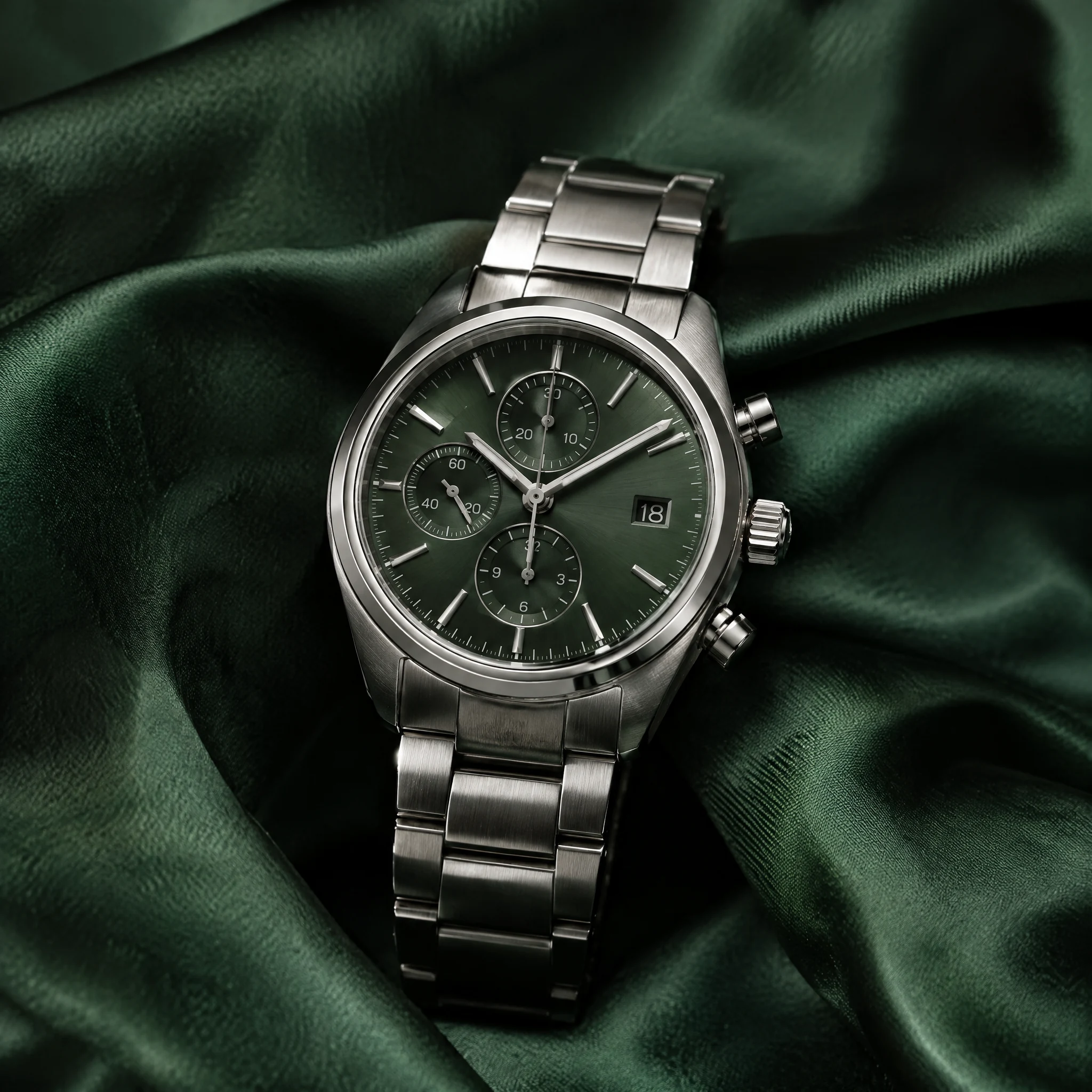
"prompt": "Create a macro product photo of a luxury watch. Show the brushed steel case and the dial markings resting on deep green silk. Keep the watch centered in a square frame with the silk folds visible. Controlled studio lighting with crisp reflections; the result should look like a premium catalog image. Do not add logos or text.",
"aspect_ratio": "1:1"
}
}'The create request immediately returns a taskId; image generation continues asynchronously.
IMAGEN 4 ULTRA · HIGH-DETAIL FINALS
Imagen 4 Ultra is a text-to-image model for high detail, handling macros, portraits and wide landscapes with closer prompt adherence and 6 aspect ratios. It suits premium product heroes, fashion editorials and finals meant to be viewed up close.
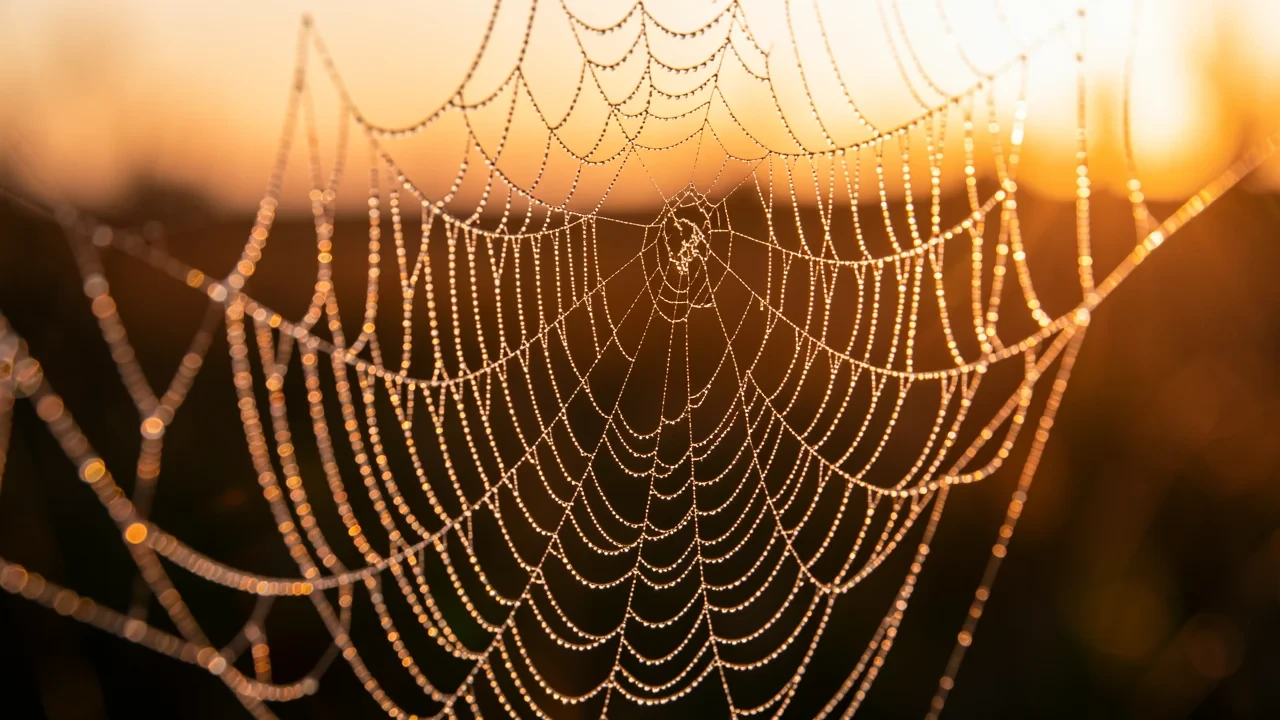
IMAGEN 4 ULTRA · HIGH-DETAIL FINALS
aspect_ratio is required: 1:1, 16:9, 9:16, 3:4, 4:3 or auto. This page defaults to 1:1 for product macros and close-ups.
seed is a string of up to 500 characters; fix it while fine-tuning material, light or depth of field. negative_prompt excludes blown highlights, extra text or clutter.
Each request returns one image and takes no references. Once confirmed, call HiAPI's POST /v1/tasks with the same inputs.
Each capability comes with a real result worth zooming into; test-frontend images show the prompt as submitted.
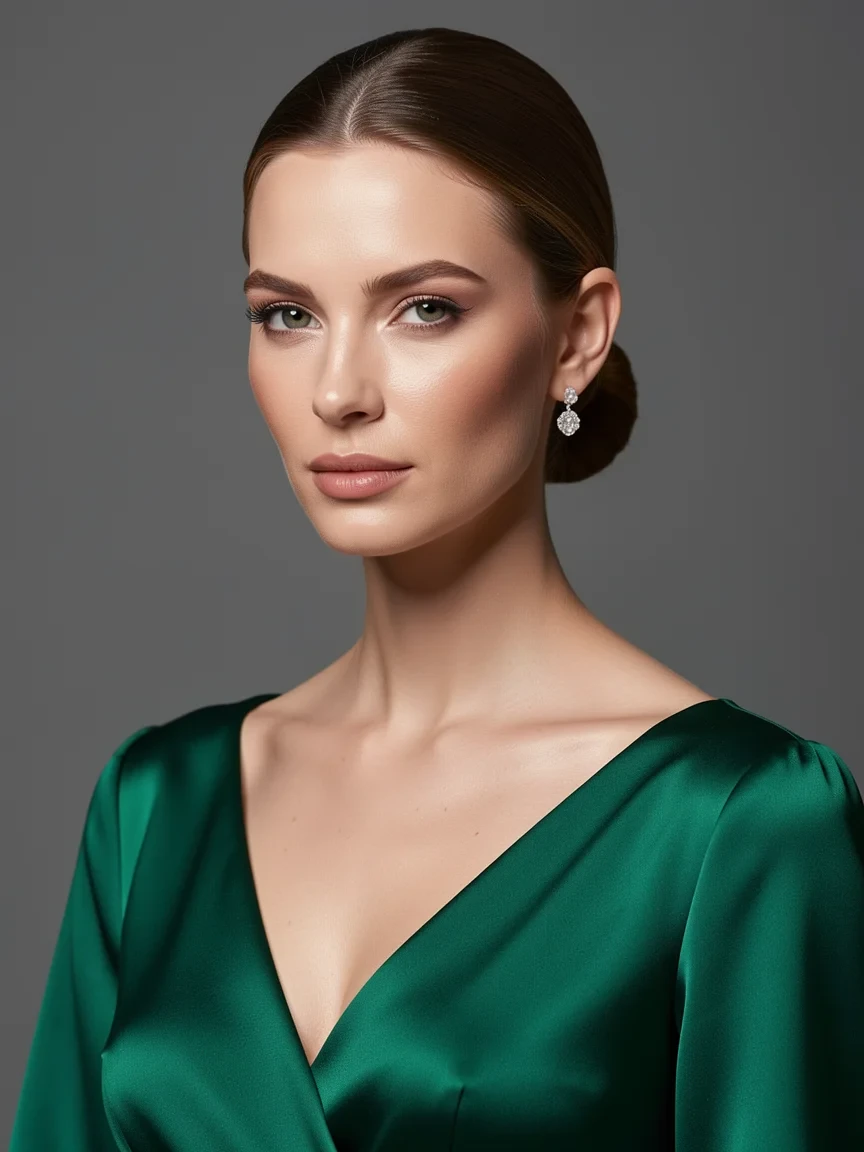
Skin texture, hair strands and silk highlights are all legible in one portrait. Name the lighting setup, the garment material and the level of detail you want, with aspect_ratio at 3:4 to give the figure room. It suits fashion editorials, brand posters and e-commerce model shots.
High-fashion portrait of a woman in an emerald silk gown; studio lighting; ultra detailed skin texture
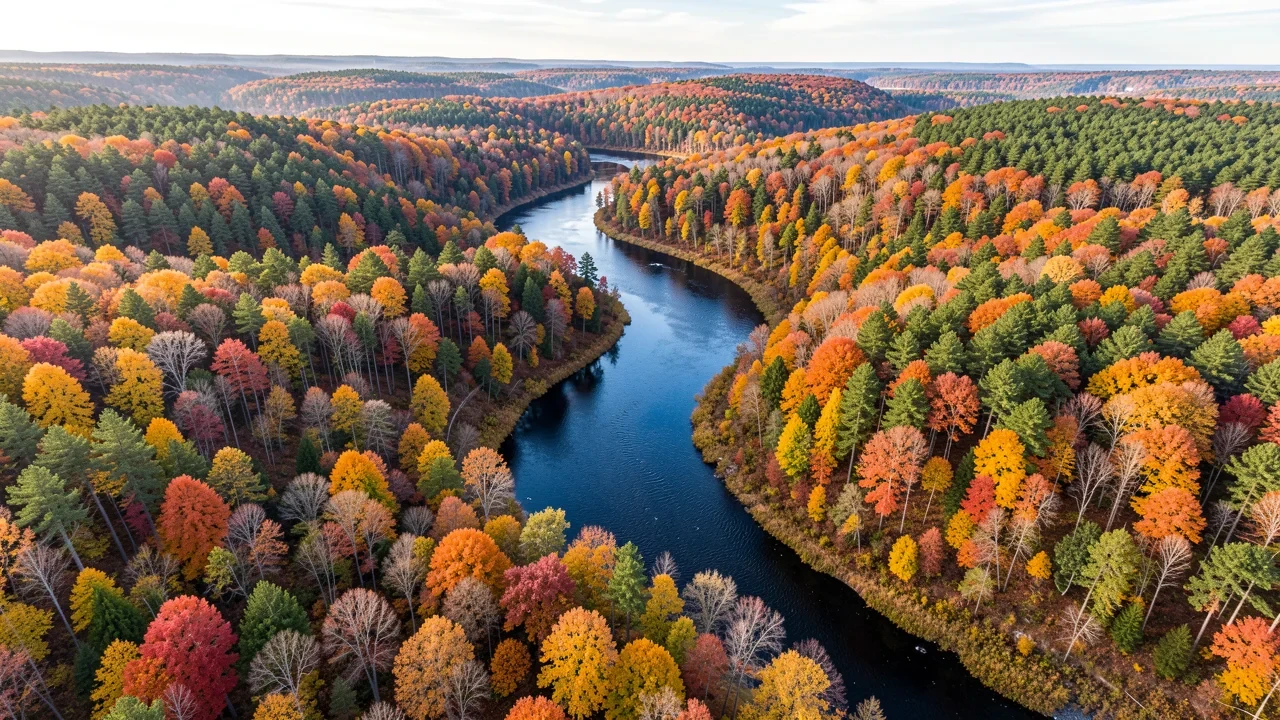
From the aerial view, the shifting canopy colors and the winding river stay crisp. Set aspect_ratio to 16:9 and state the viewpoint, the season and the main landforms. It suits wallpapers, travel content and landscape website heroes.
Aerial view of a winding river through autumn forest; ultra high detail landscape
Brushed steel, dial markings and silk folds stay distinct in one square frame. Name each material and the light direction, and fix the string seed while fine-tuning the wording. It suits hero images for jewelry, watches and premium goods.
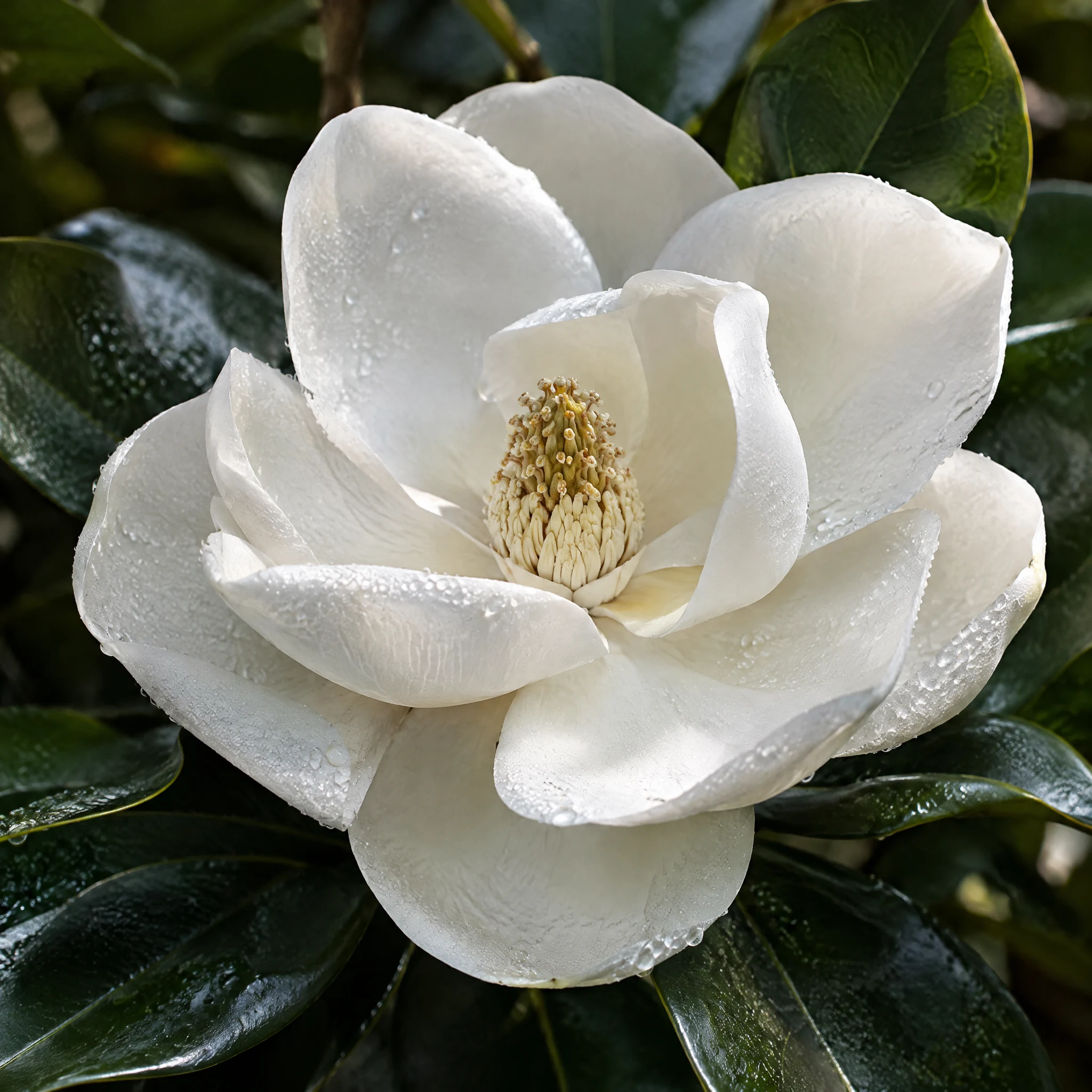
Petal edges, the stamen and dew on the leaves are all clear. Keep a single subject and state macro, depth of field and light; switch aspect_ratio to 3:4 or 9:16 for vertical output. It suits nature content, packaging and wallpapers.
Jewelry, watches and fragrance where material detail matters.
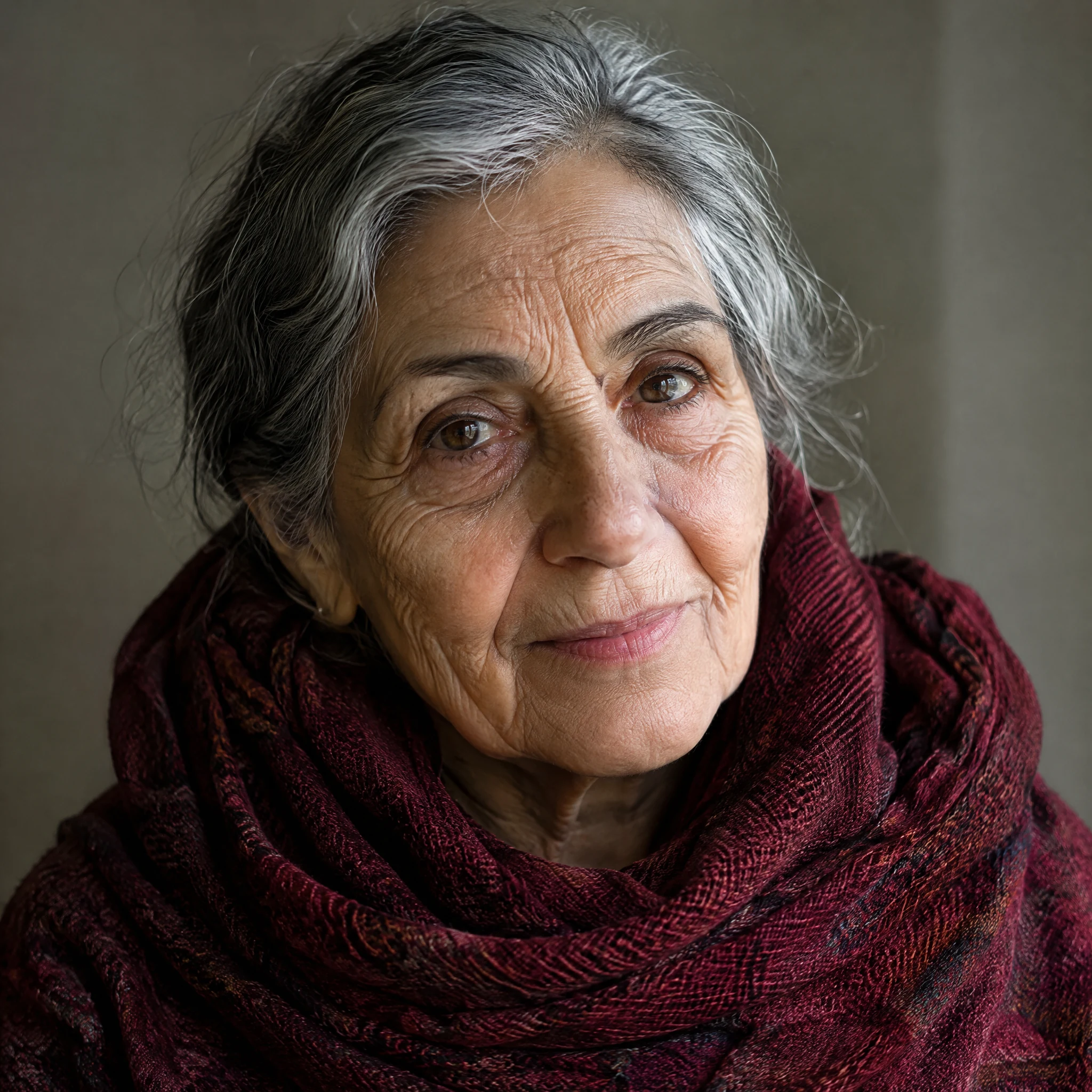
Portraits for editorial features and brand stories.
Macros, aerials and texture close-ups.
Spell out text and position, then zoom in to check before delivery.
Choose it when a finished image must hold up when zoomed: richer detail and closer prompt adherence. If you are still exploring, look at Imagen 4 Fast; for everyday product and content images, look at Imagen 4.
| Item | Imagen 4 | Imagen 4 Fast | Imagen 4 Ultra |
|---|---|---|---|
| Focus | Everyday production | Fast drafts | Highest detail |
| Best stage | Reviewable images once a direction is set | Exploration and batch versions | Final delivery |
| Model ID | Google-Imagen4 | imagen4-fast | imagen4-ultra |
| Default ratio | 16:9 | 16:9 | 1:1 |
| seed | String, ≤500 characters | Integer | String, ≤500 characters |
| References | Not supported | Not supported | Not supported |
| Per request | 1 image | 1 image | 1 image |
The three models share almost the same inputs; Ultra defaults to 1:1 and takes a string seed.
Billed per output image, one per request; ratio and seed do not change billing. See the live price for the current rate.
Describe material and light in the Playground, confirm the detail, then call /v1/tasks with the same inputs.
Final delivery. It suits product macros, portraits, landscapes and material close-ups, and images that need to follow the prompt closely.
Six: 1:1, 16:9, 9:16, 3:4, 4:3 and auto. aspect_ratio is required; the Playground on this page defaults to 1:1.
Up to 5,000 characters. At the final stage, spell out material, light direction, depth of field and background.
Yes, with negative_prompt. It takes up to 5,000 characters; use it for blown highlights, extra text, watermarks or a cluttered background.
A string of up to 500 characters, optional. Fix it while fine-tuning the prompt to compare detail changes.
No. Imagen 4 Ultra generates from text only; to start from an existing image, see Nano Banana Pro in the related models, which accepts references.
One. Submit several tasks for more candidates.
No. Only aspect_ratio is exposed; custom pixel dimensions and output-format controls are not offered.
Not guaranteed, so zoom in before delivery. Write each exact phrase with its position and size and say no other text should appear for steadier results.
When the direction is settled and you need a finished image. Explore with Imagen 4 Fast first, then send the chosen prompt and ratio to Ultra by changing model to imagen4-ultra.
Submit a task to POST /v1/tasks. Send model: "imagen4-ultra" and prompt plus aspect_ratio inside input. The response returns a taskId right away; set callback.url or query GET /v1/tasks/:id, then download the image from output.
Per image, one per request. See the live price on this page; the task record is final.