Subject
Scene
Light and camera
01
Write the prompt
Describe the subject, scene, material, light and any exact text in 1–5,000 characters. Fast suits short prompts and many quick versions.
Imagen 4 Fast generates images quickly from text for direction exploration and batch drafts, in six aspect ratios. Try it online and review examples and API examples.
Provider: Google
Category: image generation
Status: In progress
Imagen 4 Fast generates images quickly from text for direction exploration and batch drafts, in six aspect ratios. Try it online and review examples and API examples.
Browse results across different aspect ratios, complete prompts, and visual detail.
Choose an adjacent model by task, output tier, and reference-image needs.

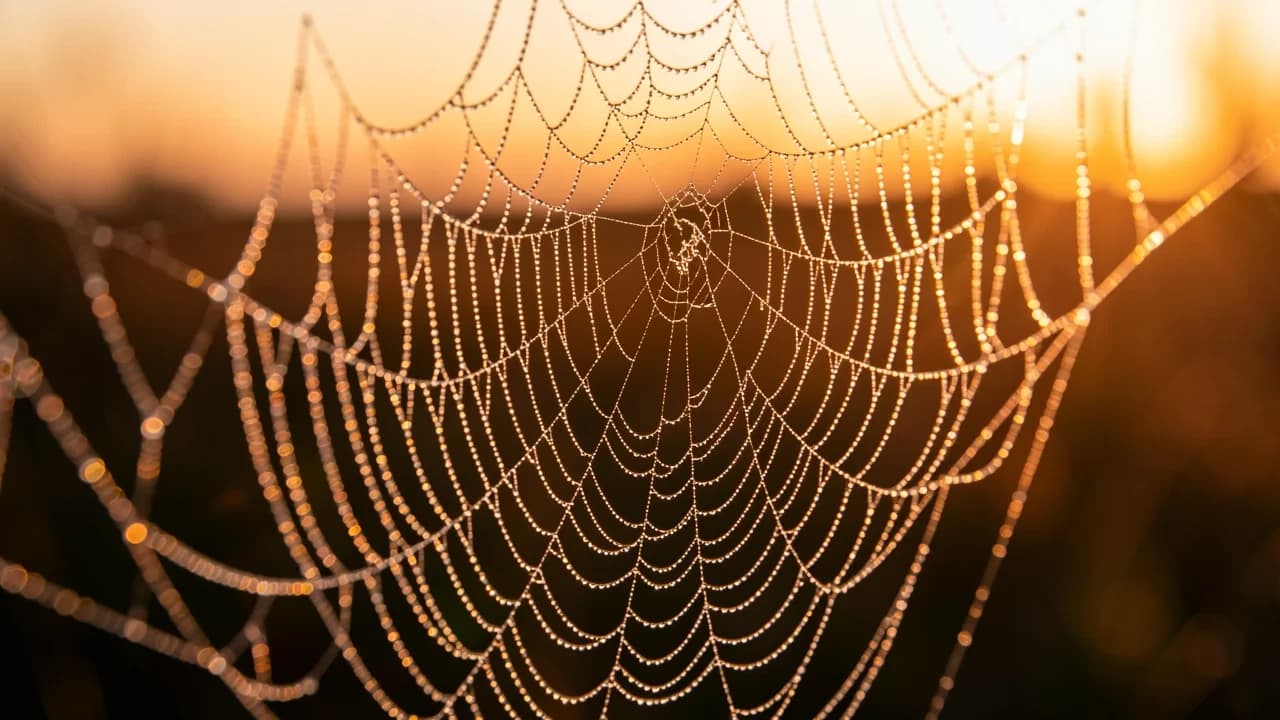
Everyday production
Turns a chosen direction into reviewable product and content images.
Highest detail
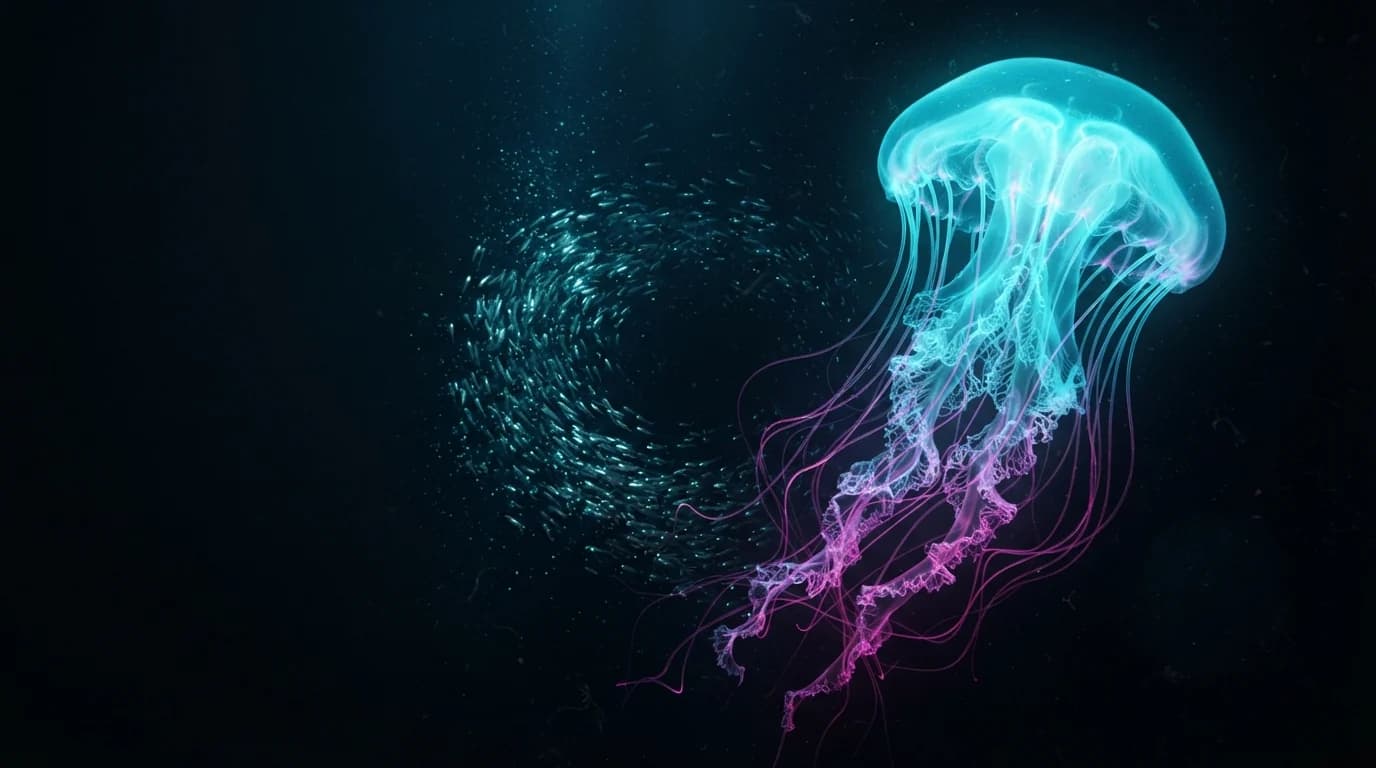
Richer detail and closer prompt adherence, for final delivery.
High-volume drafts
Fixed 1K output with multi-image references, for high-volume drafts.
Generation and editing
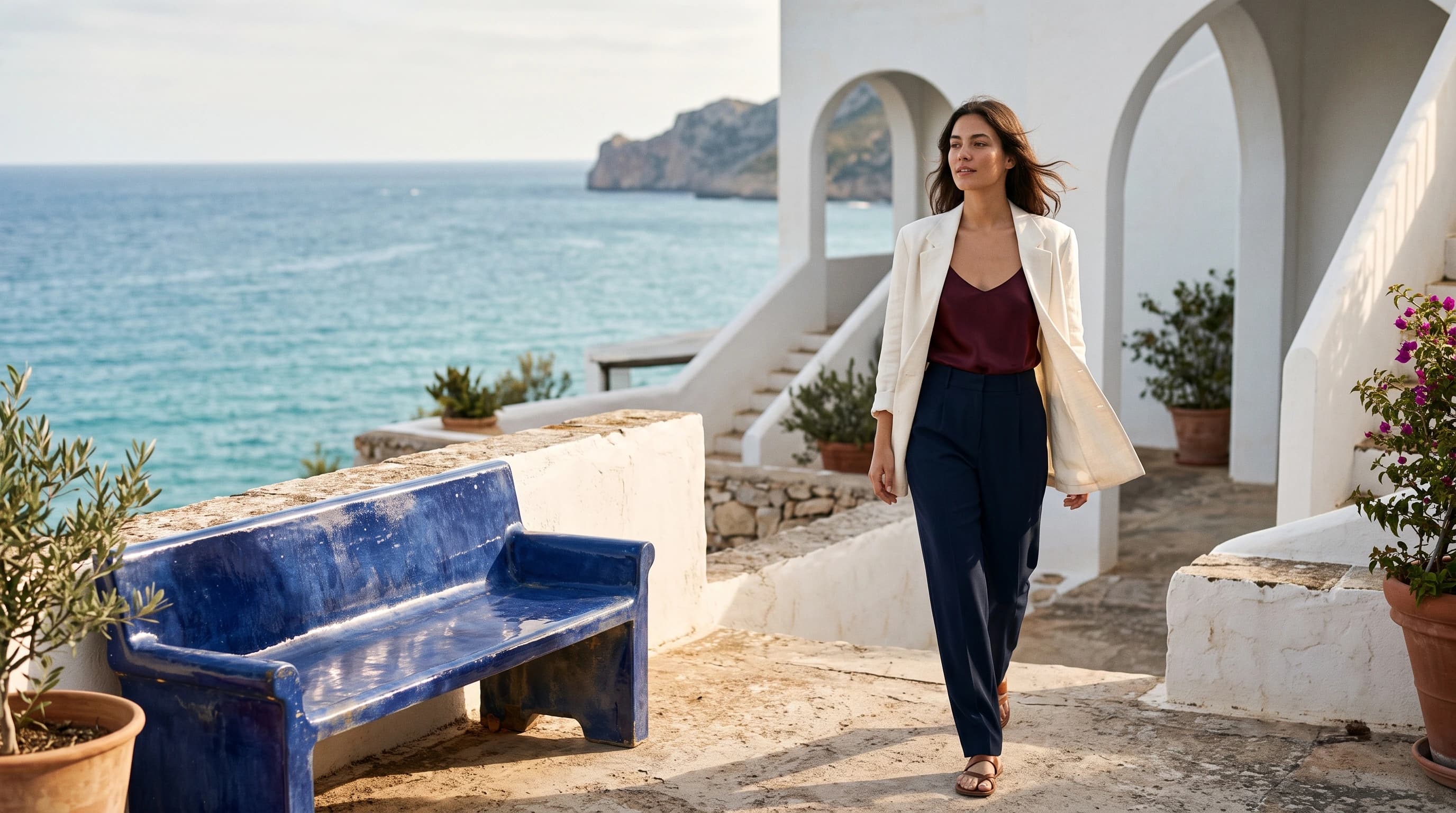
Generates from text and also edits with reference images.
Imagen 4 Fast generates images quickly from text for direction exploration and batch drafts, in six aspect ratios. Try it online and review examples and API examples.
The Playground and API use the same model ID: imagen4-fast. This endpoint accepts text prompts only; reference-image editing uses the separate Image-to-Image route.
Choose inputs and output settings for your creative goal with Imagen 4 Fast.
Aspect ratio, negative prompt and seed do not change how a task is billed; confirm the charge with the live price and the task record.
Choose the destination and aspect ratio before composing subject, scene, material, light, and text.
Describe the subject, scene, material, light and any exact text in 1–5,000 characters. Fast suits short prompts and many quick versions.
Default ratio
16:9
Optional
auto
Choose aspect_ratio from 1:1, 16:9, 9:16, 3:4, 4:3 or auto (this page defaults to 16:9). Use negative_prompt for what to exclude; seed is an optional integer; fix it across a batch to compare drafts.
Confirm the result in the Playground, then send the same inputs and model ID to POST /v1/tasks and use the returned taskId to fetch the Imagen 4 Fast image.
Copy a minimal request below. See Docs for parameters, callbacks, task retrieval, and errors.
POST /v1/tasksimagen4-fastcurl -X POST "https://api.hiapi.ai/v1/tasks" \
-H "Authorization: Bearer YOUR_API_KEY" \
-H "Content-Type: application/json" \
-d '{
"model": "imagen4-fast",
"input": {
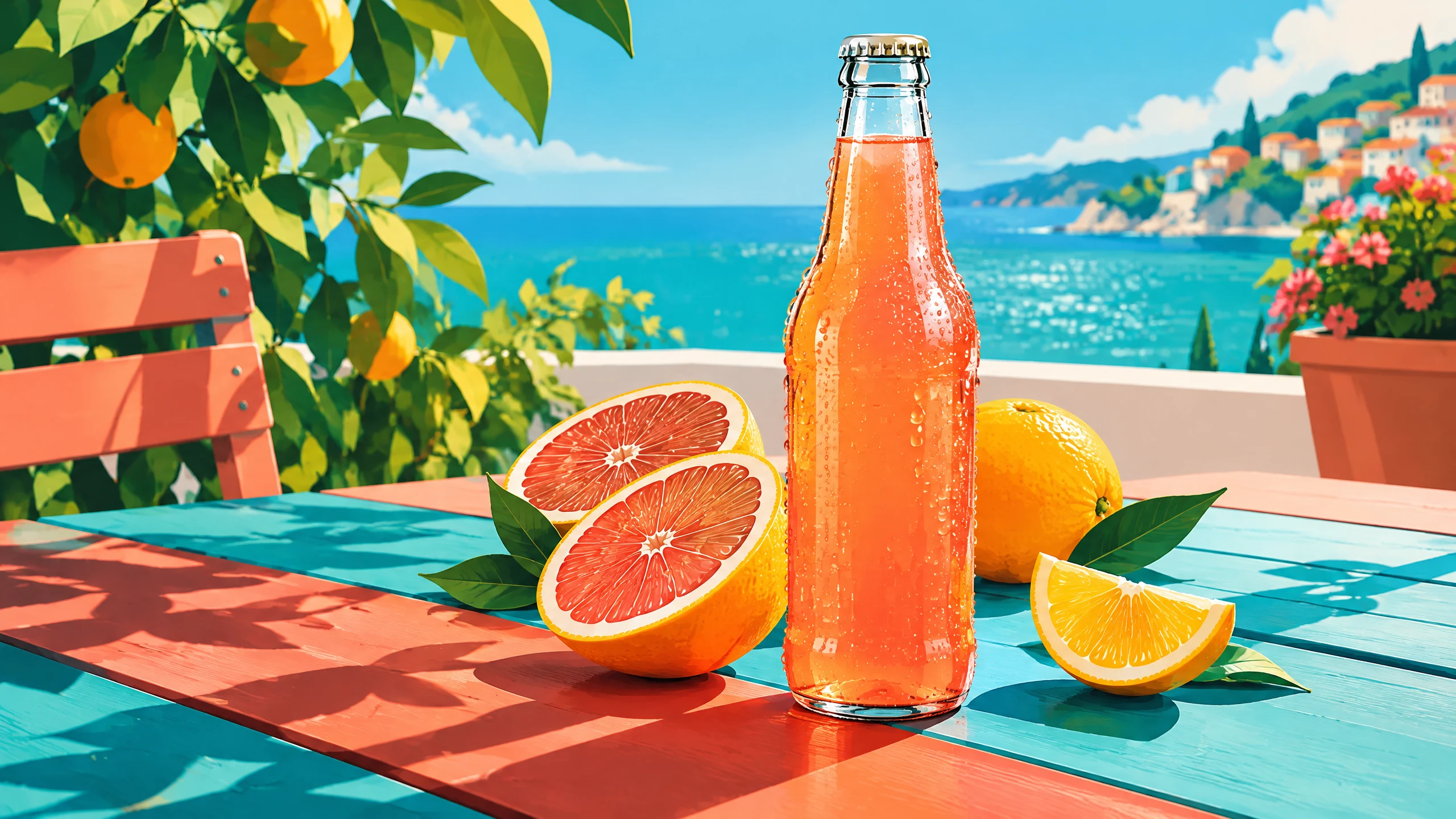
"prompt": "Create a quick concept illustration for a citrus soda ad. Show one can surrounded by orange slices and a refreshing splash in saturated orange and blue. Keep a single product scene with the can large in the frame. Flat, bright illustration style. Do not add logos or text.",
"aspect_ratio": "16:9"
}
}'The create request immediately returns a taskId; image generation continues asynchronously.
IMAGEN 4 FAST · FAST DRAFTS
Imagen 4 Fast is a text-to-image model built for speed, handling illustration drafts, icon sketches and vertical social images, with 6 aspect ratios and an integer seed. It suits direction exploration, batch images and prompt A/B tests.

IMAGEN 4 FAST · FAST DRAFTS
aspect_ratio is required: 1:1, 16:9, 9:16, 3:4, 4:3 or auto; this page defaults to 16:9. Run one prompt across ratios to compare landscape, portrait and square.
On Fast, seed is an integer: fix it and change one thing in the prompt to see that change clearly. negative_prompt excludes unwanted elements across a whole batch.
Each request returns one image and takes no references. For batches, submit /v1/tasks in parallel and receive results with callback.url.
Fast shortens the comparison loop. Each capability comes with a real result; test-frontend images show the prompt as submitted.
Saturated orange, blue and red place the product, fruit and sea in one bright illustrated scene. Start with one sentence naming the subject and two or three main colors, then add background detail round by round. It suits concept ad drafts for drinks, FMCG and events.
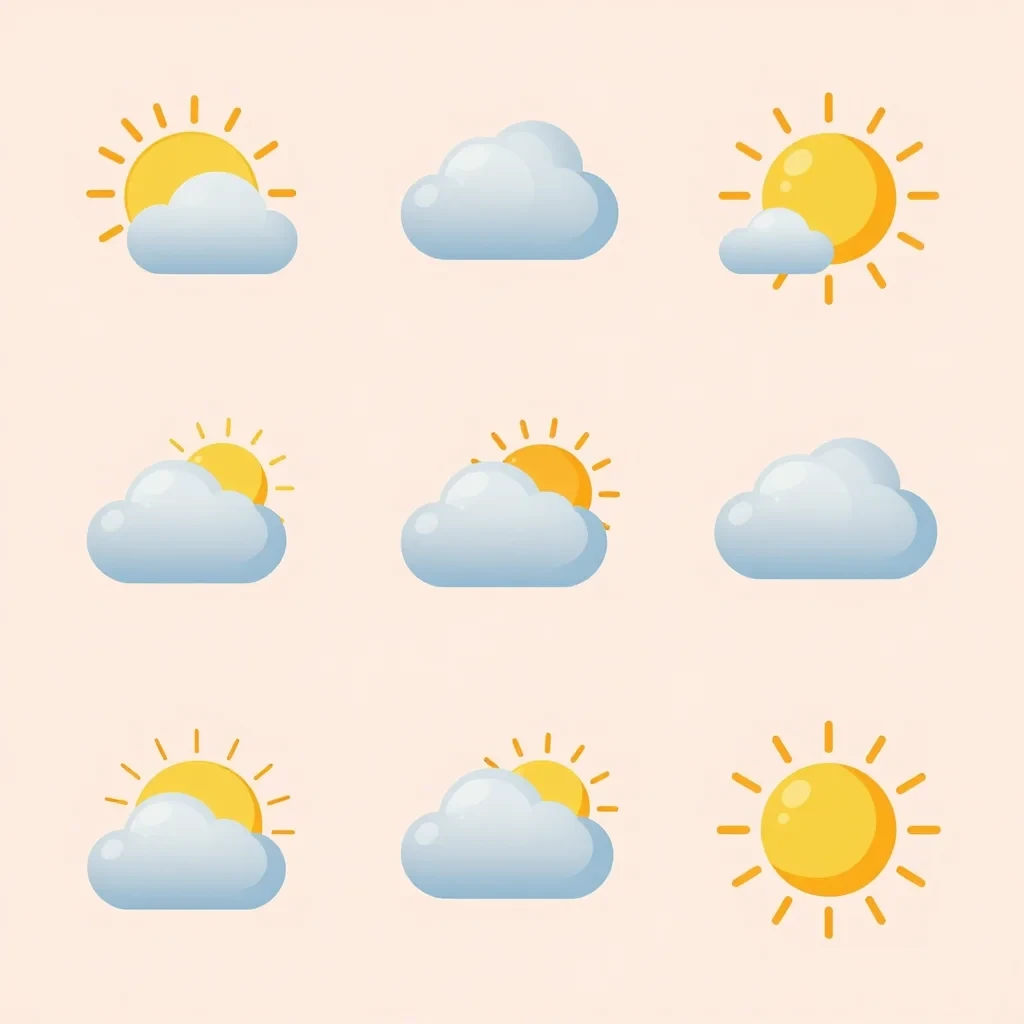
One image returns a whole set of flat icons in a single style, easy to compare side by side. Name the icon theme, the flat vector style and the background color in the prompt, with aspect_ratio set to 1:1. It suits UI sketches, infographics and slide visuals.
Flat vector icon set of weather symbols on a pastel background
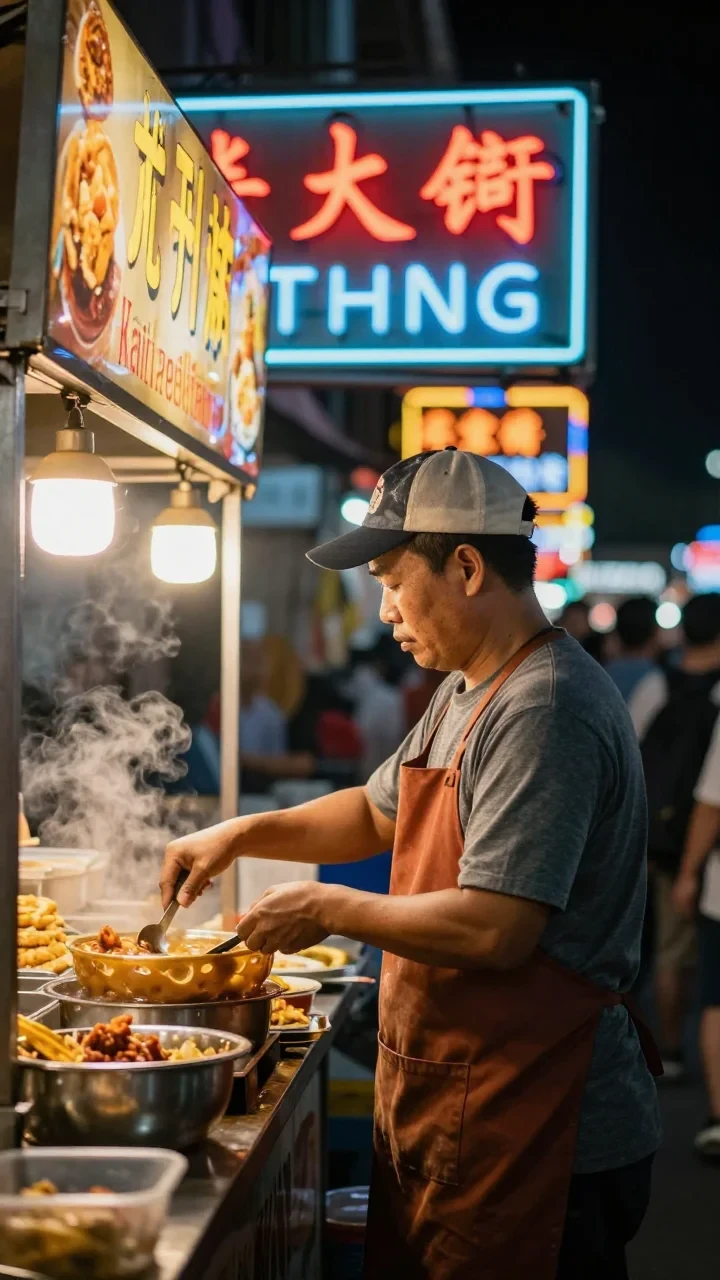
The vertical frame fits the person, the neon and the street atmosphere into a full phone screen. Set aspect_ratio to 9:16 and name the person, the setting and the light source; background sign text may not be accurate, so quote it when it matters. It suits short-video covers, social posts and event teasers.
Street food vendor at a night market; neon signs; vibrant photo
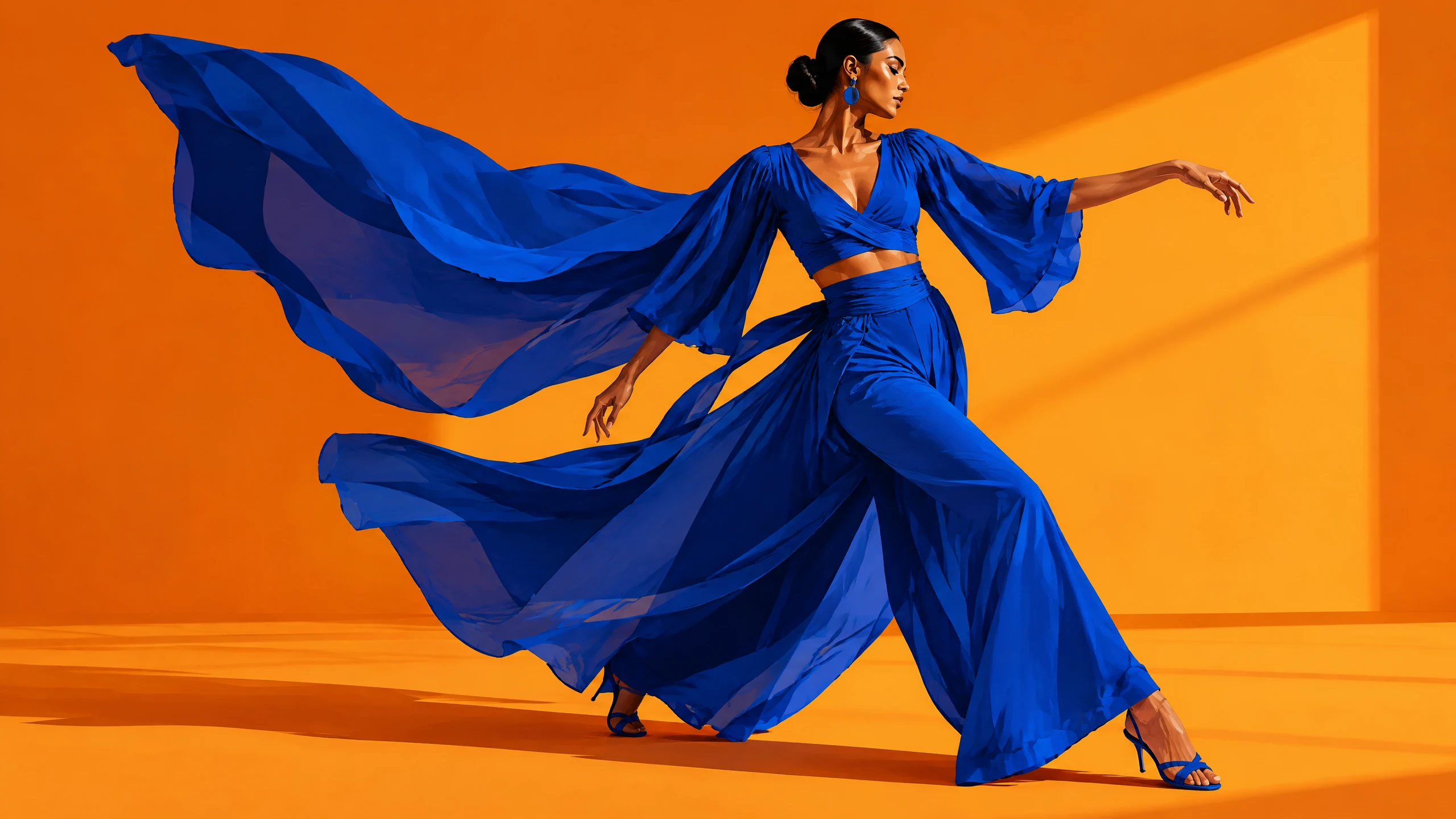
The same character can be compared across poses and props side by side. On Fast, seed is an integer; fix it and change only the pose or props each time. It suits character sketches, picture-book pitches and illustration reviews.

Compare many compositions, palettes and styles at once.
Produce landscape, vertical and square versions of one theme quickly.
Quick drafts of action shots and everyday scenes.
Change one thing at a time and record each taskId and result.
Choose it when you need many versions quickly and the direction is still open: faster output lets you screen compositions and palettes first. For reviewable images, look at Imagen 4; when the final needs more detail, look at Imagen 4 Ultra.
| Item | Imagen 4 | Imagen 4 Fast | Imagen 4 Ultra |
|---|---|---|---|
| Focus | Everyday production | Fast drafts | Highest detail |
| Best stage | Reviewable images once a direction is set | Exploration and batch versions | Final delivery |
| Model ID | Google-Imagen4 | imagen4-fast | imagen4-ultra |
| Default ratio | 16:9 | 16:9 | 1:1 |
| seed | String, ≤500 characters | Integer | String, ≤500 characters |
| References | Not supported | Not supported | Not supported |
| Per request | 1 image | 1 image | 1 image |
The three models share almost the same inputs; seed is an integer on Fast and a string on the other two.
Billed per output image, one per request. Check the Playground estimate before a batch; see the live price for the current rate.
Run a few versions in the Playground, pick a direction, then call /v1/tasks with the same inputs.
Work that needs many versions. Use it to pick creative directions, run batch drafts, and compare color and composition for social or e-commerce.
Almost; only the seed type differs. Both use prompt, aspect_ratio, negative_prompt and seed; seed is an integer on Fast and a string on Imagen 4 and Ultra.
Six: 1:1, 16:9, 9:16, 3:4, 4:3 and auto. aspect_ratio is required; the Playground on this page defaults to 16:9.
Pass an integer, optional. In batch drafts, fix the seed and change one thing in the prompt to see exactly what that change does.
Up to 5,000 characters. When drafting, start with a short, clear subject and scene, then add detail round by round.
Yes, with negative_prompt. It takes up to 5,000 characters and keeps extra text or watermarks out of a whole batch.
No. Imagen 4 Fast generates from text only; for references, see Nano Banana 2 Lite in the related models, which accepts several.
One. For batches, submit tasks in parallel and receive results with callback.url.
No. Only aspect_ratio is exposed; custom pixel dimensions and output-format controls are not offered.
Just change model. Send the same prompt and ratio to Imagen 4 or Imagen 4 Ultra with that model ID. Note that seed is a string on those two models.
Submit a task to POST /v1/tasks. Send model: "imagen4-fast" and prompt plus aspect_ratio inside input. The response returns a taskId right away; set callback.url or query GET /v1/tasks/:id, then download the image from output.
Per image, one per request. See the live price on this page; the Playground shows an estimate before you submit.