Subject
Scene
Light and camera
01
Write the prompt
Describe the subject, scene, material, light and any exact text in 1–5,000 characters. Imagen 4 suits turning a settled direction into a reviewable image.
Imagen 4 API turns text into product, lifestyle and campaign images in six aspect ratios. Try it online and review examples, live pricing and API examples.
Provider: Google
Category: image generation
Status: In progress
Imagen 4 API turns text into product, lifestyle and campaign images in six aspect ratios. Try it online and review examples, live pricing and API examples.
Browse results across different aspect ratios, complete prompts, and visual detail.
Choose an adjacent model by task, output tier, and reference-image needs.

Fast drafts
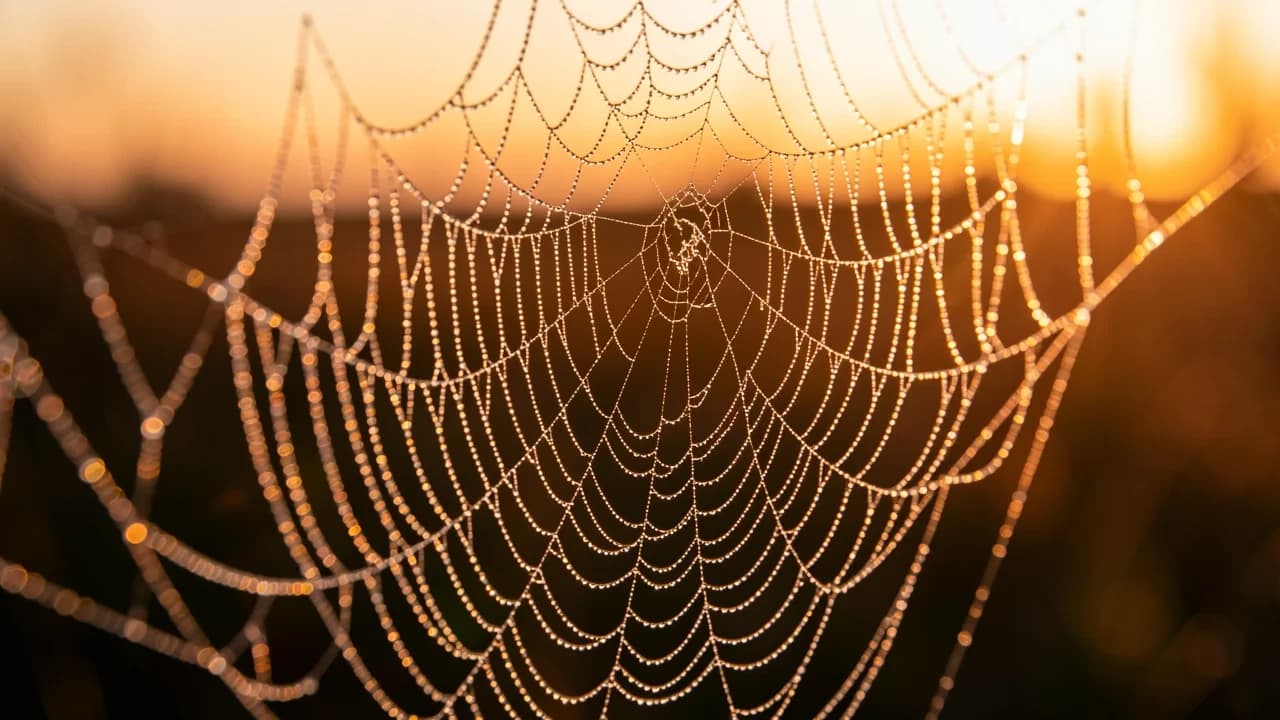
Faster output for many drafts of composition and color.
Highest detail
Richer detail and closer prompt adherence, for final delivery.
Generation and editing
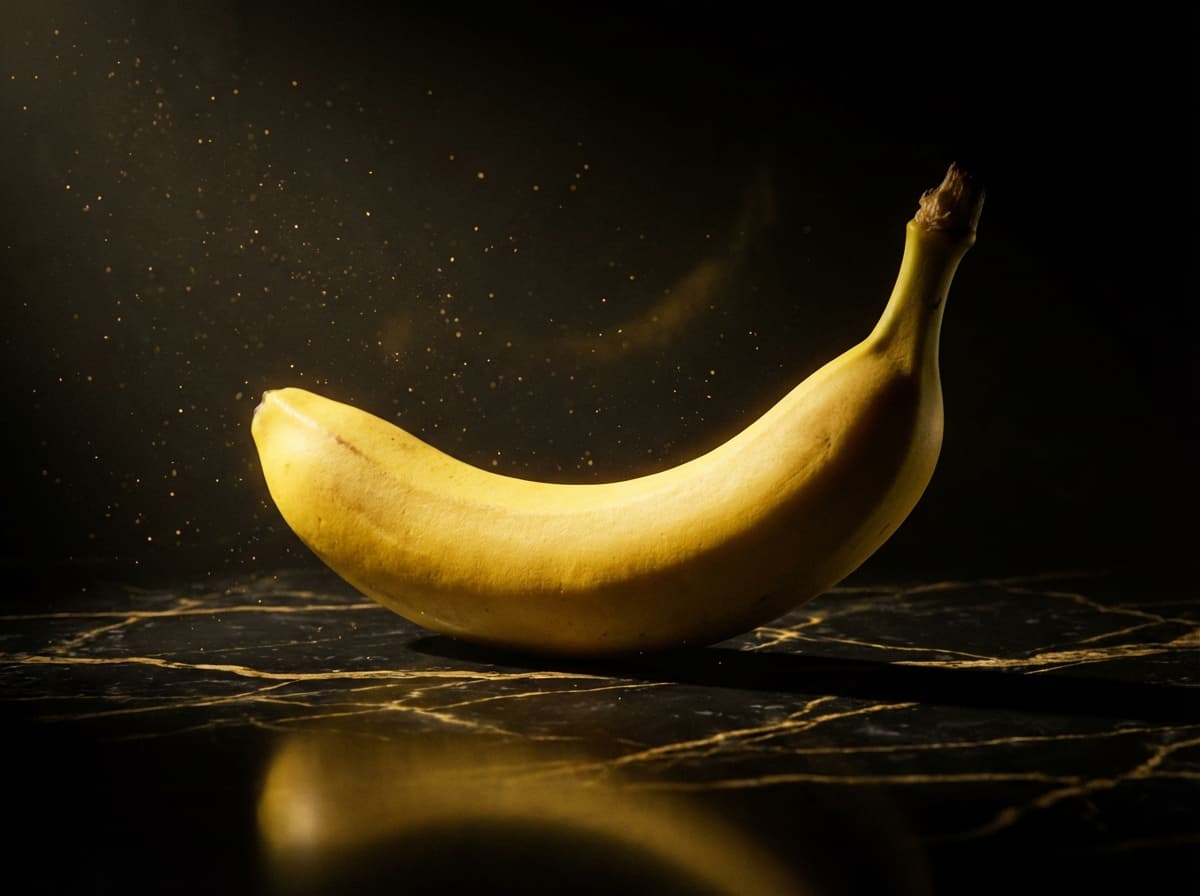
Generates from text and also edits with reference images.
High-detail commercial images
Up to 4K output with references, for high-detail commercial images.
Imagen 4 API turns text into product, lifestyle and campaign images in six aspect ratios. Try it online and review examples, live pricing and API examples.
The Playground and API use the same model ID: Google-Imagen4. This endpoint accepts text prompts only; reference-image editing uses the separate Image-to-Image route.
Choose inputs and output settings for your creative goal with Imagen 4.
Aspect ratio, negative prompt and seed do not change how a task is billed; confirm the charge with the live price and the task record.
Choose the destination and aspect ratio before composing subject, scene, material, light, and text.
Describe the subject, scene, material, light and any exact text in 1–5,000 characters. Imagen 4 suits turning a settled direction into a reviewable image.
Default ratio
16:9
Optional
auto
Choose aspect_ratio from 1:1, 16:9, 9:16, 3:4, 4:3 or auto (this page defaults to 16:9). Use negative_prompt for what to exclude; seed is an optional string (up to 500 characters).
Confirm the result in the Playground, then send the same inputs and model ID to POST /v1/tasks and use the returned taskId to fetch the Imagen 4 image.
Copy a minimal request below. See Docs for parameters, callbacks, task retrieval, and errors.
POST /v1/tasksGoogle-Imagen4curl -X POST "https://api.hiapi.ai/v1/tasks" \
-H "Authorization: Bearer YOUR_API_KEY" \
-H "Content-Type: application/json" \
-d '{
"model": "Google-Imagen4",
"input": {
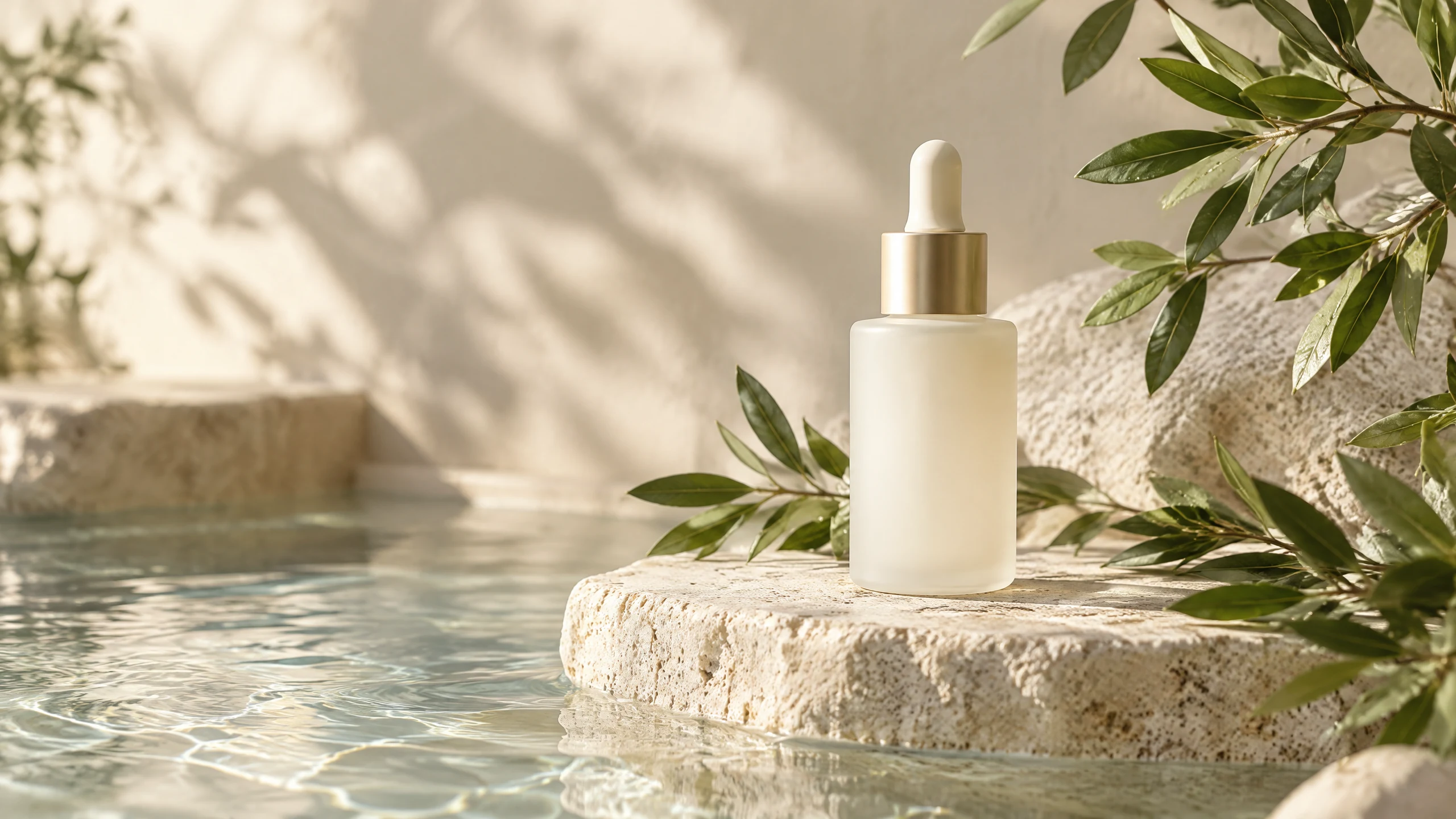
"prompt": "Create a premium skincare product photo for a landing-page hero. Show one frosted glass bottle on natural stone beside still water and green botanicals. Keep the bottle centered with empty space on the left for a headline. Warm daylight and soft shadows; the result should look like calm studio photography. Do not add logos or text.",
"aspect_ratio": "16:9"
}
}'The create request immediately returns a taskId; image generation continues asynchronously.
IMAGEN 4 · TEXT TO IMAGE
Imagen 4 is a text-to-image model that handles product stills, lifestyle scenes and documentary portraits, with 6 aspect ratios and prompts up to 5,000 characters. It suits product heroes, campaign drafts and editorial images.
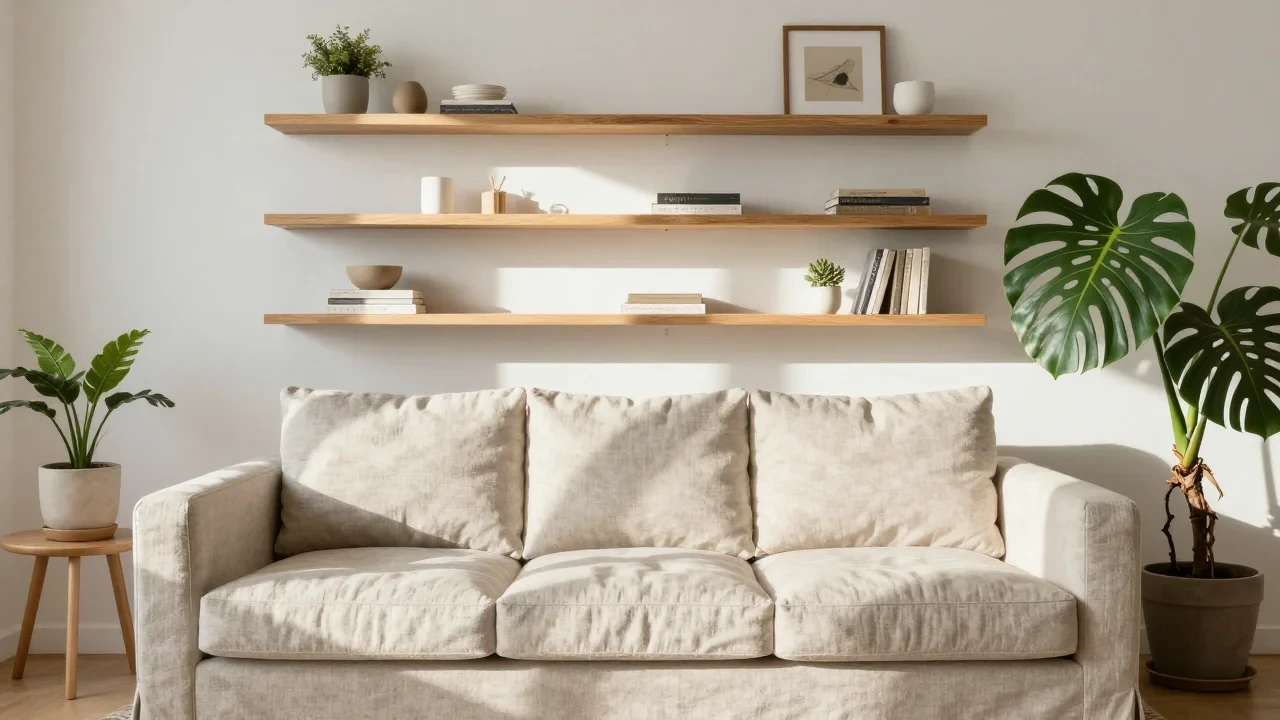
IMAGEN 4 · TEXT TO IMAGE
aspect_ratio is required: 1:1, 16:9, 9:16, 3:4, 4:3 or auto. This page defaults to 16:9, ready for landscape ad slots and landing-page heroes.
negative_prompt excludes unwanted elements; seed is a string of up to 500 characters that helps compare prompt changes. Each request returns one image and takes no reference images.
After confirming the image in the Playground, send the same inputs to HiAPI's POST /v1/tasks and fetch the image with the taskId.
Each capability comes with a real result; images generated on the test frontend show the prompt as submitted.
The product, stone, water and plants share one visual relationship, with the product always the clearest element. State the subject and its position first, then add light, material and negative space, reserving room in the prompt when a headline is needed. It suits product heroes, landing-page headers and social ad drafts.
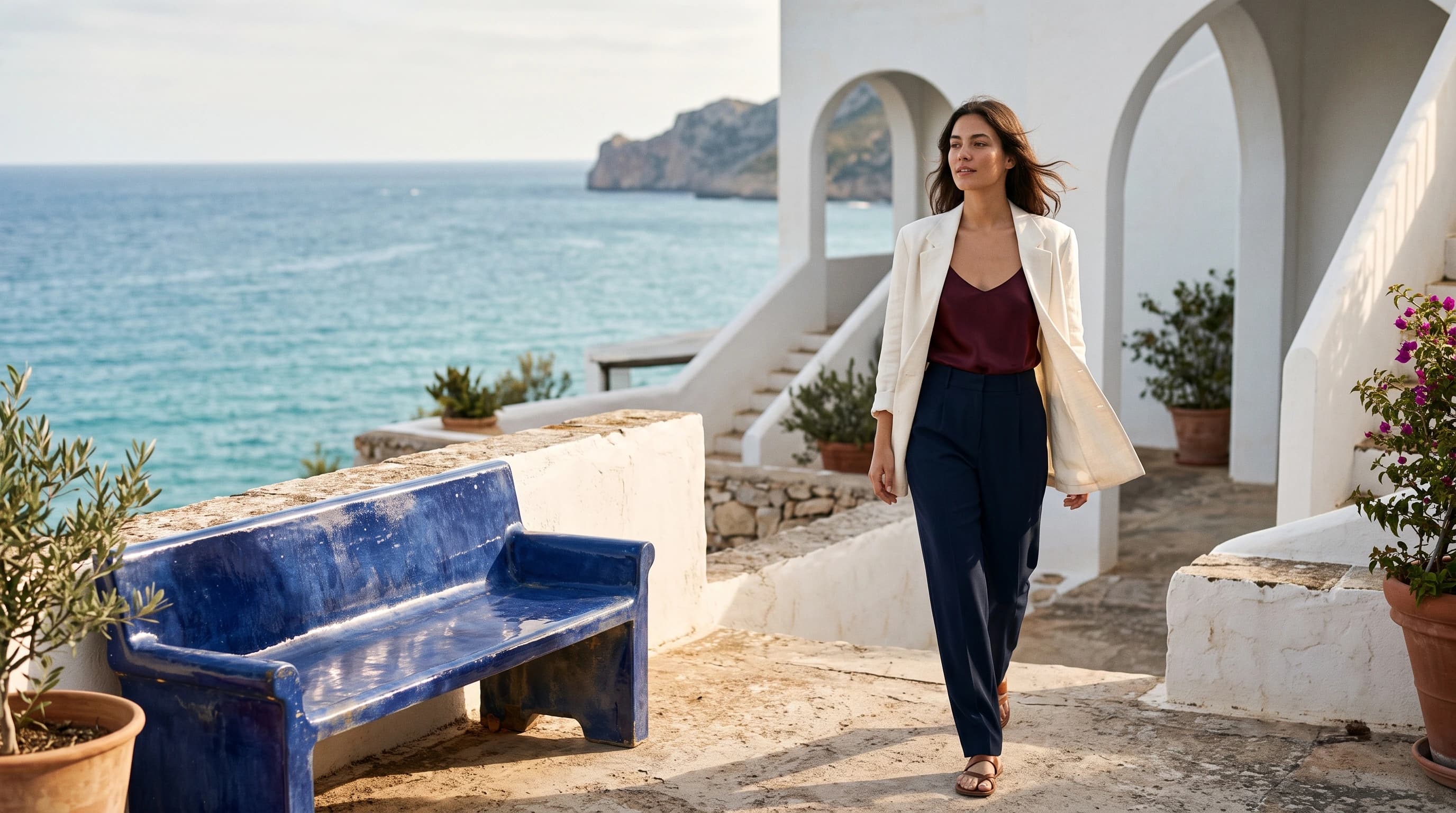
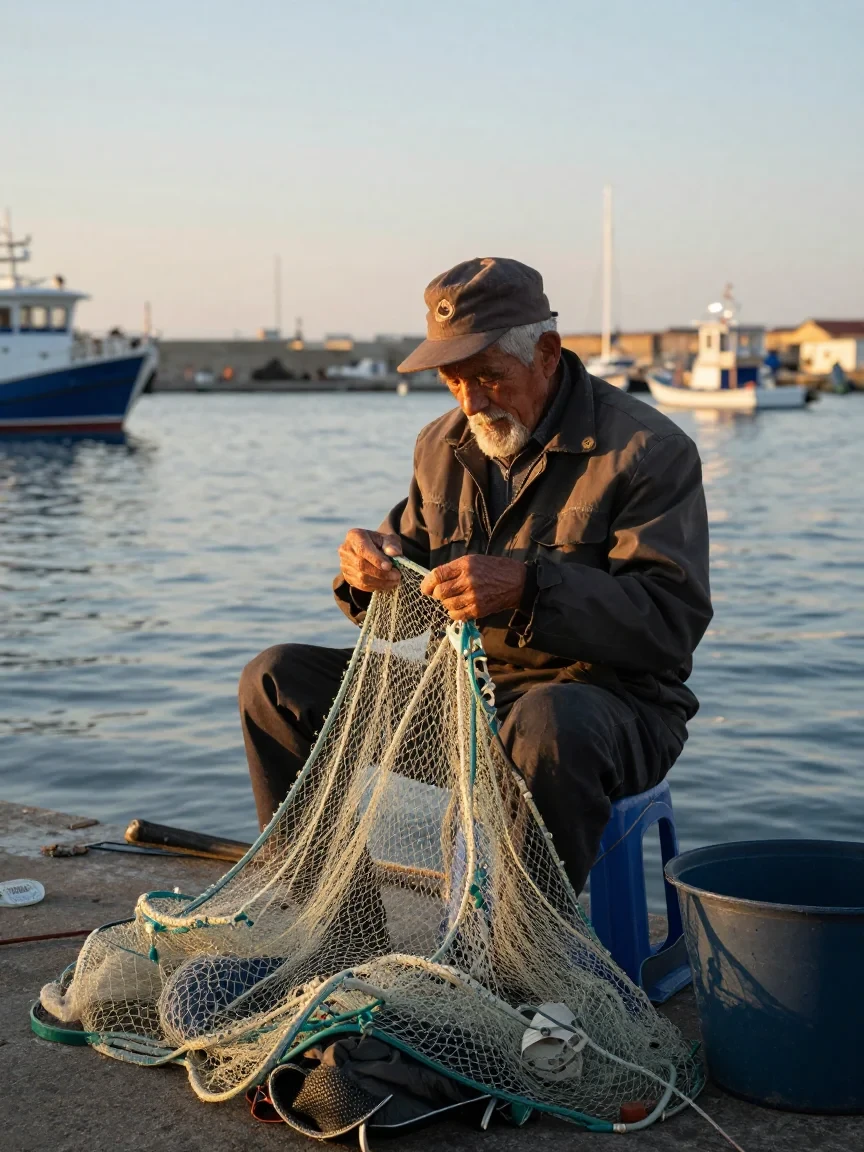
One vertical frame covers the person, the action and the setting. Imagen 4 offers 6 aspect ratios; set aspect_ratio to 3:4 and state what the person is doing, where, and in what light. It suits editorial features, brand stories and portrait posters.
Elderly fisherman mending nets on a harbor pier; golden hour; documentary portrait
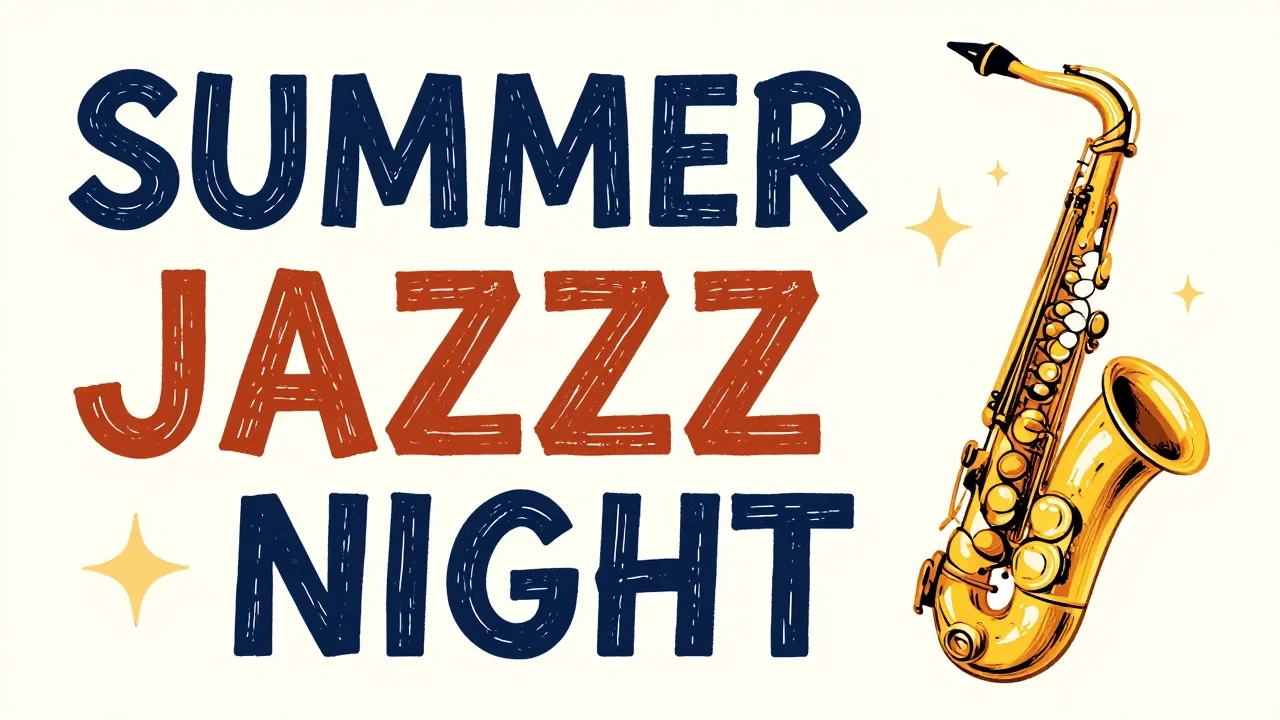
The quoted headline becomes the centerpiece of the poster layout. Put the exact words in quotes, state position, size and style, and exclude other text with negative_prompt; this result spelled JAZZ as JAZZZ, so always zoom in before delivery. It suits event posters, cover drafts and social title cards.
Hand-drawn style poster with the text "SUMMER JAZZ NIGHT" in bold letters; saxophone illustration; warm colors
The table, book, linen, vase and interior light form one coherent lifestyle scene. Name each object and where it sits relative to the others, then describe one light direction and color temperature. It suits editorial images, brand stories and seasonal campaigns.

Product heroes, event covers and ad directions.
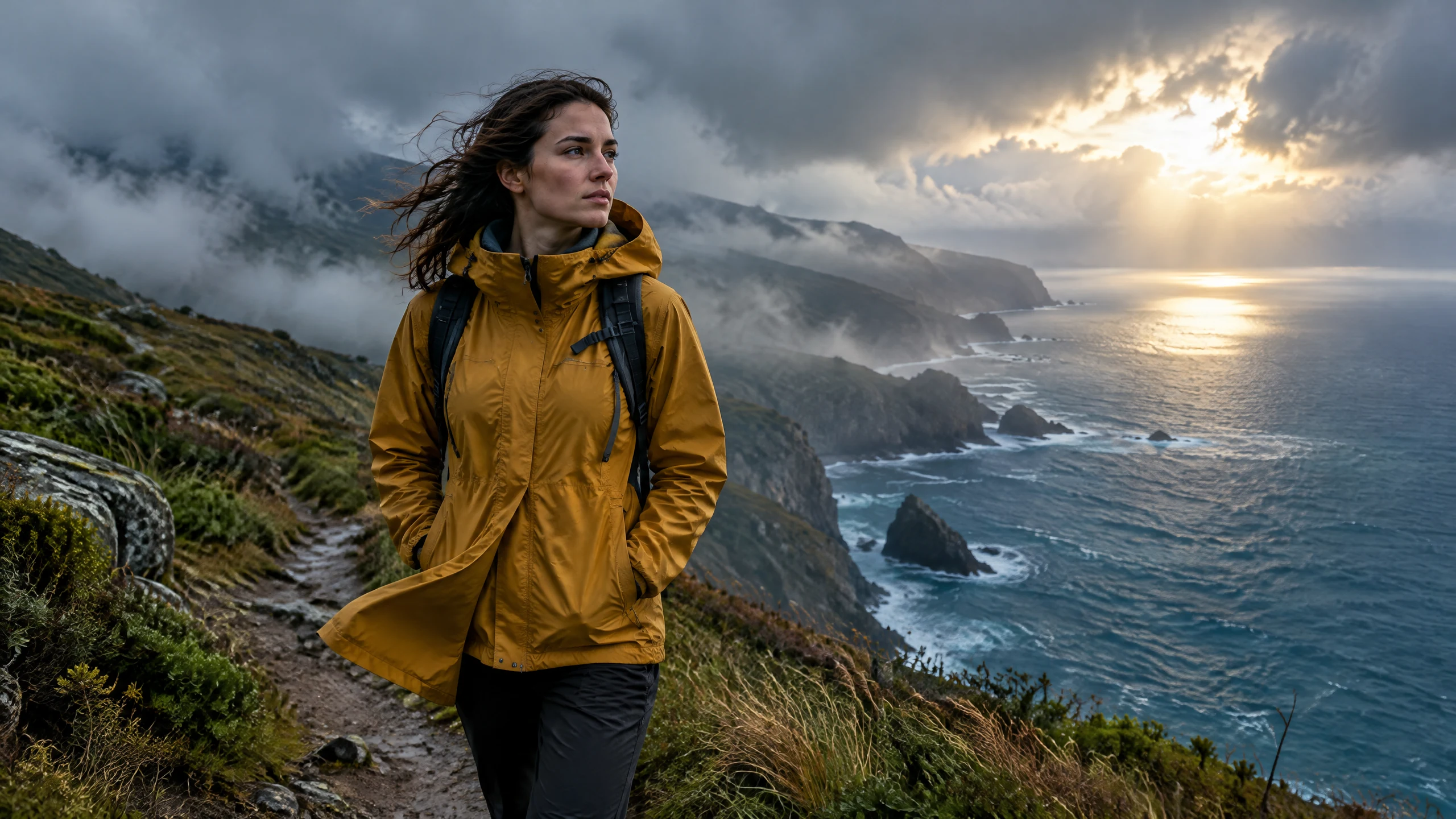
Keep a person, the weather and the action in one outdoor shot.
Turn style, material and scene ideas into images teams can discuss.
Store prompts and ratios, submit in batches through /v1/tasks and record each taskId.
Choose it for everyday product and content images once the direction is roughly set: a clear subject and light give a reviewable image. If speed and volume matter more, look at Imagen 4 Fast; when the final needs more detail, look at Imagen 4 Ultra.
| Item | Imagen 4 | Imagen 4 Fast | Imagen 4 Ultra |
|---|---|---|---|
| Focus | Everyday production | Fast drafts | Highest detail |
| Best stage | Reviewable images once a direction is set | Exploration and batch versions | Final delivery |
| Model ID | Google-Imagen4 | imagen4-fast | imagen4-ultra |
| Default ratio | 16:9 | 16:9 | 1:1 |
| seed | String, ≤500 characters | Integer | String, ≤500 characters |
| References | Not supported | Not supported | Not supported |
| Per request | 1 image | 1 image | 1 image |
The three models share almost the same inputs; only seed type and default ratio differ, so switching is a change of model.
Billed per output image, one per request; ratio, negative prompt and seed do not change billing. See the live price for the current rate.
Write a prompt and pick a ratio in the Playground, then call /v1/tasks with the same inputs.
Everyday product, lifestyle and content images. Describe the subject, scene, material and light to get an image ready for review, for product heroes, campaign drafts and editorial illustrations.
Six: 1:1, 16:9, 9:16, 3:4, 4:3 and auto. aspect_ratio is required; the Playground on this page defaults to 16:9.
Up to 5,000 characters. prompt is required; order it as subject, scene, material, light and text.
Yes, with negative_prompt. It is optional, up to 5,000 characters, and works for extra text, watermarks or a cluttered background.
A string of up to 500 characters, optional. Keep the seed and other inputs fixed to compare only the prompt change.
No. Imagen 4 generates from text only; to edit an existing image, see Nano Banana 2.1 in the related models, which edits with references.
One. Submit several tasks for more versions.
No. Only aspect_ratio is exposed; custom pixel dimensions and output-format controls are not offered.
Yes, but check it before delivery. Put the exact text in quotes with its position and size and say no other text should appear; the poster example on this page came back with one extra letter in its headline.
Choose Imagen 4 for everyday production. Choose Imagen 4 Fast for many drafts and Imagen 4 Ultra when the final needs more detail; each has its own model ID, so one project can use them at different stages.
Submit a task to POST /v1/tasks. Send model: "Google-Imagen4" and prompt plus aspect_ratio inside input. The response returns a taskId right away; set callback.url for a completion notice or query GET /v1/tasks/:id, then download the image from output.
Per image, one per request. Aspect ratio and seed do not change billing; see the live price on this page, and the task record is final.