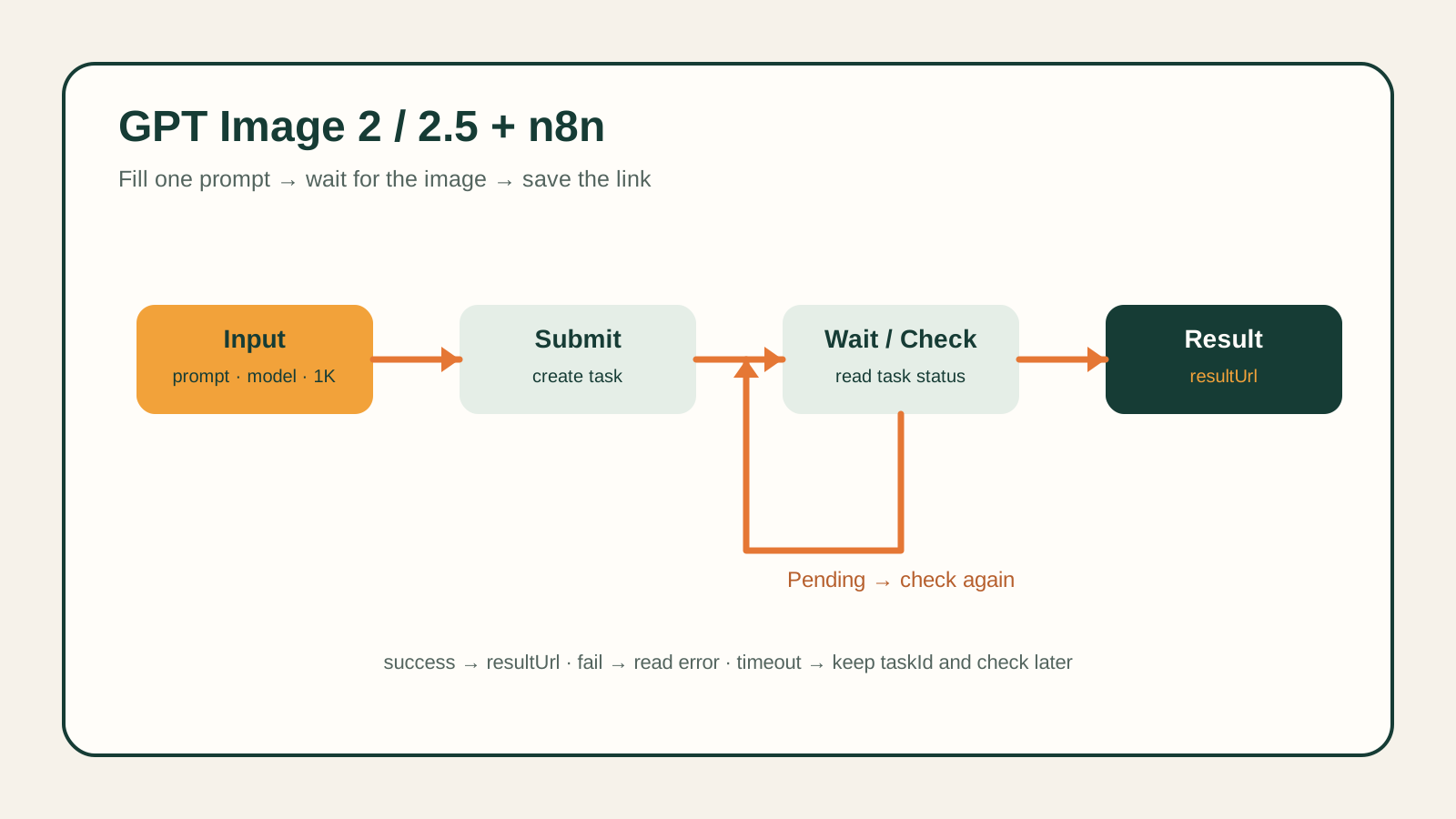
DeepSeek V4 Flash is a reasoning chat model, and on hiapi it's reached differently from most of the models on the platform: instead of the async POST /v1/tasks queue used for image and video generation, it's an OpenAI-compatible chat completions endpoint — POST /v1/chat/completions, synchronous or streamed, no polling required. This tutorial gets you a working request in curl and Python, then covers the two production gotchas that actually bite people.
What you'll build
A minimal script that sends a prompt to deepseek-v4-flash through hiapi and prints the model's answer — plus the patterns you need once that script becomes a real integration: handling the model's reasoning-token budget, streaming, retries, and the documented error shapes.
Prerequisite: an hiapi API key. Grab one from the hiapi dashboard — every request below authenticates with Authorization: Bearer sk-<your-key>.
Minimal working example
curl
curl https://api.hiapi.ai/v1/chat/completions \
  -H "Authorization: Bearer $HIAPI_KEY" \
  -H "Content-Type: application/json" \
  -d '{
    "model": "deepseek-v4-flash",
    "messages": [{"role": "user", "content": "Explain what a hash table is in two sentences."}],
    "max_tokens": 500
  }'
A successful call returns a standard chat-completion object:
{
  "id": "gen-...",
  "object": "chat.completion",
  "model": "deepseek/deepseek-v4-flash",
  "provider": "DeepInfra",
  "choices": [{
    "index": 0,
    "finish_reason": "stop",
    "message": {"role": "assistant", "content": "A hash table is ...", "reasoning": "..."}
  }],
  "usage": {
    "prompt_tokens": 14, "completion_tokens": 187, "total_tokens": 201,
    "completion_tokens_details": {"reasoning_tokens": 96}
  }
}
Two things to notice: you request the bare model id deepseek-v4-flash — hiapi resolves it to an upstream provider internally, and the response's model field echoes back a provider-qualified id (deepseek/deepseek-v4-flash) that you should treat as informational, not something to send back as a request parameter. And the message carries a reasoning field alongside content — this is a reasoning model, and usage.completion_tokens_details.reasoning_tokens tells you how much of your completion_tokens spend went to that chain-of-thought versus the visible answer.
Python
import os
import requests

resp = requests.post(
    "https://api.hiapi.ai/v1/chat/completions",
    headers={"Authorization": f"Bearer {os.environ['HIAPI_KEY']}"},
    json={
        "model": "deepseek-v4-flash",
        "messages": [{"role": "user", "content": "Explain what a hash table is in two sentences."}],
        "max_tokens": 500,
    },
    timeout=60,
)
resp.raise_for_status()
data = resp.json()
print(data["choices"][0]["message"]["content"])
Because the endpoint is OpenAI-compatible, this also works unchanged with the official openai Python SDK — just point base_url at https://api.hiapi.ai/v1 and pass your hiapi key as api_key.
Production usage patterns
The reasoning-budget gotcha: don't set max_tokens too low
max_tokens caps the combined reasoning-plus-answer spend, not just the visible answer. If the model is still reasoning when it hits the cap, you get back finish_reason: "length" with content: null — a response that consumed and billed tokens but has nothing to show for it. For anything beyond a trivial prompt, give the request real headroom (at least a few hundred tokens) rather than trimming max_tokens down to what you think the answer needs.
Turning reasoning off for simple, deterministic tasks
If the task doesn't need chain-of-thought — classification, short lookups, format conversion — you can suppress reasoning entirely:
{
  "model": "deepseek-v4-flash",
  "messages": [{"role": "user", "content": "Say OK and nothing else."}],
  "max_tokens": 50,
  "reasoning": {"enabled": false}
}
With reasoning.enabled: false, the response's message.reasoning comes back null and completion_tokens_details.reasoning_tokens is 0 — you pay only for the visible output, and latency drops accordingly. Reserve default (reasoning-on) behavior for tasks where the extra deliberation actually improves the answer.
Streaming
Set "stream": true to get standard OpenAI-style server-sent events instead of waiting for the full response:
curl https://api.hiapi.ai/v1/chat/completions \
  -H "Authorization: Bearer $HIAPI_KEY" \
  -H "Content-Type: application/json" \
  -d '{"model":"deepseek-v4-flash","messages":[{"role":"user","content":"Count to 5."}],"stream":true}'
Each chunk is a data: {...} line carrying an incremental choices[0].delta.content; the final chunk includes usage, and the stream ends with a literal data: [DONE] line. Parse chunks as they arrive rather than buffering the whole response client-side — that's the whole point of streaming for a chat UI.
Idempotency and retries
Chat completions here are stateless HTTP calls, not queued tasks — there's no task id to poll and nothing to accidentally double-submit into a queue. The retry concern is ordinary HTTP: on a transport error or 5xx, retry with backoff; on 429, honor the Retry-After header (see the rate limits docs) before retrying. Don't retry on 4xx errors that indicate a bad request (like malformed messages) — fix the payload instead.
Error handling
An invalid or missing key returns HTTP 401:
{
  "error": {
    "code": "permission_denied",
    "message": "...",
    "request_id": "...",
    "type": "hiapi_error"
  }
}
Check error.code in your error handler rather than pattern-matching the message string — permission_denied is the stable identifier. See the authentication docs if you're getting this with a key you believe is valid.
Related reading
- hiapi authentication docs — how the
Authorizationheader and key scoping work platform-wide. - hiapi rate limits docs —
429behavior andRetry-After. - deepseek-v4-flash model page — current pricing and capability notes.
FAQ
Do I need to poll for a result, like with hiapi's image/video models?
No. Image and video generation on hiapi go through the async /v1/tasks queue (create → poll or callback → download output[0].url). Chat models like deepseek-v4-flash are plain synchronous (or streamed) HTTP calls to /v1/chat/completions — you get the answer directly in the response.
Why is usage.completion_tokens higher than the visible answer looks like it should cost?
Because it includes reasoning tokens. Check usage.completion_tokens_details.reasoning_tokens to see the split, and use "reasoning": {"enabled": false} when you don't need the model to show its work.
My response has "finish_reason": "length" and content is empty — what happened?
The model exhausted max_tokens while still reasoning and never got to write the visible answer. Raise max_tokens, or disable reasoning for simpler prompts.
Can I use the official OpenAI SDK instead of raw HTTP calls?
Yes — set the SDK's base_url to https://api.hiapi.ai/v1 and api_key to your hiapi key; the request/response shapes match.
Where do I find current pricing for this model? On the model page or the live pricing page — per-token cost can vary slightly by upstream provider routing, so check there rather than relying on a number in this article.